

Supercut
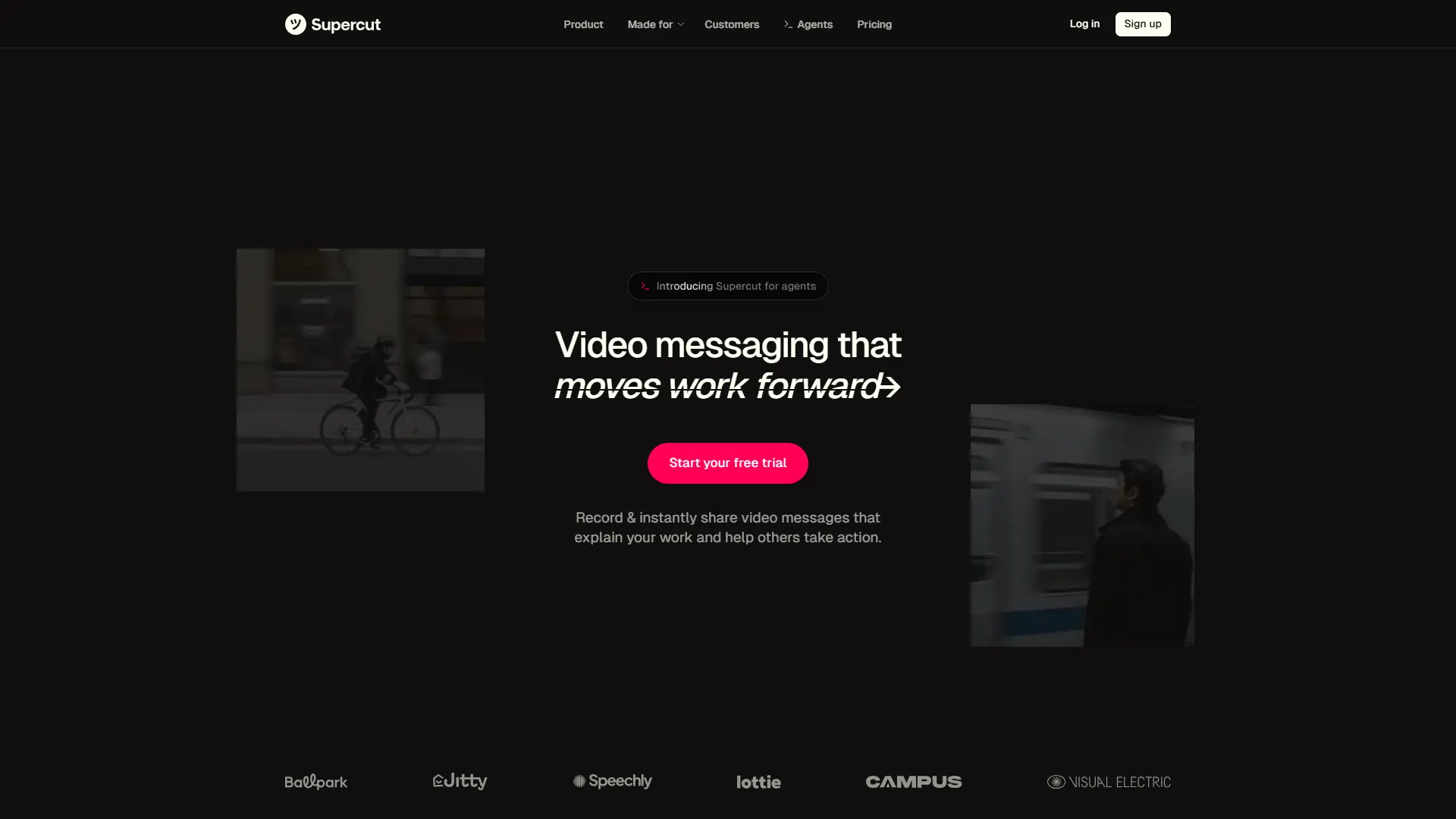
What is Supercut?
Supercut is a video messaging platform designed for fast-moving teams that need to explain work clearly without lengthy meetings or complex editing workflows. It combines native screen and camera recording with AI features such as transcription, auto-chapters, summaries, AI assistance, and automated editing to streamline communication. The platform transforms traditional video creation by reducing repetitive editing tasks and helping teams publish polished updates quickly. Its main advantage is the combination of instant recording, branded sharing, collaboration tools, and AI-powered content navigation in one workflow. Supercut positions itself as a productivity-focused alternative for teams that need efficient asynchronous communication rather than traditional video production. The current feature set includes AI Assistant, auto-generated chapters, transcription, captions, editor tools, and team collaboration capabilities.
How to use Supercut?
Create an account on Supercut, install the desktop recorder, and capture your screen, camera, or both. After recording, use AI-powered editing, transcription, summaries, and chapters to refine your video. Share the finished message through a link, embed, or team workspace and track engagement.
Supercut's Core Features
AI Assistant: Lets viewers ask questions about videos, find key moments, and generate useful answers without watching the entire recording.
Auto-Chapters: Automatically organizes recordings into sections so viewers can navigate important topics quickly.
AI Auto-Edit: Removes filler words and silent pauses to create cleaner videos with less manual editing.
Screen and Camera Recording: Captures professional video messages with native desktop recording performance.
Transcription and Captions: Converts spoken content into searchable text and improves accessibility for global teams.
Brand Customization: Applies layouts, themes, logos, backgrounds, and thumbnails to maintain consistent company identity.
Team Workspaces: Enables collaboration through shared videos, permissions, comments, and organized content libraries.
Instant Sharing: Delivers videos through links, embeds, downloads, and controlled sharing options.
Analytics: Provides viewer engagement insights to understand how recipients interact with video content.
Supercut's Use Cases
- #1
Creating asynchronous product demos for SaaS teams that need faster customer education
- #2
Recording software walkthroughs and technical explanations for remote engineering teams
- #3
Producing branded sales presentations without spending hours on manual video editing
- #4
Turning internal meeting updates into searchable video knowledge resources
- #5
Creating customer support tutorials with AI-generated captions and summaries
- #6
Sharing marketing campaign reviews and project updates across distributed teams
- #7
Replacing repetitive status meetings with concise video communication workflows
Frequently Asked Questions
Analytics of Supercut
Monthly Visits Trend: Jul 2025 - Aug 2026
Traffic Sources
AI Channel Traffic Trends
Top Regions
| Region | Traffic Share |
|---|---|
| United States | 53.18% |
| United Kingdom | 13.29% |
| India | 8.08% |
| Spain | 7.29% |
| Italy | 3.10% |
Top Keywords
| Keyword | Traffic | CPC |
|---|---|---|
| supercut | 8.9K | $0.51 |
| supercut ai | 910 | -- |
| supercut pro | 440 | -- |
| supercut mcp | 370 | -- |
| supercut.ai for startups discount | 180 | -- |
Alternative of Supercut

Vmaker
Vmaker is an AI-powered video editing and screen recording platform that automates the creation of publish-ready videos for individuals and businesses.

Movavi
Movavi provides a suite of user-friendly multimedia software for video editing, screen recording, photo manipulation, and media conversion, enhanced with modern AI-driven features.

RecCloud
RecCloud is an AI-powered multimedia platform offering tools for video and audio creation, editing, and cloud storage.
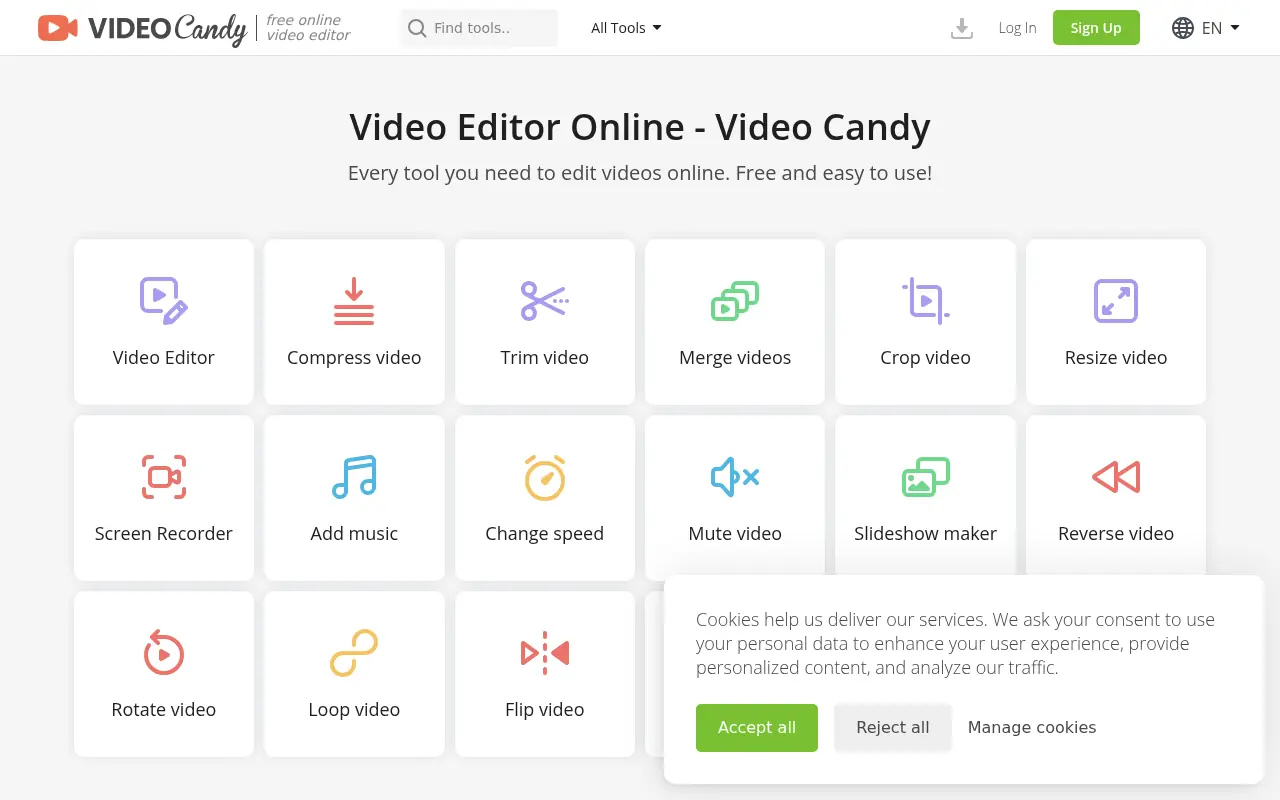

Video Candy
Video Candy is a free, browser-based video editor that offers a comprehensive suite of tools for trimming, merging, compressing, and resizing videos without any software installation.
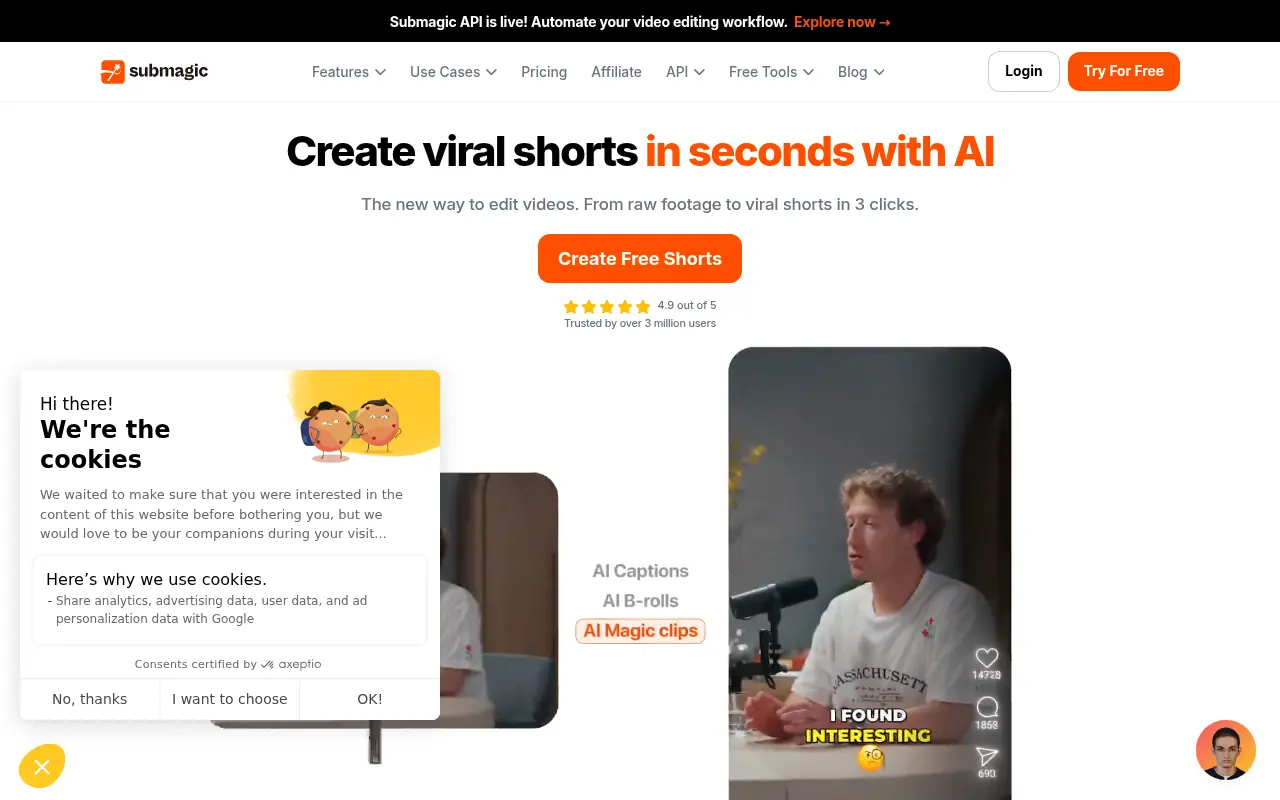

Submagic
Submagic is an AI-powered platform that creates captivating short-form videos with dynamic captions, B-rolls, and smart edits to boost social media engagement.
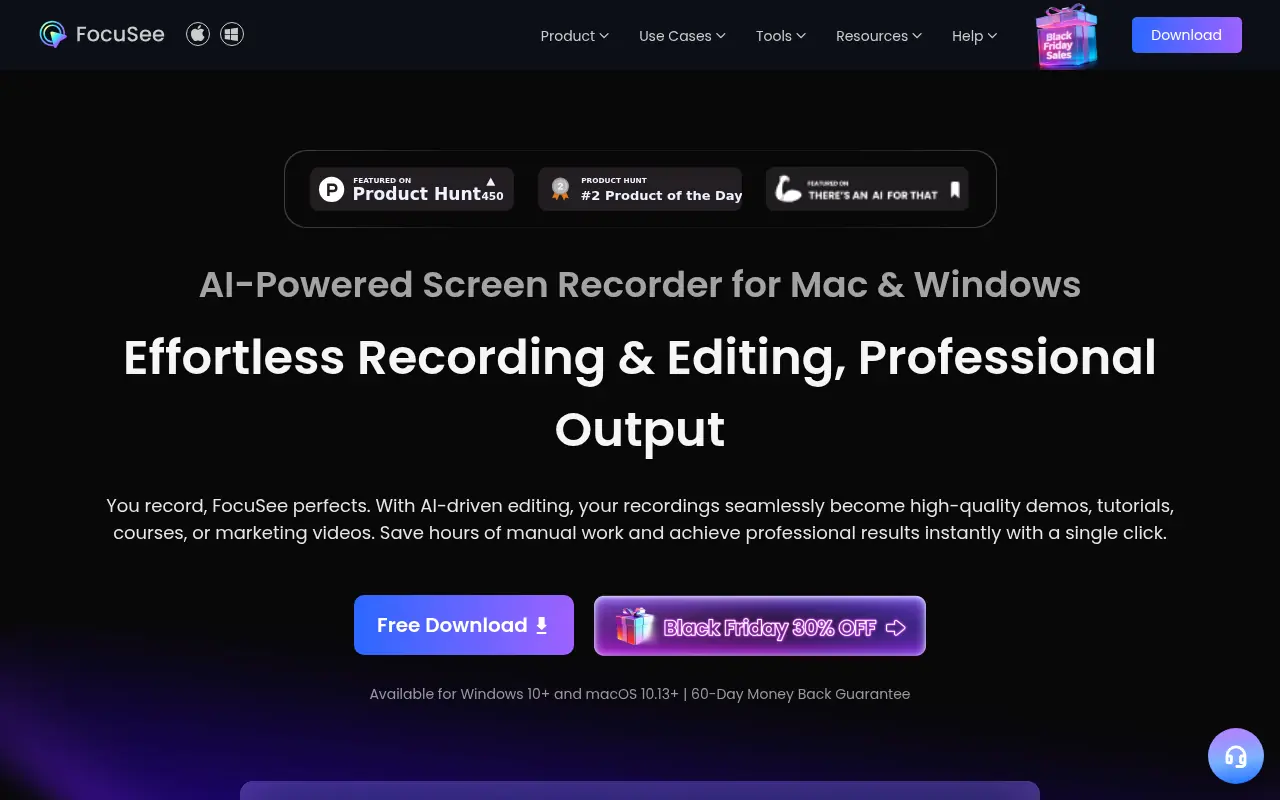

FocuSee
FocuSee is an AI-powered screen recording and editing tool that automatically transforms raw screen recordings into professional-quality videos with minimal manual editing.

Gling
Gling is an AI-powered video editing software designed to streamline content creation for YouTube creators by automating the removal of unwanted footage and enhancing video quality.

Hippo Video
Hippo Video is an all-in-one AI-powered video engagement platform that enables businesses to create, personalize, and analyze videos for sales, marketing, and customer support.