

ScreenPal

What is ScreenPal?
ScreenPal is a video creation and hosting platform for recording screens, webcams, presentations, meetings, and instructional content. Its tools combine screen capture, video editing, cloud hosting, sharing, interactive quizzes, analytics, and AI-assisted workflows. Educators, businesses, developers, marketers, support teams, and individual creators can use it to explain ideas, document processes, train audiences, and communicate asynchronously. ScreenPal supports Windows, Mac, iOS, Android, and Chromebook devices. Its main differentiator is the integrated workflow from recording and editing through hosting, collaboration, accessibility, translation, and distribution.
How to use ScreenPal?
1. Sign up for a free ScreenPal account or launch the recorder without an account. 2. Record your screen, webcam, or both, then edit the footage with cuts, overlays, narration, captions, and other enhancements. 3. Save the finished video locally or publish it to ScreenPal hosting, a connected service, or an embedded destination.
ScreenPal's Core Features
Screen and Webcam Recording: Capture any screen area, webcam footage, microphone narration, or system audio for clear visual communication.
Video Editing: Trim, cut, combine, crop, annotate, and enhance recordings without requiring professional editing experience.
AI Video Tools: Generate titles, summaries, chapters, captions, translations, voiceovers, and other production assistance from video content.
AI Video Generator: Create a scripted video from a topic prompt and selected stock media through an integrated generation workflow.
Slides-to-Video Creation: Convert PowerPoint or PDF slides into editable videos with narration, structure, and multilingual presentation options.
Cloud Video Hosting: Store, organize, manage, and share videos through hosted links, channels, embeds, and searchable team content.
Interactive Video: Add quizzes, polls, ratings, comments, and calls to action to support learning, feedback, and engagement.
Cross-Device Creation: Record and access content across Windows, Mac, iOS, Android, and Chromebook devices with one account.
Workflow Integrations: Publish or connect content with services including YouTube, Google Drive, Dropbox, Vimeo, Zoom, Microsoft Teams, Webex, and LMS platforms.
Developer SDK and API: Embed ScreenPal recording and editing capabilities into applications using its Video SDK and Recorder API options.
ScreenPal's Use Cases
- #1
Create software tutorials and product demonstrations for customers or internal teams
- #2
Record asynchronous project updates, bug reports, and technical walkthroughs for development teams
- #3
Build lecture recordings, flipped-classroom lessons, and student video assignments for education
- #4
Turn PowerPoint or PDF presentations into narrated training and onboarding videos
- #5
Edit Zoom, Microsoft Teams, or Webex recordings into concise learning and communication content
- #6
Create video feedback, coaching clips, and personalized support responses
- #7
Publish marketing, sales enablement, and customer success videos with branded hosting pages
- #8
Capture screen-based instructions and share them through links, embeds, LMS platforms, or cloud storage
Frequently Asked Questions
Analytics of ScreenPal
Monthly Visits Trend: Jun 2025 - Aug 2026
Traffic Sources
AI Channel Traffic Trends
Top Regions
| Region | Traffic Share |
|---|---|
| United States | 61.92% |
| India | 4.25% |
| Brazil | 2.27% |
| Canada | 1.96% |
| Ireland | 1.91% |
Top Keywords
| Keyword | Traffic | CPC |
|---|---|---|
| screenpal | 24.9K | $1.75 |
| mp4 | 303.5K | $0.30 |
| mp4 downloader | 157.6K | $0.38 |
| screen pal | 3.6K | $2.42 |
| camera test | 182.4K | $0.72 |
Alternative of ScreenPal

Vmaker
Vmaker is an AI-powered video editing and screen recording platform that automates the creation of publish-ready videos for individuals and businesses.

RecCloud
RecCloud is an AI-powered multimedia platform offering tools for video and audio creation, editing, and cloud storage.

Hippo Video
Hippo Video is an all-in-one AI-powered video engagement platform that enables businesses to create, personalize, and analyze videos for sales, marketing, and customer support.

FocuSee
FocuSee is an AI-powered screen recording and editing tool that automatically transforms raw screen recordings into professional-quality videos with minimal manual editing.
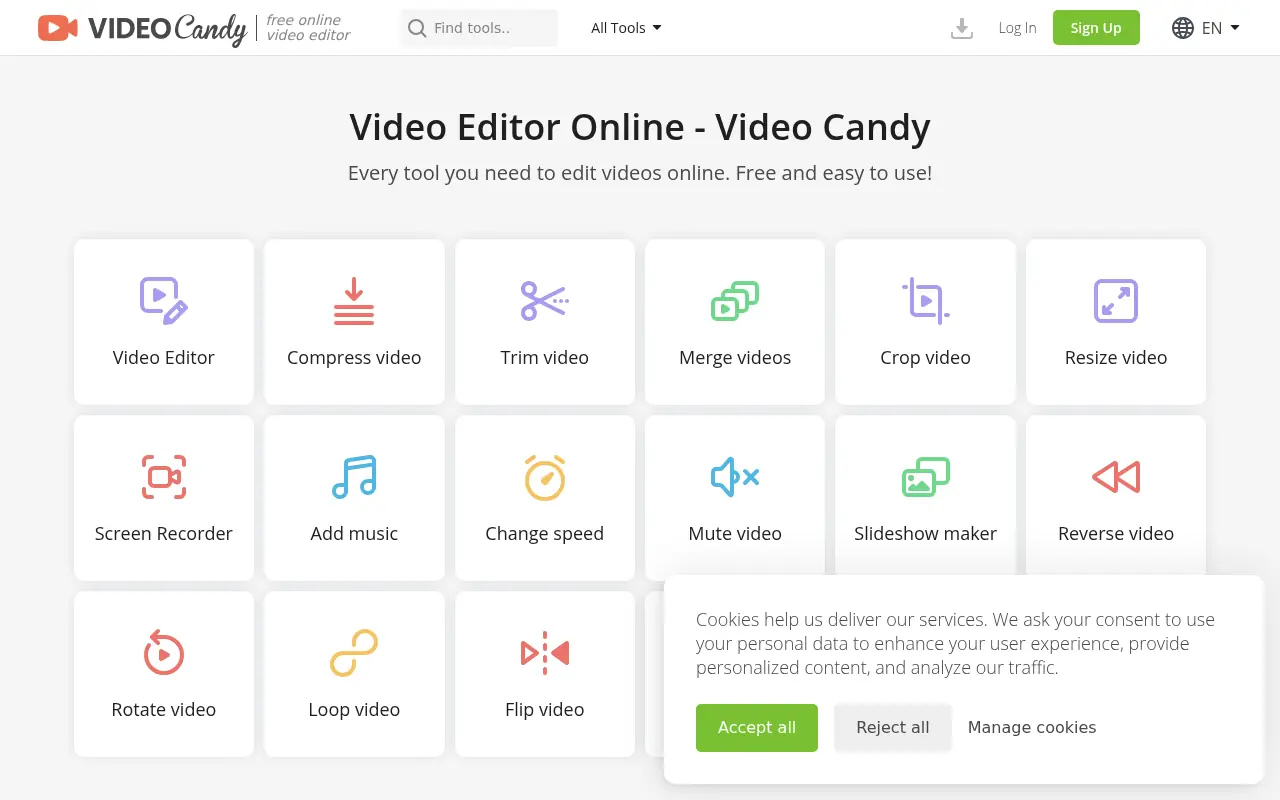

Video Candy
Video Candy is a free, browser-based video editor that offers a comprehensive suite of tools for trimming, merging, compressing, and resizing videos without any software installation.
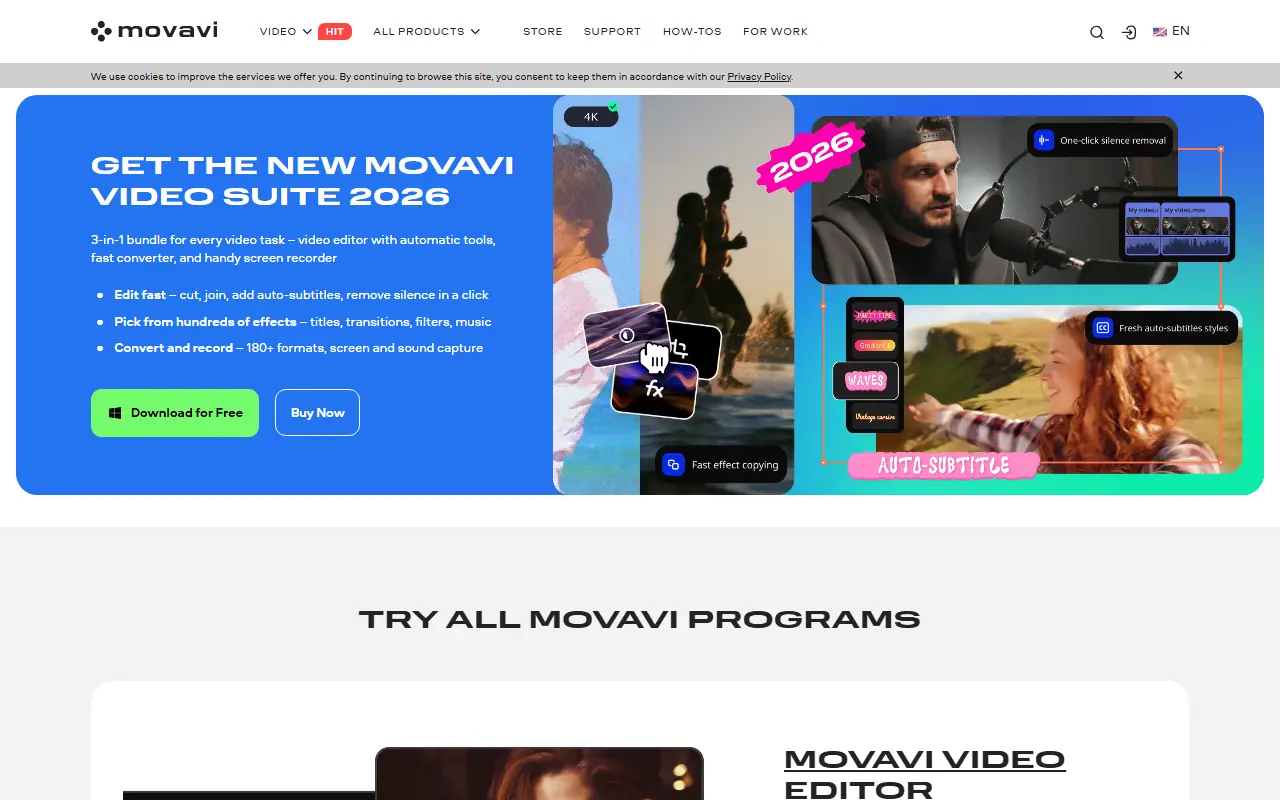

Movavi
Movavi provides a suite of user-friendly multimedia software for video editing, screen recording, photo manipulation, and media conversion, enhanced with modern AI-driven features.

Supercut
Create, edit, and share professional video messages faster with AI-powered recording and workflow automation.
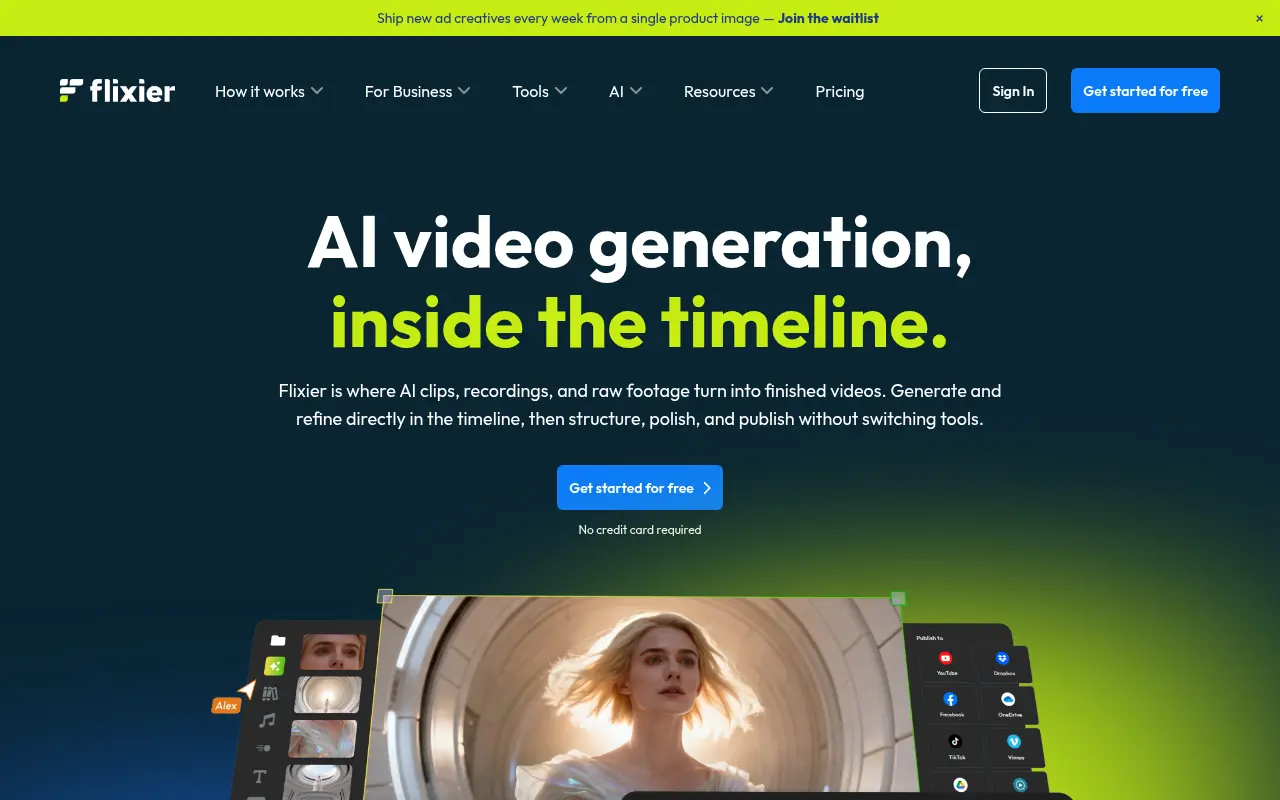

Flixier
Flixier is a cloud-based online video editor that enables users to create, edit, and publish high-quality videos directly from their browser at incredible speeds.