

Vmaker
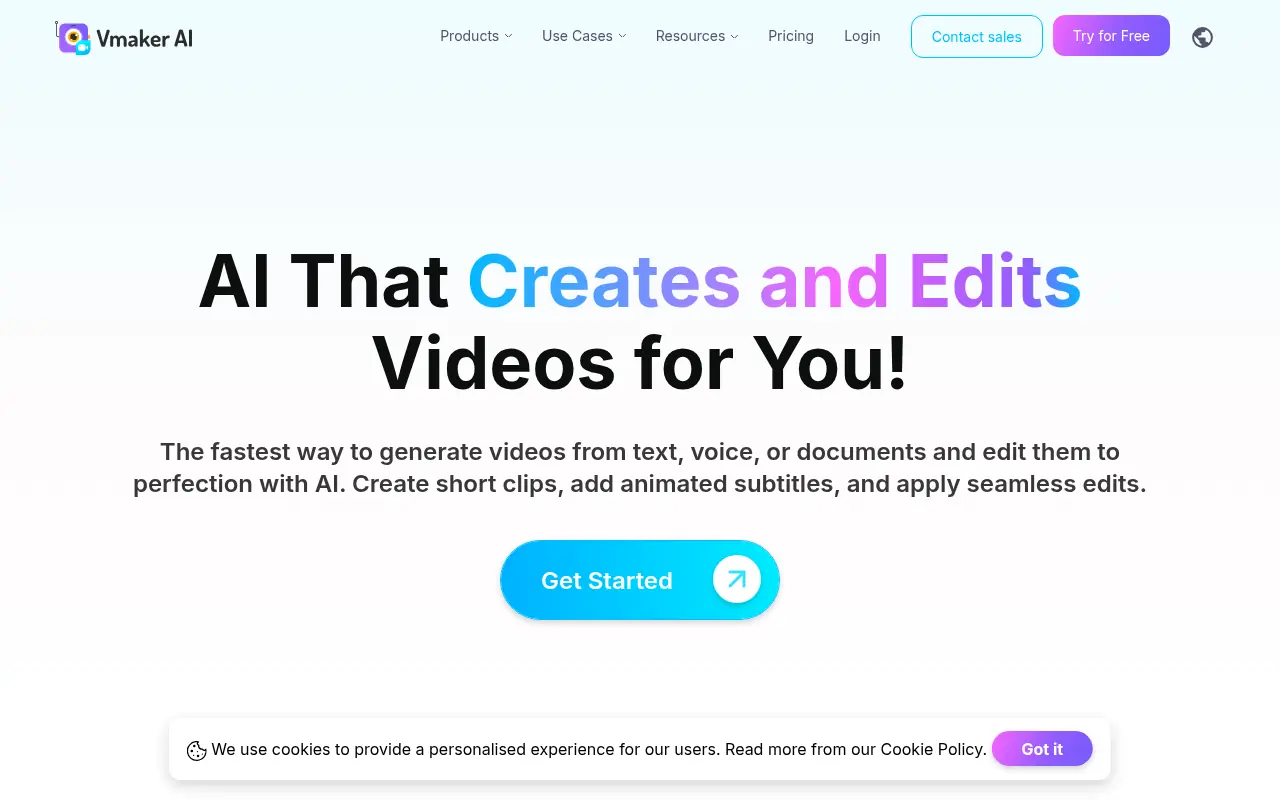
What is Vmaker?
Vmaker is a comprehensive online video creation suite designed to simplify and accelerate video editing and screen recording tasks. It leverages advanced AI to turn raw footage into polished, ready-to-share content by automatically adding effects, transitions, music, subtitles, and more, while still allowing full manual customization. Its mission is to empower digital creators, marketers, educators, and teams to produce high-quality videos with minimal effort and technical know-how. The platform offers features such as AI-driven highlight generation, subtitle creation, viral style libraries, and human avatar videos. Additionally, Vmaker supports 4K screen recording, cloud video hosting, and seamless sharing to social networks, enabling users to engage audiences more effectively and creatively. With both free and paid plans, Vmaker is accessible to users ranging from individuals to enterprises, aiming to streamline and democratize professional video production.
How to use Vmaker?
To use Vmaker effectively, sign up for a free account and choose whether to record your screen, webcam, or both, using desktop or browser extensions. Upload your video (or record directly), and let the AI-powered editor automatically enhance your footage by adding intros/outros, music, effects, and subtitles. Use built-in editing tools for further customization, select from viral style templates, generate AI avatars or highlights as needed, and then export, host, or directly share your finished videos to your preferred platforms.
Vmaker's Core Features
AI-powered automatic video editing in minutes.
Free 4K screen and webcam recording with audio capture.
One-click generation of engaging short clips from long videos.
Customizable viral styles for intros, transitions, and effects.
Automatic subtitle generation with support for 35+ languages.
AI avatar video creation from user-provided scripts.
Built-in video editor for trimming, merging, and resizing.
Background removal for webcam videos, with or without green screen.
Cloud hosting and no-watermark exports.
Direct upload and sharing to platforms like YouTube and social media.
Real-time analytics on video views and engagement.
Multiplatform access via web app, Chrome extension, and desktop apps.
Vmaker's Use Cases
- #1
Auto-editing YouTube vlogs and tutorials.
- #2
Repurposing webinars into social media highlight clips.
- #3
Generating AI avatar explainer videos from text scripts.
- #4
Recording and annotating high-resolution product demos.
- #5
Creating subtitles in multiple languages for accessibility.
- #6
Transforming long-form training videos into short reels.
- #7
Removing backgrounds for professional-looking webcam presentations.
- #8
Quickly producing marketing teasers for new campaigns.
- #9
Hosting and tracking engagement analytics for internal training videos.
Frequently Asked Questions
Analytics of Vmaker
Monthly Visits Trend: Jun 2025 - Oct 2026
Traffic Sources
AI Channel Traffic Trends
Top Regions
| Region | Traffic Share |
|---|---|
| India | 17.61% |
| Brazil | 9.50% |
| United States | 9.18% |
| Pakistan | 3.56% |
| Philippines | 2.11% |
Top Keywords
| Keyword | Traffic | CPC |
|---|---|---|
| free ai video generator | 245.0K | $0.72 |
| vmaker ai | 4.7K | $0.42 |
| long video to short video ai free | 5.0K | $0.13 |
| vmaker | 4.1K | $3.26 |
| tik tok | 7.1M | $0.68 |
Alternative of Vmaker
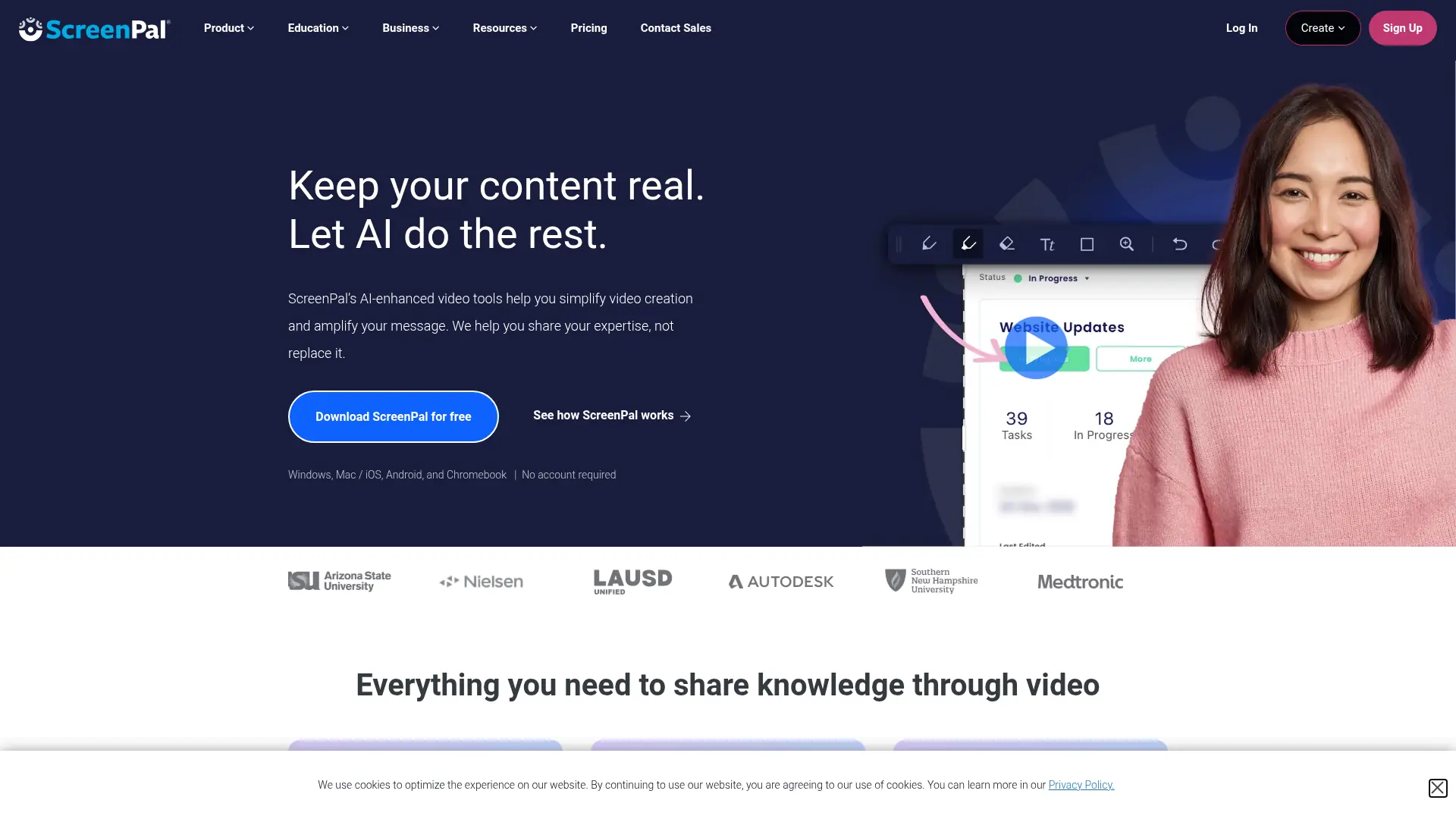

ScreenPal
Capture, edit, host, and share professional videos with screen recording, AI assistance, interactive tools, and cross-device workflows.
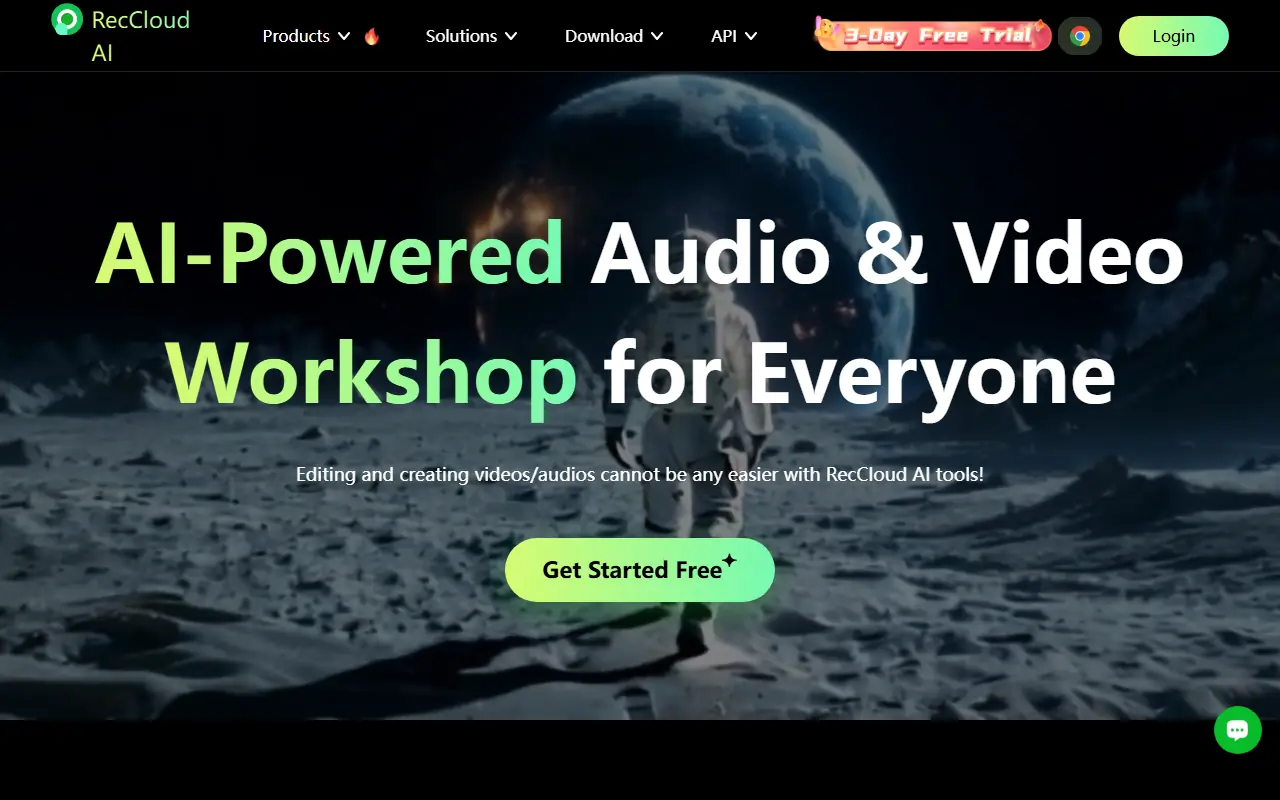

RecCloud
RecCloud is an AI-powered multimedia platform offering tools for video and audio creation, editing, and cloud storage.
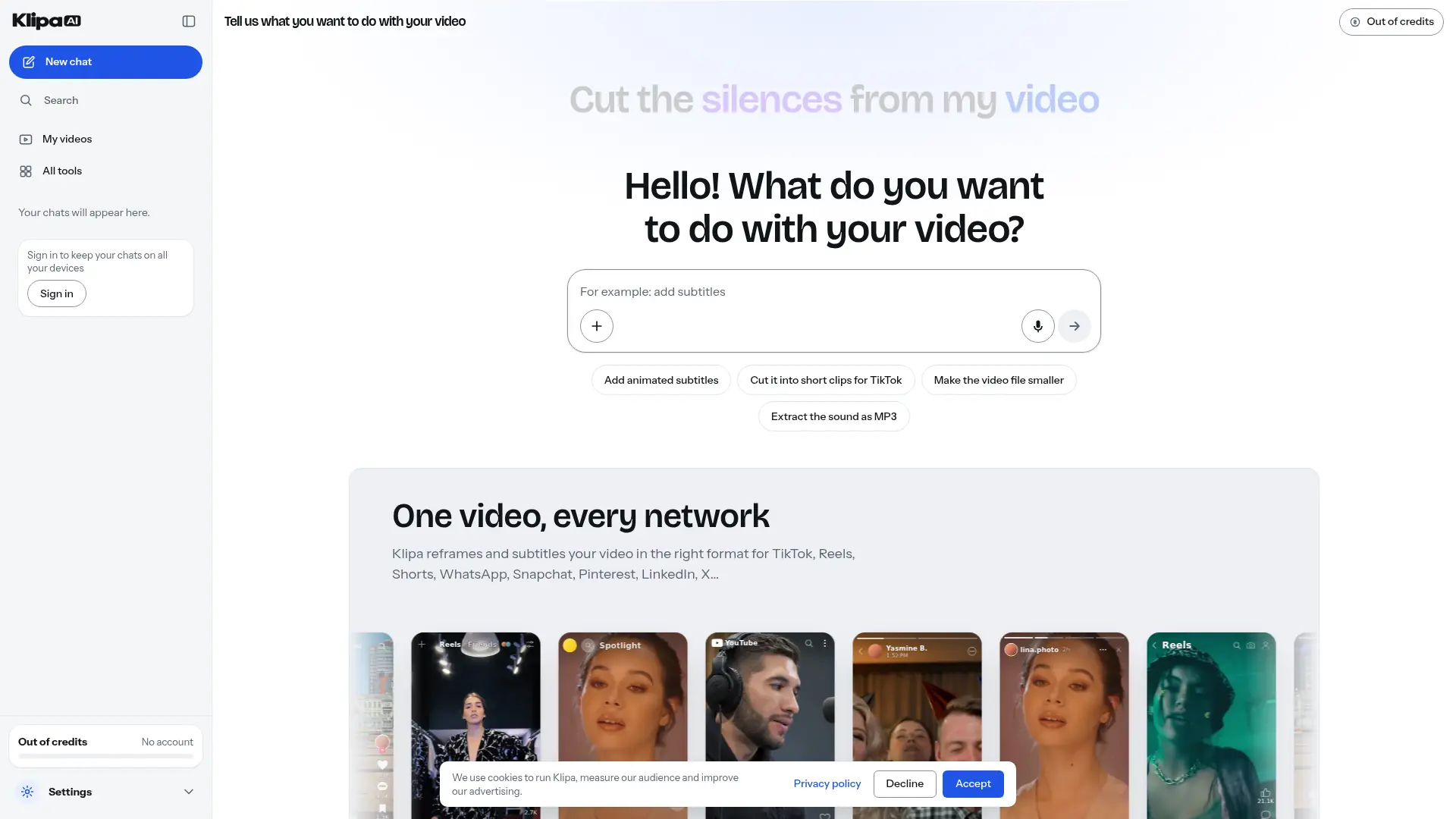

Klipa AI
Turn longer recordings into short clips, add captions, and clean up audio through a browser-based video editing toolkit.
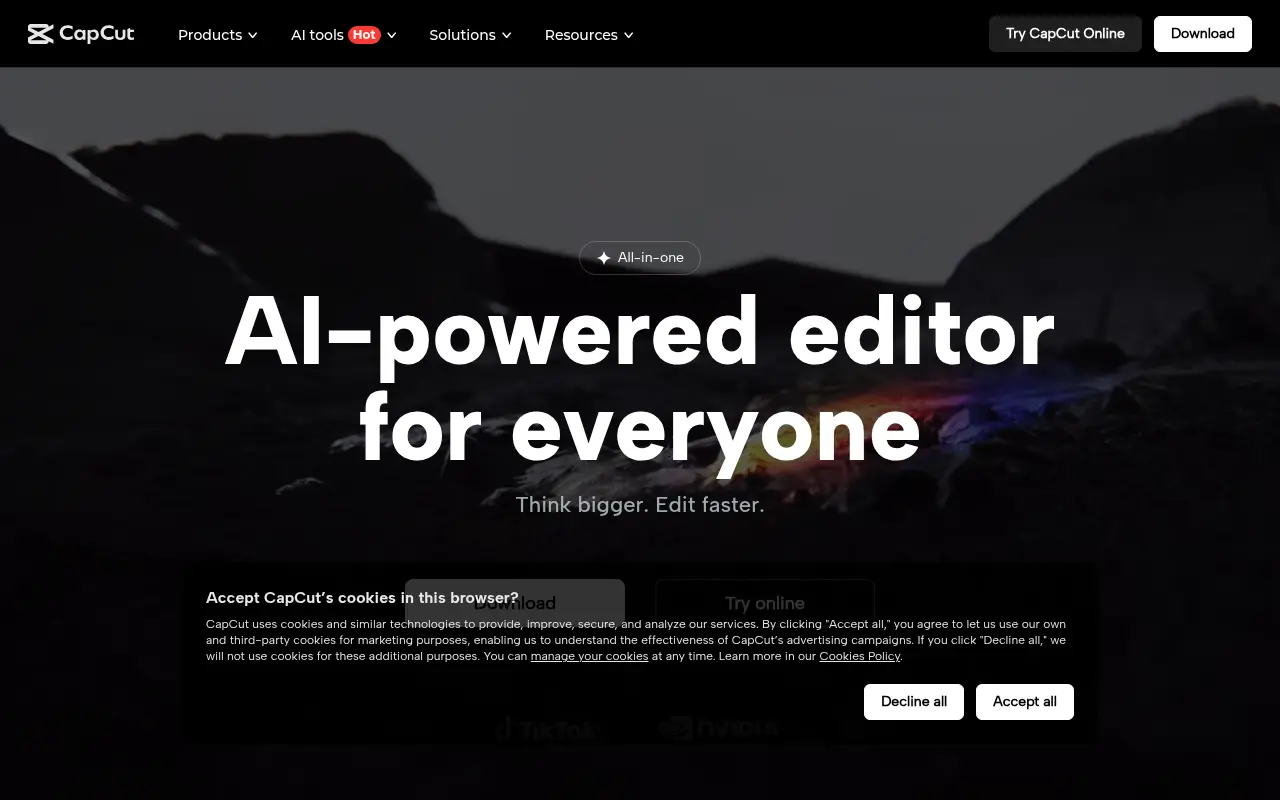

CapCut
CapCut is an AI-powered platform for easy video editing and graphic design across multiple devices.
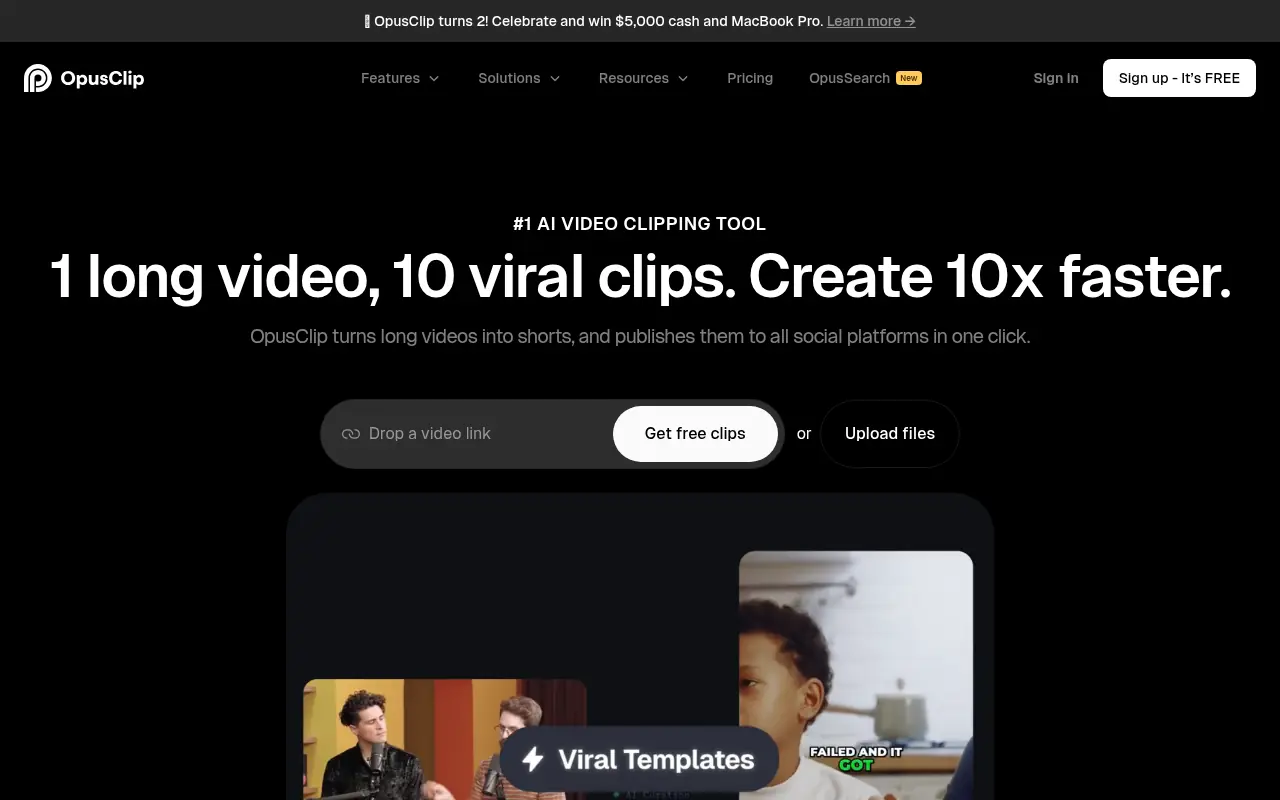

Opus Pro
Opus Pro is an AI-powered video editing platform designed to streamline content creation for creators and businesses.
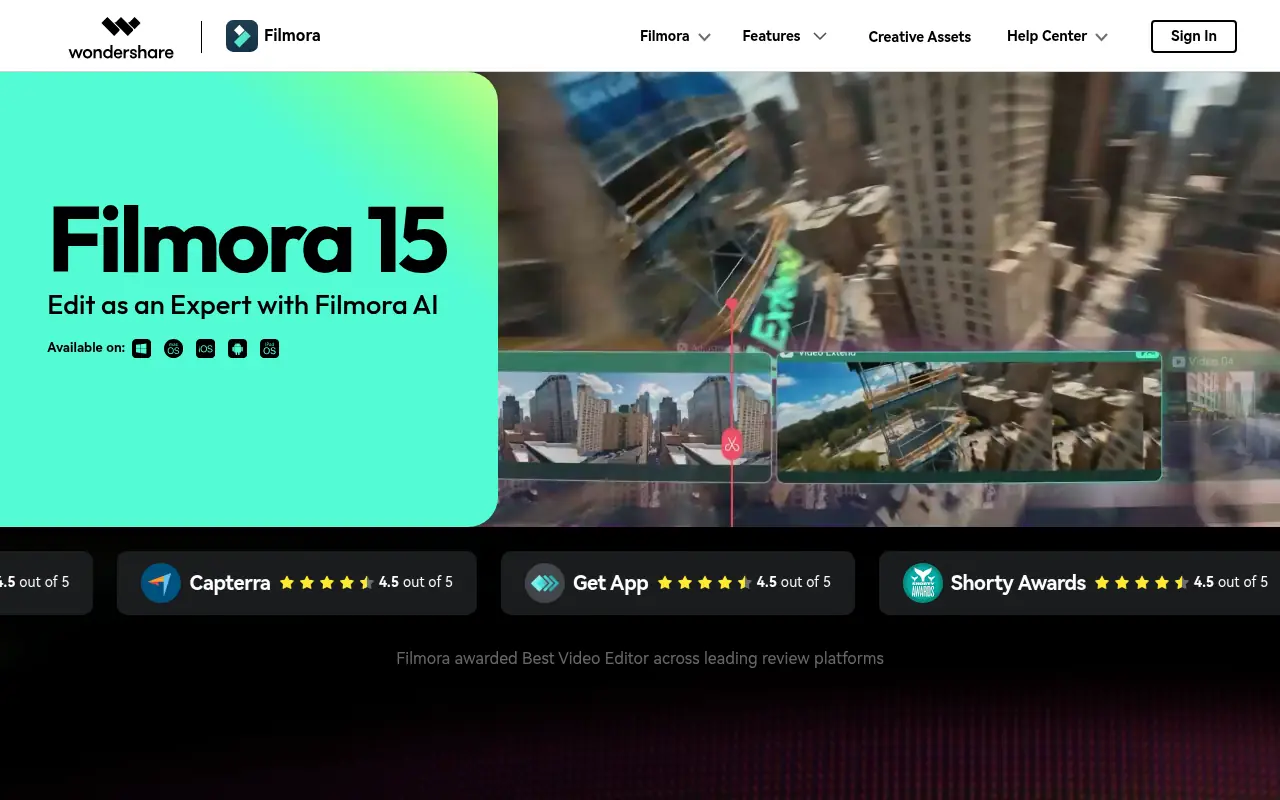

Filmora (Wondershare)
Wondershare Filmora is a powerful, user-friendly video editing software equipped with robust AI features designed for creators of all skill levels.


Choppity
Turn podcasts and long-form videos into polished, platform-ready short clips without spending hours on manual editing.
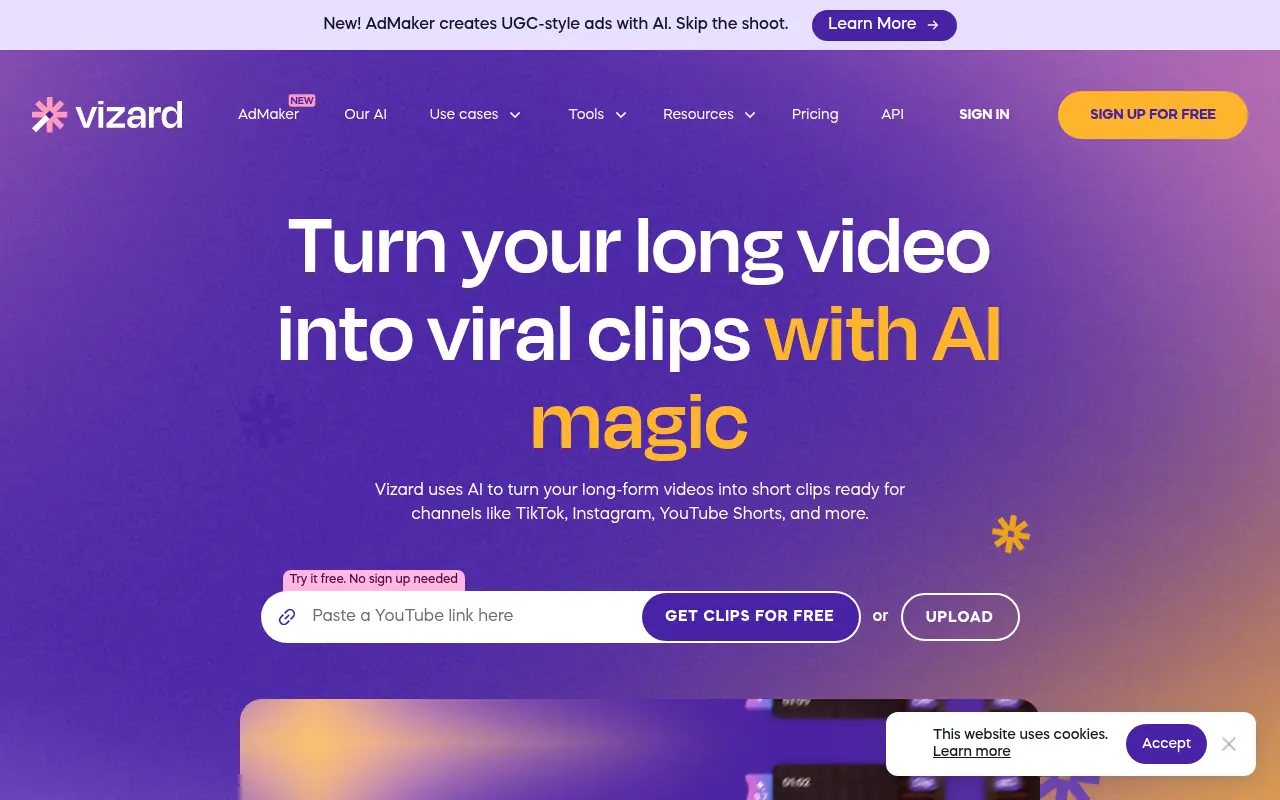

Vizard
Vizard.ai is an AI-powered video editing platform that simplifies content creation for creators, marketers, and businesses.