

Detail
What is Detail?
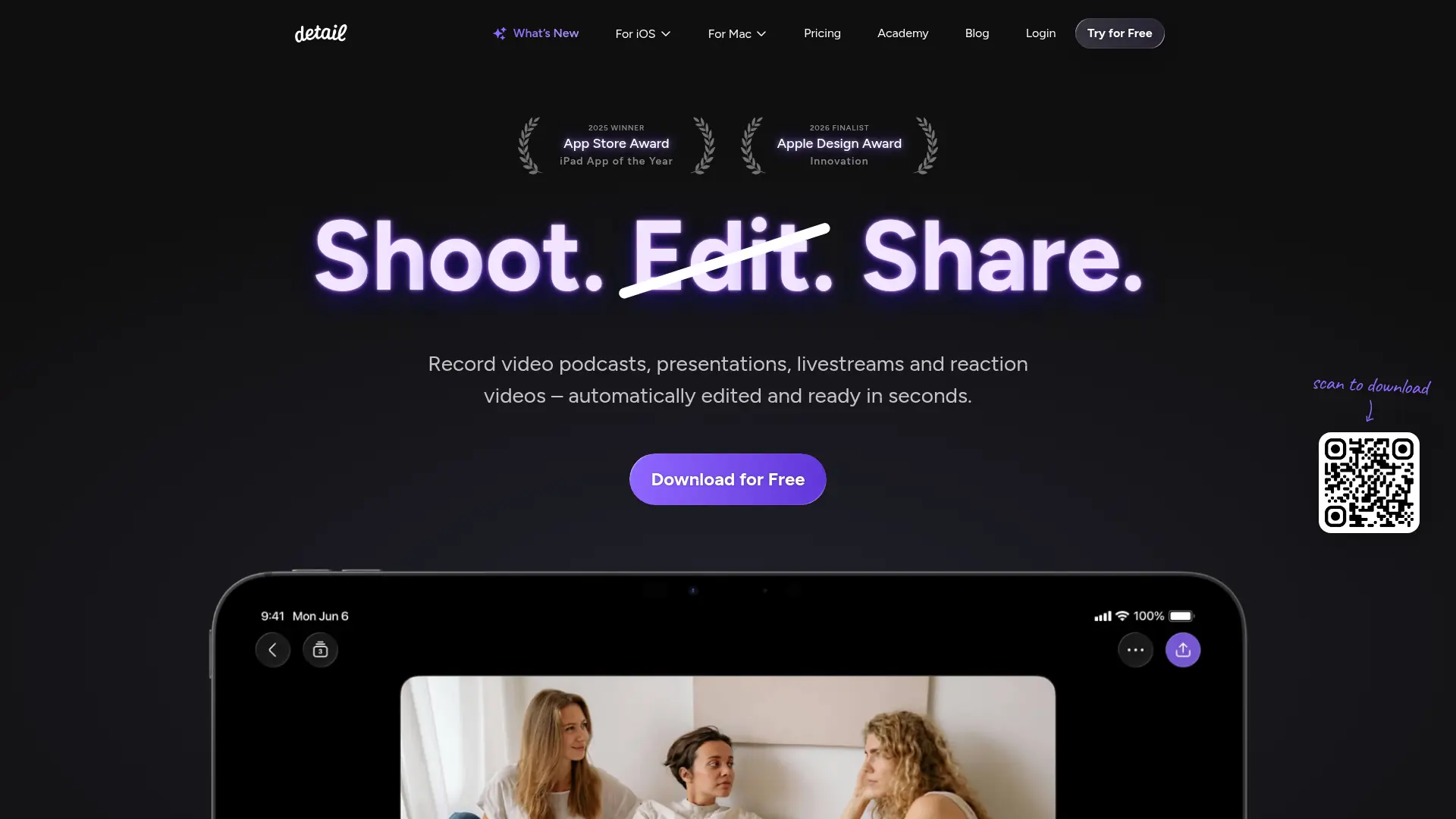
Detail is an all-in-one camera and video editor for iPhone, iPad, and Mac. It combines recording, multicamera capture, live streaming, manual editing, and AI-assisted video production in one workflow. Creators can record podcasts, presentations, tutorials, reaction videos, interviews, and talking-head content using mobile devices, webcams, DSLRs, or capture cards. Its AI tools generate transcripts, captions, highlights, social clips, titles, descriptions, and hashtags while automating speaker switching and silence removal. Detail is designed for creators, podcasters, educators, marketers, and small businesses that need to produce and repurpose video without a traditional production setup.
How to use Detail?
1. Download Detail for iOS or macOS and create an account if you want to upload or manage projects. 2. Start a recording, connect additional cameras or devices, import footage, or upload a podcast for editing. 3. Apply Auto Edit, captions, transcripts, highlights, layouts, and branding, then export or share the finished video and social clips.
Detail's Core Features
AI Auto Edit: Automatically remove silences, add zoom cuts, insert titles and captions, and create a cleaner first edit.
Podcast Auto Edit: Detect speakers and switch camera angles automatically to speed up video podcast production.
Multicamera Recording: Connect iPhones, iPads, webcams, DSLRs, or capture cards to record synchronized angles in one workflow.
AI Highlights: Find key moments in long recordings and turn them into short clips for social publishing.
Transcription and Text Editing: Generate transcripts and edit video by working directly with spoken text.
Auto Captions: Add styled subtitles to improve accessibility and make videos easier to follow without sound.
Responsive Layouts: Reframe footage between horizontal, vertical, square, picture-in-picture, and split-screen formats.
AI Content Generator: Create video titles, descriptions, and hashtags based on the content of a recording.
Teleprompter: Display scripts while recording so presenters can deliver more consistent takes.
Live Streaming: Stream from an iPhone or iPad to supported platforms using built-in workflows or RTMP.
Detail's Use Cases
- #1
Solo creators recording polished talking-head videos with an iPhone and teleprompter
- #2
Podcasters producing multicamera episodes with automatic speaker switching and short clips
- #3
Educators recording tutorial videos with slides, screen capture, multiple camera angles, and captions
- #4
Small businesses creating branded product demonstrations and social media videos without a full production team
- #5
Interviewers recording local or remote conversations with two connected iPhones or iPads
- #6
YouTubers repurposing long videos into vertical highlights for TikTok, Instagram, and YouTube
- #7
Livestreamers using an iPhone or iPad to stream to platforms such as YouTube, Twitch, Instagram, or LinkedIn
Frequently Asked Questions
Analytics of Detail
Monthly Visits Trend: Apr 2025 - Aug 2026
Traffic Sources
AI Channel Traffic Trends
Top Regions
| Region | Traffic Share |
|---|---|
| United States | 24.95% |
| India | 6.23% |
| Indonesia | 5.46% |
| United Kingdom | 4.84% |
| Australia | 4.36% |
Top Keywords
| Keyword | Traffic | CPC |
|---|---|---|
| detail app | 880 | -- |
| video to transcript | 55.2K | $0.55 |
| detail | 22.3K | $0.40 |
| detail for ios | 160 | -- |
| detail software | 160 | -- |
Alternative of Detail

Vmaker
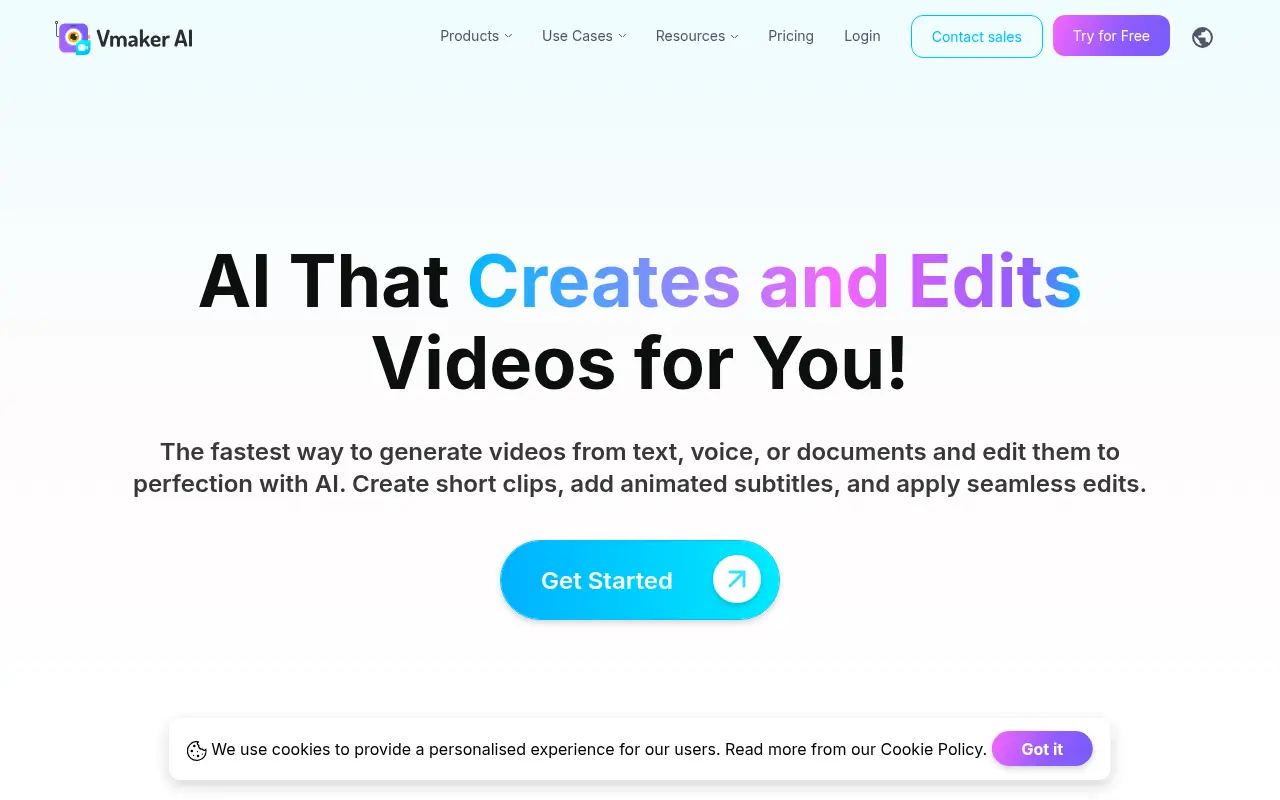
Vmaker is an AI-powered video editing and screen recording platform that automates the creation of publish-ready videos for individuals and businesses.


ScreenPal
Capture, edit, host, and share professional videos with screen recording, AI assistance, interactive tools, and cross-device workflows.

Supercut
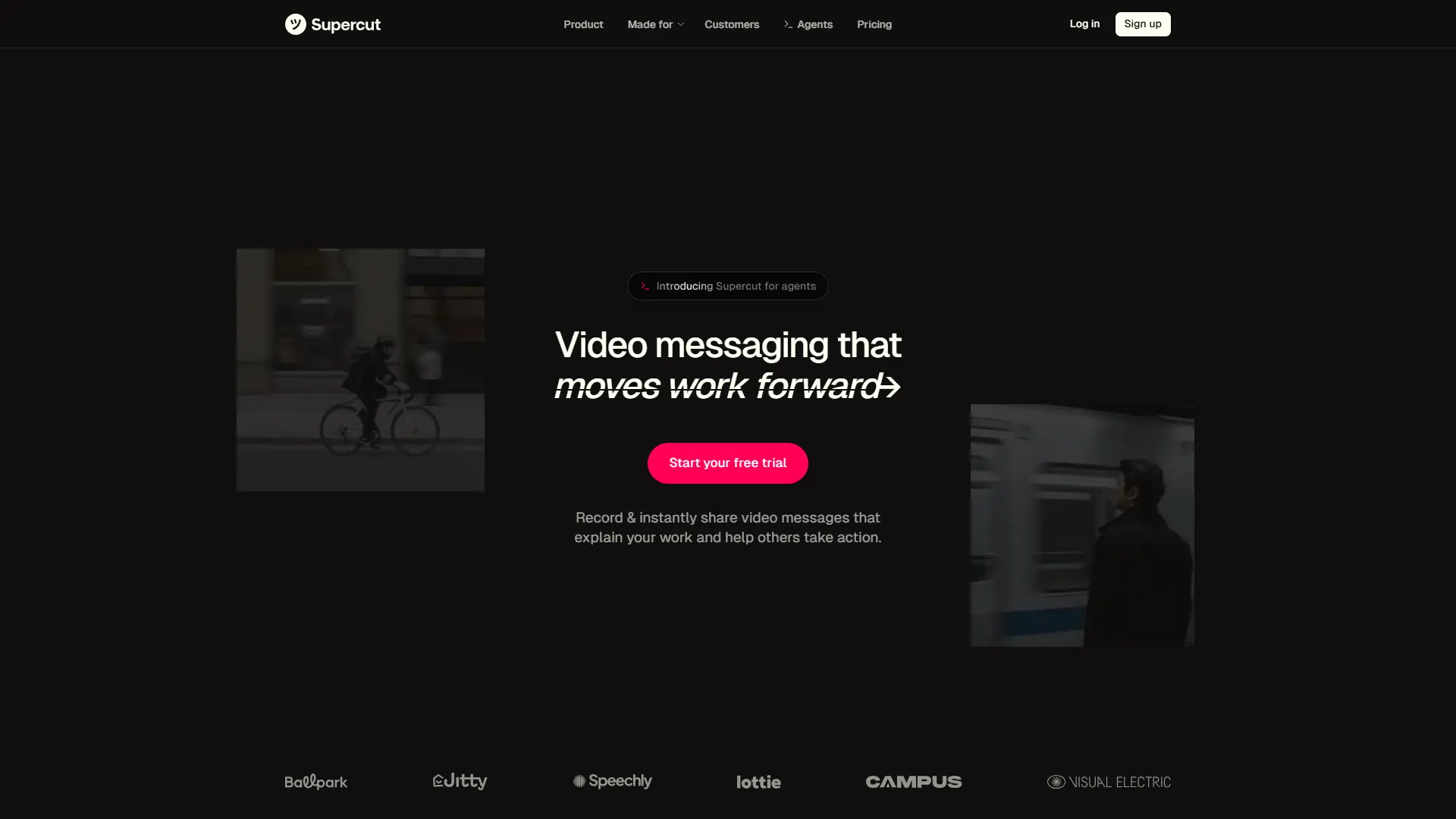
Create, edit, and share professional video messages faster with AI-powered recording and workflow automation.

Movavi
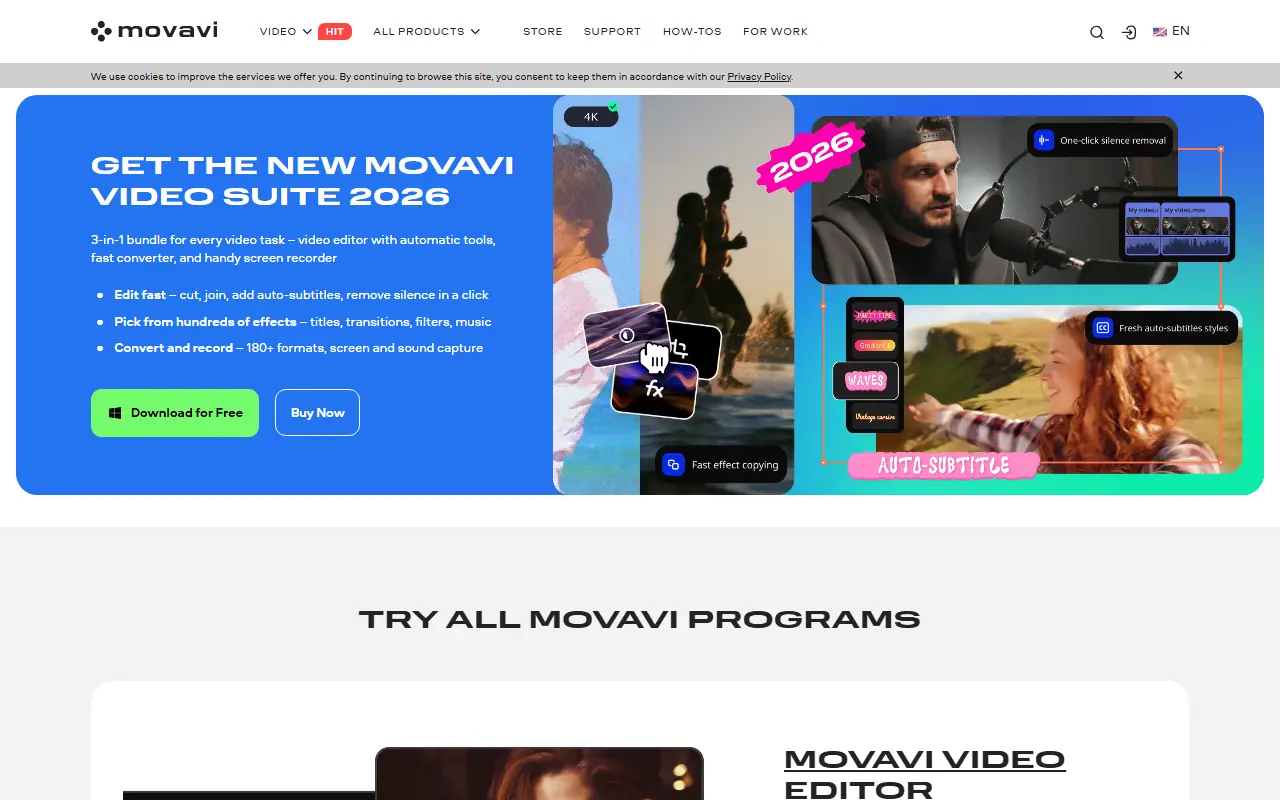
Movavi provides a suite of user-friendly multimedia software for video editing, screen recording, photo manipulation, and media conversion, enhanced with modern AI-driven features.
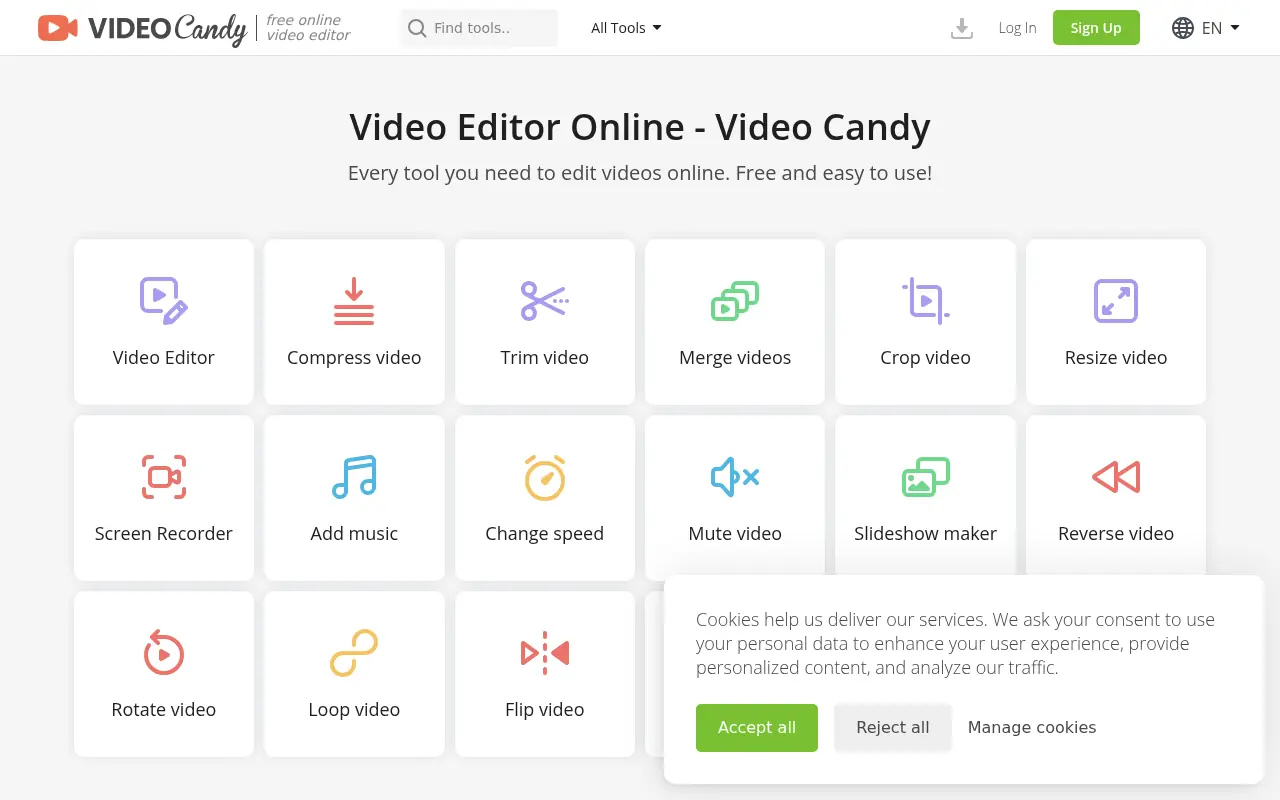

Video Candy
Video Candy is a free, browser-based video editor that offers a comprehensive suite of tools for trimming, merging, compressing, and resizing videos without any software installation.
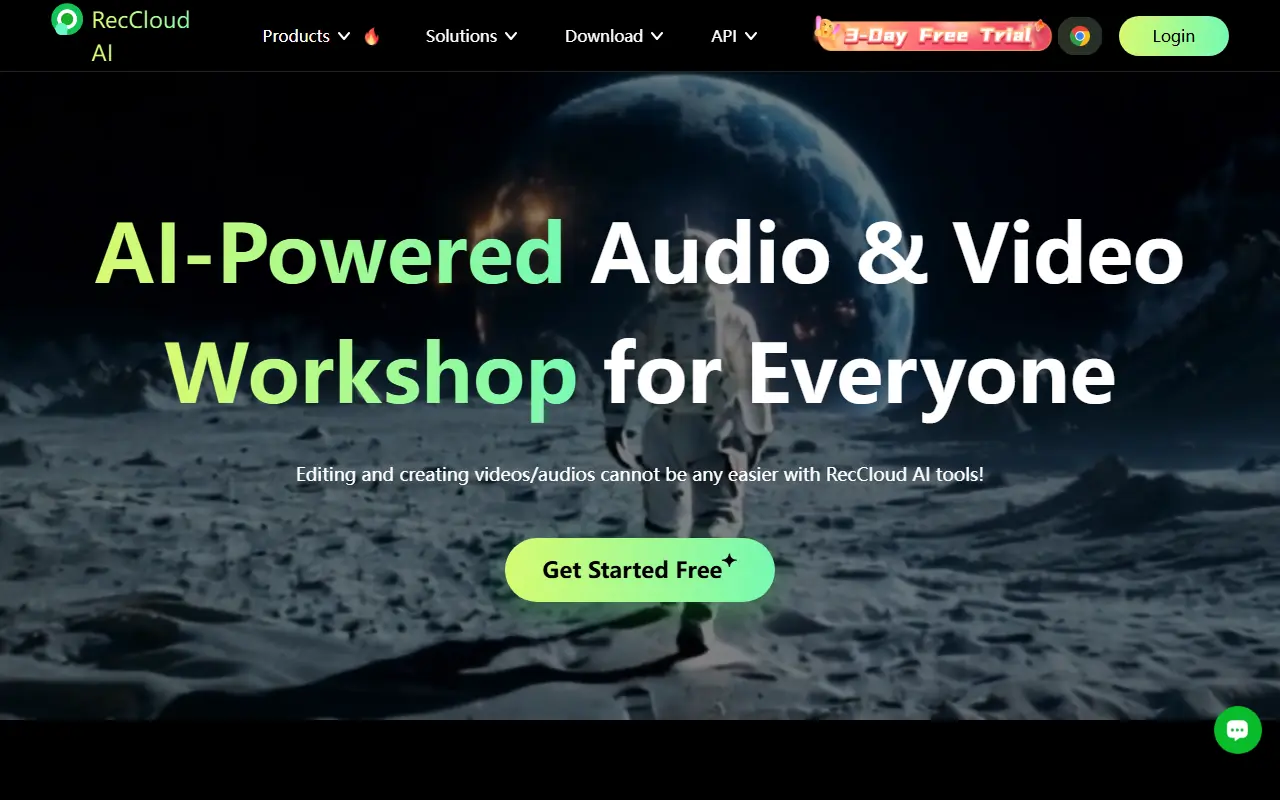

RecCloud
RecCloud is an AI-powered multimedia platform offering tools for video and audio creation, editing, and cloud storage.
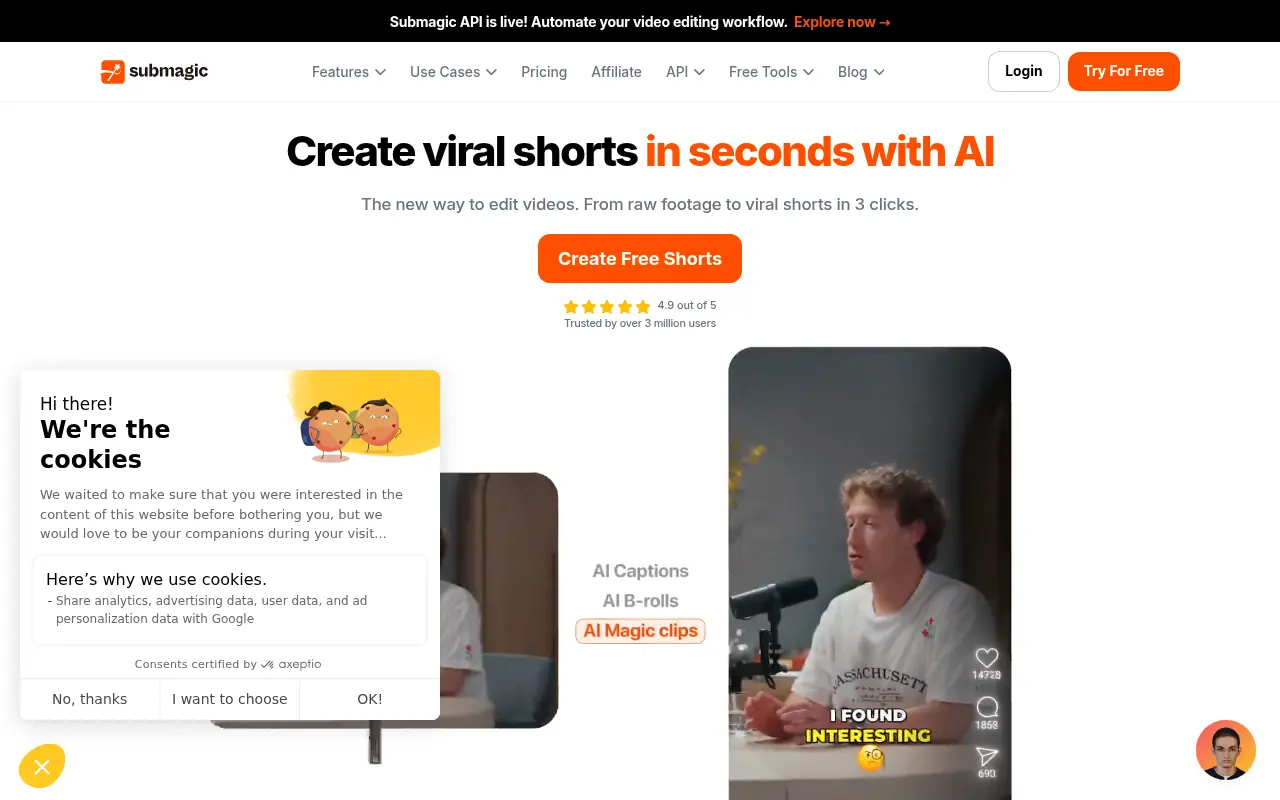

Submagic
Submagic is an AI-powered platform that creates captivating short-form videos with dynamic captions, B-rolls, and smart edits to boost social media engagement.
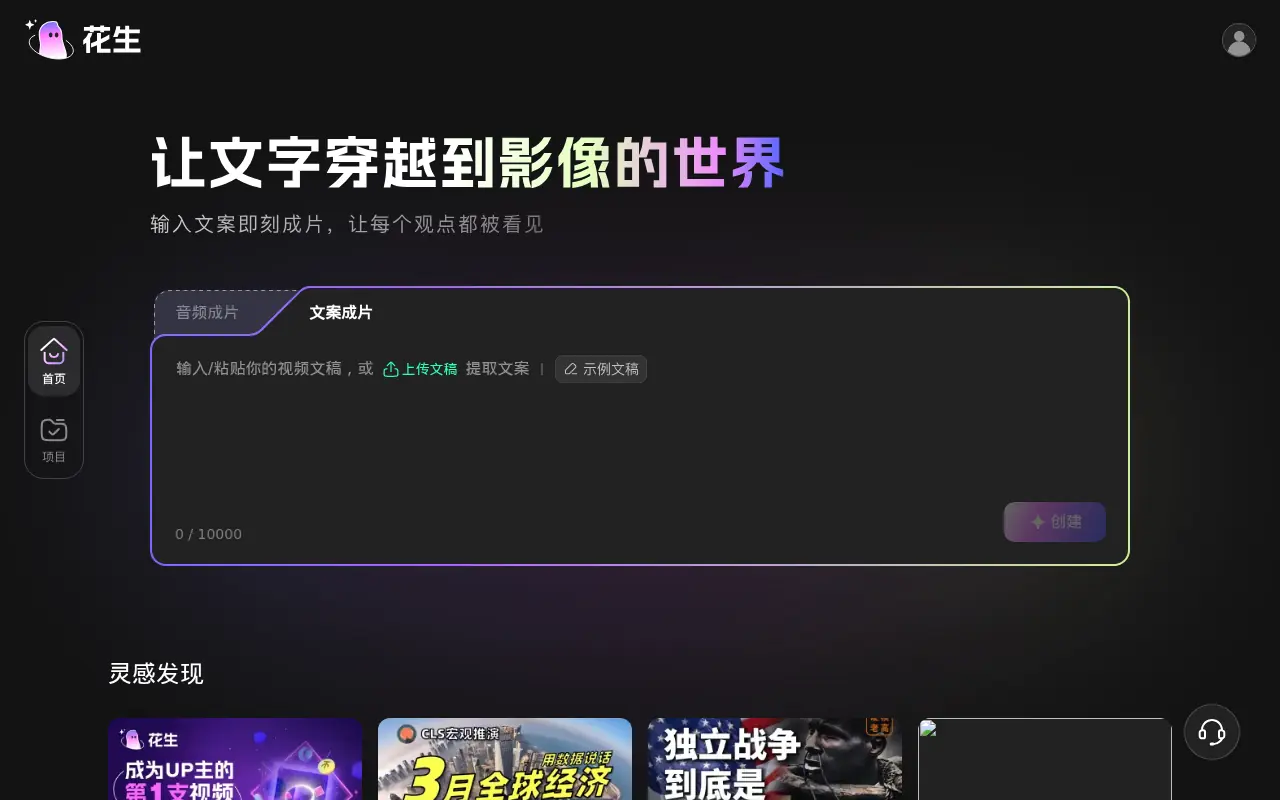

Huasheng AI
Huasheng AI is an all-in-one AI video editing tool that automatically matches high-quality visual footage to your text scripts or audio files.