

Video Candy
What is Video Candy?
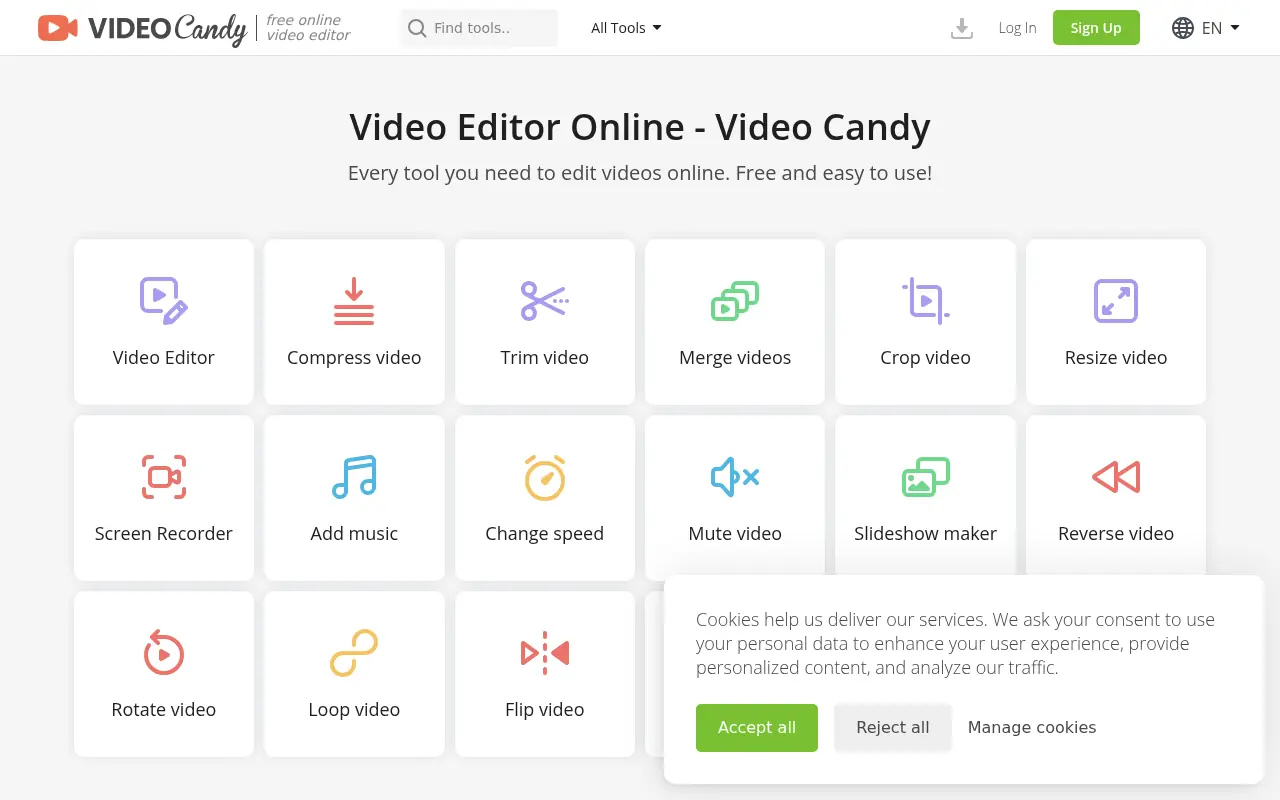
Video Candy is a versatile digital video editing platform designed to streamline the video creation process for users of all skill levels. It offers a user-friendly, web-based interface packed with over forty specific tools, including video compression, trimming, screen recording, and audio manipulation. The platform's mission is to make high-quality video editing fast and accessible, eliminating the need to download heavy software or possess advanced technical skills. It serves content creators, educators, marketing experts, and casual users by helping them quickly polish, adapt, and enhance their video projects for various platforms.
How to use Video Candy?
To use Video Candy effectively, visit the website and choose the specific tool you need, such as 'Trim Video', 'Compress Video', or 'Resize Video', directly from the homepage. Upload your media file by clicking the 'Add File' button or dragging and dropping it into the workspace. Use the intuitive on-screen controls to make your edits—such as adjusting the timeline, selecting aspect ratios, or adding blurred bars—and preview the results in real-time. Finally, click the 'Export' button to process the file, and download the finished high-quality video directly to your device.
Video Candy's Core Features
Video Trimmer: Select beginning and end markers to easily cut out unwanted segments from any video.
Video Compressor: Upload large files to automatically shrink their size for faster sharing.
Video Resizer: Adjust video aspect ratios and dimensions to fit platforms like Instagram, TikTok, or YouTube.
Combine Videos: Merge multiple video clips, images, and GIFs into a single seamless file.
Screen Recorder: Capture your full screen, specific windows, or browser tabs along with audio.
Crop Video: Manually adjust the crop area or enter pixel values to frame your video exactly how you want it.
Add Music: Mute the original video sound and overlay your own custom audio or background track.
Speed Adjustment: Easily speed up or slow down video playback for creative effects.
Stop Motion Maker: Automatically convert standard videos into stop-motion animations by selectively removing frames.
Video Candy's Use Cases
- #1
Compressing large video files for email or fast web upload without losing visible quality.
- #2
Resizing horizontal videos to a 9:16 aspect ratio for TikTok, Instagram Reels, or YouTube Shorts.
- #3
Trimming out mistakes or unwanted sections from a recorded webinar or tutorial.
- #4
Merging multiple video clips and images together to create a cohesive presentation or slideshow.
- #5
Recording screen activity along with audio for software demonstrations or educational content.
- #6
Extracting or muting original audio from a video clip to add a new voiceover or background music track.
- #7
Speeding up or slowing down video playback to create time-lapse or slow-motion effects.
Frequently Asked Questions
Analytics of Video Candy
Monthly Visits Trend: Jun 2025 - Aug 2026
Traffic Sources
AI Channel Traffic Trends
Top Regions
| Region | Traffic Share |
|---|---|
| Colombia | 12.02% |
| United States | 8.35% |
| France | 7.54% |
| India | 5.76% |
| Russia | 4.82% |
Top Keywords
| Keyword | Traffic | CPC |
|---|---|---|
| videocandy | 1.5K | $2.96 |
| online video player | 10.1K | $2.73 |
| comprimir video | 230.3K | $0.11 |
| blur video | 1.9K | $0.42 |
| mkv to mp4 | 182.6K | $0.38 |
Alternative of Video Candy


Movavi
Movavi provides a suite of user-friendly multimedia software for video editing, screen recording, photo manipulation, and media conversion, enhanced with modern AI-driven features.

Filmora (Wondershare)
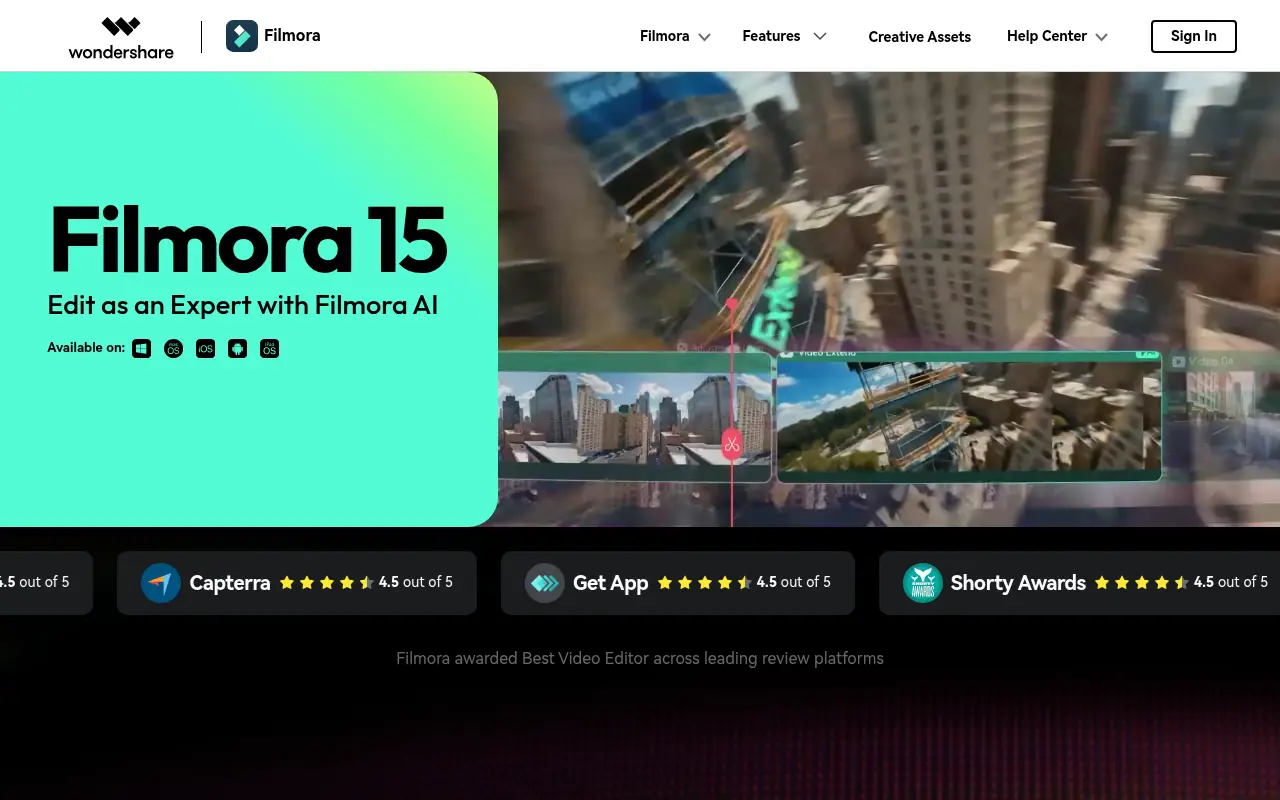
Wondershare Filmora is a powerful, user-friendly video editing software equipped with robust AI features designed for creators of all skill levels.

Vmaker
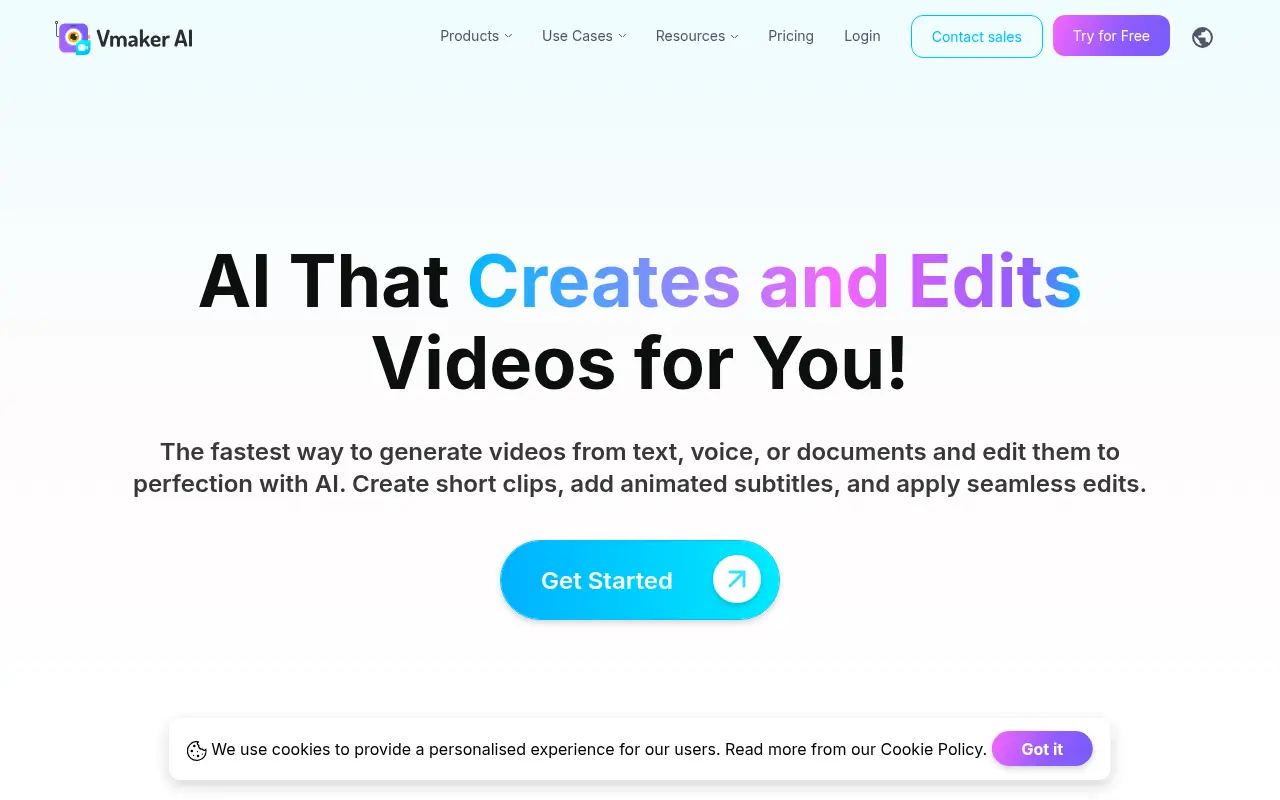
Vmaker is an AI-powered video editing and screen recording platform that automates the creation of publish-ready videos for individuals and businesses.

FocuSee
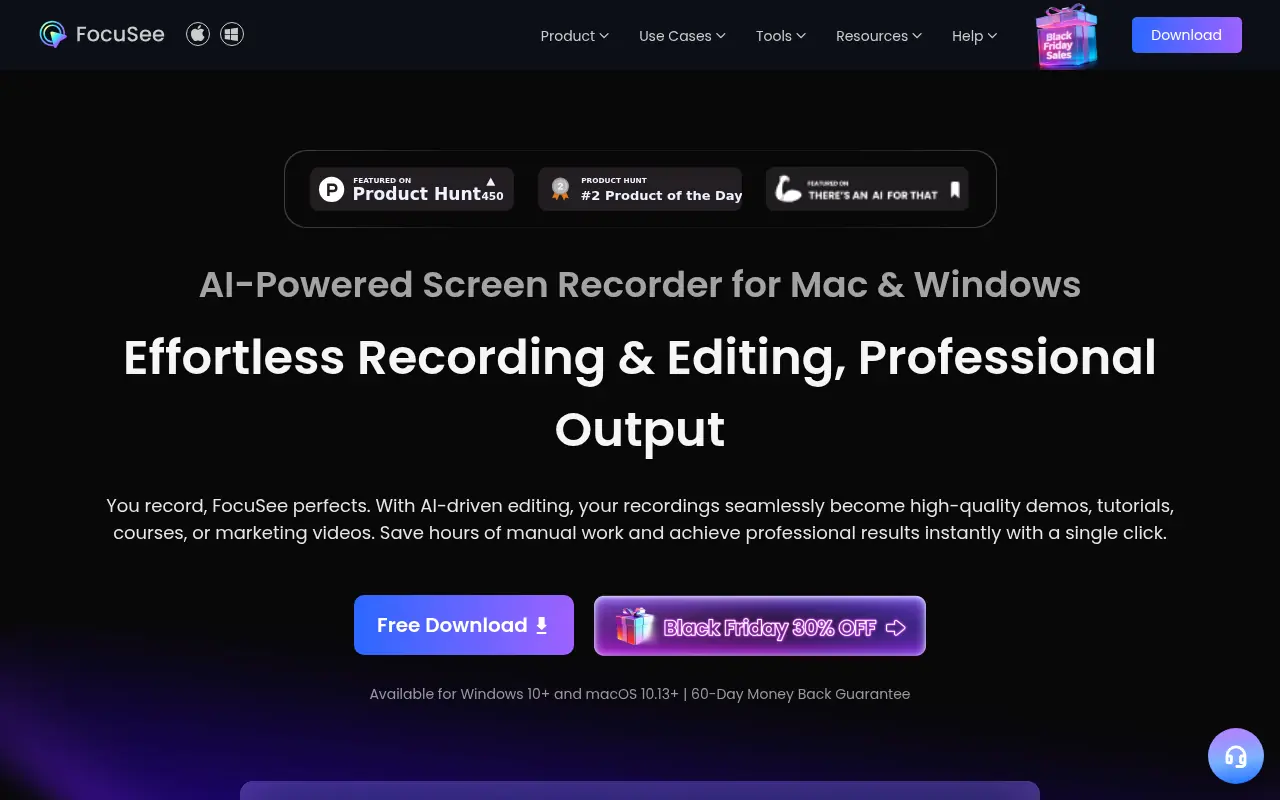
FocuSee is an AI-powered screen recording and editing tool that automatically transforms raw screen recordings into professional-quality videos with minimal manual editing.


RecCloud
RecCloud is an AI-powered multimedia platform offering tools for video and audio creation, editing, and cloud storage.
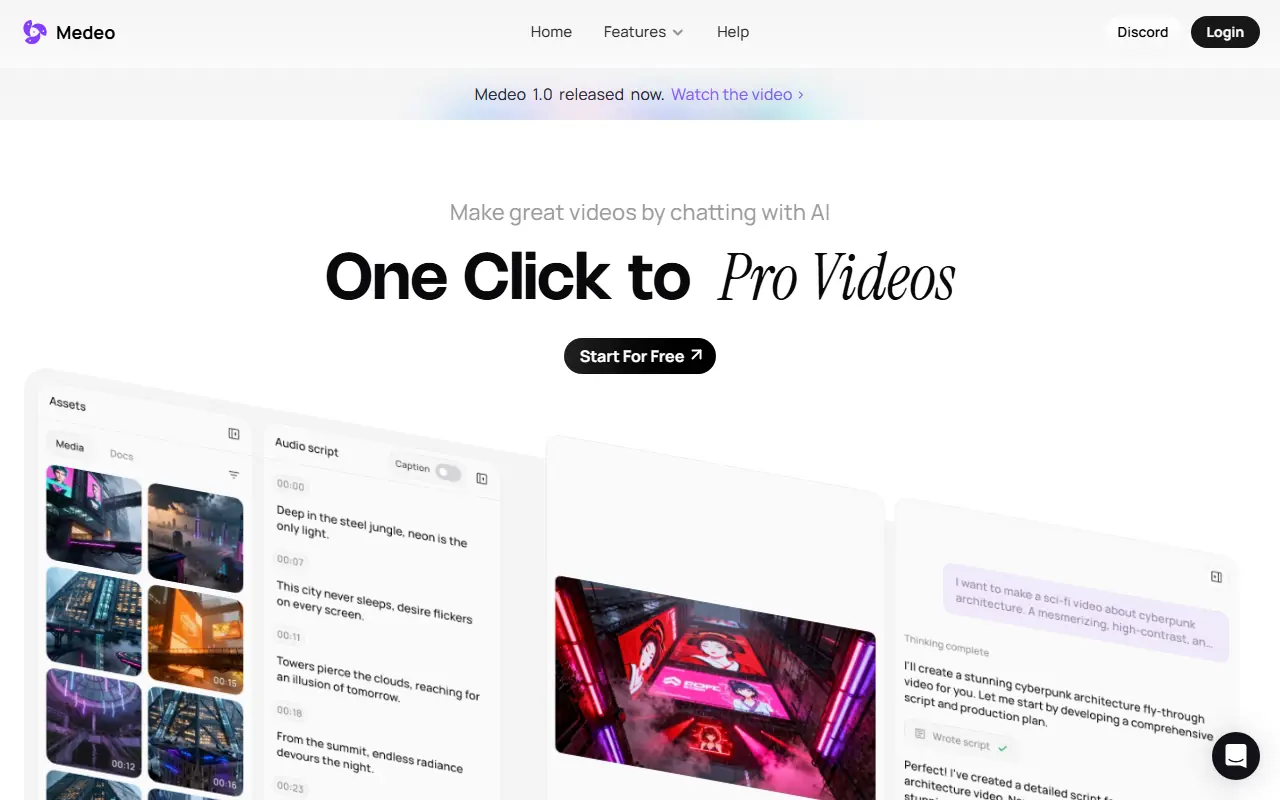

Medeo
A chat-based AI video editor that allows users to create, edit, and animate videos using simple text commands.


Hippo Video
Hippo Video is an all-in-one AI-powered video engagement platform that enables businesses to create, personalize, and analyze videos for sales, marketing, and customer support.


2short.ai
2short.ai is an AI-powered platform that transforms long-form videos into engaging short clips optimized for social media and marketing.