

Movavi
What is Movavi?
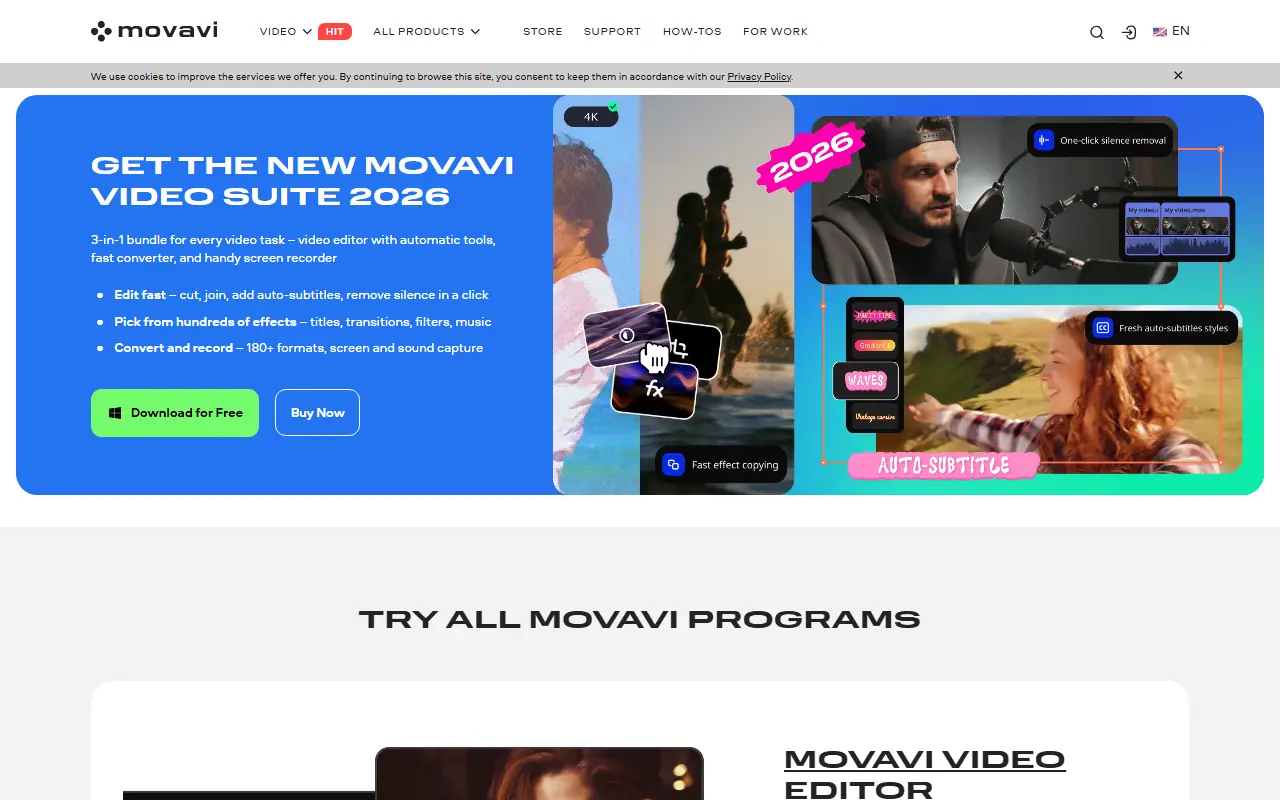
Movavi is a comprehensive digital media platform that offers accessible software solutions for creators of all skill levels. Its mission is to make multimedia editing easy, intuitive, and fun without requiring a steep learning curve. The website serves users by providing a robust ecosystem of desktop tools, including video editors, screen recorders, media converters, and photo editors. By integrating advanced AI technologies, Movavi helps individuals and businesses solve the problem of producing professional-grade content quickly. Whether it is enhancing a family video, recording an educational tutorial, or polishing a photo, Movavi delivers powerful results with minimal effort.
How to use Movavi?
To use Movavi effectively, users should navigate to the website and select the specific multimedia tool they need, such as the Video Editor, Screen Recorder, or Video Converter. After downloading and installing the software on a Mac or Windows PC, you can import your raw media files directly into the intuitive drag-and-drop workspace. From there, utilize the built-in AI tools, transitions, filters, and editing timelines to enhance your project before exporting the final product in your preferred format.
Movavi's Core Features
Drag-and-drop video timeline for intuitive and fast multimedia editing.
AI-powered background removal that instantly isolates subjects in videos and photos.
High-quality screen recording capabilities with internal audio and webcam capture.
Lightning-fast media conversion supporting over 180 video, audio, and image formats.
AI noise removal tool to eliminate unwanted background sounds from audio tracks.
Extensive library of built-in transitions, titles, filters, and special effects.
AI upscaling to improve the resolution and clarity of low-quality videos.
Motion tracking features to easily attach graphics or text to moving objects.
Movavi's Use Cases
- #1
Creating engaging YouTube videos or social media reels with professional transitions and effects.
- #2
Recording desktop screens for educational tutorials, webinars, or gaming sessions.
- #3
Converting video and audio files to different formats for maximum device compatibility.
- #4
Editing and enhancing personal photos by removing backgrounds or adjusting colors.
- #5
Restoring old or low-quality videos using AI-driven upscaling and enhancement tools.
- #6
Removing background noise from audio tracks to produce crisp, clear voiceovers.
Frequently Asked Questions
Analytics of Movavi
Monthly Visits Trend: Apr 2025 - Aug 2026
Traffic Sources
AI Channel Traffic Trends
Top Regions
| Region | Traffic Share |
|---|---|
| United States | 16.44% |
| Brazil | 7.28% |
| Russia | 5.68% |
| India | 5.00% |
| Taiwan | 4.55% |
Top Keywords
| Keyword | Traffic | CPC |
|---|---|---|
| davinci resolve | 1.9M | $0.90 |
| capcut | 6.0M | $0.29 |
| movavi | 40.1K | $1.33 |
| handbrake | 609.9K | $0.55 |
| obs studio | 1.2M | $0.61 |
Alternative of Movavi

Video Candy
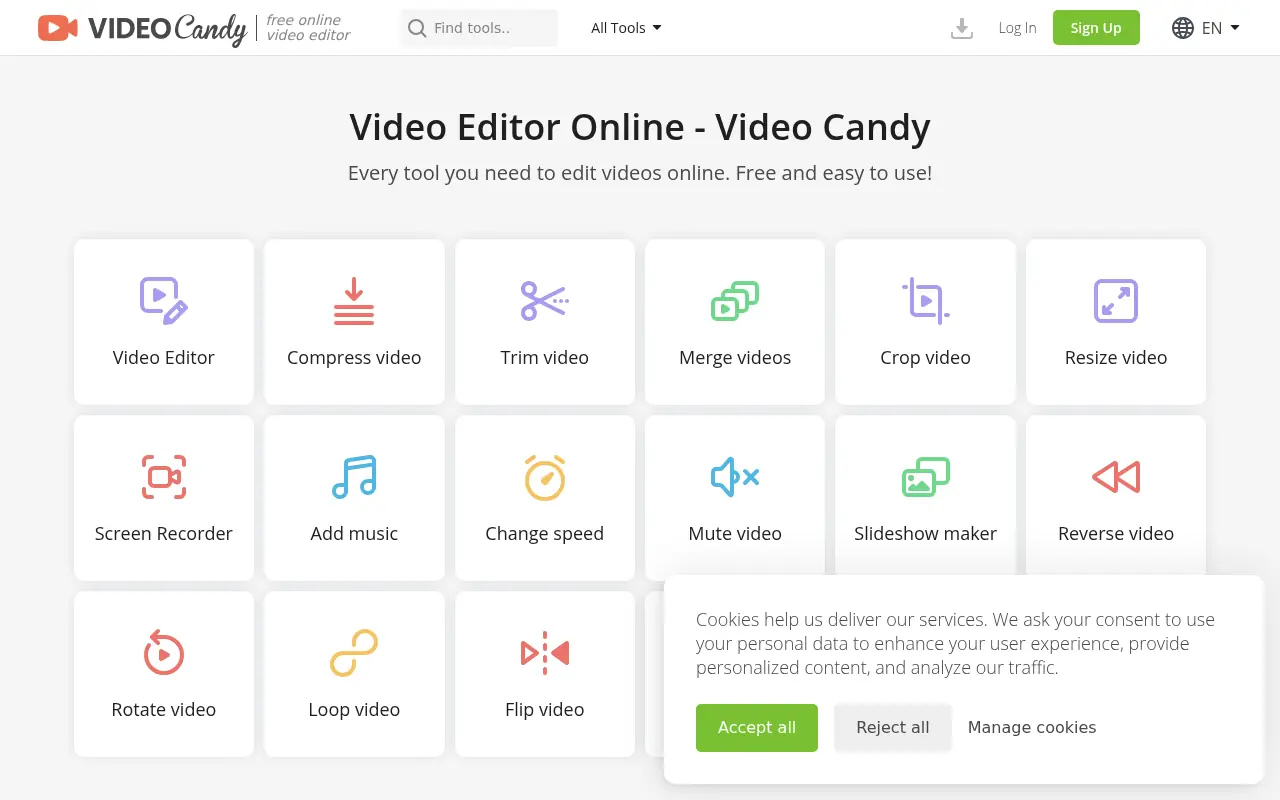
Video Candy is a free, browser-based video editor that offers a comprehensive suite of tools for trimming, merging, compressing, and resizing videos without any software installation.

FocuSee
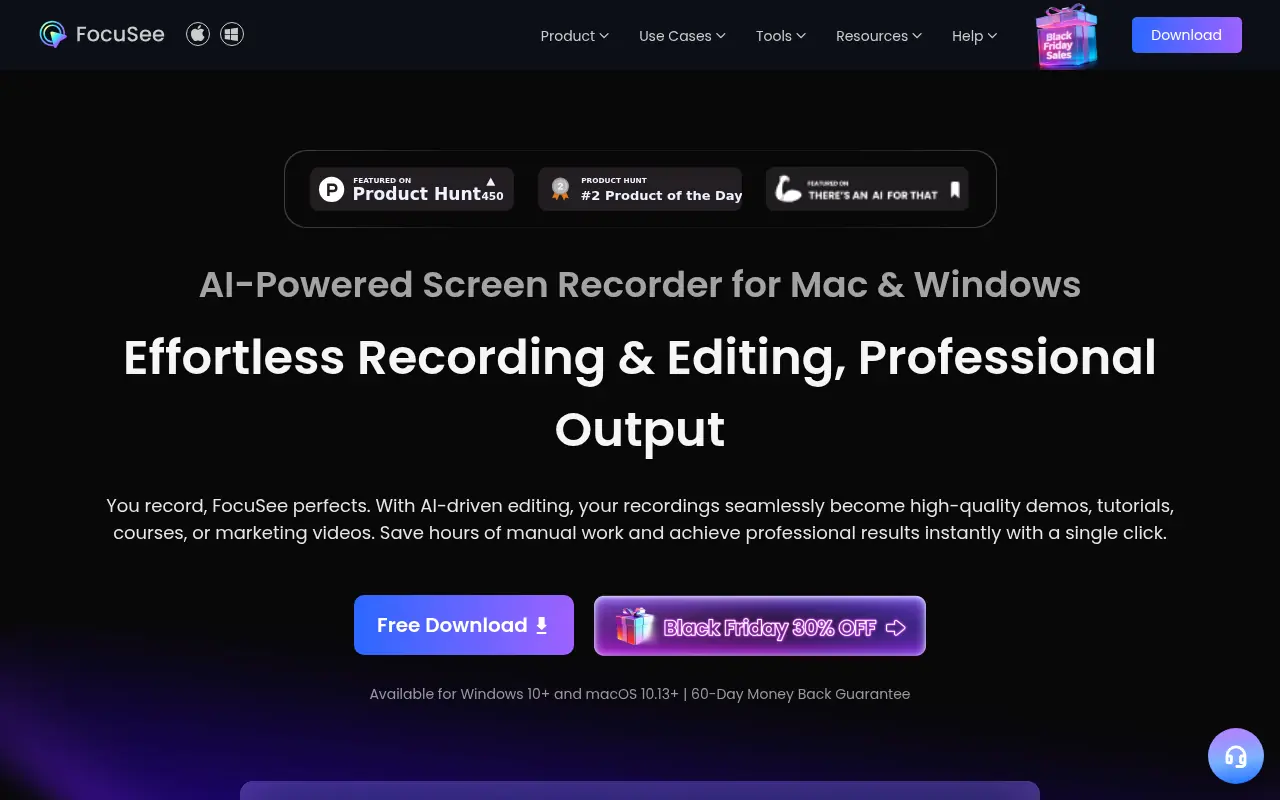
FocuSee is an AI-powered screen recording and editing tool that automatically transforms raw screen recordings into professional-quality videos with minimal manual editing.

Vmaker
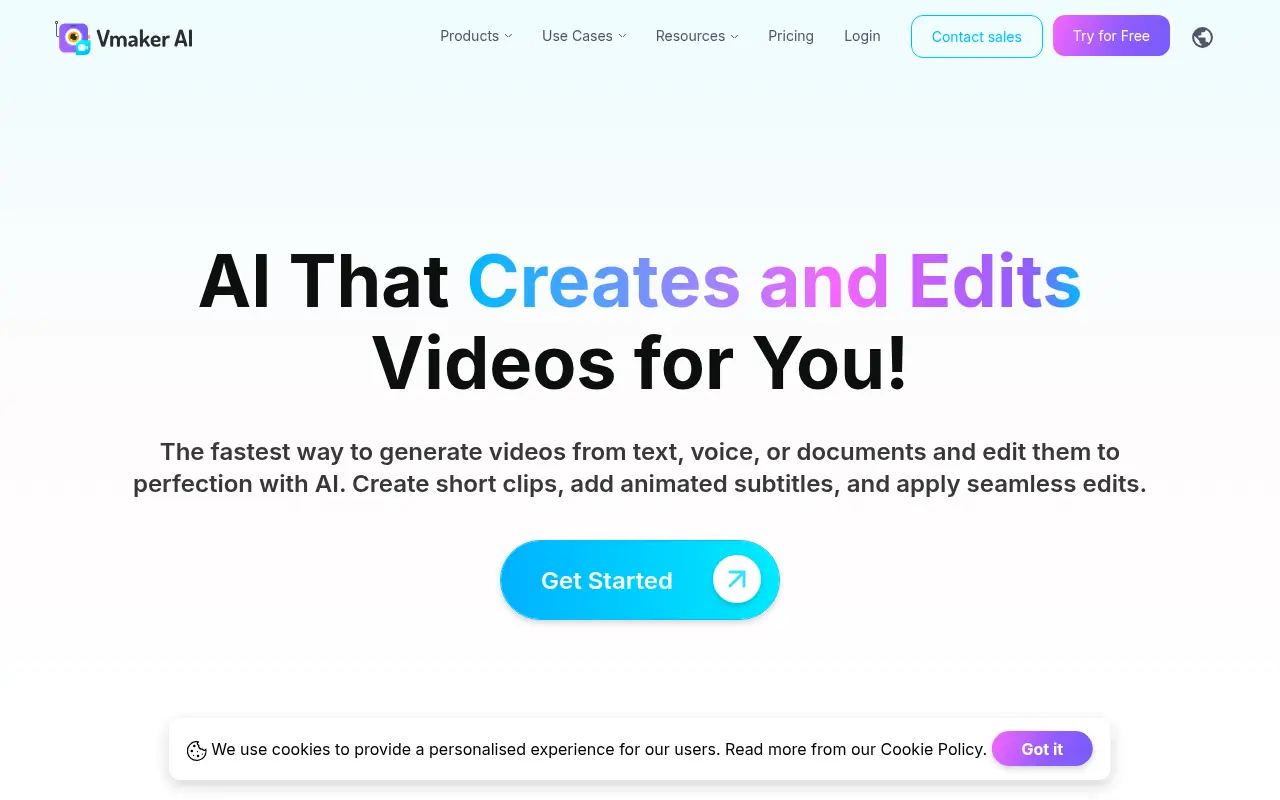
Vmaker is an AI-powered video editing and screen recording platform that automates the creation of publish-ready videos for individuals and businesses.
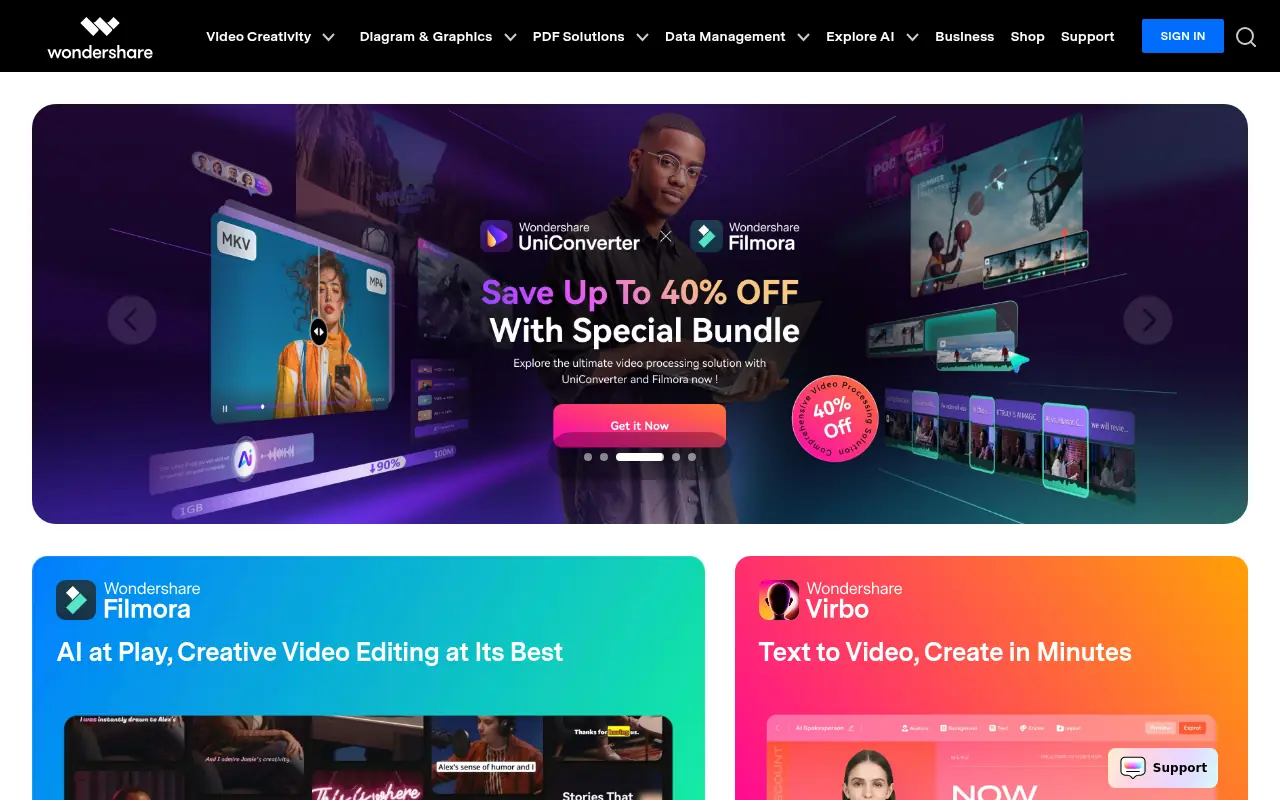

Wondershare
Wondershare provides AI-powered software solutions for video editing, PDF management, data recovery, and mobile device management to enhance creativity and productivity.
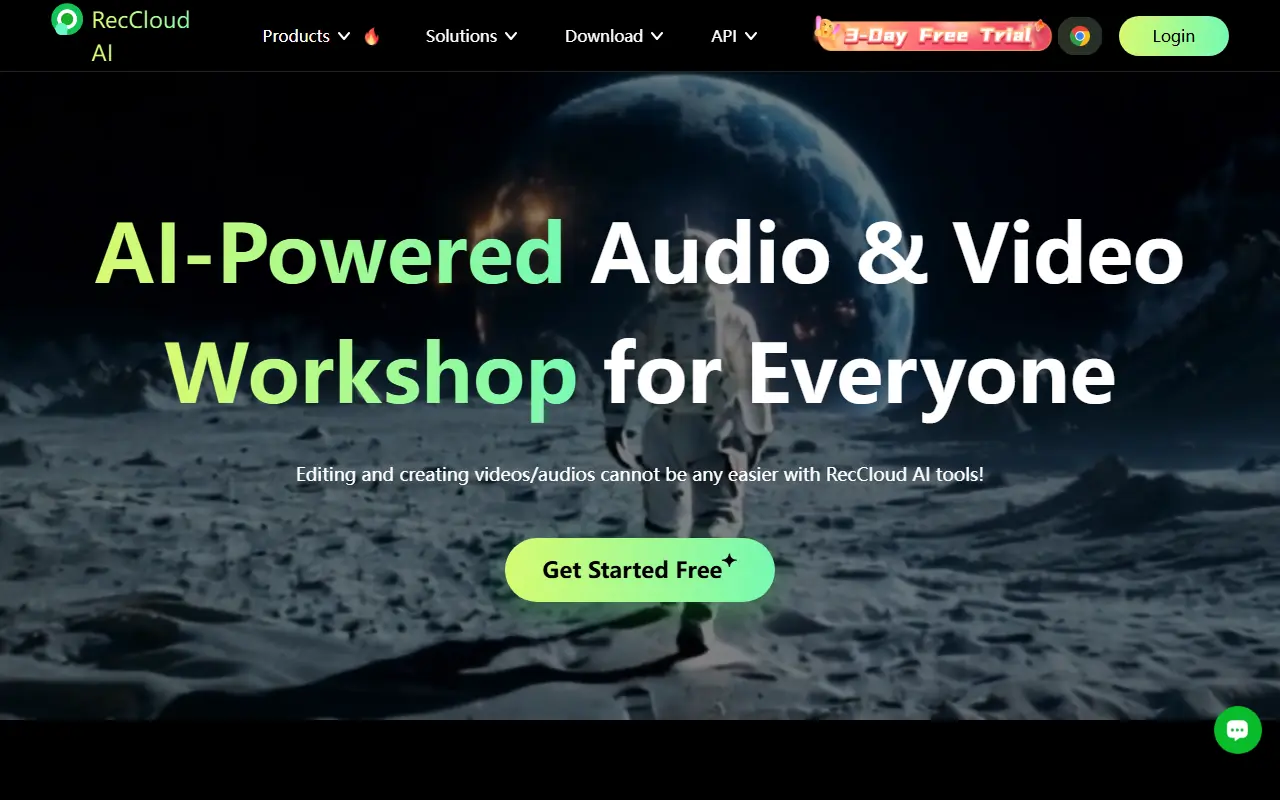

RecCloud
RecCloud is an AI-powered multimedia platform offering tools for video and audio creation, editing, and cloud storage.
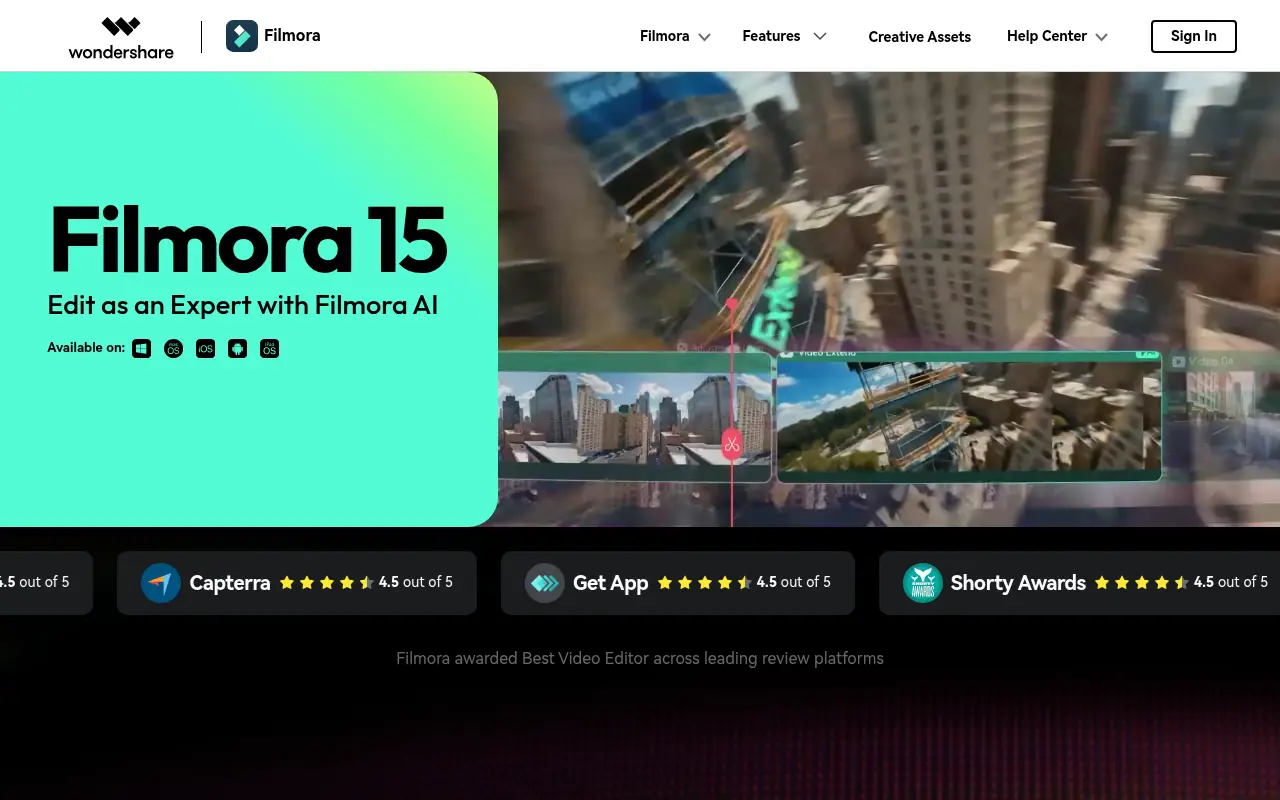

Filmora (Wondershare)
Wondershare Filmora is a powerful, user-friendly video editing software equipped with robust AI features designed for creators of all skill levels.
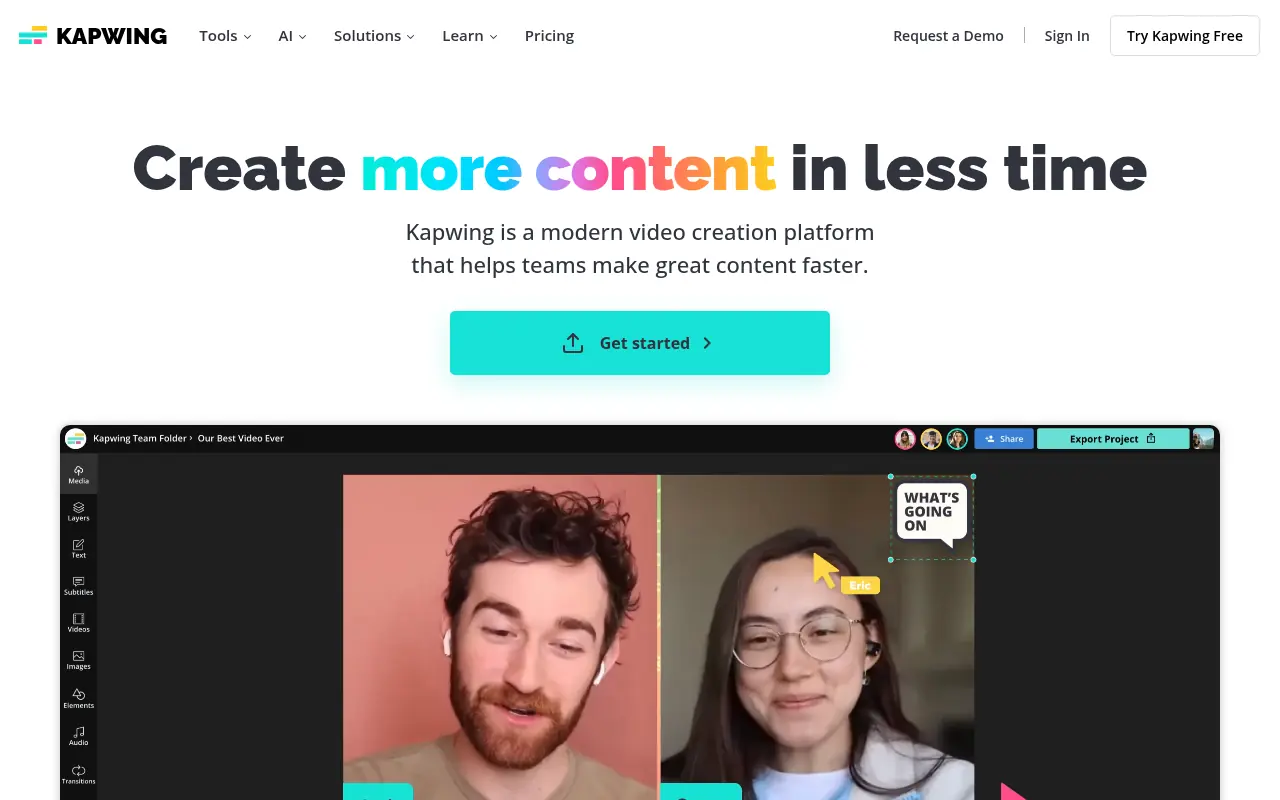

Kapwing
Kapwing is an online platform for creating and editing videos, images, and GIFs with user-friendly tools.
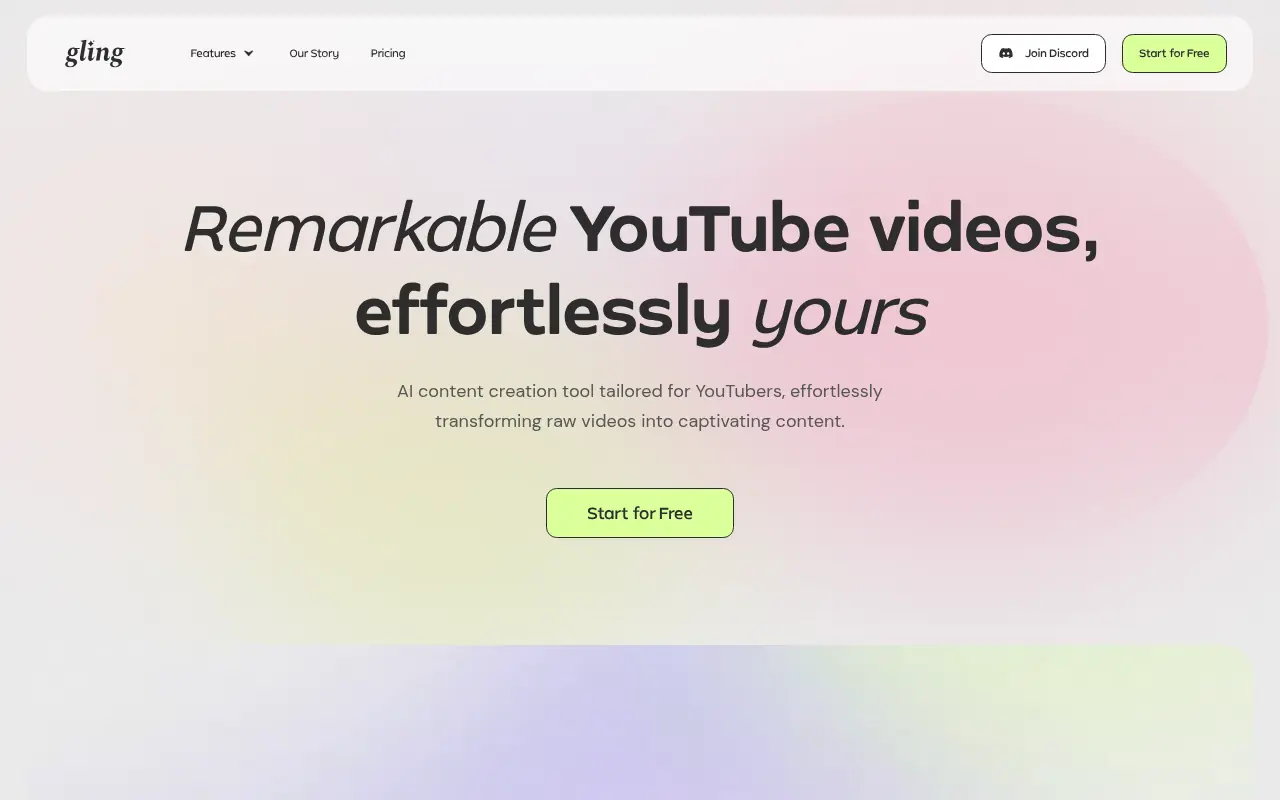

Gling
Gling is an AI-powered video editing software designed to streamline content creation for YouTube creators by automating the removal of unwanted footage and enhancing video quality.