

FocuSee
What is FocuSee?
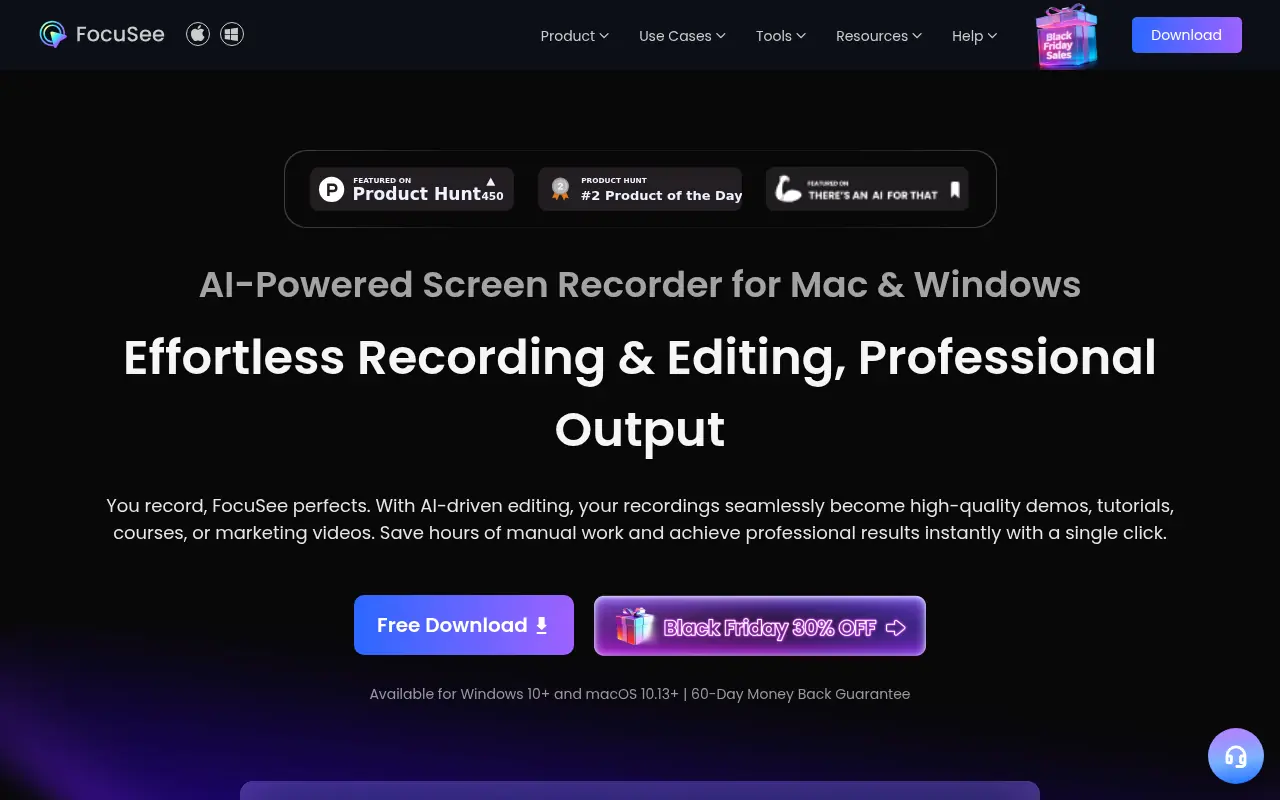
FocuSee is an all-in-one screen recording and editing software designed to streamline post-production for video creators, educators, and professionals. The platform automates the editing process by automatically following cursor actions, integrating zoom-in effects, and enriching visual elements, allowing users to produce polished, professional videos without requiring complex editing skills. FocuSee 2.0 features six powerful AI capabilities including automatic filler word removal, noise cancellation, AI subtitle generation, background removal, and virtual avatar creation. The software supports simultaneous recording of screen, webcam, and voiceover, making it ideal for tutorials, product demos, marketing videos, and online courses. By automating traditionally time-consuming post-production tasks, FocuSee reduces video production time by approximately 50%, enabling creators to focus on content rather than technical editing. Available for Windows and macOS, FocuSee serves indie developers, content creators, educators, and marketing professionals seeking efficient, accessible video production solutions.
How to use FocuSee?
Download FocuSee from the official website for Windows or macOS and complete the quick setup process. Record your screen, webcam, and voiceover simultaneously using the built-in recording features. After recording, FocuSee's AI automatically processes your video by removing silences and filler words, enhancing audio quality, and generating synchronized subtitles. Review and adjust AI-generated elements such as zoom levels, backgrounds, and cursor effects in the editing interface. Finally, export your video in your desired format and resolution (including 4K options) or share directly via secure cloud links with customizable privacy settings.
FocuSee's Core Features
Automatic zoom-in on cursor clicks and important screen areas to guide viewer attention.
AI-powered filler word and silence remover for smoother, more professional audio delivery.
AI-generated subtitles with speech recognition in over 50 languages for enhanced accessibility.
AI virtual avatar feature enabling presenters to maintain audience connection without appearing on-camera.
Background noise removal and voice enhancement for studio-quality audio production.
AI background removal and customizable background replacements for distraction-free visuals.
Dynamic cursor animation and customizable mouse styles for engaging visual presentations.
Motion blur effects and focus highlighting to emphasize key content areas.
Simultaneous recording of screen, webcam, and voiceover in customizable layouts.
Keystrokes display and teleprompter support for professional video presentation.
Blur effect for privacy protection of sensitive screen information.
Multiple export options including MP4, GIF, and 4K resolution formats.
Cloud sharing with password-protected links and secure distraction-free viewing experience.
Custom watermarking for brand protection and content ownership identification.
Audio control with volume enhancement up to 300% and comprehensive noise reduction.
FocuSee's Use Cases
- #1
Creating professional software tutorials and product demonstrations without on-camera presence
- #2
Generating engaging training videos and online course content with automatic captions in 50+ languages
- #3
Producing polished marketing and promotional videos with minimal manual editing time
- #4
Recording technical walkthroughs with automatic zoom emphasis on important screen areas and clicks
- #5
Creating YouTube content with professional polish, including AI-generated thumbnails and optimized audio
- #6
Developing educational content with accessibility features like automatically generated subtitles
- #7
Producing webinar recordings with clean audio, removed awkward pauses, and enhanced visual focus
Frequently Asked Questions
Analytics of FocuSee
Monthly Visits Trend: Jun 2025 - Aug 2026
Traffic Sources
AI Channel Traffic Trends
Top Regions
| Region | Traffic Share |
|---|---|
| United States | 16.67% |
| India | 16.67% |
| France | 6.10% |
| Indonesia | 4.19% |
| Turkey | 3.81% |
Top Keywords
| Keyword | Traffic | CPC |
|---|---|---|
| focusee | 44.2K | $2.32 |
| focusee screen recorder | 570 | -- |
| video webseite aufzeichnen | -- | -- |
| focussee | 930 | -- |
| focusee download | 1.7K | -- |
Alternative of FocuSee

Movavi
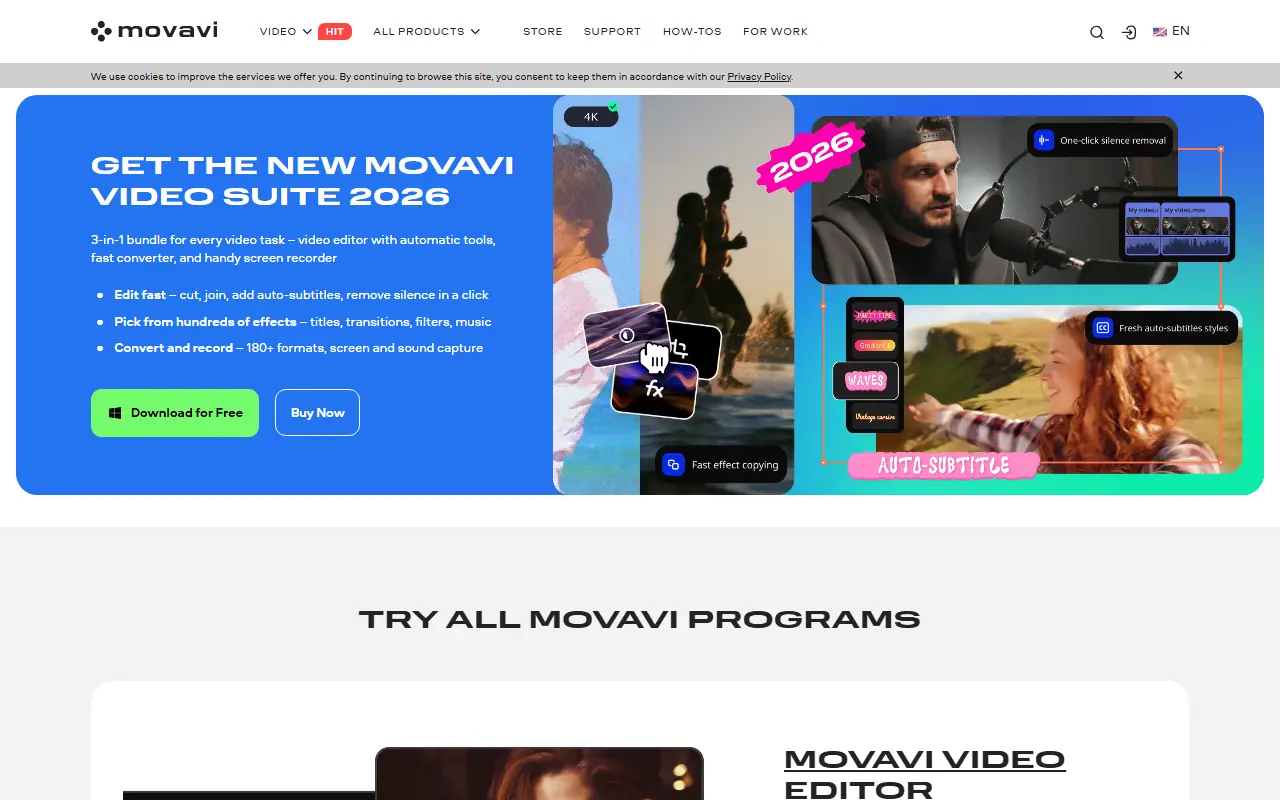
Movavi provides a suite of user-friendly multimedia software for video editing, screen recording, photo manipulation, and media conversion, enhanced with modern AI-driven features.

Gling
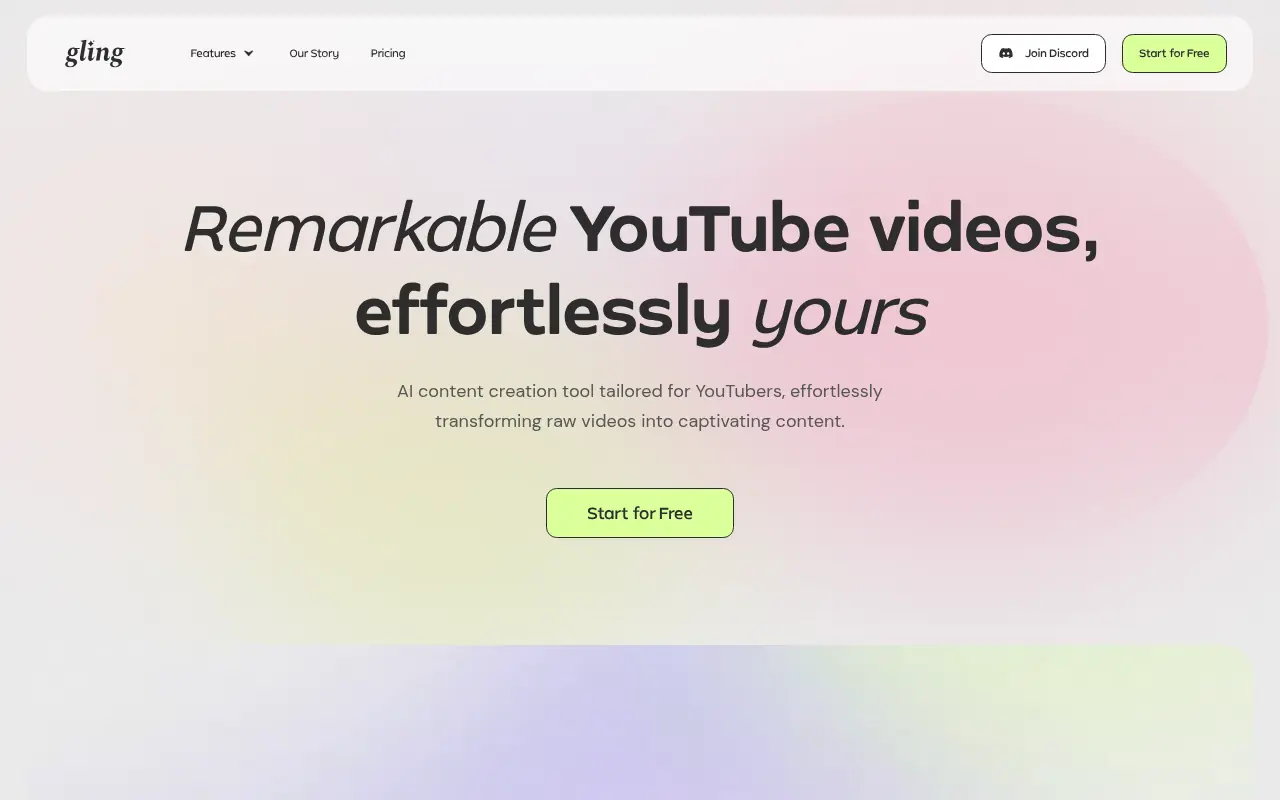
Gling is an AI-powered video editing software designed to streamline content creation for YouTube creators by automating the removal of unwanted footage and enhancing video quality.

Vmaker
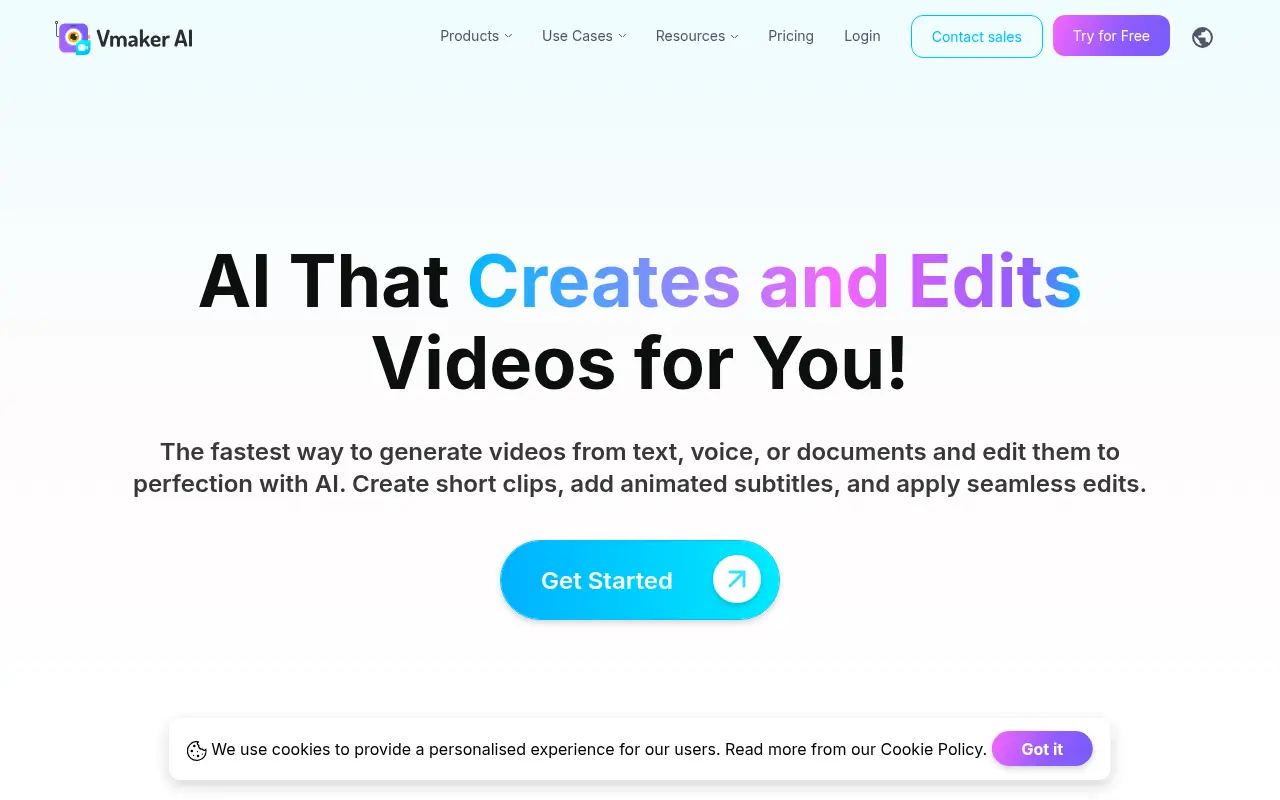
Vmaker is an AI-powered video editing and screen recording platform that automates the creation of publish-ready videos for individuals and businesses.


Hippo Video
Hippo Video is an all-in-one AI-powered video engagement platform that enables businesses to create, personalize, and analyze videos for sales, marketing, and customer support.
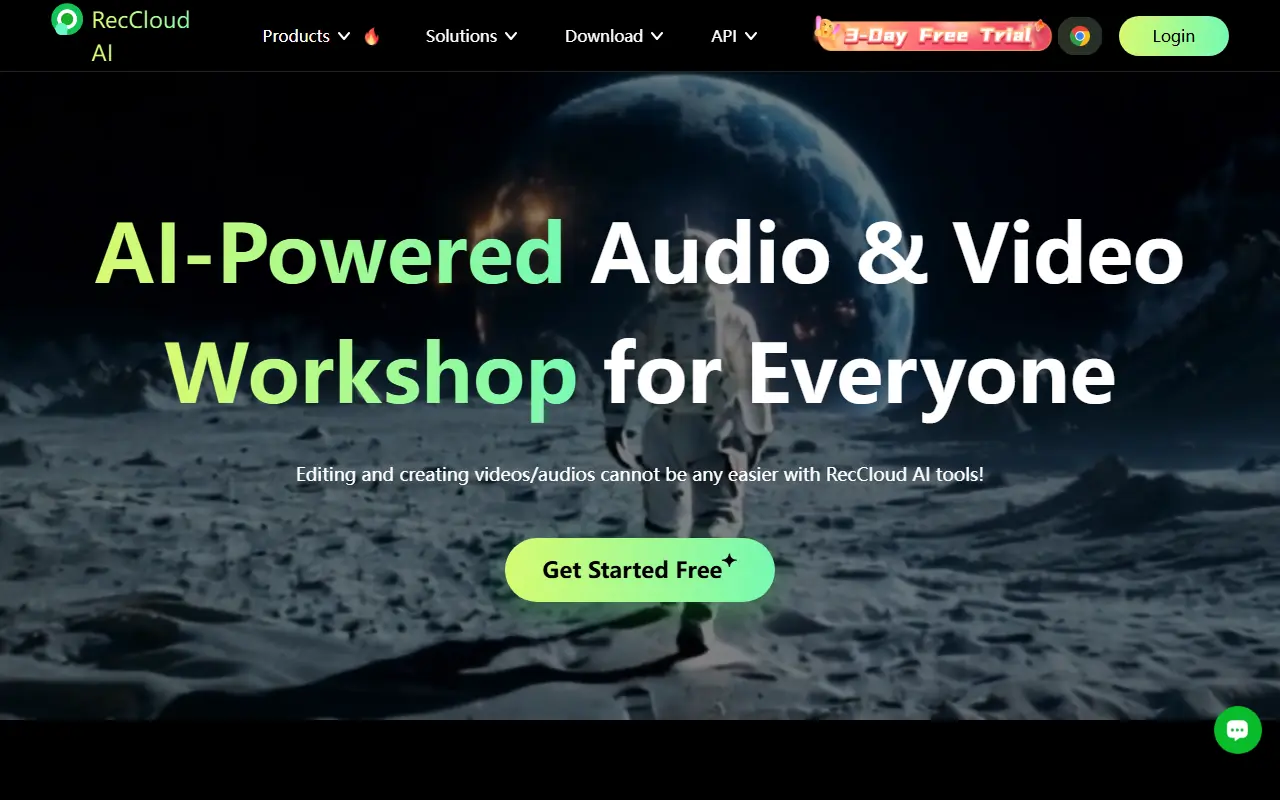

RecCloud
RecCloud is an AI-powered multimedia platform offering tools for video and audio creation, editing, and cloud storage.
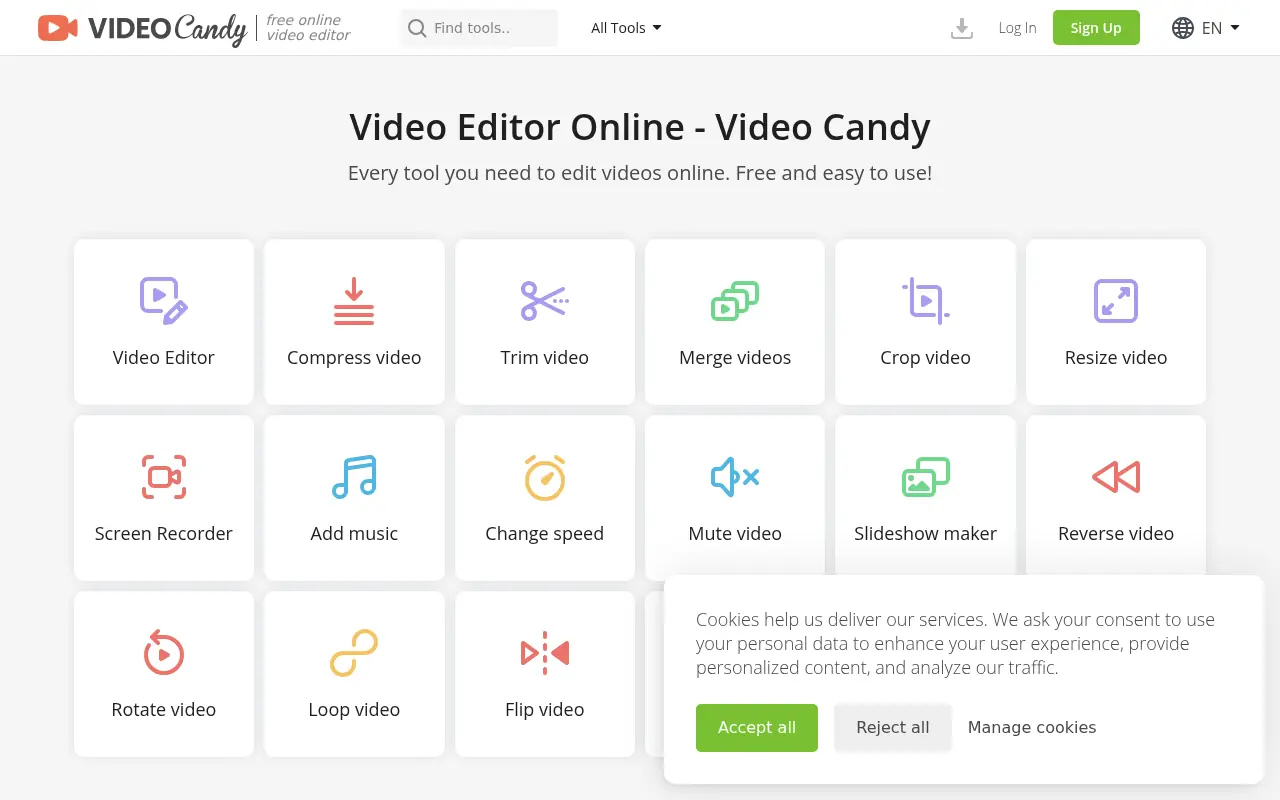

Video Candy
Video Candy is a free, browser-based video editor that offers a comprehensive suite of tools for trimming, merging, compressing, and resizing videos without any software installation.


Firecut
Firecut is an AI-powered plugin for Adobe Premiere Pro that automates tedious video editing tasks to accelerate content creation for video professionals and creators.
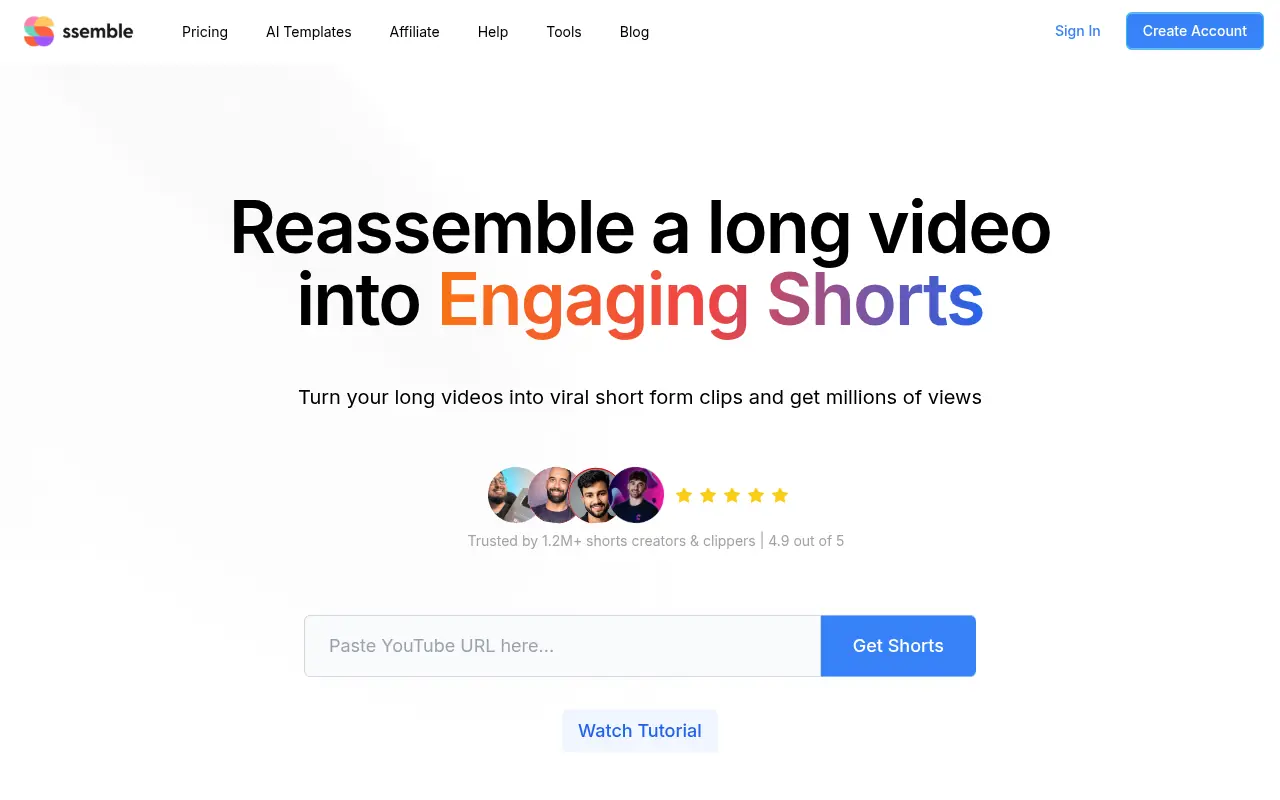

Ssemble
Ssemble is an AI-powered online video editor that transforms long-form videos into engaging short-form content for social media platforms.