

Riverside

What is Riverside?
Riverside is a powerful online platform designed for remote audio and video recording, editing, and production. Founded with the mission to make studio-quality recording accessible from anywhere, it caters to creators, podcasters, and media companies who need professional-grade outputs without physical studios. The software distinguishes itself by capturing uncompressed audio and up to 4K video locally on each participant's device, ensuring that unstable internet connections do not compromise the final recording. Additionally, Riverside streamlines the post-production workflow by offering AI-powered text-based editing, automated multi-language transcriptions, and instant social media clip generation. By seamlessly bridging the gap between recording and editing, Riverside serves as an all-in-one virtual studio that empowers users to produce top-tier content effortlessly.
How to use Riverside?
To use Riverside effectively, start by creating an account and setting up a new virtual studio from your dashboard. Invite guests by sharing a simple session link, allowing them to join the recording seamlessly via their web browser or mobile app without needing an account. During the session, Riverside records each participant's audio and video locally in high definition to ensure optimal quality. Once the recording is complete, leverage the built-in text-based editor to trim your content by simply modifying the AI-generated transcript, and use the Magic Clips feature to automatically generate short-form videos. Finally, export your polished full-length episode and social media clips in your desired resolution and format.
Riverside's Core Features
Local Recording: Captures up to 4K video and 48kHz uncompressed audio directly on each participant's device to prevent internet dropout issues.
Separate Audio & Video Tracks: Records individual, synced tracks for up to 10 participants, offering maximum control during post-production.
Text-Based Editor: Allows users to seamlessly trim and edit their video and audio content by simply deleting text within an automated transcript.
AI Magic Clips: Automatically identifies key moments in a long recording and generates engaging, short-form vertical clips for social media.
Automated Transcriptions: Generates highly accurate, AI-powered transcripts and automatic subtitles in over 100 languages.
Teleprompter: Features a built-in teleprompter to help hosts read scripts smoothly while maintaining eye contact with the camera.
Live Streaming: Enables creators to broadcast their recording sessions live to platforms like YouTube, LinkedIn, and Twitch.
Mobile Application: Offers dedicated iOS and Android apps that turn smartphones into high-quality secondary cameras or mobile recording studios.
Screen Sharing Track: Records high-resolution screen shares on a separate, dedicated track for easy integration into the final video edit.
Riverside's Use Cases
- #1
Recording studio-quality, multi-track remote video podcasts.
- #2
Generating short-form, engaging clips for TikTok, Instagram Reels, and YouTube Shorts.
- #3
Conducting and recording high-definition remote interviews for journalism and media.
- #4
Creating professional internal corporate communication and training videos.
- #5
Hosting and capturing panel discussions or webinars with multiple remote speakers.
- #6
Producing automated video and audio transcriptions for accessibility and SEO optimization.
Frequently Asked Questions
Analytics of Riverside
Monthly Visits Trend: Jun 2025 - Sep 2026
Traffic Sources
AI Channel Traffic Trends
Top Regions
| Region | Traffic Share |
|---|---|
| United States | 56.37% |
| United Kingdom | 8.22% |
| Canada | 4.01% |
| Philippines | 2.90% |
| India | 2.55% |
Top Keywords
| Keyword | Traffic | CPC |
|---|---|---|
| 101.1M | $0.72 | |
| riverside | 192.1K | $0.79 |
| riverside transcription | 13.1K | $1.19 |
| riverside fm | 8.6K | $1.81 |
| riverside podcast | 10.4K | $2.44 |
Alternative of Riverside
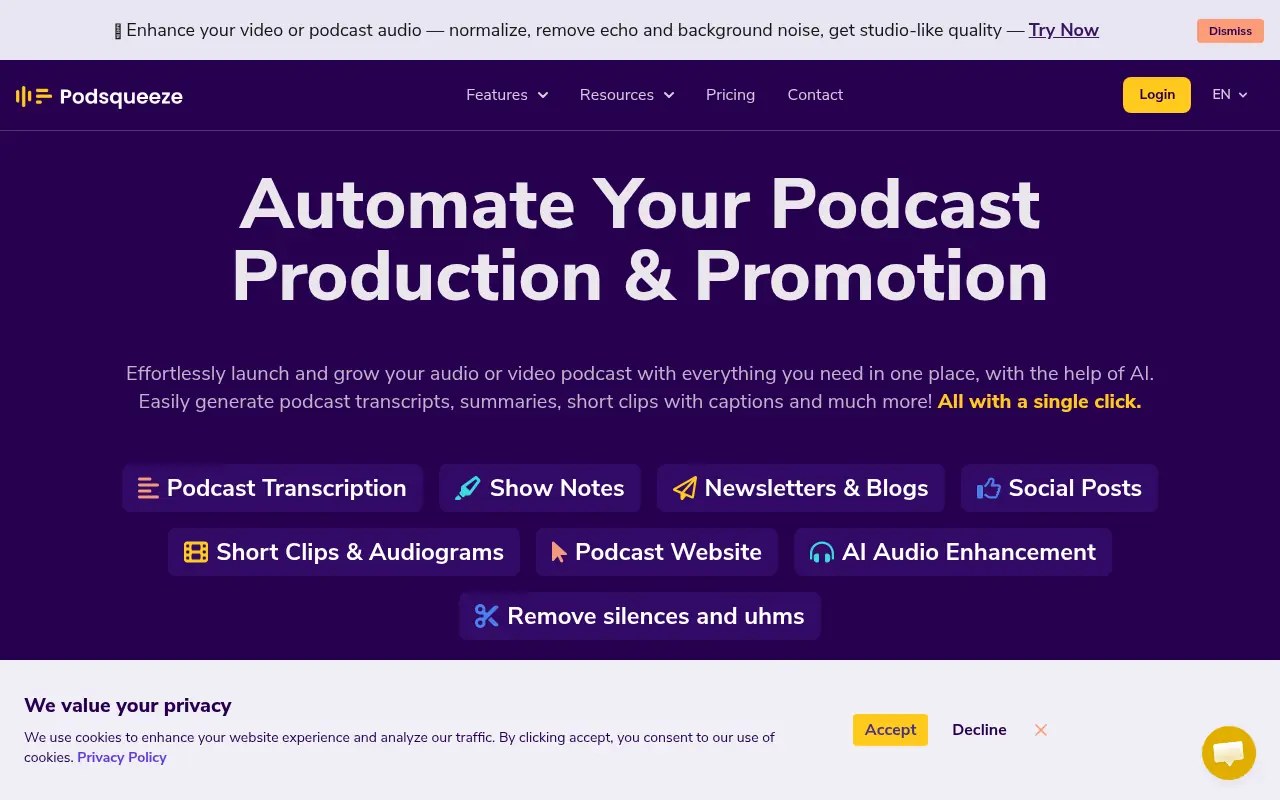

Podsqueeze
Podsqueeze is an AI-powered tool that automates podcast post-production by generating transcripts, show notes, and promotional content from audio and video files.
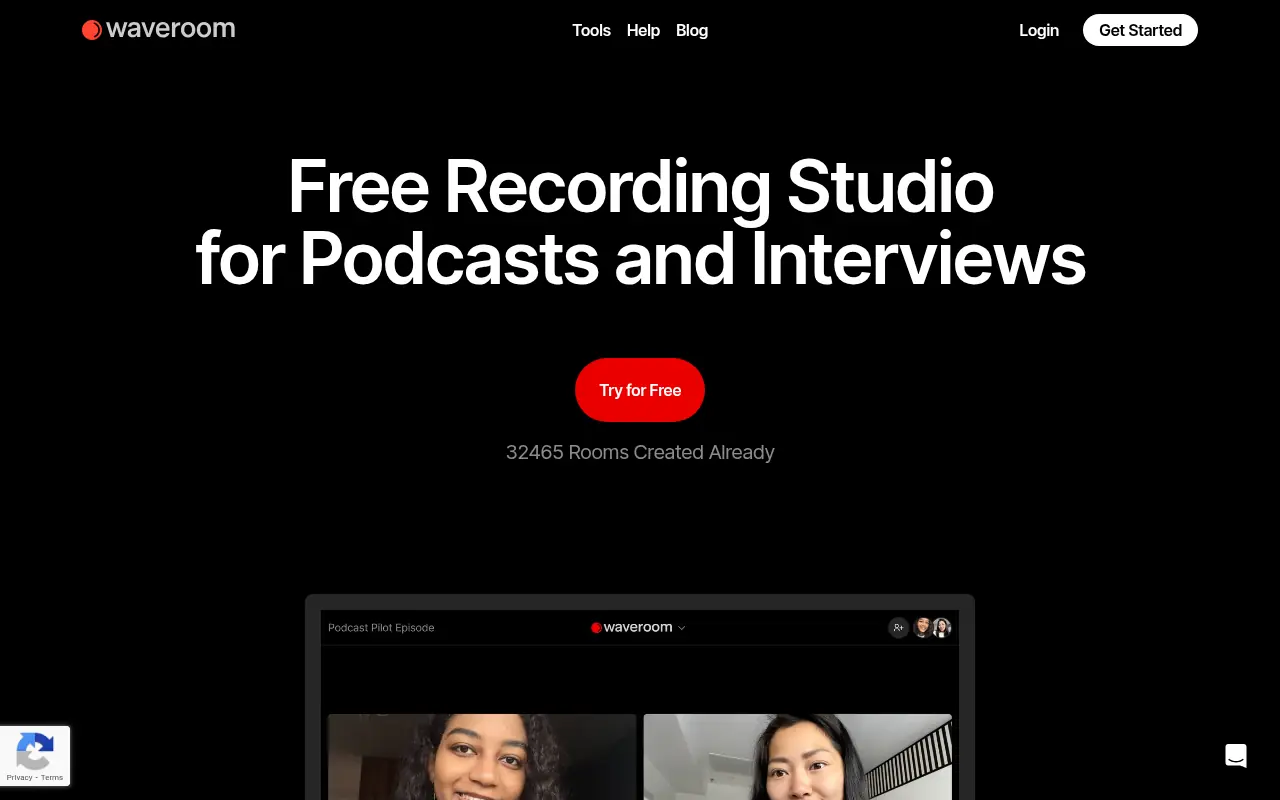

Waveroom
Waveroom is a browser-based remote recording studio for high-quality multi-track video and audio recording of podcasts, webinars, interviews, and meetings, with local recording and AI noise removal.
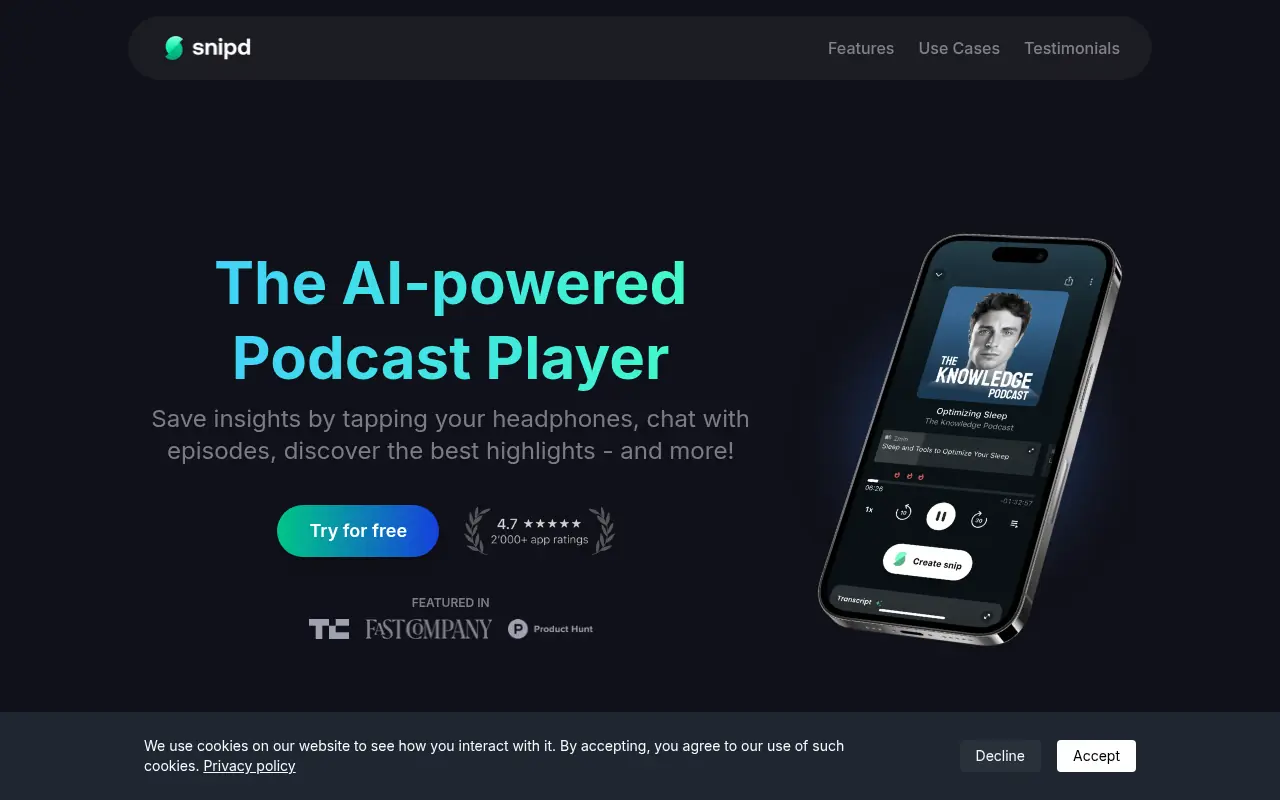

Snipd
Snipd is an AI-powered podcast app that enables users to discover, highlight, and save key moments from podcasts for easy sharing and reference.
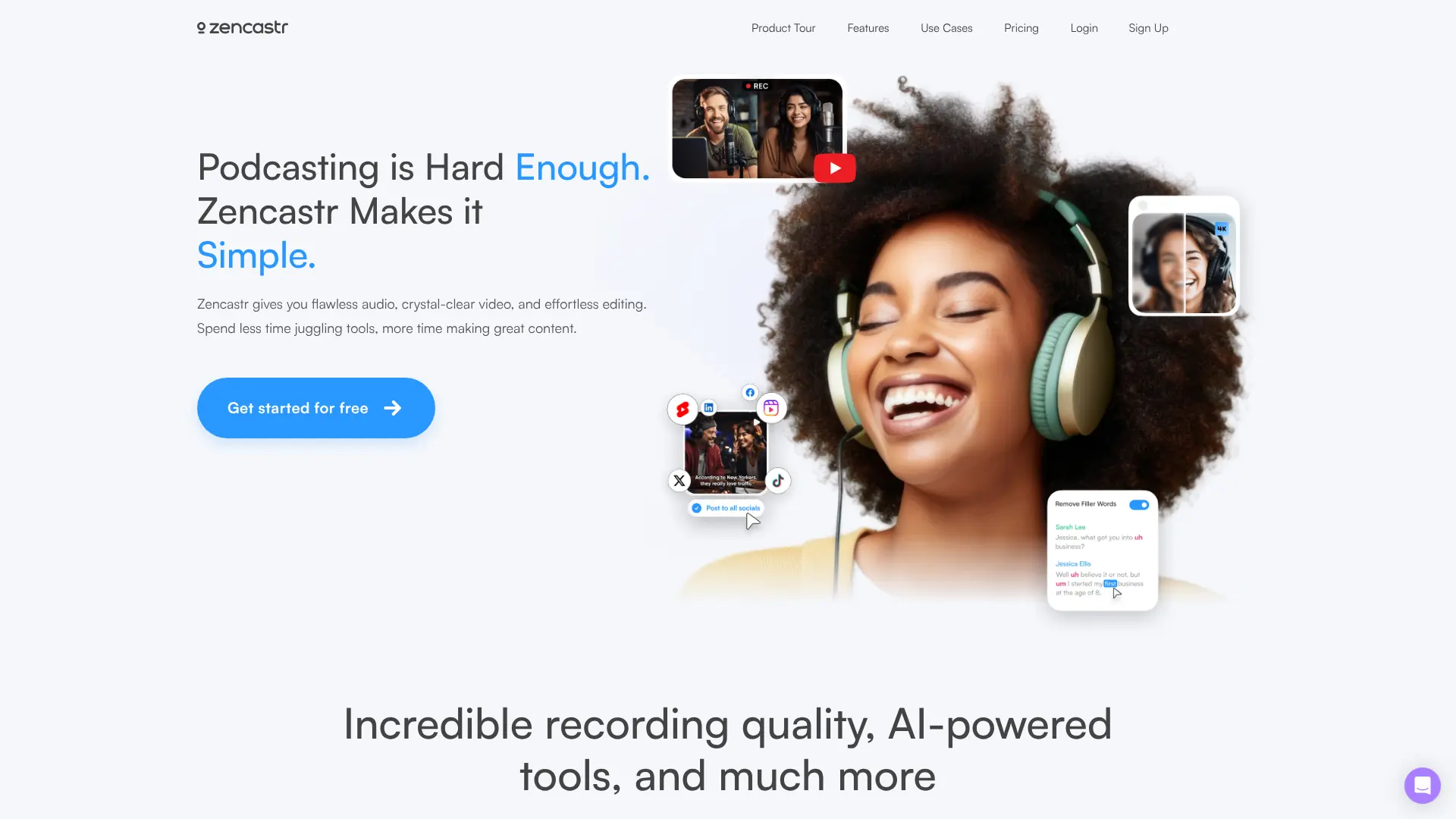

Zencastr
Record, edit, transcribe, host, and distribute professional podcasts remotely from one browser-based production platform.


Podscan
Search, monitor, and analyze millions of podcast conversations with searchable transcripts, alerts, structured data, and developer APIs.


Podnotes
Turn podcasts and recordings into summaries, transcripts, and content assets with AI-driven automation.


Podcastle
Podcastle is an AI-powered platform for creating, editing, and distributing professional-quality podcasts and videos directly in your browser.
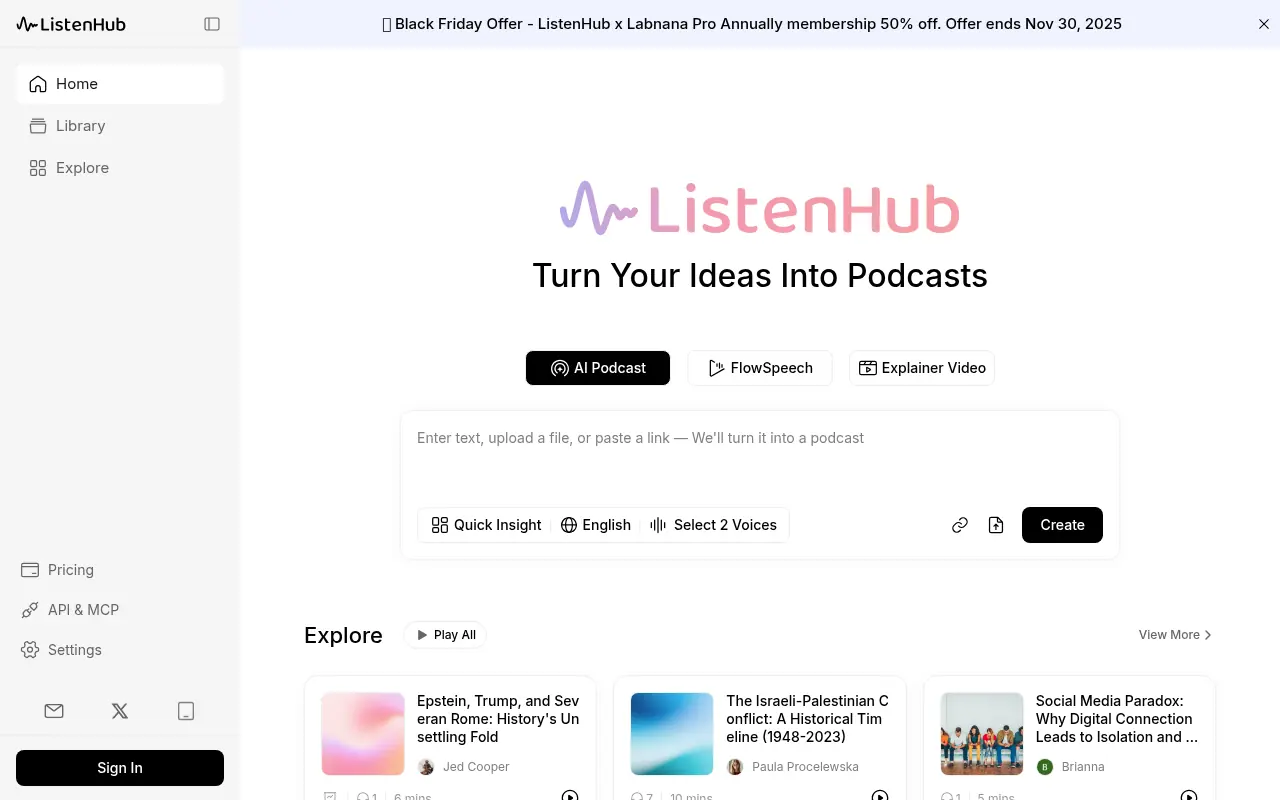

ListenHub
ListenHub is a multi-modal AI platform that transforms text, documents, and URLs into engaging podcasts, explainer videos, and professional presentations.