

Filmora (Wondershare)
What is Filmora (Wondershare)?
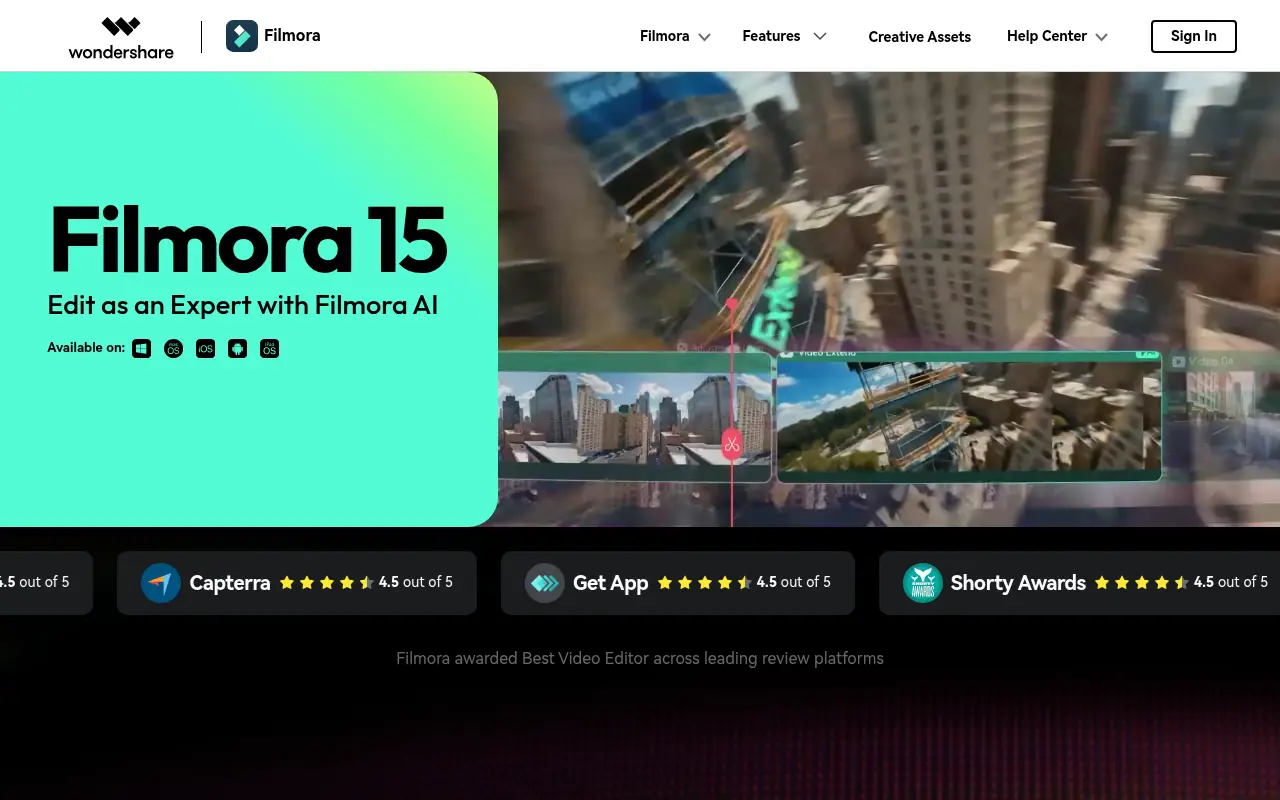
Wondershare Filmora is a comprehensive video editing platform that caters to beginners and professionals alike. Its mission is to simplify the video creation process by integrating intuitive drag-and-drop interfaces with advanced AI-powered tools. Users can effortlessly edit videos, enhance audio, generate AI content, and apply thousands of special effects or templates. By solving the complexity typically associated with high-end video editing software, Filmora empowers content creators, educators, and marketers to produce stunning visual content efficiently without a steep learning curve.
How to use Filmora (Wondershare)?
To use Filmora, users first download the desktop client for Windows or Mac, or install the mobile app. After launching the software and creating a new project, users can import their raw media files (video, audio, and images) directly into the media library. By dragging and dropping these files onto the multi-track timeline, users can easily trim, cut, and arrange their clips. Creators can then leverage built-in AI tools like AI Smart Cutout to remove backgrounds, Text-to-Video for rapid generation, or AI Audio Denoise to enhance sound quality. Finally, after adding transitions, text, and effects from the rich asset library, the finished video can be exported to a local drive or published directly to connected social media platforms.
Filmora (Wondershare)'s Core Features
AI Smart Cutout: Automatically detect and isolate subjects or objects from video backgrounds seamlessly.
AI Text-to-Video: Transform written scripts into engaging videos complete with relevant visuals and automated voiceovers.
Speech-to-Text: Instantly transcribe spoken audio into accurate, editable subtitles in multiple languages.
AI Audio Enhancer: Clean up background noise and enhance voice clarity with a single click.
AI Object Remover: Seamlessly erase unwanted objects or people from your video footage.
AI Vocal Remover: Isolate vocals from instrumental tracks for easy remixing or dubbing.
Auto Reframe: Automatically crop and resize horizontal videos perfectly for vertical social media formats.
Screen Recorder: Capture your desktop screen, webcam, and system audio simultaneously for tutorials or gameplay.
Color Correction & Match: Enhance video colors automatically and match color tones accurately across different clips.
AI Music Generator: Create custom, royalty-free background music tailored to the exact mood and length of your video.
Filmora (Wondershare)'s Use Cases
- #1
Creating polished YouTube videos and vlogs with engaging transitions and special effects.
- #2
Generating marketing videos and social media advertisements using the AI Text-to-Video generation tool.
- #3
Removing backgrounds from video clips effortlessly without a green screen using AI Smart Cutout.
- #4
Editing podcasts and extracting clean audio using AI Vocal Remover and noise reduction tools.
- #5
Crafting quick TikTok or Instagram Reels by leveraging auto-reframe and short clip templates.
- #6
Adding automated, highly accurate subtitles to promotional videos with the Speech-to-Text feature.
- #7
Producing educational or tutorial videos utilizing the built-in screen recording and text overlays.
Frequently Asked Questions
Analytics of Filmora (Wondershare)
Monthly Visits Trend: Jun 2025 - Aug 2026
Traffic Sources
Top Regions
| Region | Traffic Share |
|---|---|
| India | 23.50% |
| United States | 12.83% |
| Mexico | 6.13% |
| Brazil | 5.03% |
| Italy | 3.34% |
Top Keywords
| Keyword | Traffic | CPC |
|---|---|---|
| filmora | 310.5K | $1.20 |
| capcut | 6.0M | $0.29 |
| wondershare filmora | 87.3K | $1.63 |
| davinci resolve | 1.9M | $0.90 |
| clipchamp | 891.0K | $0.54 |
Alternative of Filmora (Wondershare)

KineMaster
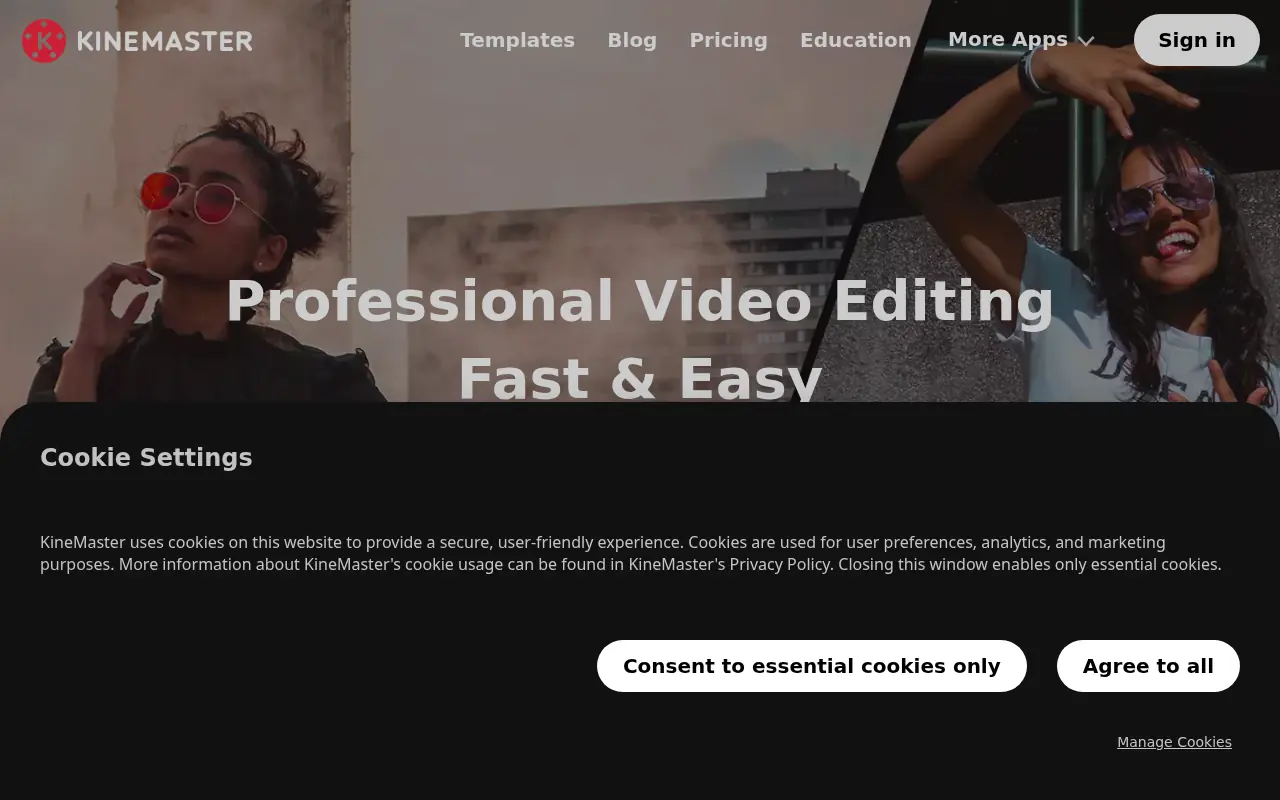
KineMaster is a professional, AI-powered mobile video editing application that equips creators with desktop-grade tools to easily produce high-quality 4K videos on the go.

ClipGOAT
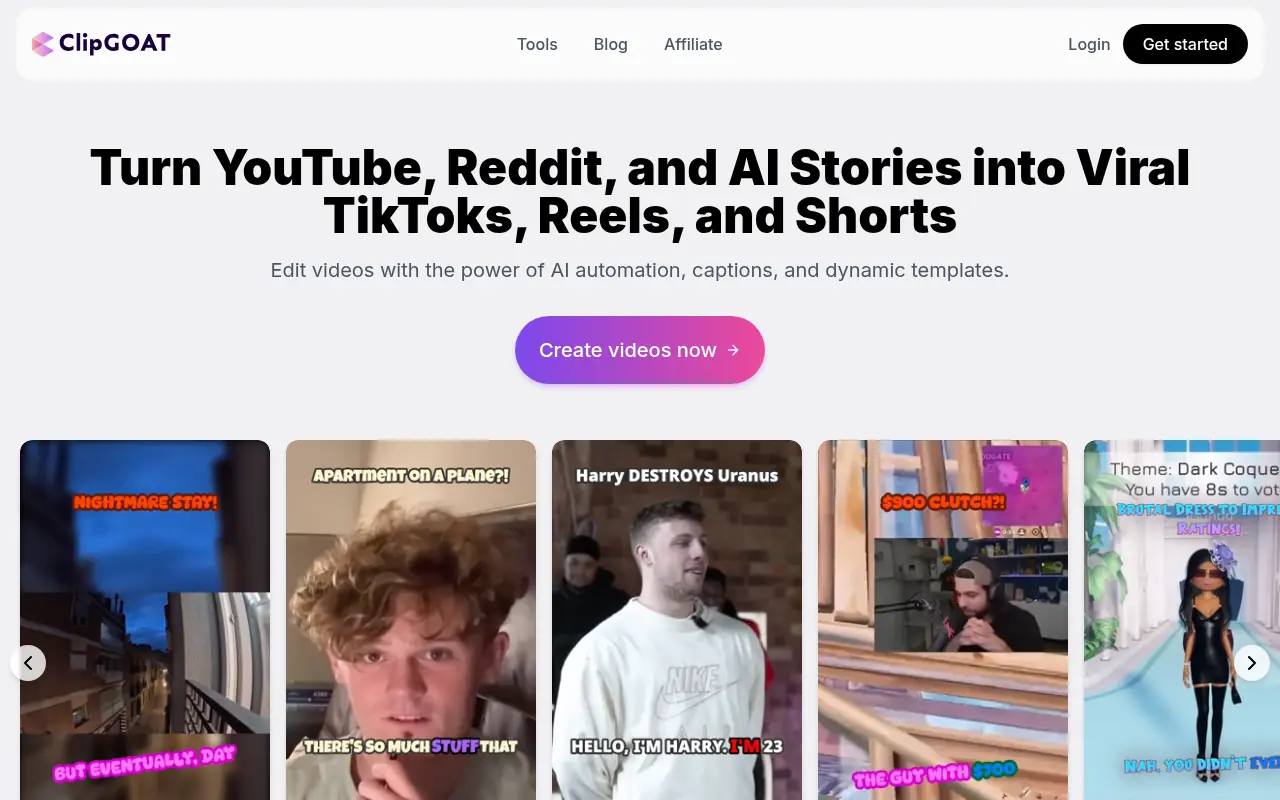
ClipGOAT is an AI-powered platform that transforms long-form videos, Reddit posts, and AI-generated stories into viral short-form clips for TikTok, Reels, and Shorts.


Vizard
Vizard.ai is an AI-powered video editing platform that simplifies content creation for creators, marketers, and businesses.

Flixier
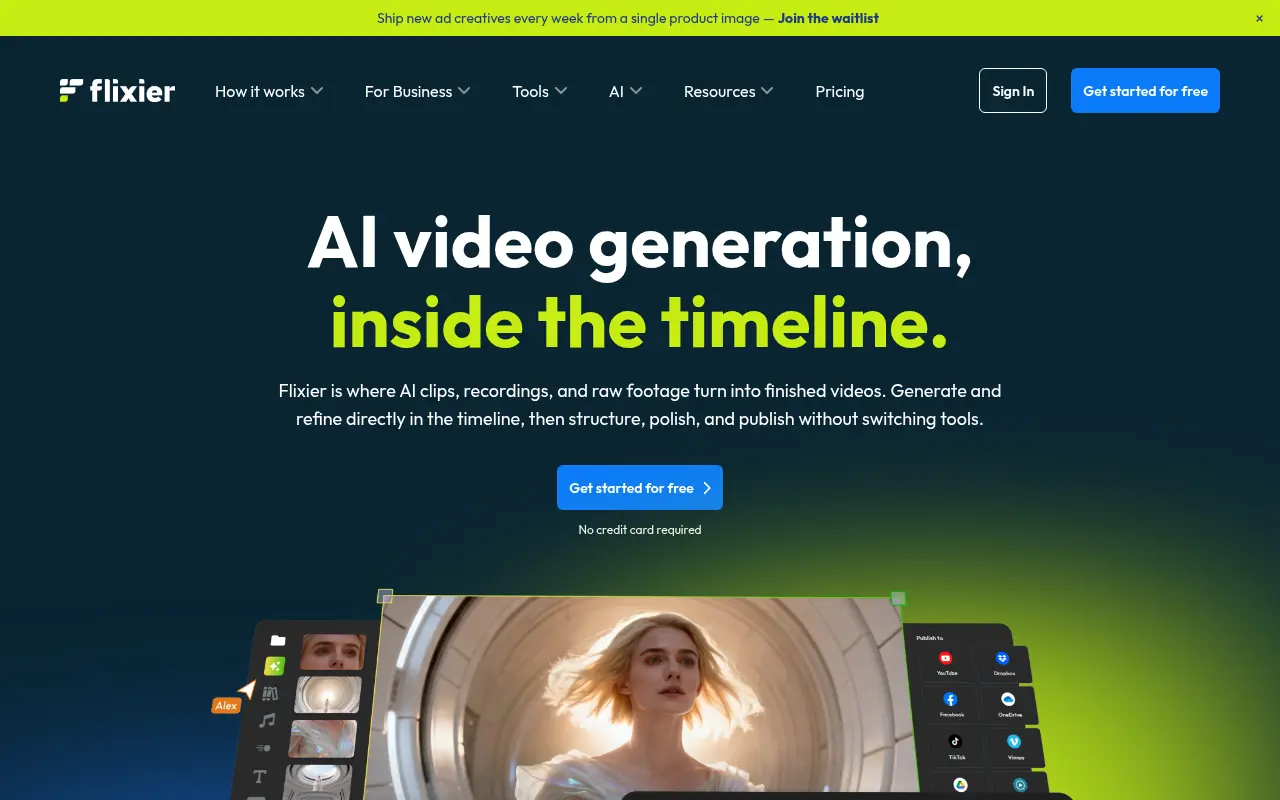
Flixier is a cloud-based online video editor that enables users to create, edit, and publish high-quality videos directly from their browser at incredible speeds.
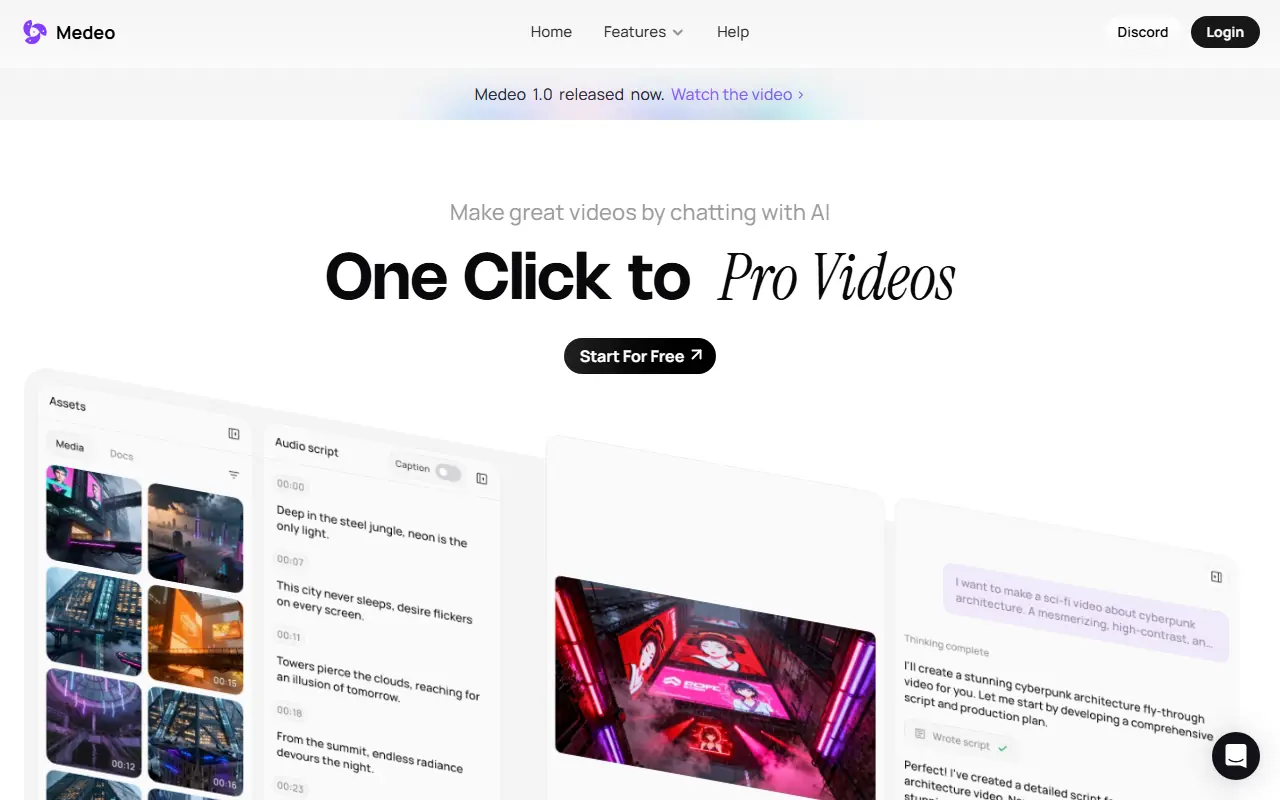

Medeo
A chat-based AI video editor that allows users to create, edit, and animate videos using simple text commands.
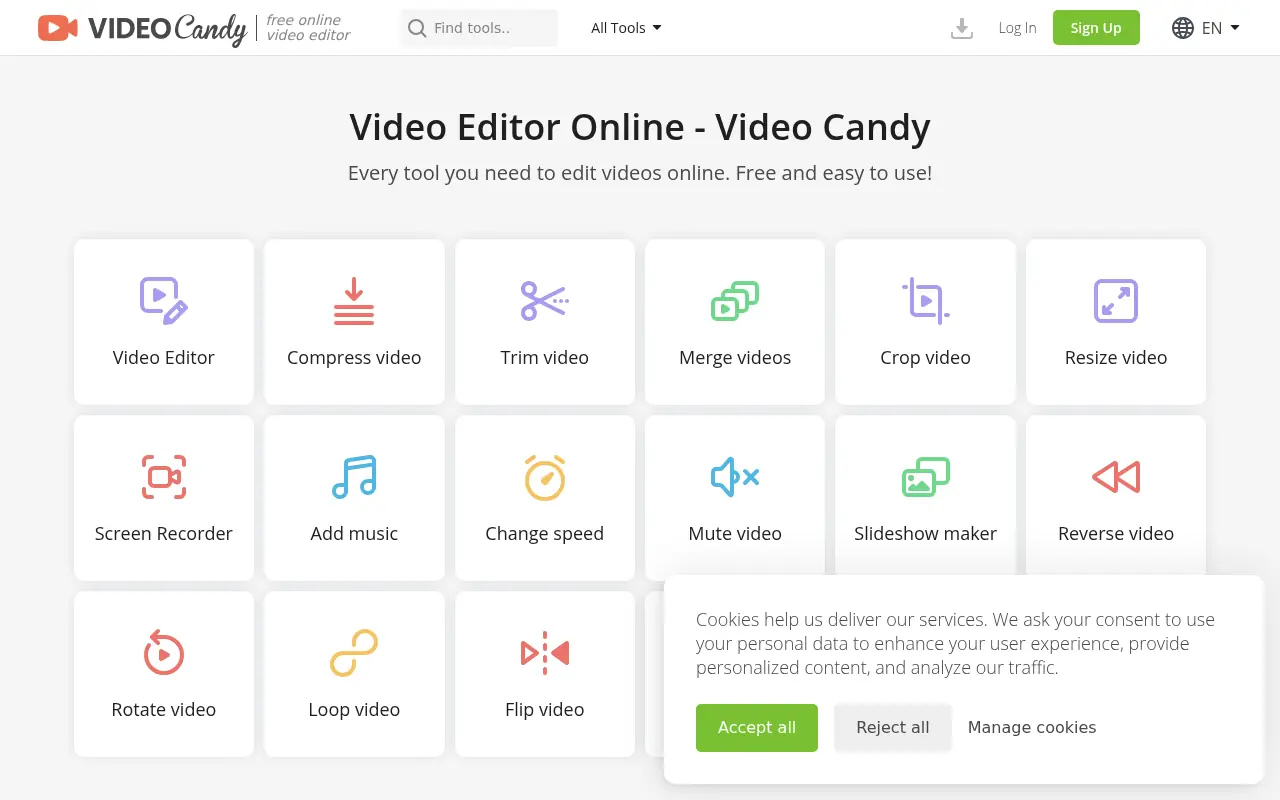

Video Candy
Video Candy is a free, browser-based video editor that offers a comprehensive suite of tools for trimming, merging, compressing, and resizing videos without any software installation.

CapCut
CapCut is an AI-powered platform for easy video editing and graphic design across multiple devices.
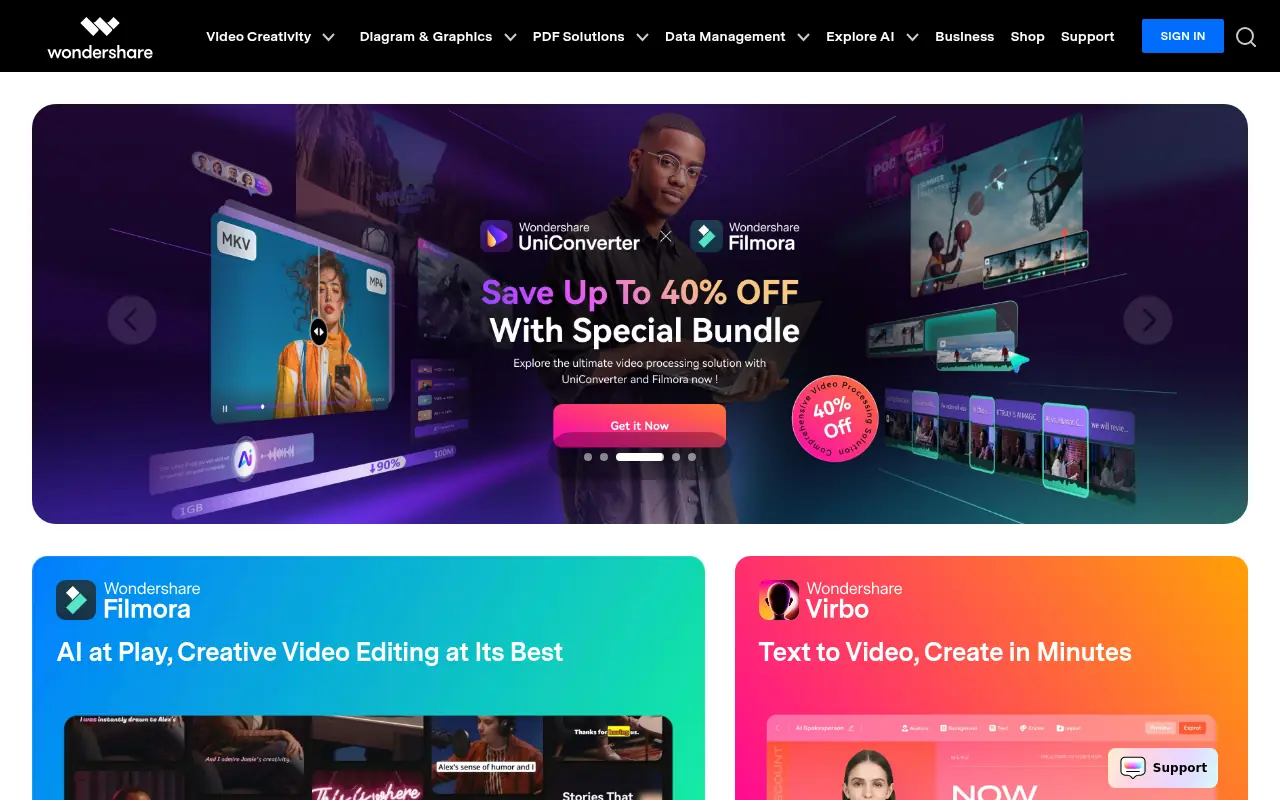

Wondershare
Wondershare provides AI-powered software solutions for video editing, PDF management, data recovery, and mobile device management to enhance creativity and productivity.