

Firebase Studio
What is Firebase Studio?
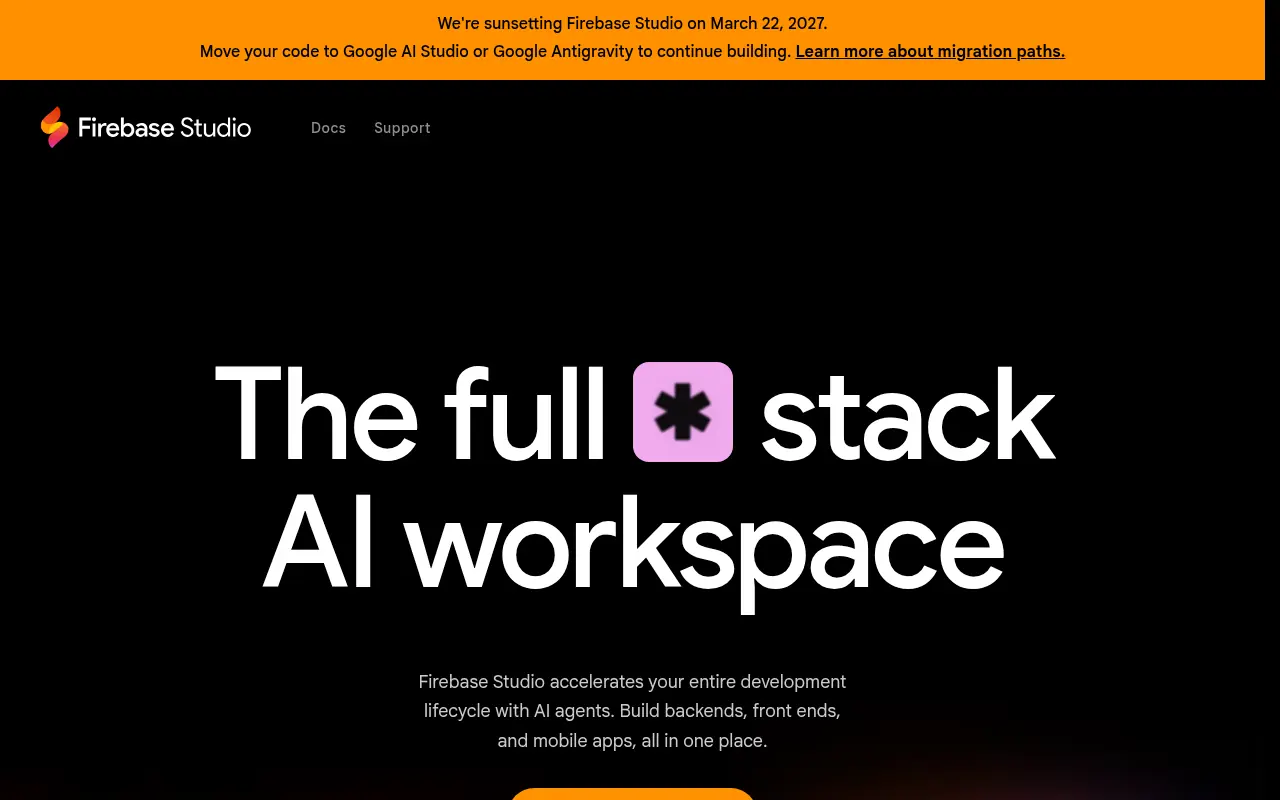
Firebase Studio (formerly Project IDX) is an online integrated development environment (IDE) developed by Google. It provides a collaborative workspace accessible from anywhere, built on Code OSS and powered by Google Cloud. By leveraging Gemini in Firebase, it accelerates the entire development lifecycle, enabling developers to build backends, frontends, and mobile apps using natural language prompting or manual code. The platform natively features tools like the App Prototyping agent, which can generate functional web and mobile prototypes from simple text, drawings, or mockups. Its ultimate mission is to streamline full-stack AI app development from prototype to production by seamlessly combining code editing, built-in device emulators, and easy one-click deployments to Firebase App Hosting.
How to use Firebase Studio?
To use Firebase Studio effectively, simply open the cloud-based workspace in your browser and start by either importing an existing code repository from platforms like GitHub or initializing a new project using the vast library of pre-built framework templates. From there, leverage the built-in App Prototyping agent and Gemini AI to generate boilerplates, debug errors, and refine your application's architecture through natural language prompts. As you develop, you can preview changes instantly using the integrated web and Android emulators without any manual local setup. Finally, once your application is ready, deploy it directly to Firebase App Hosting with a single click to share a live URL for user testing or a production launch.
Firebase Studio's Core Features
Provides a complete, zero-setup integrated development environment accessible directly from any web browser.
Enables developers to generate fully functional web and mobile app prototypes using natural language, drawings, or mockups.
Offers built-in, context-aware AI assistance for code completion, debugging, testing, and refactoring.
Allows instant previews of applications on Android devices and web browsers directly within the IDE workspace.
Seamlessly deploys web applications to Firebase App Hosting with built-in CDN and server-side rendering handling.
Lets developers fully customize their workspace configurations, extensions, and target runtime environments using Nix.
Easily imports and exports existing codebases from GitHub, GitLab, Bitbucket, or local machines.
Provides over 60 pre-built templates for popular languages and frameworks like Flutter, Next.js, React, and Angular.
Firebase Studio's Use Cases
- #1
Prototyping full-stack web and mobile apps with natural language prompts.
- #2
Setting up instant cloud-based development environments without local configurations.
- #3
Generating code, debugging, and refactoring applications using Gemini AI.
- #4
Previewing Android and web applications via live built-in emulators.
- #5
Importing existing GitHub or GitLab repositories for AI-assisted enhancements.
- #6
Seamlessly deploying projects to Firebase App Hosting with one click.
Frequently Asked Questions
Analytics of Firebase Studio
Monthly Visits Trend: Apr 2025 - Aug 2026
Traffic Sources
AI Channel Traffic Trends
Top Regions
| Region | Traffic Share |
|---|---|
| India | 19.63% |
| United States | 8.51% |
| Brazil | 5.88% |
| Pakistan | 3.65% |
| Germany | 2.60% |
Top Keywords
| Keyword | Traffic | CPC |
|---|---|---|
| firebase | 1.1M | $2.47 |
| firebase studio | 41.6K | $2.37 |
| firebase console | 250.3K | $2.68 |
| google firebase | 36.6K | $3.23 |
| google firebase studio | 3.8K | $0.65 |
Alternative of Firebase Studio

TRAE
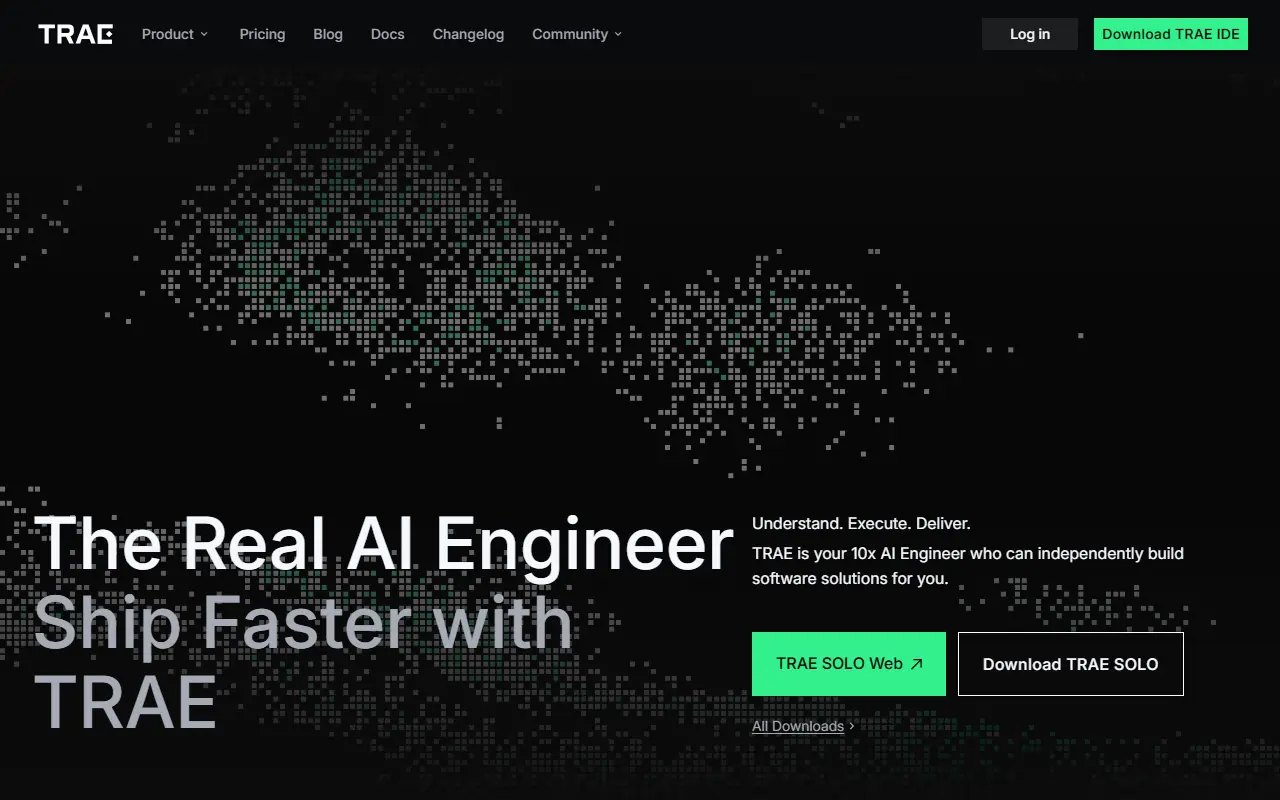
TRAE is an AI-powered integrated development environment (IDE) that accelerates software development through autonomous coding agents, intelligent autocompletion, and complete project workflows.

Zed
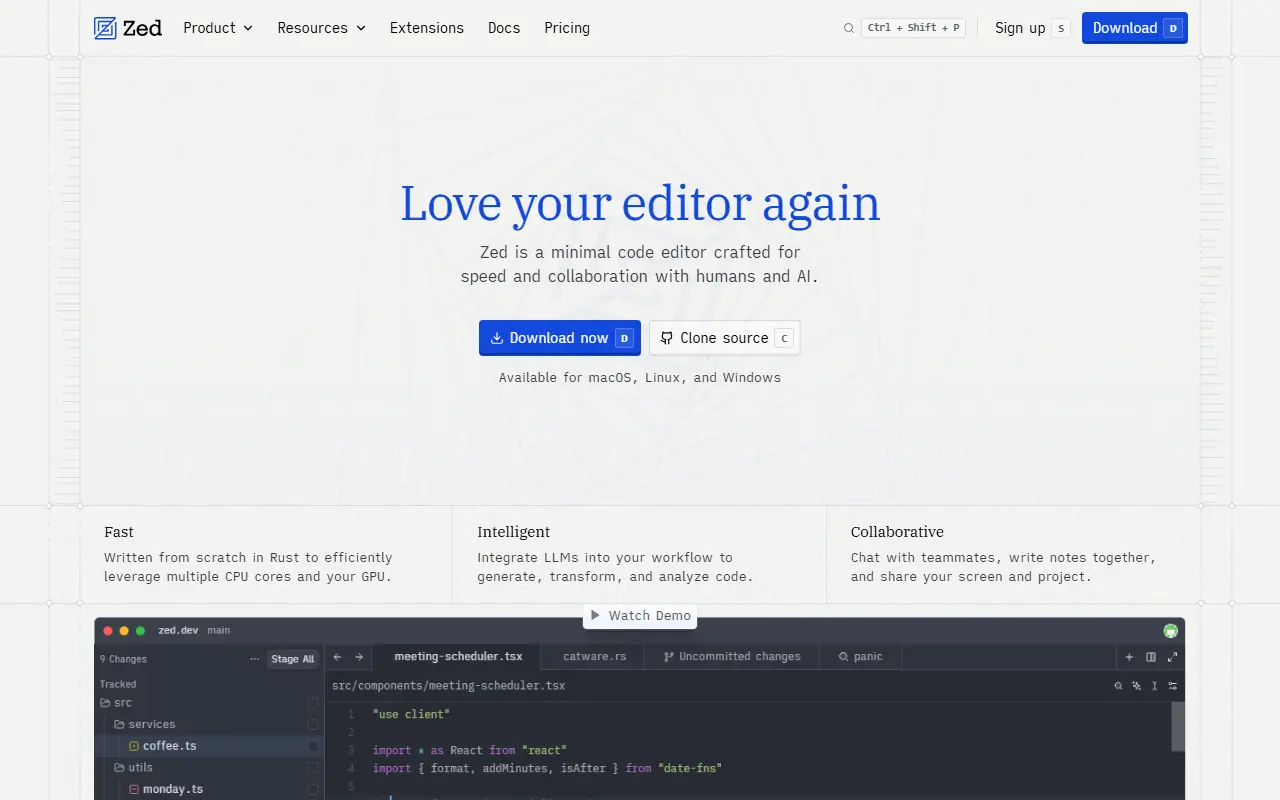
Zed is a blazing-fast, collaborative code editor written in Rust that integrates AI-powered coding assistance directly into the development workflow.

OpenCode
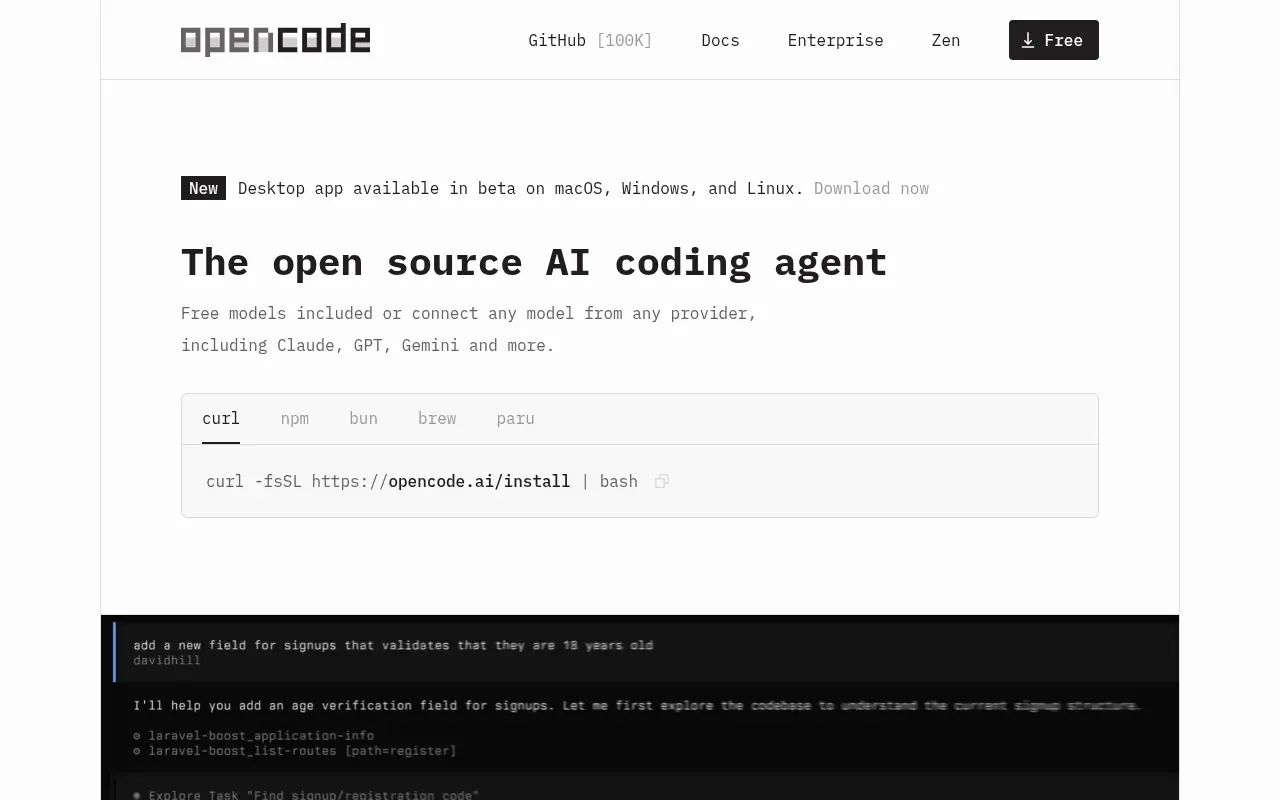
An open-source AI coding agent that integrates with your terminal, IDE, or desktop to streamline development workflows.
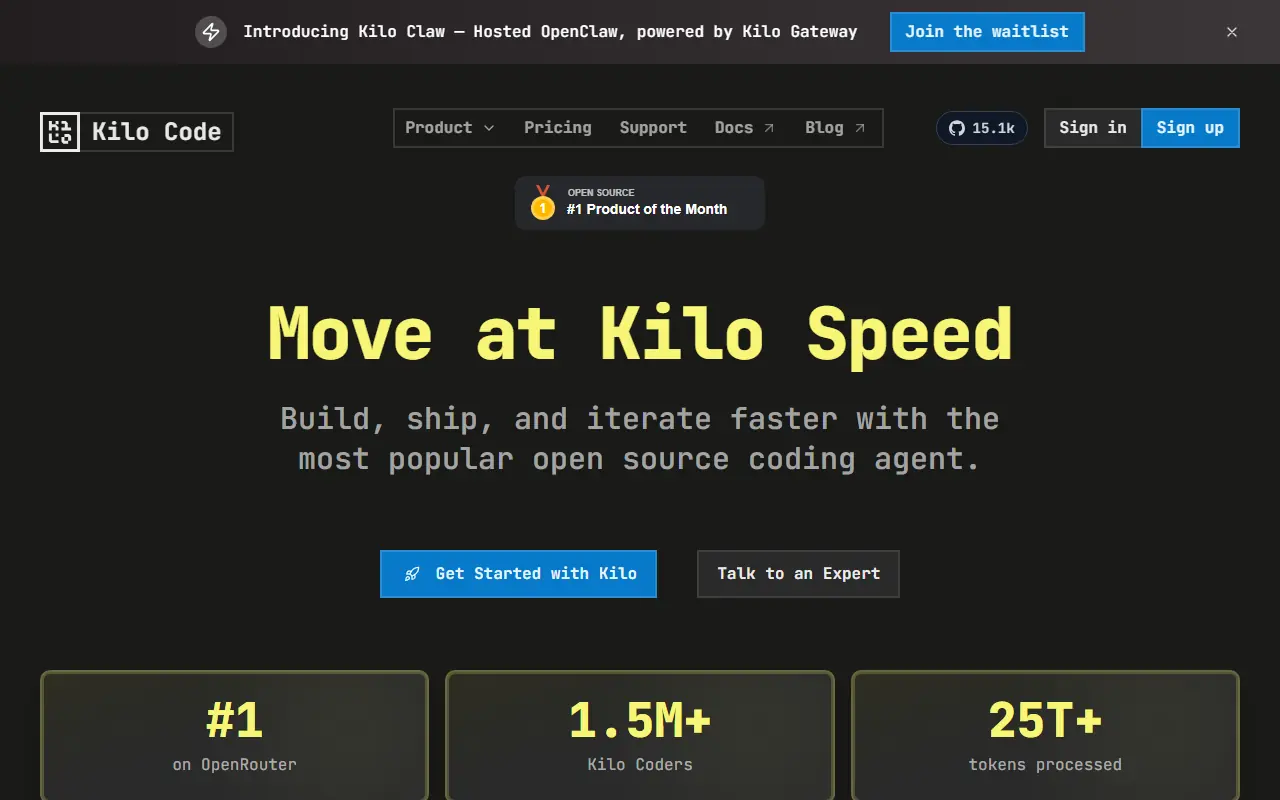

Kilo
Kilo is an open-source AI coding assistant and agentic engineering platform that helps developers plan, write, debug, and automate code directly within their IDEs and terminal.


Command Code
Command Code is a terminal-based AI coding agent that continuously learns and adapts to your personal coding style to help build, test, and refactor software.
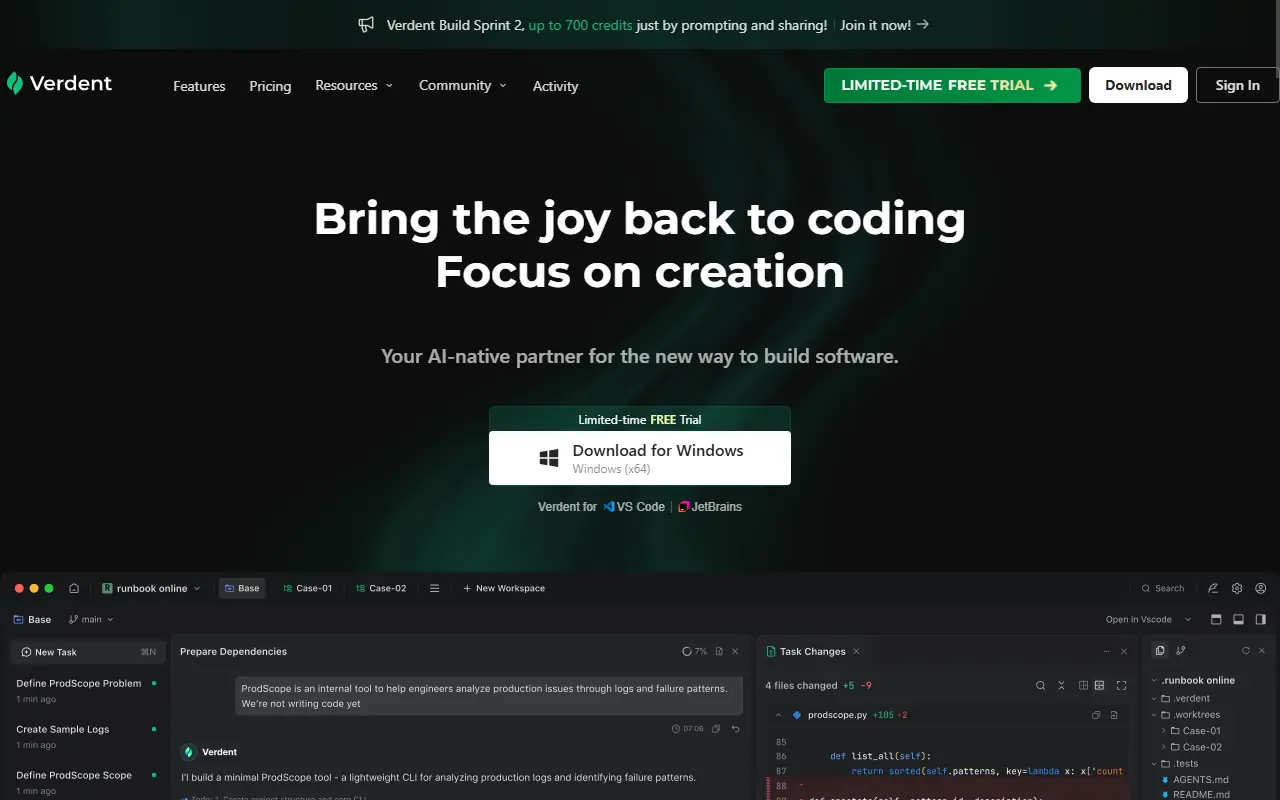

Verdent AI
Verdent AI is an advanced AI-native coding partner that leverages multiple parallel agents to plan, execute, and review software development tasks.

Google Antigravity
Google Antigravity is an agentic development platform that enables developers to build software using autonomous AI agents powered by Gemini 3 Pro.
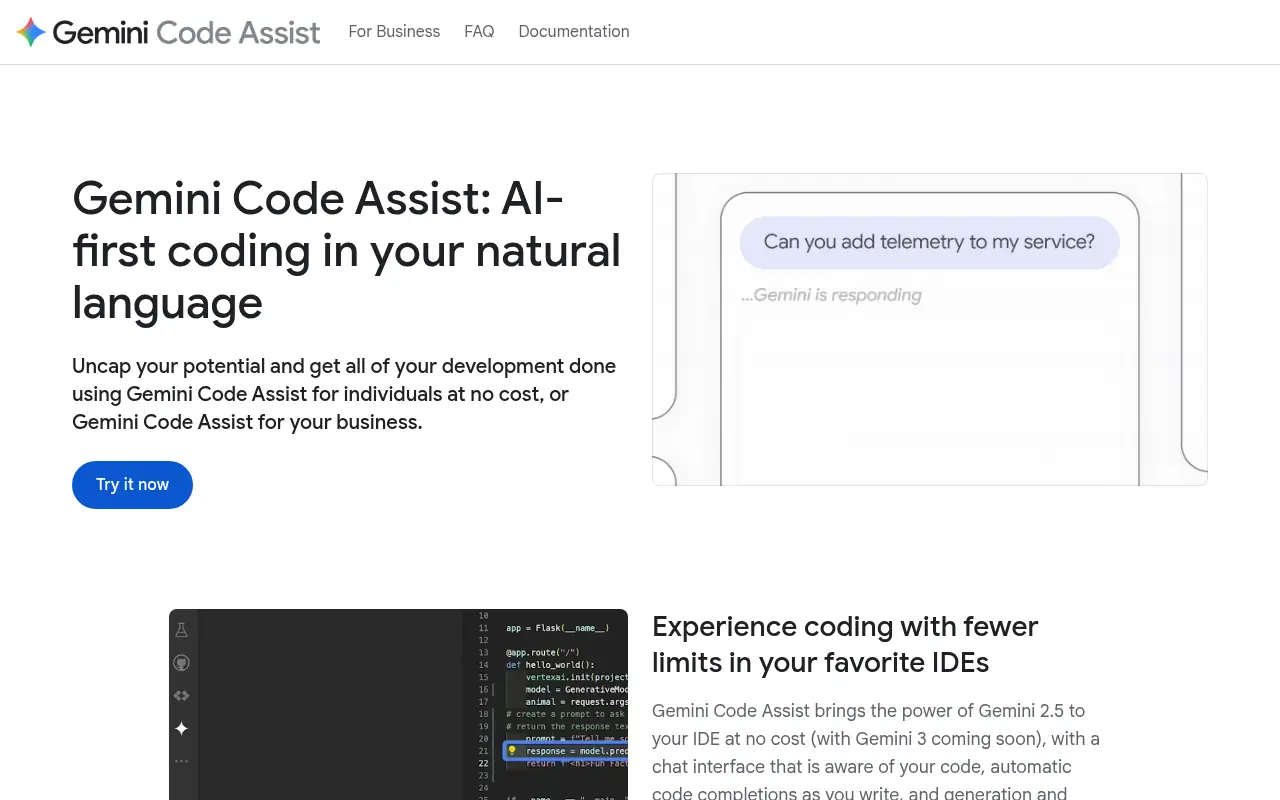

Gemini Code Assist
An AI-powered coding assistant by Google that brings the power of Gemini models directly into developers' favorite IDEs to accelerate the software development life cycle.