

CodeBuddy
What is CodeBuddy?
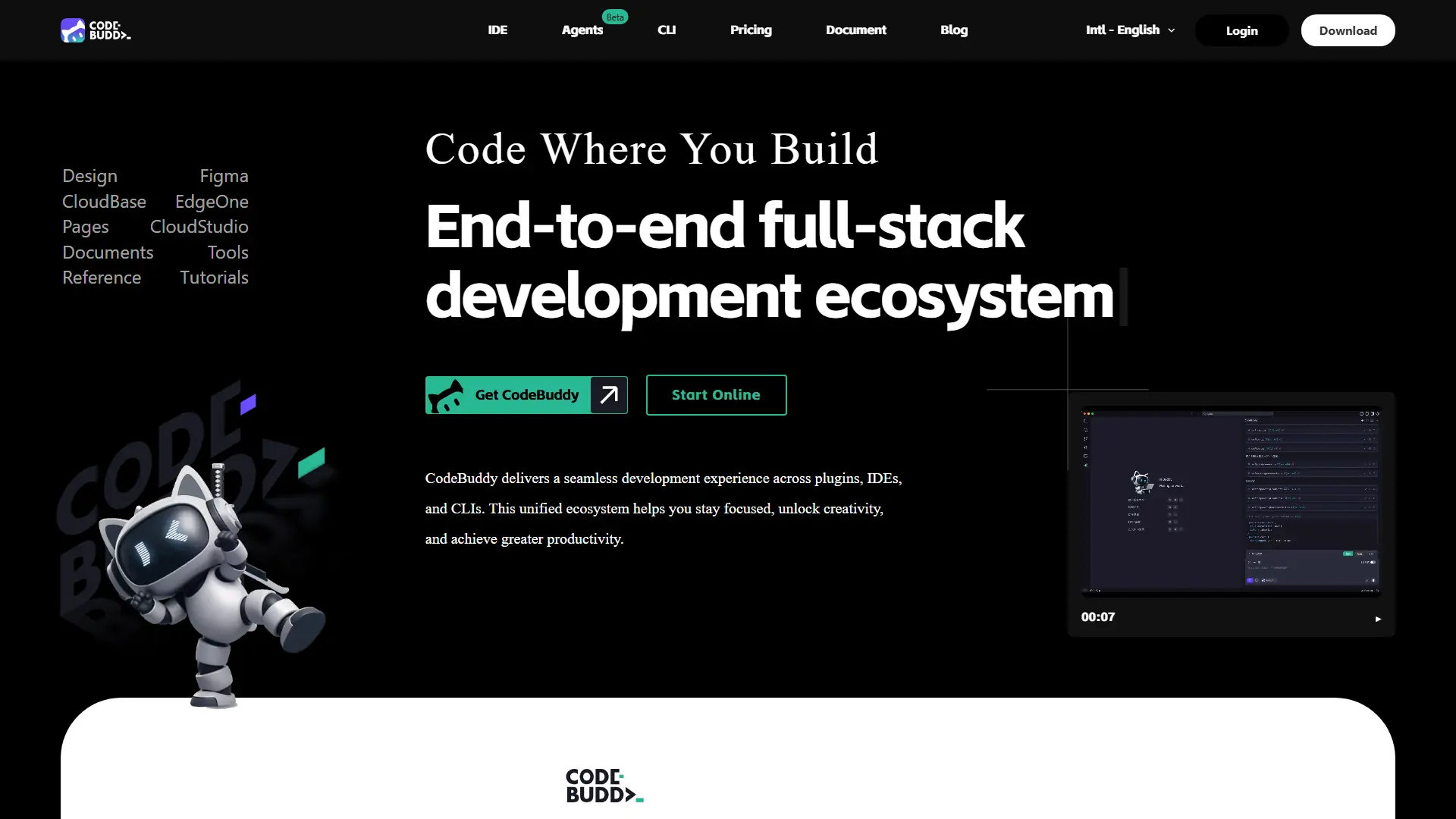
CodeBuddy is Tencent Cloud’s AI intelligent programming assistant built for the full software delivery cycle, from product planning and design to coding, debugging, and deployment. Its strongest advantage is the way it connects requirements, Figma-to-code generation, code completion, diagnostics, and one-click deployment inside a single workflow instead of acting only as a chat-based coding helper. The platform supports both an IDE experience for product managers, designers, developers, and beginners, plus a CLI tool for engineers who prefer terminal-based automation. In day-to-day use, CodeBuddy fits teams that want to reduce repetitive engineering work, improve user experience handoff between design and development, and increase productivity without breaking existing coding standards. Its support for Plan, Craft, Ask modes, MCP integrations, custom rules, memories, and deployment targets makes it more workflow-oriented than a basic autocomplete tool.
How to use CodeBuddy?
Start by visiting CodeBuddy and choosing the IDE or CLI path based on your workflow. Create or open a project, then describe what you want to build, import a Figma design, or reference files with project context so the assistant can understand the task. Review the generated plan, code, fixes, or deployment steps before accepting changes, then use preview or cloud deployment options to validate your first working result.
CodeBuddy's Core Features
Full-Process AI Development: Move from product concept to requirements, design, code, and deployment in one connected workflow.
CodeBuddy IDE: Work in an AI-native development environment that supports conversation-based programming, preview, debugging, and delivery.
CodeBuddy CLI: Run natural language coding and automation tasks directly from the command line for engineering-heavy workflows.
Figma to Code: Import Figma designs and generate production-oriented frontend code with faster design-to-development handoff.
Plan Mode: Let the assistant create a task plan for complex, cross-file development before executing changes.
Craft Mode: Generate and modify code in the current context for precise feature implementation or refactoring.
Ask Mode: Get technical explanations, API guidance, and debugging help without directly changing project files.
Next Edit Suggestions: Predict the next logical code edit, not just the current line, to improve coding efficiency.
MCP Support: Connect databases, tools, APIs, and external services so AI can work with richer project context.
Smart Commit: Analyze code changes and generate Conventional Commit-style messages for cleaner team collaboration.
One-Click Deployment: Publish projects through supported Tencent Cloud deployment paths such as EdgeOne Pages, CloudBase, Cloud Studio, and Lighthouse.
Security-Aware Workflow: Use limited sensitive-data retention, controlled session access, and user-reviewed code approval to reduce operational risk.
CodeBuddy's Use Cases
- #1
Converting Figma product screens into maintainable frontend code for SaaS landing pages and dashboards.
- #2
Building MVP prototypes from natural language requirements for founders, product managers, and indie hackers.
- #3
Refactoring multi-file features while preserving project context, coding standards, and team architecture rules.
- #4
Generating unit tests and bug-fix suggestions for teams trying to improve release efficiency.
- #5
Creating quick internal tools with frontend, backend, database, and authentication workflows.
- #6
Using AI-assisted code review to explain legacy code, identify risks, and improve maintainability.
- #7
Automating deployment previews for stakeholders who need to test a feature before production release.
- #8
Connecting external tools through MCP to create custom developer workflow automation.
Frequently Asked Questions
Analytics of CodeBuddy
Monthly Visits Trend: Jul 2025 - Aug 2026
Traffic Sources
AI Channel Traffic Trends
Top Regions
| Region | Traffic Share |
|---|---|
| China | 53.85% |
| Indonesia | 10.78% |
| Hong Kong | 10.76% |
| United States | 8.70% |
| Singapore | 3.85% |
Top Keywords
| Keyword | Traffic | CPC |
|---|---|---|
| codebuddy | 67.4K | $3.88 |
| codebuddy cli | 2.1K | -- |
| workbuddy | 821.2K | $2.08 |
| codebuddycli | 320 | -- |
| code buddy | 2.1K | $2.28 |
Alternative of CodeBuddy

Verdent AI
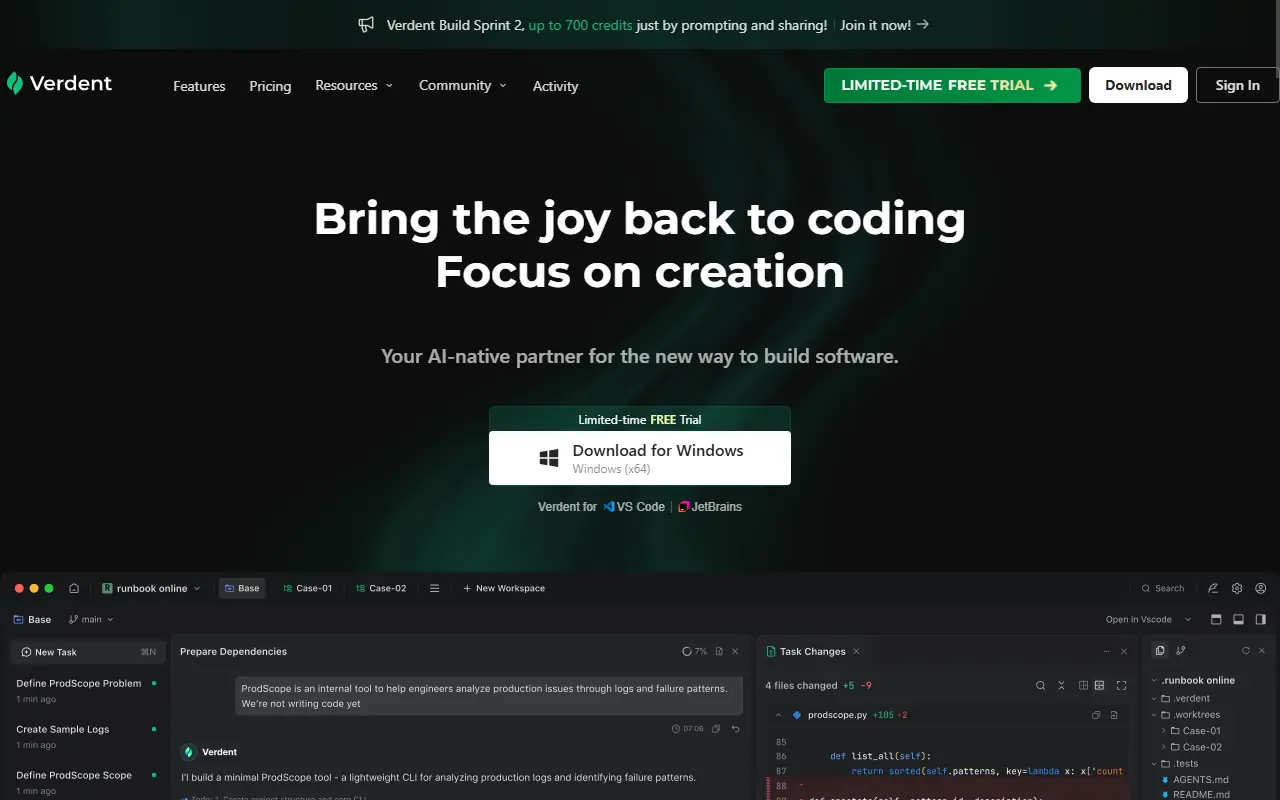
Verdent AI is an advanced AI-native coding partner that leverages multiple parallel agents to plan, execute, and review software development tasks.

CodingFleet
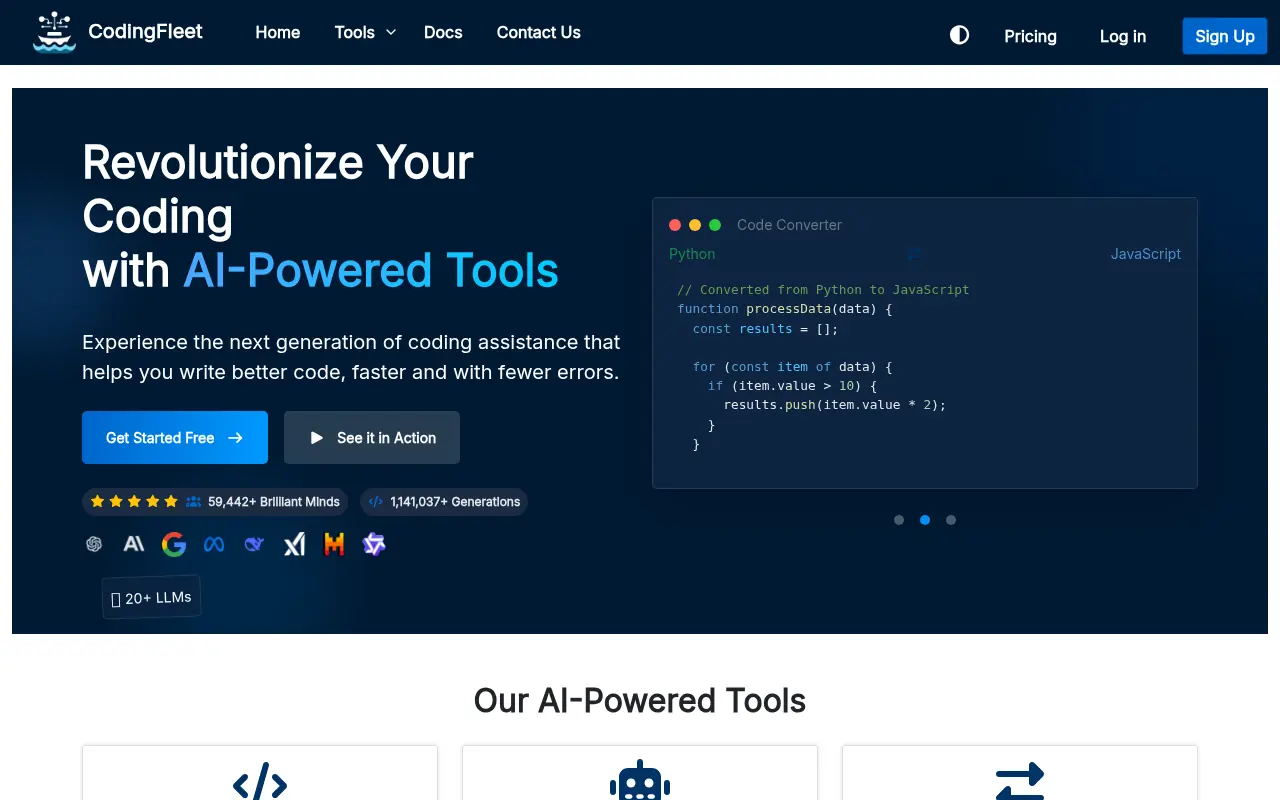
CodingFleet is an AI-powered coding platform that streamlines development workflows by generating, converting, debugging, and optimizing code across 90+ programming languages.

OpenCode
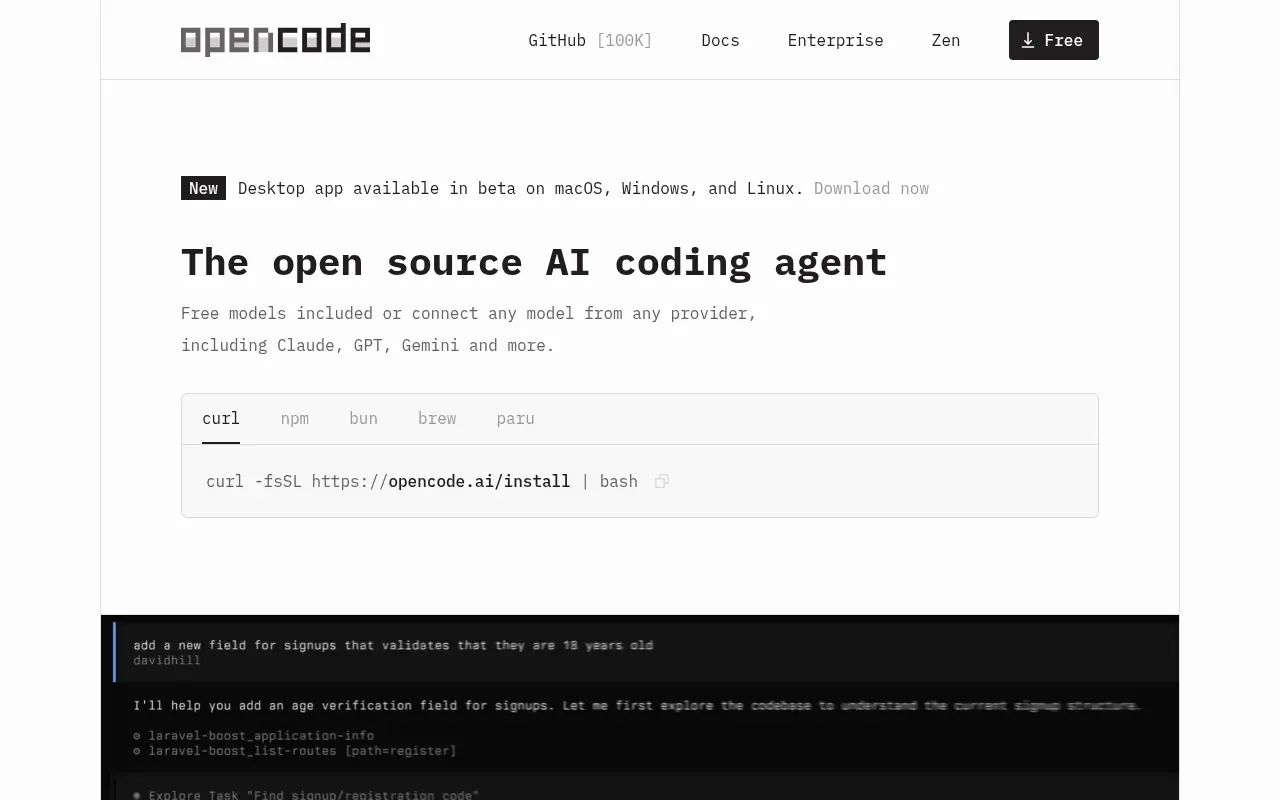
An open-source AI coding agent that integrates with your terminal, IDE, or desktop to streamline development workflows.
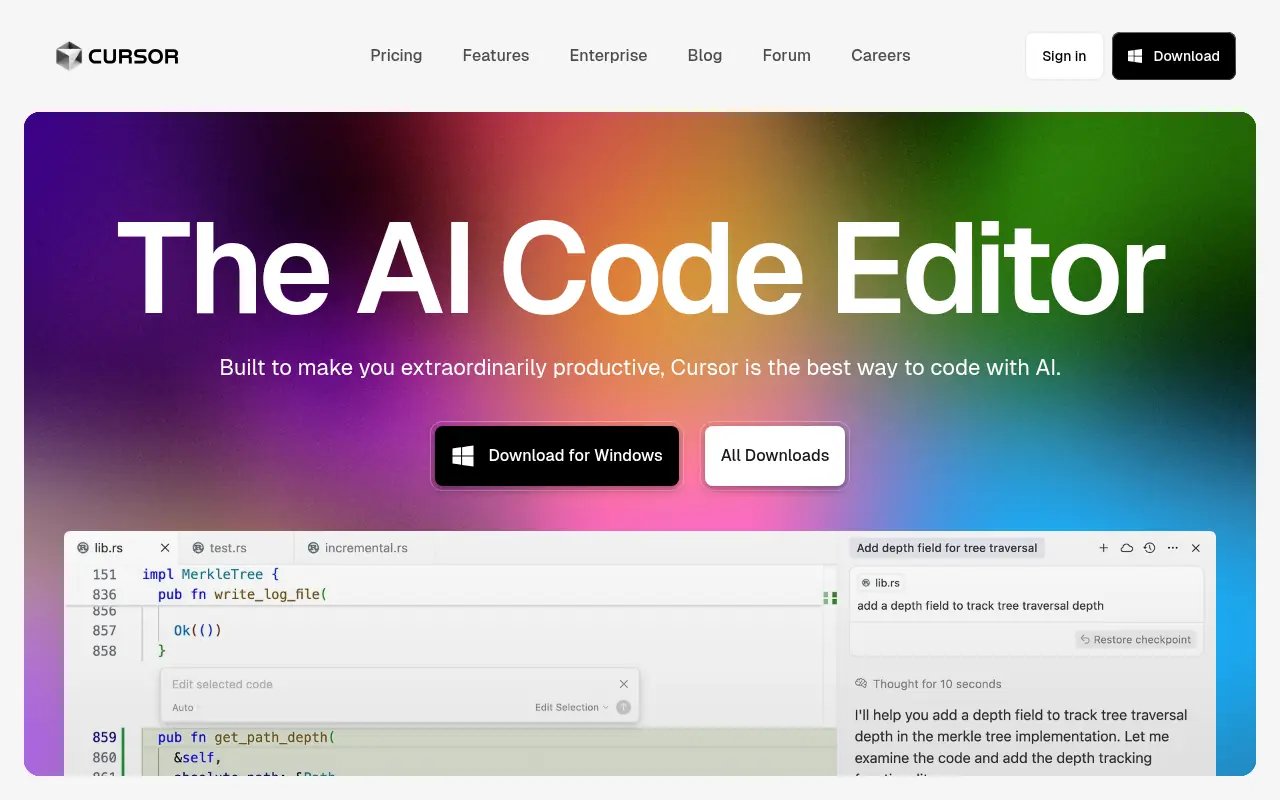

Cursor
Cursor is an AI-powered code editor designed to enhance developer productivity with advanced AI features.
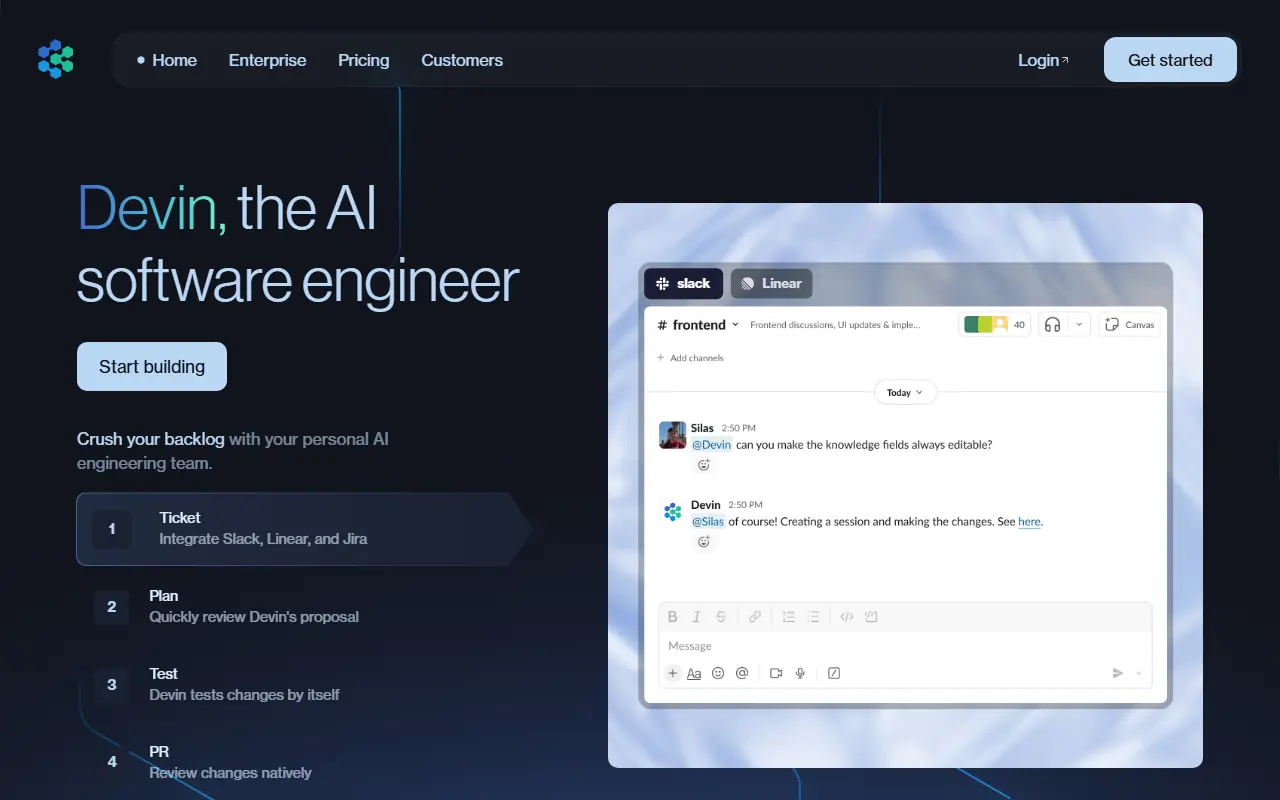

Devin
Devin is an AI software engineer that assists teams in automating code-related tasks, improving efficiency, and handling large-scale code migrations.
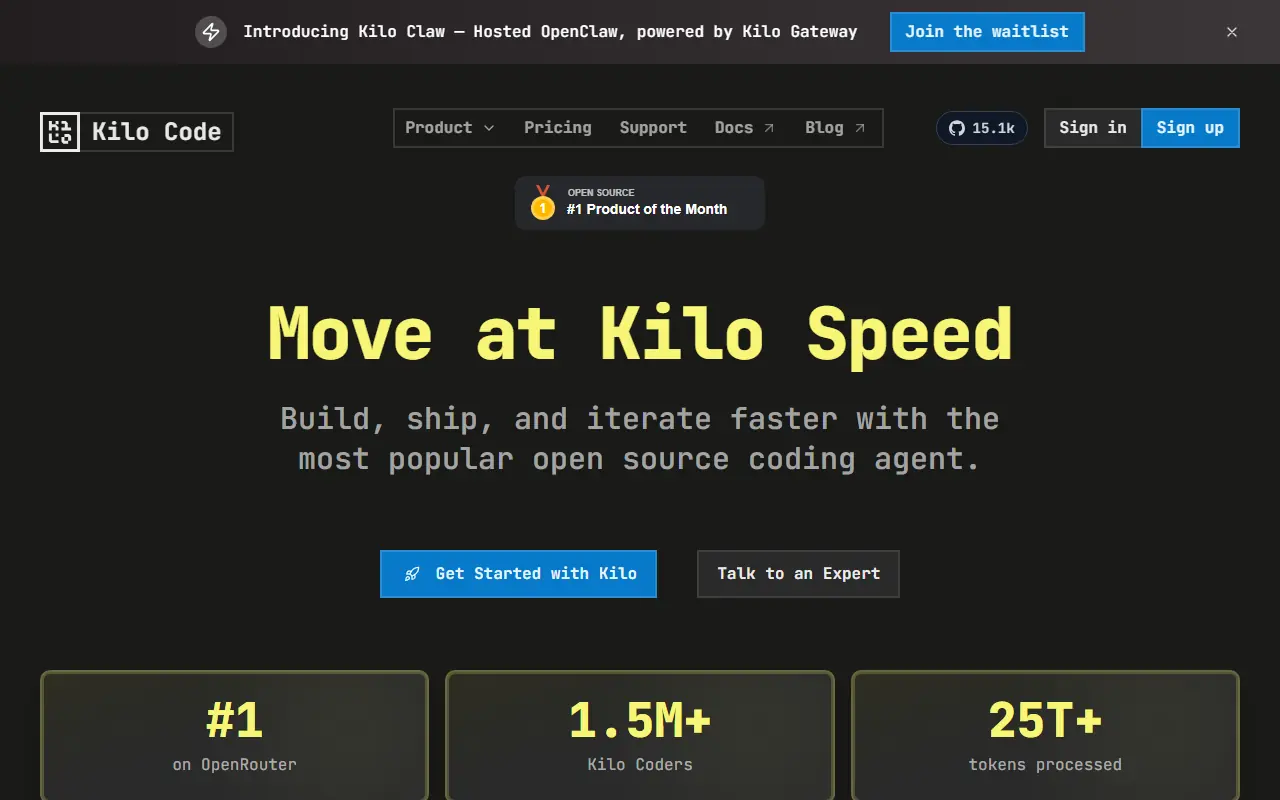

Kilo
Kilo is an open-source AI coding assistant and agentic engineering platform that helps developers plan, write, debug, and automate code directly within their IDEs and terminal.


Windsurf
Windsurf is an AI-powered integrated development environment (IDE) designed to enhance coding efficiency for developers and enterprises.
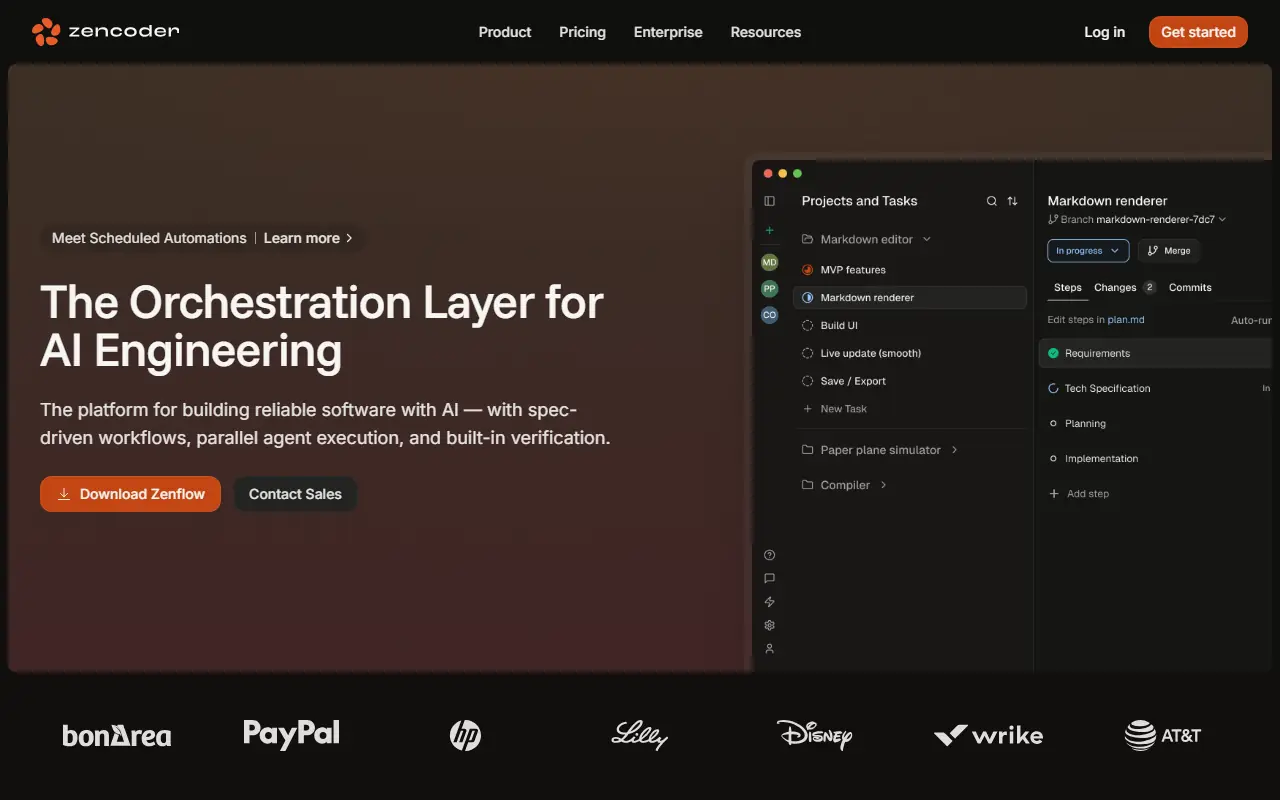

Zencoder
Zencoder is an advanced AI coding platform that integrates specialized coding agents into developer workflows to automate code generation, testing, and reviews.