

Command Code
What is Command Code?
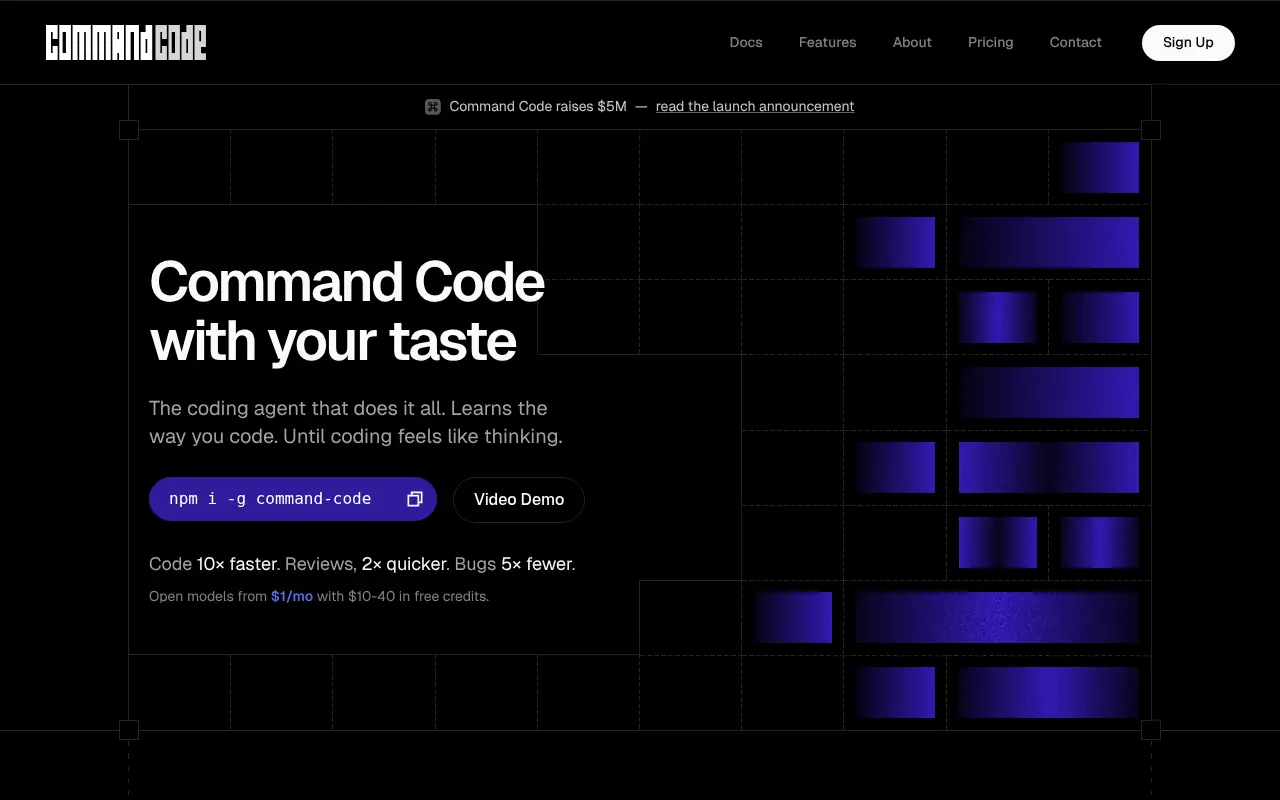
Command Code is an advanced terminal-based AI coding agent designed to adapt to a developer's unique coding style and preferences over time. Powered by its proprietary 'taste-1' meta neuro-symbolic AI model, it learns from every accepted, rejected, and edited piece of code to improve future suggestions. Beyond generating code, it handles full-stack project building, bug fixing, testing, and refactoring. The tool integrates directly into the terminal, allowing developers to maintain their workflow while writing cleaner code with fewer bugs and faster review times.
How to use Command Code?
To use Command Code, users first install it globally via npm using the command `npm i -g command-code`. Once installed, developers can launch it in their project directory by typing `cmd` in the terminal to start an interactive CLI session. From there, users can utilize slash commands and interactive modes to instruct the agent to generate, refactor, or test code, while the AI continuously observes and learns their specific coding patterns.
Command Code's Core Features
Continuous learning capability that adapts to your coding conventions based on accepted and rejected code.
Interactive CLI mode featuring slash commands, bash execution, and file path autocomplete.
Proprietary taste-1 meta neuro-symbolic AI model tailored specifically for coding.
Support for custom persistent memory and reusable project-level agent skills.
Bring-Your-Own-Key (BYOK) support for over 600 models including Anthropic, OpenAI, and DeepSeek.
Seamless team collaboration capabilities to push and pull coding taste configurations.
Built-in pro tools like file operations, shell commands, and extended thinking modes.
Command Code's Use Cases
- #1
Generating boilerplates and full-stack features from the terminal.
- #2
Refactoring legacy code to match specific team conventions.
- #3
Writing test suites based on preferred testing frameworks.
- #4
Identifying and fixing bugs quickly within the local environment.
- #5
Reviewing code to ensure cleaner diffs before creating pull requests.
- #6
Sharing custom AI coding skills and agent memories across development teams.
Frequently Asked Questions
Analytics of Command Code
Monthly Visits Trend: Aug 2025 - Aug 2026
Traffic Sources
AI Channel Traffic Trends
Top Regions
| Region | Traffic Share |
|---|---|
| China | 17.86% |
| Indonesia | 14.87% |
| India | 11.41% |
| Vietnam | 9.57% |
| United States | 6.19% |
Top Keywords
| Keyword | Traffic | CPC |
|---|---|---|
| command code | 89.8K | $1.87 |
| commandcode | 44.3K | $1.83 |
| ox alpha | 590.3K | -- |
| command code goat | 3.5K | -- |
| ox alpha benchmark | 13.7K | -- |
Alternative of Command Code

Gemini Code Assist
An AI-powered coding assistant by Google that brings the power of Gemini models directly into developers' favorite IDEs to accelerate the software development life cycle.

OpenCode
An open-source AI coding agent that integrates with your terminal, IDE, or desktop to streamline development workflows.

Kilo
Kilo is an open-source AI coding assistant and agentic engineering platform that helps developers plan, write, debug, and automate code directly within their IDEs and terminal.
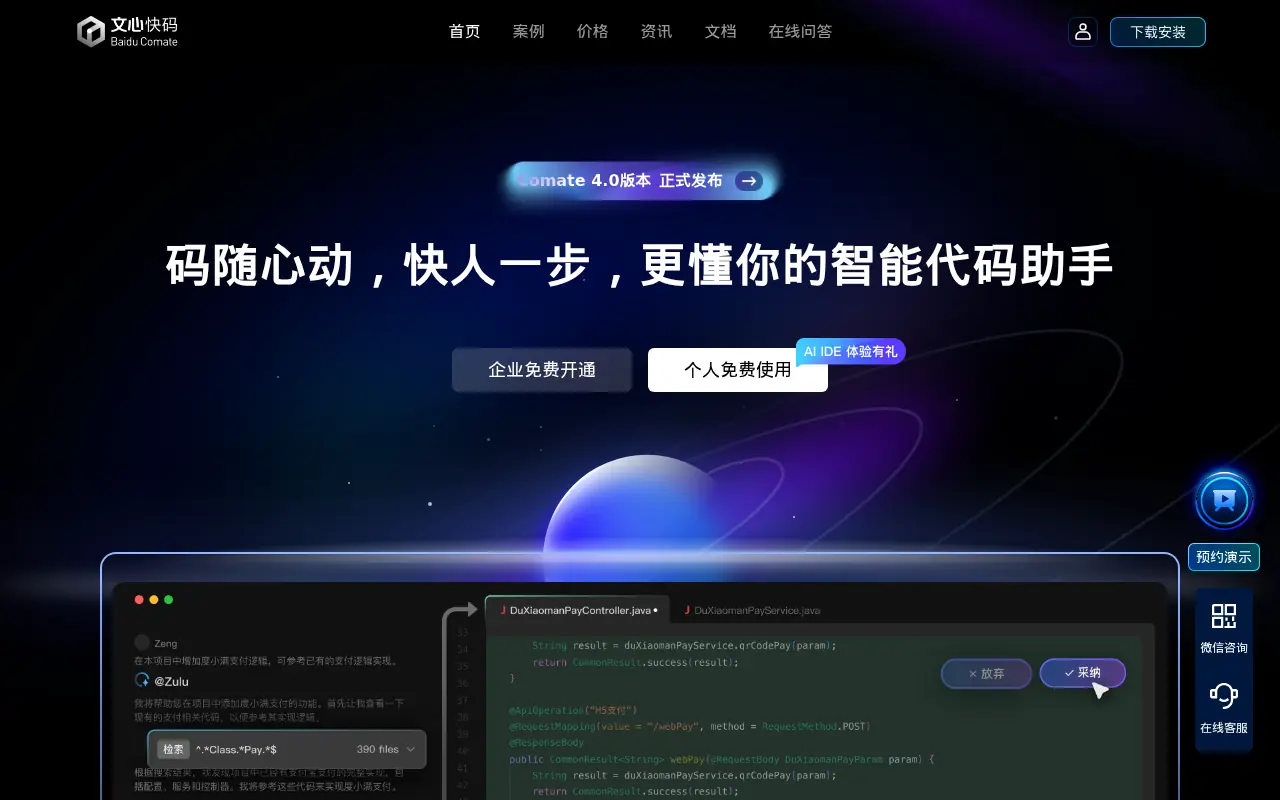

Baidu Comate
Baidu Comate is an AI-powered coding assistant based on the ERNIE large language model that automates code generation, testing, and documentation.
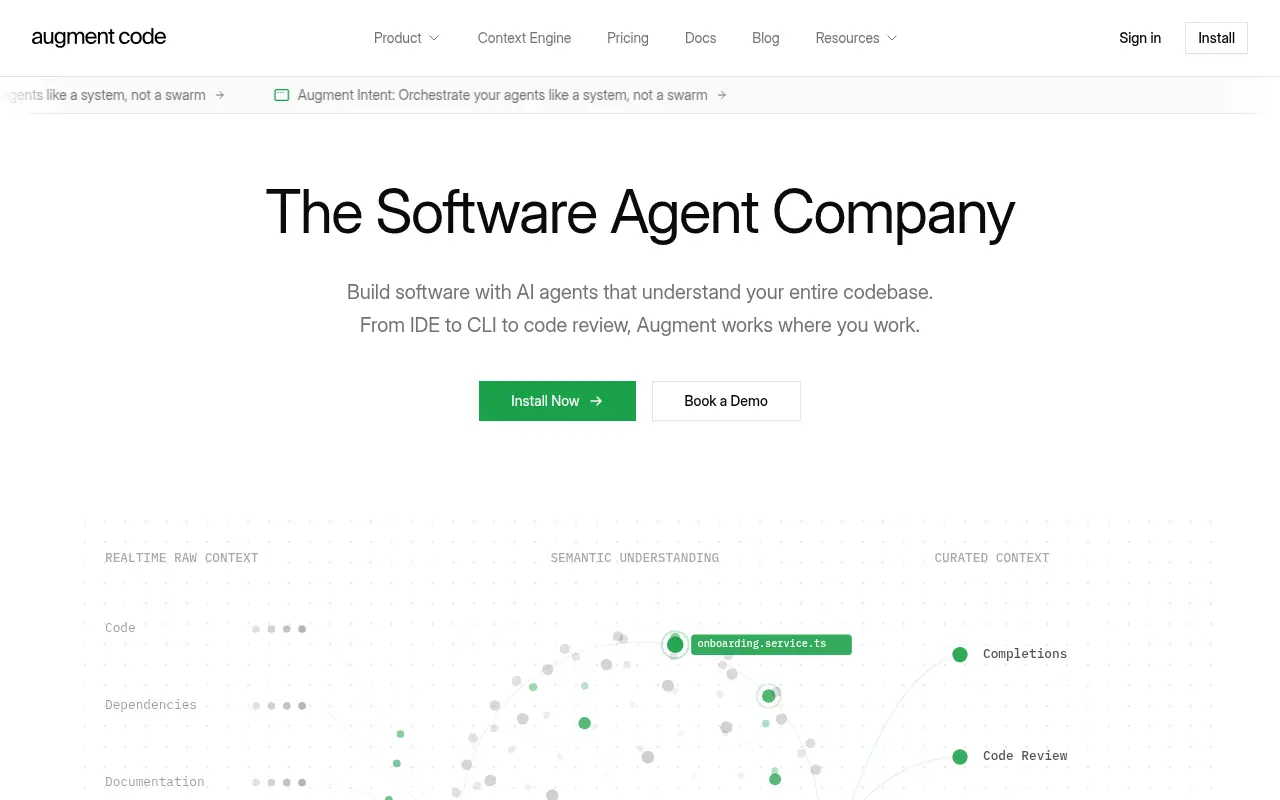

Augment Code
An AI-powered software development platform featuring intelligent agents and a Context Engine for building, reviewing, and understanding code at enterprise scale.
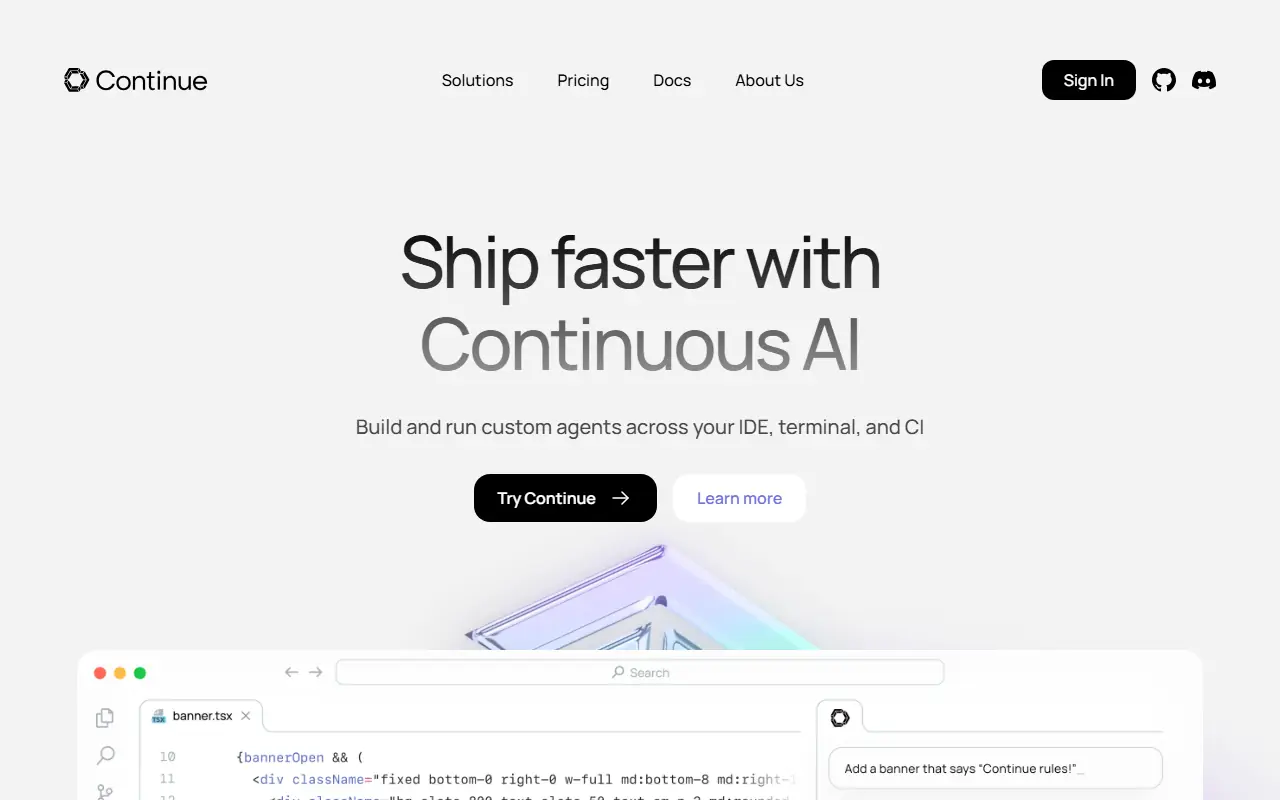

Continue
Continue.dev provides open-source AI code assistants to enhance developer productivity and streamline coding workflows.
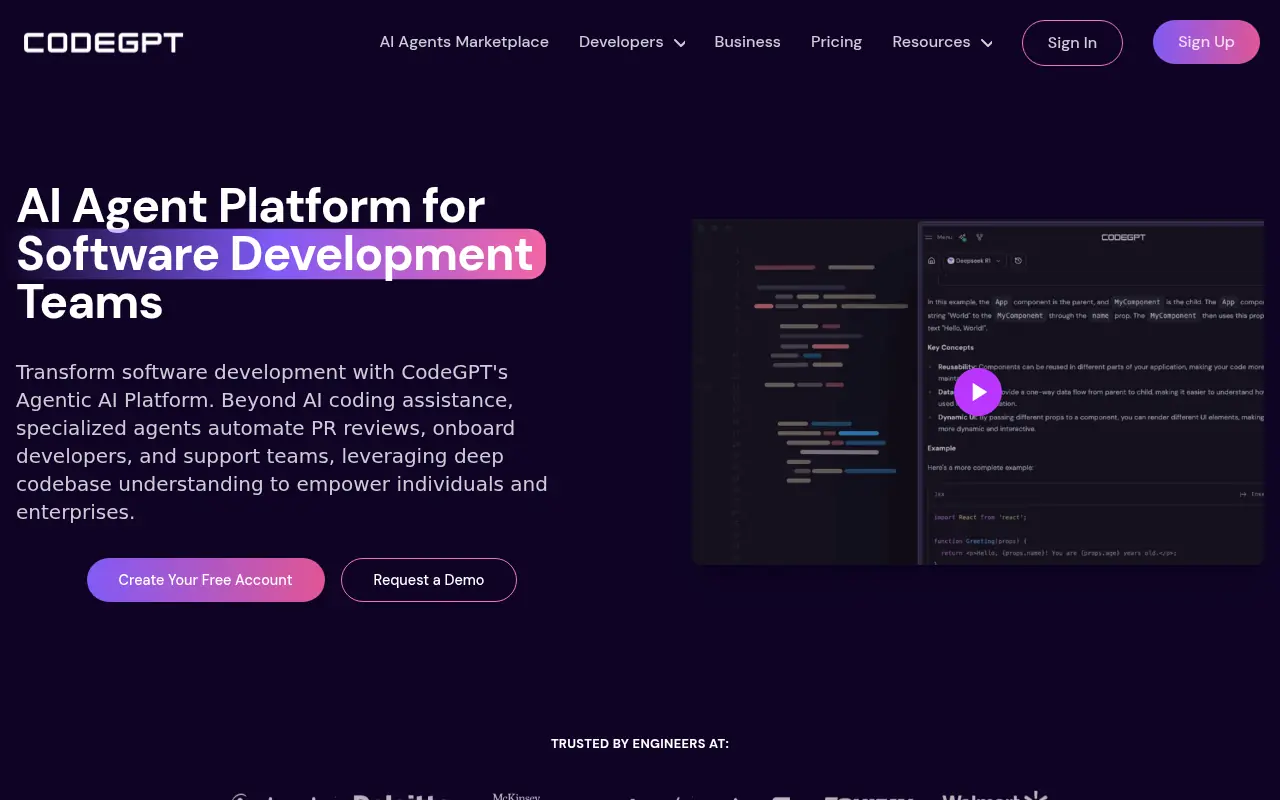

CodeGPT
CodeGPT is an AI-powered platform that enhances software development through specialized AI agents and coding tools.
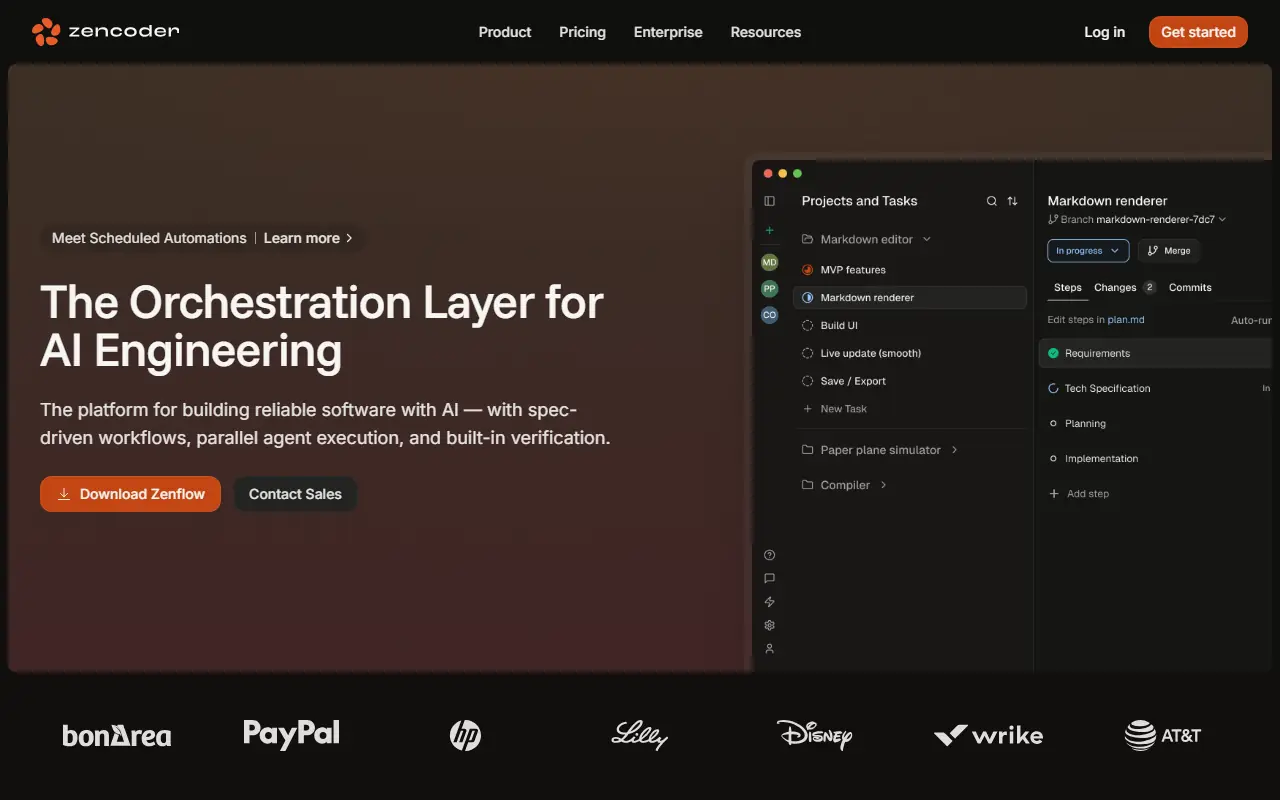

Zencoder
Zencoder is an advanced AI coding platform that integrates specialized coding agents into developer workflows to automate code generation, testing, and reviews.