

TRAE
What is TRAE?
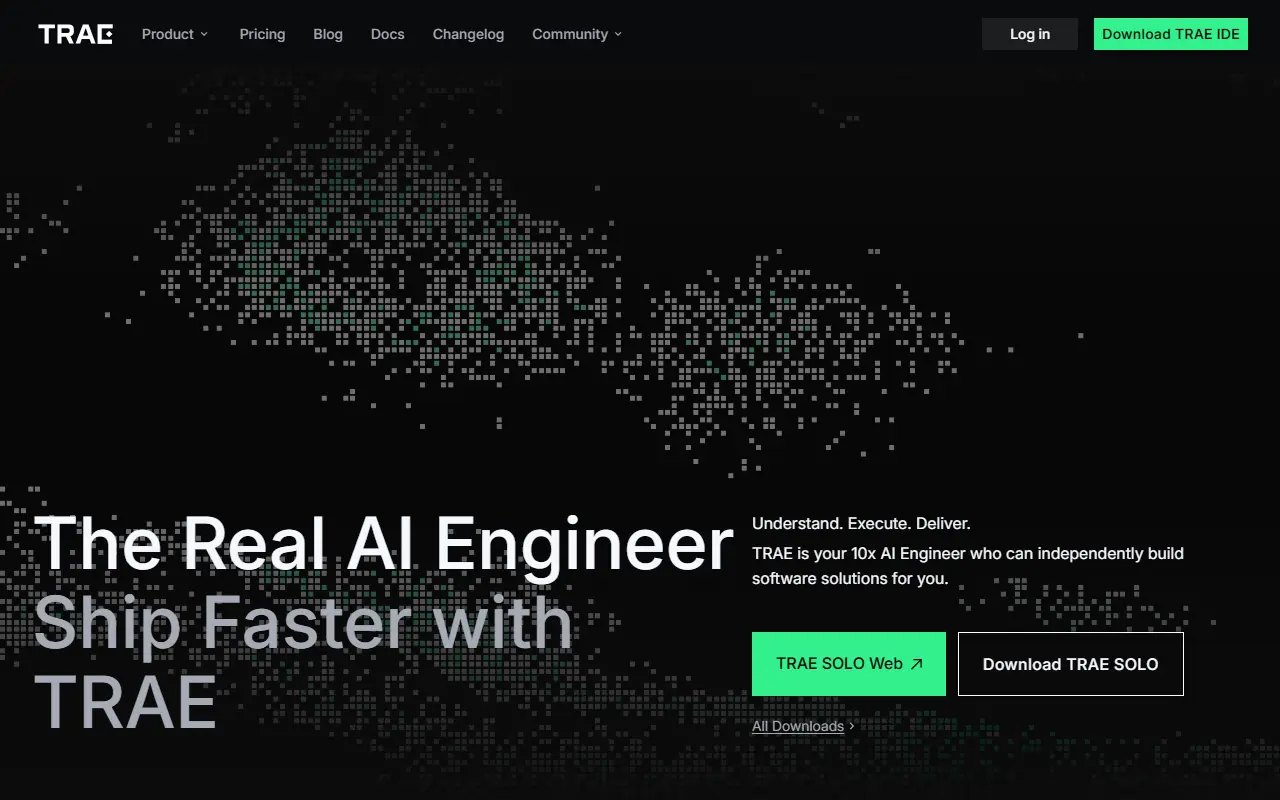
TRAE is an intelligent coding assistant and integrated development environment designed to streamline the software engineering process. Its mission is to enhance developer productivity by providing real-time AI collaboration that understands deep codebase context. It serves its users by automating routine tasks, answering code-related questions, and generating complete applications from natural language instructions. By integrating seamlessly into daily workflows and supporting custom AI models, TRAE helps developers build, debug, and deploy software faster and more efficiently.
How to use TRAE?
To use TRAE effectively, start by downloading the IDE and seamlessly importing your existing settings from environments like VS Code or Cursor. Once a project is opened, you can interact with the built-in AI assistant to generate code, explain unfamiliar logic, or utilize 'Builder mode' to autonomously plan and execute a full project structure. During coding, leverage the 'CUE' feature for smart, multi-line autocompletion using just the Tab key, and customize the AI's behavior by creating specific rules and agent workflows tailored to your project's needs.
TRAE's Core Features
Builder mode autonomously plans and executes full software development workflows from scratch.
CUE autocompletion anticipates your next edit and provides multi-line suggestions with a single keystroke.
Smart tool integration leverages the Model Context Protocol to access external resources on demand.
Developers can construct customized AI agent teams tailored for specific specialized tasks.
Deep repository context indexing ensures the AI understands your entire codebase accurately.
A built-in web preview enables the AI agent to interact with UI elements and debug in real-time.
Customizable markdown rule files allow developers to meticulously guide and constrain AI behavior.
TRAE's Use Cases
- #1
Generating functional prototypes and applications from basic natural language descriptions.
- #2
Speeding up manual coding with smart, multi-line code autocompletion.
- #3
Automatically debugging errors and applying fixes across multiple files.
- #4
Explaining complex code logic, architectures, or unfamiliar repositories.
- #5
Automating the breakdown of new software projects into actionable tasks.
- #6
Drafting boilerplate code, automated tests, and project documentation.
Frequently Asked Questions
Analytics of TRAE
Monthly Visits Trend: Apr 2025 - Aug 2026
Traffic Sources
AI Channel Traffic Trends
Top Regions
| Region | Traffic Share |
|---|---|
| China | 37.40% |
| Vietnam | 8.35% |
| India | 6.19% |
| United States | 5.54% |
| Brazil | 5.51% |
Top Keywords
| Keyword | Traffic | CPC |
|---|---|---|
| trae | 161.5K | $2.00 |
| trae work | 43.3K | $4.07 |
| trae ai | 21.5K | $1.92 |
| traework | 22.3K | -- |
| trea | 32.6K | $2.53 |
Alternative of TRAE

Firebase Studio
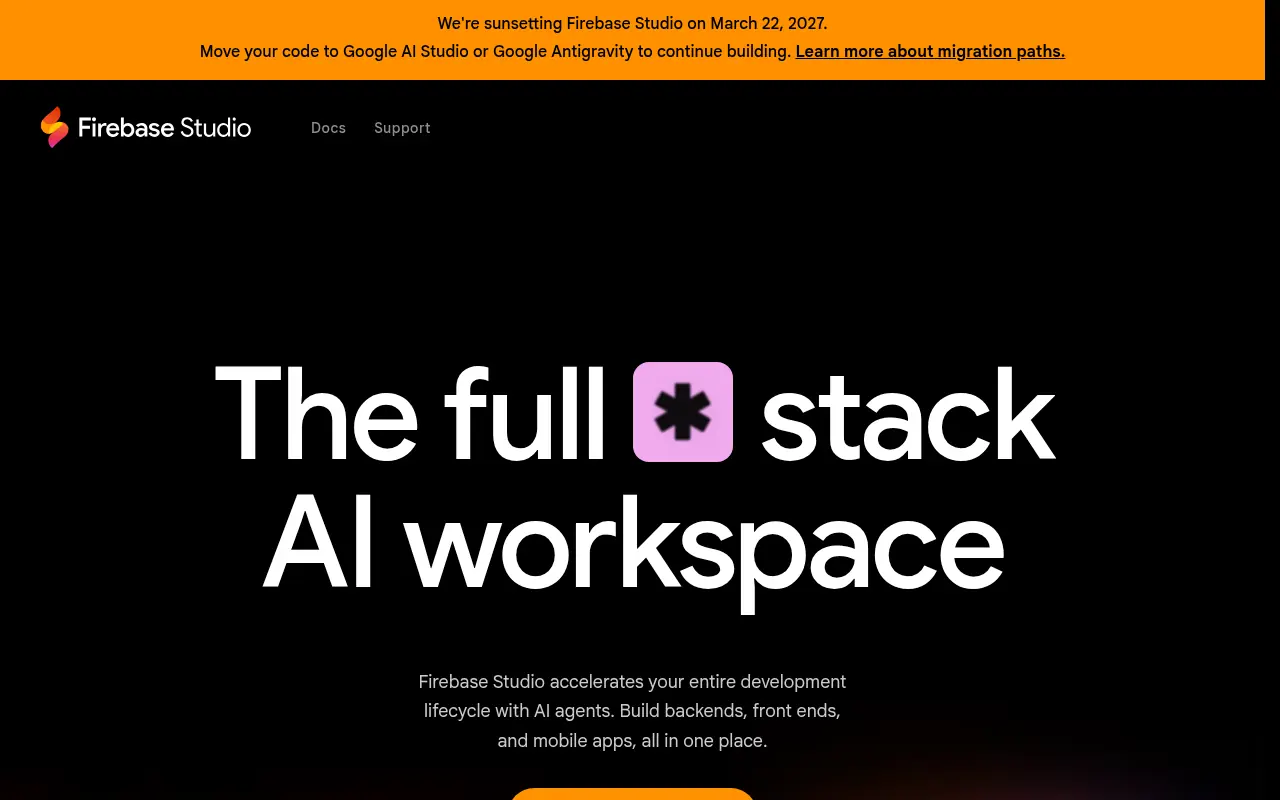
Firebase Studio is a cloud-based, agentic development environment by Google designed to accelerate the building, testing, and deploying of full-stack AI applications.

Zed
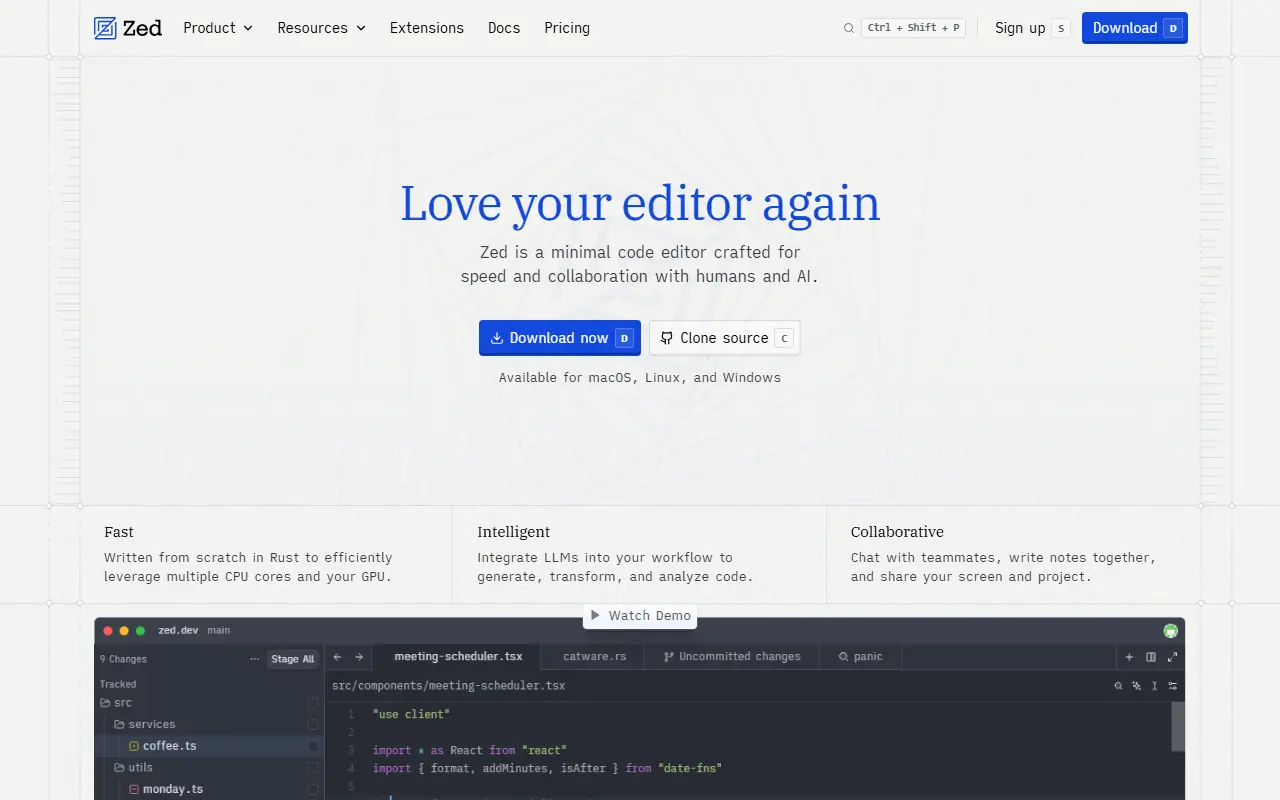
Zed is a blazing-fast, collaborative code editor written in Rust that integrates AI-powered coding assistance directly into the development workflow.

CodeBuddy
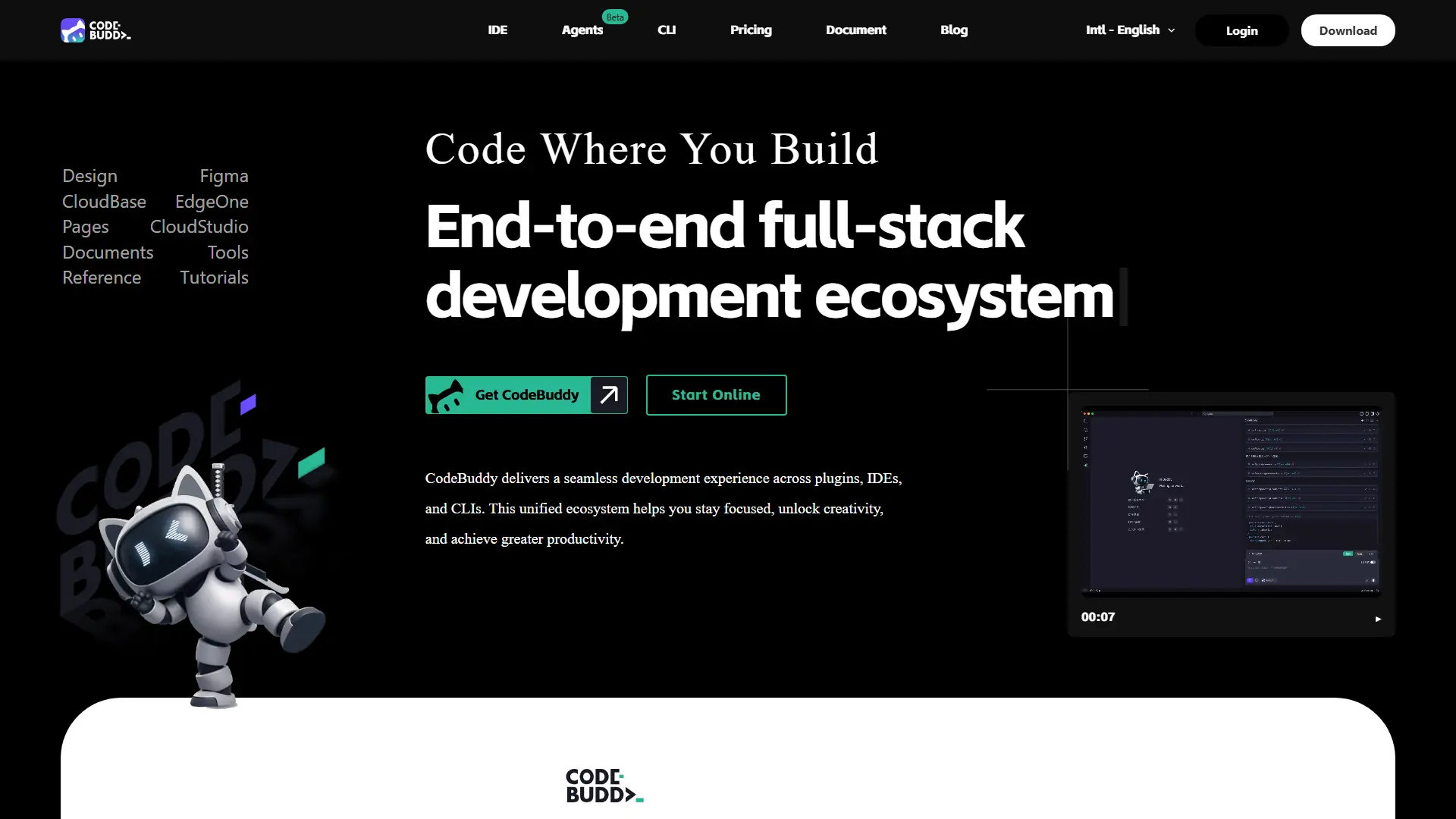
Turn product ideas, UI designs, and code changes into deployable software through an AI-powered development workflow.
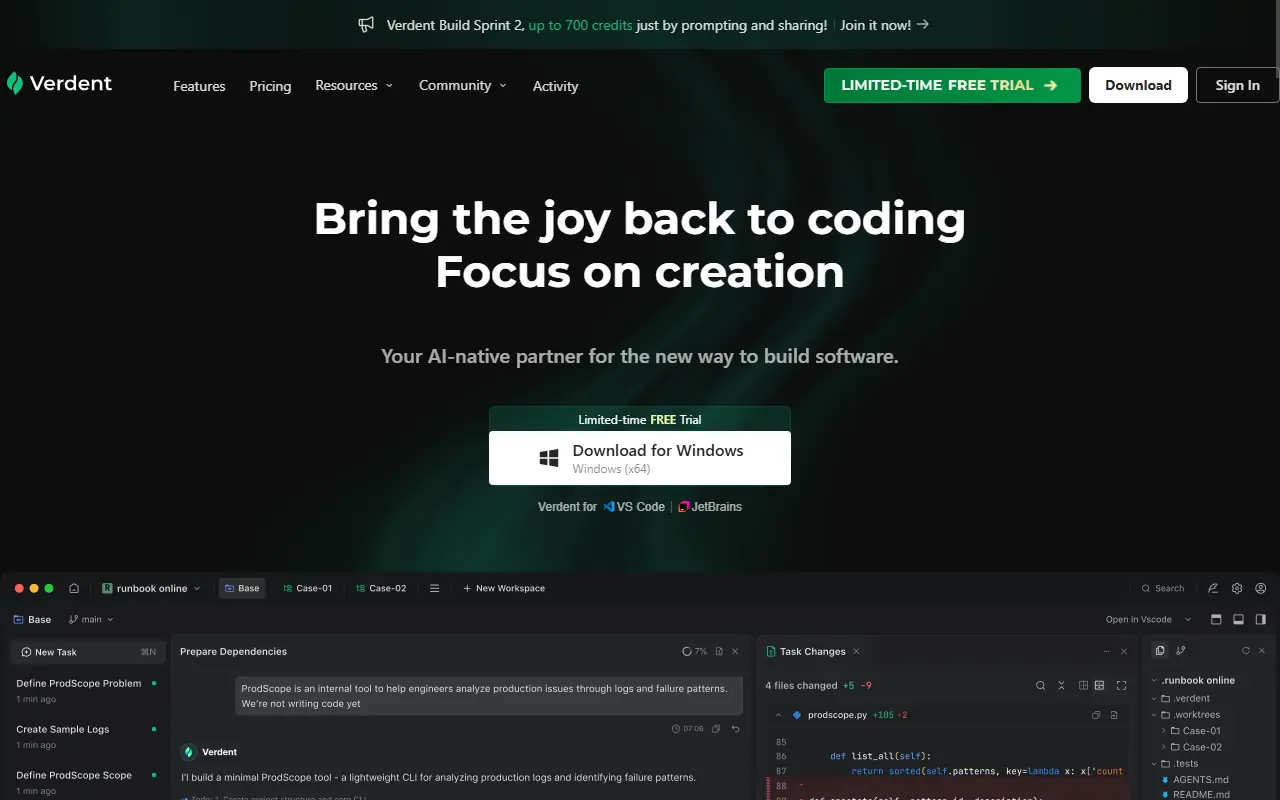

Verdent AI
Verdent AI is an advanced AI-native coding partner that leverages multiple parallel agents to plan, execute, and review software development tasks.

Google Antigravity
Google Antigravity is an agentic development platform that enables developers to build software using autonomous AI agents powered by Gemini 3 Pro.
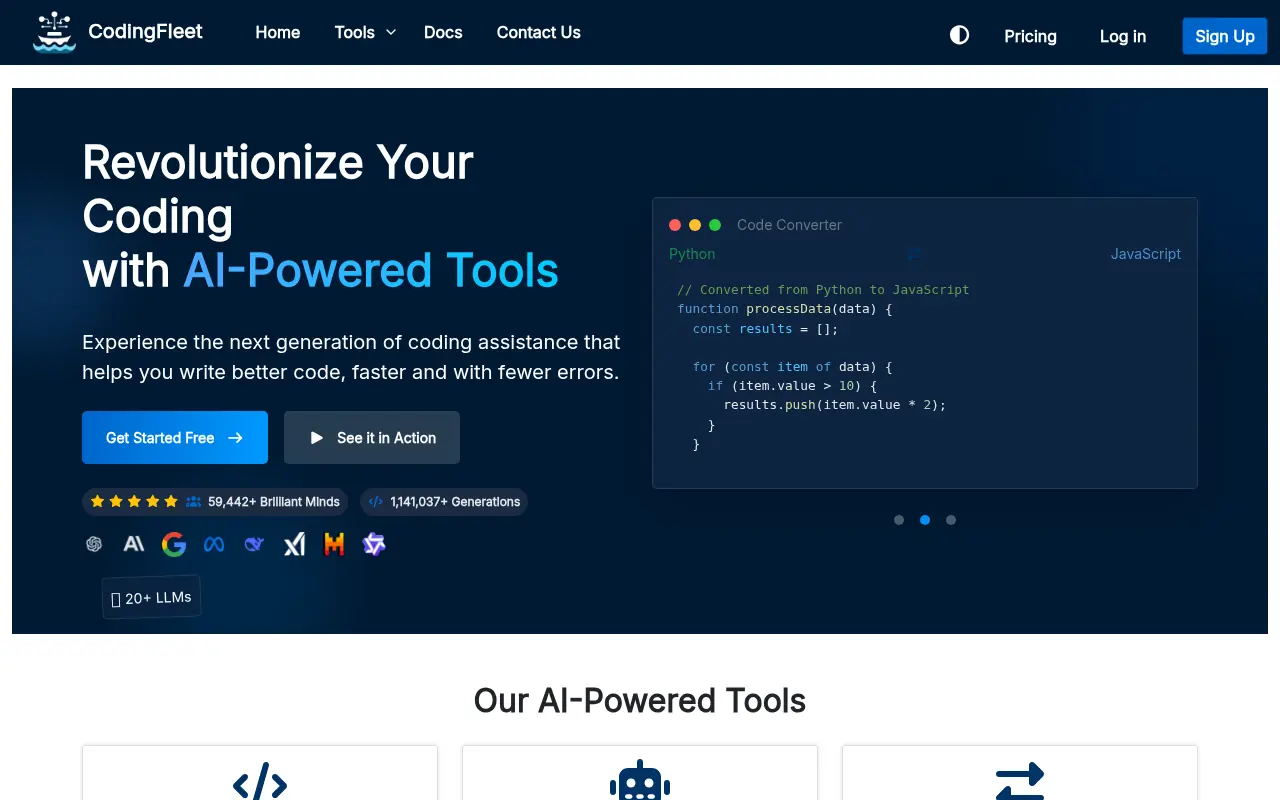

CodingFleet
CodingFleet is an AI-powered coding platform that streamlines development workflows by generating, converting, debugging, and optimizing code across 90+ programming languages.

JetBrains
JetBrains provides intelligent, professional software development tools and IDEs designed to enhance developer productivity and team collaboration.
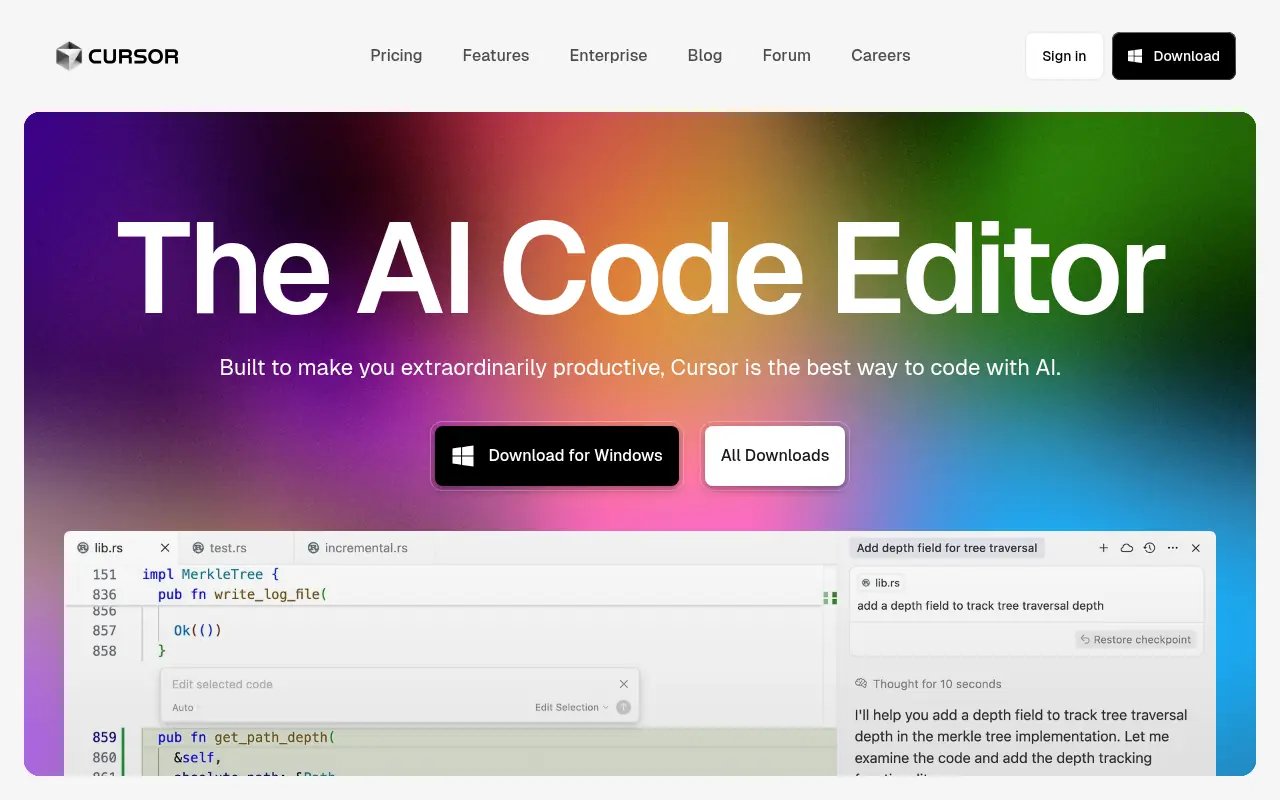

Cursor
Cursor is an AI-powered code editor designed to enhance developer productivity with advanced AI features.