

Kilo
What is Kilo?
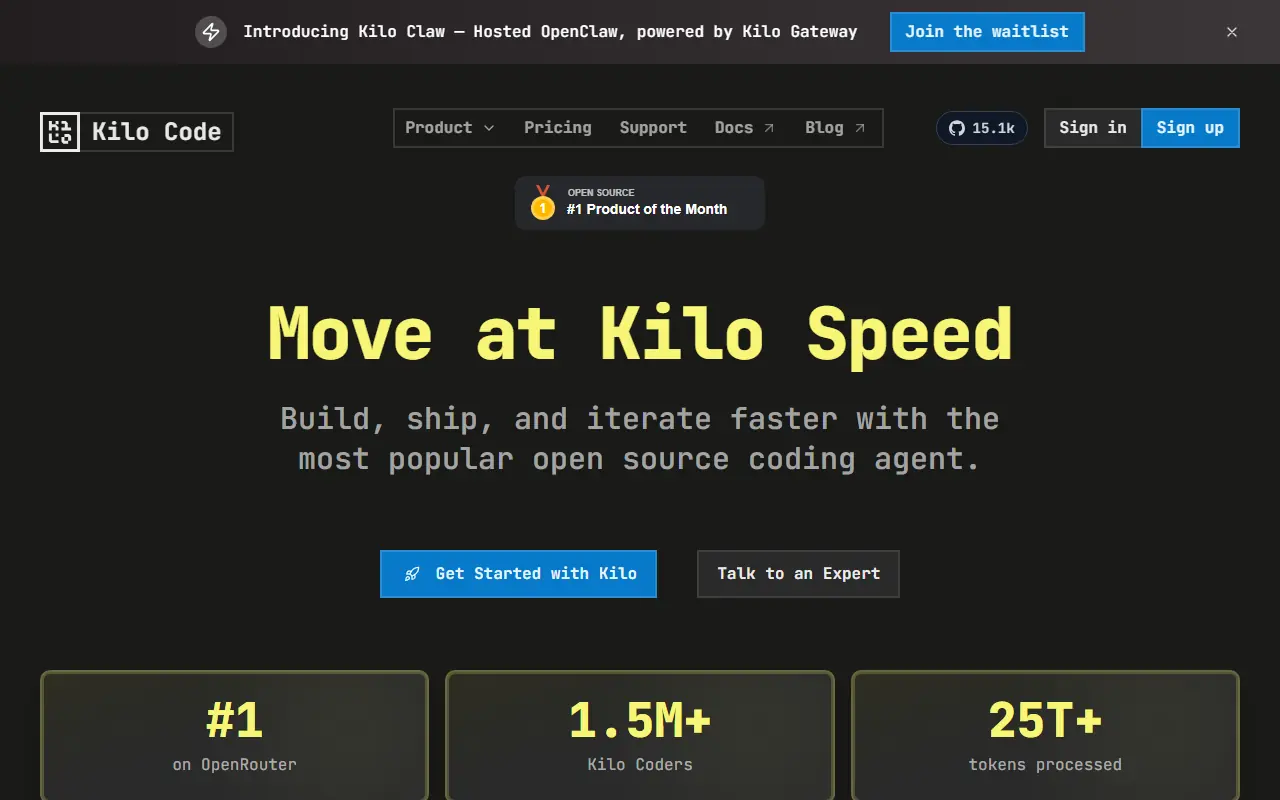
Kilo (also known as Kilo Code) is an advanced AI coding agent designed to function as an autonomous junior developer rather than a simple chatbot. Integrated into VS Code, JetBrains IDEs, and the command line, it uses a "Plan-Act-Observe-Fix" loop to execute complex multi-step tasks, edit files, and run commands. The platform supports a wide range of AI models, including those from OpenAI, Anthropic, and Google, allowing users to bring their own API keys (BYOK) or use local models. Kilo emphasizes transparency and control, offering features like a persistent "Memory Bank" to understand project context and automated code reviews to streamline collaboration.
How to use Kilo?
To use Kilo, install the extension for Visual Studio Code or JetBrains, or set up the CLI tool for terminal access. After installation, authenticate using a free Kilo account or configure your own API keys for preferred models like Claude or GPT. Open the Kilo panel in your editor, select a specific mode (e.g., Architect, Coder, or Debugger), and describe your task in natural language. The agent will then analyze your codebase, propose a plan, and autonomously execute edits and commands while you review and approve its actions.
Kilo's Core Features
Autonomous agentic workflow that plans, executes, and verifies coding tasks
Support for 500+ AI models including Claude, GPT-4, and local LLMs
Deep integration with VS Code, JetBrains IDEs, and terminal environments
Persistent 'Memory Bank' that retains project context and user preferences
Specialized modes like Architect, Coder, Debugger, and Ask for targeted assistance
Automated Code Review agent that provides feedback on Pull Requests
Terminal and browser automation capabilities for end-to-end task execution
Open-source foundation ensuring transparency and no vendor lock-in
Flexible billing with a free tier and Bring Your Own Key (BYOK) options
Model Context Protocol (MCP) support for extending functionality with custom tools
Kilo's Use Cases
- #1
Generating complex features from natural language prompts
- #2
Refactoring legacy codebases for better performance and readability
- #3
Debugging errors by analyzing logs and automatically applying fixes
- #4
Automating repetitive tasks like project scaffolding and dependency installation
- #5
Conducting automated code reviews on GitHub Pull Requests
- #6
Running terminal commands and scripts autonomously
- #7
executing browser-based testing and automation
- #8
Switching between different AI models to optimize for cost or capability
- #9
Maintaining project context across sessions using the Memory Bank
Frequently Asked Questions
Analytics of Kilo
Monthly Visits Trend: Jun 2025 - Aug 2026
Traffic Sources
AI Channel Traffic Trends
Top Regions
| Region | Traffic Share |
|---|---|
| India | 10.85% |
| United States | 10.33% |
| Indonesia | 7.28% |
| China | 5.41% |
| Germany | 4.58% |
Top Keywords
| Keyword | Traffic | CPC |
|---|---|---|
| kilo code | 78.9K | $2.31 |
| kilocode | 19.9K | $2.78 |
| kilo | 27.7K | $0.21 |
| kilo cli | 4.0K | $5.62 |
| cursor | 2.3M | $3.02 |
Alternative of Kilo

OpenCode
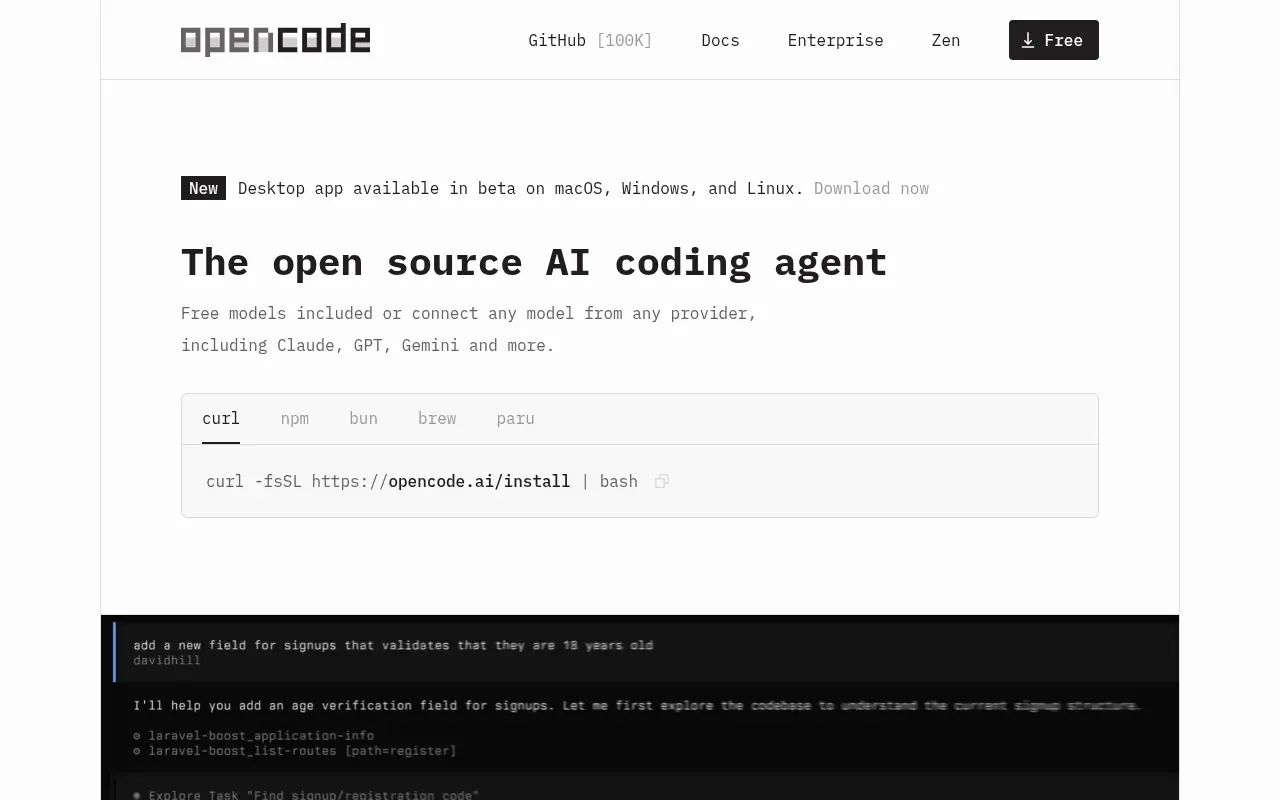
An open-source AI coding agent that integrates with your terminal, IDE, or desktop to streamline development workflows.


Command Code
Command Code is a terminal-based AI coding agent that continuously learns and adapts to your personal coding style to help build, test, and refactor software.

Gemini Code Assist
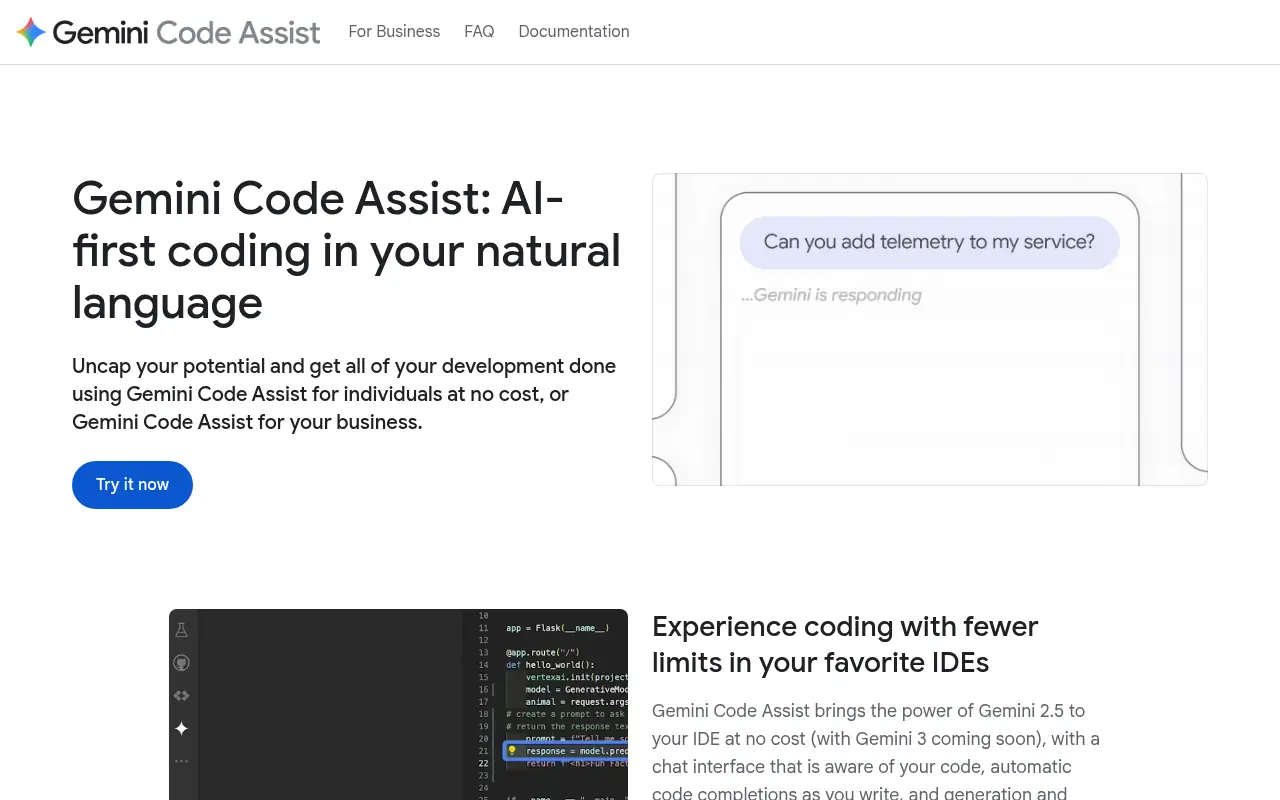
An AI-powered coding assistant by Google that brings the power of Gemini models directly into developers' favorite IDEs to accelerate the software development life cycle.


Continue
Continue.dev provides open-source AI code assistants to enhance developer productivity and streamline coding workflows.

SkillsMP
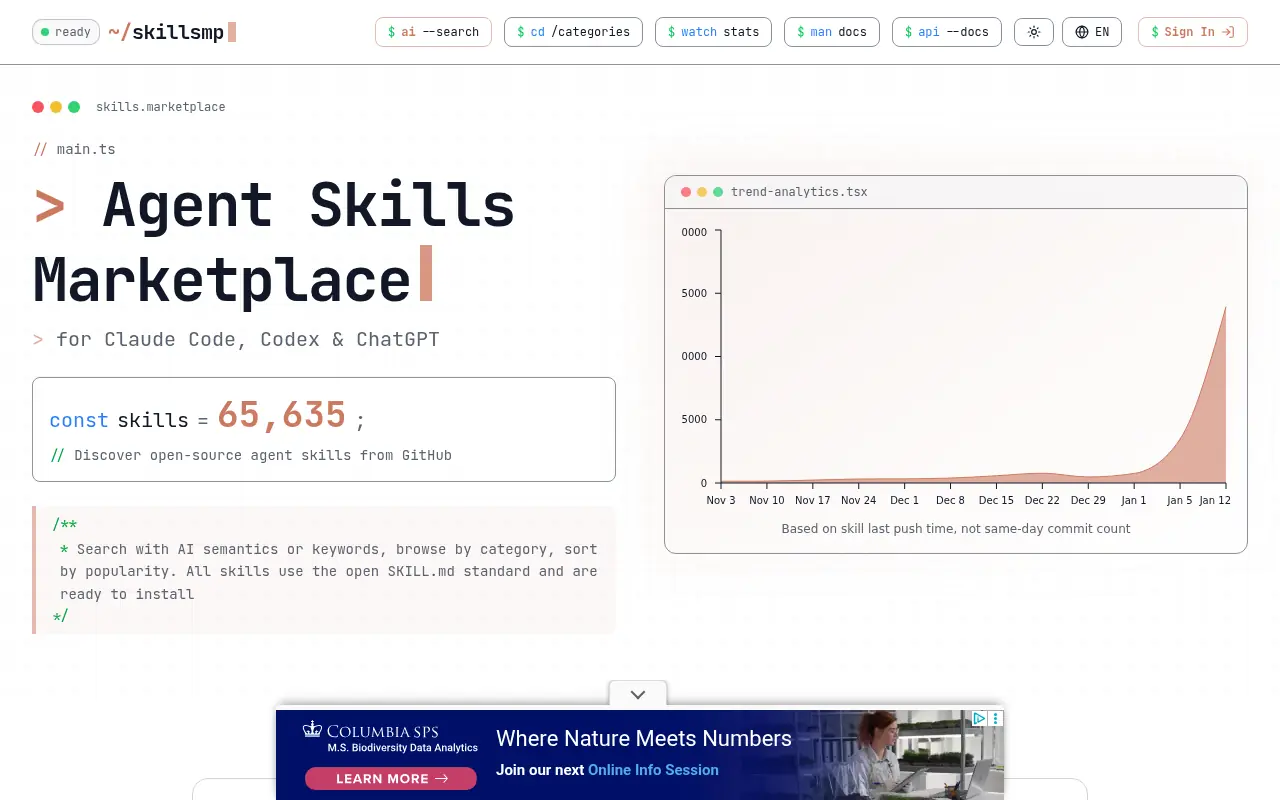
SkillsMP is a free discovery platform that aggregates and catalogs over 21,000 AI agent skills from GitHub repositories, enabling users to find, install, and deploy expert-crafted capabilities for Claude and other AI coding assistants.
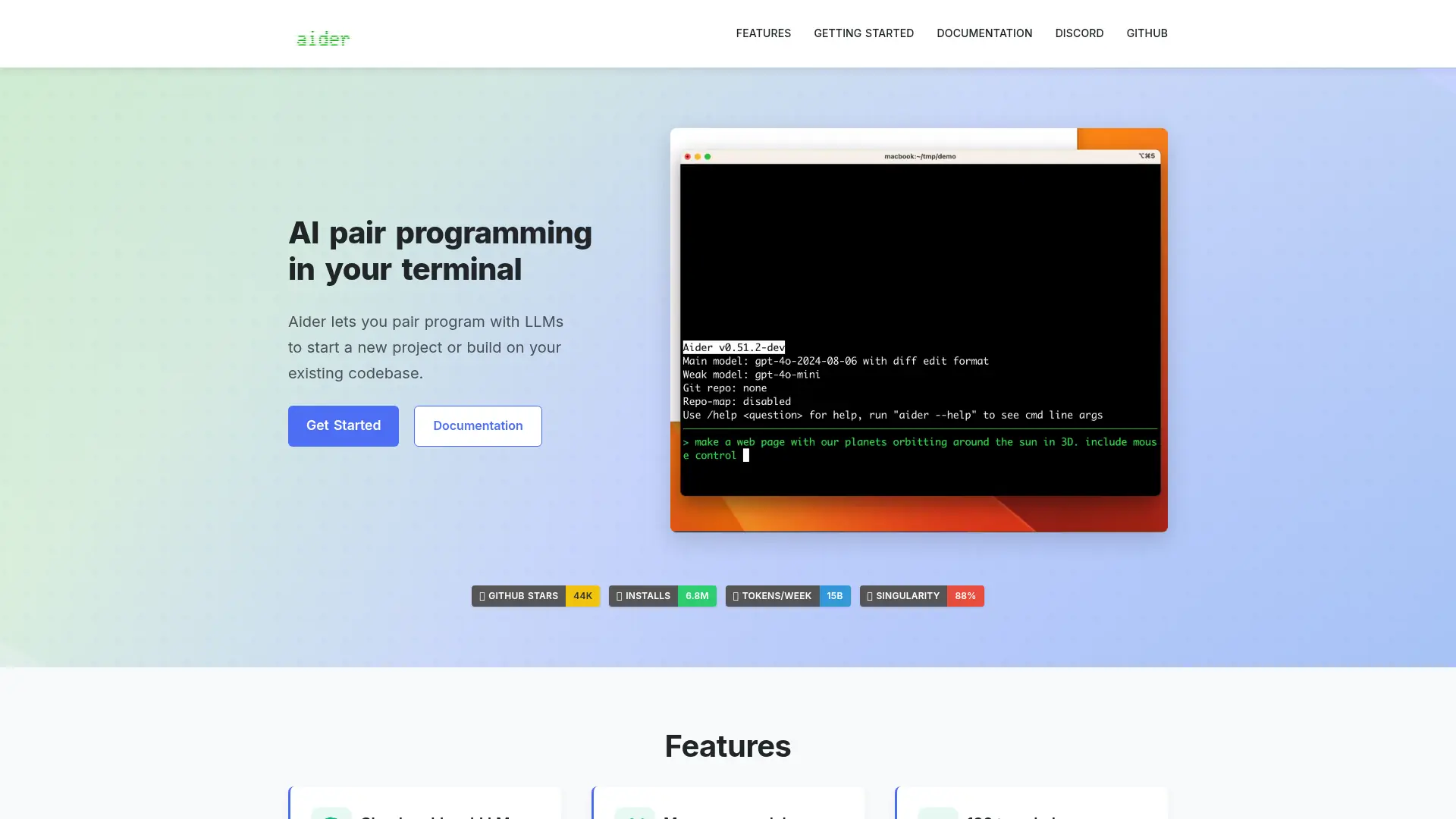

Aider
Aider operates directly in your terminal, acting as an expert AI pair programmer that writes, edits, and commits code seamlessly into your local repository.
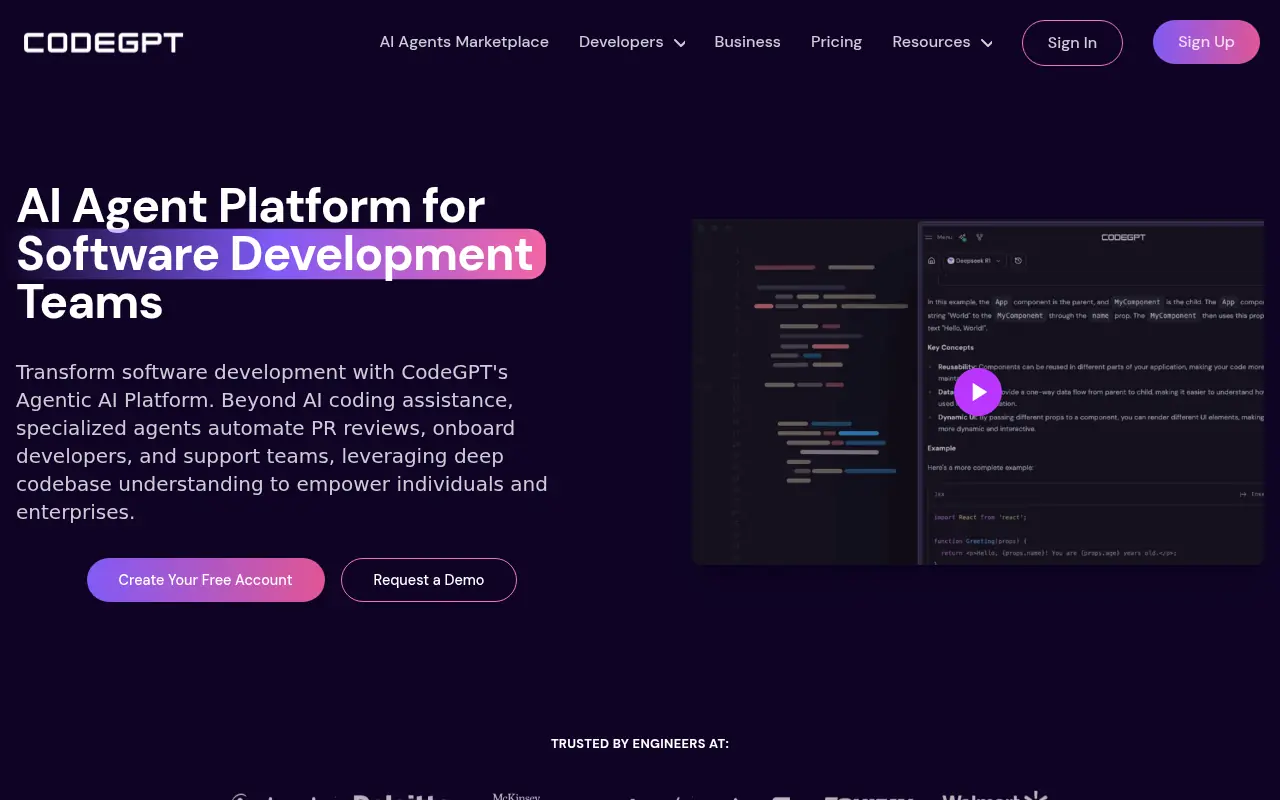

CodeGPT
CodeGPT is an AI-powered platform that enhances software development through specialized AI agents and coding tools.
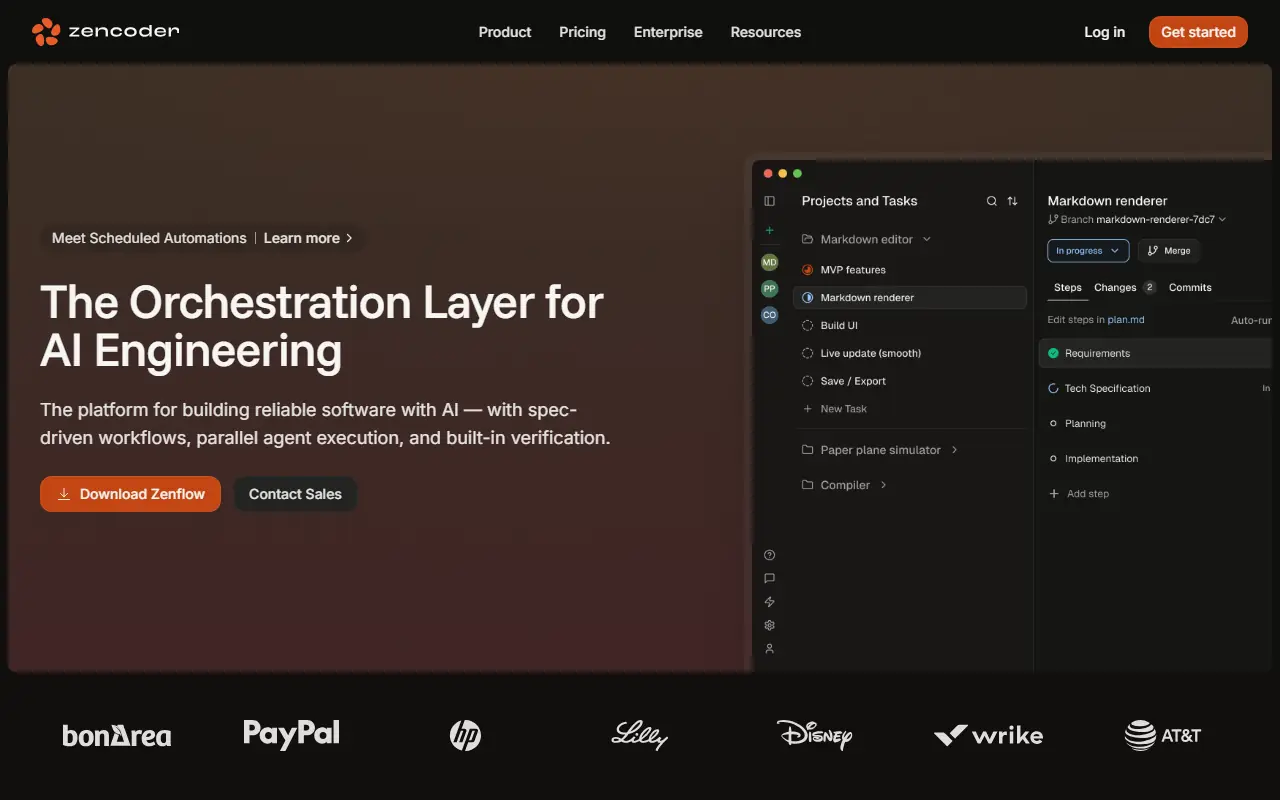

Zencoder
Zencoder is an advanced AI coding platform that integrates specialized coding agents into developer workflows to automate code generation, testing, and reviews.