

TensorPix

What is TensorPix?
TensorPix is a cloud-based AI video and image enhancement platform designed to make professional-quality upscaling accessible to everyone. By leveraging advanced neural networks on cloud GPU hardware, it allows users to restore old footage, upscale resolutions up to 4K, and remove visual noise without needing a powerful local computer. Its mission is to simplify the video restoration process for casual users, content creators, and professionals alike, saving time and bypassing hardware limitations. Additionally, it offers text-to-image and text-to-video generation tools, creating an all-in-one suite for visual media improvement.
How to use TensorPix?
To use TensorPix effectively, start by creating a free account and uploading the video or image you wish to enhance directly from your device or via a link. Next, select from a variety of AI filters such as upscaling (up to 4K), noise reduction, deinterlacing, or frame rate boosting depending on your specific needs. Once the filters are applied, initiate the cloud-based processing, preview the enhanced results, and download your finalized high-quality media file.
TensorPix's Core Features
AI Video Upscaling: Upscales low-resolution videos up to 4K quality with crisp detail reconstruction.
Cloud-Based Processing: Utilizes powerful cloud GPUs so you don't need a high-end computer to render files.
AI Image Generator: Creates high-quality photos and artwork from simple text descriptions.
Video Restoration Filters: Offers automated tools to deinterlace, clean film noise, and repair compression artifacts.
FPS Booster: Increases video frame rates for smoother, more fluid playback.
TensorShots AI: Generates and edits complete ad videos from text and image prompts.
API Integration: Allows developers to integrate video enhancement capabilities directly into their own products.
Online Video Compressor: Reduces file sizes for faster uploading and sharing without losing visual fidelity.
TensorPix's Use Cases
- #1
Upscaling low-resolution or standard definition (SD) videos to crisp 4K quality.
- #2
Restoring old, degraded, or noisy family videos and VHS tape digitizations.
- #3
Enhancing low-light or blurry footage for professional social media content.
- #4
Generating high-quality images and video assets from simple text prompts.
- #5
Improving the frame rate and smoothness of existing video clips with FPS boosting.
- #6
Compressing large video files for faster upload times without compromising visual quality.
- #7
Integrating automated video enhancement into external applications via REST API.
Frequently Asked Questions
Analytics of TensorPix
Monthly Visits Trend: Apr 2025 - Aug 2026
Traffic Sources
AI Channel Traffic Trends
Top Regions
| Region | Traffic Share |
|---|---|
| United States | 16.49% |
| Russia | 10.05% |
| Morocco | 7.63% |
| Indonesia | 5.62% |
| United Kingdom | 4.76% |
Top Keywords
| Keyword | Traffic | CPC |
|---|---|---|
| tensorpix | 12.7K | $0.63 |
| upscale video | 28.0K | $0.67 |
| tensorpix ai | 670 | -- |
| tensor pix | 920 | -- |
| video upscaler | 51.6K | $0.75 |
Alternative of TensorPix


AVCLabs
AVCLabs provides AI-powered tools for enhancing video and photo quality, including video upscaling, blurring, and photo editing solutions.


HitPaw
HitPaw offers AI-powered multimedia editing tools for video, audio, and image enhancement.
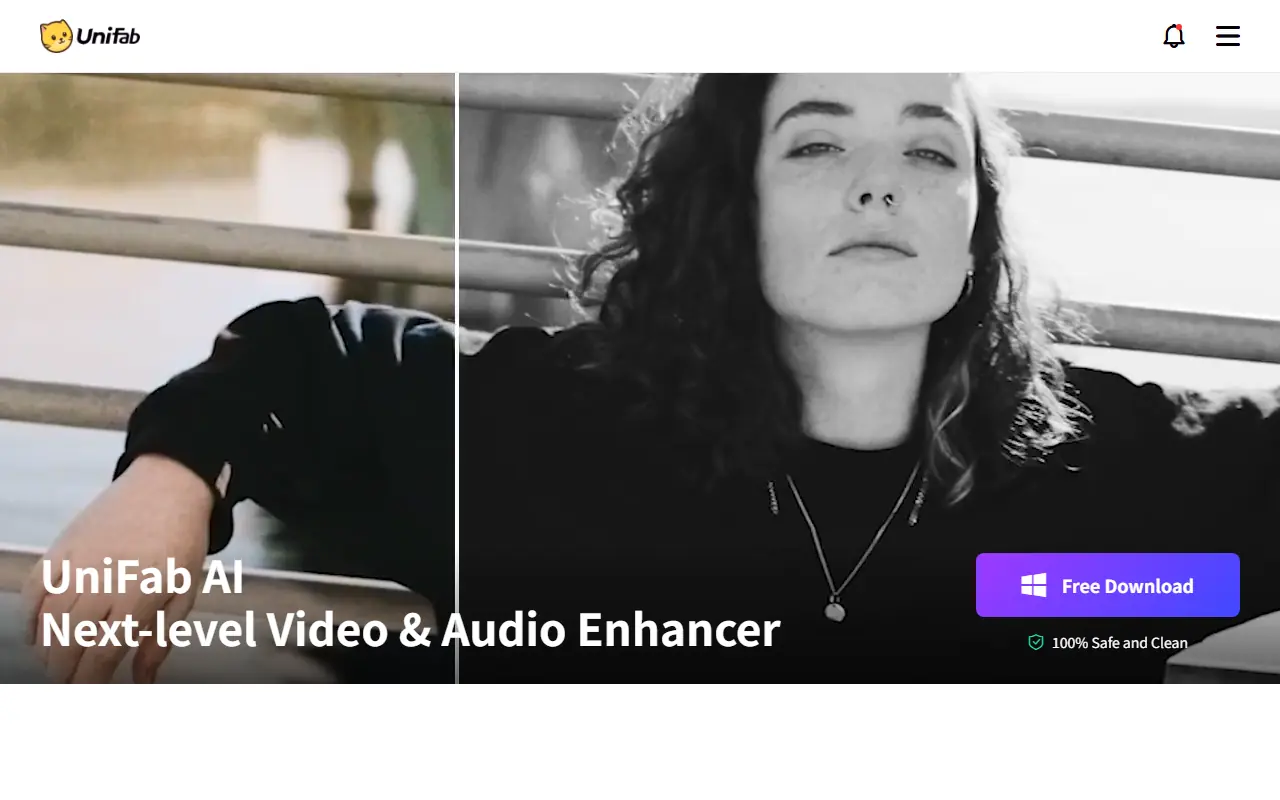

UniFab
UniFab is an AI-powered software suite for enhancing, converting, and optimizing video and audio files to achieve professional-quality results.


VideoCompress AI
Shrink massive video files up to 90% while preserving stunning visual fidelity through advanced neural network encoding.


WaveSpeedAI
A high-performance multimodal AI platform that accelerates image and video generation through a unified API and web interface.




Topaz Labs
Topaz Labs offers AI-powered software for enhancing photo and video quality, catering to photographers, videographers, and creative professionals.


Nim Video
Nim Video is an all-in-one AI video production studio that aggregates leading generative models to help users create professional videos from text and images.