

EaseUS Online Video Repair
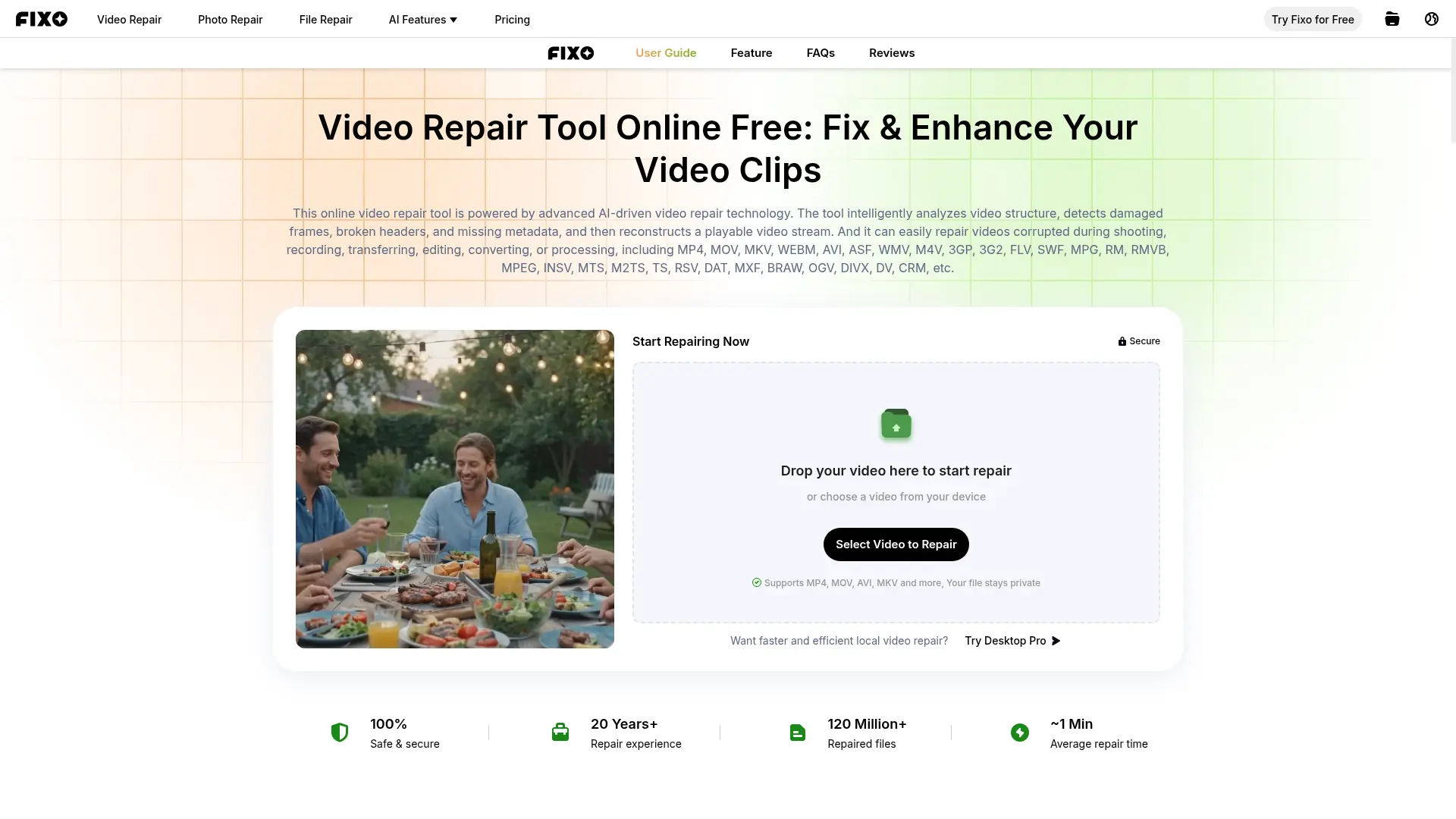
What is EaseUS Online Video Repair?
EaseUS Online Video Repair is a browser-based tool for restoring corrupted, damaged, or unplayable video files. Its AI-driven technology analyzes video structures, damaged frames, broken headers, and missing metadata to reconstruct playable streams. The service supports common formats such as MP4, MOV, AVI, MKV, MTS, and many others. It is designed for content creators, videographers, businesses, and individuals recovering recordings from phones, cameras, drones, SD cards, and storage devices. The online version provides free repair with limits, while EaseUS offers desktop repair software for larger files, batch processing, and advanced assistance.
How to use EaseUS Online Video Repair?
1. Open EaseUS Online Video Repair and upload or drag a corrupted video into the repair area. 2. Start the automatic AI repair process and wait while the service analyzes and reconstructs the file. 3. Preview the repaired result and download the recovered video if the outcome meets your needs.
EaseUS Online Video Repair's Core Features
AI Video Structure Analysis: Detect damaged frames, broken headers, and missing metadata to rebuild a playable video stream.
Browser-Based Repair: Upload damaged footage directly from a web browser without installing software.
Wide Format Support: Repair MP4, MOV, AVI, MKV, MTS, M2TS, 3GP, FLV, WMV, MPEG, and other listed formats.
Playback Error Repair: Address videos that fail to open, freeze, stutter, flicker, display a black screen, or play incorrectly.
Audio and Subtitle Recovery: Help restore missing sound, subtitles, and synchronization problems in damaged videos.
Preview Before Download: Review the repaired result before saving the recovered file to your device.
Device-Compatible Recovery: Handle footage originating from cameras, phones, GoPro devices, drones, SD cards, and other storage media.
Free Online Tier: Repair one video per day online when the file is under the stated 100 MB limit.
Desktop Upgrade Path: Move to EaseUS Fixo desktop repair for unlimited file sizes, batch repair, and premium technical assistance.
EaseUS Online Video Repair's Use Cases
- #1
Repairing an MP4 recording that will not open after a camera shutdown or interrupted transfer
- #2
Restoring MOV videos captured on an iPhone, DSLR, mirrorless camera, or drone
- #3
Fixing blurry, flickering, pixelated, lagging, or stuttering video playback
- #4
Recovering videos with missing sound, subtitles, metadata, or audio-video synchronization
- #5
Repairing corrupted footage stored on an SD card, USB drive, hard drive, or phone
- #6
Testing a free browser-based repair before purchasing desktop video recovery software
- #7
Restoring personal recordings or client footage without installing a desktop application
Frequently Asked Questions
Analytics of EaseUS Online Video Repair
Monthly Visits Trend: Apr 2025 - Aug 2026
Traffic Sources
AI Channel Traffic Trends
Top Regions
| Region | Traffic Share |
|---|---|
| United States | 16.09% |
| India | 15.43% |
| Belgium | 9.46% |
| Indonesia | 3.94% |
| Brazil | 3.70% |
Top Keywords
| Keyword | Traffic | CPC |
|---|---|---|
| image enhancer | 366.1K | $0.27 |
| mejorar calidad de imagen | 409.4K | $0.14 |
| image quality enhancer | 92.9K | $0.22 |
| aclarar y reparar foto online | -- | -- |
| réparer photo endommagé gratuit en ligne | 690 | -- |
Alternative of EaseUS Online Video Repair


Free AI Video Upscaler
Upscale videos and images privately in your browser without uploads, signup, installation, watermarks, or usage fees.

HitPaw
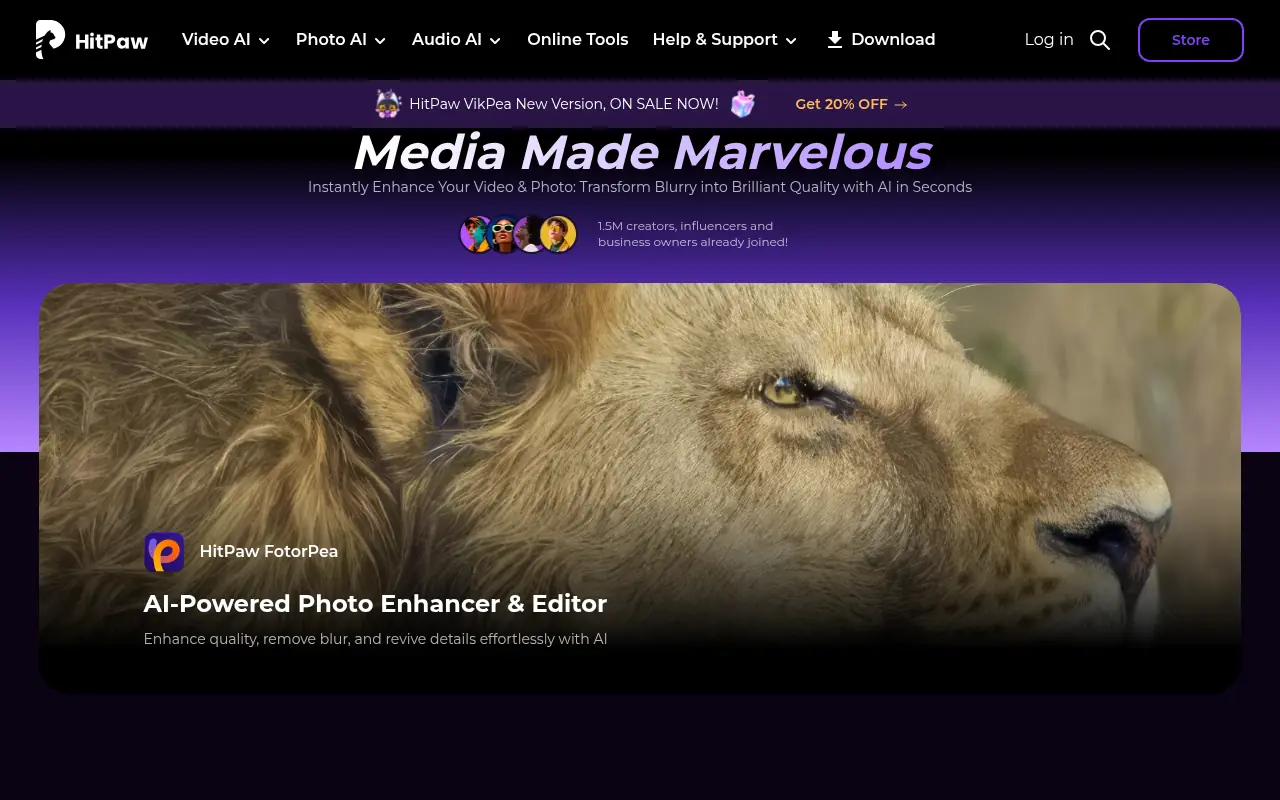
HitPaw offers AI-powered multimedia editing tools for video, audio, and image enhancement.


TensorPix
TensorPix is an online AI-powered platform that enhances, upscales, and restores videos and images using fast cloud-based processing.

VideoCompress AI
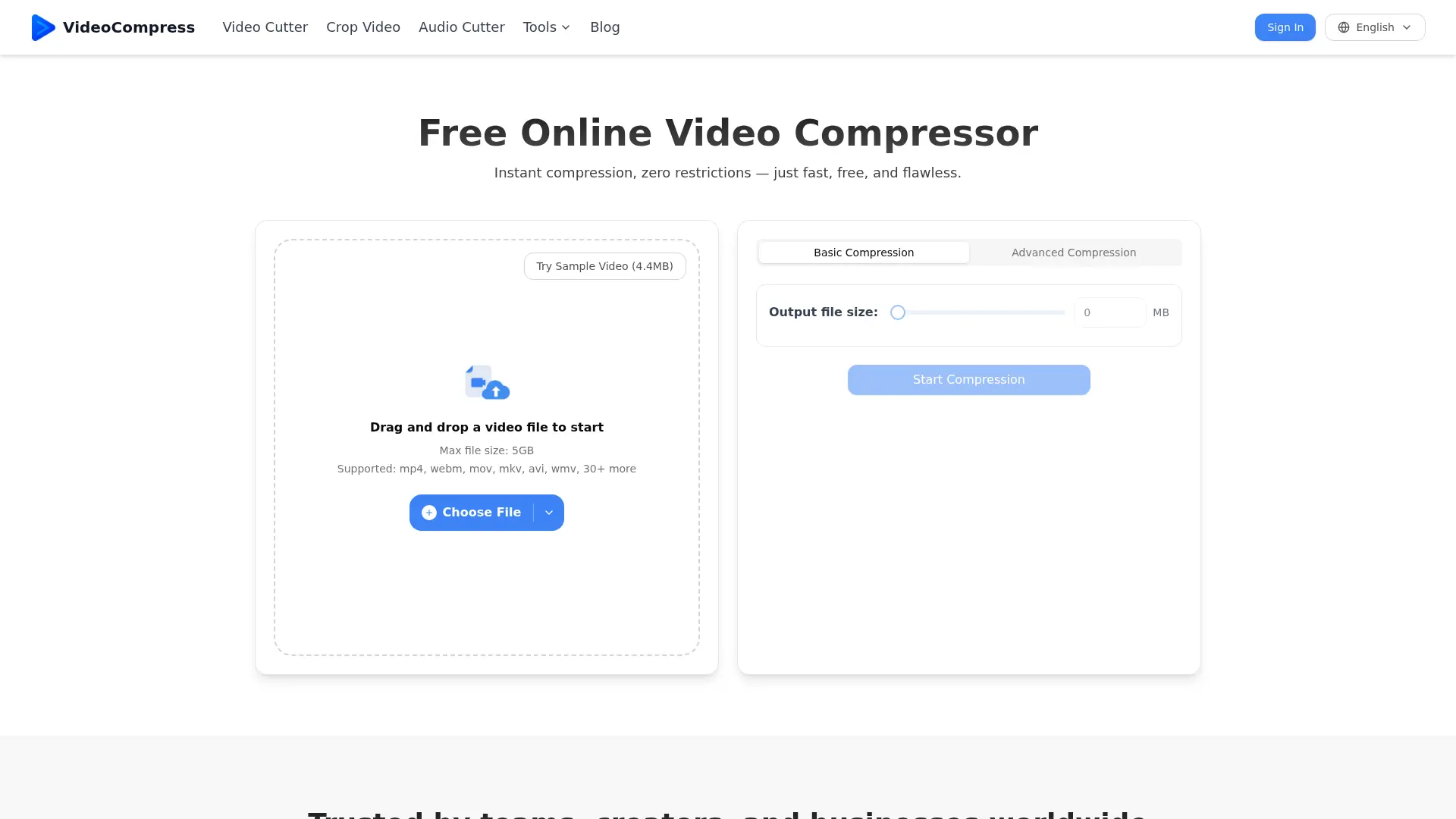
Shrink massive video files up to 90% while preserving stunning visual fidelity through advanced neural network encoding.


UniFab
UniFab is an AI-powered software suite for enhancing, converting, and optimizing video and audio files to achieve professional-quality results.


AVCLabs
AVCLabs provides AI-powered tools for enhancing video and photo quality, including video upscaling, blurring, and photo editing solutions.

Recoverit
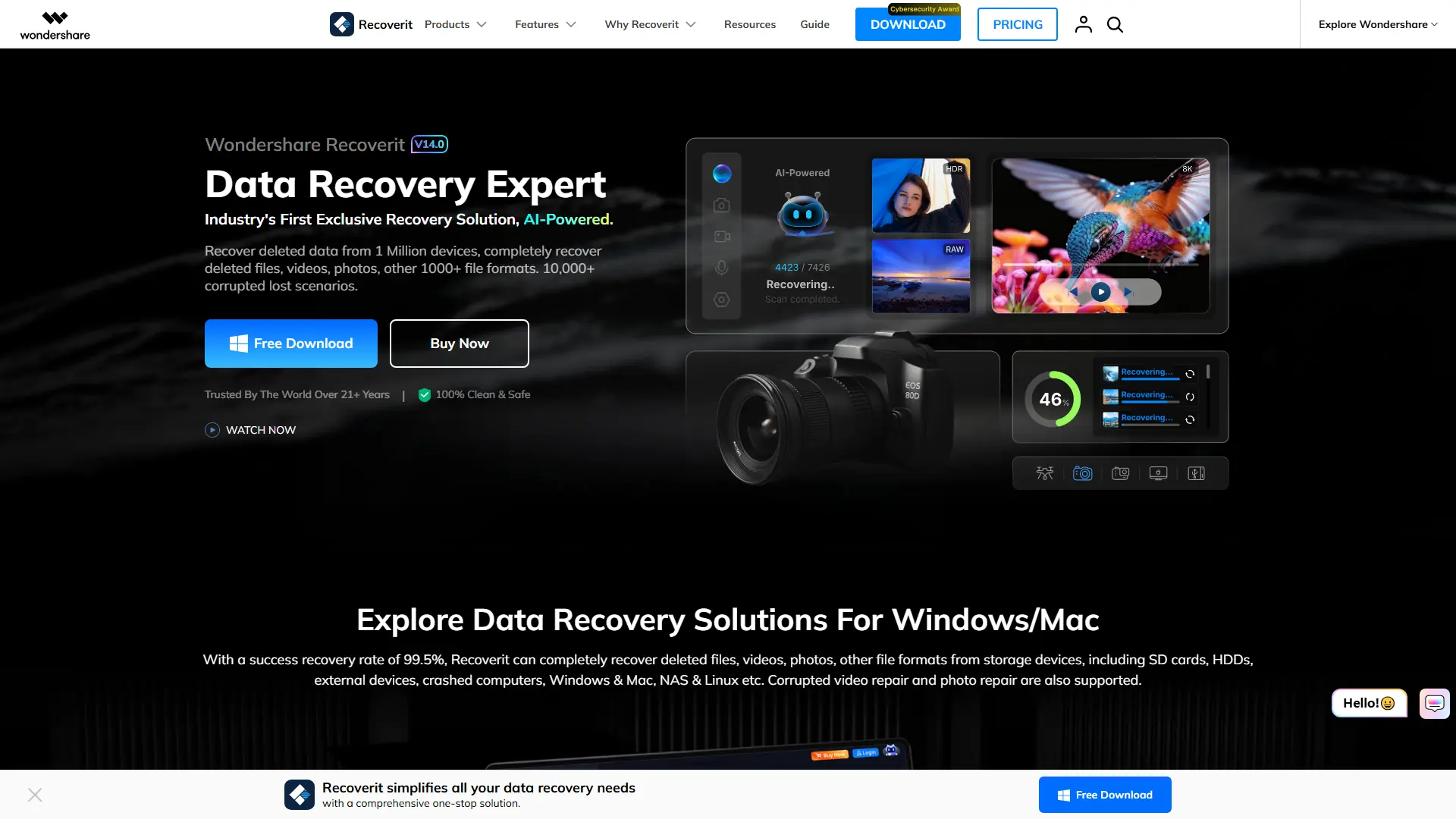
Recover deleted, formatted, corrupted, or inaccessible files from computers, drives, memory cards, NAS devices, and other storage media.
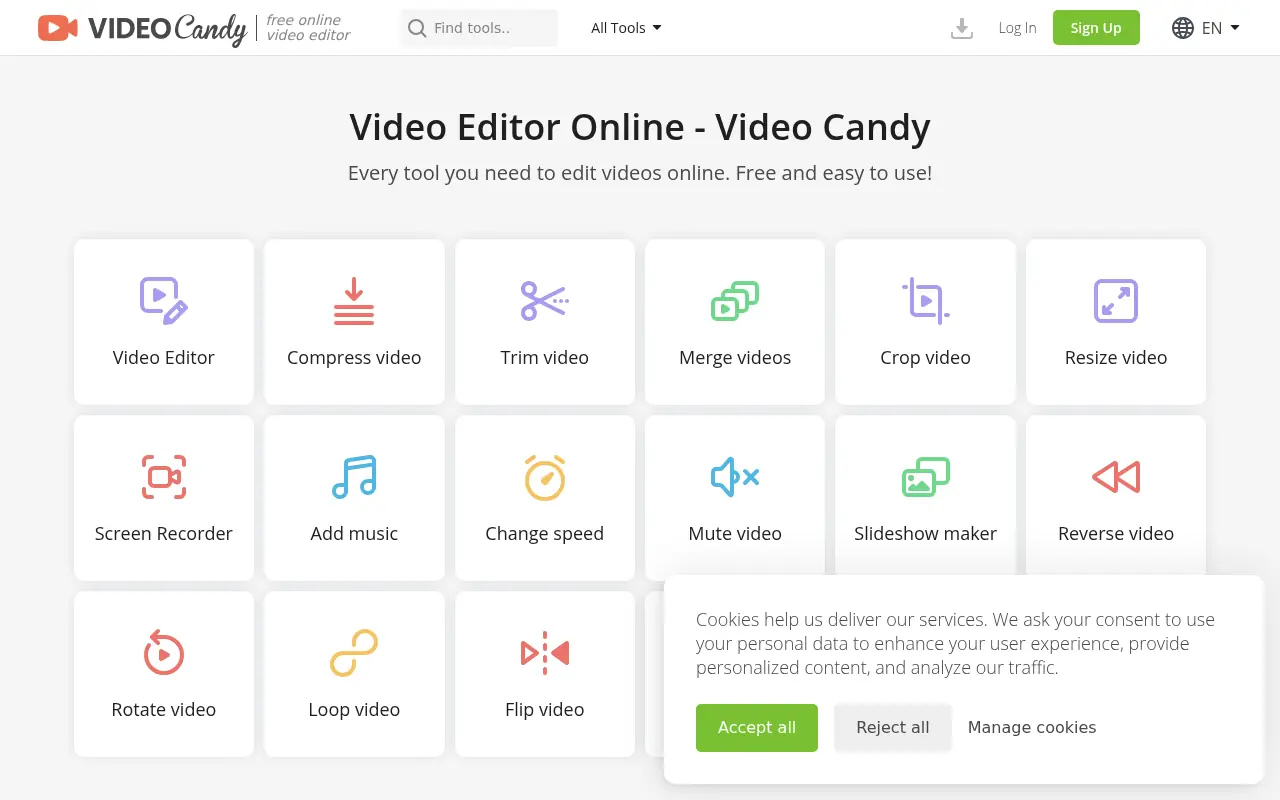

Video Candy
Video Candy is a free, browser-based video editor that offers a comprehensive suite of tools for trimming, merging, compressing, and resizing videos without any software installation.