

Pixlio AI
What is Pixlio AI?
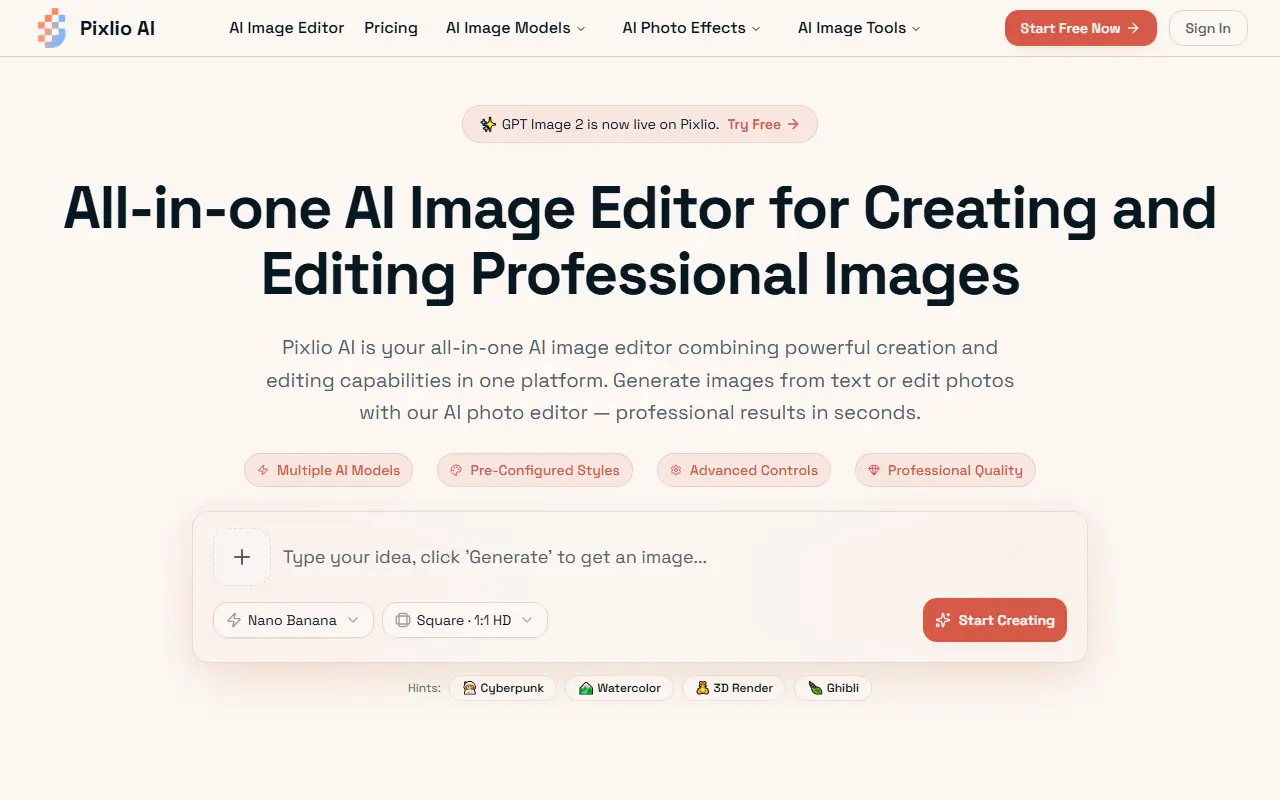
Pixlio AI is a comprehensive AI-powered platform for generating and editing images directly in the web browser. It integrates advanced AI models, including Flux, Nano Banana 2, Seedream 5, and Qwen Image, to deliver professional-grade visual content. Its mission is to make advanced image creation and intelligent photo manipulation accessible to everyone, from casual creators to marketing professionals. Users can perform complex tasks like text-to-image generation, background removal, object manipulation, and style transfer using simple, plain-language prompts. By combining both creation and editing capabilities into one seamless tool, Pixlio AI streamlines creative workflows and eliminates the need for expensive, complex software.
How to use Pixlio AI?
To use Pixlio AI effectively, start by creating a free account to access complimentary credits. You can choose to generate a new image by entering a descriptive text prompt and selecting a preferred AI model or style preset, such as photorealistic, anime, or 3D. Alternatively, you can upload an existing photo to the platform and use its intelligent editing tools to remove backgrounds, add text, or seamlessly manipulate objects. Once the AI processes your request—typically in under 20 seconds—you can fine-tune the result using advanced customization controls like aspect ratio and guidance scale before exporting the high-resolution image for personal or commercial use.
Pixlio AI's Core Features
Generate original, high-quality images from text prompts using advanced AI models like Flux and Nano Banana 2.
Intelligently edit existing photos with context-aware AI tools to seamlessly manipulate objects and scenes.
Remove or replace image backgrounds with pixel-perfect precision for professional product photography.
Apply pre-configured professional styles such as Studio Ghibli, Pixar 3D, and photorealism to any image.
Add professional typography or cleanly remove unwanted text and watermarks from your visual content.
Upscale and unblur images to export in high-resolution formats suitable for print or commercial web use.
Control generation outputs using advanced settings like custom aspect ratios, seed values, and negative prompts.
Access all powerful image creation and editing features directly from a web browser without any software installation.
Pixlio AI's Use Cases
- #1
Creating custom product photography for e-commerce listings without expensive photoshoots.
- #2
Generating unique marketing graphics and social media campaign visuals.
- #3
Removing and replacing backgrounds in personal or professional portraits.
- #4
Adding realistic winter and snow effects to family photos or selfies.
- #5
Transforming rough sketches or photos into specialized art styles like anime or pixel art.
- #6
Cleaning up images by intelligently removing unwanted objects, text, or watermarks.
Frequently Asked Questions
Analytics of Pixlio AI
Monthly Visits Trend: Jul 2025 - Aug 2026
Traffic Sources
AI Channel Traffic Trends
Top Regions
| Region | Traffic Share |
|---|---|
| United States | 15.35% |
| Poland | 11.93% |
| India | 7.46% |
| Indonesia | 5.10% |
| United Kingdom | 4.67% |
Top Keywords
| Keyword | Traffic | CPC |
|---|---|---|
| remove green screen image | 30 | -- |
| using ai to make cross stitch patterns | 670 | -- |
| green screen remover | 12.6K | $1.03 |
| greenscreen removal | -- | -- |
| anime me from image | -- | -- |
Alternative of Pixlio AI

Nano Banana AI
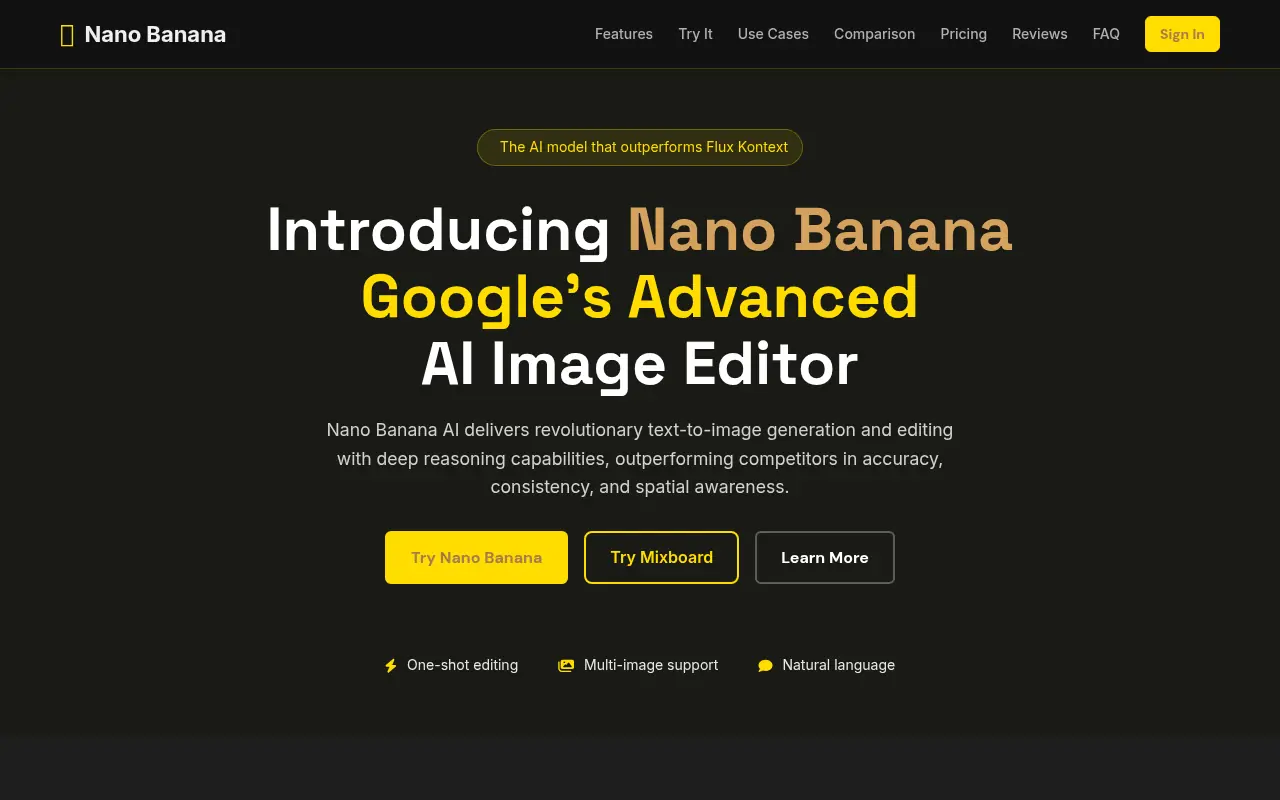
Nano Banana AI is Google’s advanced AI-powered image editor and generator that enables users to create, manipulate, and refine images using intuitive text prompts.

Kaze AI
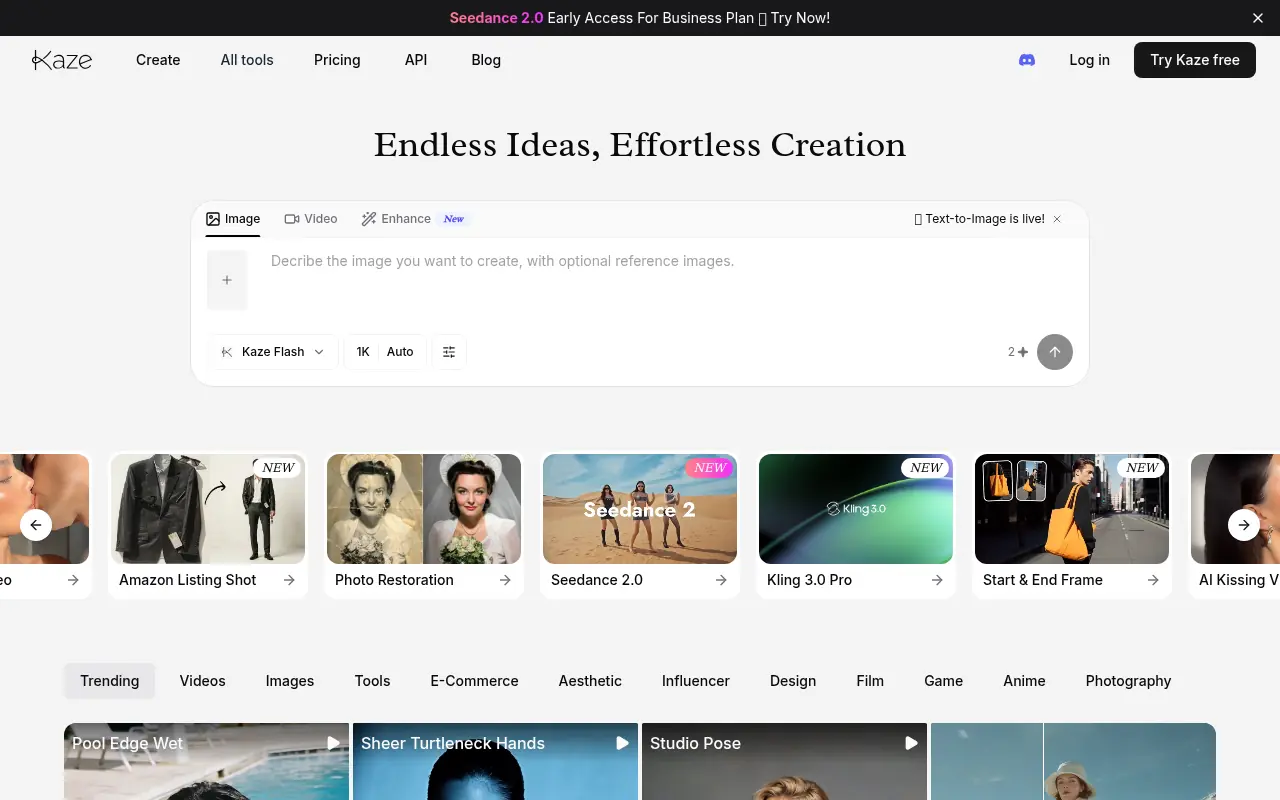
Kaze AI is an AI-powered image and video editing platform that simplifies photo retouching, watermark removal, restyling, and professional enhancements.

Nano Banana
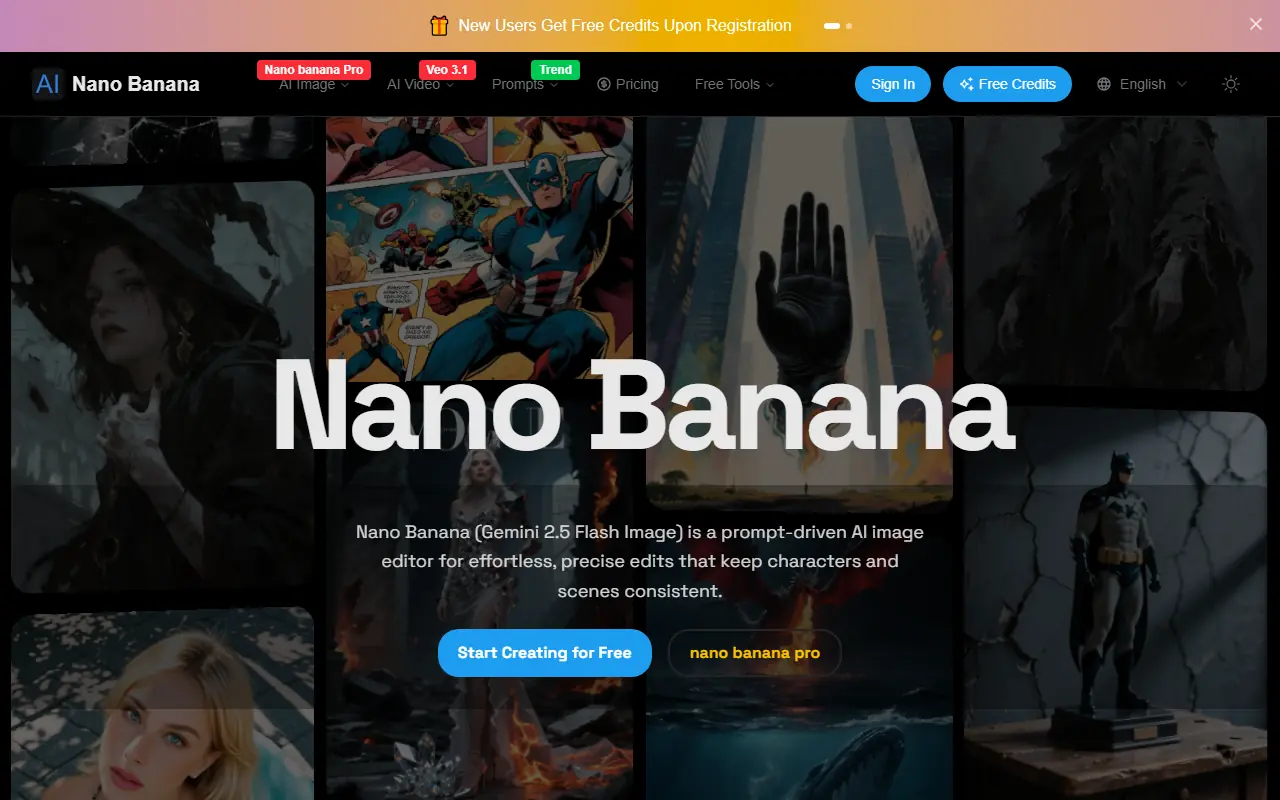
Nano Banana is an AI-powered image editor and generator using Gemini 2.5 Flash Image to transform text prompts into high-quality images with precise, consistent edits.
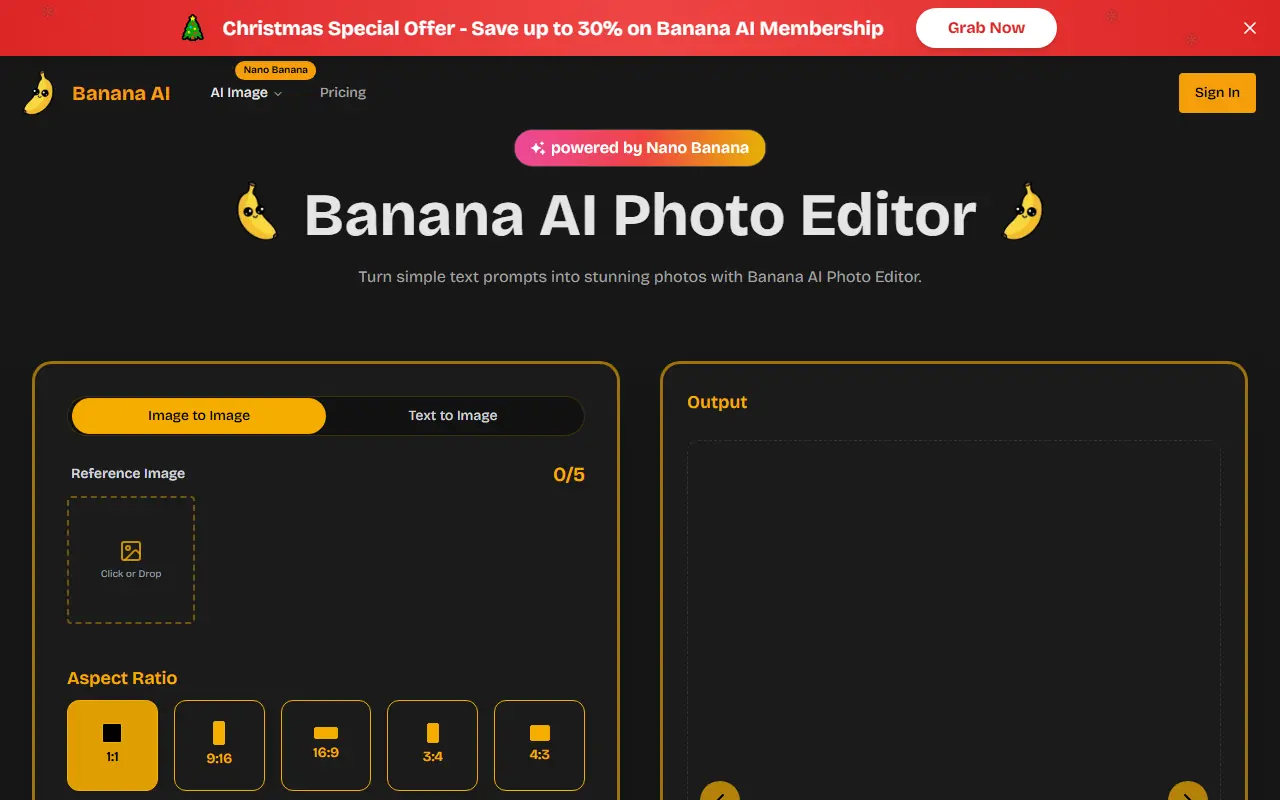

Banana AI
Banana AI is an advanced AI-powered photo editor using Nano Banana technology to edit images via natural language prompts, enabling quick transformations with high-fidelity results.
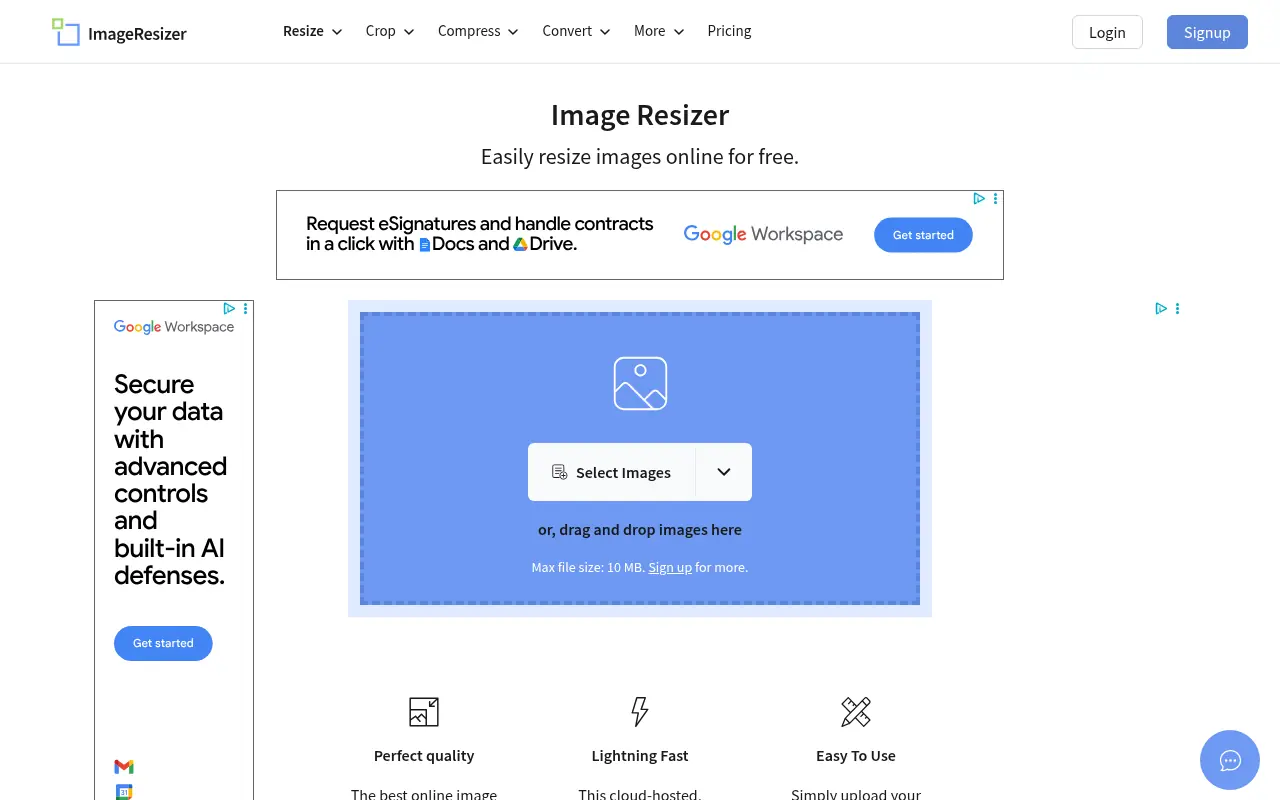

Image Resizer
A free, browser-based tool to easily resize, crop, compress, and convert images without losing quality.
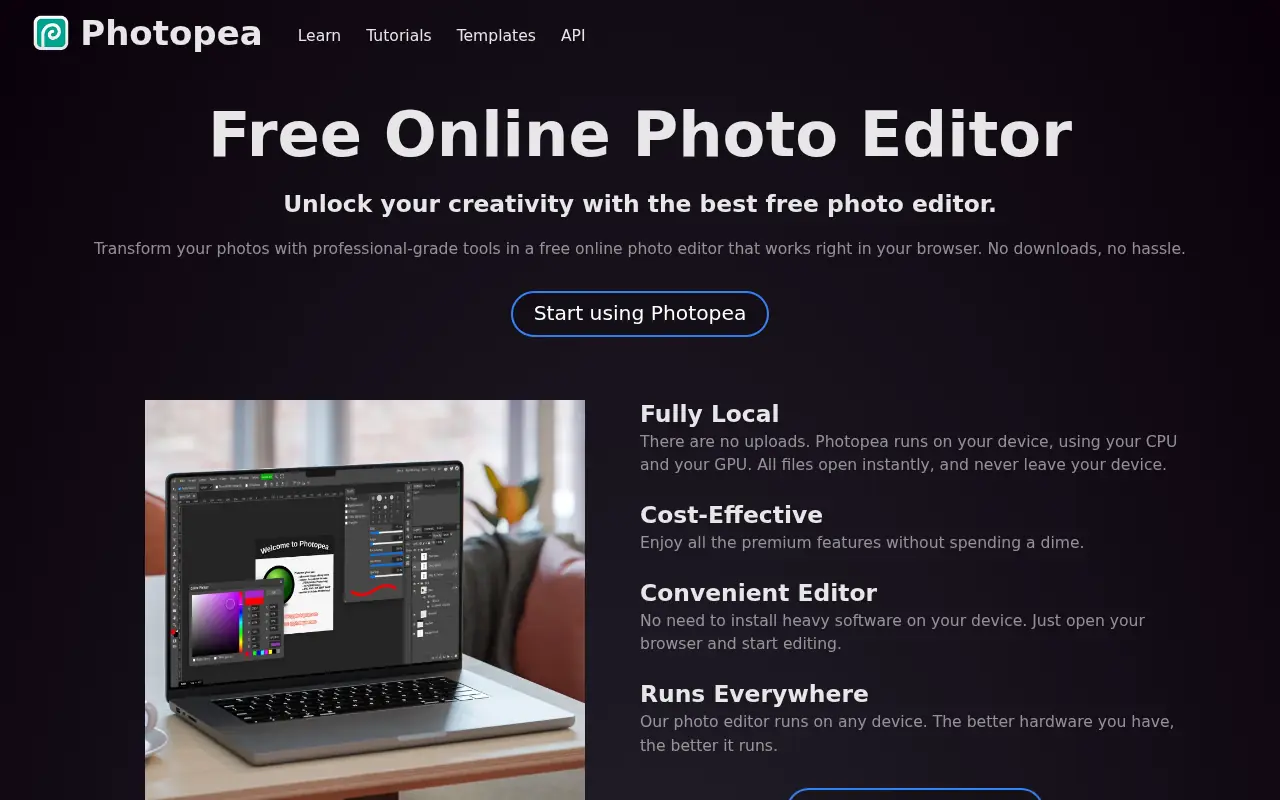

Photopea
Photopea is a free, advanced web-based photo and graphics editor that closely mimics Adobe Photoshop and supports various industry-standard file formats.
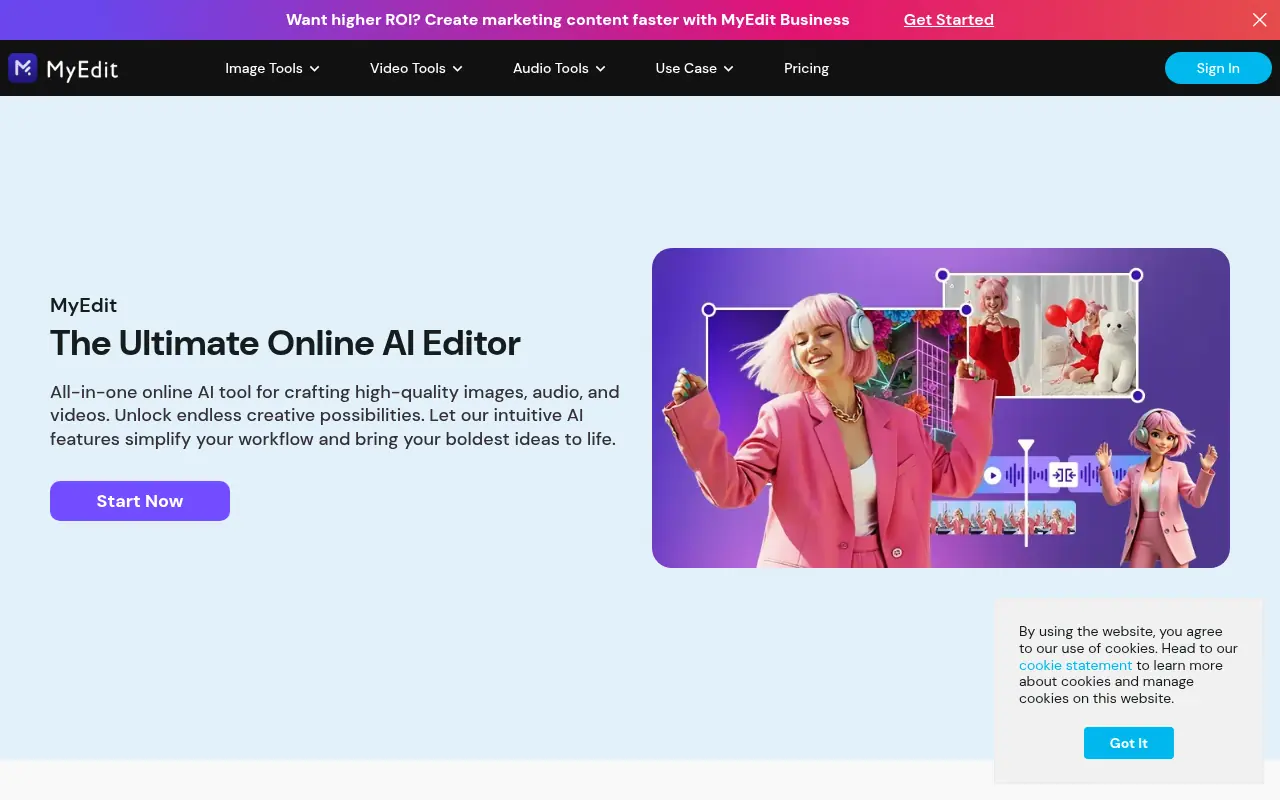

MyEdit
MyEdit is a comprehensive browser-based AI platform that streamlines photo, video, and audio editing without requiring software downloads or advanced technical skills.

Z-Image
Z-Image is a free, lightning-fast AI image editor that provides professional-quality tools for background removal, style transfer, and advanced photo manipulation.