

Image Resizer
What is Image Resizer?
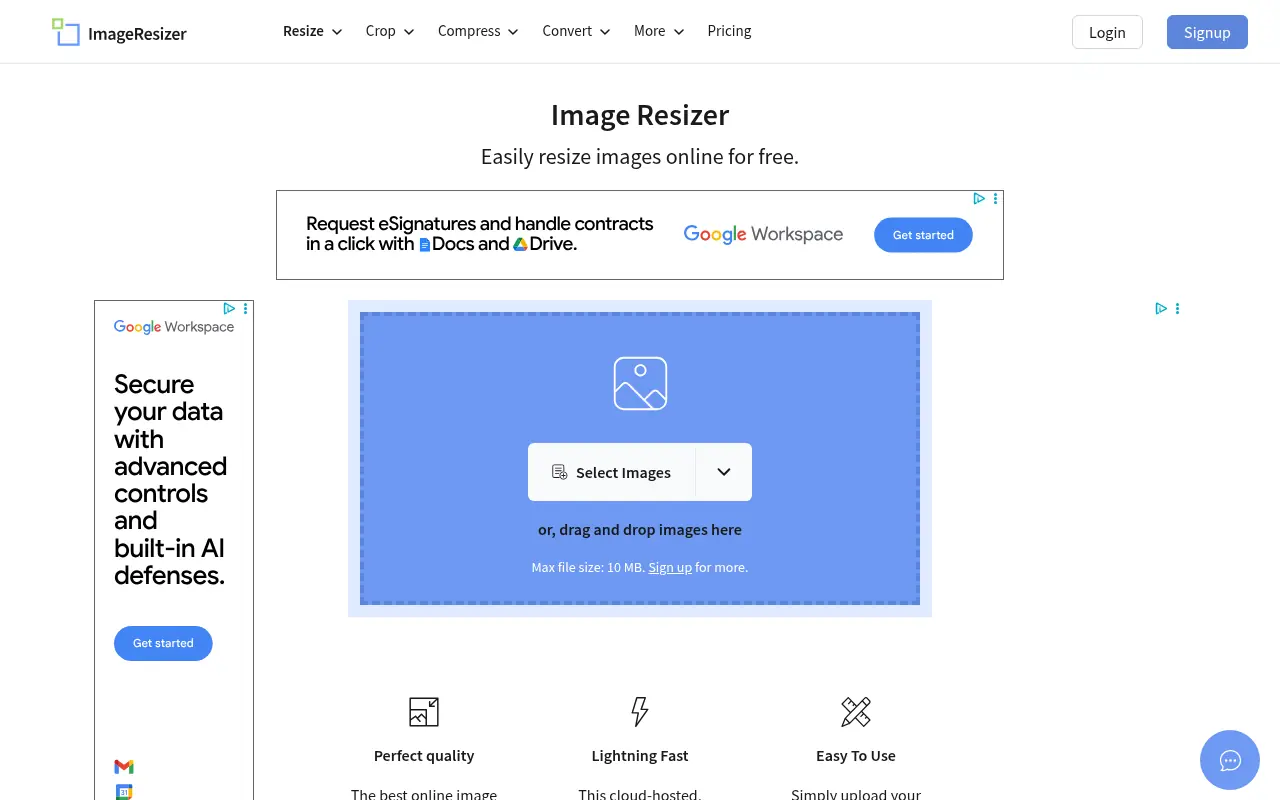
Image Resizer is an intuitive, cloud-based platform that allows users to quickly modify their images directly in their web browser. Its mission is to provide accessible, high-quality image editing tools without the need for complex software installations or account registrations. Users can easily resize, crop, compress, and convert file formats like JPGs, PNGs, and PDFs to suit their specific digital needs. The platform caters to bloggers, social media managers, and everyday users who require fast, reliable photo adjustments. By maintaining optimal image quality and offering a secure environment where files are automatically deleted after six hours, it ensures both maximum convenience and strict privacy.
How to use Image Resizer?
To use the tool, simply navigate to the website and click the 'Select Image' button or drag and drop your file (up to 10MB) into the upload area. Once the image is loaded, you can input your desired target dimensions, lock the aspect ratio to prevent distortion, or choose to compress and crop the image. Finally, click the 'Resize Image' button to process the file and download the newly adjusted image directly to your device.
Image Resizer's Core Features
Easily scale your images by entering custom dimensions or percentage values.
Trim unwanted outer edges from your photos with the intuitive cropping tool.
Reduce the file size of your images in kilobytes without a significant drop in visual quality.
Transform image formats, including PNG to JPG or standard images to PDF.
Upload multiple images simultaneously for efficient batch processing.
Enjoy peace of mind with automatic file deletion from servers after 6 hours.
Access the cloud-hosted platform from any device's web browser without installing software.
Image Resizer's Use Cases
- #1
Resizing photos to meet specific social media platform dimension requirements.
- #2
Compressing large image files to improve website loading speeds and SEO.
- #3
Cropping images to focus on specific subjects or adjust aspect ratios.
- #4
Converting standard images to PDF format for easy document sharing.
- #5
Enlarging smaller images for digital presentations or print media.
Frequently Asked Questions
Analytics of Image Resizer
Monthly Visits Trend: Jun 2025 - Sep 2026
Traffic Sources
AI Channel Traffic Trends
Top Regions
| Region | Traffic Share |
|---|---|
| India | 51.95% |
| United States | 12.87% |
| Bangladesh | 3.53% |
| Pakistan | 2.83% |
| United Kingdom | 2.24% |
Top Keywords
| Keyword | Traffic | CPC |
|---|---|---|
| image resizer | 838.9K | $0.46 |
| resize image | 643.7K | $0.31 |
| compress image | 543.2K | $0.22 |
| crop image | 232.9K | $0.51 |
| photo resizer | 240.6K | $0.30 |
Alternative of Image Resizer

Kaze AI
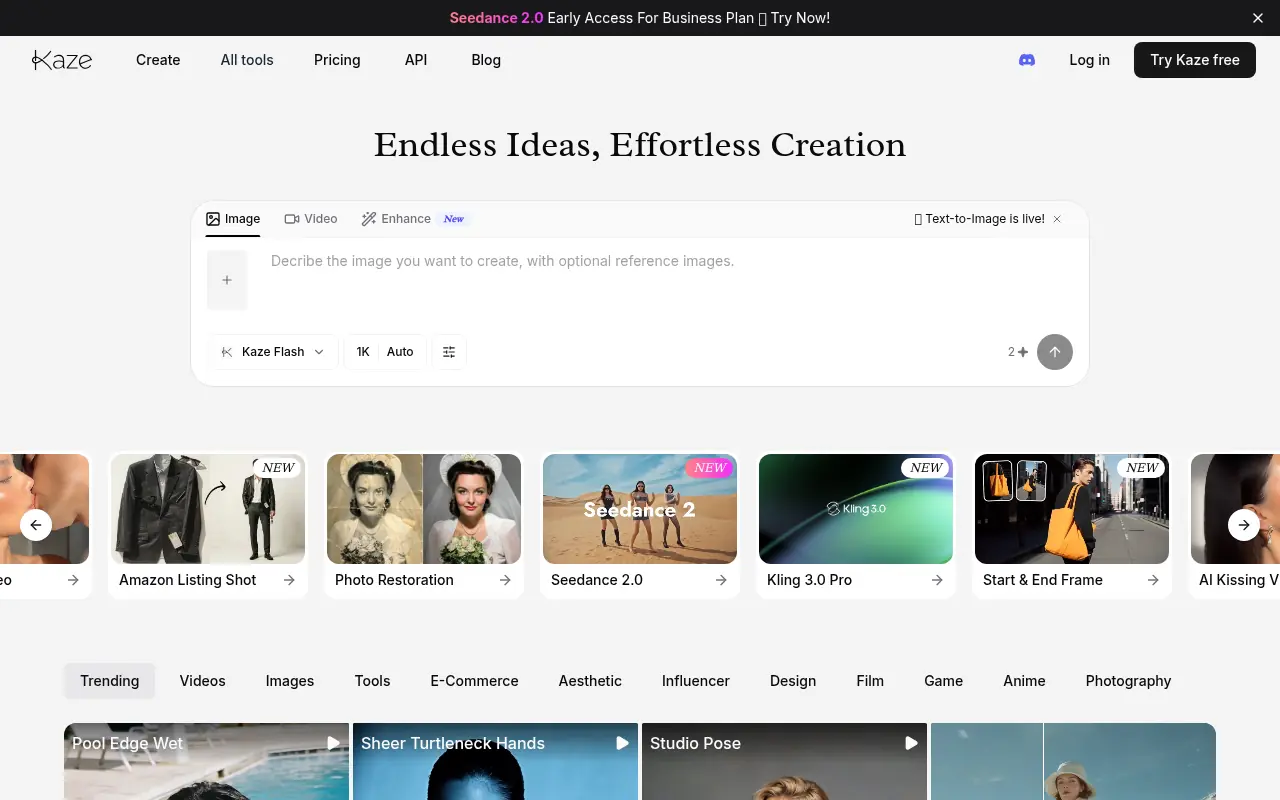
Kaze AI is an AI-powered image and video editing platform that simplifies photo retouching, watermark removal, restyling, and professional enhancements.

TapEdit
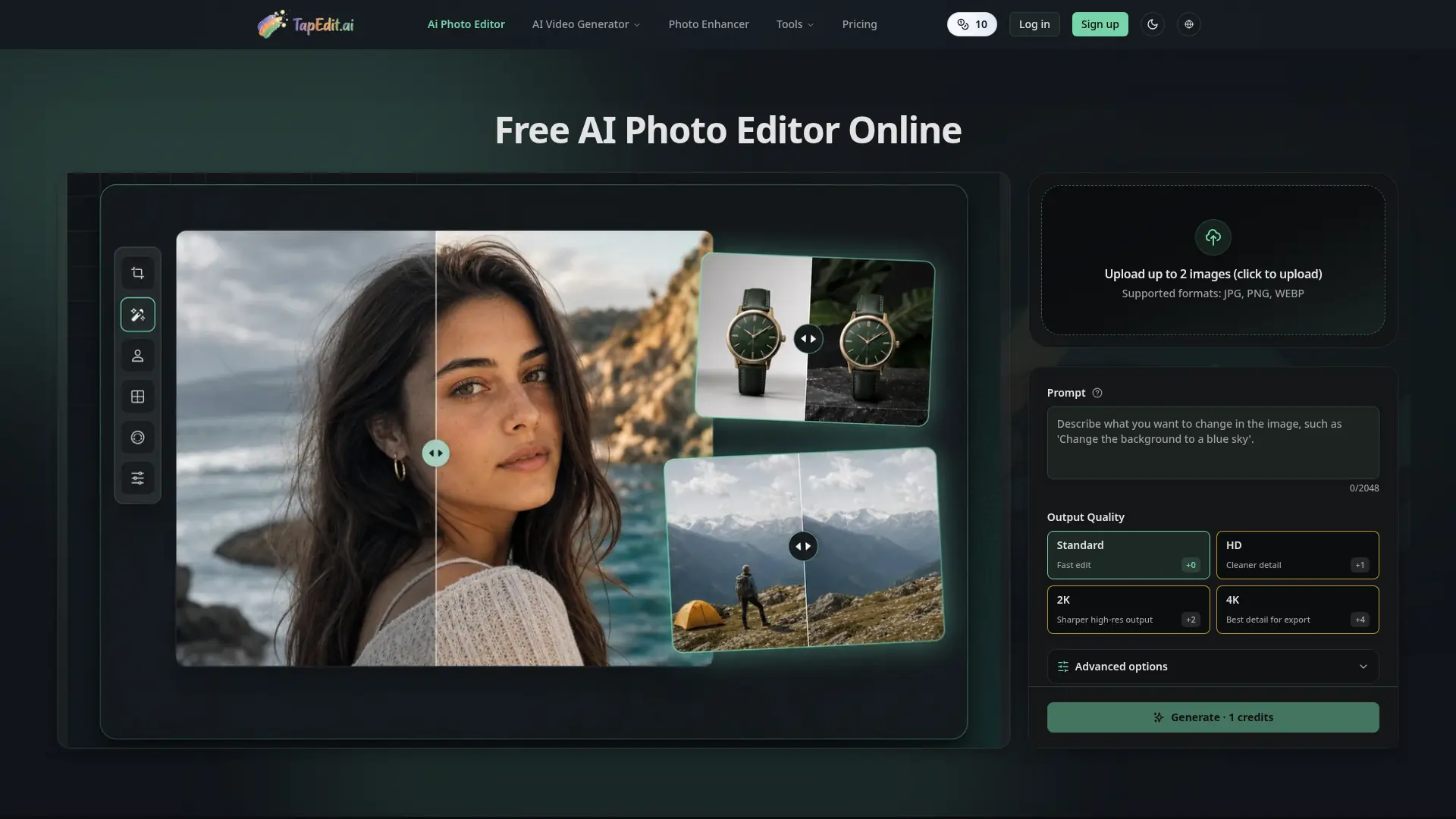
Edit, clean, enhance, and upscale images with prompt-based AI workflows built for ecommerce, marketing, creators, and high-volume production.

Photopea
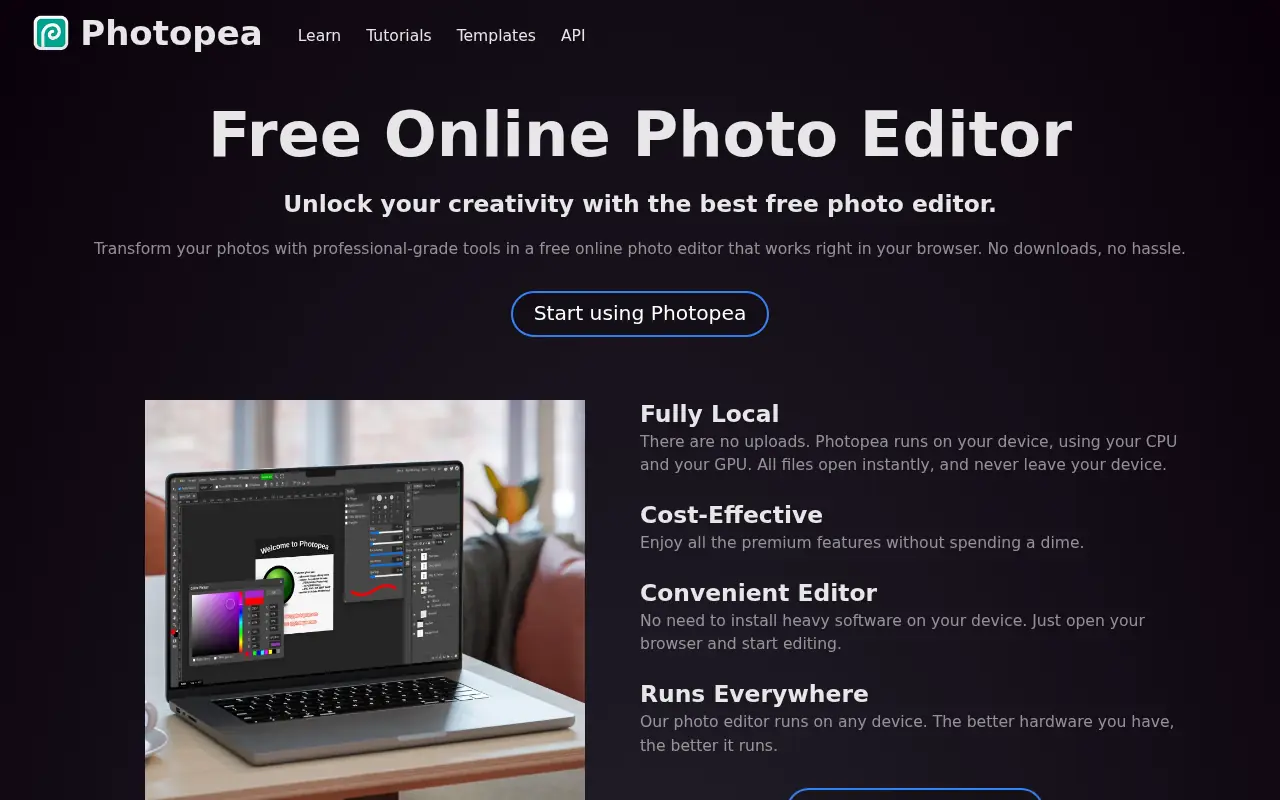
Photopea is a free, advanced web-based photo and graphics editor that closely mimics Adobe Photoshop and supports various industry-standard file formats.
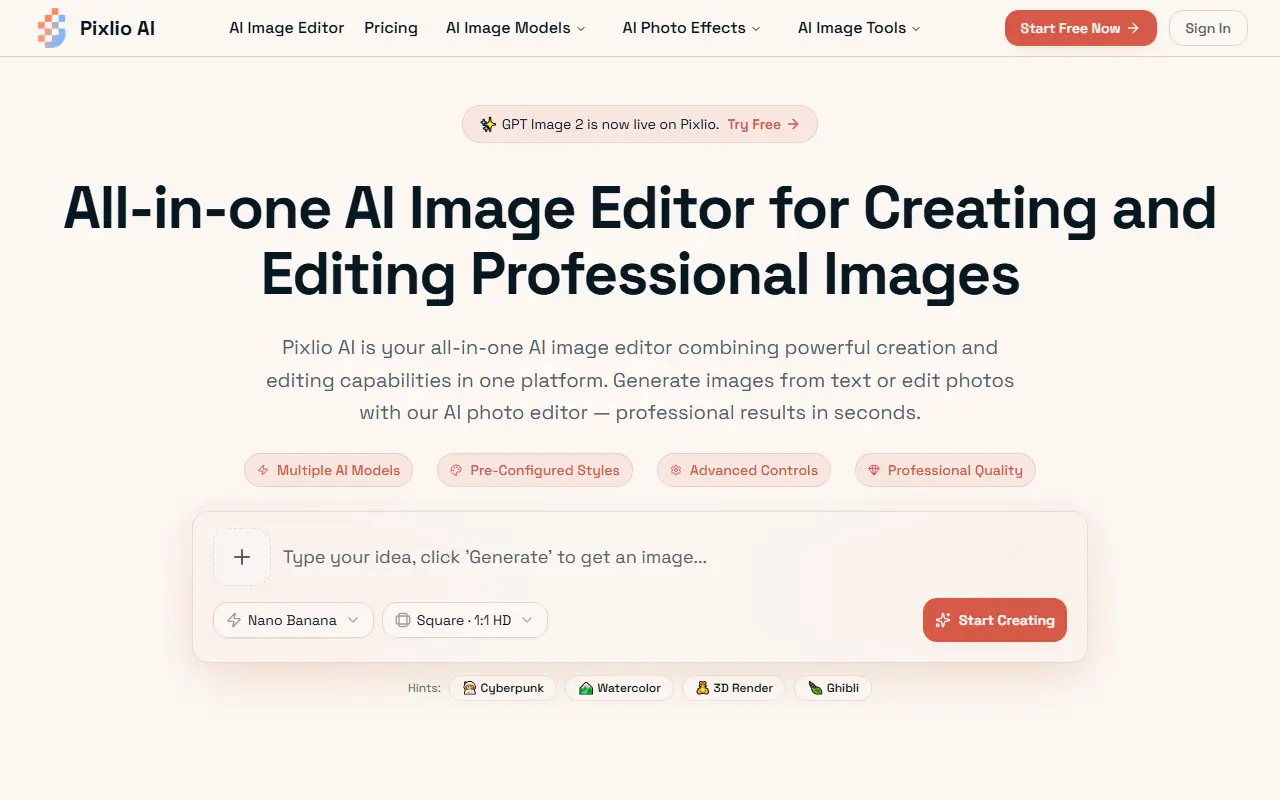

Pixlio AI
Pixlio AI is an all-in-one browser-based AI platform that allows users to seamlessly generate high-quality images from text and intelligently edit existing photos without software installation.
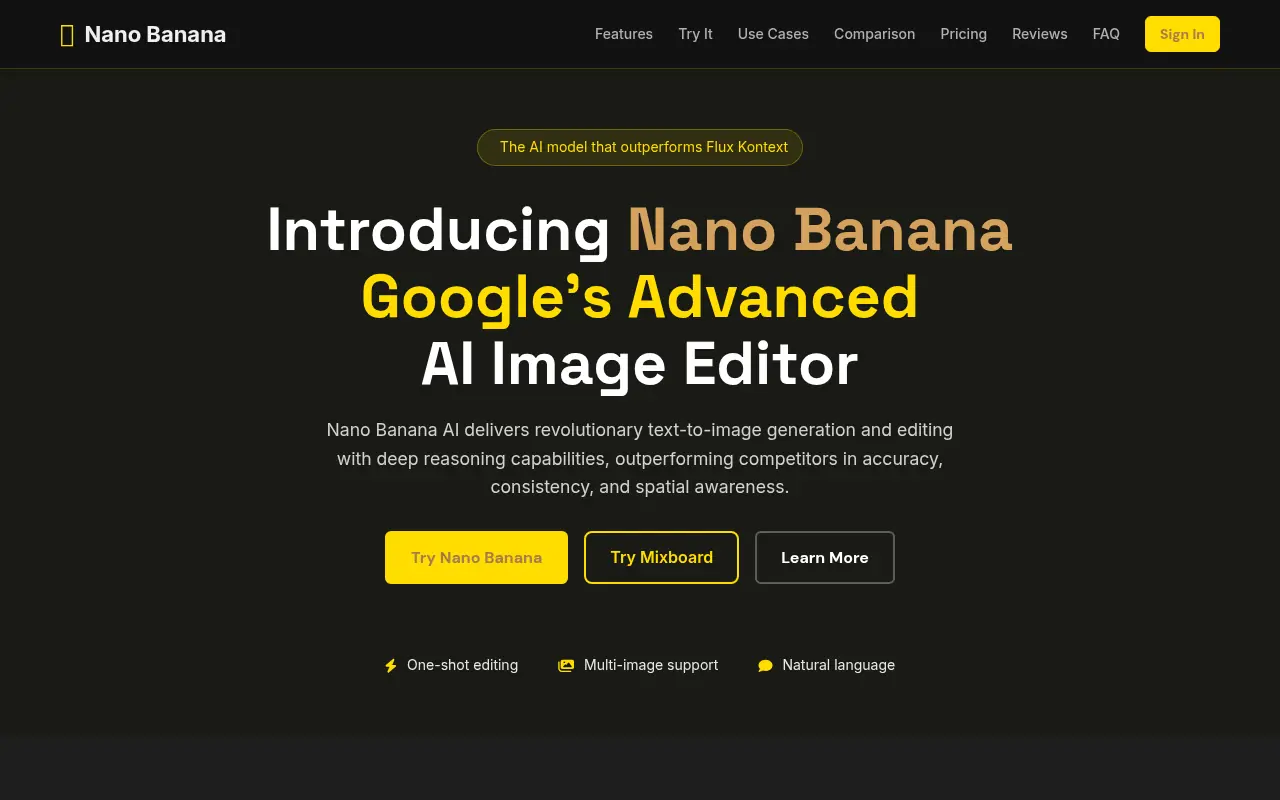

Nano Banana AI
Nano Banana AI is Google’s advanced AI-powered image editor and generator that enables users to create, manipulate, and refine images using intuitive text prompts.
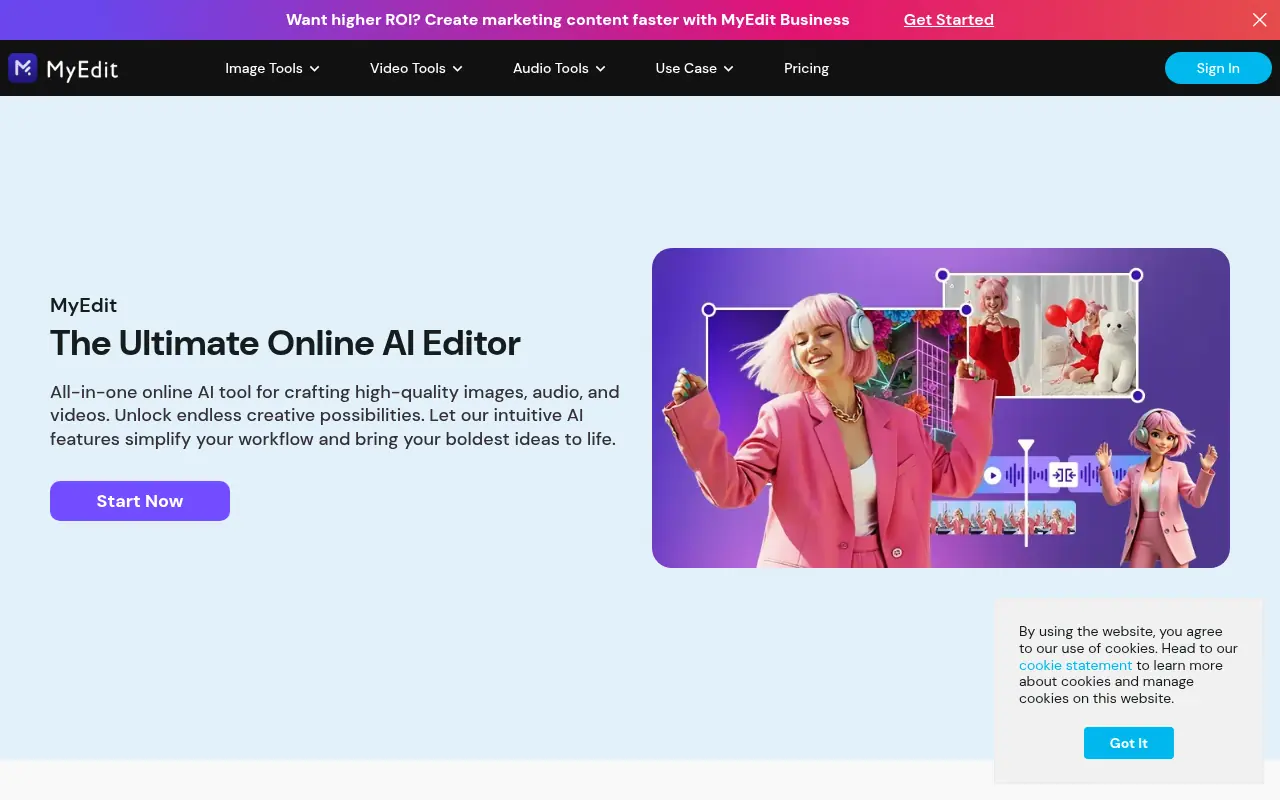

MyEdit
MyEdit is a comprehensive browser-based AI platform that streamlines photo, video, and audio editing without requiring software downloads or advanced technical skills.


Z-Image
Z-Image is a free, lightning-fast AI image editor that provides professional-quality tools for background removal, style transfer, and advanced photo manipulation.
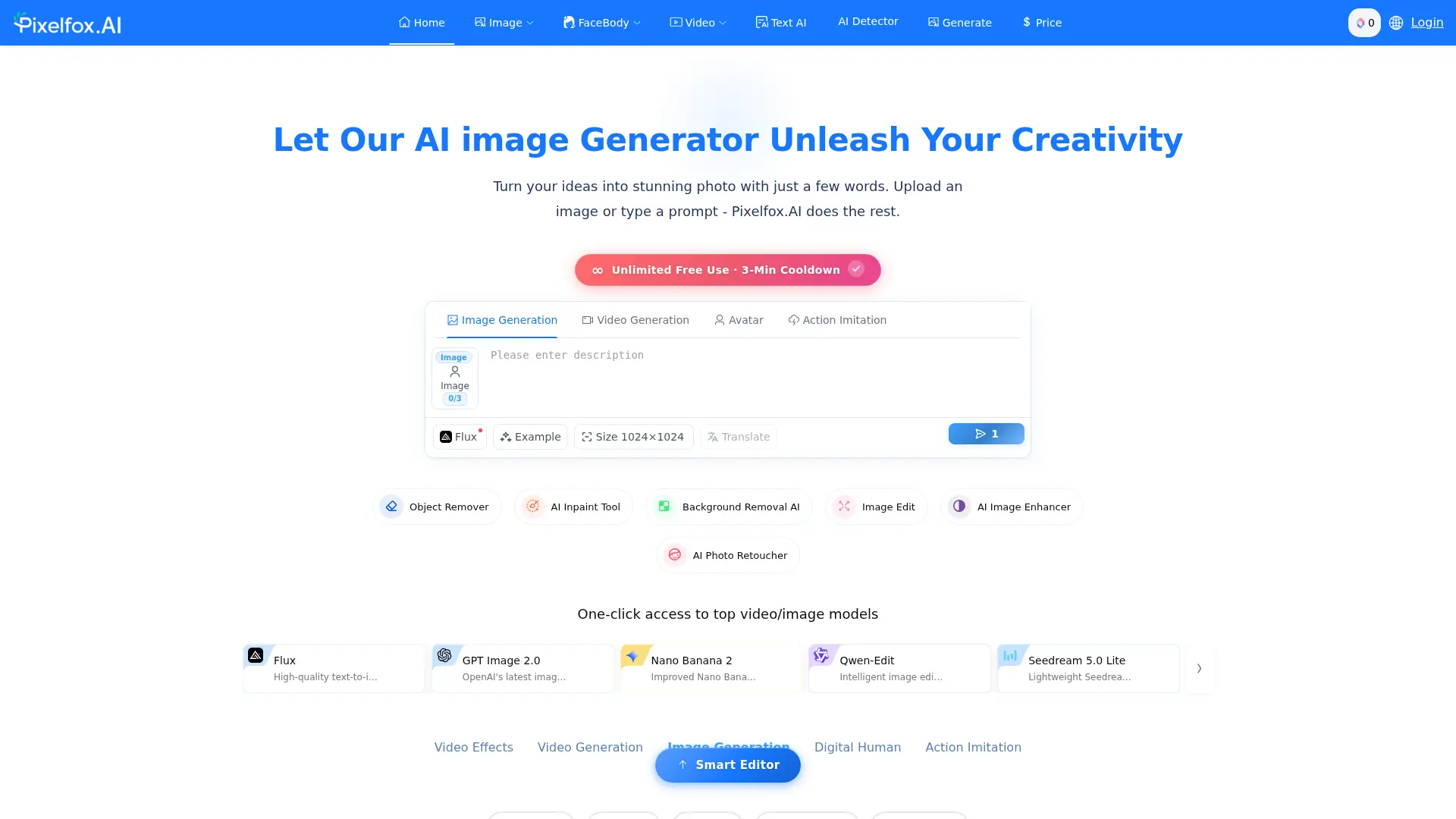

Pixelfox AI
Edit photos and videos online with AI tools for object removal, background changes, enhancement, generation, and creative effects.