

Kaze AI
What is Kaze AI?
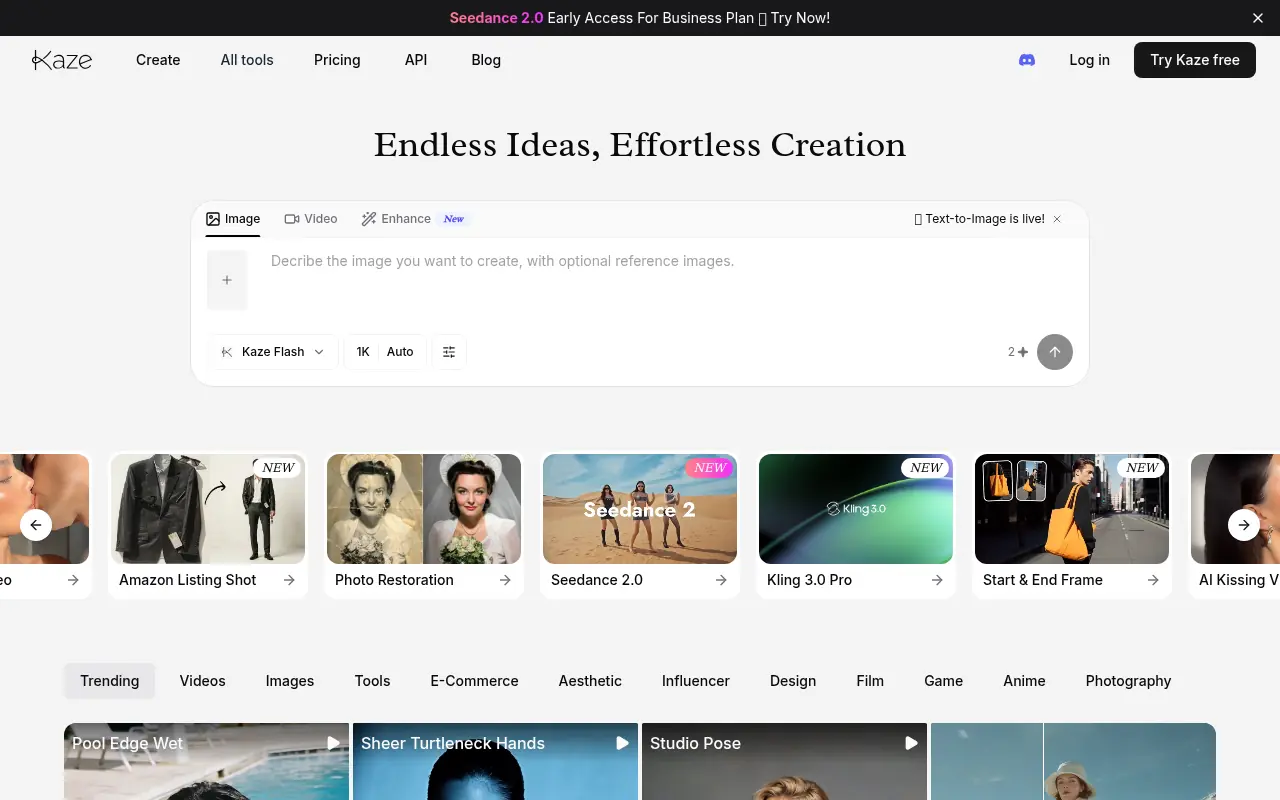
Kaze AI is an innovative online photo and video editing platform that leverages advanced AI technology to streamline complex editing tasks. Its mission is to empower both casual users and professionals to achieve studio-quality visual enhancements without requiring technical expertise. The platform serves its users by offering intuitive text-based chat editing, watermark removal, photo restoration, and AI-generated headshots. By automating traditionally time-consuming processes, Kaze AI allows creators to focus on their ideas while delivering rapid, flawless visual transformations.
How to use Kaze AI?
To use Kaze AI effectively, navigate to the website and log in to your account. Select the desired tool—such as Chat Edit, Inspo Copy, or Watermark Remover—and upload your original image. For text-based edits, simply type a prompt describing the changes you want (e.g., altering a dress color or removing an object) and adjust any necessary settings. Finally, click to generate or apply the edits, and your newly enhanced or stylized image will be ready to download in seconds.
Kaze AI's Core Features
Prompt-Based Chat Editing allows users to modify images intuitively by typing simple text commands.
Watermark Removal seamlessly erases logos and text without leaving blurry traces or ruining the background.
Photo Restoration revitalizes old, faded, or damaged pictures by enhancing colors and sharpening lost details.
Inspo Copy instantly applies the aesthetic or style of a reference image to your existing photo.
AI Headshot Generator creates professional, studio-quality portraits from casual everyday selfies.
Object Eraser removes unwanted people or background distractions with precision.
Outfit Generator lets you easily swap garments or add realistic suits to photo subjects.
AI Video Generator transforms images or text into dynamic short videos using advanced AI models.
Kaze AI's Use Cases
- #1
Removing watermarks, logos, or text from stock photos cleanly.
- #2
Restoring and upscaling old, blurry, or damaged family photographs.
- #3
Generating professional AI headshots for LinkedIn, resumes, or portfolios.
- #4
Changing clothing styles or adding outfits to subjects in photos.
- #5
Applying creative visual filters like anime, line drawing, or sketch styles.
- #6
Editing body features, hair styles, makeup, and facial details.
- #7
Creating transparent or customized backgrounds for product photography.
- #8
Generating short videos from text prompts or static images.
Frequently Asked Questions
Analytics of Kaze AI
Monthly Visits Trend: Jun 2025 - Aug 2026
Traffic Sources
AI Channel Traffic Trends
Top Regions
| Region | Traffic Share |
|---|---|
| United States | 21.23% |
| Russia | 6.38% |
| India | 3.85% |
| Guatemala | 3.78% |
| Indonesia | 3.18% |
Top Keywords
| Keyword | Traffic | CPC |
|---|---|---|
| kaze ai | 5.5K | $1.30 |
| png maker | 131.0K | $0.54 |
| ai bikini generator | 1.9K | $0.47 |
| quais são as melhores ias que criam videos e fotos gratis no computador? | 1.4K | -- |
| kazeai | 850 | -- |
Alternative of Kaze AI

Nano Banana AI
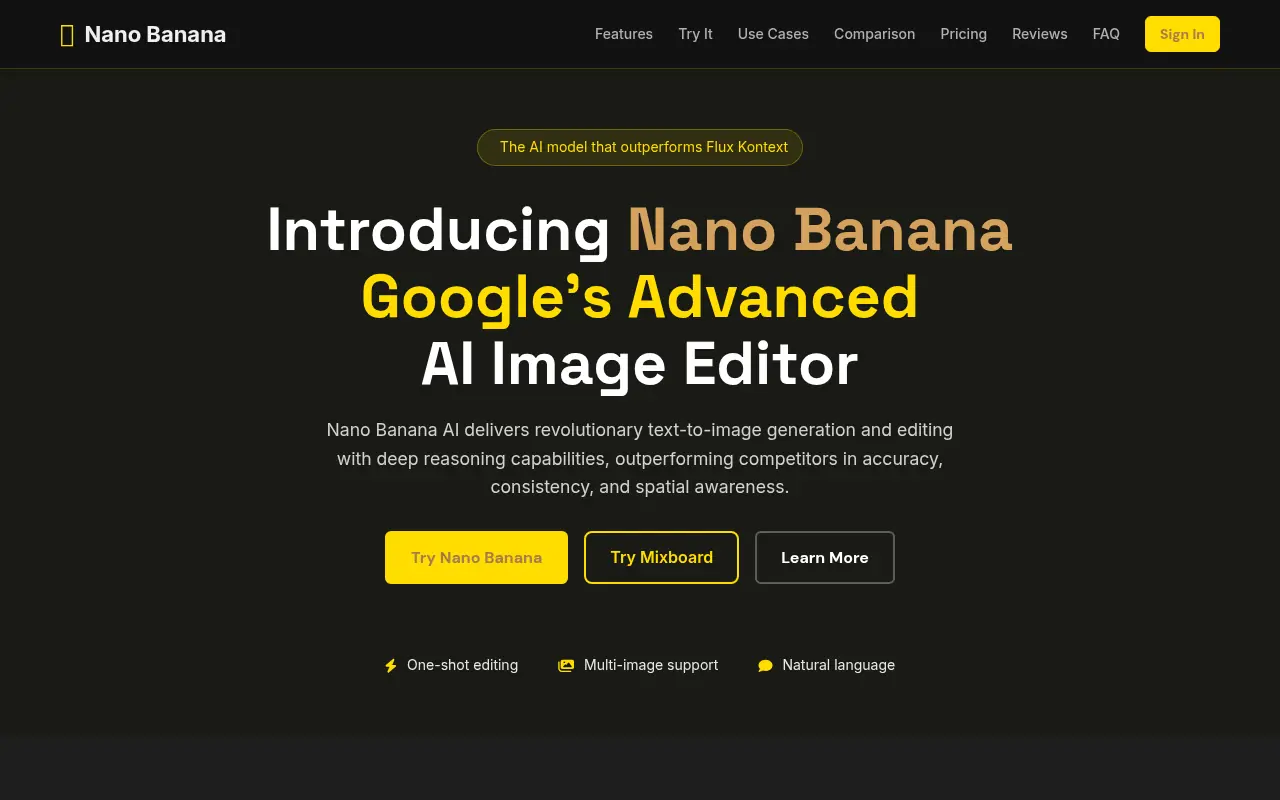
Nano Banana AI is Google’s advanced AI-powered image editor and generator that enables users to create, manipulate, and refine images using intuitive text prompts.

Pixlio AI
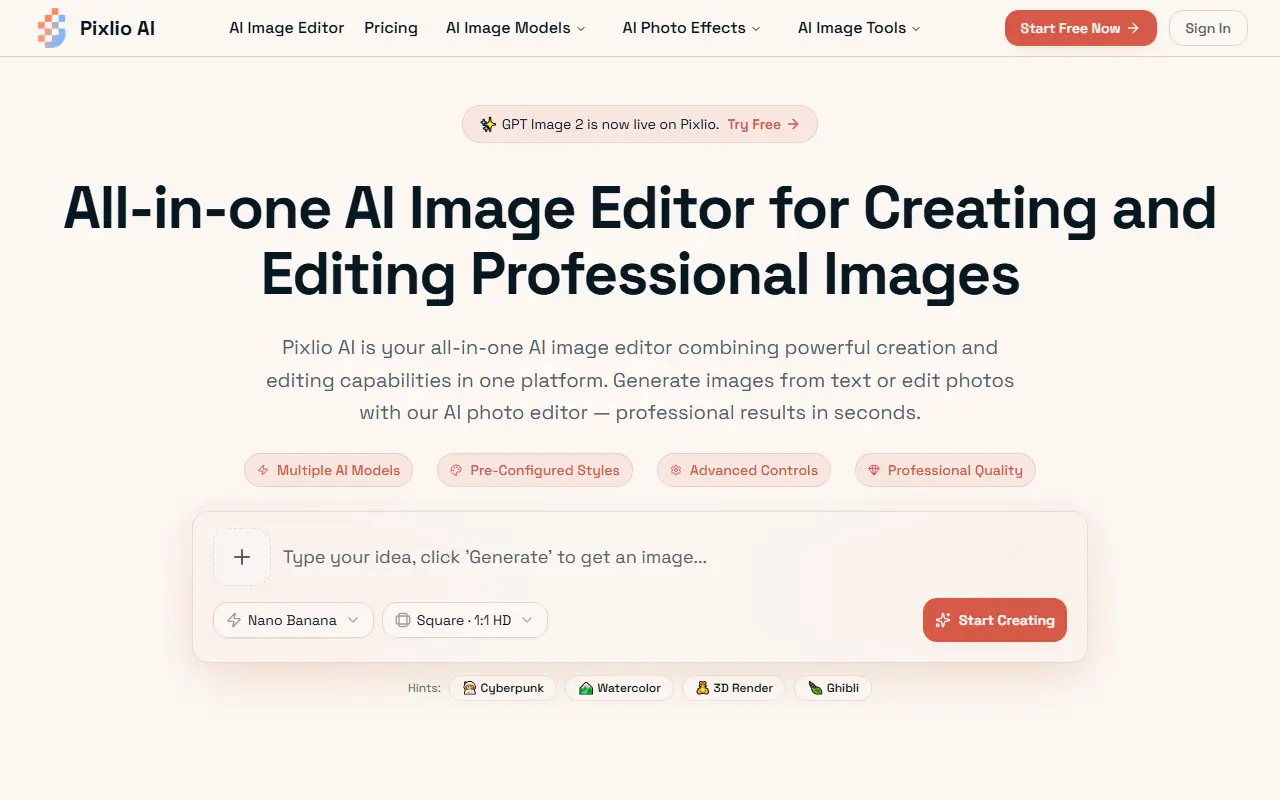
Pixlio AI is an all-in-one browser-based AI platform that allows users to seamlessly generate high-quality images from text and intelligently edit existing photos without software installation.
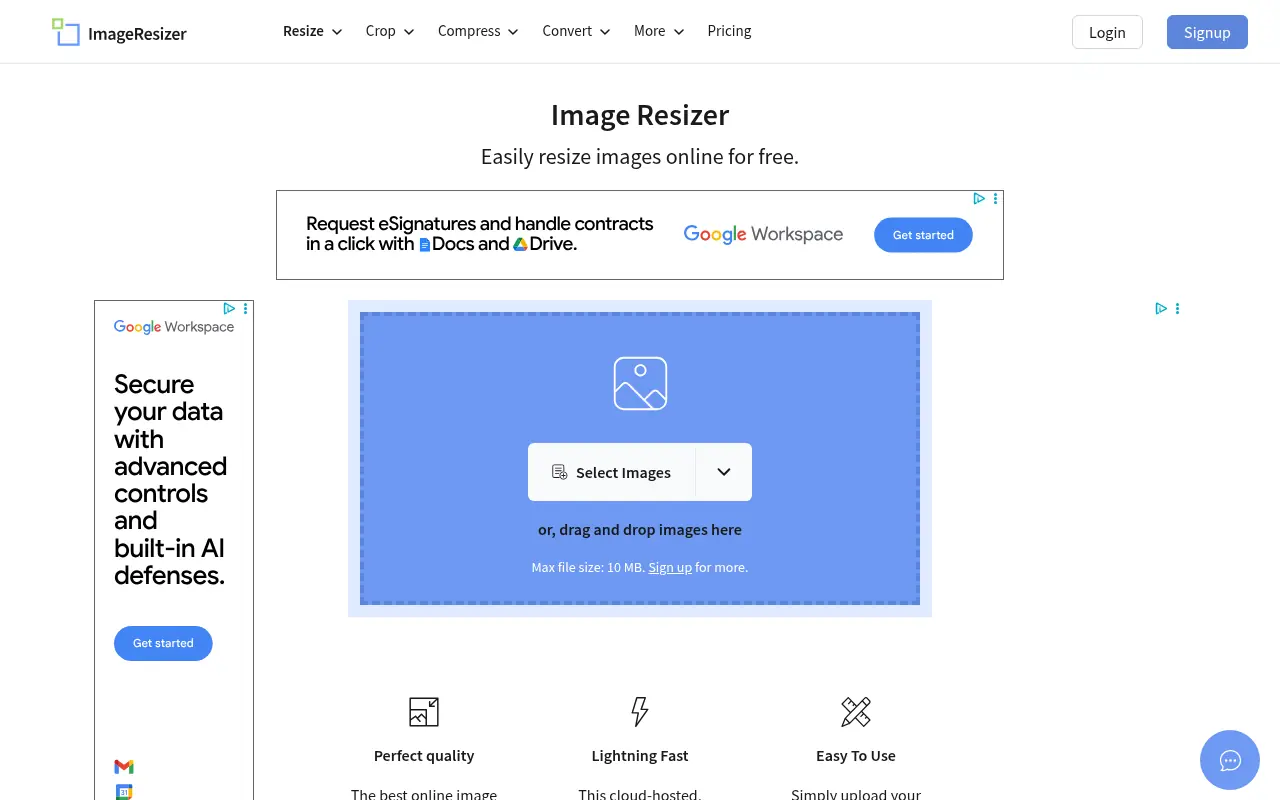

Image Resizer
A free, browser-based tool to easily resize, crop, compress, and convert images without losing quality.
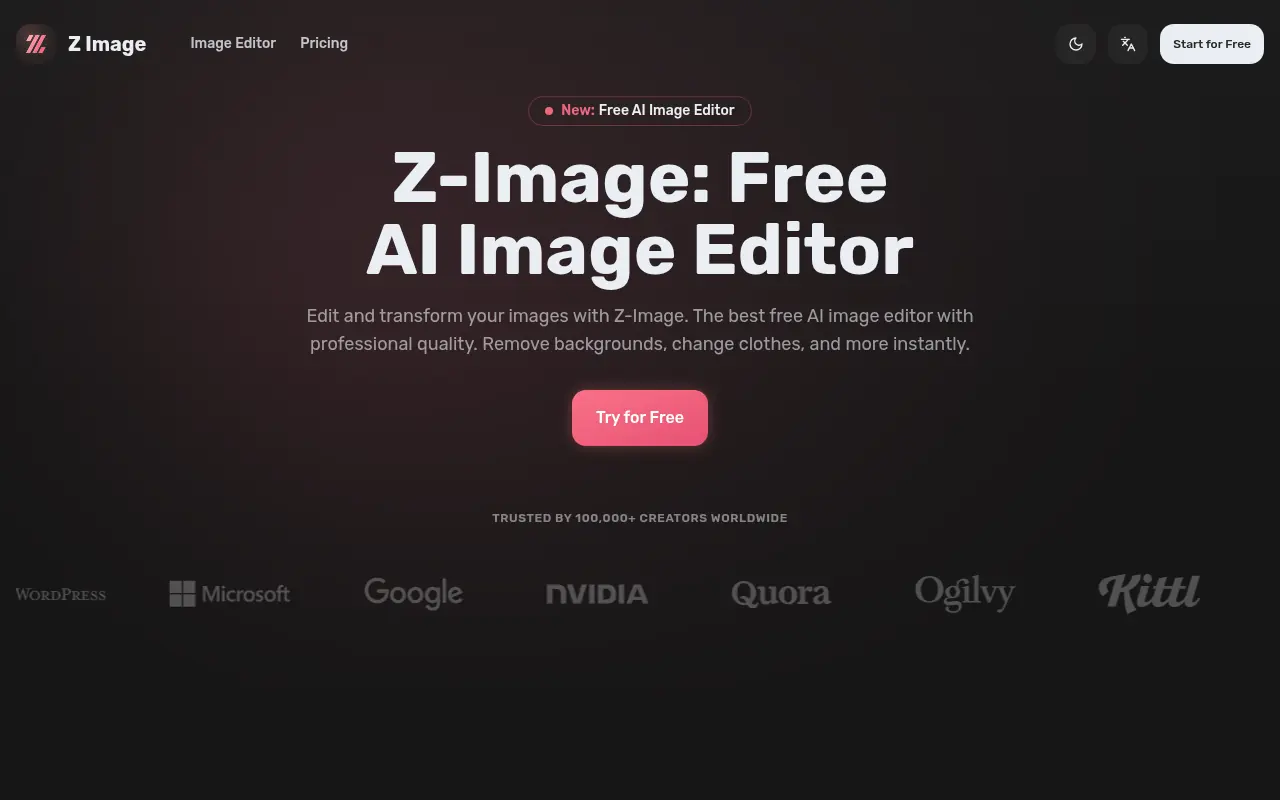

Z-Image
Z-Image is a free, lightning-fast AI image editor that provides professional-quality tools for background removal, style transfer, and advanced photo manipulation.
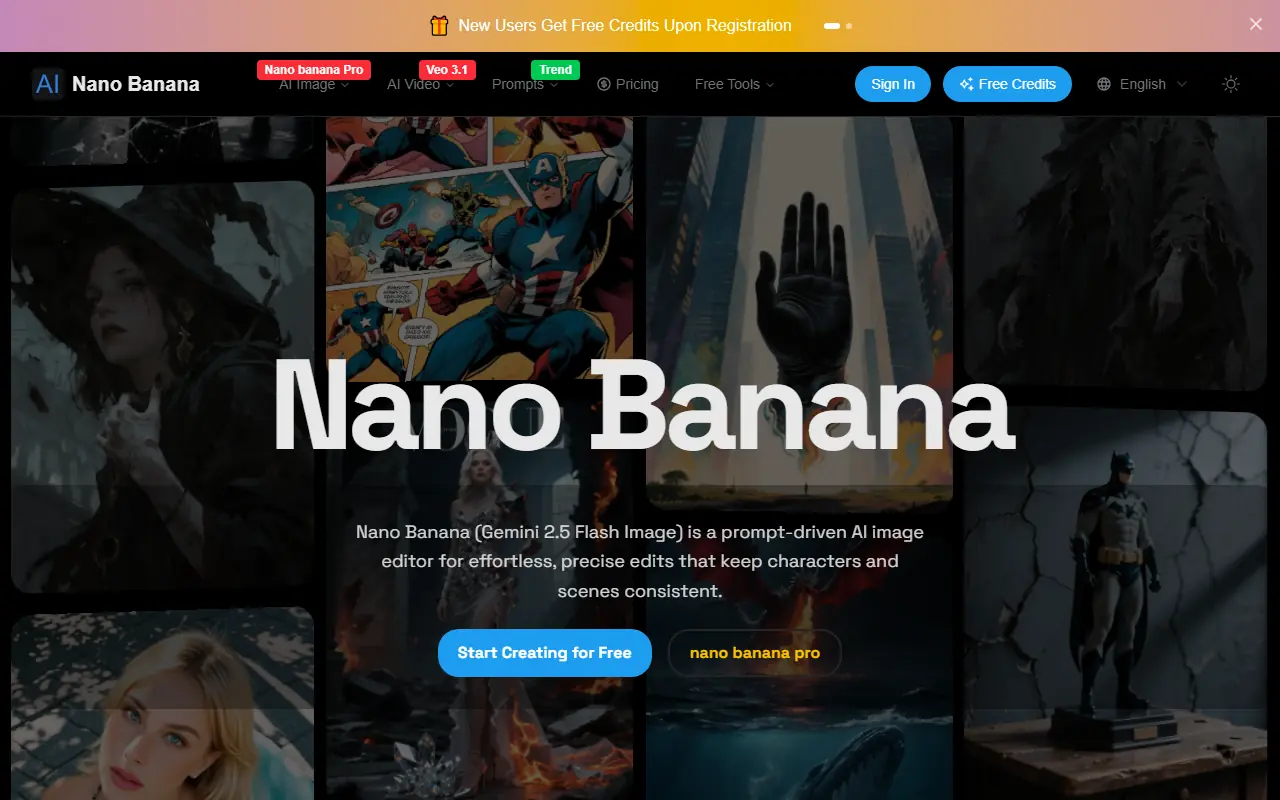

Nano Banana
Nano Banana is an AI-powered image editor and generator using Gemini 2.5 Flash Image to transform text prompts into high-quality images with precise, consistent edits.
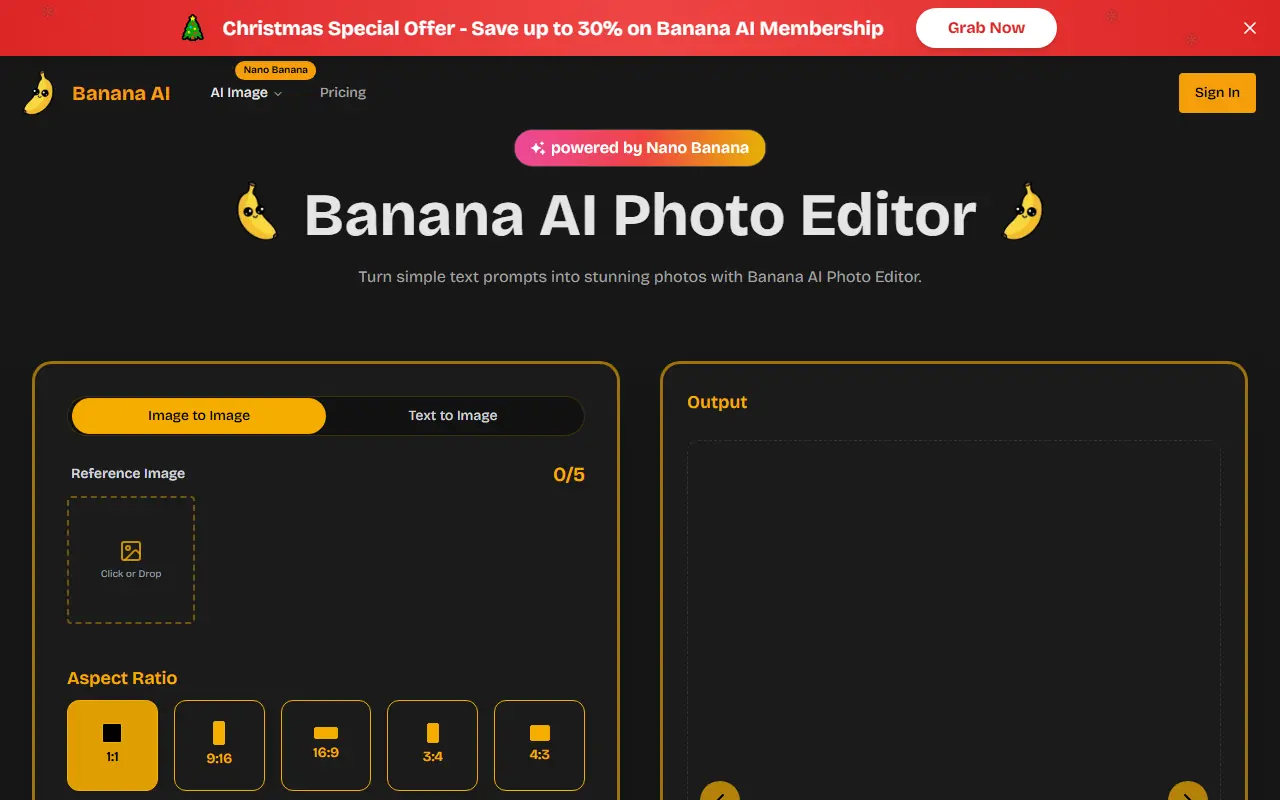

Banana AI
Banana AI is an advanced AI-powered photo editor using Nano Banana technology to edit images via natural language prompts, enabling quick transformations with high-fidelity results.
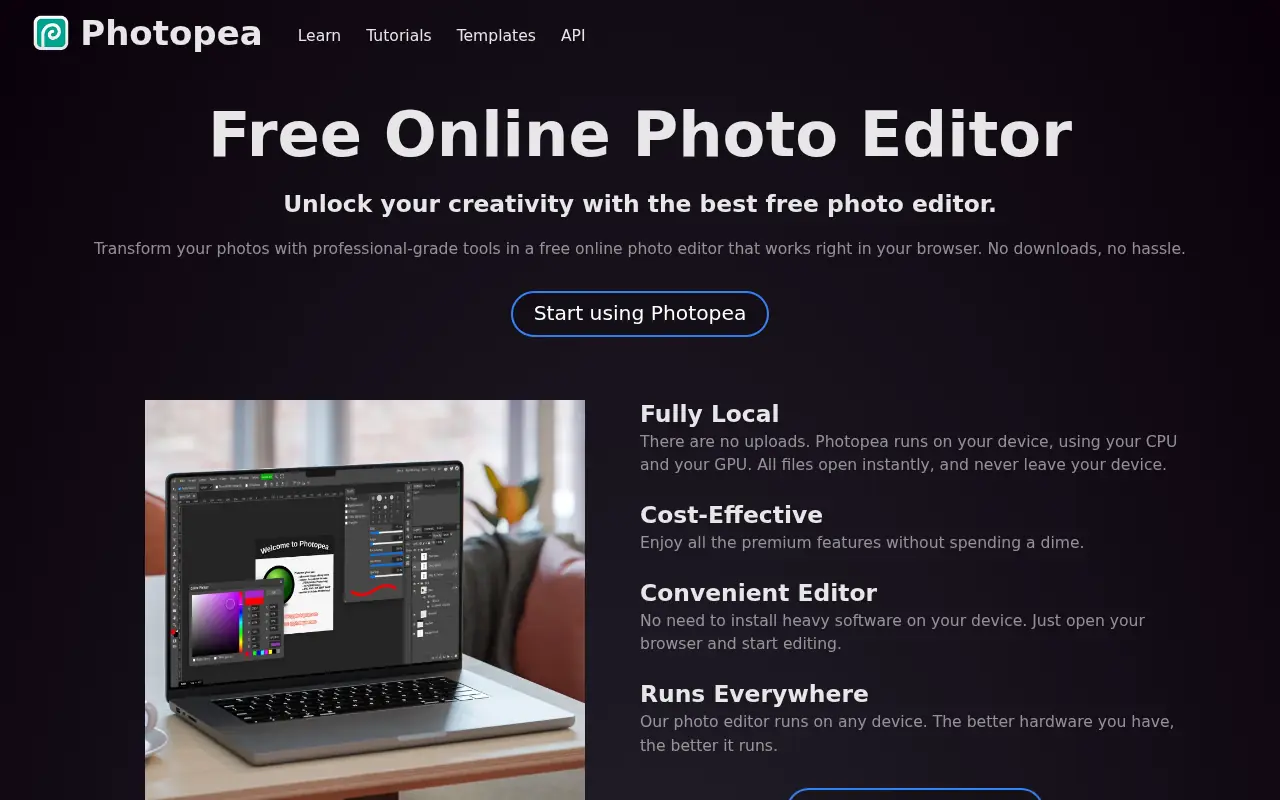

Photopea
Photopea is a free, advanced web-based photo and graphics editor that closely mimics Adobe Photoshop and supports various industry-standard file formats.
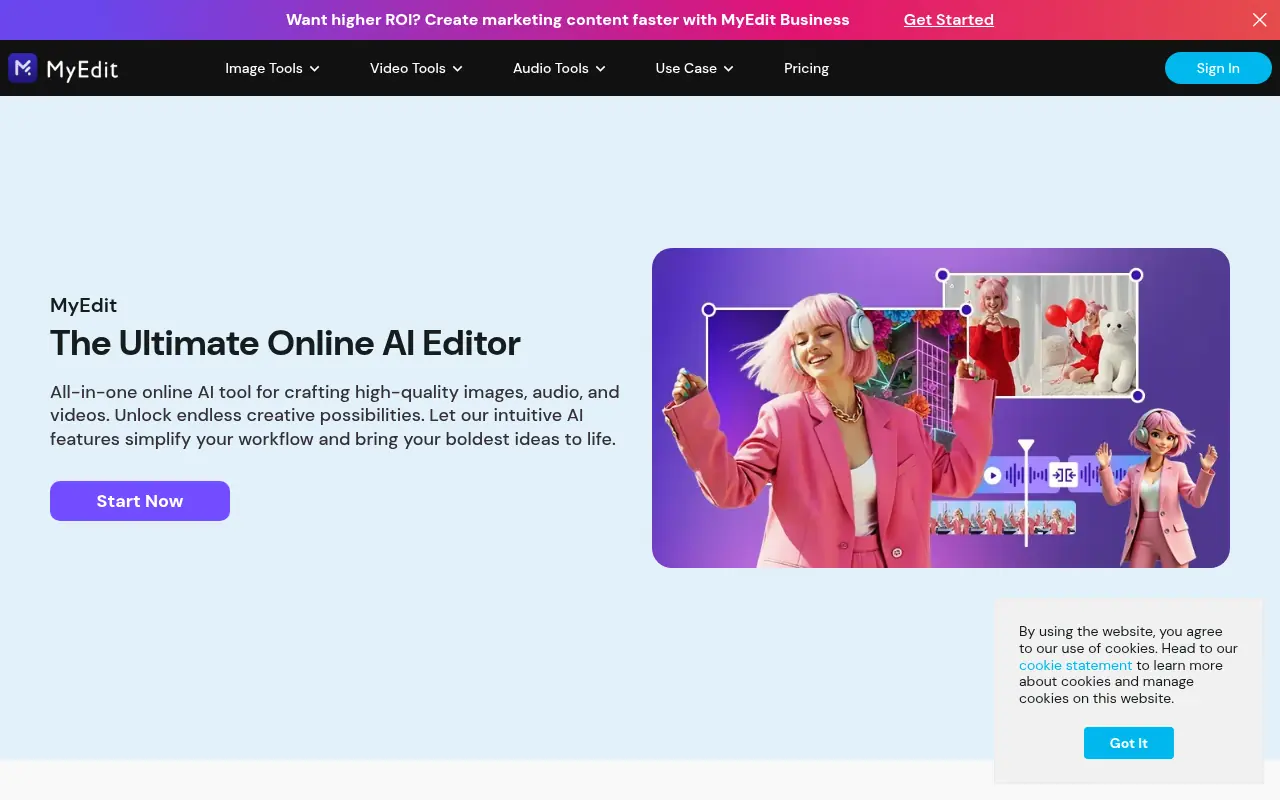

MyEdit
MyEdit is a comprehensive browser-based AI platform that streamlines photo, video, and audio editing without requiring software downloads or advanced technical skills.