

Photopea
What is Photopea?
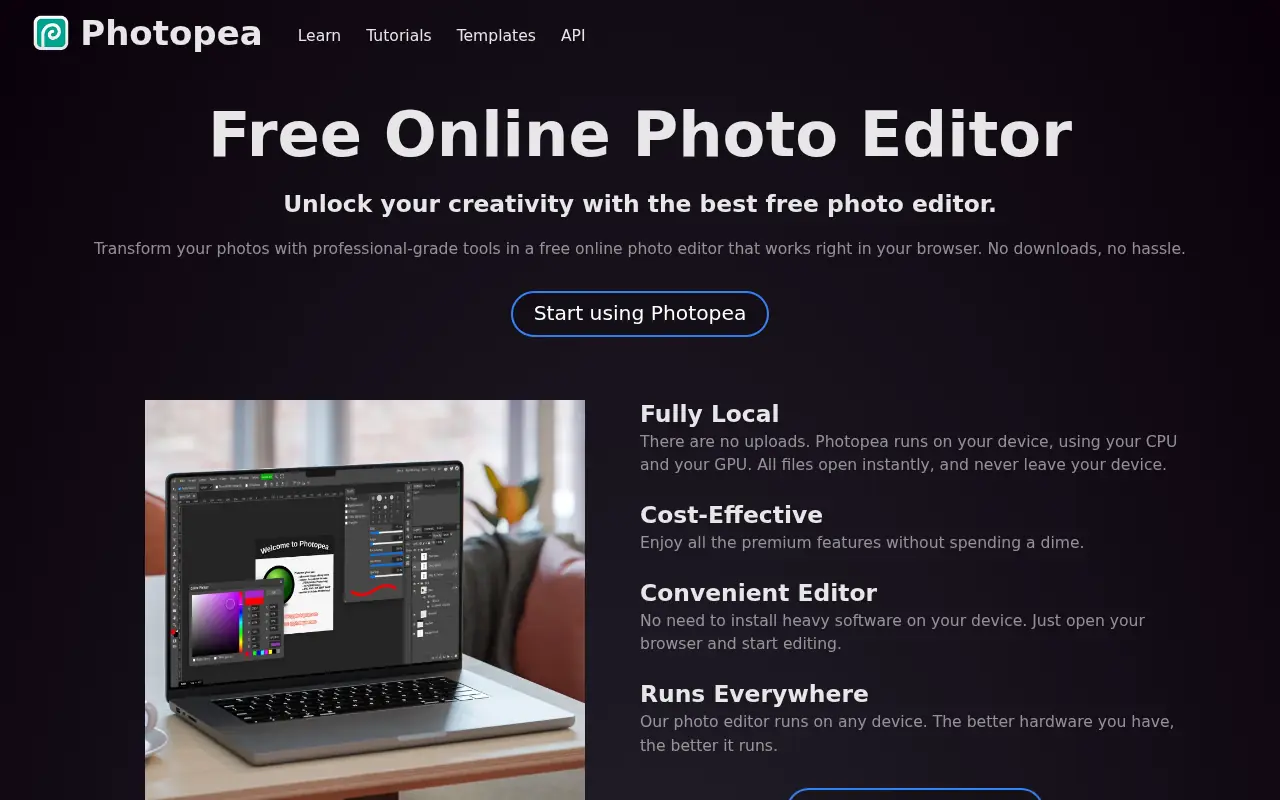
Photopea is an advanced image editor created by Ivan Kuckir that runs entirely in your web browser without requiring any installations or plugins. It serves as a powerful, accessible alternative to expensive desktop software like Adobe Photoshop, offering a remarkably similar user interface and professional toolset. The platform's mission is to make high-quality design tools available to anyone with an internet connection, regardless of their operating system or device hardware. It natively supports a wide array of complex file formats, most notably Photoshop's PSD, along with Sketch, XD, and CorelDRAW files. Furthermore, because it processes everything locally on the user's device, it ensures complete data privacy and faster performance without relying on cloud server uploads.
How to use Photopea?
To use Photopea, navigate to the website in any modern web browser, where the complete editor interface will immediately load. You can start by clicking 'New Project' to specify custom canvas dimensions, or you can drag and drop an existing image or project file (such as a PSD, AI, or RAW file) directly into the browser window. From there, utilize the left-hand toolbar to select tools like brushes, text, or selection lassos, and manage your artwork using the layers, channels, and history panels located on the right. Once your edits are complete, navigate to the 'File' menu to export your work in flat formats like PNG, JPG, or SVG, or save it as a PSD to preserve all editable layers for future use.
Photopea's Core Features
Full support for opening, editing, and saving complex layered PSD files.
A familiar, intuitive workspace that closely mirrors desktop software like Photoshop.
Client-side processing that keeps all user files private and secure without requiring server uploads.
Comprehensive layer management tools, including masks, adjustment layers, and smart objects.
A vast built-in library of community-created design templates to jumpstart projects.
Advanced selection tools like the magic wand, quick selection, and precise edge refinement.
Robust vector graphics support for manipulating paths, shapes, and pen tool designs.
Direct integration with cloud storage platforms like Google Drive, Dropbox, and OneDrive.
Photopea's Use Cases
- #1
Editing and saving Adobe Photoshop (PSD) files locally without paying for a software subscription.
- #2
Designing social media graphics, banners, and thumbnails using pre-made templates.
- #3
Performing quick photo touch-ups, color corrections, and cropping directly in the browser.
- #4
Converting proprietary graphic design files between different formats like Sketch, XD, and PSD.
- #5
Removing backgrounds from product images for e-commerce stores or presentations.
- #6
Creating product mockups for apparel, packaging, and websites using Smart Object templates.
Frequently Asked Questions
Analytics of Photopea
Monthly Visits Trend: Jun 2025 - Sep 2026
Traffic Sources
AI Channel Traffic Trends
Top Regions
| Region | Traffic Share |
|---|---|
| United States | 19.94% |
| India | 7.32% |
| United Kingdom | 3.82% |
| Brazil | 3.37% |
| Spain | 3.20% |
Top Keywords
| Keyword | Traffic | CPC |
|---|---|---|
| photopea | 2.6M | $0.63 |
| photoshop online | 333.8K | $0.78 |
| online photoshop | 128.0K | $1.00 |
| photo editor free | 1.9M | $1.16 |
| photo pea | 37.3K | $0.71 |
Alternative of Photopea
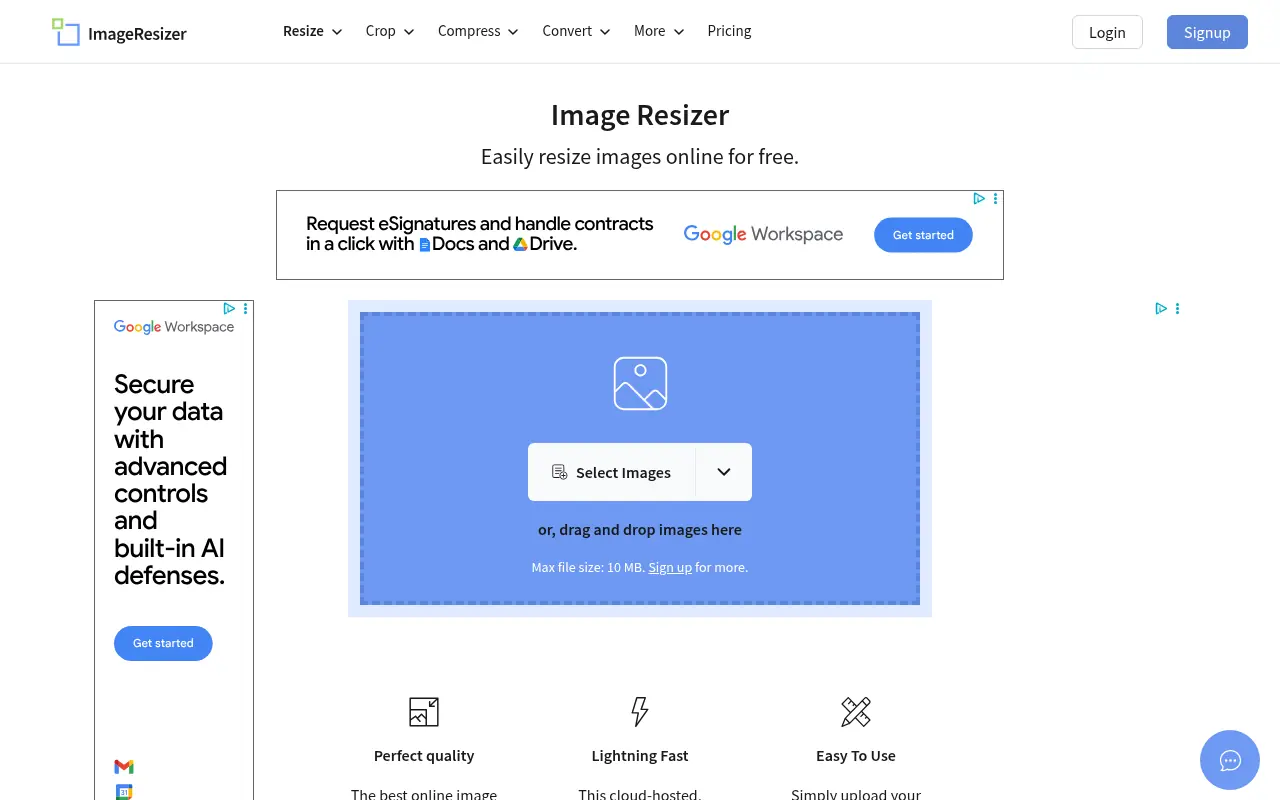

Image Resizer
A free, browser-based tool to easily resize, crop, compress, and convert images without losing quality.
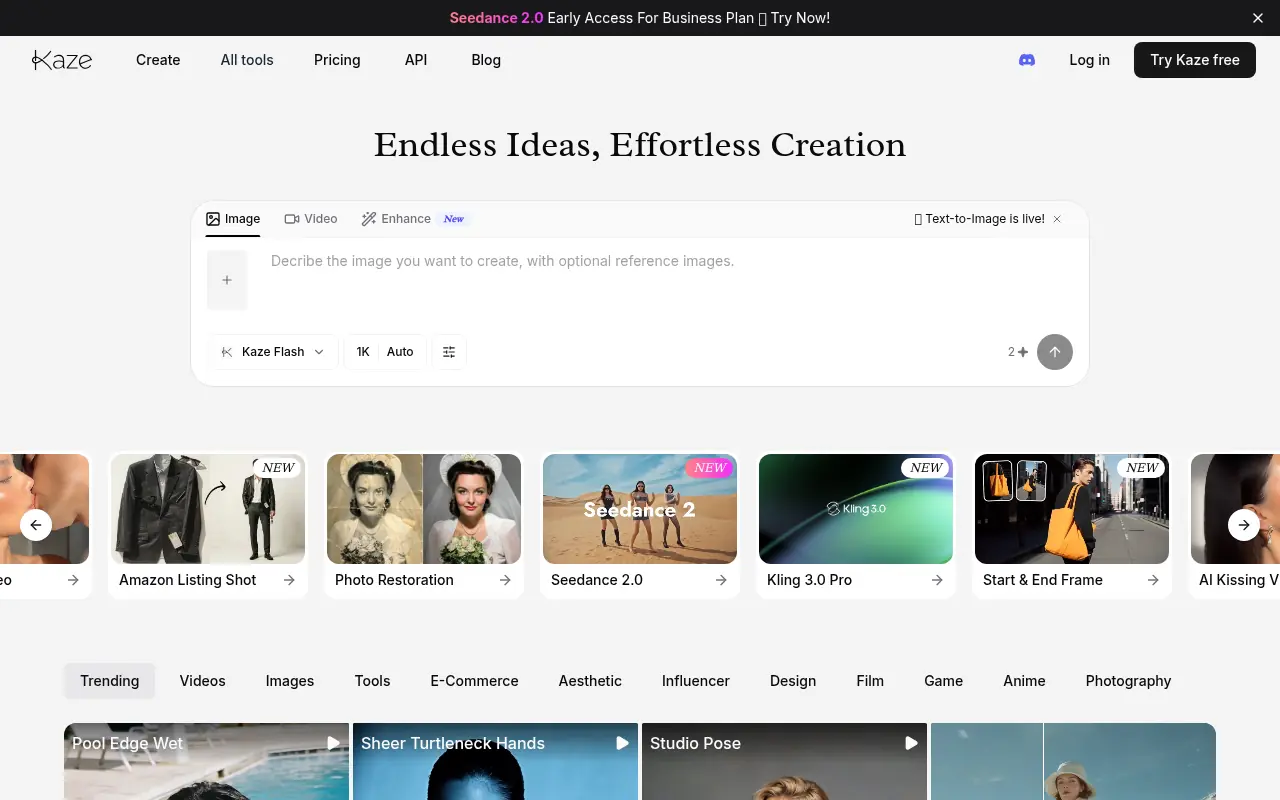

Kaze AI
Kaze AI is an AI-powered image and video editing platform that simplifies photo retouching, watermark removal, restyling, and professional enhancements.
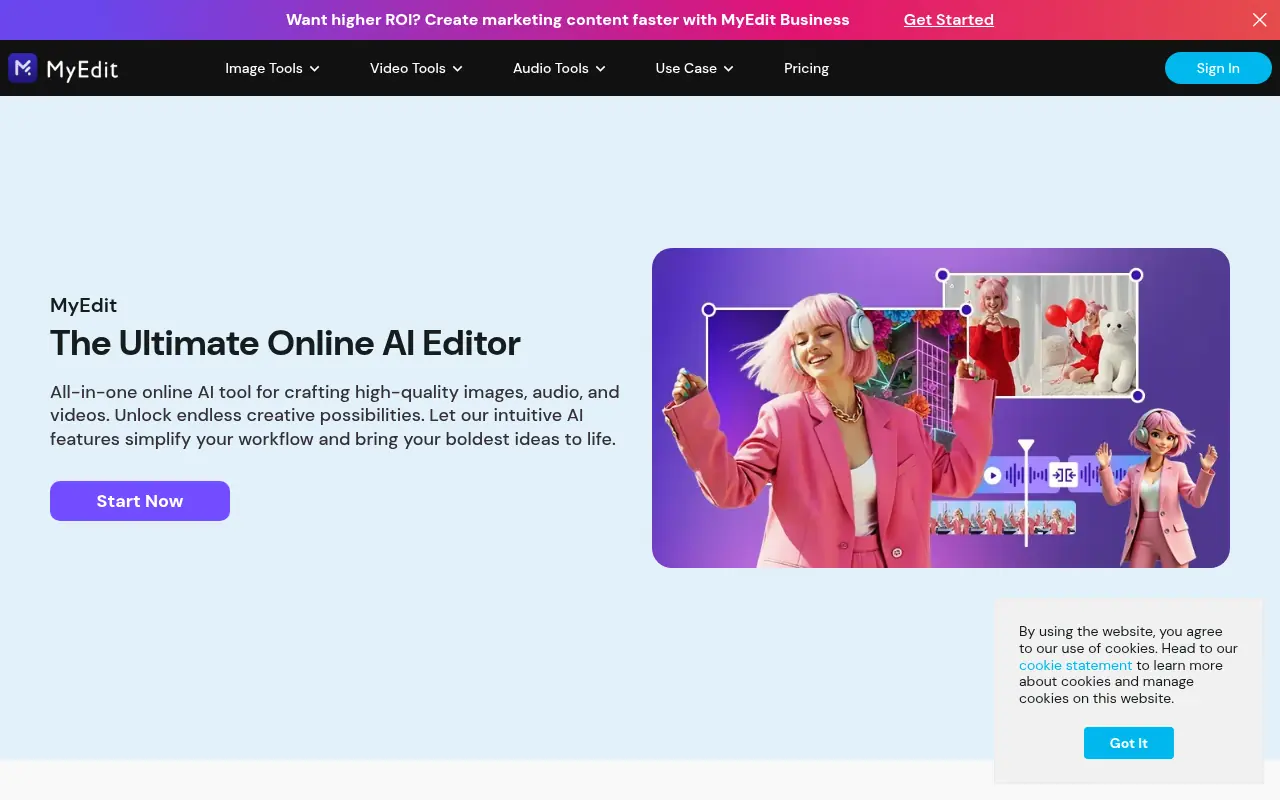

MyEdit
MyEdit is a comprehensive browser-based AI platform that streamlines photo, video, and audio editing without requiring software downloads or advanced technical skills.
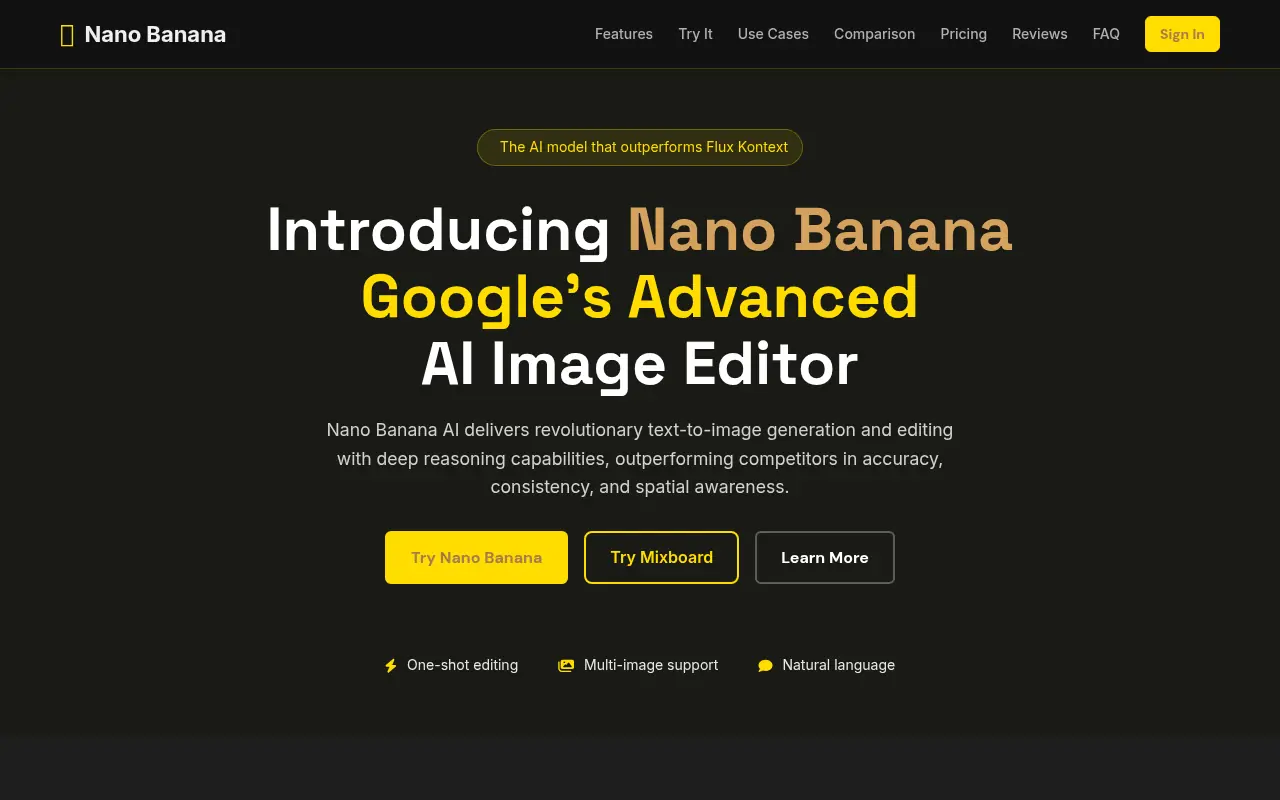

Nano Banana AI
Nano Banana AI is Google’s advanced AI-powered image editor and generator that enables users to create, manipulate, and refine images using intuitive text prompts.
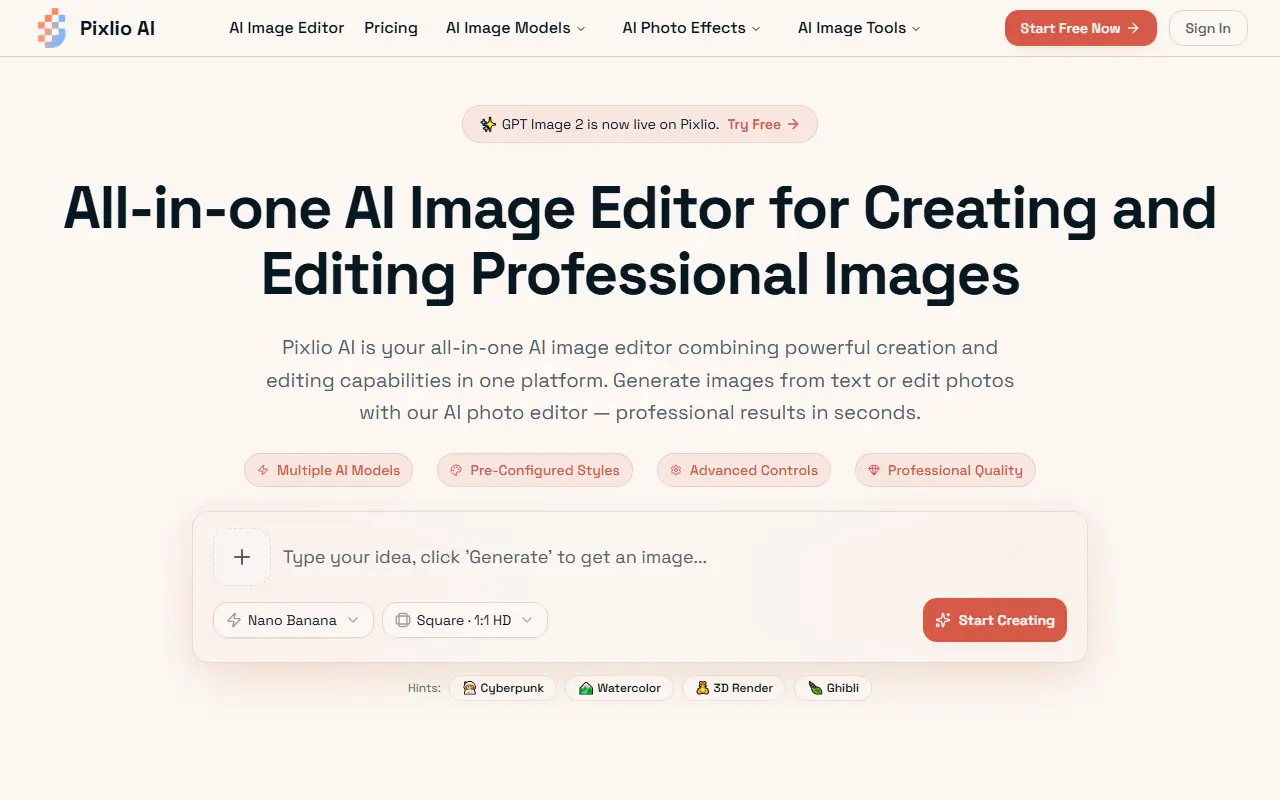

Pixlio AI
Pixlio AI is an all-in-one browser-based AI platform that allows users to seamlessly generate high-quality images from text and intelligently edit existing photos without software installation.
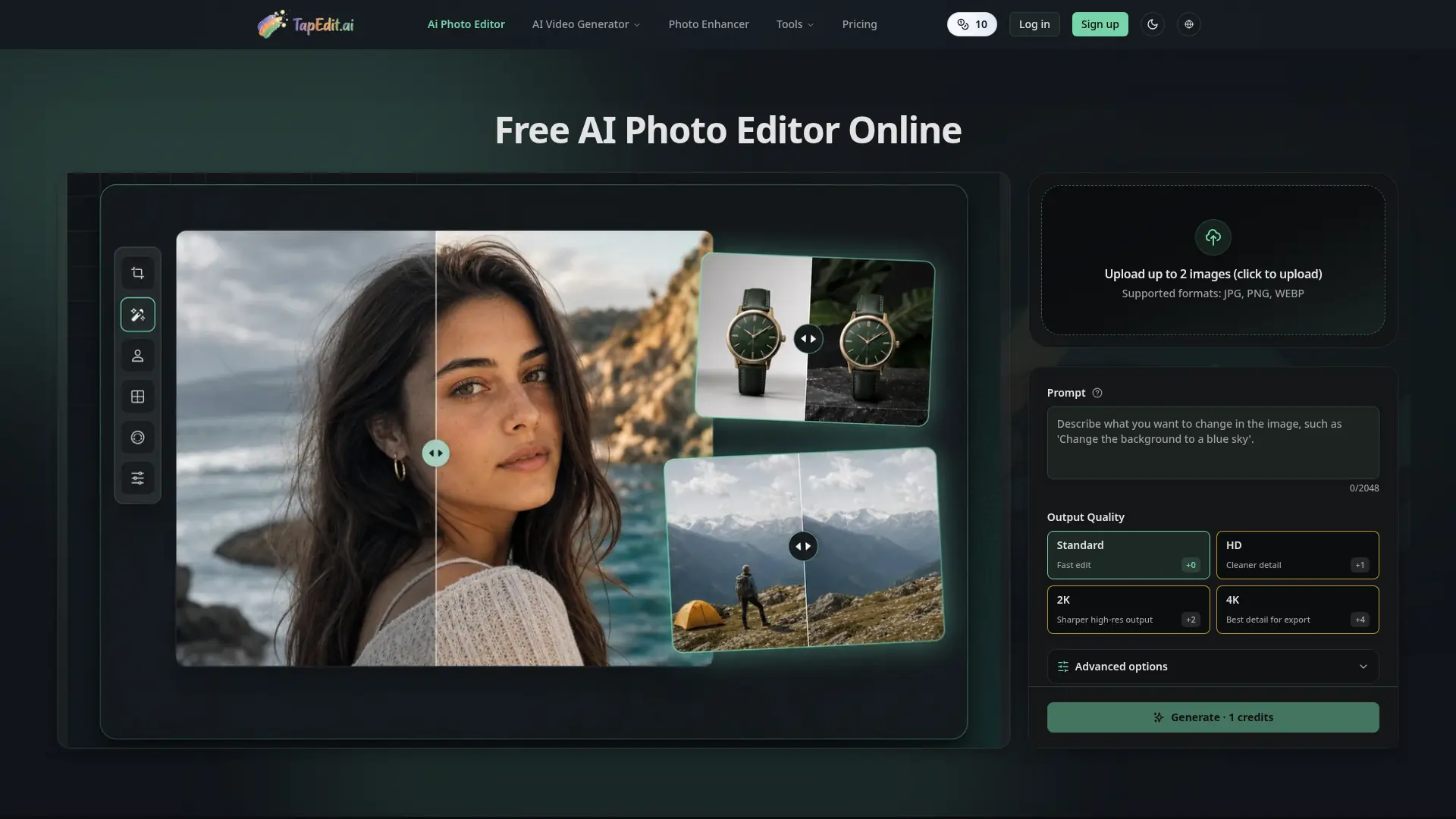

TapEdit
Edit, clean, enhance, and upscale images with prompt-based AI workflows built for ecommerce, marketing, creators, and high-volume production.
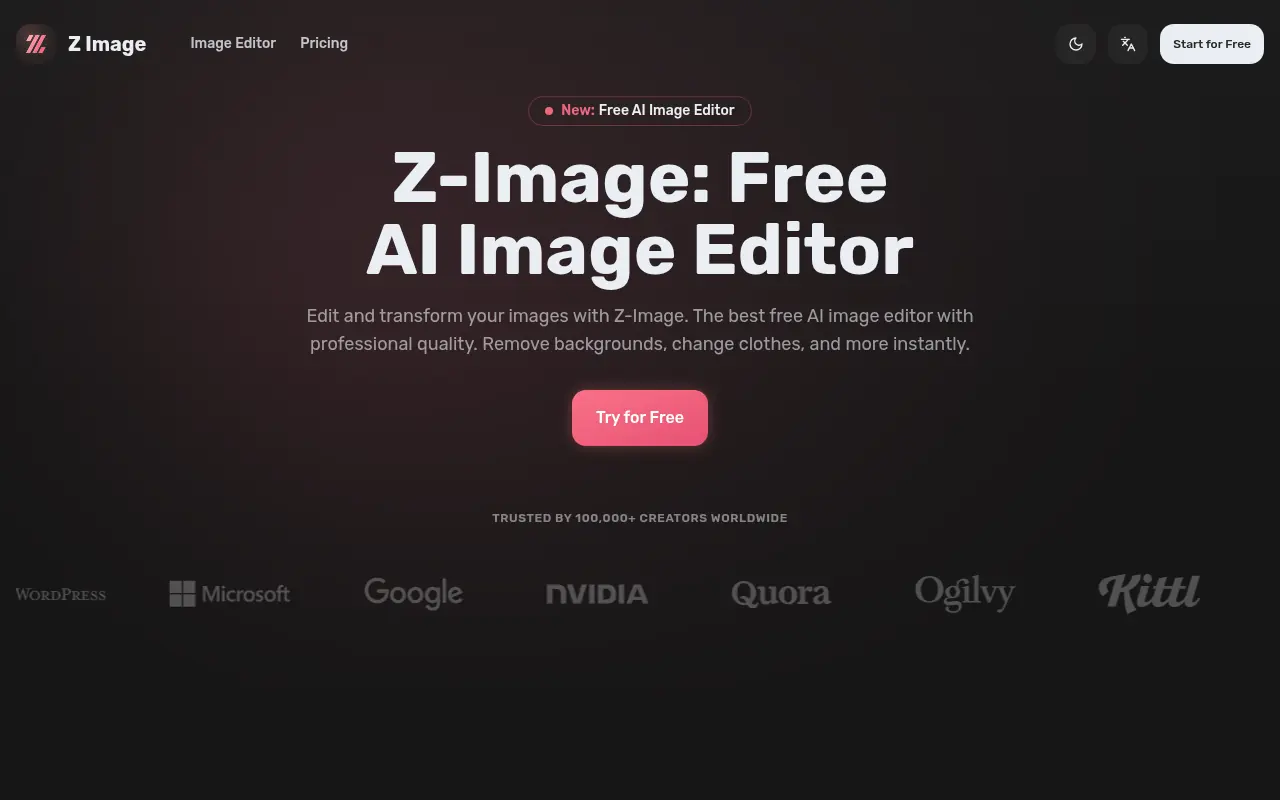

Z-Image
Z-Image is a free, lightning-fast AI image editor that provides professional-quality tools for background removal, style transfer, and advanced photo manipulation.
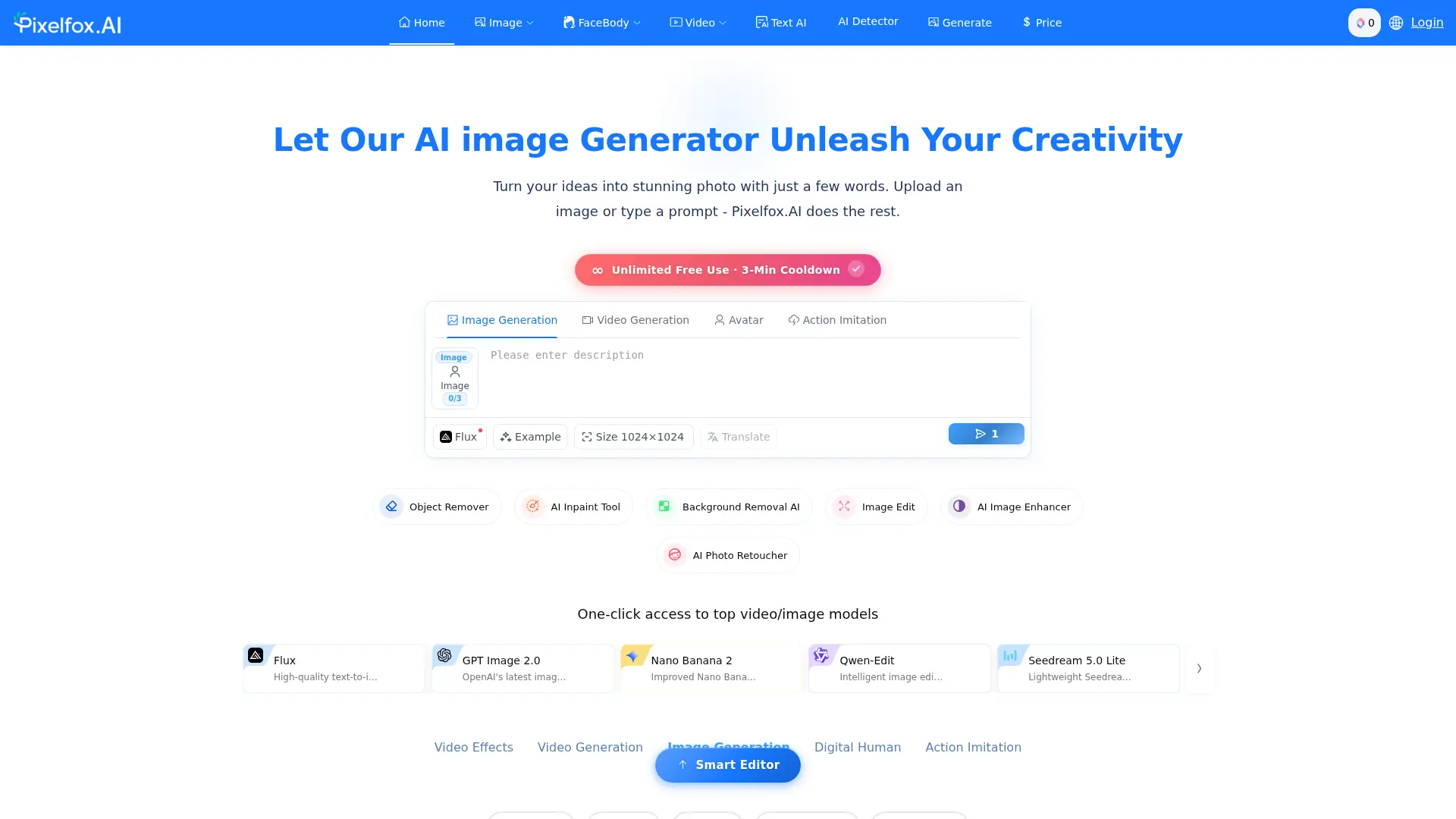

Pixelfox AI
Edit photos and videos online with AI tools for object removal, background changes, enhancement, generation, and creative effects.