

Pixelfox AI
What is Pixelfox AI?
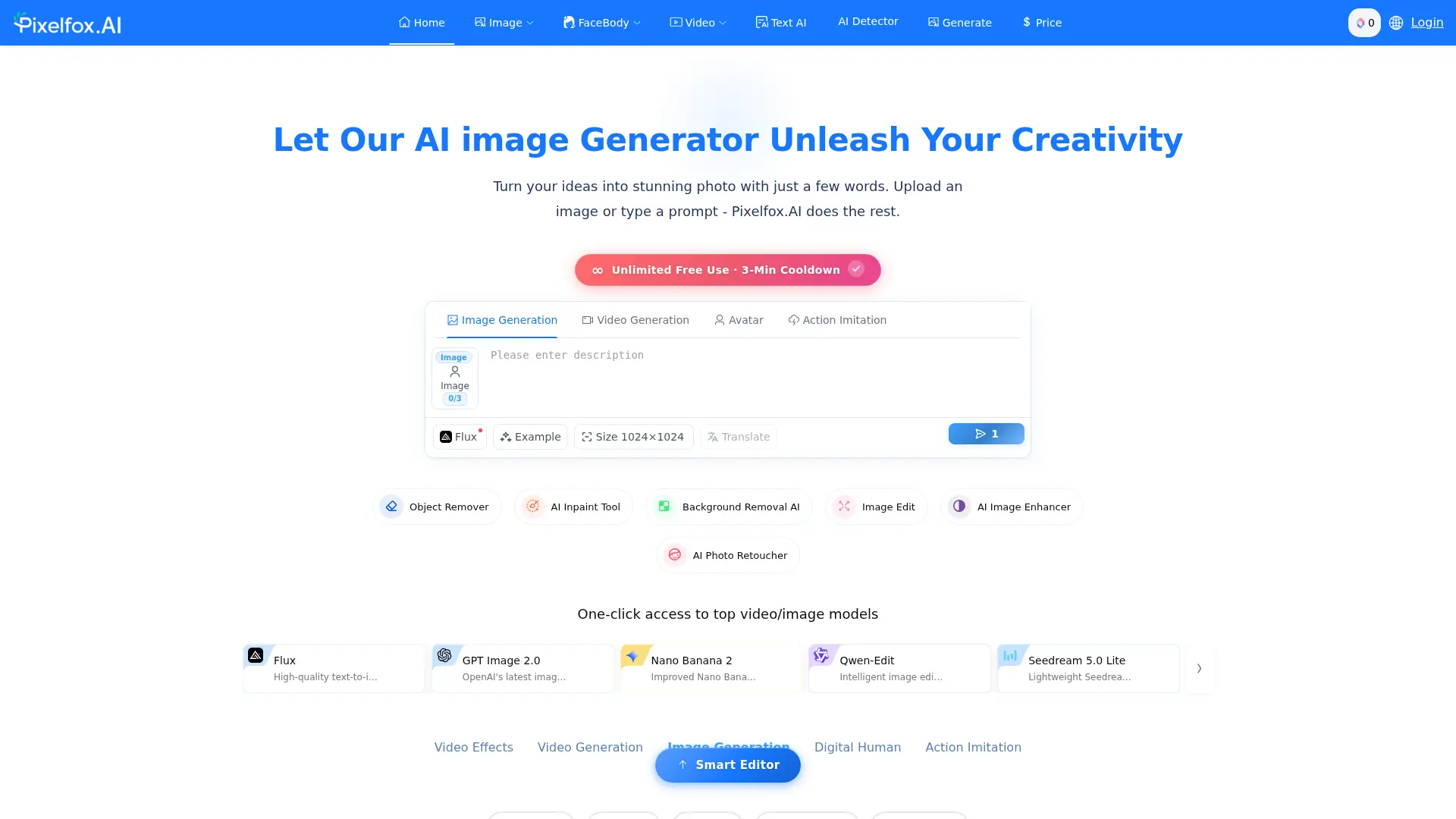
Pixelfox AI is a browser-based platform for editing, enhancing, generating, and transforming images and videos with artificial intelligence. Its toolkit includes AI inpainting, background removal, image generation, face retouching, video enhancement, digital avatars, lip synchronization, and video translation. The service is designed for creators, marketers, photographers, ecommerce teams, fashion users, and businesses that need quick visual content without desktop editing software. Pixelfox supports prompt-based image editing alongside one-click utilities, helping users reduce repetitive production work. A free-access option is promoted, while the platform also exposes credit purchasing and API workflows for higher-volume or automated use.
How to use Pixelfox AI?
Open Pixelfox AI and choose an image or video tool, then upload your media or enter a text prompt; adjust the available instructions or settings and start processing; review the generated result and download it when the task finishes.
Pixelfox AI's Core Features
AI Inpainting: Remove unwanted elements or add replacements using text-guided image editing.
Background Removal: Isolate subjects and create transparent images without manual masking.
AI Image Generation: Convert text prompts into new visual content for creative and commercial projects.
Image Enhancement and Upscaling: Improve clarity, detail, and resolution in low-quality images.
Portrait Retouching: Refine skin, facial features, makeup, hairstyles, expressions, and eye direction.
AI Video Generation: Create videos from text, images, dance inputs, or digital-human workflows.
Video Enhancement: Reduce noise, increase resolution, improve portraits, and interpolate video frames.
Lip Sync and Talking Photos: Animate still images with speech, singing, or synchronized mouth movement.
Video Translation: Translate and dub video content into different languages.
Developer API: Submit image and video generation tasks programmatically through authenticated API endpoints.
Pixelfox AI's Use Cases
- #1
Remove people, objects, text, or watermarks from travel and event photos
- #2
Create clean product images with transparent or AI-generated backgrounds for ecommerce listings
- #3
Upscale low-resolution photos and improve detail for marketing or social media use
- #4
Edit portraits with skin retouching, face reshaping, makeup, hairstyle, or expression changes
- #5
Generate promotional images and creative concepts from text prompts
- #6
Turn still photos into talking, singing, dancing, or lip-synced videos
- #7
Enhance noisy, blurry, or low-resolution video for content publishing
- #8
Translate and dub videos into other languages for wider audience reach
Frequently Asked Questions
Analytics of Pixelfox AI
Monthly Visits Trend: Apr 2025 - Aug 2026
Traffic Sources
Top Regions
| Region | Traffic Share |
|---|---|
| Russia | 23.07% |
| Taiwan | 22.99% |
| Japan | 11.00% |
| Vietnam | 5.20% |
| India | 4.41% |
Top Keywords
| Keyword | Traffic | CPC |
|---|---|---|
| улучшить качество фото онлайн бесплатно | 3.5K | -- |
| bing ai akademik makale örnekleri | -- | -- |
| оживить фото с аудио нейросеть бесплатно | -- | -- |
| расширить фон на фото нейросеть бесплатно | -- | -- |
| 文字转emoji | -- | -- |
Alternative of Pixelfox AI

Kaze AI
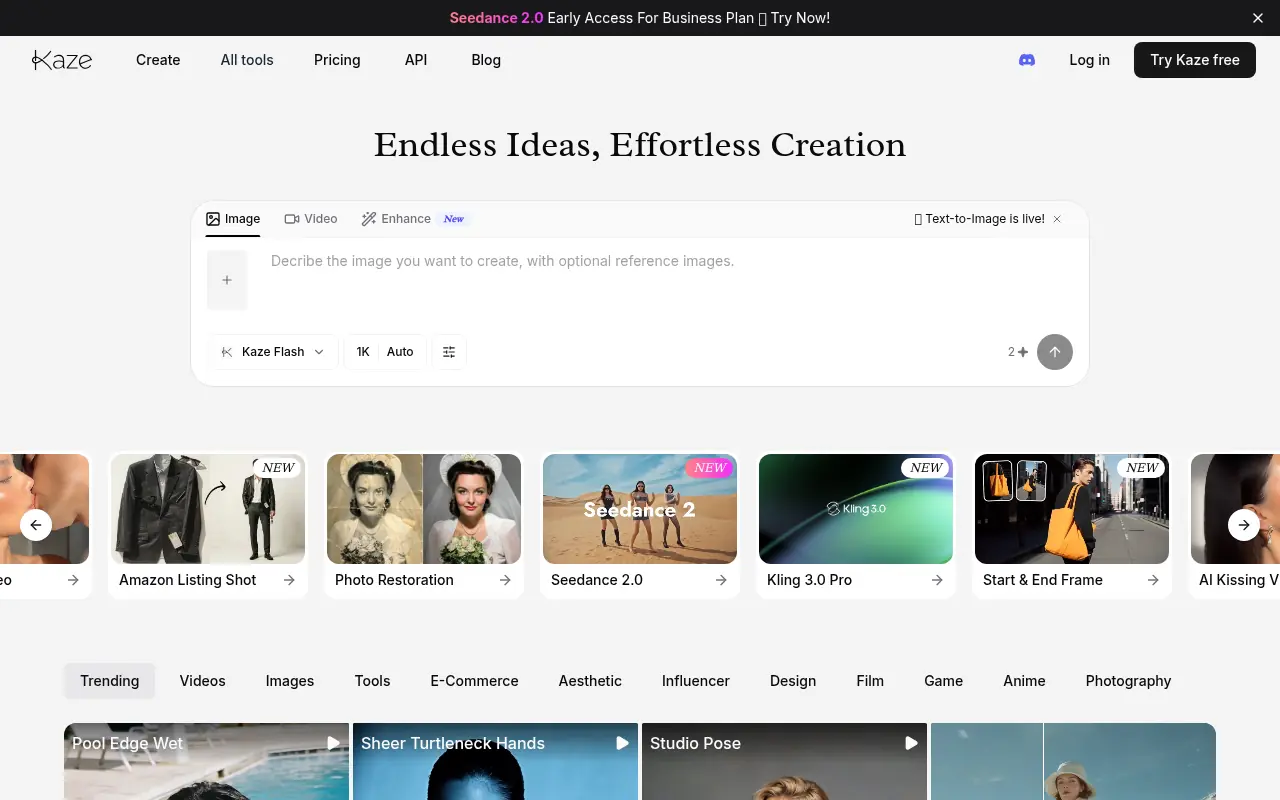
Kaze AI is an AI-powered image and video editing platform that simplifies photo retouching, watermark removal, restyling, and professional enhancements.

Pixlio AI
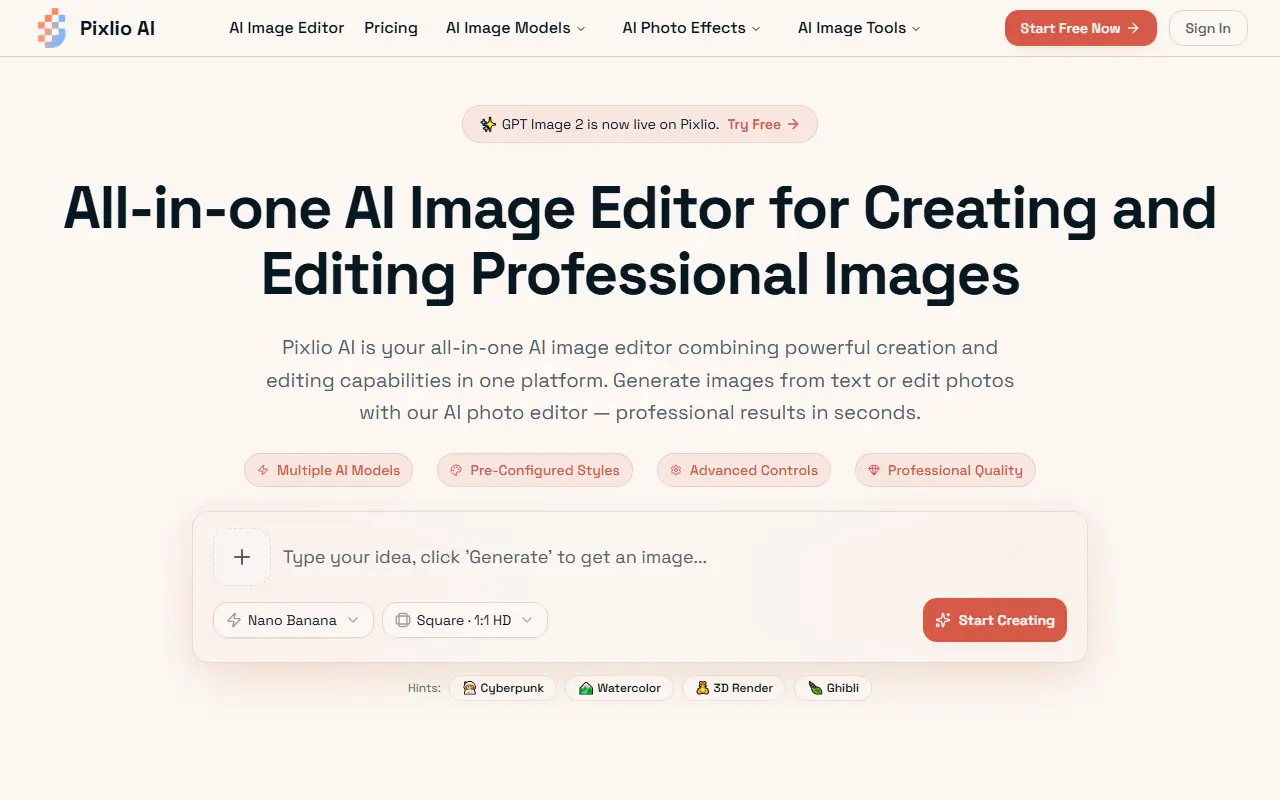
Pixlio AI is an all-in-one browser-based AI platform that allows users to seamlessly generate high-quality images from text and intelligently edit existing photos without software installation.

TapEdit
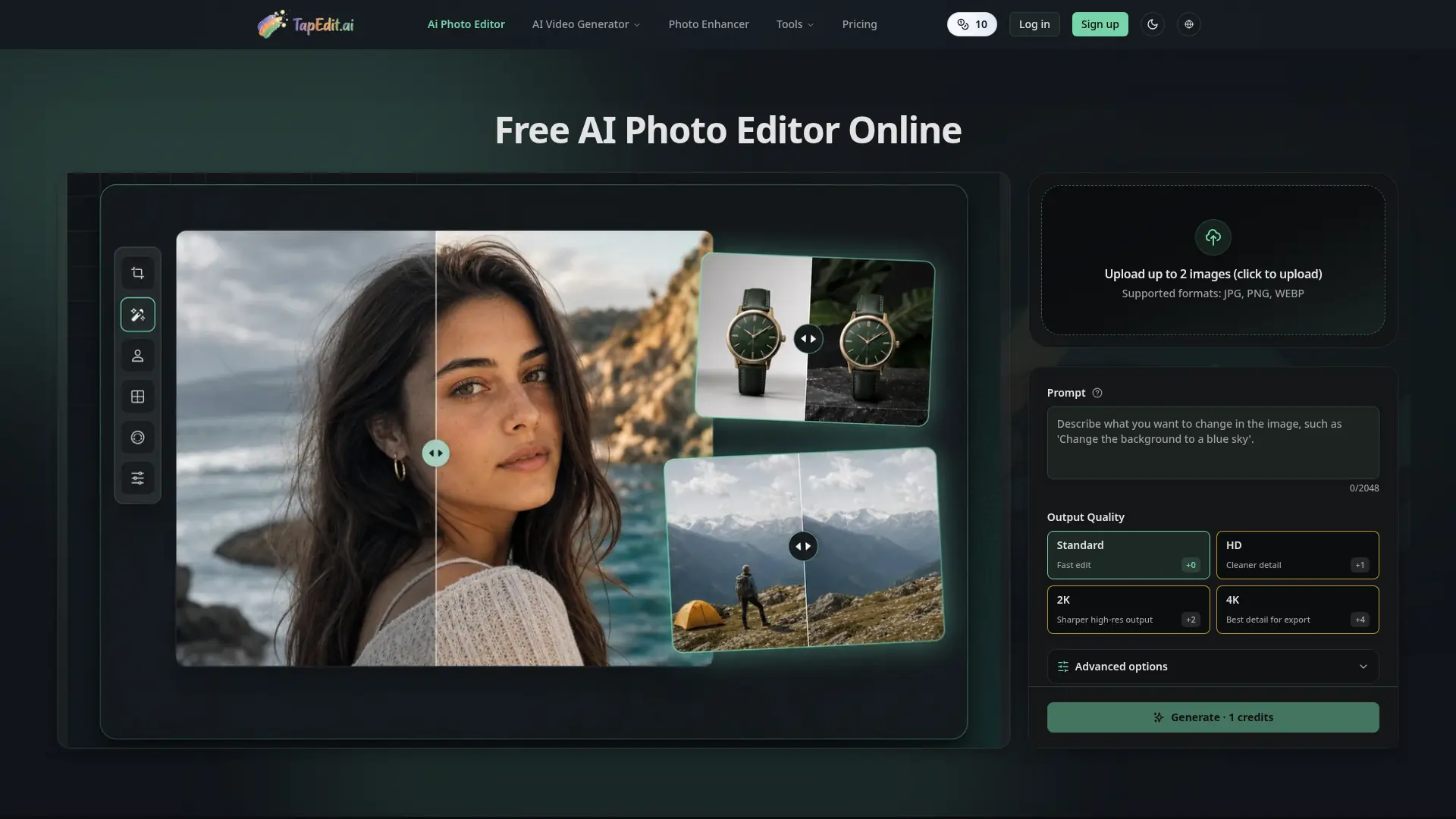
Edit, clean, enhance, and upscale images with prompt-based AI workflows built for ecommerce, marketing, creators, and high-volume production.
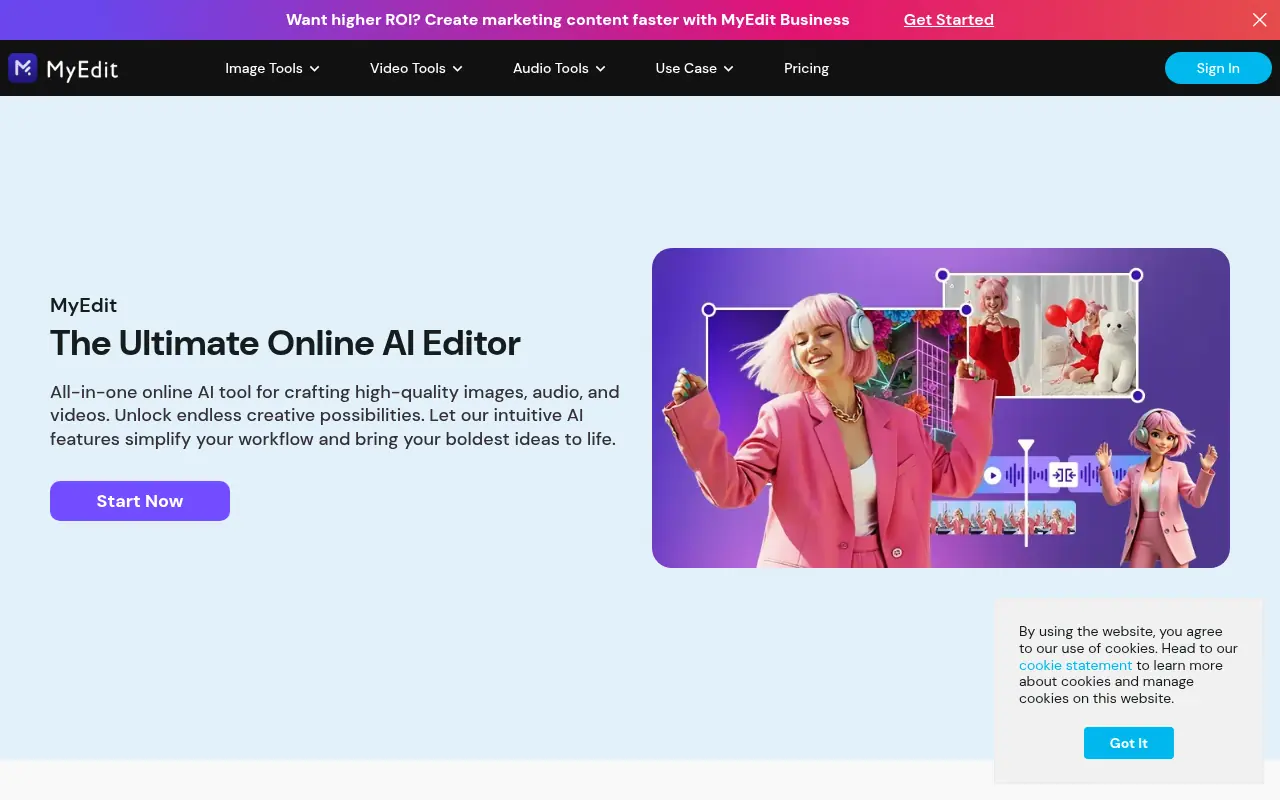

MyEdit
MyEdit is a comprehensive browser-based AI platform that streamlines photo, video, and audio editing without requiring software downloads or advanced technical skills.
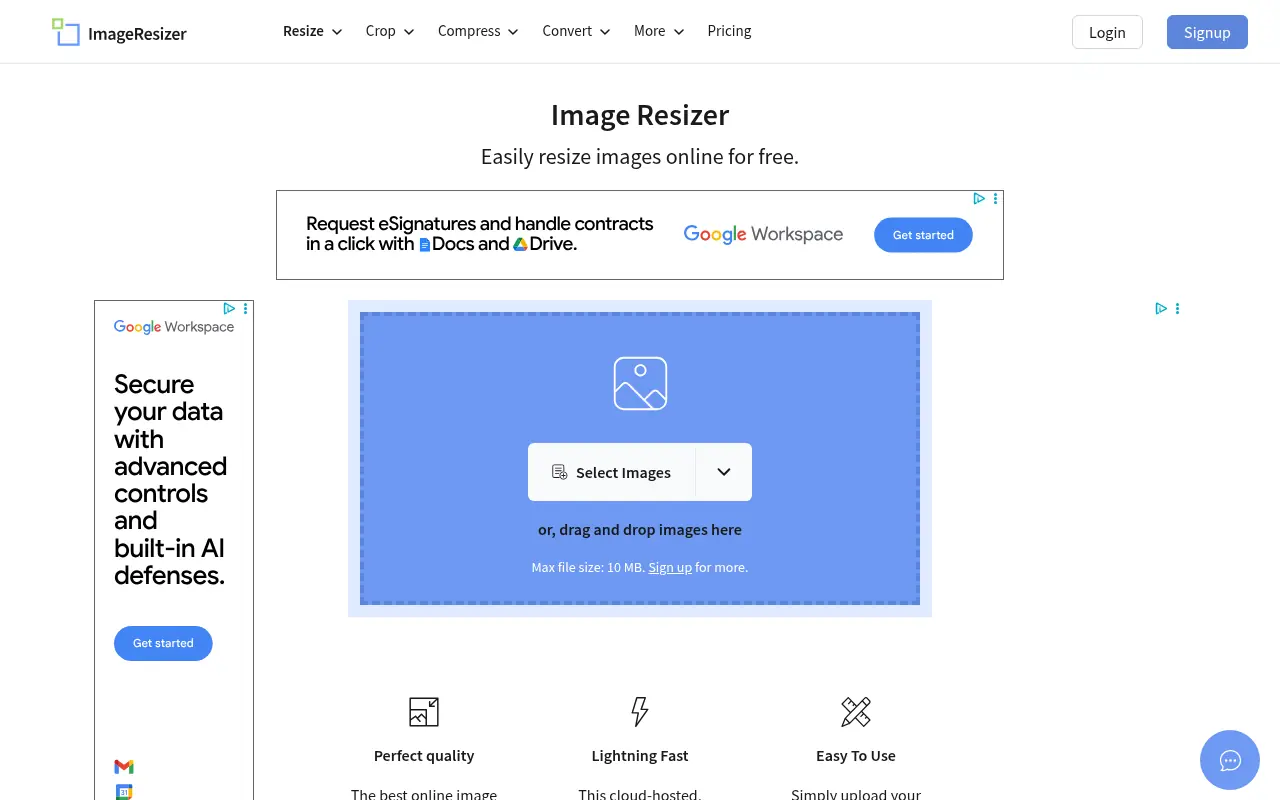

Image Resizer
A free, browser-based tool to easily resize, crop, compress, and convert images without losing quality.
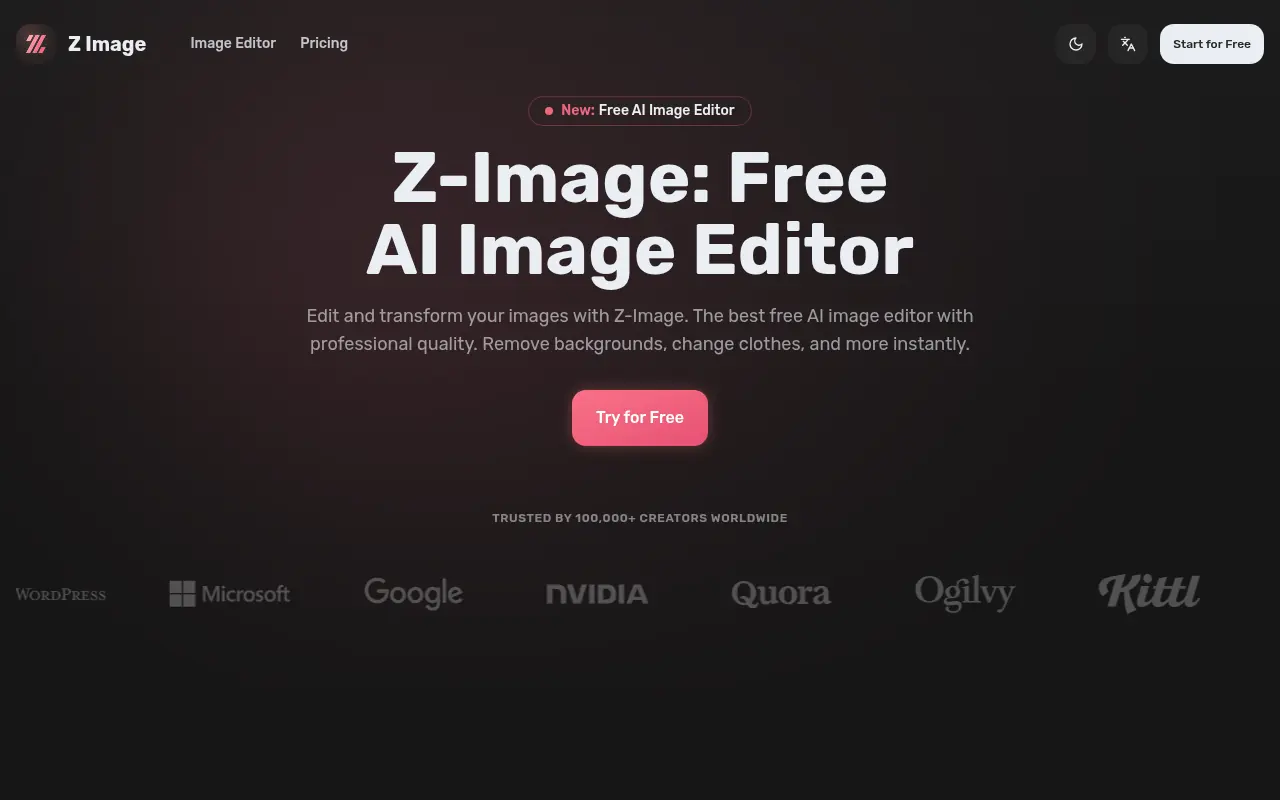

Z-Image
Z-Image is a free, lightning-fast AI image editor that provides professional-quality tools for background removal, style transfer, and advanced photo manipulation.
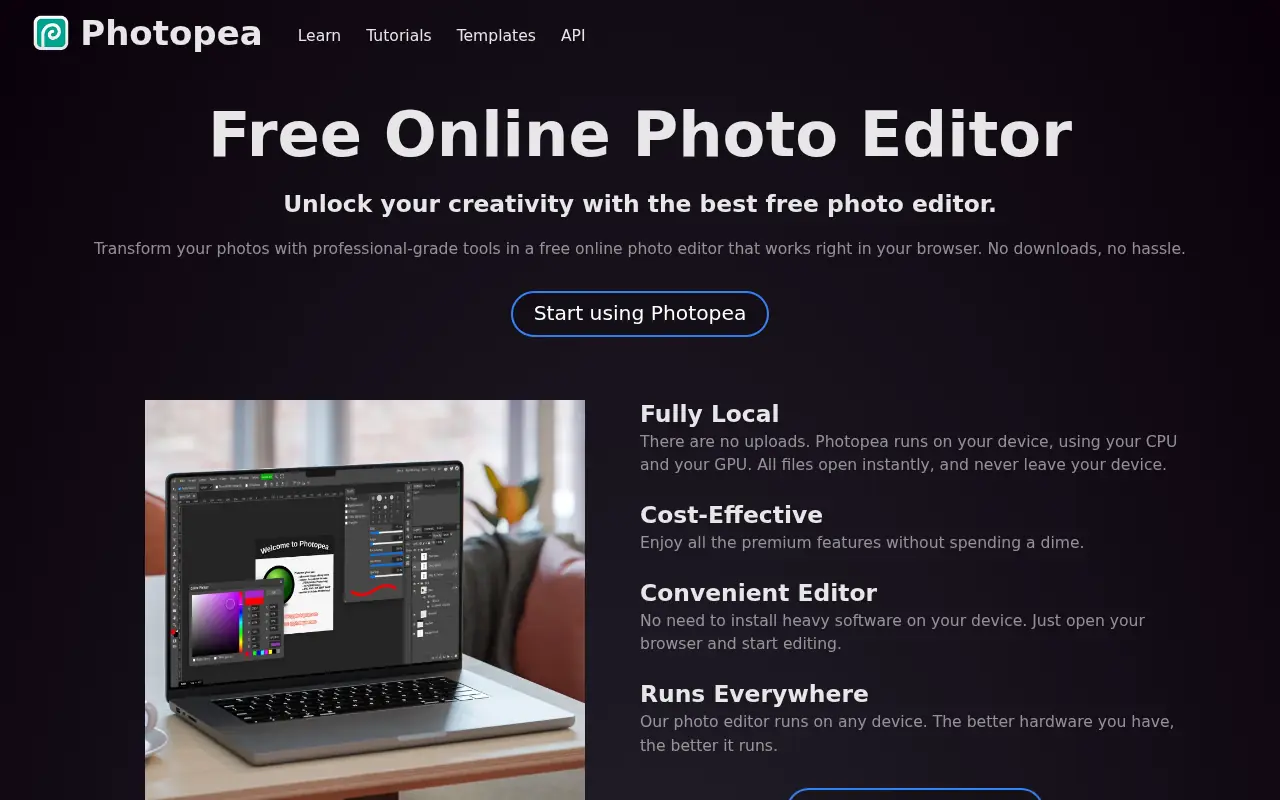

Photopea
Photopea is a free, advanced web-based photo and graphics editor that closely mimics Adobe Photoshop and supports various industry-standard file formats.

Nano Banana AI
Nano Banana AI is Google’s advanced AI-powered image editor and generator that enables users to create, manipulate, and refine images using intuitive text prompts.