

PicTools.AI
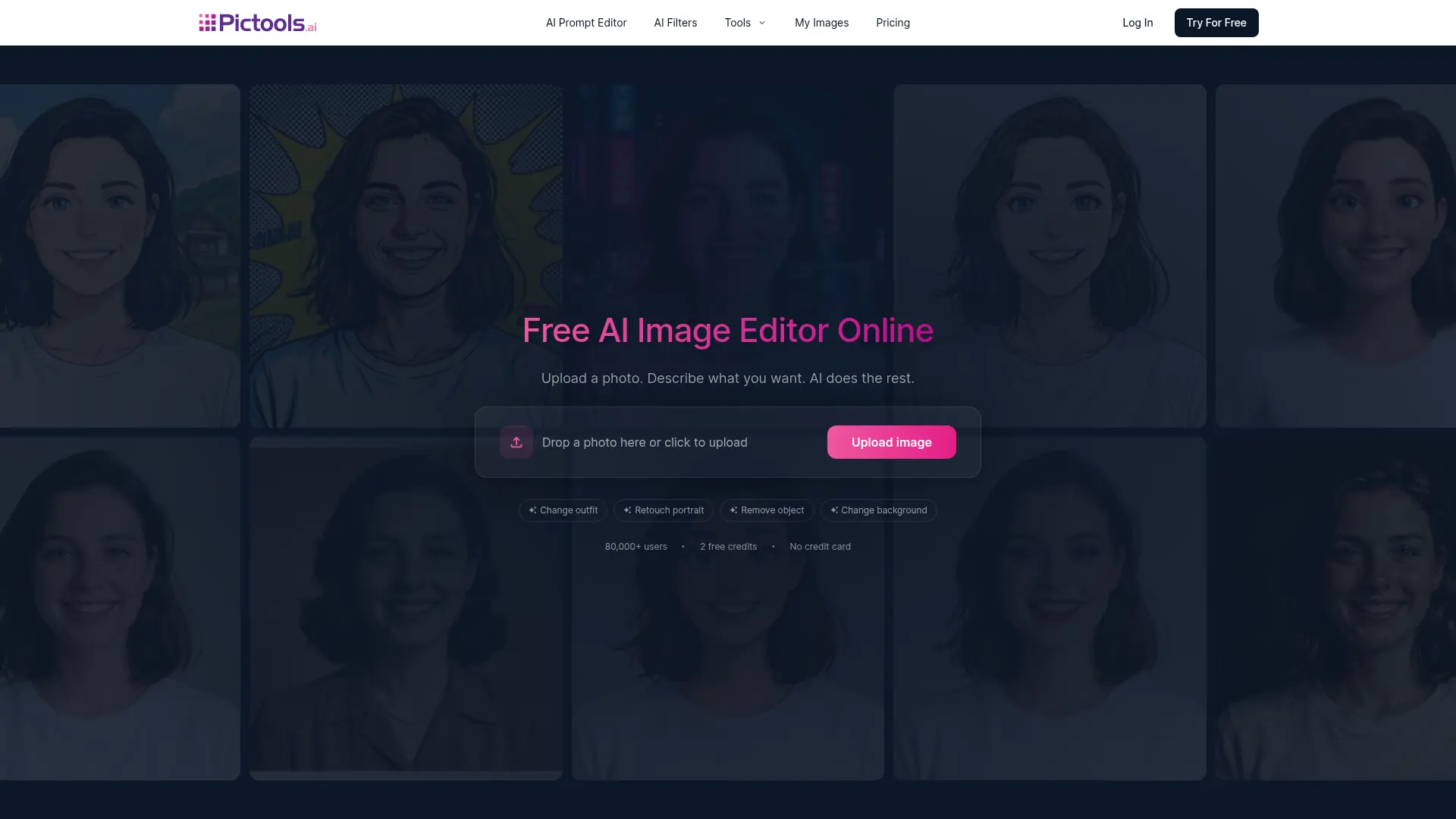
What is PicTools.AI?
PicTools.AI is a browser-based AI image editor for transforming existing photos and generating new images from text prompts. It combines prompt-based editing with more than 100 one-click filters for tasks such as background replacement, object removal, outfit changes, portrait retouching, restoration, and artistic styling. The platform is designed for creators, professionals, marketers, job seekers, and casual users who need fast image results without traditional layers, masks, or desktop software. Its workflow focuses on describing an edit in plain language, allowing users to create changes without advanced photo-editing skills. PicTools.AI provides two introductory credits without requiring a card, while additional use is available through credit packs or subscriptions.
How to use PicTools.AI?
- 1. Sign up for PicTools.AI and upload a JPG, PNG, WebP, or other supported image; 2. Describe the desired edit in a prompt or select a one-click filter, style, aspect ratio, or editing tool; 3. Review the generated result and download the finished image, using a free credit or purchased plan credit.
PicTools.AI's Core Features
Prompt-Based Photo Editing: Describe a desired change in plain language and apply it directly to an uploaded image.
One-Click AI Filters: Transform photos with more than 100 predefined artistic styles, realistic effects, and creative looks.
Object and Watermark Removal: Erase unwanted people, objects, text, logos, and overlays while reconstructing the surrounding image.
Background Replacement: Remove a background or generate a new scene while preserving the subject, pose, and overall composition.
AI Headshot Generation: Create four professional headshot styles from one selfie for LinkedIn, resumes, and business profiles.
Photo Restoration: Repair faded, cracked, scratched, blurred, or damaged older photographs with AI-assisted reconstruction.
Portrait Retouching: Improve facial details with tools for blemishes, teeth, glare, makeup, wrinkles, face shape, and related adjustments.
Image Enhancement: Sharpen soft photos, improve lighting, relight backlit images, and recover natural-looking detail.
Text-to-Image Generation: Turn written prompts into original images for portraits, illustrations, concept art, and product visuals.
Multi-Image Blending: Upload up to four images to combine people, products, outfits, or other visual elements into one scene.
PicTools.AI's Use Cases
- #1
Create professional LinkedIn, resume, and company-profile headshots from a single selfie
- #2
Remove photobombers, watermarks, logos, text, or unwanted objects from marketing and personal photos
- #3
Replace distracting backgrounds for product listings, social media posts, portraits, and travel images
- #4
Restore scanned family photographs with scratches, fading, blur, and other visible damage
- #5
Test different outfits, hairstyles, hair colors, poses, and portrait looks before a photoshoot
- #6
Generate original concept art, illustrations, product mockups, and social media visuals from text prompts
Frequently Asked Questions
Analytics of PicTools.AI
Monthly Visits Trend: Jun 2025 - Sep 2026
Traffic Sources
Top Regions
| Region | Traffic Share |
|---|---|
| United States | 20.53% |
| United Kingdom | 6.76% |
| Vietnam | 5.43% |
| India | 4.72% |
| Russia | 4.54% |
Top Keywords
| Keyword | Traffic | CPC |
|---|---|---|
| ai photo editor prompt | 300 | $0.17 |
| ai image editor | 114.4K | $1.09 |
| face fat loss filter online | 150 | -- |
| imagine me as na'vi | 170 | -- |
| comiv filter for image | 100 | -- |
Alternative of PicTools.AI
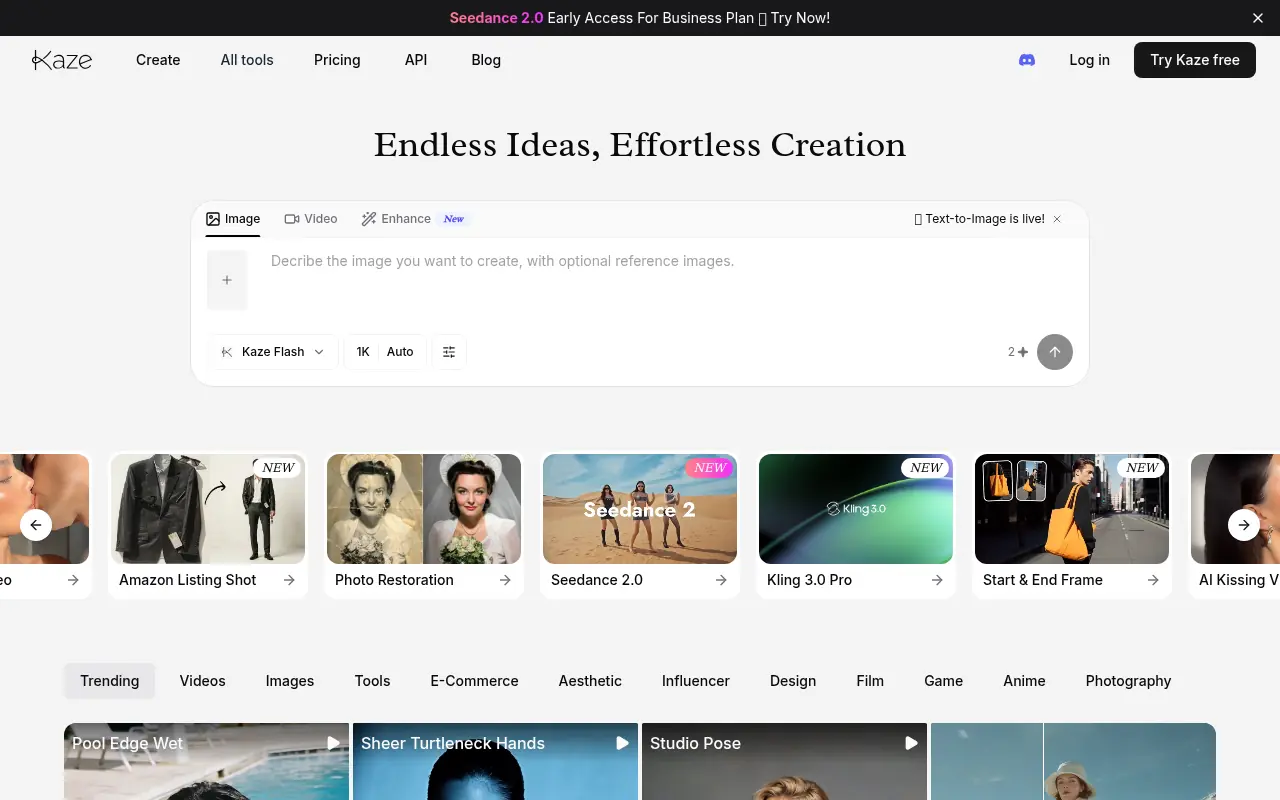

Kaze AI
Kaze AI is an AI-powered image and video editing platform that simplifies photo retouching, watermark removal, restyling, and professional enhancements.
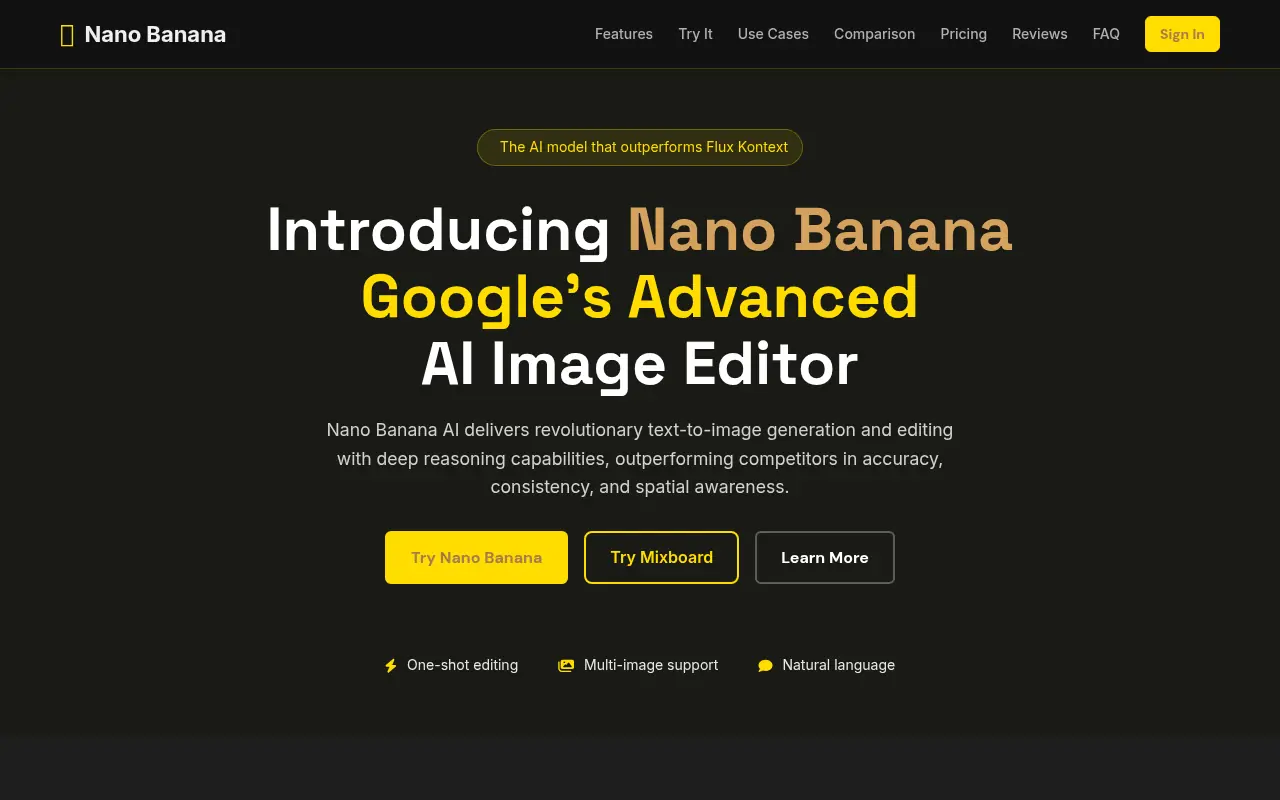

Nano Banana AI
Nano Banana AI is Google’s advanced AI-powered image editor and generator that enables users to create, manipulate, and refine images using intuitive text prompts.
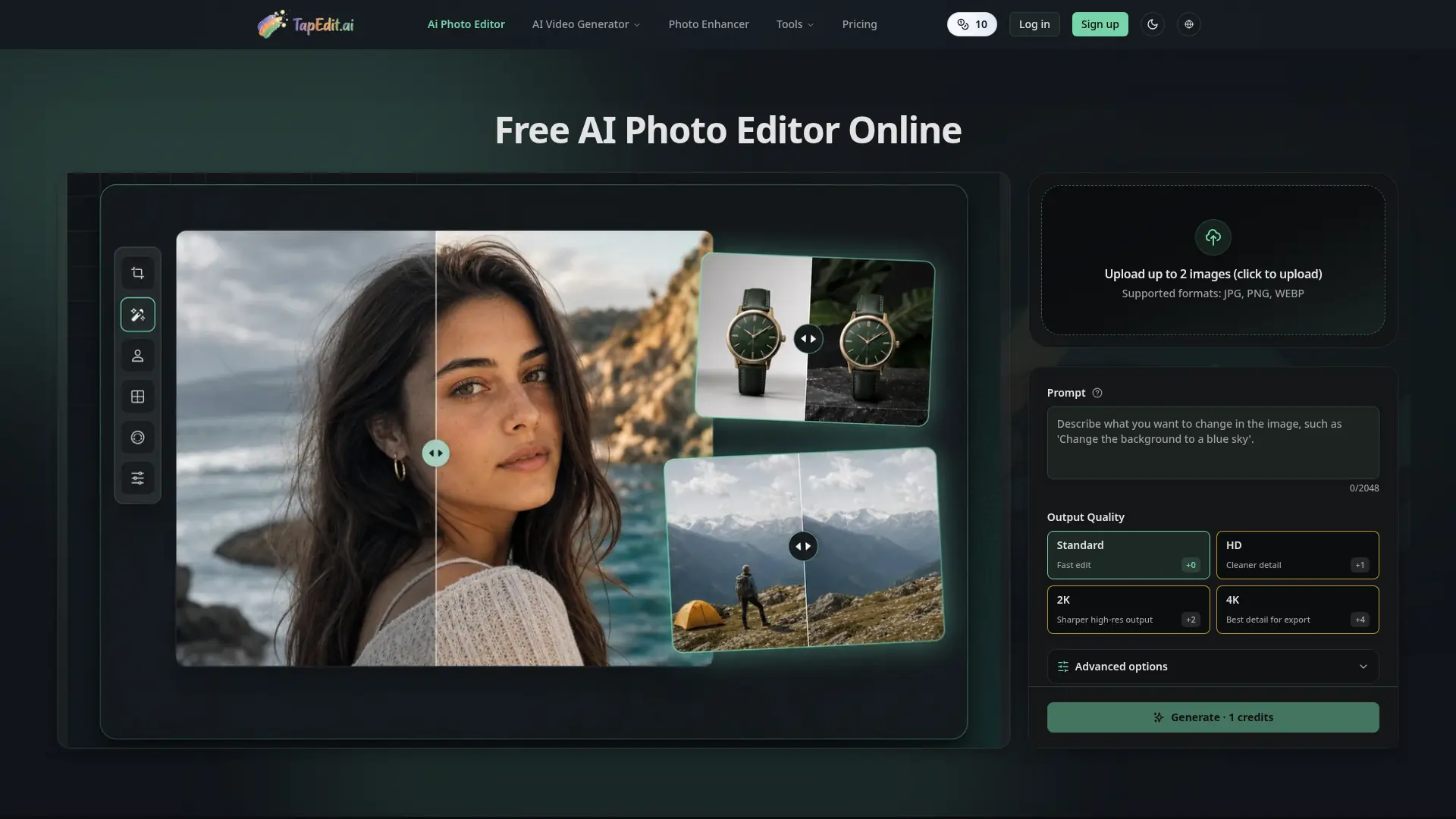

TapEdit
Edit, clean, enhance, and upscale images with prompt-based AI workflows built for ecommerce, marketing, creators, and high-volume production.
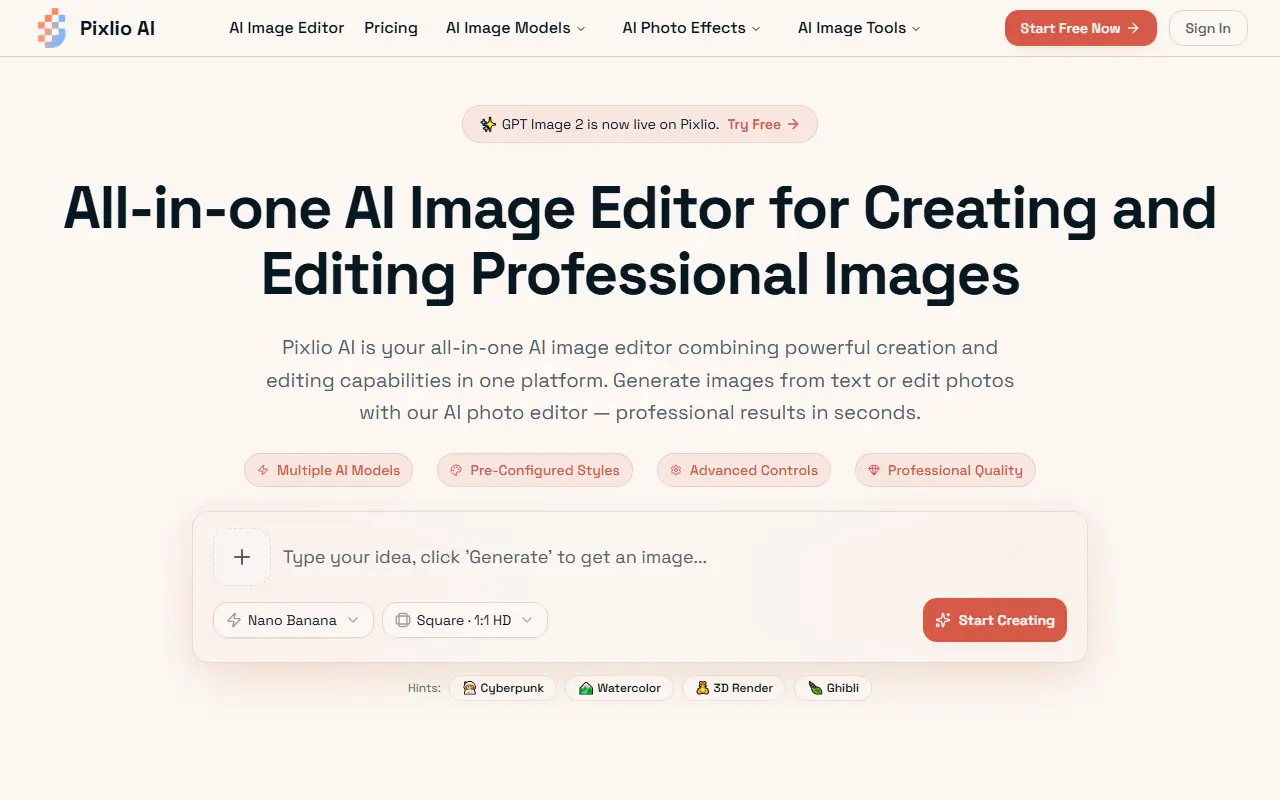

Pixlio AI
Pixlio AI is an all-in-one browser-based AI platform that allows users to seamlessly generate high-quality images from text and intelligently edit existing photos without software installation.
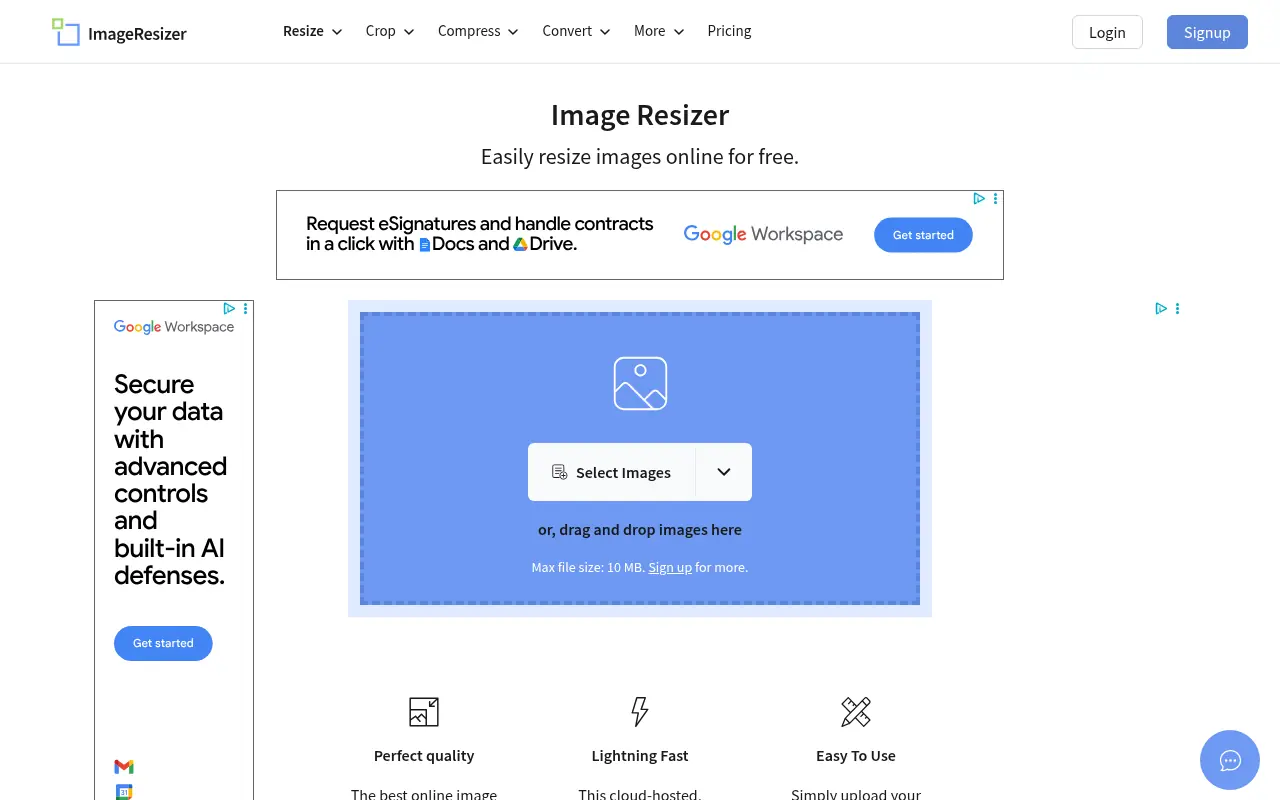

Image Resizer
A free, browser-based tool to easily resize, crop, compress, and convert images without losing quality.
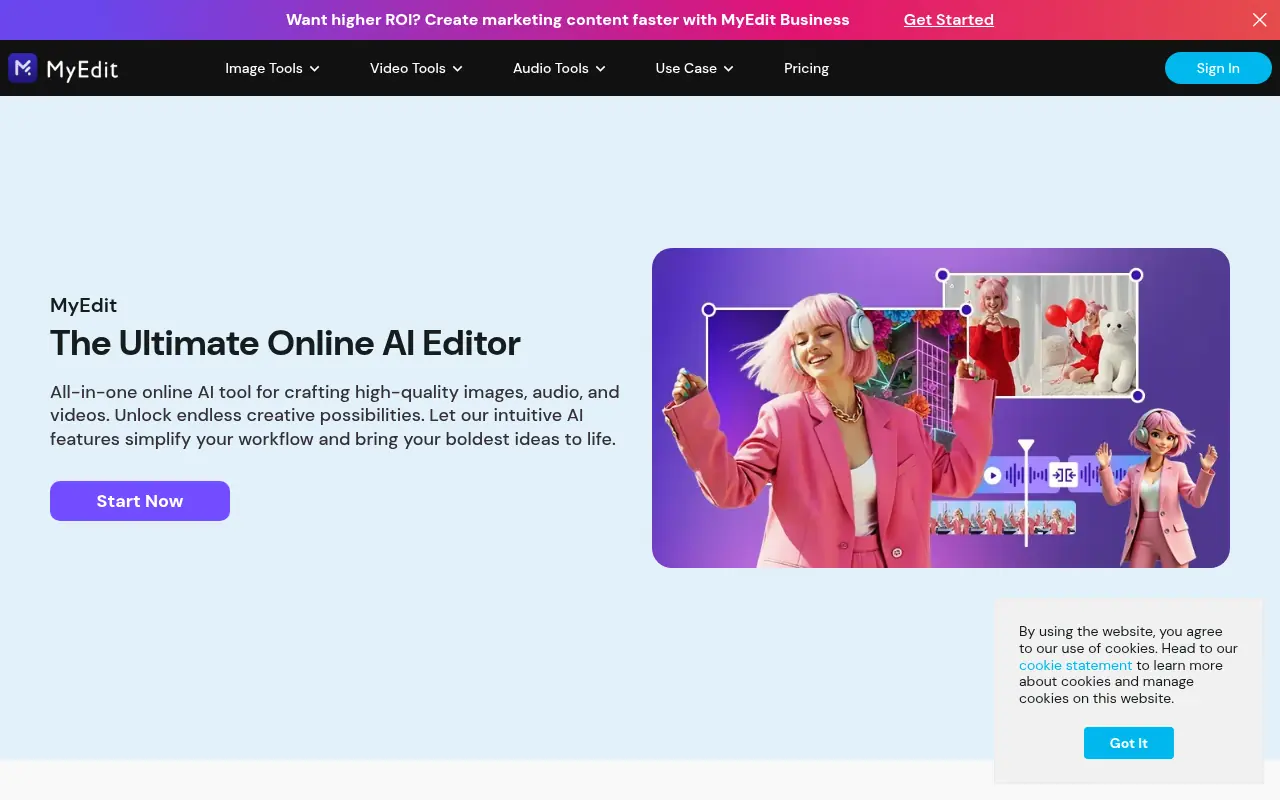

MyEdit
MyEdit is a comprehensive browser-based AI platform that streamlines photo, video, and audio editing without requiring software downloads or advanced technical skills.
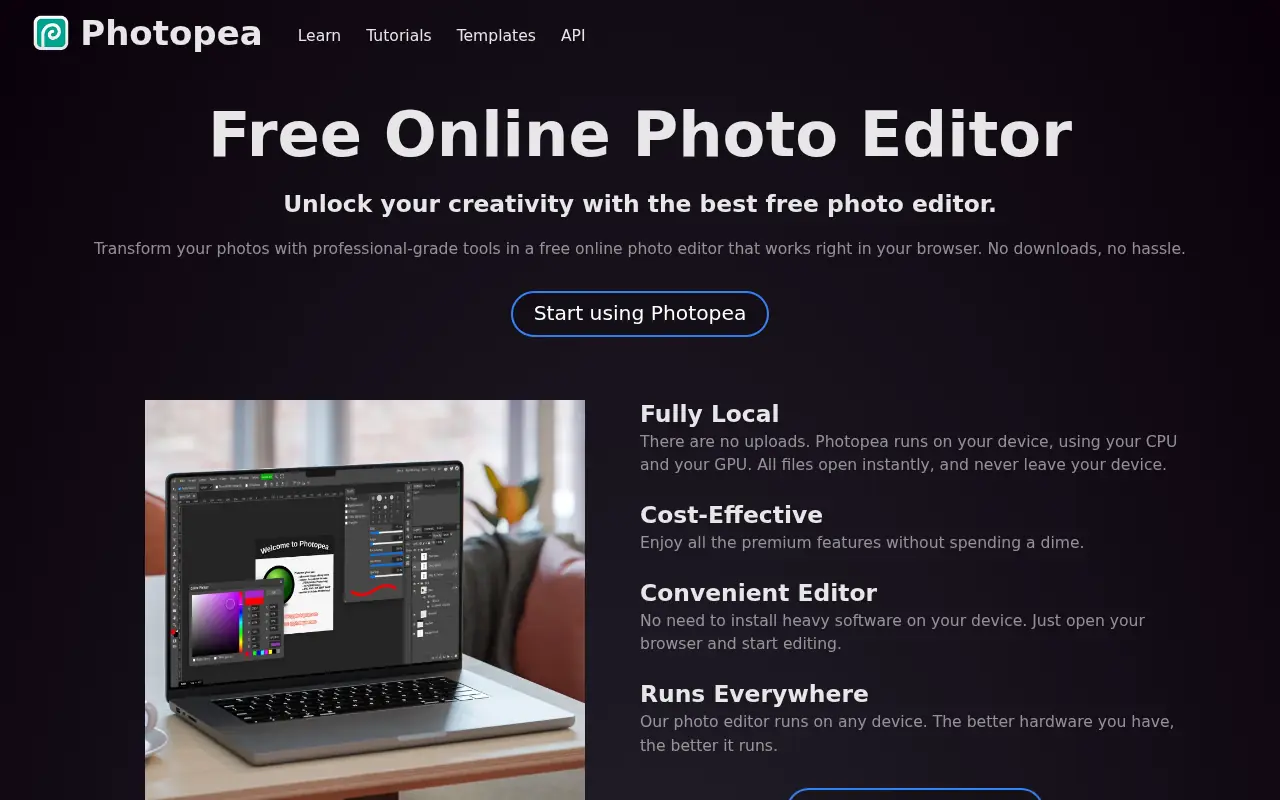

Photopea
Photopea is a free, advanced web-based photo and graphics editor that closely mimics Adobe Photoshop and supports various industry-standard file formats.
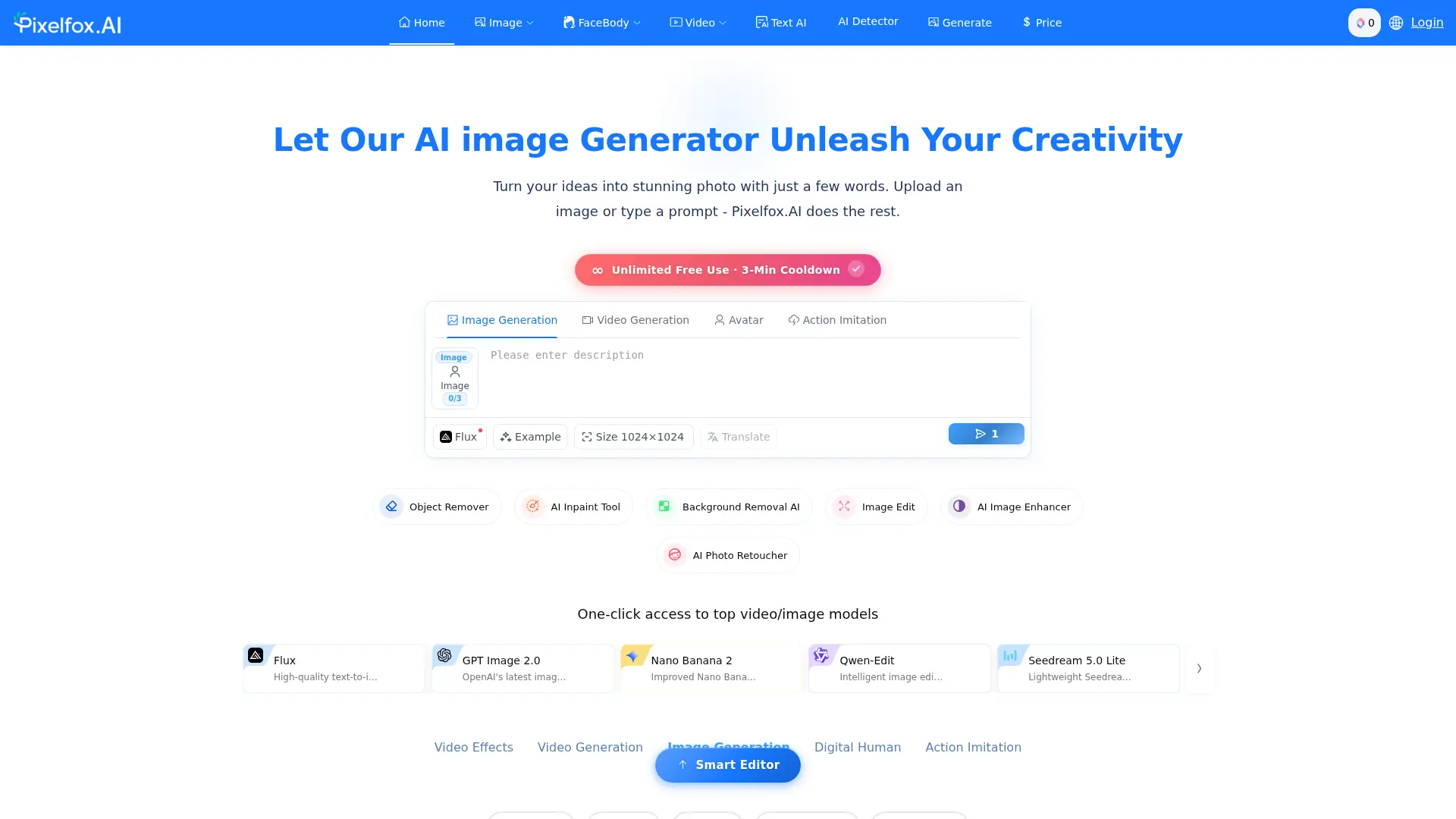

Pixelfox AI
Edit photos and videos online with AI tools for object removal, background changes, enhancement, generation, and creative effects.