

Narrative
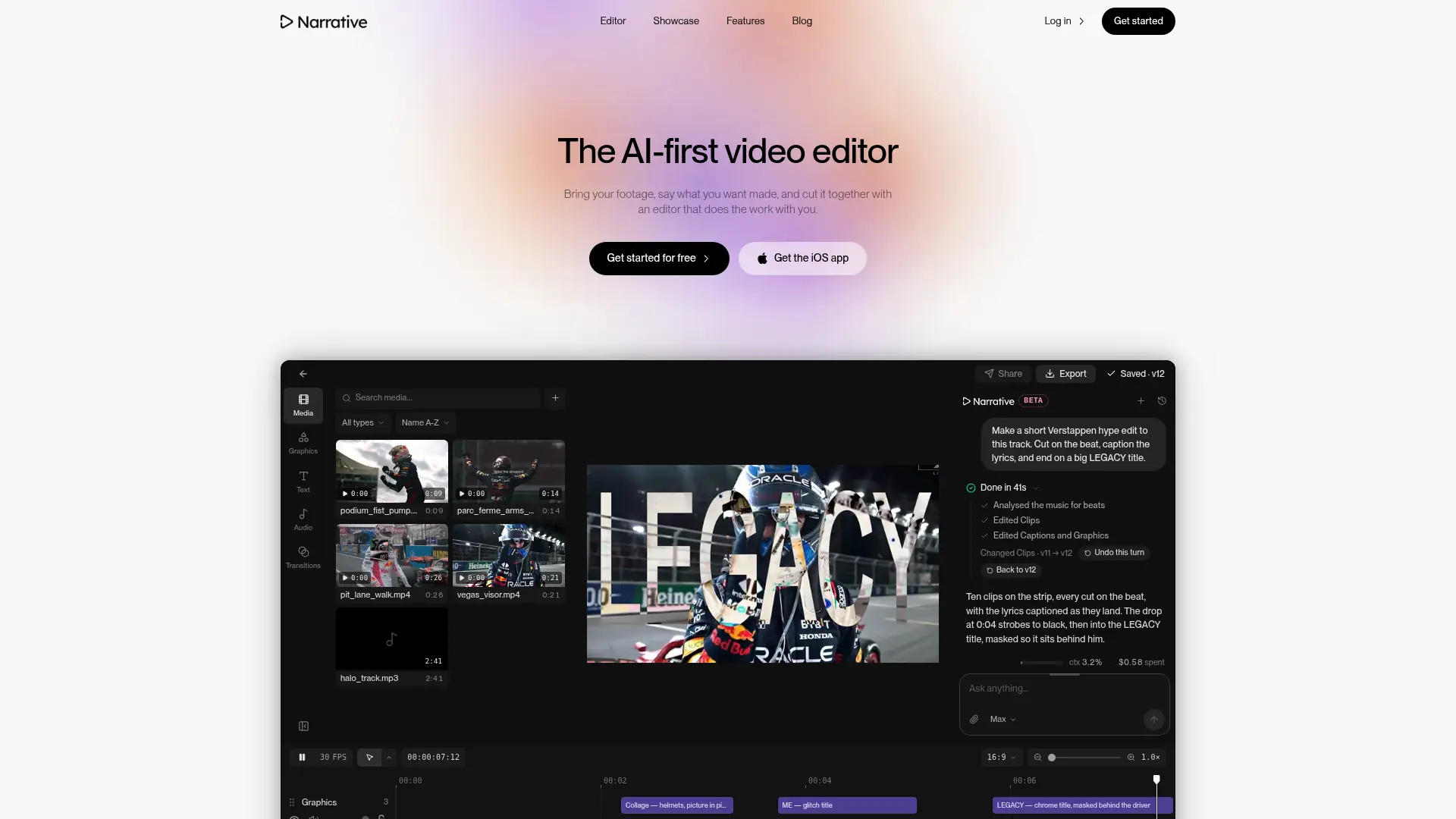
What is Narrative?
Narrative is an AI video editor that turns instructions about your footage into a draft on an editable timeline. It serves creators and teams making highlights, interviews, montages, and other footage-based videos. Users can request revisions in chat or adjust clips directly instead of accepting a fixed template. Version history preserves earlier edits, while framing controls adapt projects for different viewing formats. The product is available on the web and iPhone, and its Claude connector provides another way to inspect, revise, and export existing projects.
How to use Narrative?
- Create a Narrative account and open the web editor or iPhone app, then import the footage for your project.
- Describe the video you want, including its length, key moments, captions, and music, and answer any clarification from the editor.
- Review the draft, revise it in chat or on the timeline, and export the finished video under your trial or subscription limits.
Narrative's Core Features
Conversational Editing: Describe a desired sequence or revision and let the editor apply it to your footage.
Editable Multitrack Timeline: Refine video, text, graphics, transitions, and music through direct timeline controls.
Version History: Restore an earlier editing turn when a revision moves the project in the wrong direction.
Caption and Title Editing: Add or revise captions and titles alongside the clips they accompany.
Aspect-Ratio Reframing: Adapt a wide project for vertical or square viewing while adjusting the composition.
Editing Modes: Choose Fast, Balanced, or Max according to the complexity of the requested edit.
Beat-Based Cuts: Request a montage whose clip timing follows the supplied music.
Claude Connector: Let an authorized Claude session inspect projects, revise timelines, preview stills, save versions, and request exports.
Narrative's Use Cases
- #1
A sports creator selects decisive moments from game footage for a captioned highlight reel.
- #2
A traveler combines camera-roll clips into a short recap with music and deliberate pacing.
- #3
A wedding videographer condenses a long recording into a draft that preserves selected ceremony moments.
- #4
A podcast producer reframes an interview into a vertical clip with both speakers visible.
- #5
A music-focused creator assembles a montage with cuts aligned to the track and on-screen lyrics.
- #6
A communications team uses the Claude connector to locate a passage in a recorded presentation and export a short captioned excerpt.
Frequently Asked Questions
Analytics of Narrative
Monthly Visits Trend: Feb 2026 - Oct 2026
Traffic Sources
Top Regions
| Region | Traffic Share |
|---|---|
| India | 64.09% |
| United States | 30.26% |
| United Kingdom | 4.83% |
| Spain | 0.53% |
| Australia | 0.19% |
Top Keywords
| Keyword | Traffic | CPC |
|---|---|---|
| narrative ai | 5.8K | $6.15 |
| narrative ai video editor | 2.1K | -- |
| narrative editing app | 160 | -- |
| narrative ai edit | 50 | -- |
| claude capcut make | 280 | -- |
Alternative of Narrative
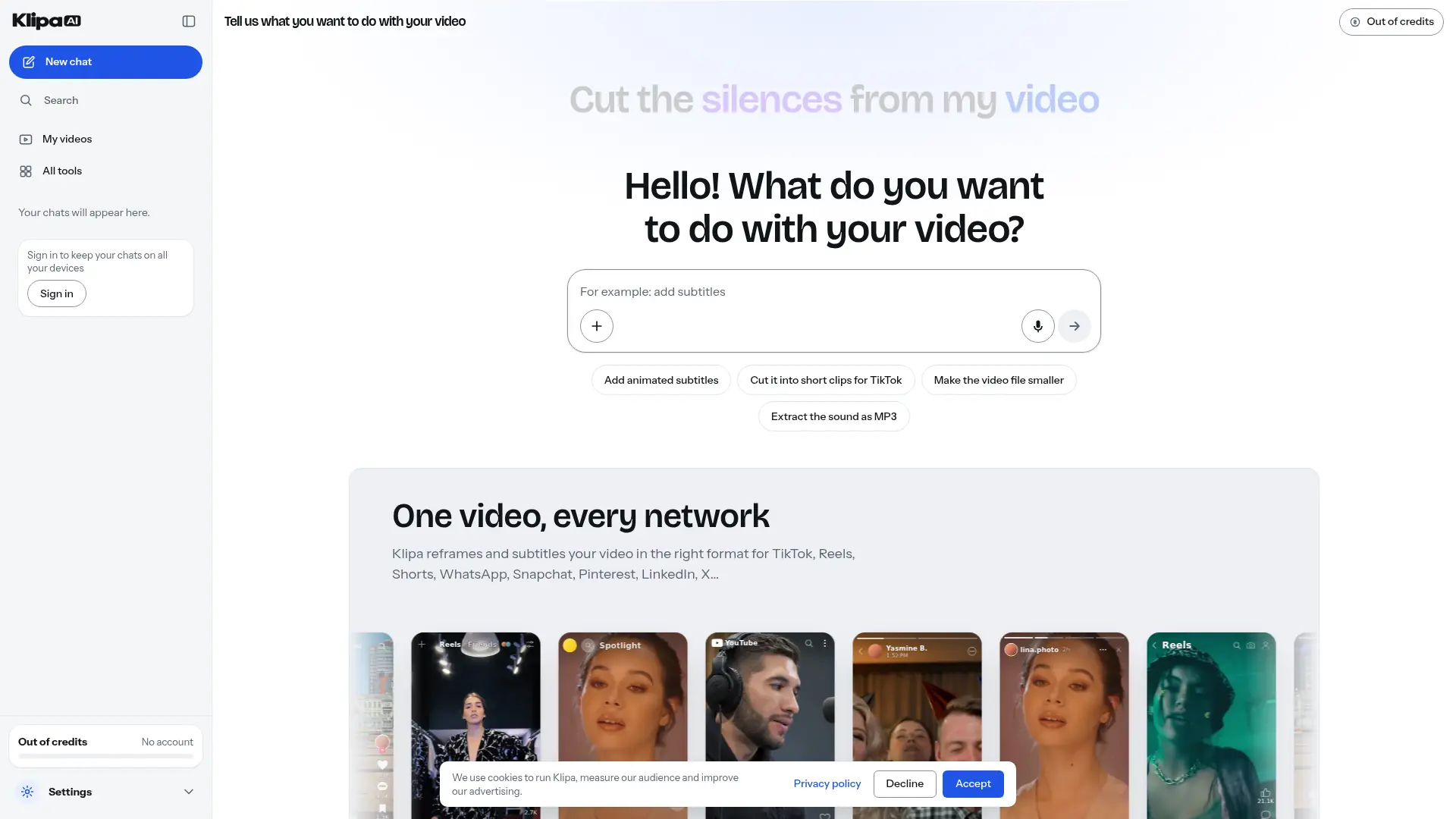

Klipa AI
Turn longer recordings into short clips, add captions, and clean up audio through a browser-based video editing toolkit.
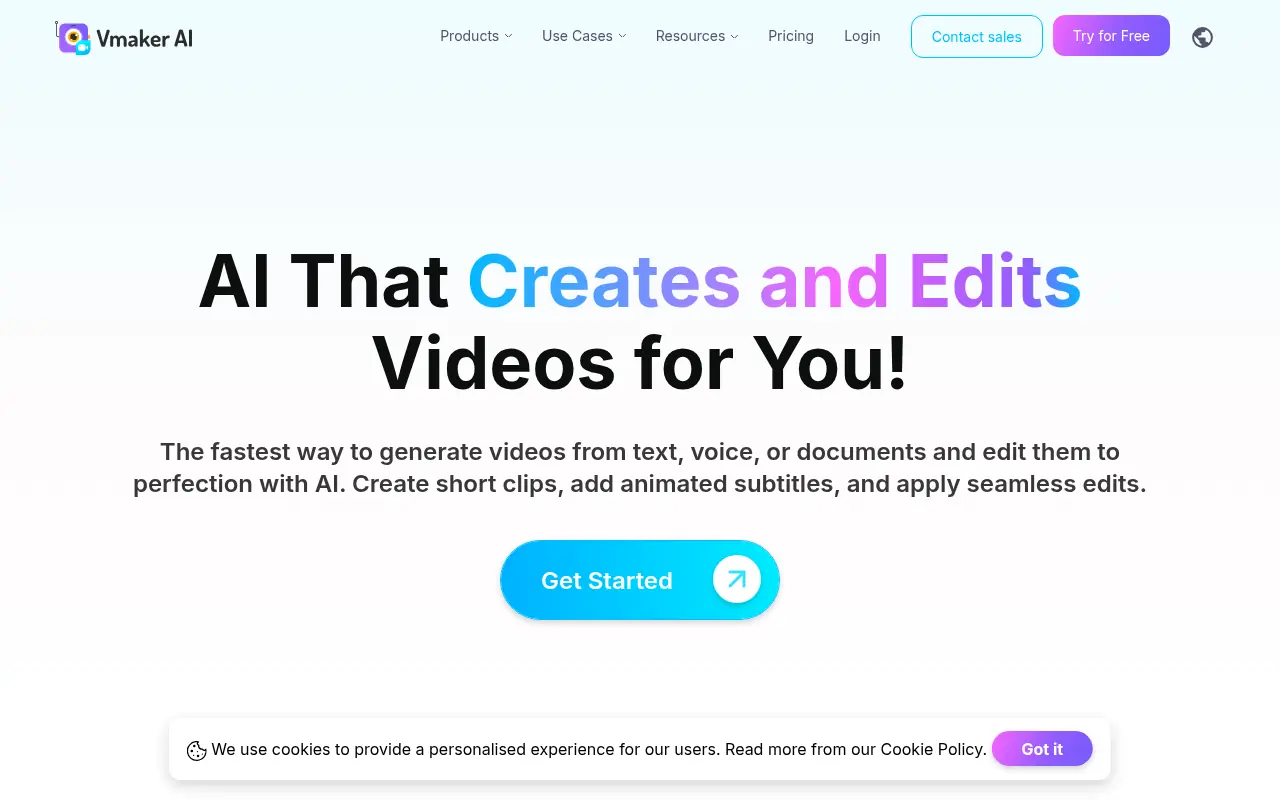

Vmaker
Vmaker is an AI-powered video editing and screen recording platform that automates the creation of publish-ready videos for individuals and businesses.
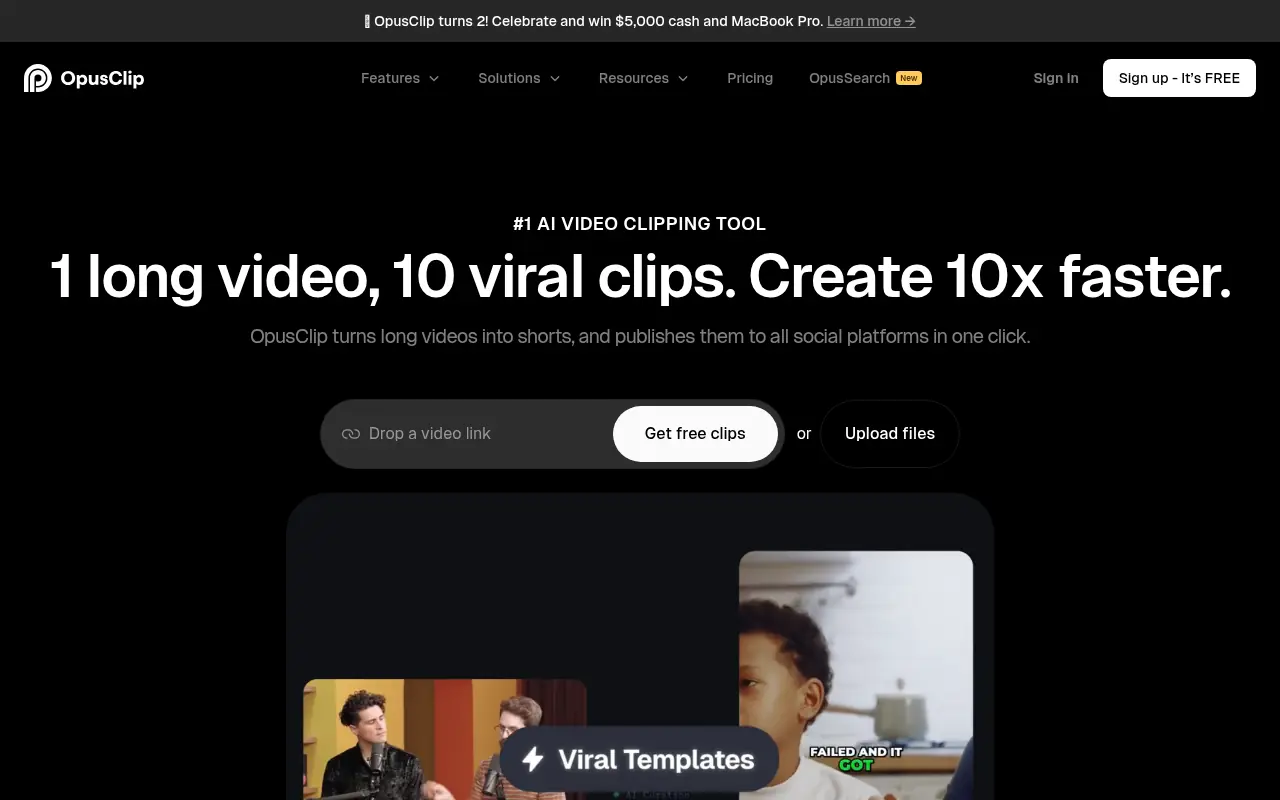

Opus Pro
Opus Pro is an AI-powered video editing platform designed to streamline content creation for creators and businesses.


Choppity
Turn podcasts and long-form videos into polished, platform-ready short clips without spending hours on manual editing.
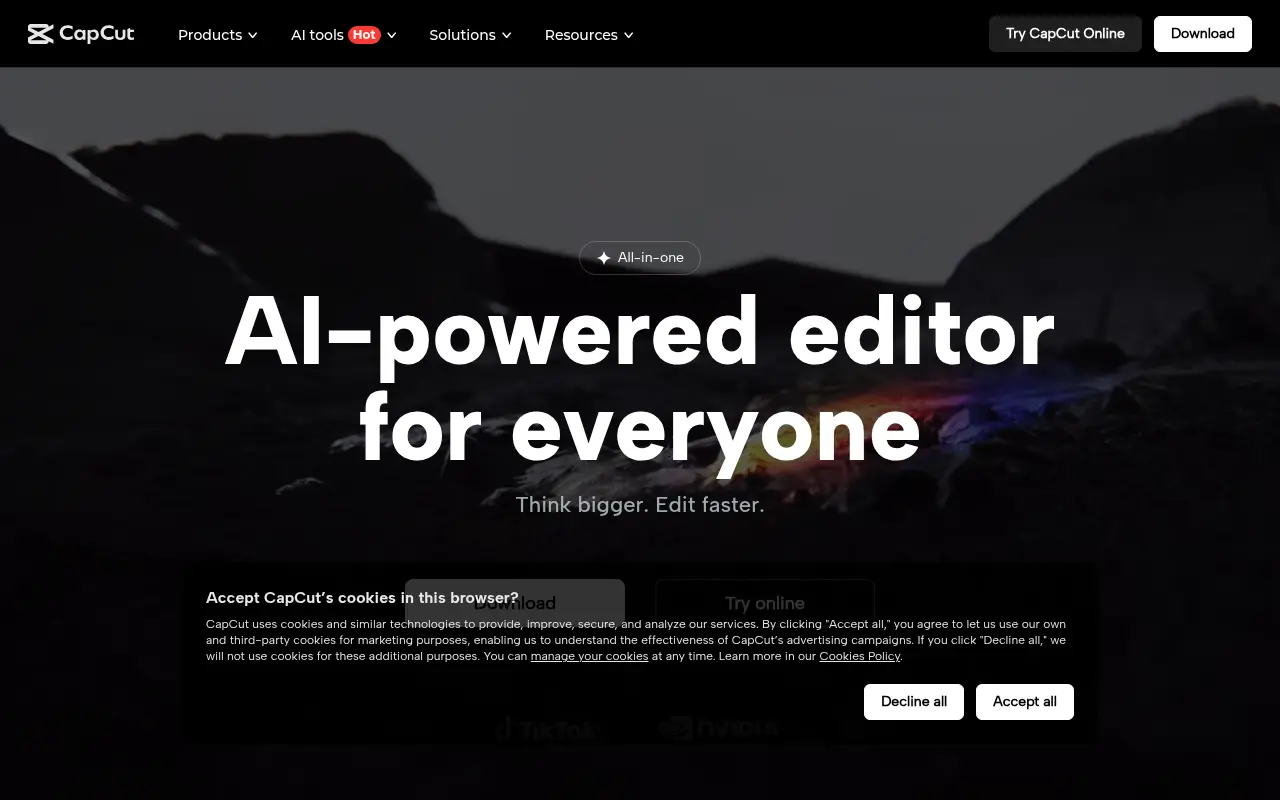

CapCut
CapCut is an AI-powered platform for easy video editing and graphic design across multiple devices.
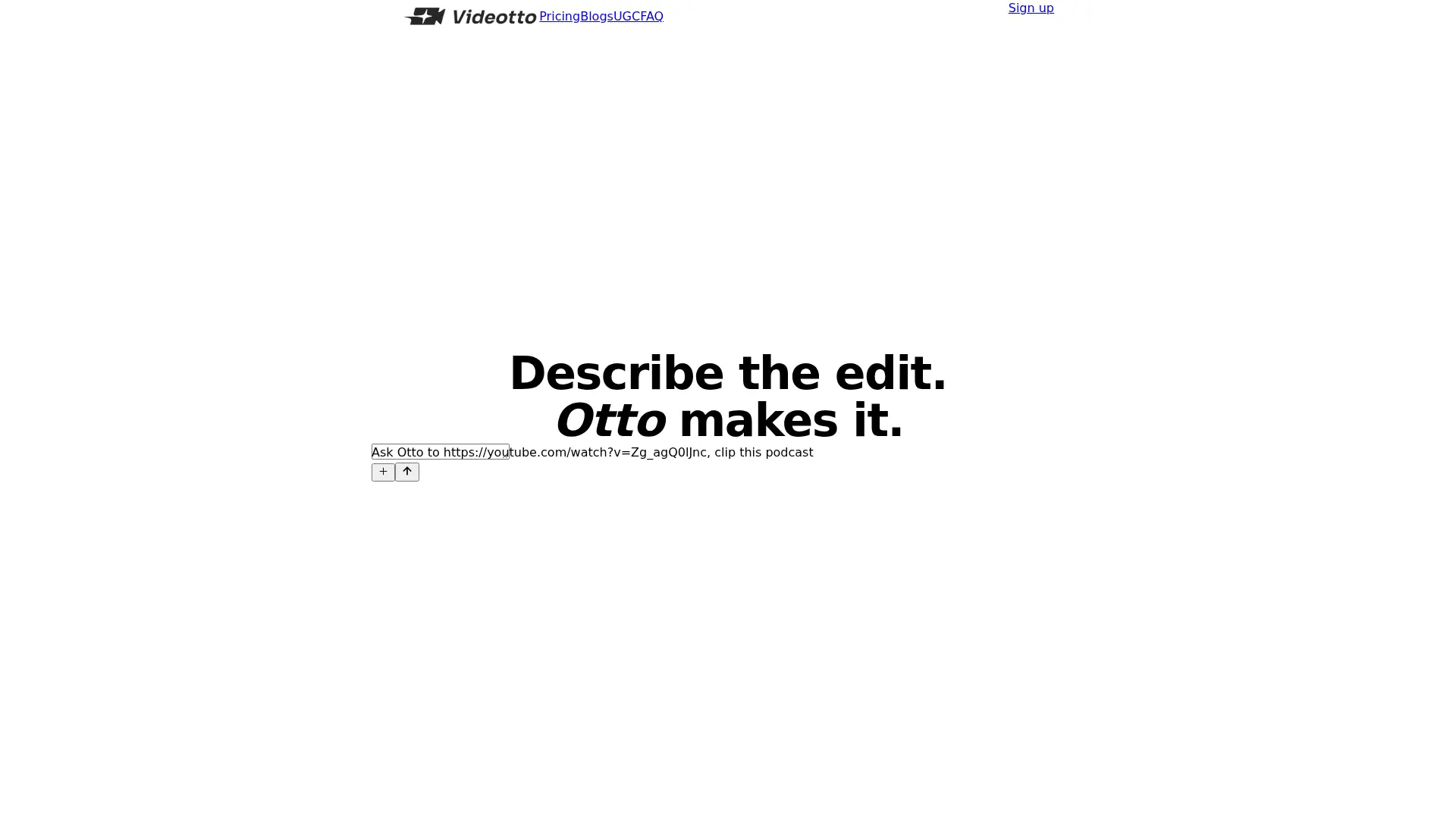

Videotto
Edit videos through prompts with Otto, including short clips, captions, motion graphics, visual annotations, and scheduled social publishing.


Quso.ai
Quso.ai is an all-in-one AI-powered platform for social media content creation, management, and analytics.
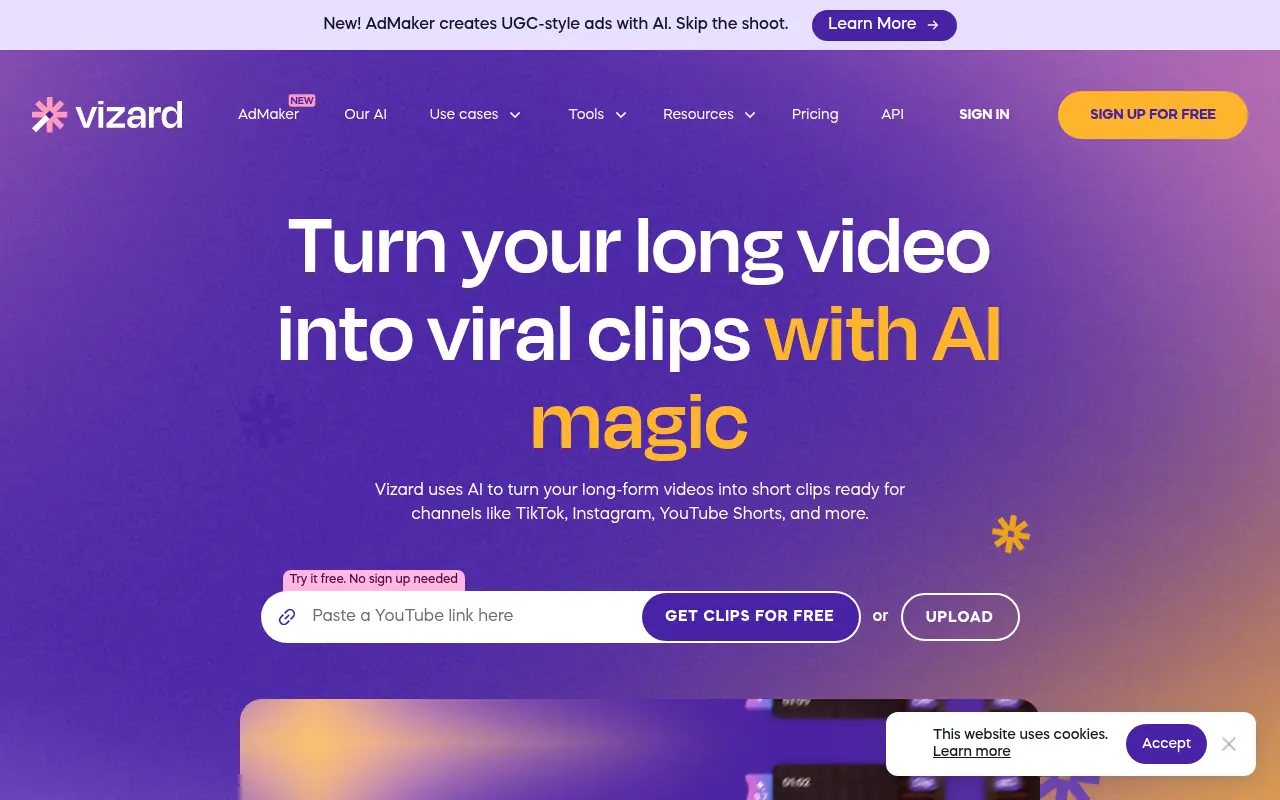

Vizard
Vizard.ai is an AI-powered video editing platform that simplifies content creation for creators, marketers, and businesses.