

Videotto
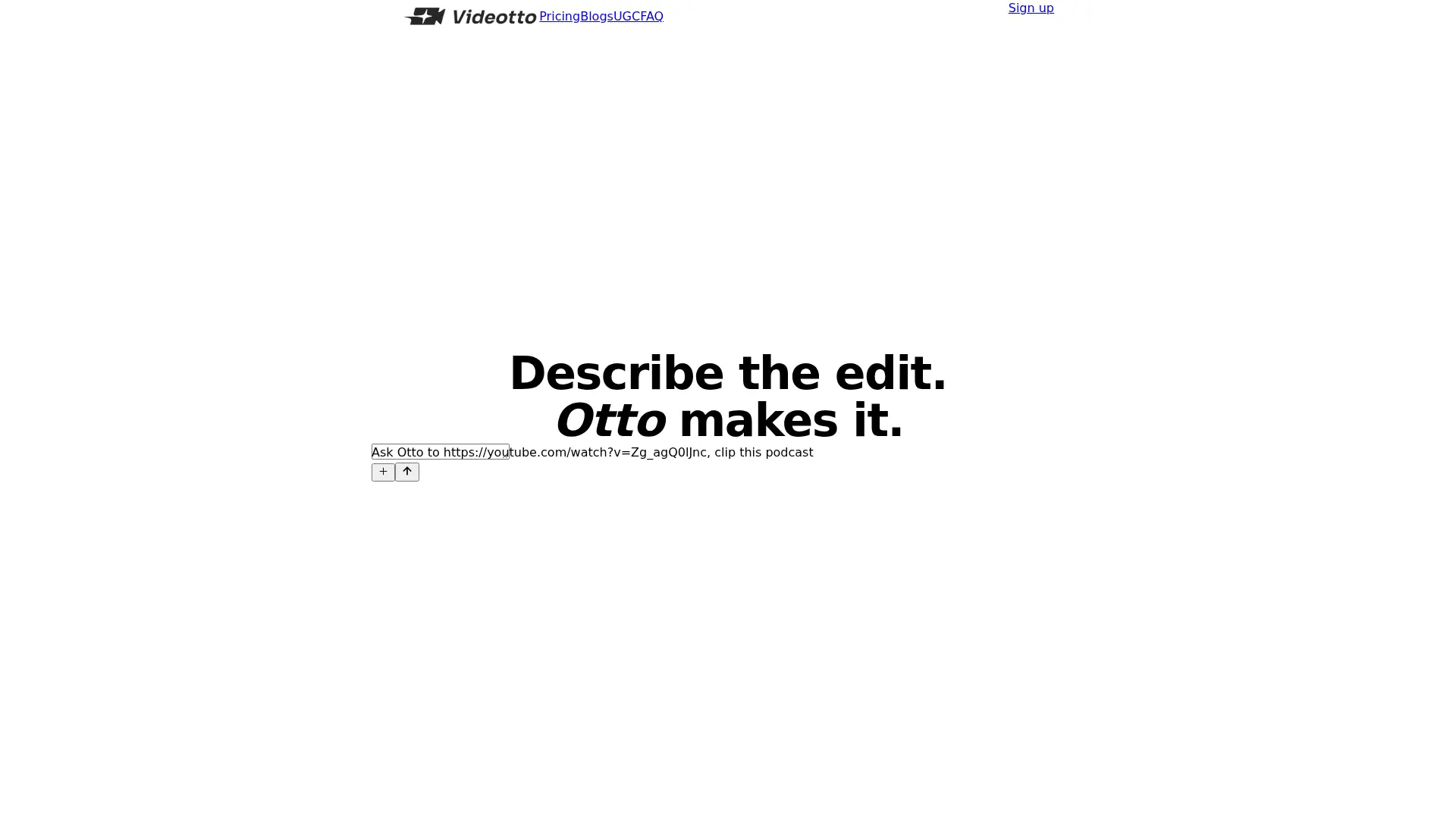
What is Videotto?
Videotto is a video editing platform built around Otto, its conversational AI editor. Users provide a video and describe the cut, captions, or visual changes they want. Otto can extract standalone clips, tighten longer recordings, and add motion graphics. Drawing and labeling tools give the editor visual direction. Publishing features help creators schedule finished videos and manage audience replies.
How to use Videotto?
- Create a Videotto account, choose a paid plan, and add your source video.
- Describe the desired edit to Otto, including clip length, framing, captions, or graphics.
- Review the edited result, request changes as needed, and export or schedule the finished video.
Videotto's Core Features
Prompt-Based Editing: Describe changes in a chat interface to direct Otto.
Long-Video Clipping: Extract self-contained moments from longer recordings.
Caption Creation: Write and style captions within the editing workflow.
Motion Graphics: Add contextual callouts, charts, and other animated elements.
Draw and Label: Use sketches on frames or a canvas to guide an edit.
Parallel Video Work: Manage multiple videos or variations at the same time.
Social Scheduling: Plan publication of finished videos to supported social platforms.
Audience Replies: Configure automated responses to comments and direct messages.
Videotto's Use Cases
- #1
Podcasters extracting standalone short videos from an episode.
- #2
Creators tightening a long recording into a more concise edit.
- #3
Marketing teams adding animated callouts to explain product information.
- #4
Social teams preparing captioned vertical clips for publication.
- #5
Creators using frame sketches to communicate a specific visual change.
- #6
Publishers managing several video variations and scheduled posts.
Frequently Asked Questions
Analytics of Videotto
Monthly Visits Trend: Sep 2025 - Oct 2026
Traffic Sources
Top Regions
| Region | Traffic Share |
|---|---|
| Indonesia | 52.09% |
| Singapore | 21.53% |
| Brazil | 3.21% |
| United States | 3.20% |
| Philippines | 1.88% |
Top Keywords
| Keyword | Traffic | CPC |
|---|---|---|
| videotto | 6.4K | $0.49 |
| videootto | 510 | $0.27 |
| videootto. com | 1.3K | $0.44 |
| video otto | 330 | $0.12 |
| video oto | 380 | $1.11 |
Alternative of Videotto


Quso.ai
Quso.ai is an all-in-one AI-powered platform for social media content creation, management, and analytics.
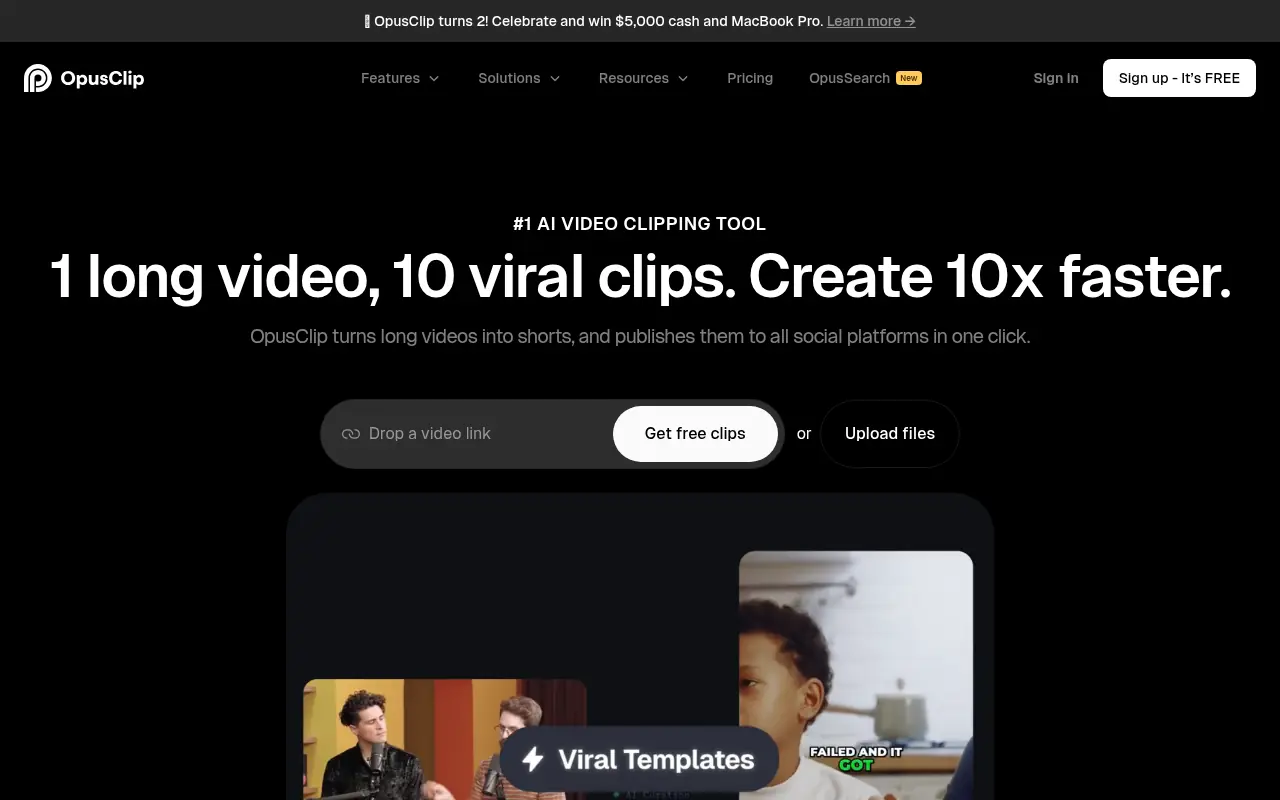

Opus Pro
Opus Pro is an AI-powered video editing platform designed to streamline content creation for creators and businesses.
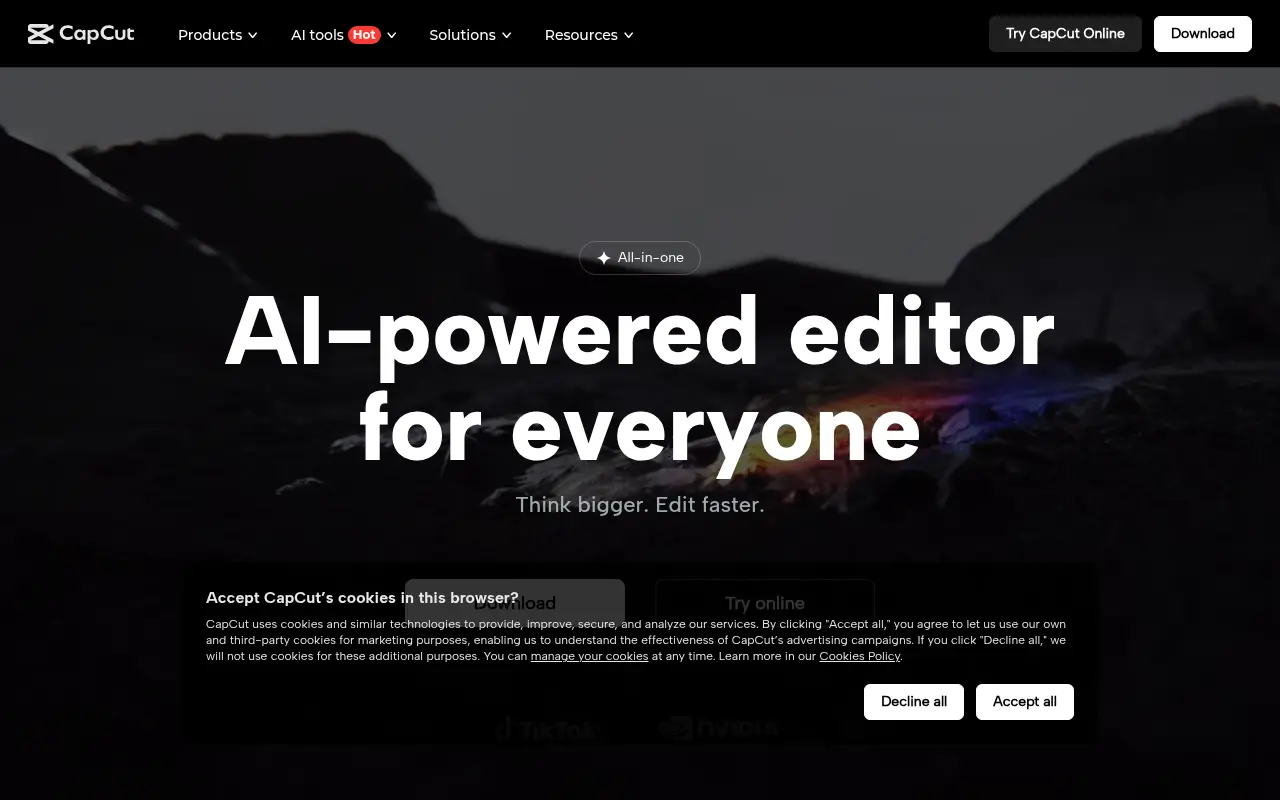

CapCut
CapCut is an AI-powered platform for easy video editing and graphic design across multiple devices.
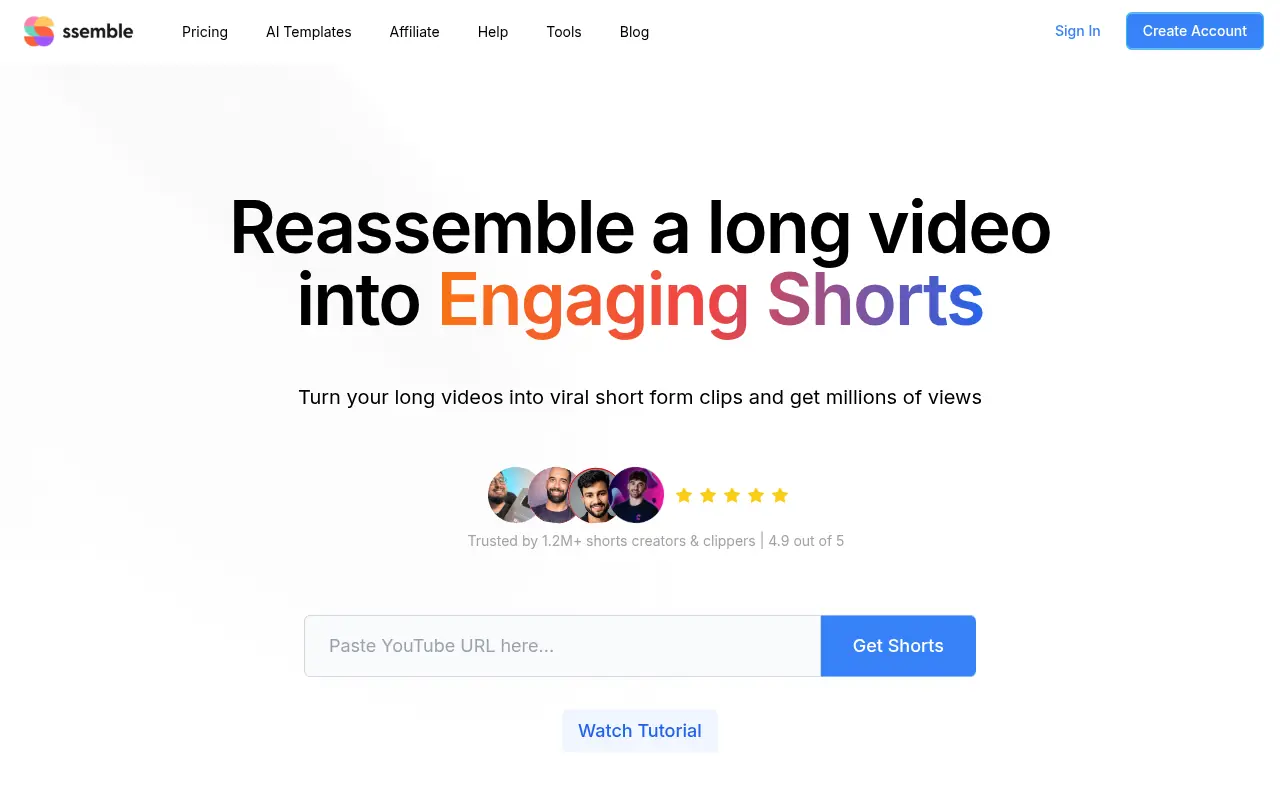

Ssemble
Ssemble is an AI-powered online video editor that transforms long-form videos into engaging short-form content for social media platforms.


Vizard
Vizard.ai is an AI-powered video editing platform that simplifies content creation for creators, marketers, and businesses.


Klap
Klap uses AI to transform long videos into engaging, viral-ready short clips for social media platforms like TikTok, Instagram Reels, and YouTube Shorts.
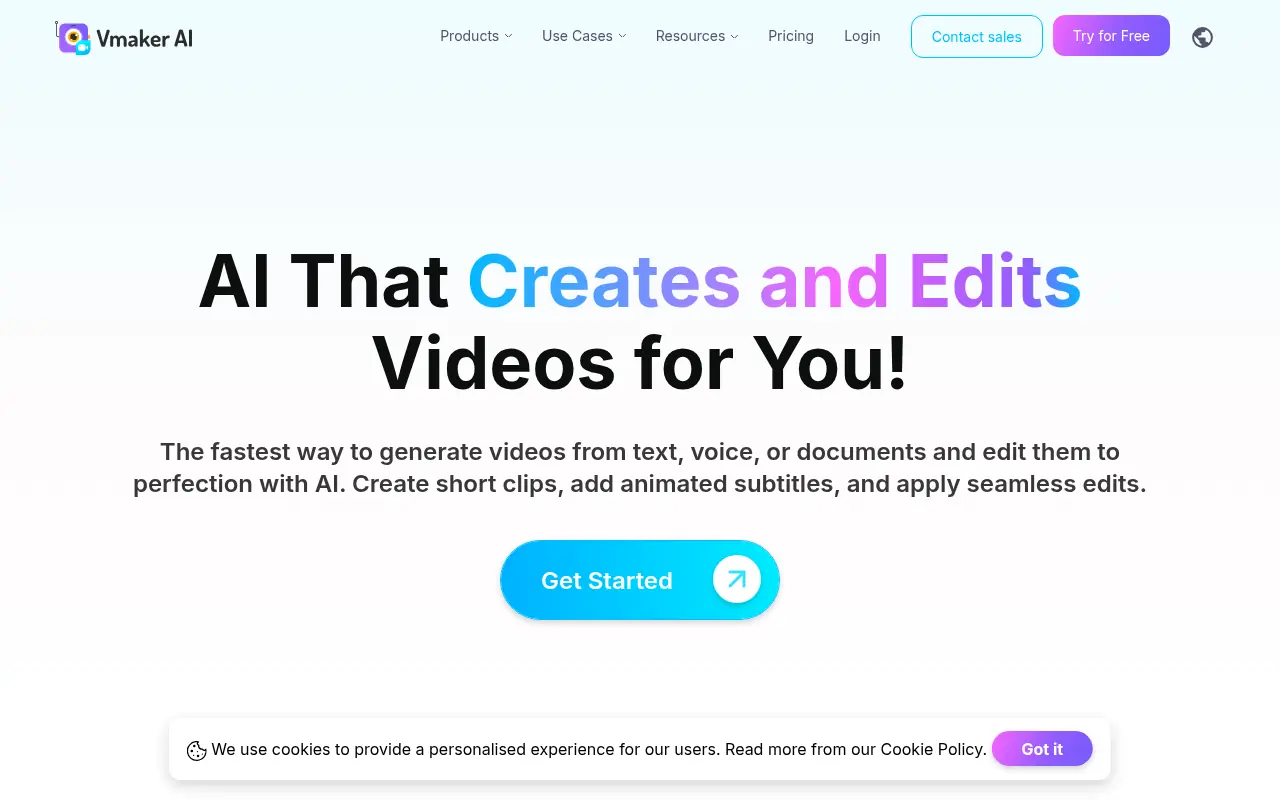

Vmaker
Vmaker is an AI-powered video editing and screen recording platform that automates the creation of publish-ready videos for individuals and businesses.
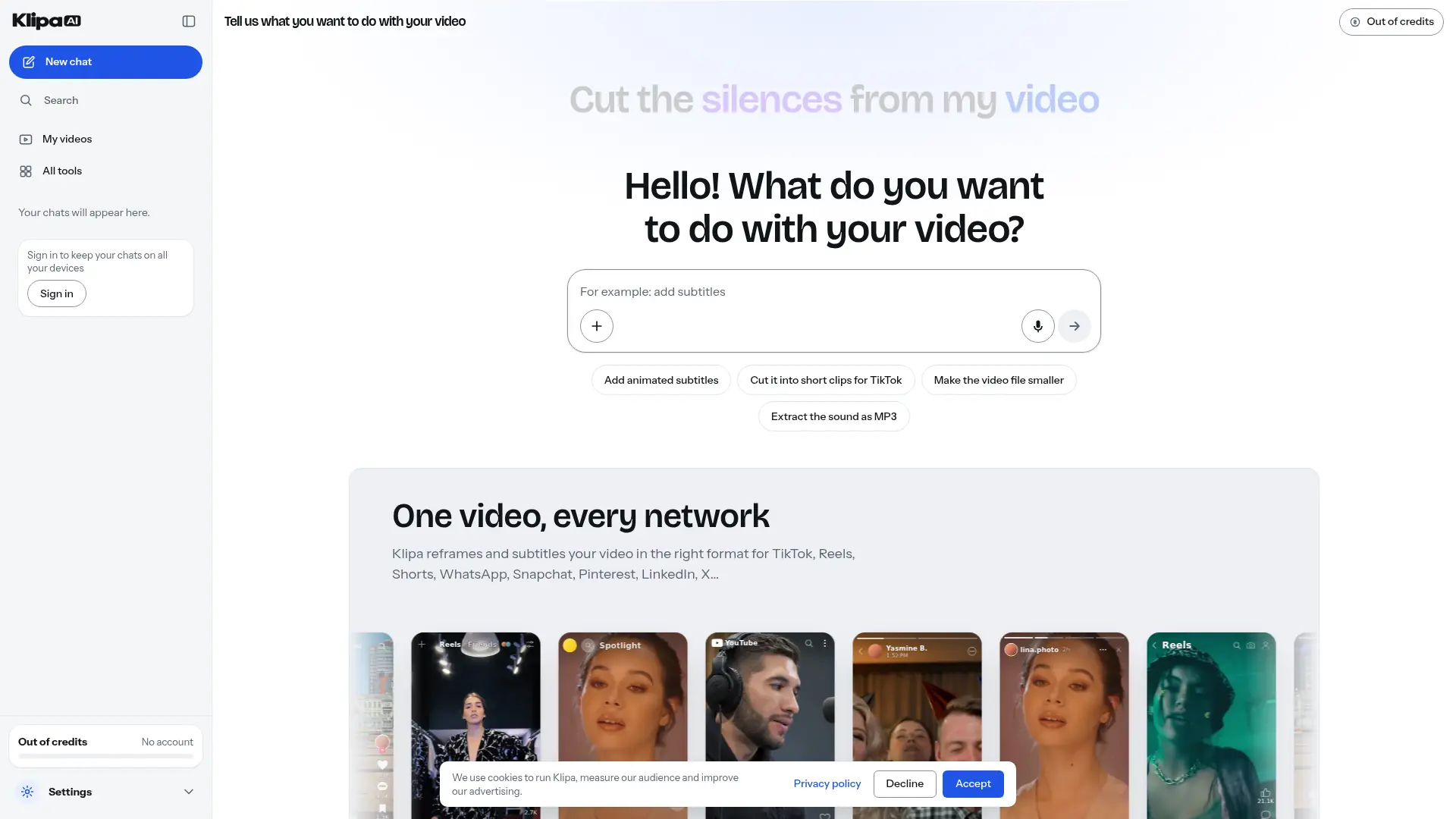

Klipa AI
Turn longer recordings into short clips, add captions, and clean up audio through a browser-based video editing toolkit.