

Eddie AI
What is Eddie AI?
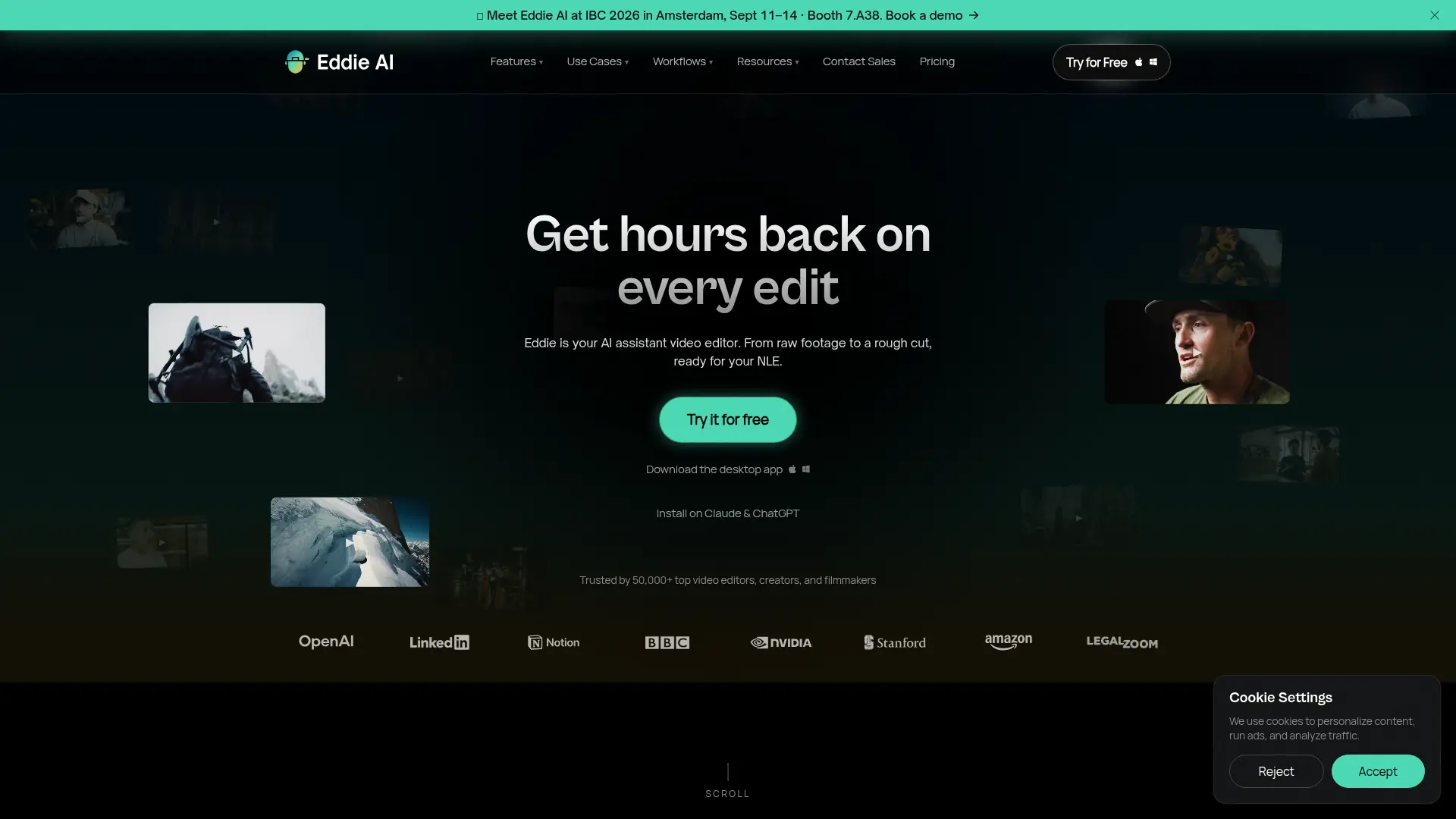
Eddie AI is an AI assistant video editor designed for professional editors and video teams. It analyzes interviews, talking-head footage, B-roll, scripts, and timelines to help create structured rough cuts through plain-language instructions. The platform supports workflows for logging footage, selecting takes, editing multicamera content, generating social clips, adding captions, voiceovers, music, and dubbing. Eddie connects with Adobe Premiere Pro, DaVinci Resolve, and Final Cut Pro so editors can refine AI-generated sequences in their preferred NLE. Its main differentiator is combining conversational editing with professional round-trip workflows instead of replacing the editor's finishing process.
How to use Eddie AI?
- 1. Create an Eddie AI account and open the web or desktop app for Mac or Windows. 2. Start a project, import footage or connect supported editing and media platforms, then describe the edit, story, or selects you need in plain language. 3. Review the generated cut, captions, metadata, or media and export the result to MP4 or your preferred NLE for final polishing.
Eddie AI's Core Features
Conversational Rough Cuts: Describe the story or edit you want and generate a structured first cut from raw footage.
A-Roll Logging: Transcribe interviews, identify speakers, and surface usable moments without manually scrubbing every clip.
B-Roll Logging: Automatically tag and organize cutaway footage with searchable descriptions for faster retrieval.
Scripted Editing: Upload a script or outline to guide narrative structure, take selection, multicam edits, and NLE export.
Multicam Editing: Sync camera angles using audio and visual cues, then select the most suitable angle throughout the edit.
Social Clip Creation: Find strong moments in long-form video and format them as captioned vertical clips for social platforms.
Animated Captions and Titles: Generate timed caption and title tracks from speech and written text for MP4 exports.
NLE Round-Trip Export: Send edits and metadata to Adobe Premiere Pro, DaVinci Resolve, or Final Cut Pro for finishing.
AI B-Roll Search: Search a license-free stock video library using transcript themes and add selected cutaways to the edit.
AI Dubbing and Voiceover: Translate dialogue or generate narrated audio and place it into the appropriate timeline positions.
Developer APIs: Automate projects through Eddie's REST API, CLI, SDK, or Model Context Protocol server.
Desktop Workflow Support: Use the Mac or Windows application for faster large-media imports and professional editing integrations.
Eddie AI's Use Cases
- #1
Documentary editors turning several hours of interview footage into a story-driven first assembly
- #2
Podcast producers creating multicamera interview edits with synchronized angle changes
- #3
Video teams extracting captioned vertical clips from long-form interviews for TikTok, Reels, and YouTube Shorts
- #4
Editors logging A-roll transcripts and surfacing strong soundbites before beginning a detailed timeline edit
- #5
Marketing teams building scripted product videos from an outline with best-take selection
- #6
Post-production teams finding and adding license-free stock B-roll based on transcript themes
- #7
Creators generating voiceovers, captions, music, or dubbed dialogue directly within a video project
- #8
Professional editors sending AI-created rough cuts from Eddie to Premiere Pro, DaVinci Resolve, or Final Cut Pro
Frequently Asked Questions
Analytics of Eddie AI
Monthly Visits Trend: Apr 2025 - Oct 2026
Traffic Sources
AI Channel Traffic Trends
Top Regions
| Region | Traffic Share |
|---|---|
| United States | 50.53% |
| Ukraine | 6.17% |
| India | 3.92% |
| Germany | 2.90% |
| United Kingdom | 2.18% |
Top Keywords
| Keyword | Traffic | CPC |
|---|---|---|
| eddie ai | 7.7K | $1.49 |
| download xml capcut pc | 200 | -- |
| heyeddie | 220 | -- |
| motion graphics and broll promt | 130 | -- |
| ai video editor | 102.6K | $0.78 |
Alternative of Eddie AI

Klipa AI
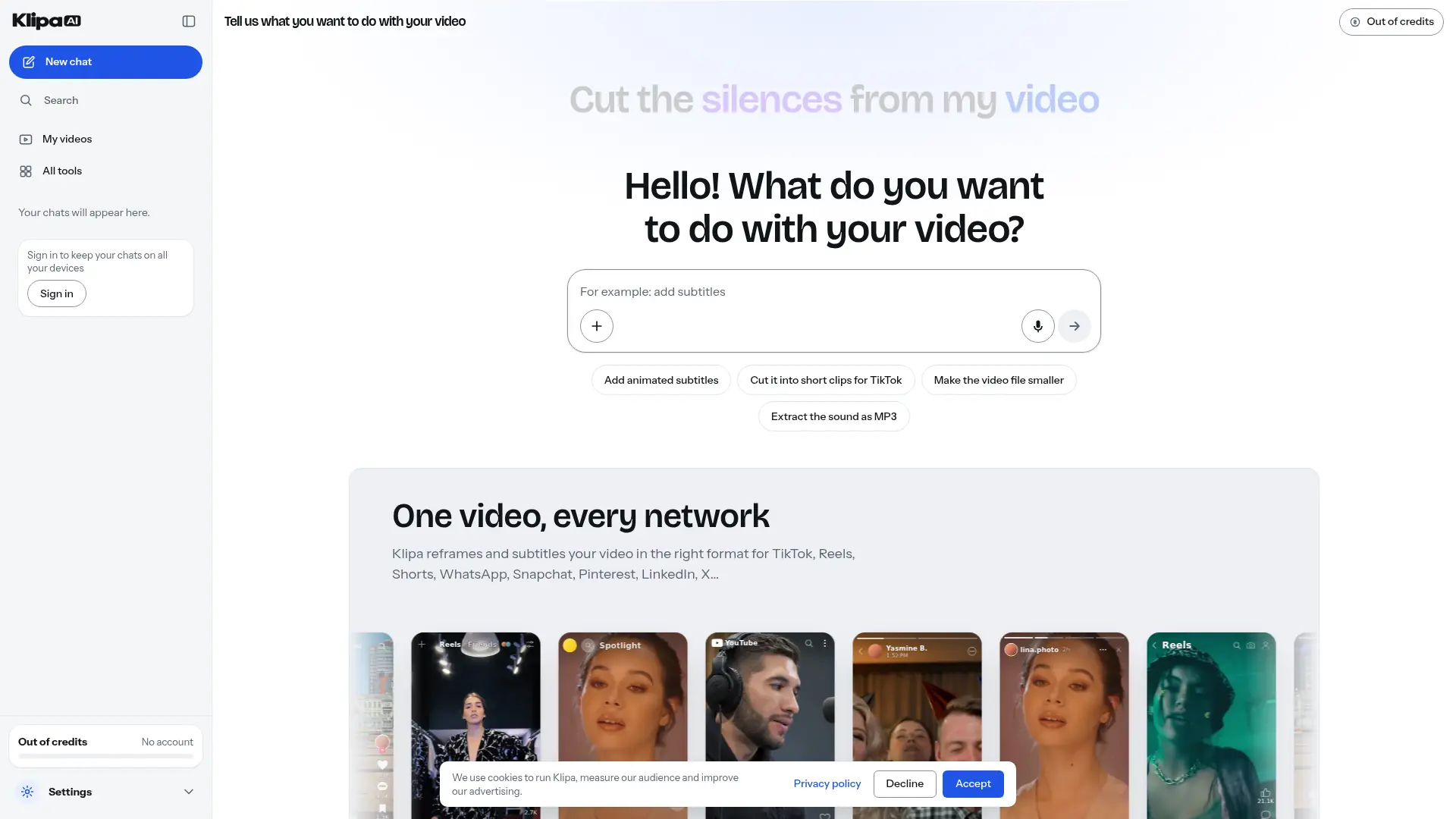
Turn longer recordings into short clips, add captions, and clean up audio through a browser-based video editing toolkit.

Vmaker
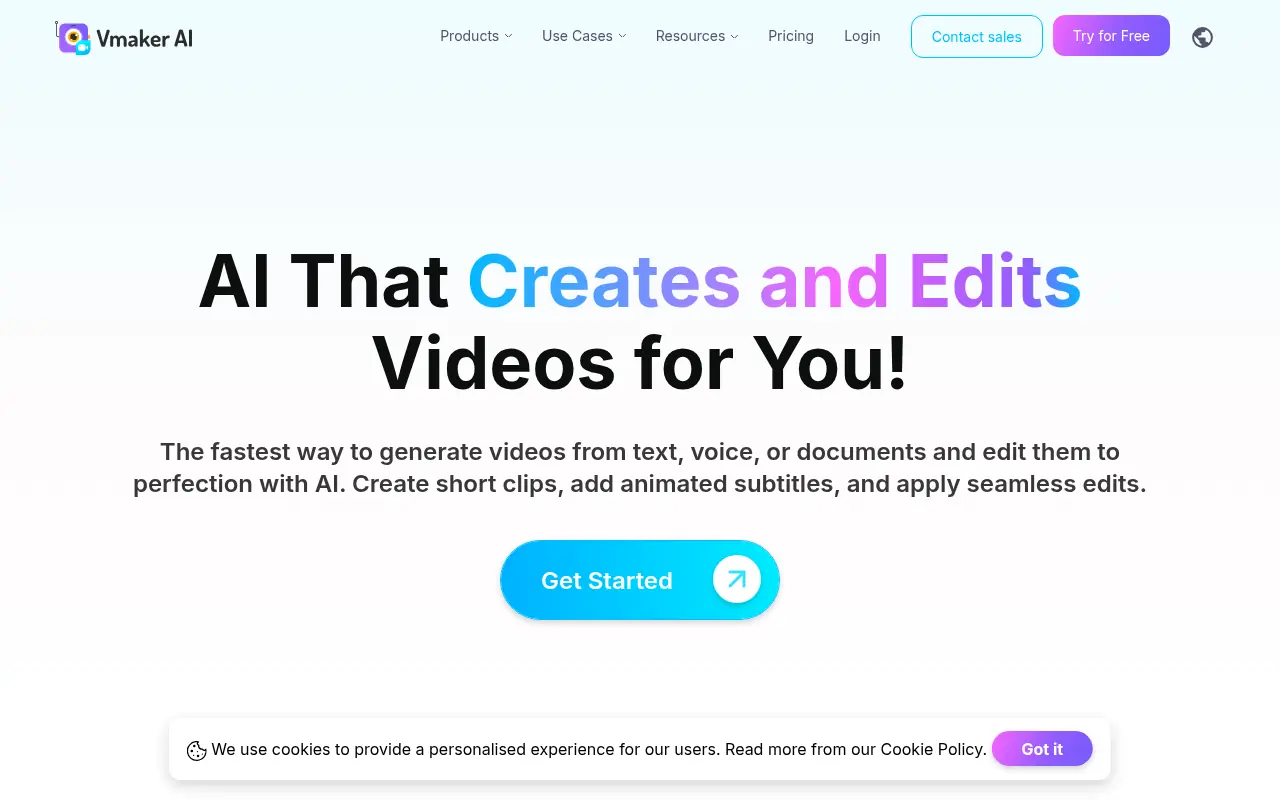
Vmaker is an AI-powered video editing and screen recording platform that automates the creation of publish-ready videos for individuals and businesses.

Opus Pro
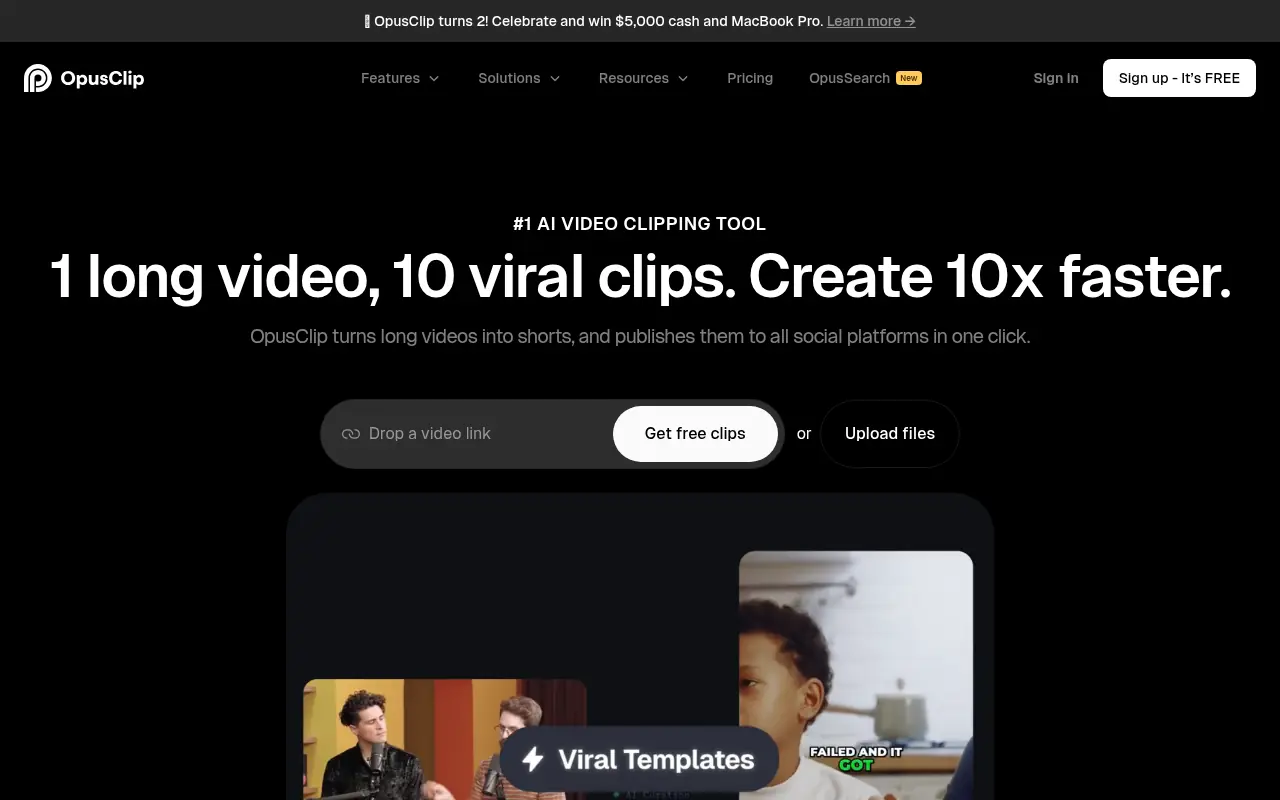
Opus Pro is an AI-powered video editing platform designed to streamline content creation for creators and businesses.
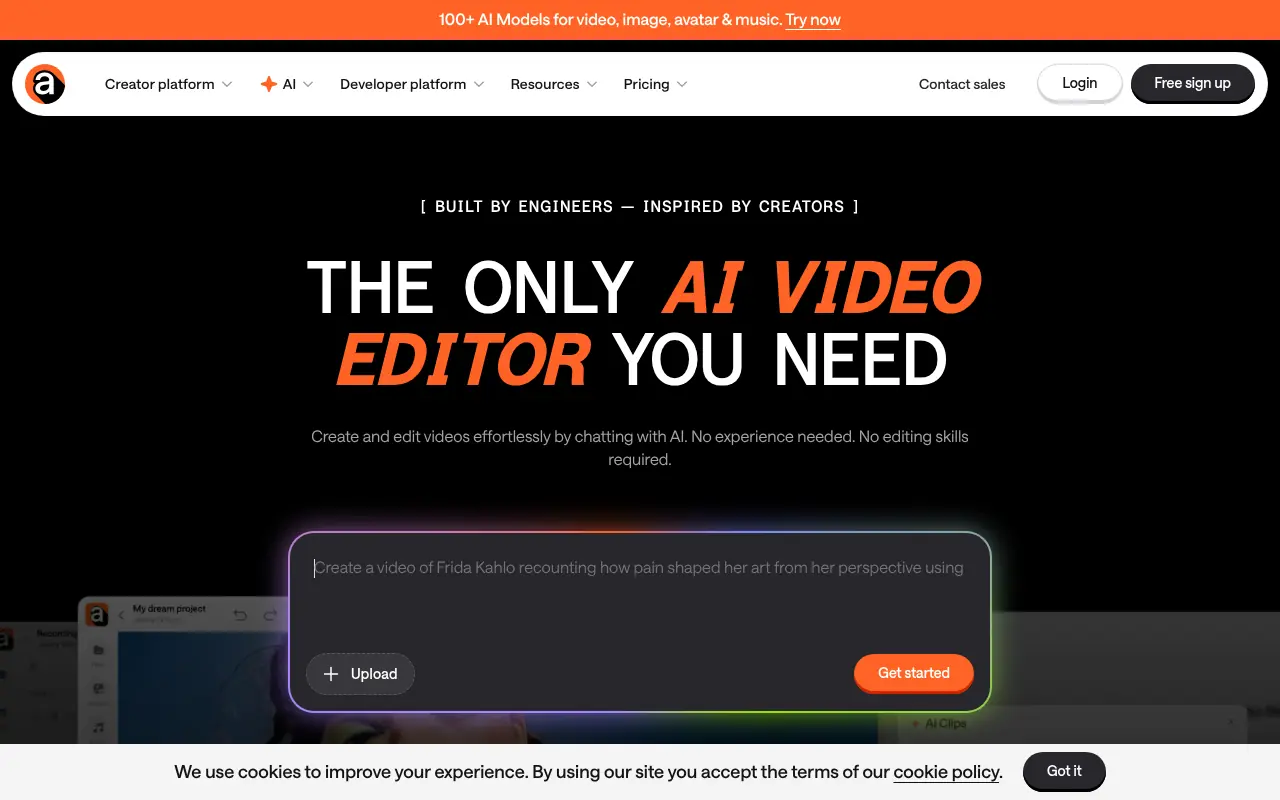

Async
Async is an all-in-one AI-powered creative studio designed for video, audio, and voice production, offering tools for recording, editing, text-to-speech, and content repurposing.
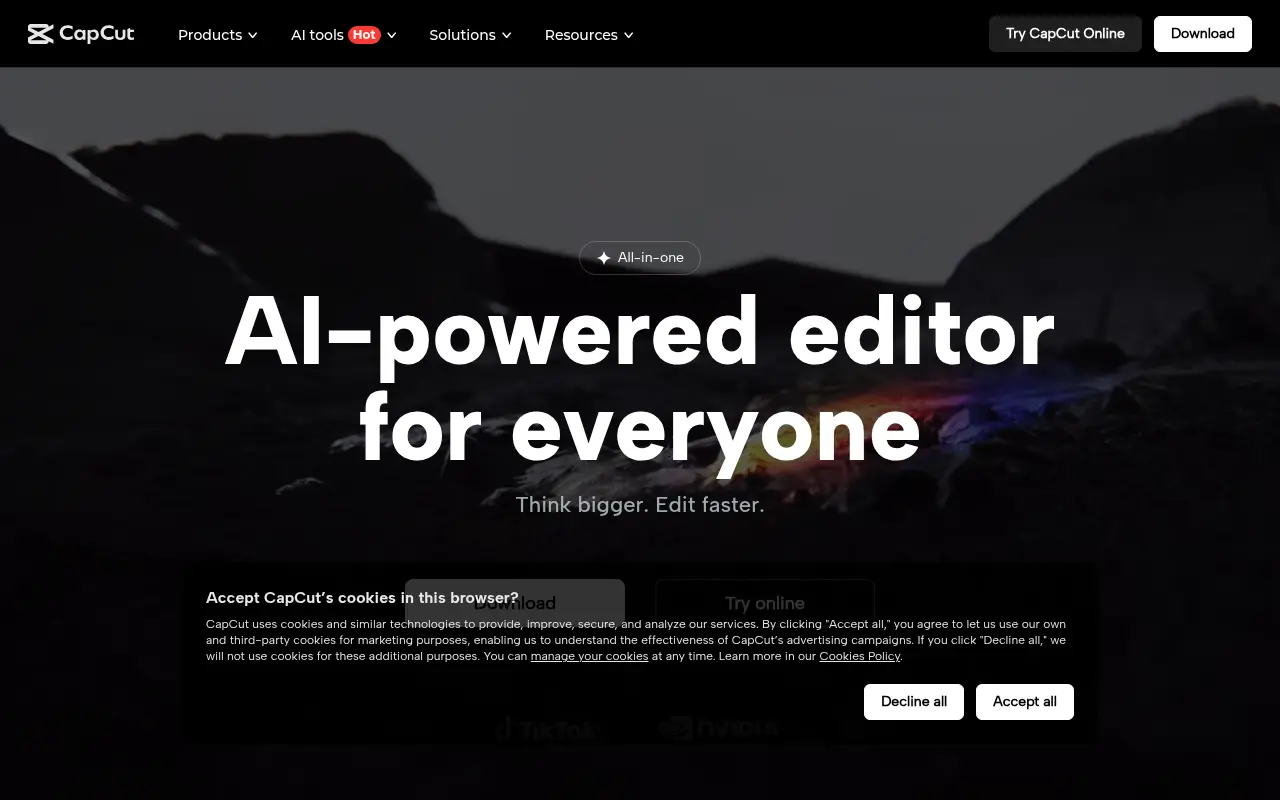

CapCut
CapCut is an AI-powered platform for easy video editing and graphic design across multiple devices.


Choppity
Turn podcasts and long-form videos into polished, platform-ready short clips without spending hours on manual editing.
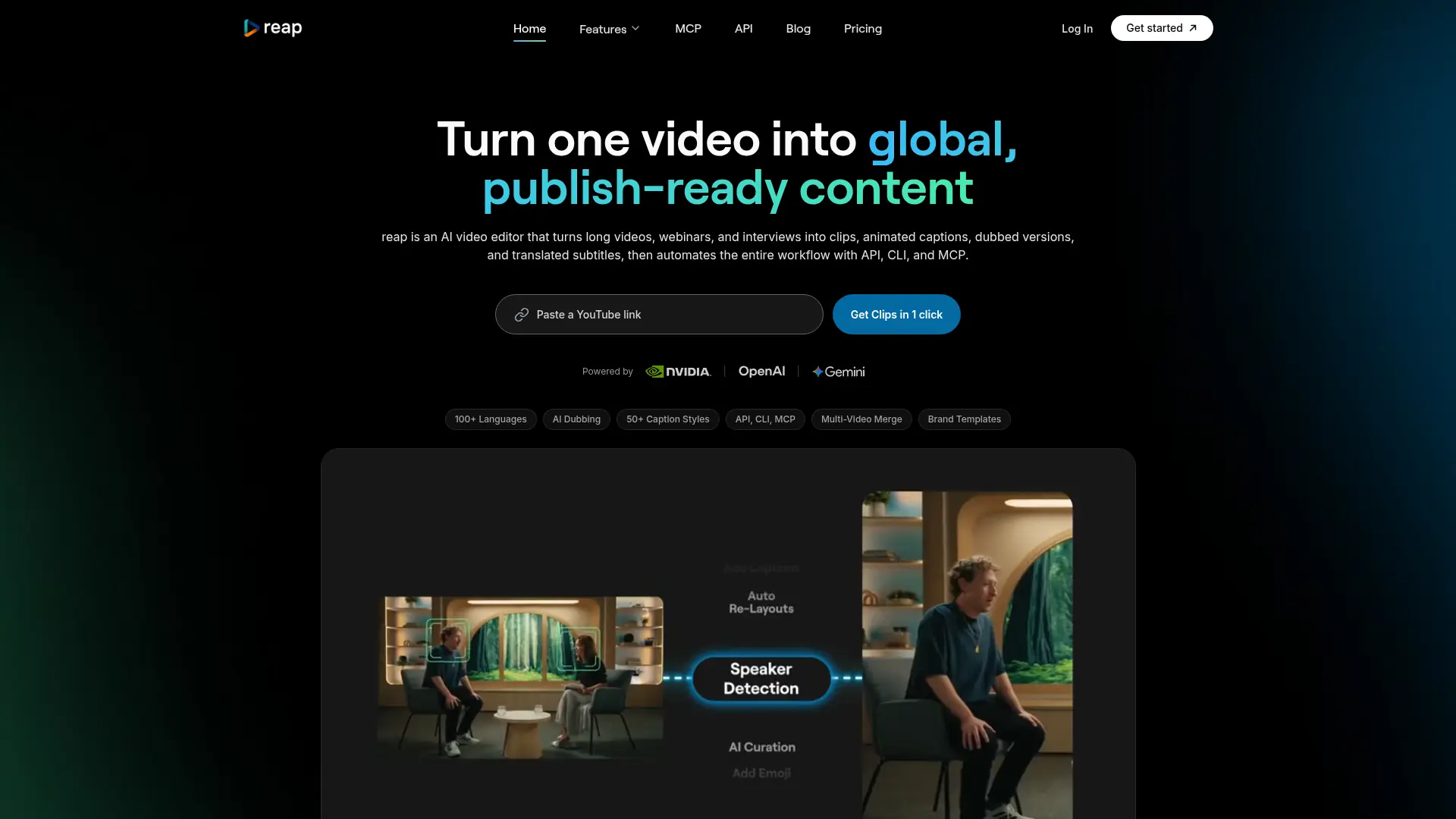

reap
Turn long-form videos into captioned, dubbed, platform-ready short content without repetitive manual editing.
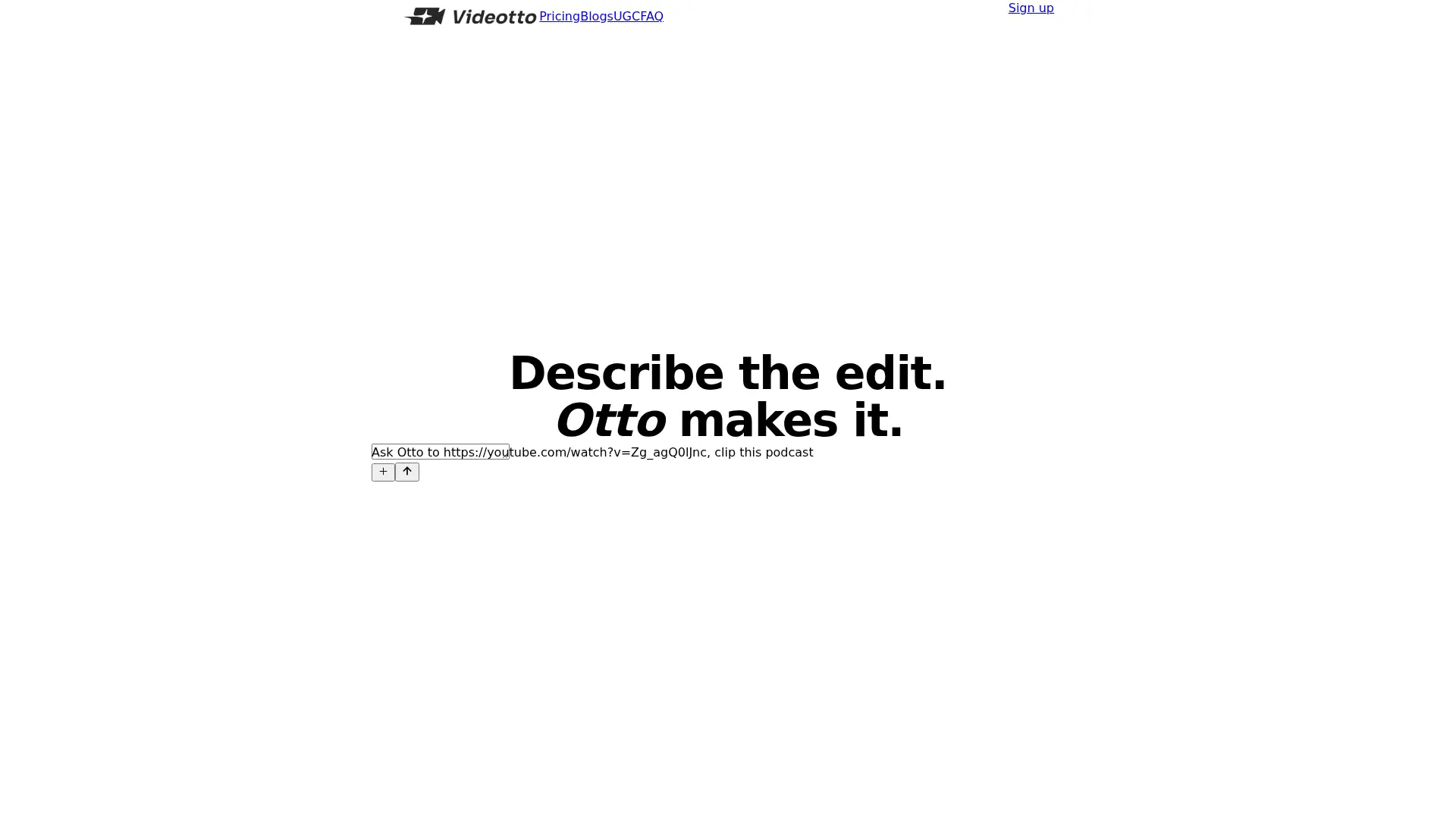

Videotto
Edit videos through prompts with Otto, including short clips, captions, motion graphics, visual annotations, and scheduled social publishing.