

Vyra
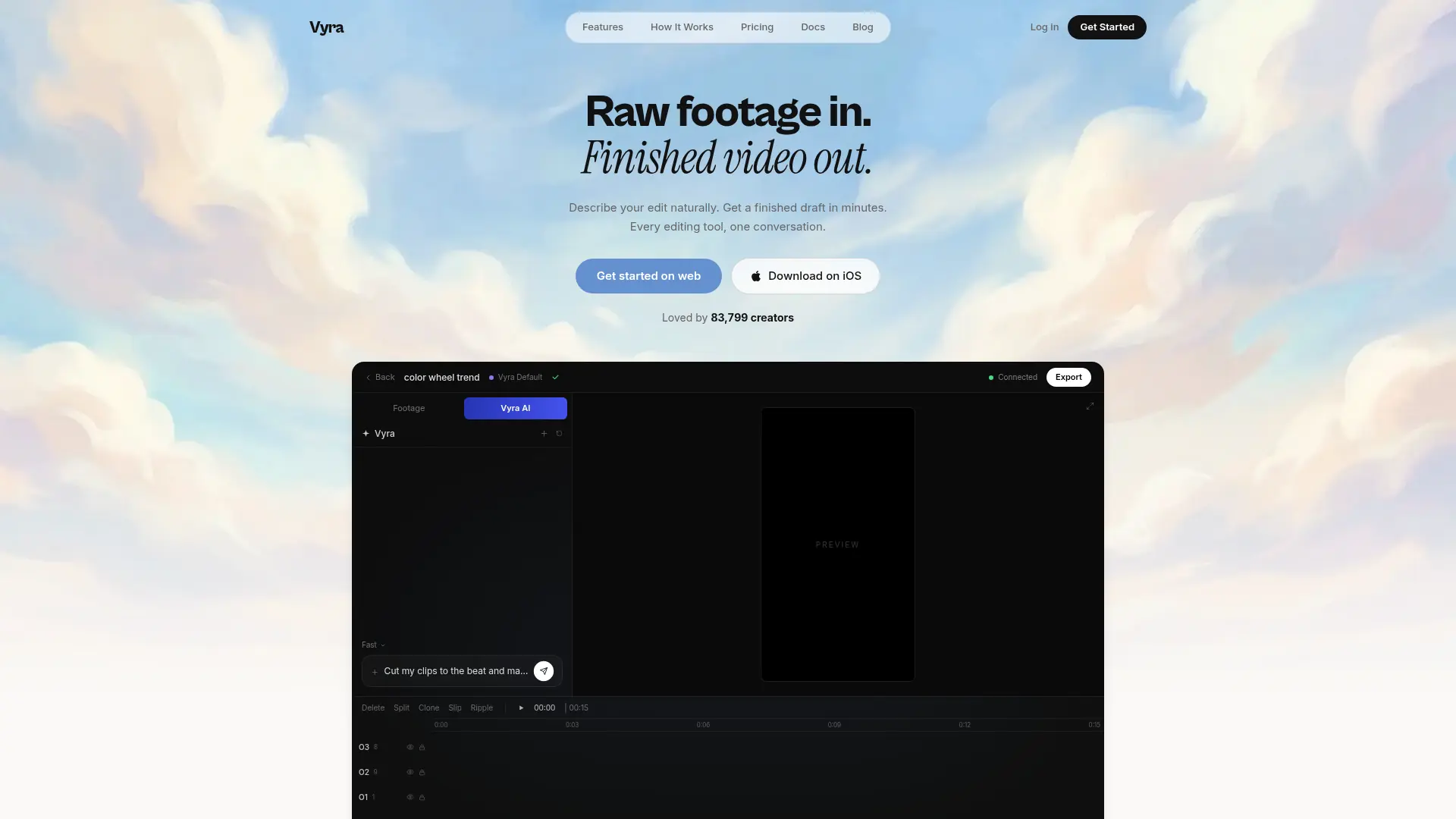
What is Vyra?
Vyra is a conversational video editor for creators working with their own footage. It analyzes scenes and transcribes speech so users can request edits by describing what happens in a clip. The editor supports rough cuts, beat synchronization, captions, reference styles, and motion graphics. Users can work through Vyra’s built-in AI or connect a compatible external assistant through MCP. A free editing trial precedes paid plans with processing, storage, and export allowances.
How to use Vyra?
- Open the web editor or supported app and upload the footage you want to edit.
- Describe the cut, captions, graphics, or style you want using built-in chat or a connected MCP assistant.
- Review and refine the draft, then export using the options available on your plan.
Vyra's Core Features
Conversational editing: Describe changes and refine the resulting video through chat.
Footage understanding: Find moments using scene descriptions and transcribed speech.
Rough-cut assembly: Select takes and remove pauses toward a requested length.
Beat synchronization: Place cuts on selected musical beats.
Styled captions: Generate timed words or phrases with a described visual style.
Motion graphics: Build animated titles, callouts, and lower thirds from text instructions.
Reference matching: Apply requested pacing, color, and transitions from a reference clip.
MCP connection: Control the editor through compatible external AI clients.
Vyra's Use Cases
- #1
Turn a collection of vlog clips into a rough cut.
- #2
Align a montage’s cuts to a music track.
- #3
Add speech-timed captions to a talking-head video.
- #4
Create animated titles or lower thirds.
- #5
Apply the pacing and appearance of a reference video.
Frequently Asked Questions
Analytics of Vyra
Monthly Visits Trend: Mar 2026 - Oct 2026
Traffic Sources
Top Regions
| Region | Traffic Share |
|---|---|
| India | 47.78% |
| United States | 40.89% |
| Indonesia | 3.76% |
| Russia | 1.51% |
| Pakistan | 1.20% |
Top Keywords
| Keyword | Traffic | CPC |
|---|---|---|
| vyra | 16.6K | $1.02 |
| vyra ai | 2.0K | $0.15 |
| vyra editor | 280 | -- |
| usevyra | 500 | $0.51 |
| vyra video editor | 380 | -- |
Alternative of Vyra

Videotto
Edit videos through prompts with Otto, including short clips, captions, motion graphics, visual annotations, and scheduled social publishing.

Ssemble
Ssemble is an AI-powered online video editor that transforms long-form videos into engaging short-form content for social media platforms.


Klap
Klap uses AI to transform long videos into engaging, viral-ready short clips for social media platforms like TikTok, Instagram Reels, and YouTube Shorts.


Firecut
Firecut is an AI-powered plugin for Adobe Premiere Pro that automates tedious video editing tasks to accelerate content creation for video professionals and creators.


Eklipse
Eklipse is an AI-powered platform that automatically generates and edits gaming highlight clips from streams for social media sharing.

Gling
Gling is an AI-powered video editing software designed to streamline content creation for YouTube creators by automating the removal of unwanted footage and enhancing video quality.
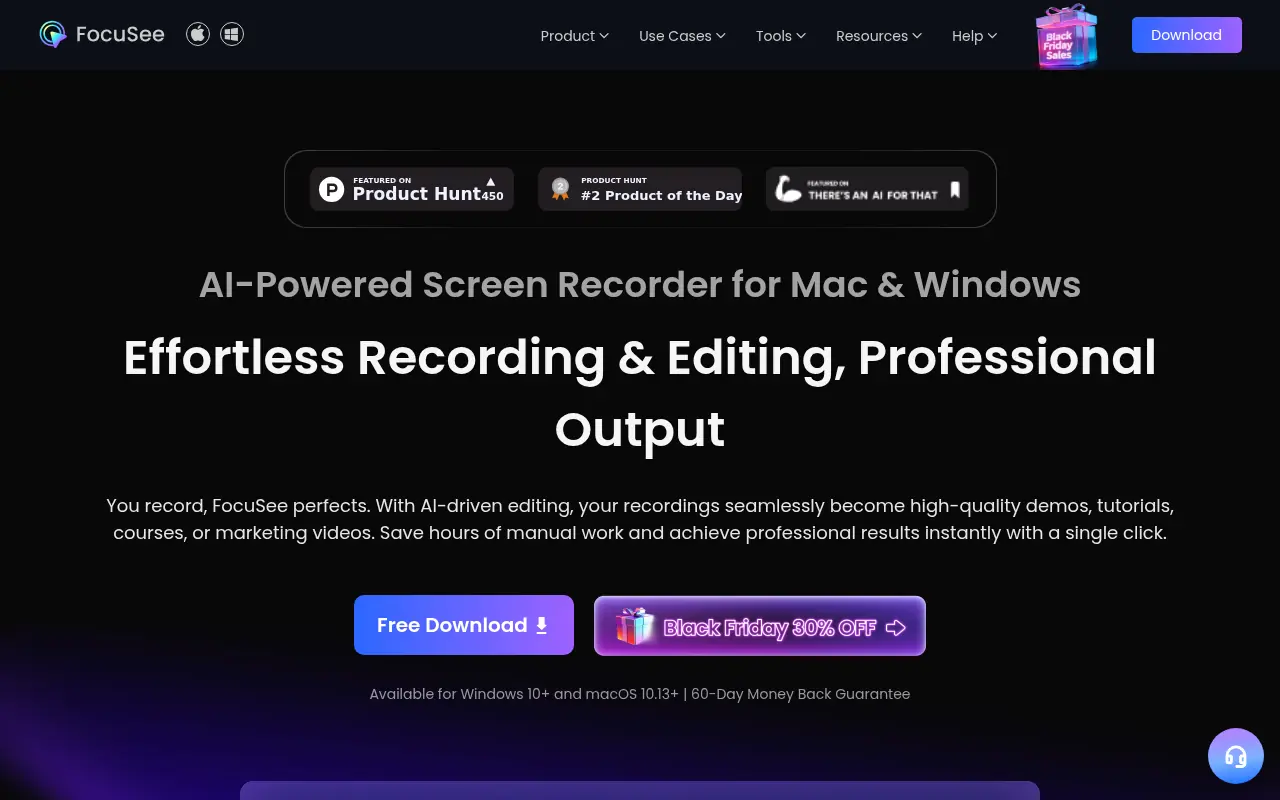

FocuSee
FocuSee is an AI-powered screen recording and editing tool that automatically transforms raw screen recordings into professional-quality videos with minimal manual editing.


Raylight
Turn product screens and recordings into editable motion videos, with AI animation, camera moves, sound design, and shareable exports.