

Raylight
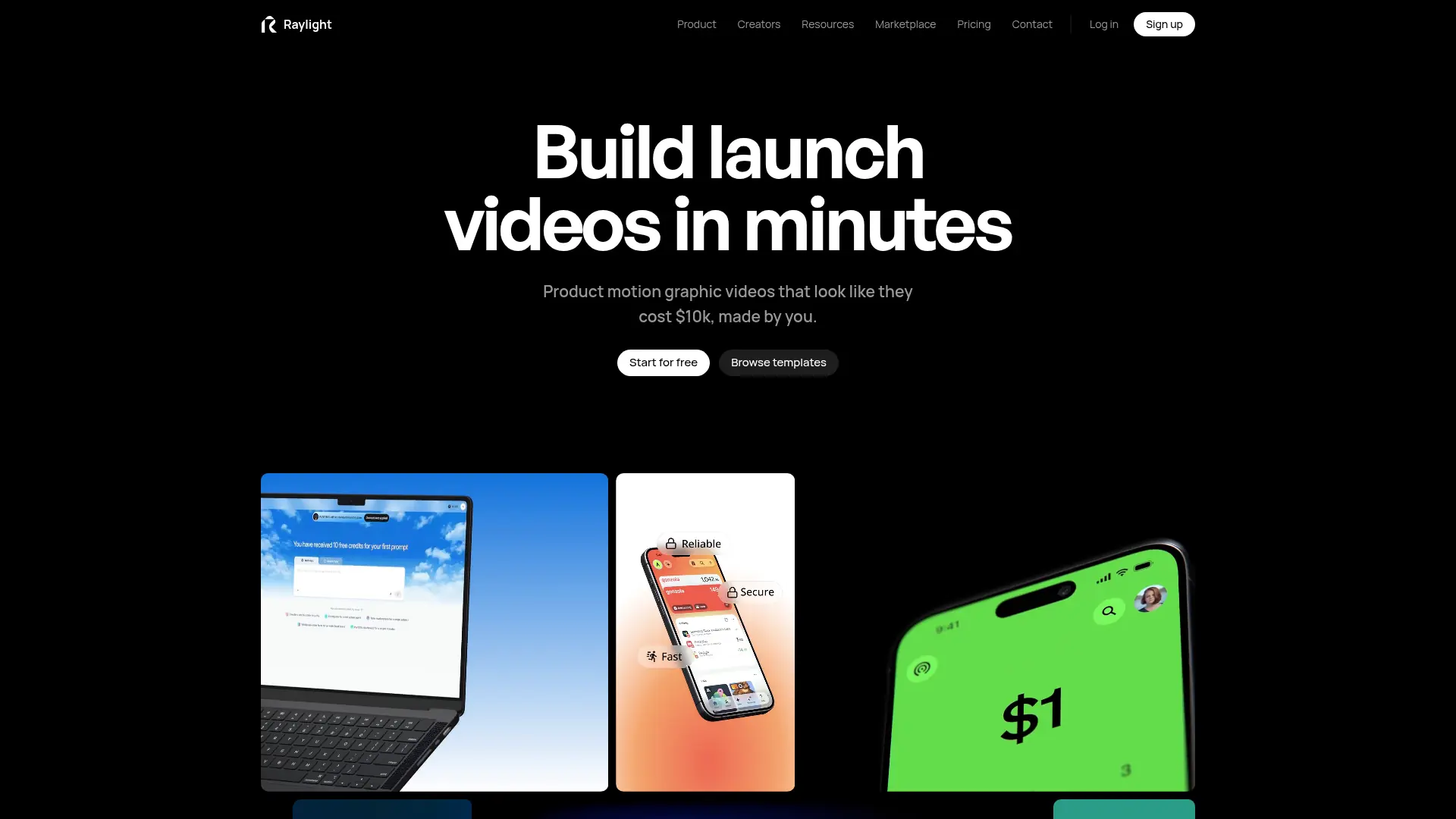
What is Raylight?
Raylight is a browser-based video and motion-design editor for product teams, designers, and marketers. Users arrange screenshots, clips, text, and shapes on a three-dimensional canvas and animate them on a timeline. Its AI agent can assemble shots, apply motion, adjust the camera, and add effects while leaving the result editable. Sound generation and mixing tools help complete demos, launch videos, and feature announcements in the same workspace.
How to use Raylight?
- Create a Raylight account and start a project or open a suitable template.
- Add your product screens, clips, and text, then adjust animation manually or use credit-funded AI assistance.
- Review the timing and sound, then export the video or share its hosted page within your plan’s limits.
Raylight's Core Features
Editable AI Animation: Generate motion as timeline elements that remain adjustable.
Three-Dimensional Canvas: Arrange product screens, text, and shapes with depth.
Camera Choreography: Create push-ins, reveals, and parallax between layers.
Template Remixing: Reuse complete projects while replacing assets and copy.
Scene Effects: Apply depth of field, bloom, motion blur, and other visual treatments.
Sound Generation: Produce effects and music for the video.
Voiceover Creation: Generate narration from a script and selected voice.
Audio Mixing: Balance tracks with effects, meters, and volume automation.
Video Sharing: Export finished clips and provide hosted viewing pages.
Raylight's Use Cases
- #1
Software teams creating a short product feature announcement.
- #2
Founders assembling a launch video from app screenshots.
- #3
Designers animating interface mockups with three-dimensional camera moves.
- #4
Marketing teams producing a website hero video.
- #5
Creators adding generated sound effects and narration to a product demo.
- #6
Teams reusing a branded template for successive release videos.
Frequently Asked Questions
Analytics of Raylight
Monthly Visits Trend: Mar 2026 - Oct 2026
Traffic Sources
AI Channel Traffic Trends
Top Regions
| Region | Traffic Share |
|---|---|
| India | 30.26% |
| United States | 24.66% |
| Nigeria | 5.14% |
| United Kingdom | 4.36% |
| Algeria | 2.70% |
Top Keywords
| Keyword | Traffic | CPC |
|---|---|---|
| raylight | 18.7K | $2.55 |
| raylight app | 5.6K | -- |
| raylight.app | 770 | -- |
| ray light | 1.2K | -- |
| raylight ai | 530 | -- |
Alternative of Raylight
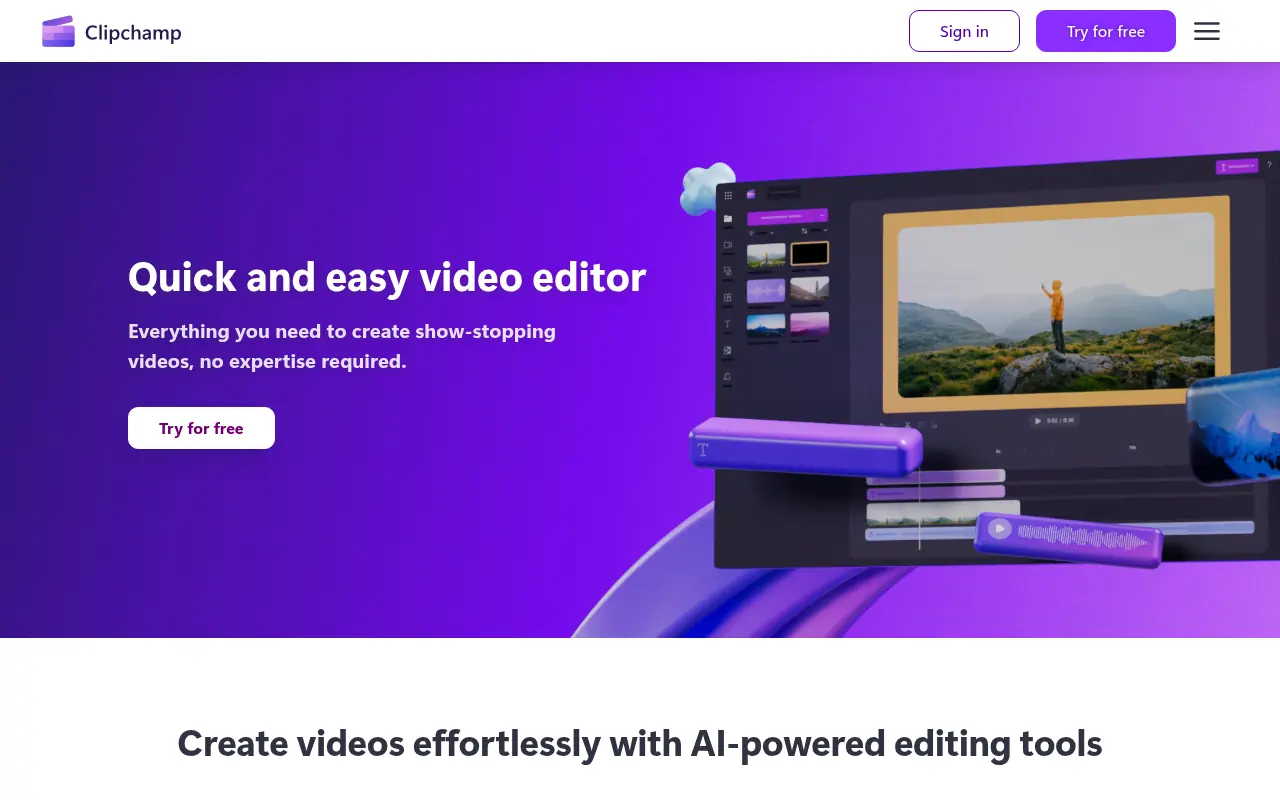

Clipchamp
Clipchamp is a user-friendly video editing platform for creating professional-quality videos.
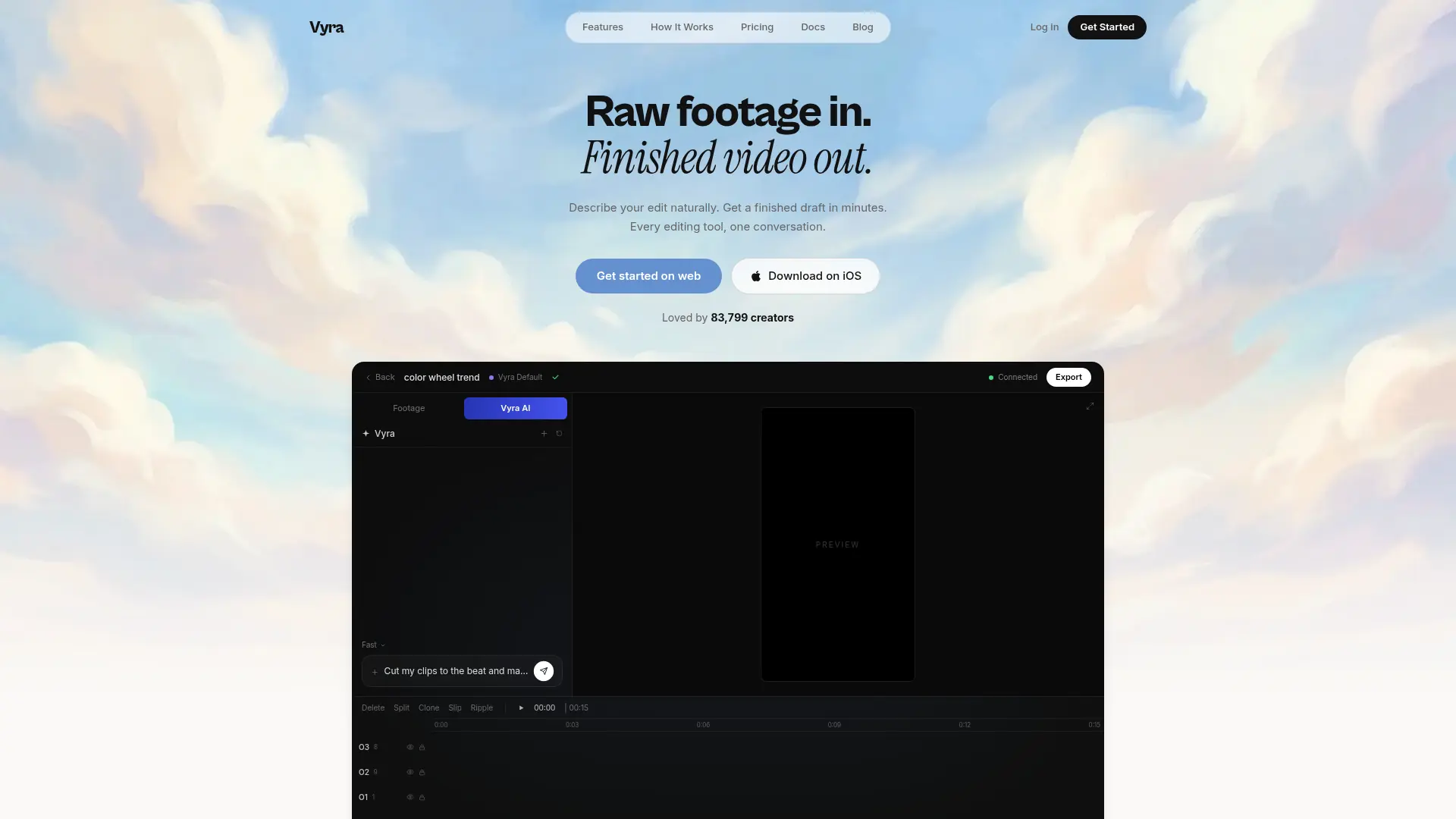

Vyra
Edit your own footage through conversation, with scene-aware cuts, captions, music synchronization, and generated motion graphics.
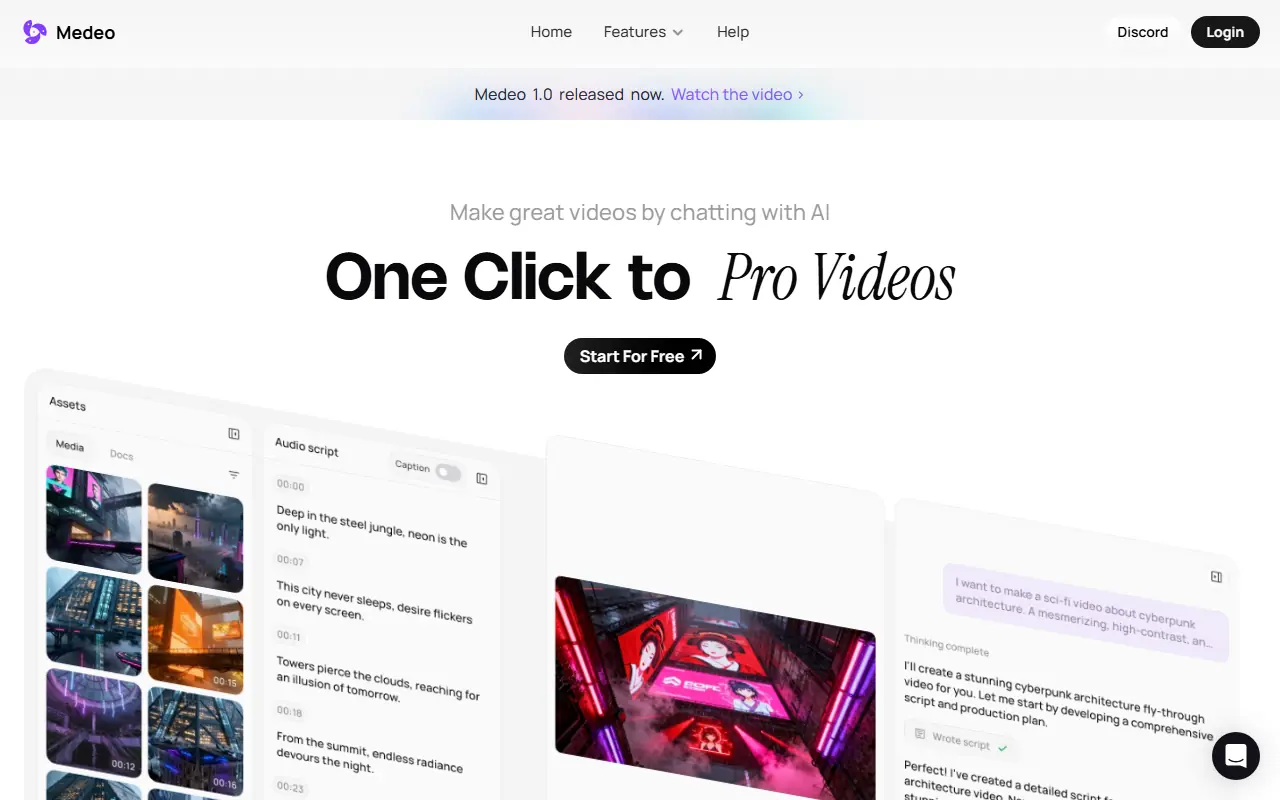

Medeo
A chat-based AI video editor that allows users to create, edit, and animate videos using simple text commands.

CapCut
CapCut is an AI-powered platform for easy video editing and graphic design across multiple devices.

Opus Pro
Opus Pro is an AI-powered video editing platform designed to streamline content creation for creators and businesses.


ChatCut
ChatCut is a conversational AI video editor that lets users edit footage, clean up takes, and add motion graphics using simple text prompts.


VEED.IO
VEED.IO is an AI-powered online video editing platform that simplifies the creation and enhancement of professional-quality videos for creators and businesses.

InVideo
InVideo is an AI-powered video creation platform that simplifies professional-quality video production for users of all skill levels.