

Tabbit
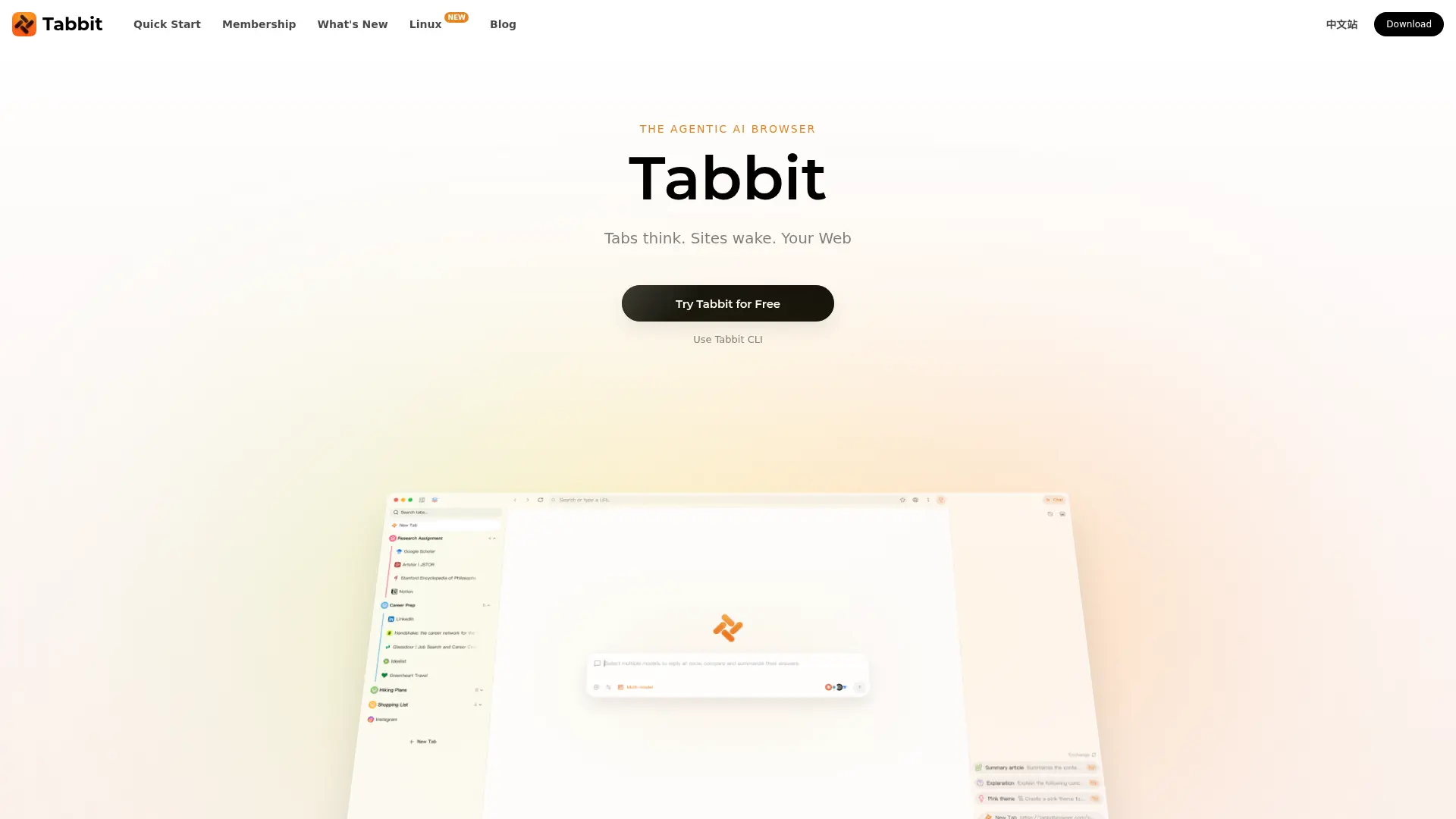
What is Tabbit?
Tabbit is an AI-native desktop browser that combines everyday browsing with page-aware chat and browser automation. It lets users reference open tabs, screenshots, highlights, and selected files as context for AI conversations. Its Agent can navigate websites, fill forms, and gather information across multiple steps, while reusable Skills help repeat workflows. Tabbit is aimed at researchers, professionals, and other users who work across many web pages and want to reduce copying, switching, and repetitive tasks. The browser is available for macOS and Windows, with a free tier and optional paid access for higher AI usage.
How to use Tabbit?
- Download Tabbit for macOS or Windows and complete the browser setup.
- Open the pages you need, then use the AI input to ask a question or reference tabs and files with @.
- Choose Agent for a multi-step browser task, review its result, and save a repeatable workflow as a Skill.
Tabbit's Core Features
Page-aware AI chat: Ask questions about the page you are viewing without copying its content into a separate chatbot.
Cross-tab context: Reference tabs, tab groups, screenshots, highlights, and selected files with @ to ground responses in your materials.
Agent task execution: Delegate multi-step browsing tasks such as navigating pages, filling forms, and gathering information.
Reusable Skills: Save recurring instructions as Skills and invoke them again for repeat workflows.
Smart tab organization: Group and manage open pages to keep research and other browsing tasks easier to navigate.
Multiple AI models: Choose among supported models for browser conversations and tasks; available models may vary by edition or plan.
Tabbit CLI: Let compatible coding agents interact with Tabbit's browser environment through its command-line interface.
Desktop browser access: Install Tabbit on macOS or Windows to use browsing, AI chat, and agent features in one application.
Tabbit's Use Cases
- #1
Compare product features and prices across several open vendor pages and compile the findings.
- #2
Summarize research articles or reports while keeping answers connected to their source pages.
- #3
Collect information from multiple websites and turn it into a structured research brief.
- #4
Fill routine web forms using details from information already open in the browser.
- #5
Organize a large set of research tabs into workspaces for separate projects.
- #6
Save a recurring browser workflow as a Skill so it can be reused without rewriting the instructions.
Frequently Asked Questions
Analytics of Tabbit
Monthly Visits Trend: Nov 2025 - Oct 2026
Traffic Sources
AI Channel Traffic Trends
Top Regions
| Region | Traffic Share |
|---|---|
| United States | 38.54% |
| China | 20.91% |
| India | 5.05% |
| Singapore | 4.32% |
| Hong Kong | 4.26% |
Top Keywords
| Keyword | Traffic | CPC |
|---|---|---|
| duckduckgo | 3.7M | $0.76 |
| tabbit | 9.0K | $1.95 |
| tabbit browser | 920 | $1.78 |
| notebooklm | 9.8M | $0.66 |
| alternative browser download | 330 | -- |
Alternative of Tabbit
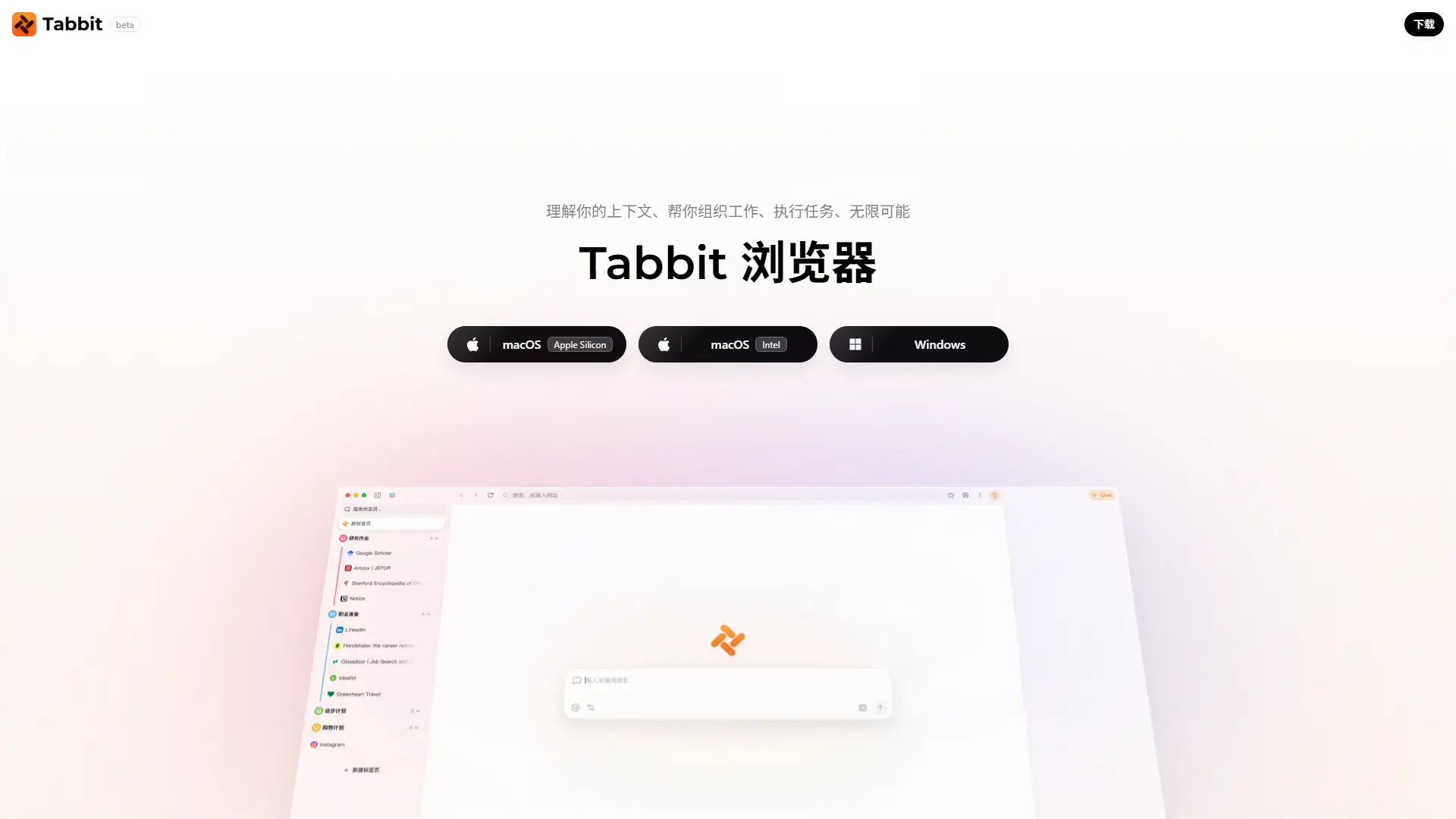

Tabbit AI
Upgrade your workflow with Tabbit, a free AI-native browser that automates repetitive tasks, intelligently organizes tabs, and reads multiple web pages simultaneously.
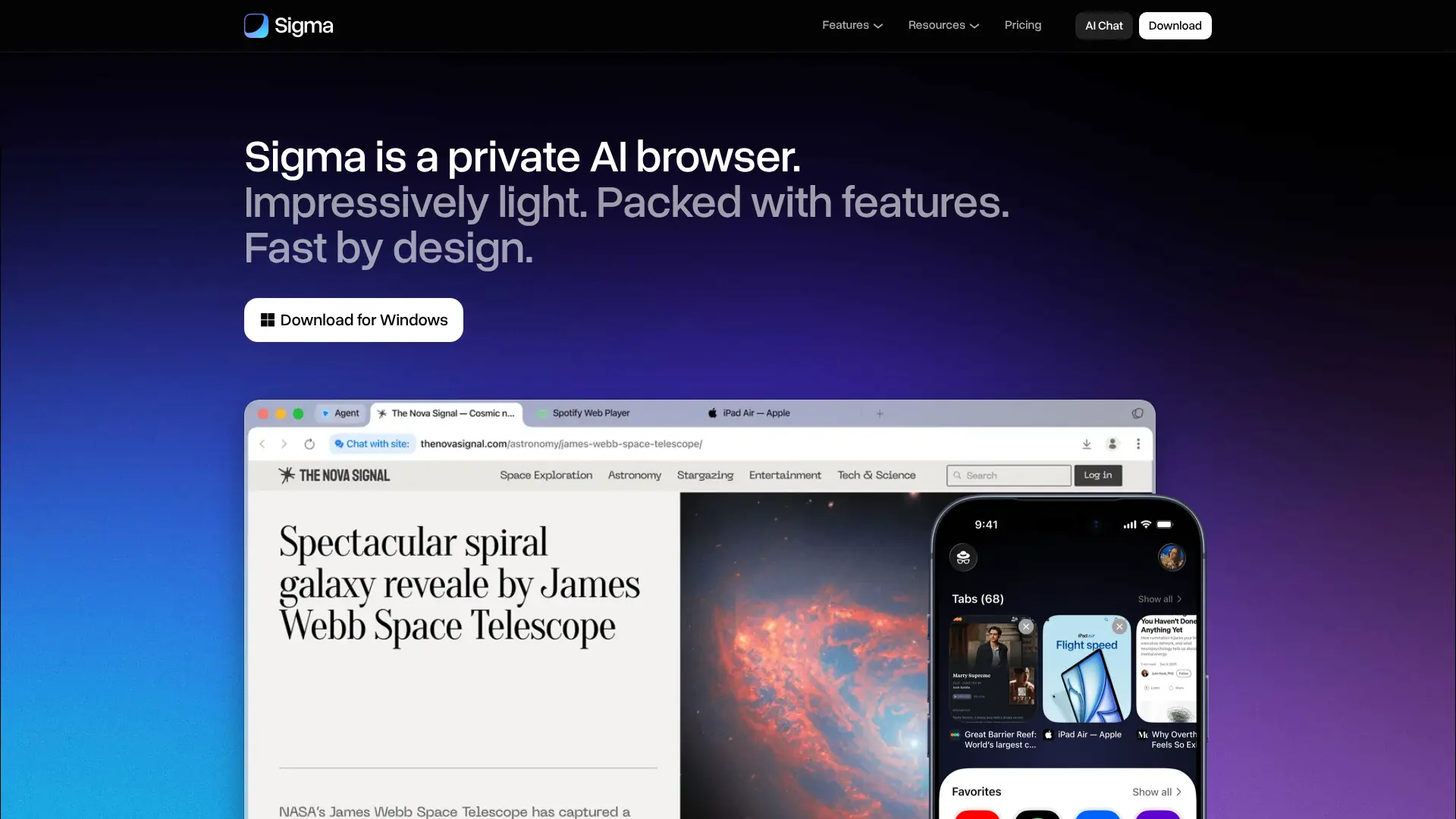

Sigma Browser
Browse, research, create, and automate online tasks with a privacy-focused AI browser that combines local intelligence with an action-taking web agent.
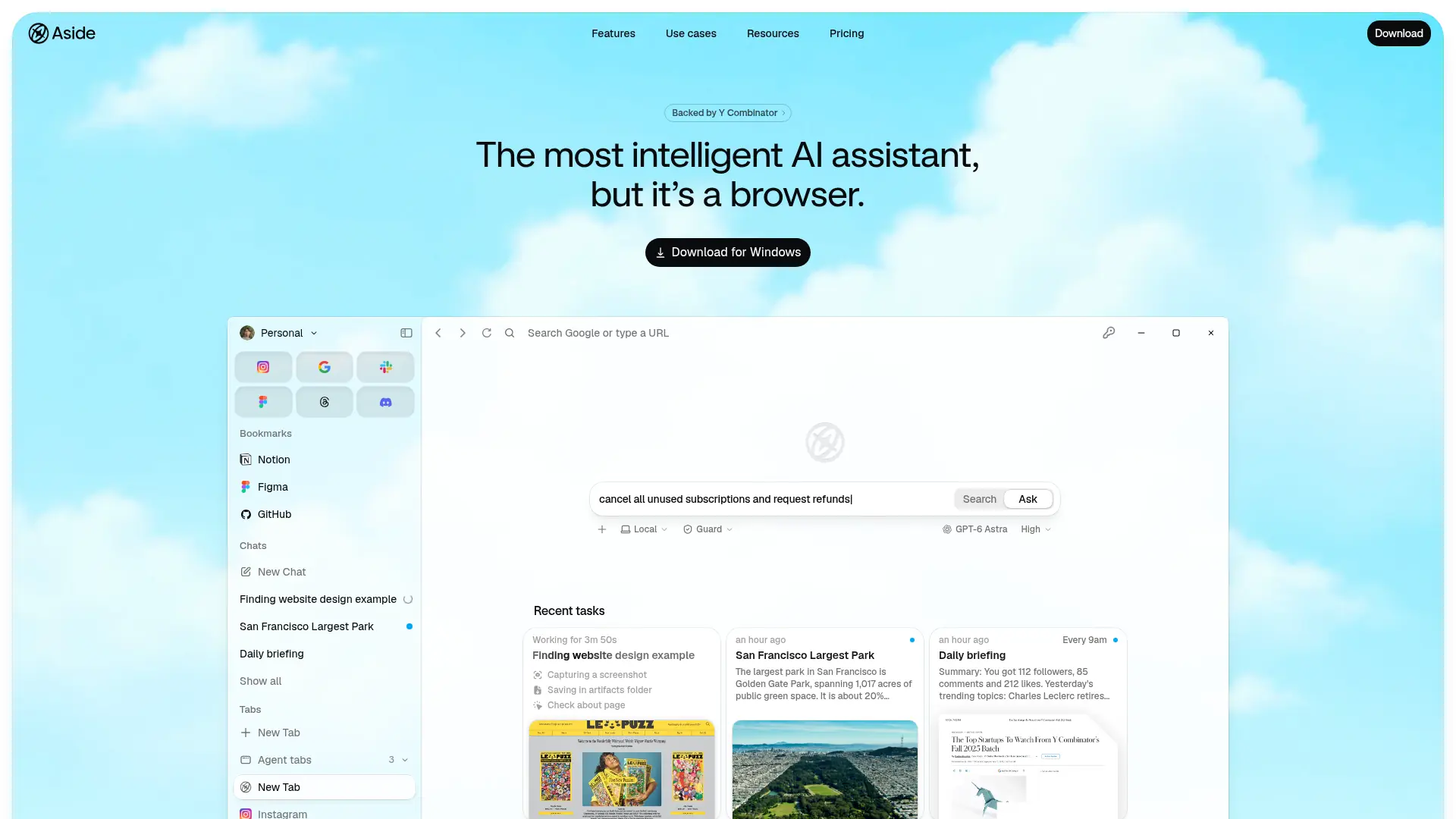

Aside
Delegate multi-step browser work across logged-in websites, accounts, and files to an AI assistant that can act on your behalf.

Dia Browser
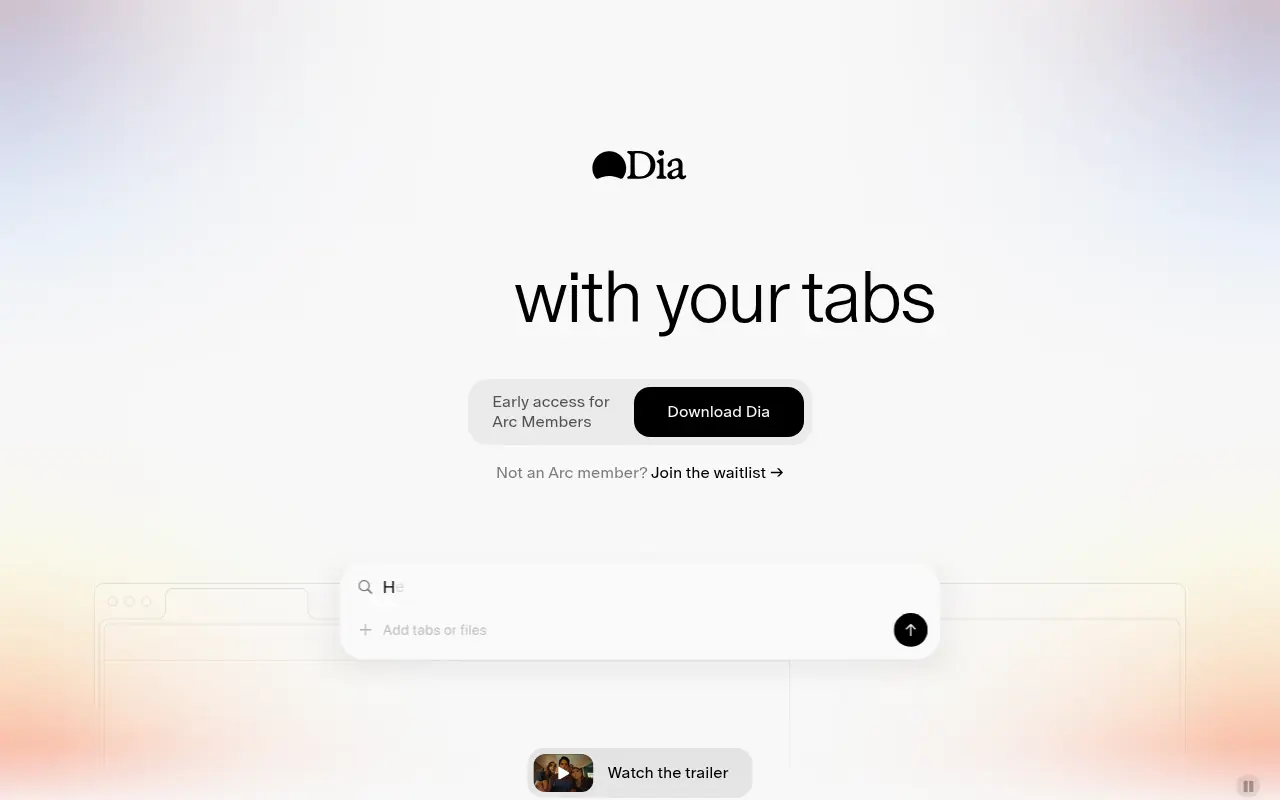
Dia Browser is an AI-native web browser that integrates a smart assistant into the URL bar, allowing you to chat directly with your tabs, automate workflows, and boost productivity.

Arc
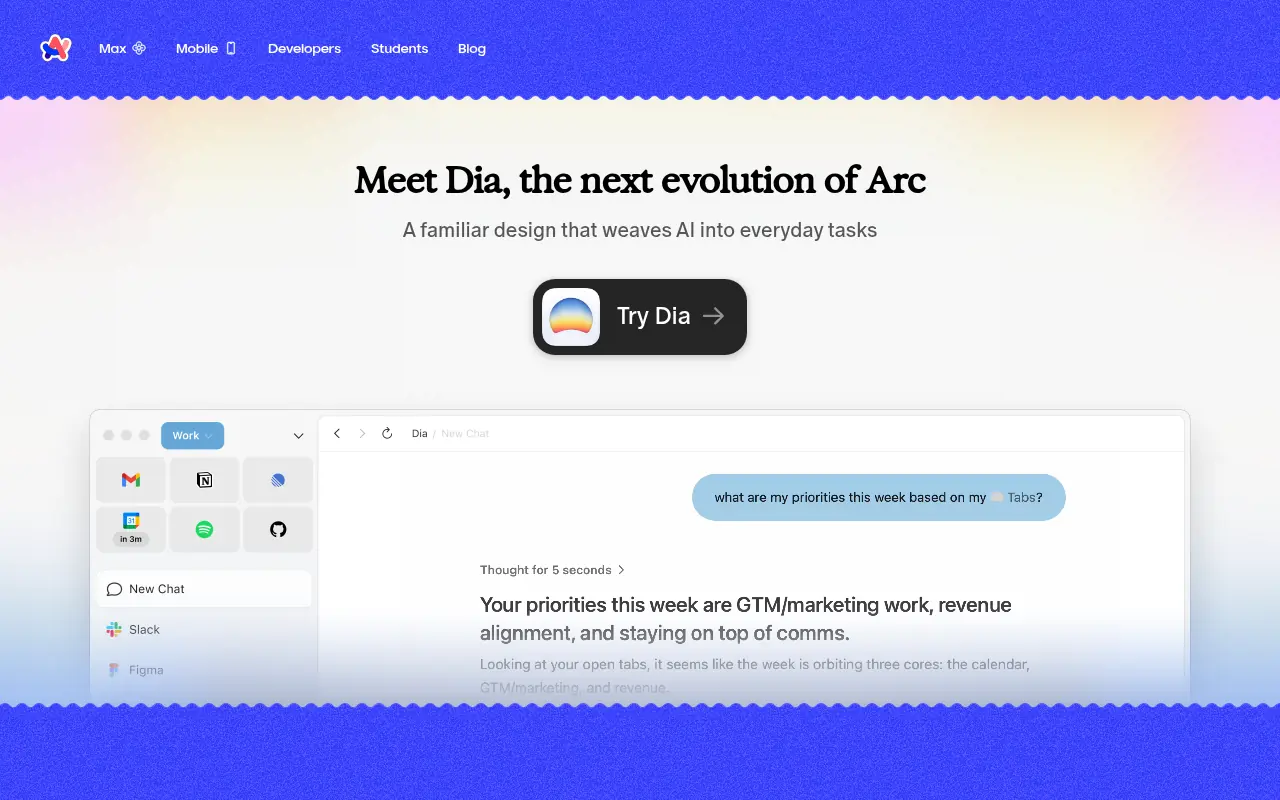
Arc is an innovative web browser designed to organize your online life with customizable workspaces, seamless tab management, and built-in AI tools.

Pinokio
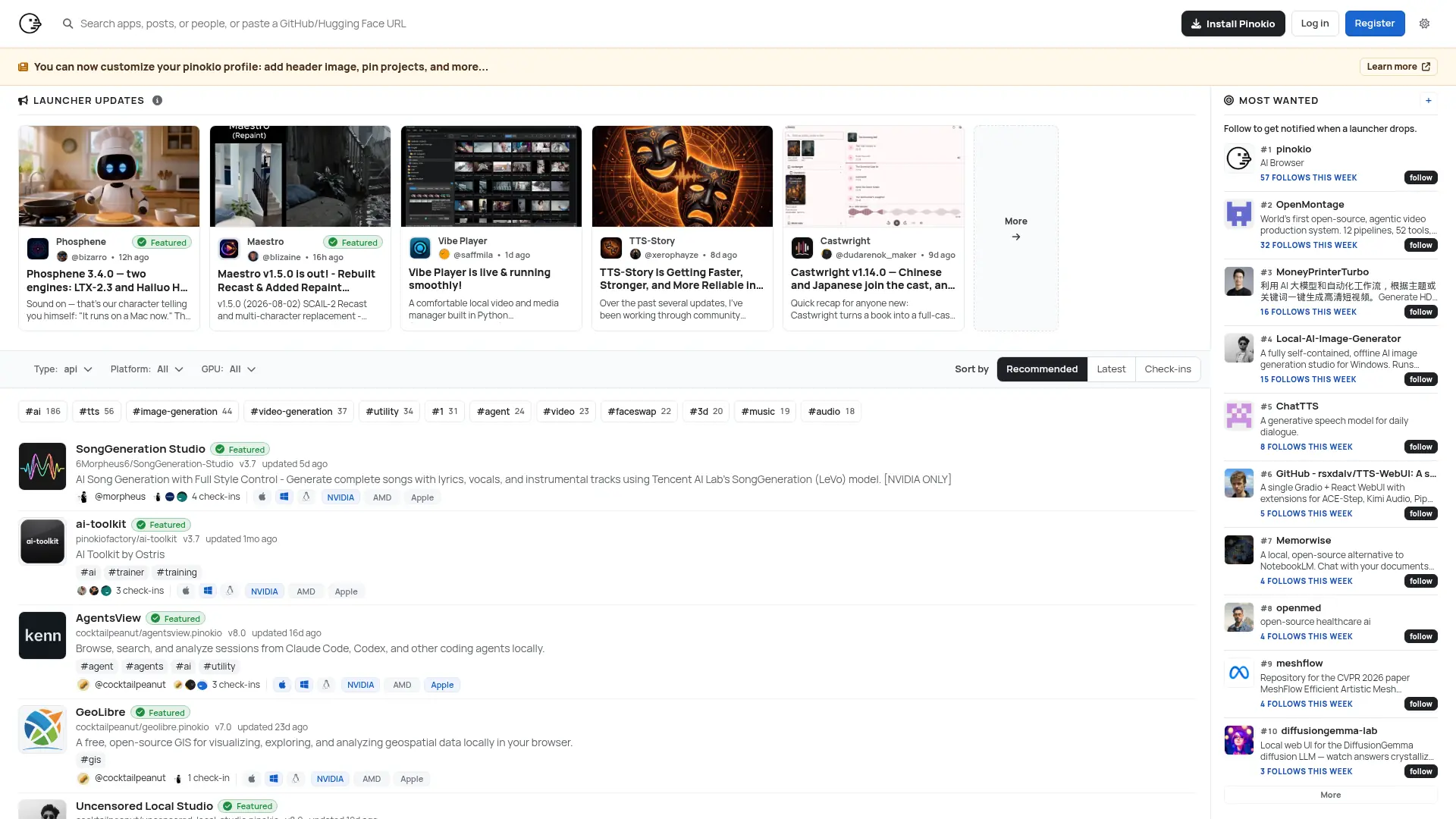
Run open-source AI apps, agents, and local services with one-click installation, isolated environments, and a built-in desktop interface.


Quark
Quark is a minimalist, AI-powered browser and search engine developed by Alibaba, featuring built-in cloud storage, document scanning, and smart assistant tools.


SigmaOS
SigmaOS is a productivity-focused web browser designed to enhance workflow efficiency through intelligent tab management and AI-powered tools.