

Tabbit AI
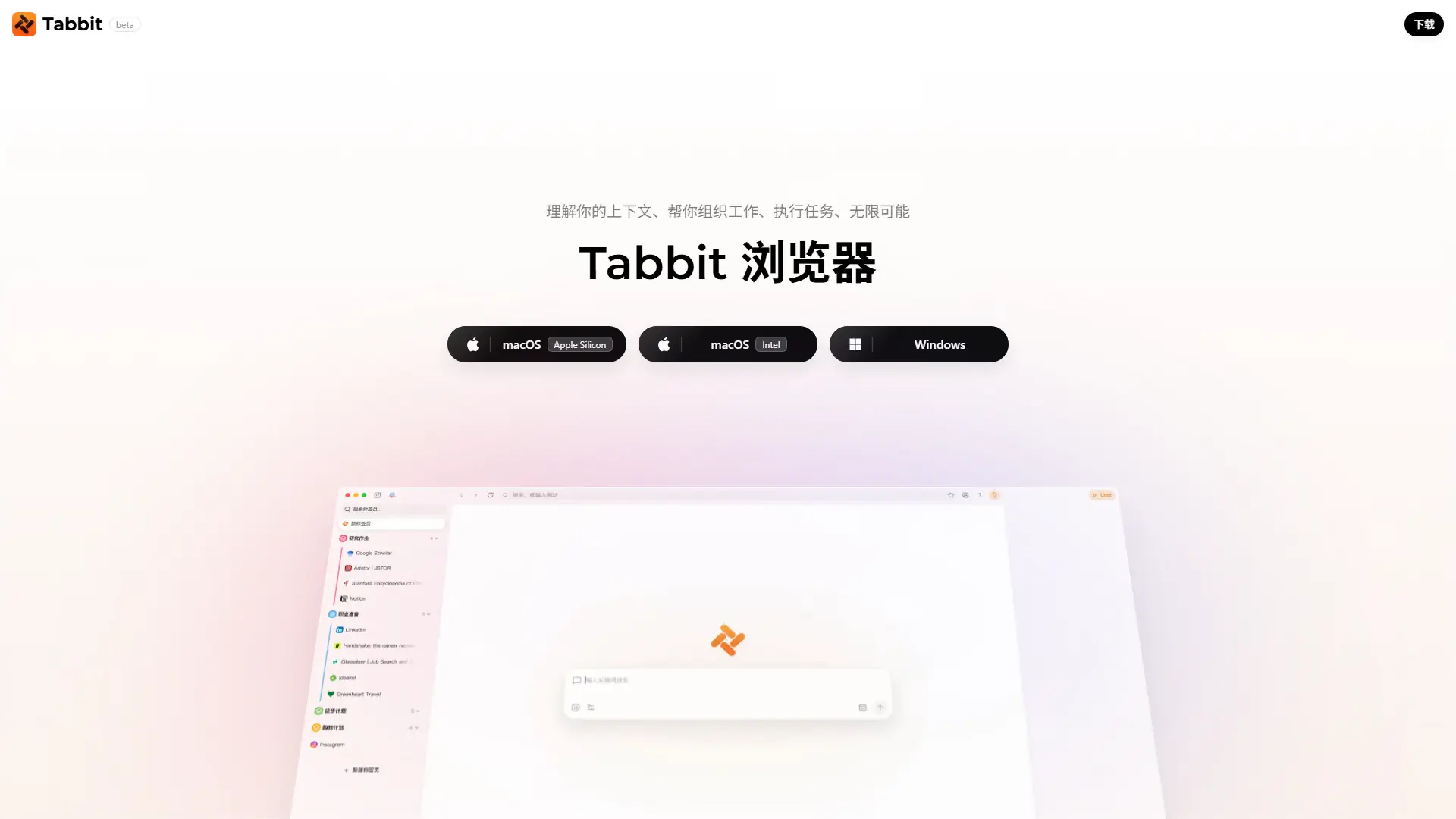
What is Tabbit AI?
Tabbit represents the next evolution in web navigation by functioning as an intelligent workspace rather than a traditional browser with a bolted-on chatbot. Engineered to eliminate the friction of constant copy-pasting, it integrates leading language models like GPT, Claude, Gemini, and DeepSeek directly into your digital environment to drastically improve efficiency. The browser utilizes advanced context-awareness to analyze open tabs, PDFs, and local files simultaneously, enabling users to perform complex cross-reference research in seconds while ensuring a seamless user experience. By turning frequent prompts into reusable skills, Tabbit transforms browsing from a passive reading tool into an active engine for workflow automation and peak productivity. I found its ability to seamlessly parse complex data across distinct browser instances to be a massive advantage over standard sidebar extensions.
How to use Tabbit AI?
Step 1: Download the installer from the official website and migrate your existing Chrome bookmarks, history, and passwords with a single click. Step 2: Open multiple tabs related to your current task, evoke the AI chat, and use the '@' symbol to instantly reference specific pages or local files. Step 3: Command the built-in AI agent to summarize the information, extract key data into a table, or execute a custom 'Skill' to automate your daily workflow.
Tabbit AI's Core Features
Multi-Model AI Chat: Seamlessly switch between top-tier models like GPT, Claude, Gemini, and DeepSeek based on your specific task.
Smart Tab Organization: Automatically group and tag your browsing sessions using AI instead of manually managing messy folders.
Cross-Tab Context: Reference multiple open web pages and local files simultaneously to generate comprehensive insights.
Custom AI Skills: Turn repetitive, complex prompts into one-click executable commands that streamline daily tasks.
Skills Marketplace: Discover, share, and install pre-built automation workflows created by other power users.
Chrome Extension Compatibility: Keep all your favorite productivity extensions running smoothly without any switching cost.
Floating AI Window: Interact with the AI assistant seamlessly without obstructing your primary web reading experience.
Local File Analysis: Upload PDFs and images directly into the browser to interact with offline documents alongside web data.
Tabbit AI's Use Cases
- #1
Automating competitive analysis by extracting and comparing pricing data across multiple SaaS tabs
- #2
Reviewing large batches of academic papers for university research without manual reading
- #3
Building custom e-commerce skills to scrape product details and analyze operations dashboards
- #4
Auto-screening resumes from job portals according to specific HR hiring criteria
- #5
Summarizing lengthy PDF analyst reports and extracting recurring themes into a structured format
- #6
Assisting visually impaired users by automatically reading screens and comparing online prices
Frequently Asked Questions
Analytics of Tabbit AI
Monthly Visits Trend: Nov 2025 - Sep 2026
Traffic Sources
Top Regions
| Region | Traffic Share |
|---|---|
| China | 92.84% |
| United States | 3.85% |
| India | 2.87% |
| Japan | 0.43% |
Top Keywords
| Keyword | Traffic | CPC |
|---|---|---|
| tabbit | 11.3K | $1.78 |
| ai浏览器 | 940 | $2.40 |
| free ai browser | 410 | -- |
| zen browser | 221.4K | $1.83 |
| zen | 158.8K | $1.01 |
Alternative of Tabbit AI
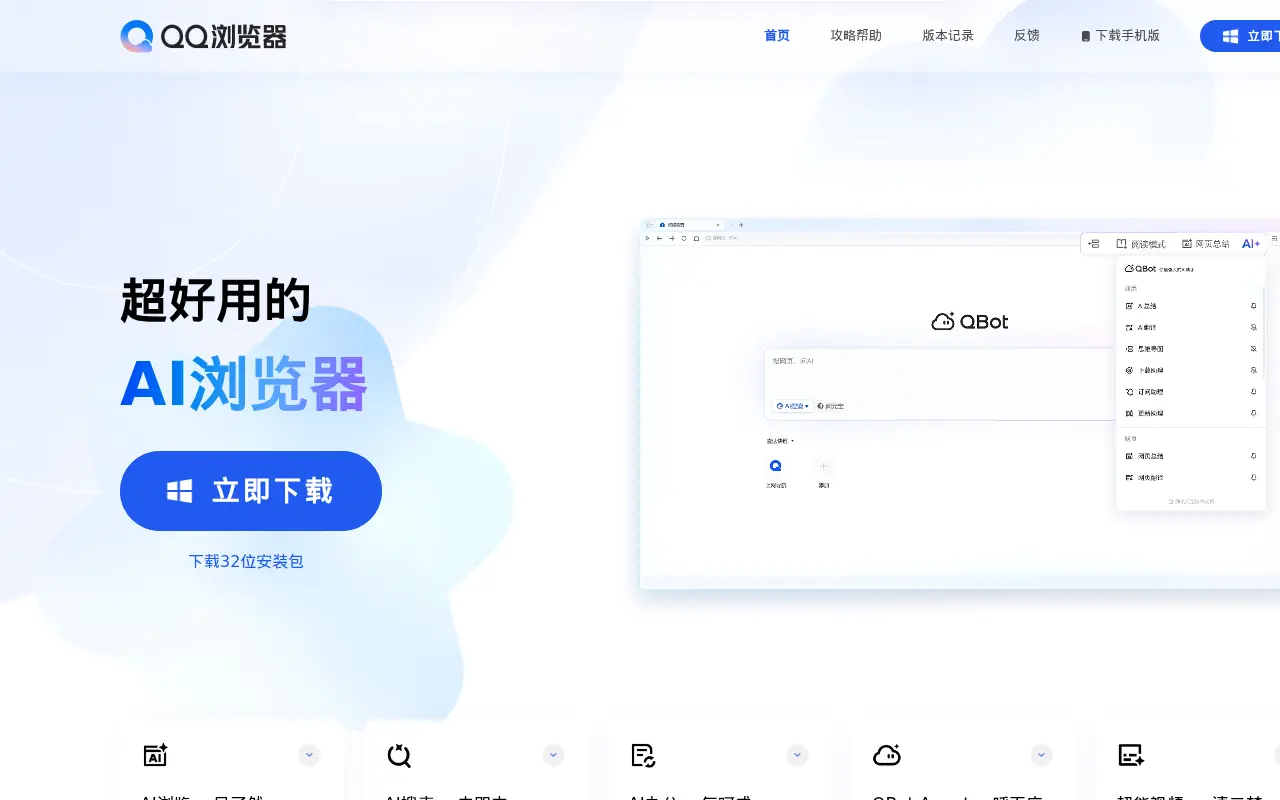

QQ Browser
QQ Browser is an AI-powered web browser developed by Tencent that integrates advanced AI tools for search, reading, writing, and office tasks.
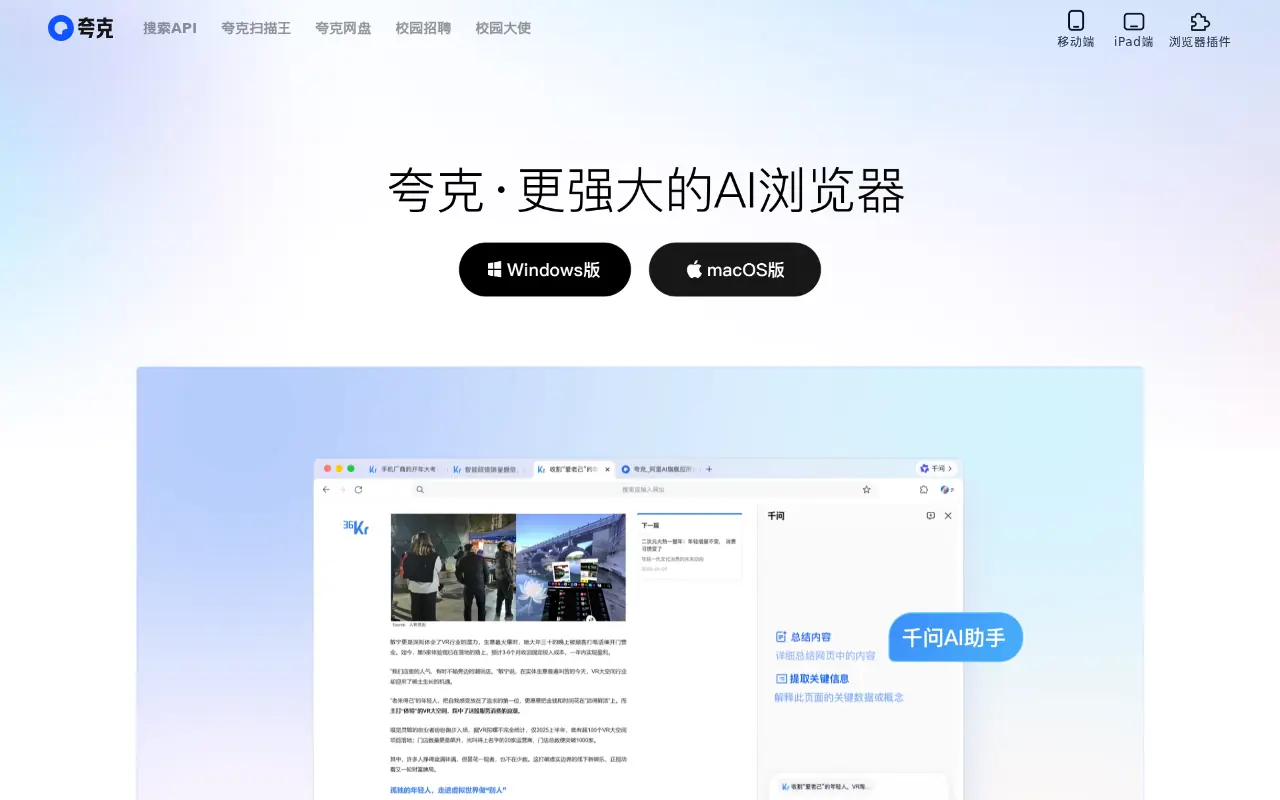

Quark
Quark is a minimalist, AI-powered browser and search engine developed by Alibaba, featuring built-in cloud storage, document scanning, and smart assistant tools.
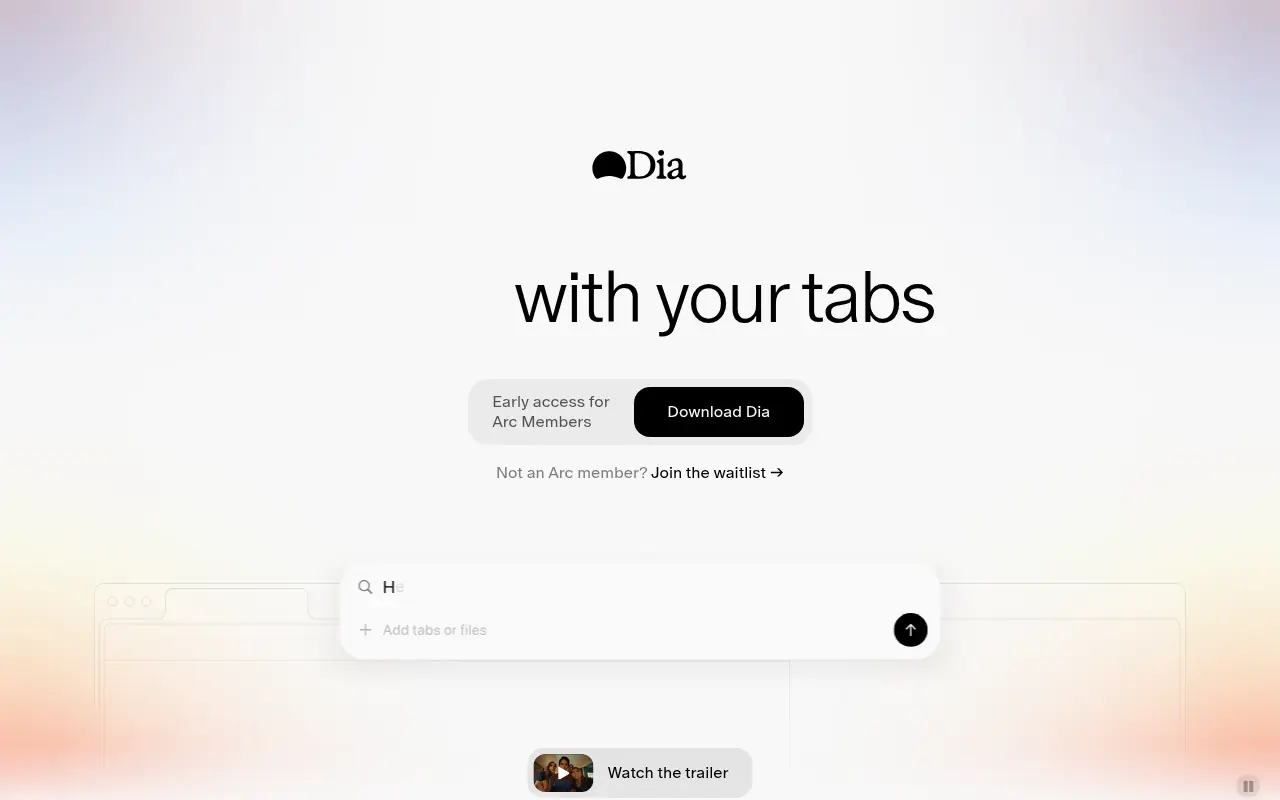

Dia Browser
Dia Browser is an AI-native web browser that integrates a smart assistant into the URL bar, allowing you to chat directly with your tabs, automate workflows, and boost productivity.
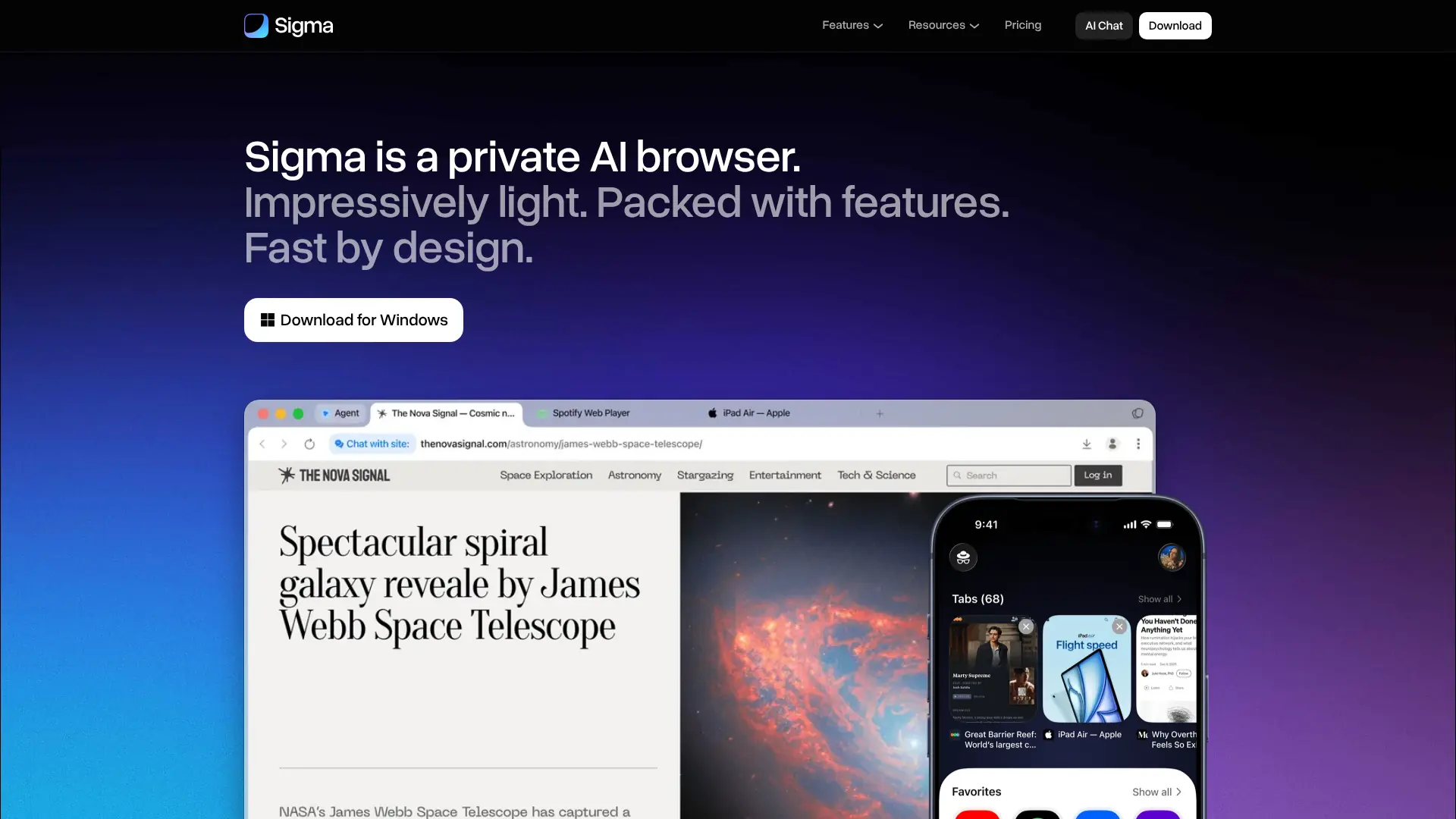

Sigma Browser
Browse, research, create, and automate online tasks with a privacy-focused AI browser that combines local intelligence with an action-taking web agent.
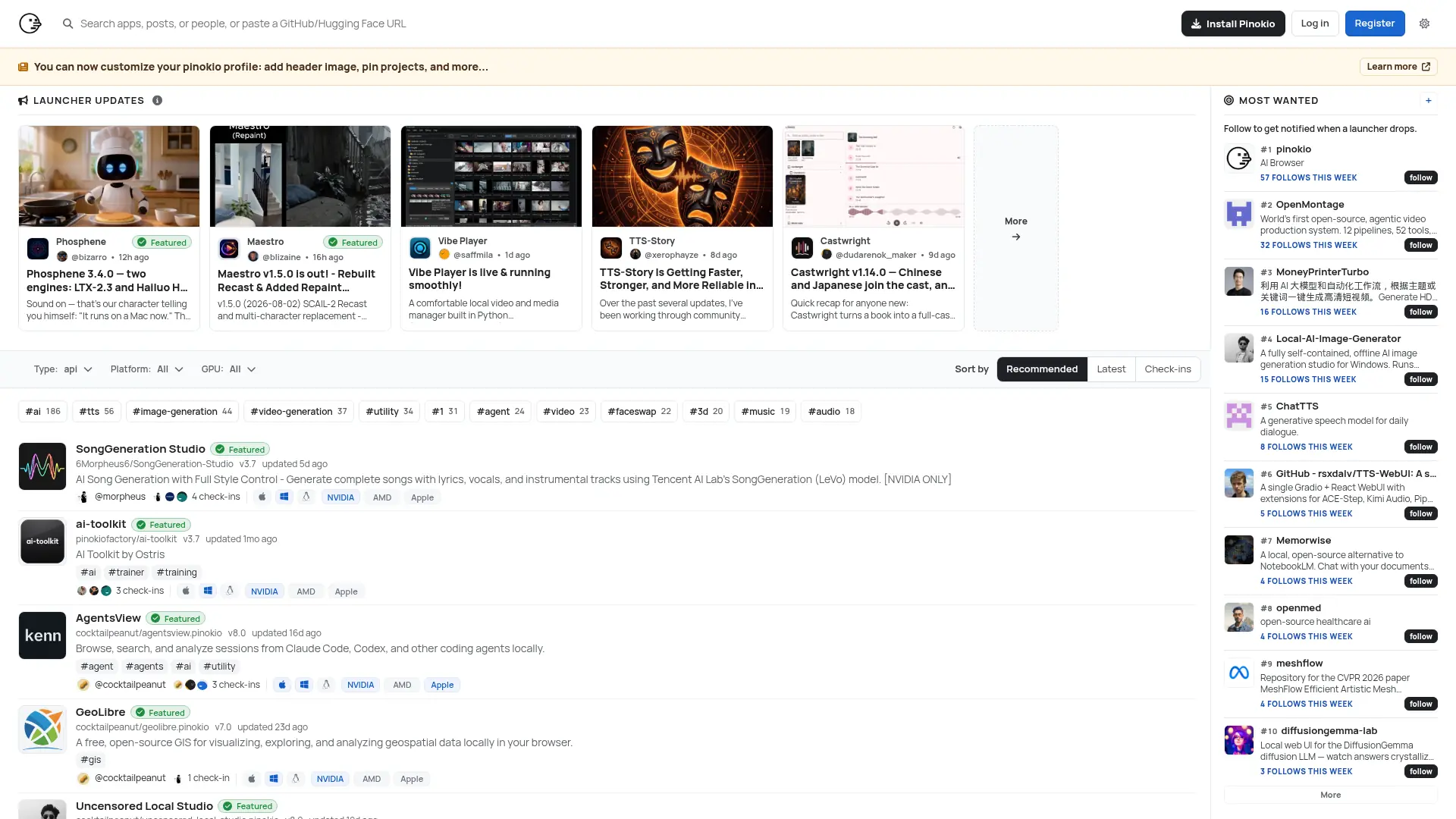

Pinokio
Run open-source AI apps, agents, and local services with one-click installation, isolated environments, and a built-in desktop interface.
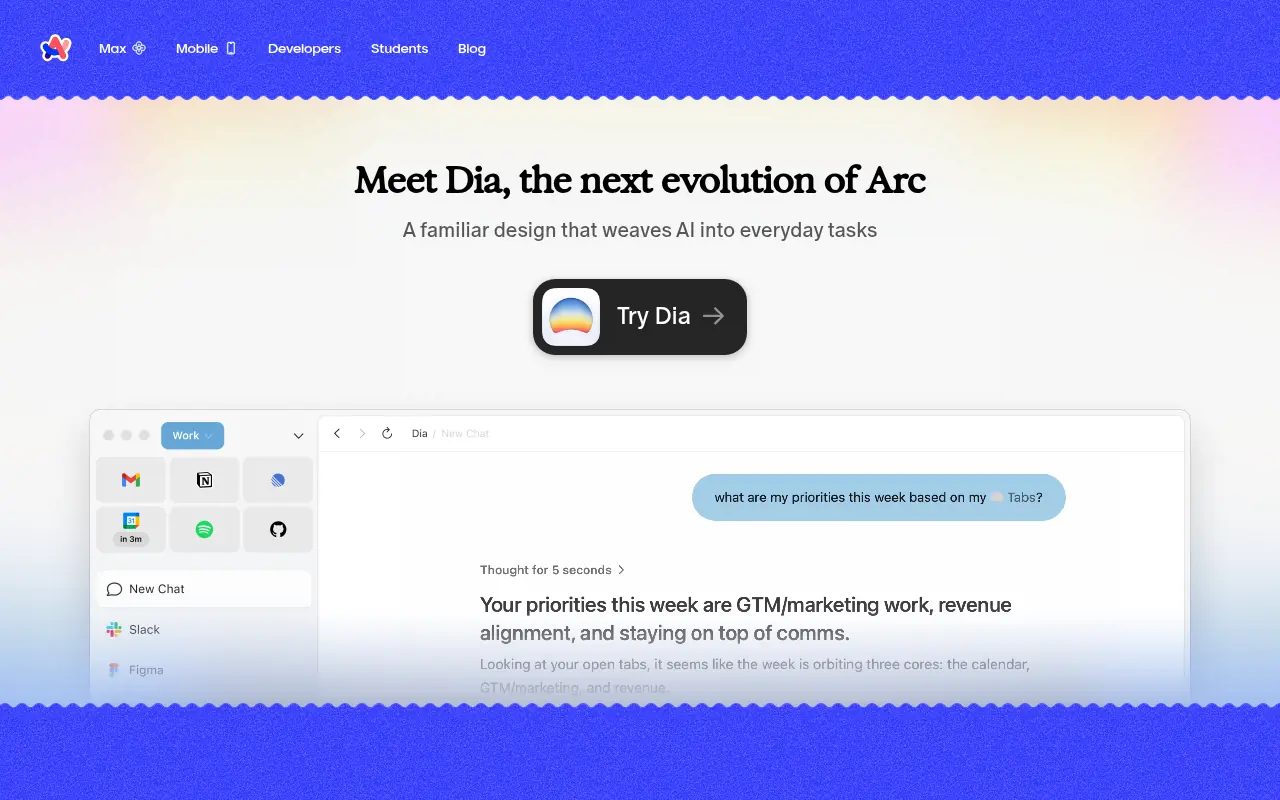

Arc
Arc is an innovative web browser designed to organize your online life with customizable workspaces, seamless tab management, and built-in AI tools.
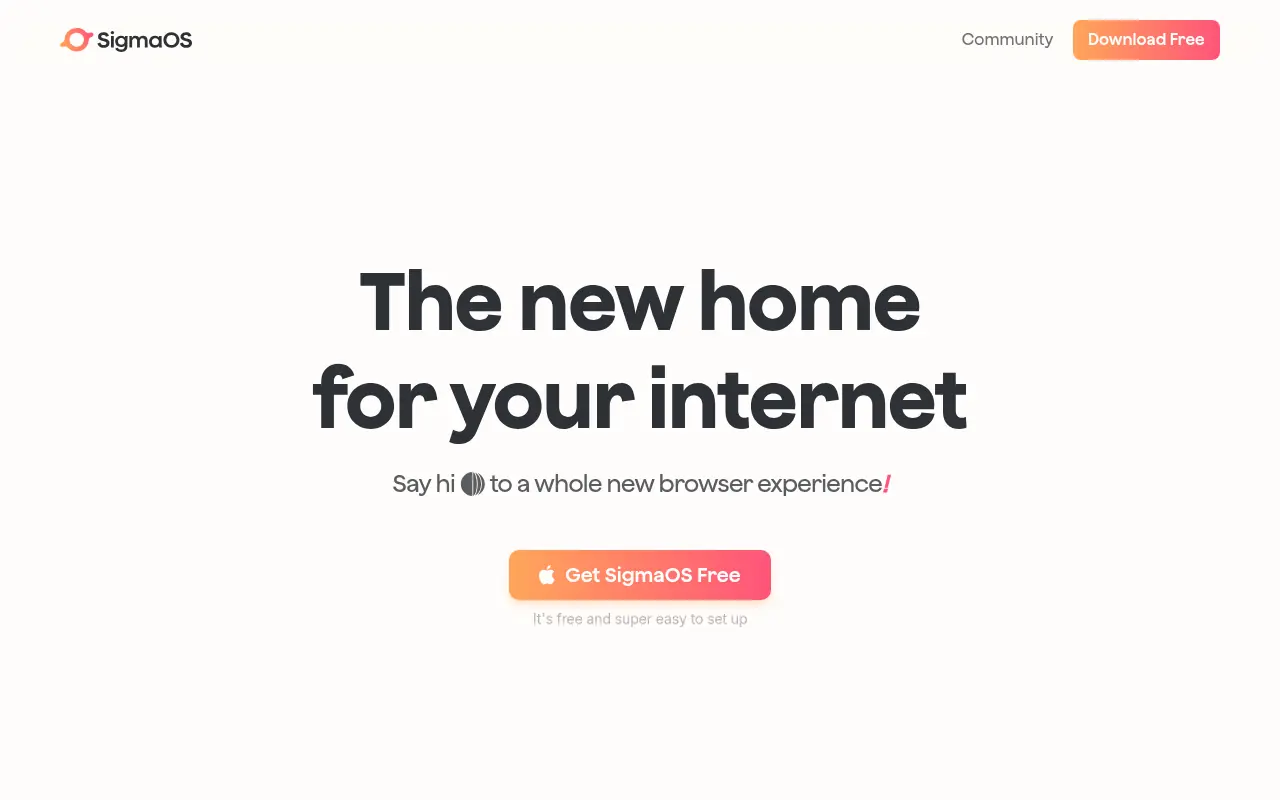

SigmaOS
SigmaOS is a productivity-focused web browser designed to enhance workflow efficiency through intelligent tab management and AI-powered tools.
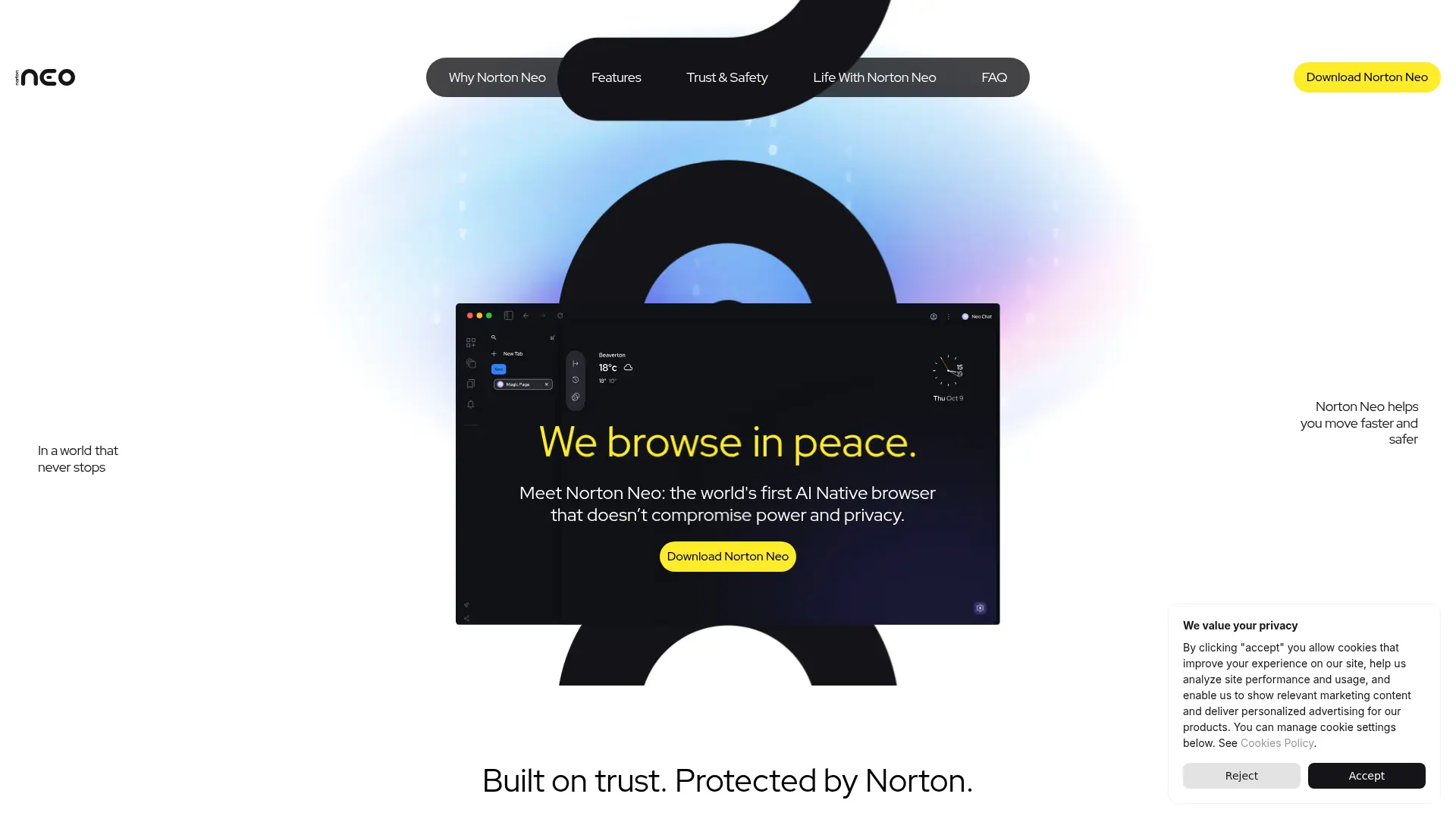

Norton Neo
Browse faster with conversational AI, built-in privacy protection, intelligent search, and focused tools for everyday web tasks.