

Aside
What is Aside?
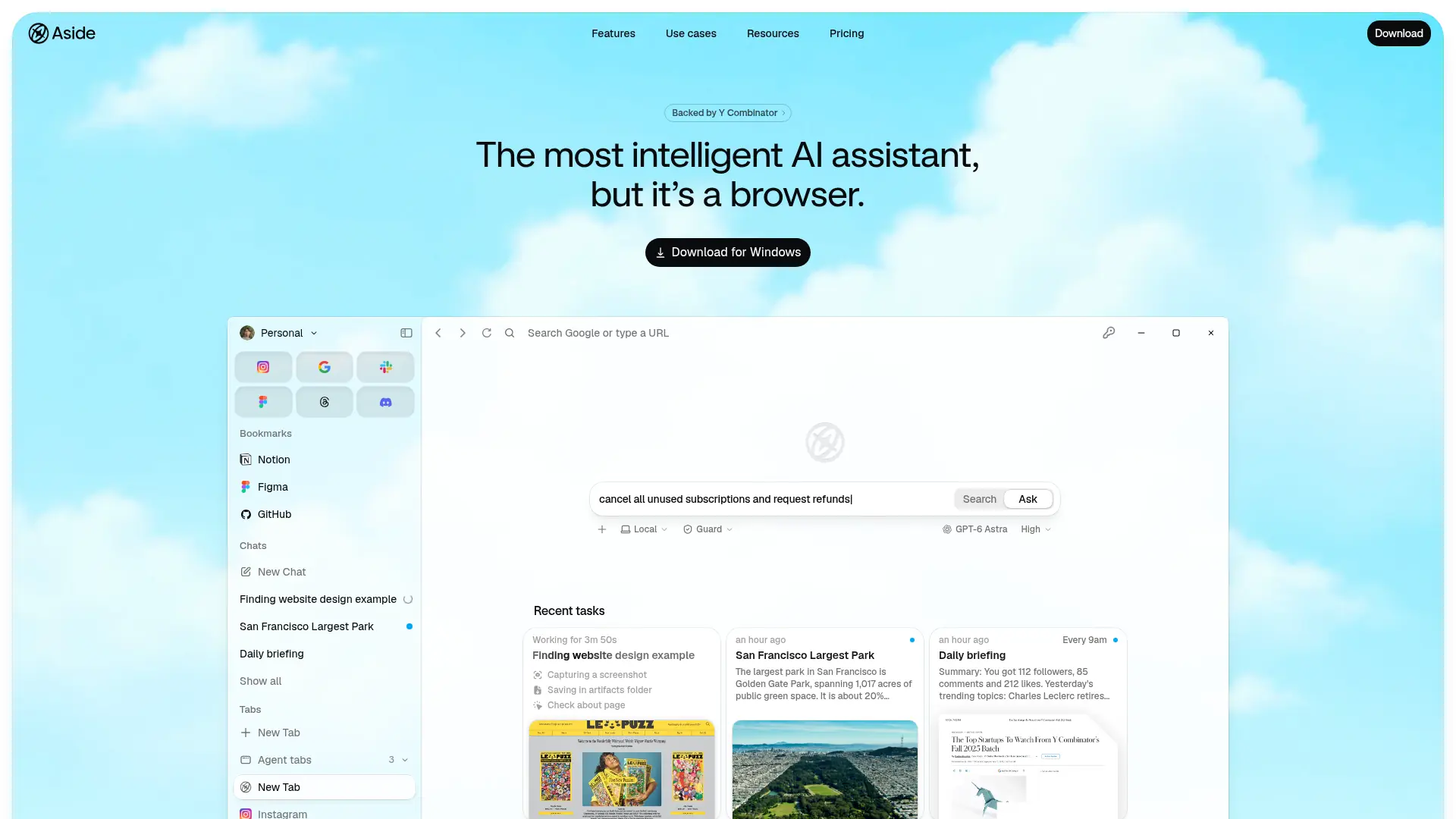
Aside is a desktop browser with an AI agent designed to complete tasks across websites, accounts, messages, and files. Instead of depending on a separate integration for every service, the agent works through websites you can access in the browser. Users can create recurring routines, draw on saved browsing and task context, and choose among Aside models, supported AI subscriptions, or their own API keys. Its built-in password manager is designed to let the agent use credentials without exposing passwords to the model, with controls over autofill access. Aside is intended for individuals and teams seeking to delegate research, follow-ups, and other multi-step browser work; it is available for macOS and Windows.
How to use Aside?
- Download and install Aside for macOS or Windows, then set up your account and choose an AI provider.
- Open the relevant websites and describe the task, including the desired outcome and any actions the agent should avoid.
- Review the agent's progress and approve sensitive actions when prompted, then save repeat work as a routine if needed.
Aside's Core Features
Cross-site browser agent: Navigate logged-in websites and carry out multi-step tasks without requiring a separate integration for each site.
Browser-based research: Gather information across multiple sources and support research workflows that need citations.
Recurring routines: Save repeat tasks to automate scheduled or continuing browser work.
Personalized memory: Reuse relevant context from browsing history, chats, and tasks to reduce repeated explanations.
Built-in password manager: Let the agent sign in using controlled autofill without revealing the raw password to the model.
Sensitive-action controls: Keep user oversight in the workflow for actions that require permission or confirmation.
AI provider choices: Use Aside models, connect supported AI subscriptions, or configure a provider API key.
CLI and MCP tools: Start browser tasks from developer workflows using documented command-line and MCP options.
Aside's Use Cases
- #1
Research a product or vendor across several websites and compile findings with citations.
- #2
Complete a recurring weekly review by gathering information from browser-based work tools.
- #3
Navigate a logged-in billing or supplier portal to locate invoices and prepare follow-up actions.
- #4
Use browsing context and saved memory to find a previously viewed candidate or project and prepare notes.
- #5
Handle recurring website tasks through routines instead of repeating the same instructions each time.
- #6
Give a coding assistant browser access through Aside's documented CLI or MCP developer tools.
- #7
Work across websites that lack dedicated integrations by having the agent use their browser interfaces.
Frequently Asked Questions
Analytics of Aside
Monthly Visits Trend: Jan 2026 - Oct 2026
Traffic Sources
AI Channel Traffic Trends
Top Regions
| Region | Traffic Share |
|---|---|
| Korea, Republic of | 76.16% |
| United States | 10.00% |
| India | 2.83% |
| United Kingdom | 1.61% |
| Australia | 1.09% |
Top Keywords
| Keyword | Traffic | CPC |
|---|---|---|
| aside | 156.2K | $2.70 |
| 어사이드 | 57.0K | -- |
| aside browser | 27.3K | $2.11 |
| aside 브라우저 | 14.4K | $1.82 |
| aside ai | 9.7K | $2.64 |
Alternative of Aside

Tabbit
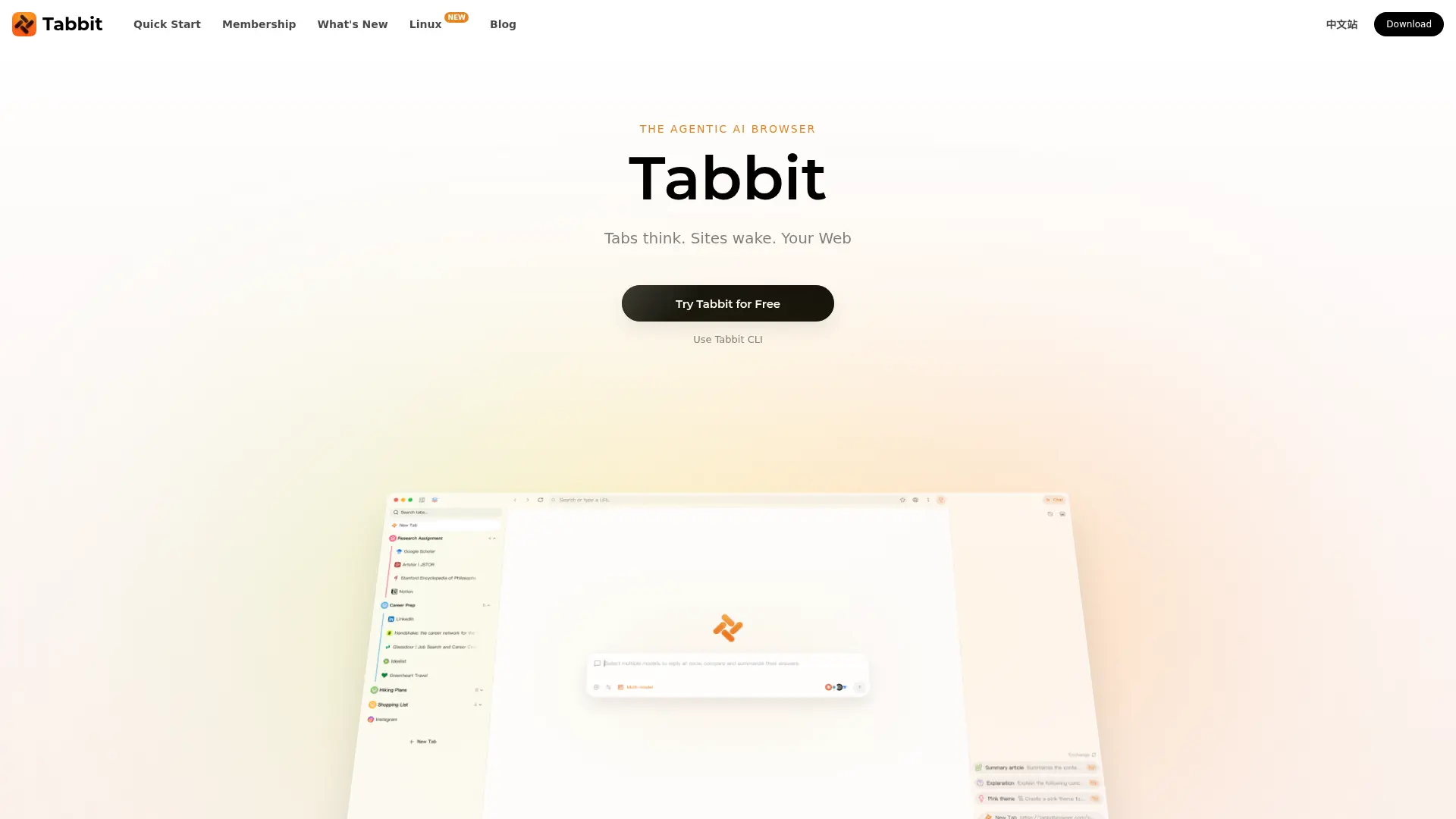
Research across open tabs, ask questions in context, and delegate repetitive browser tasks to an AI agent.

Sigma Browser
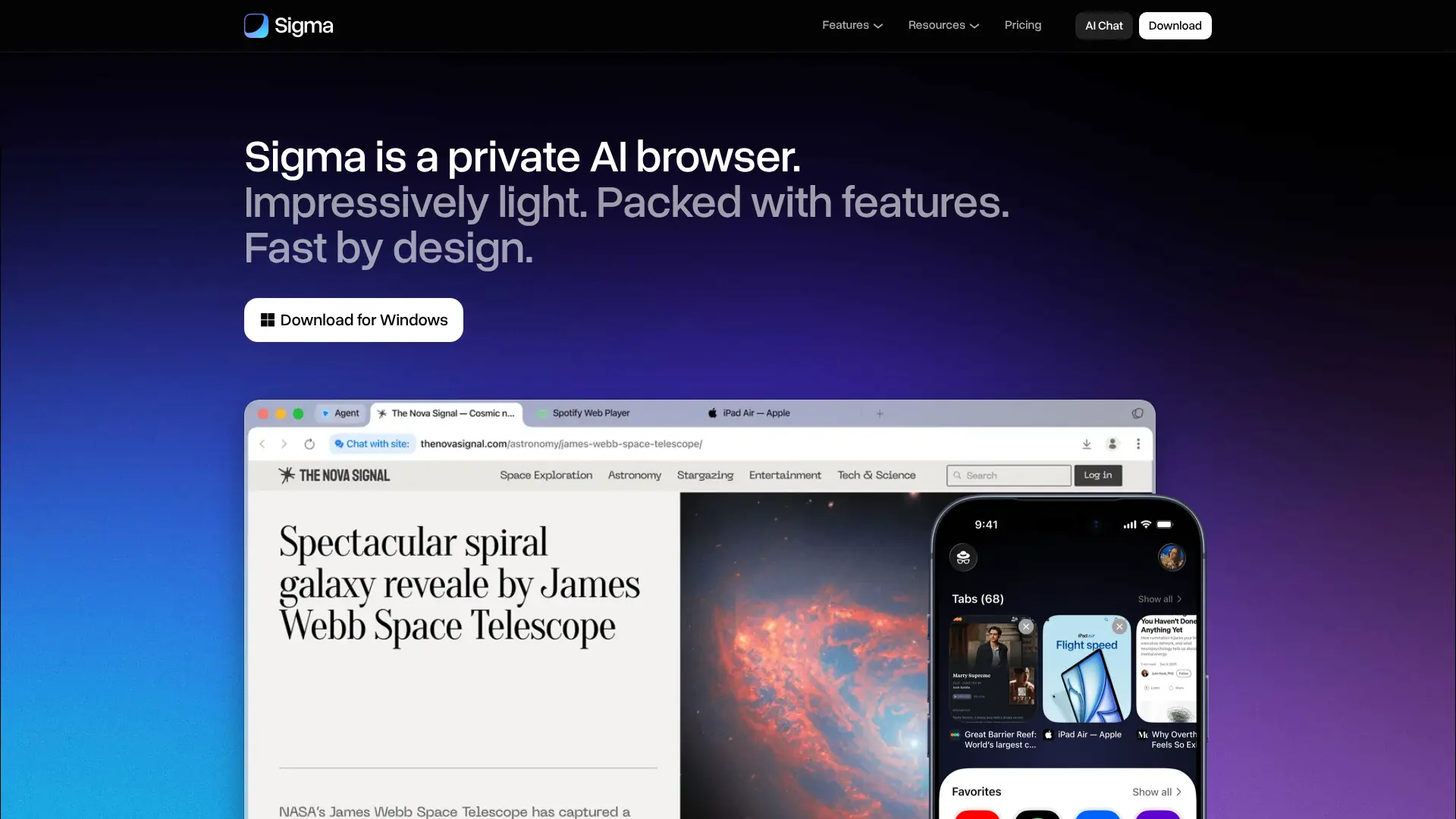
Browse, research, create, and automate online tasks with a privacy-focused AI browser that combines local intelligence with an action-taking web agent.

Pinokio
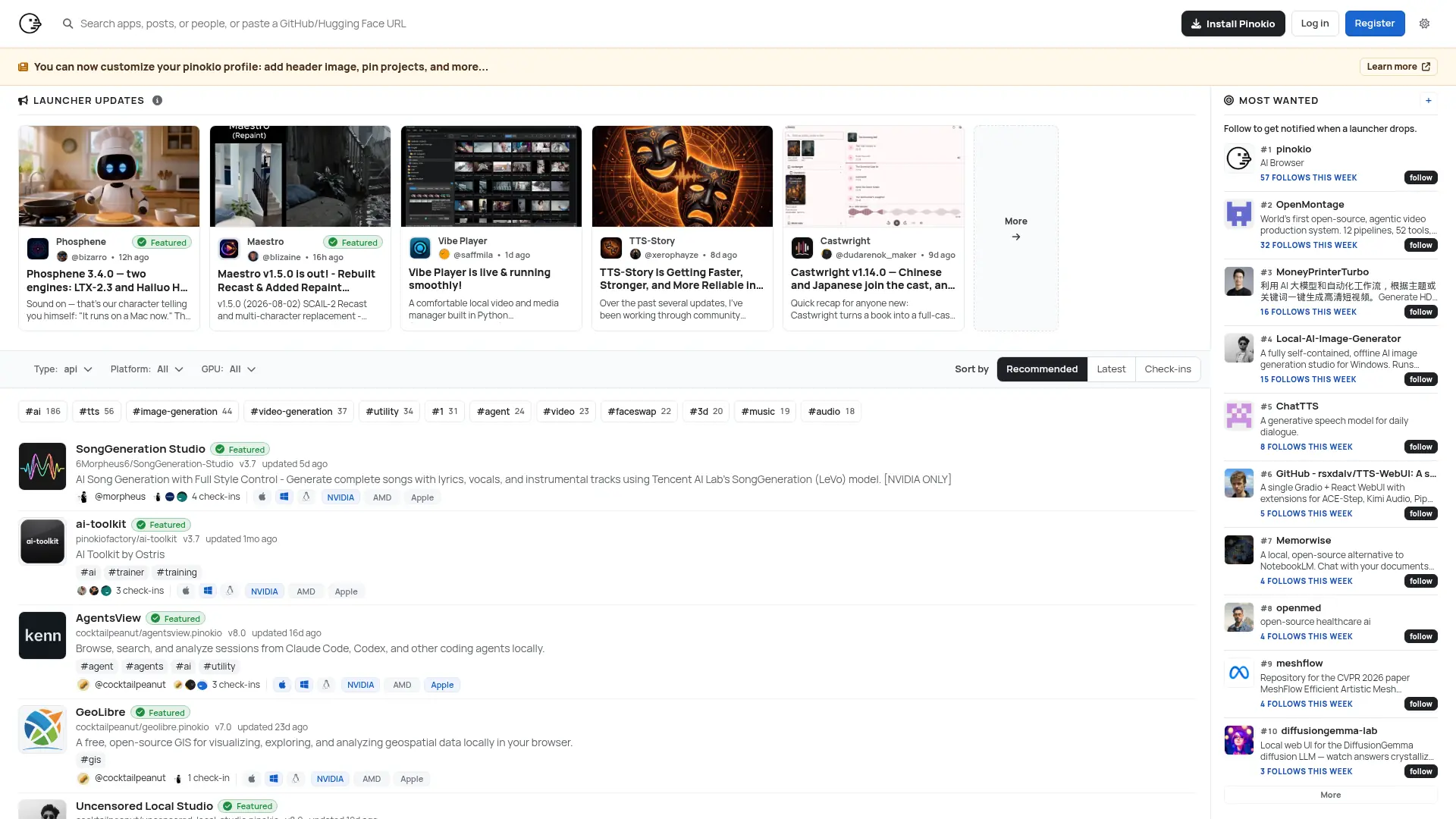
Run open-source AI apps, agents, and local services with one-click installation, isolated environments, and a built-in desktop interface.
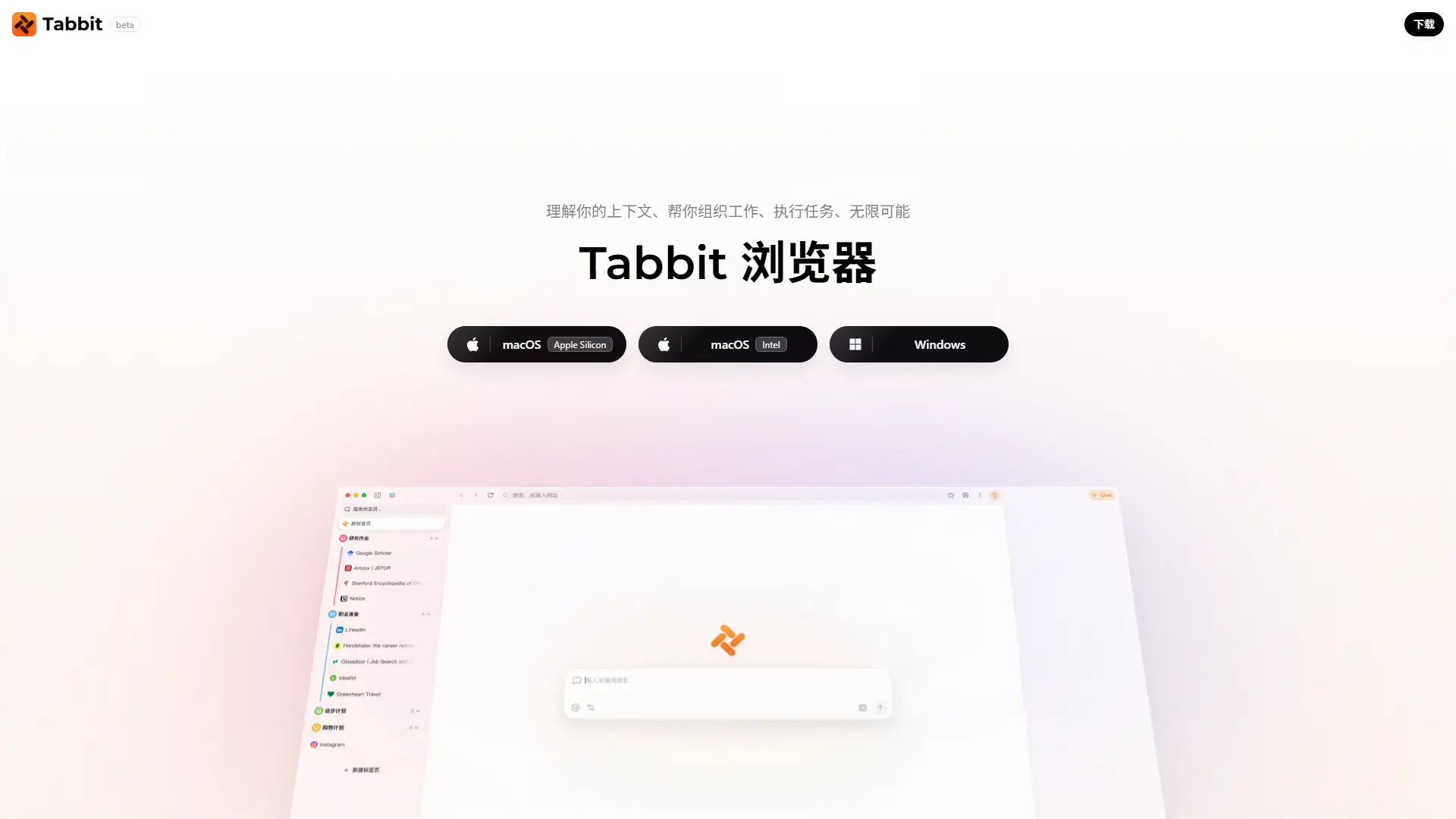

Tabbit AI
Upgrade your workflow with Tabbit, a free AI-native browser that automates repetitive tasks, intelligently organizes tabs, and reads multiple web pages simultaneously.


Quark
Quark is a minimalist, AI-powered browser and search engine developed by Alibaba, featuring built-in cloud storage, document scanning, and smart assistant tools.
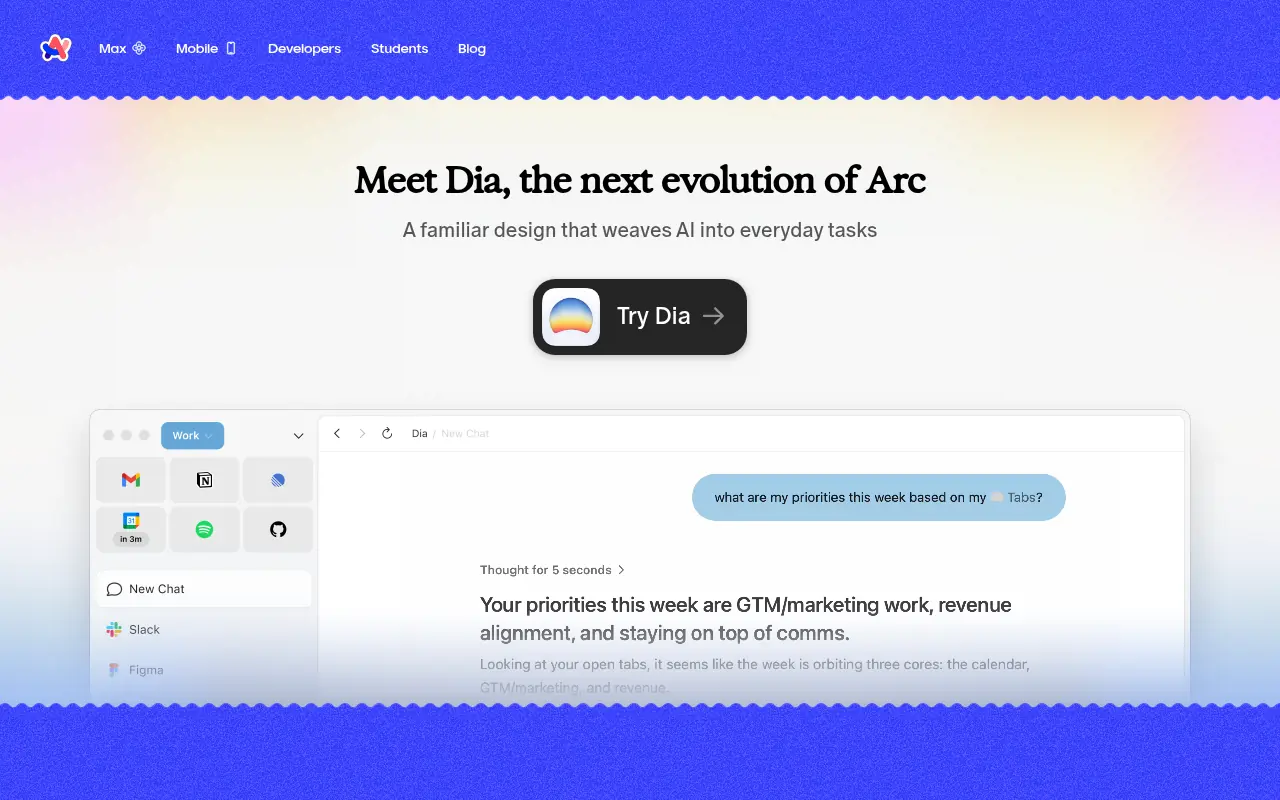

Arc
Arc is an innovative web browser designed to organize your online life with customizable workspaces, seamless tab management, and built-in AI tools.
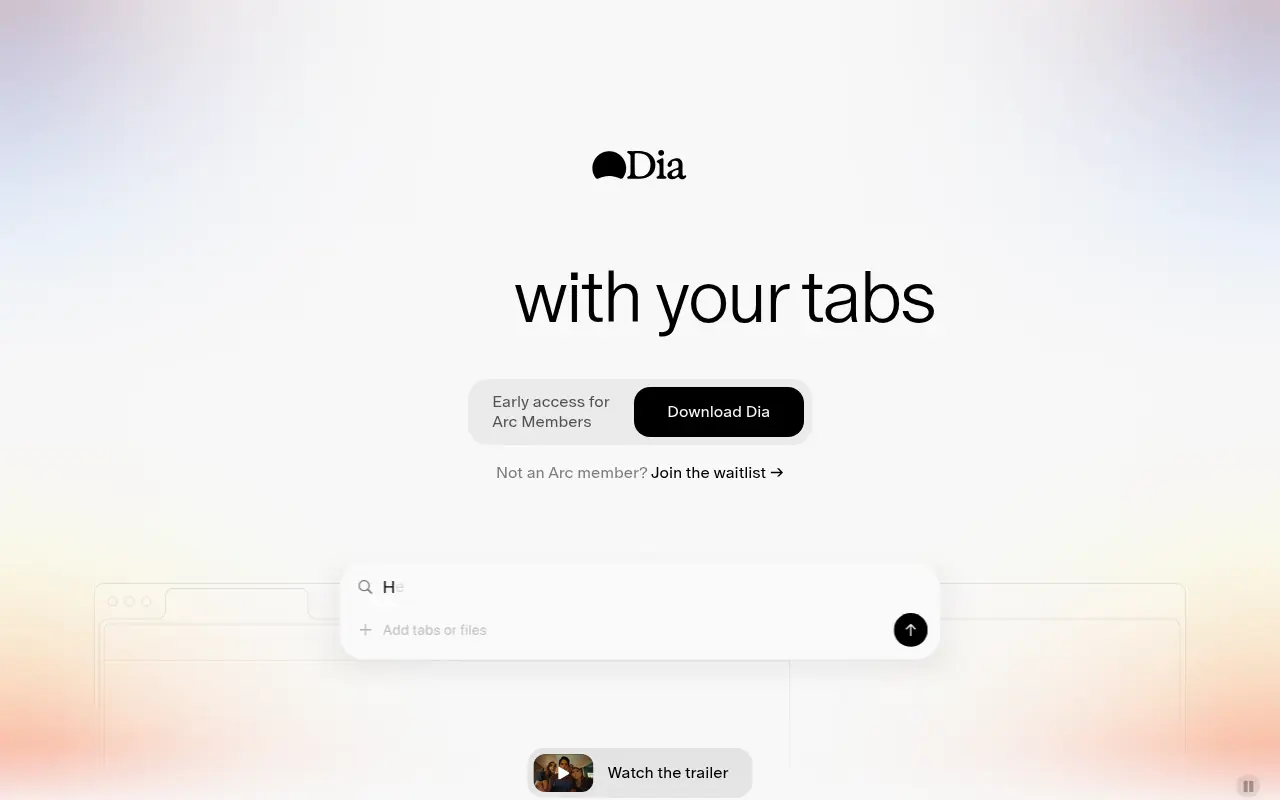

Dia Browser
Dia Browser is an AI-native web browser that integrates a smart assistant into the URL bar, allowing you to chat directly with your tabs, automate workflows, and boost productivity.


SigmaOS
SigmaOS is a productivity-focused web browser designed to enhance workflow efficiency through intelligent tab management and AI-powered tools.