

Dia Browser
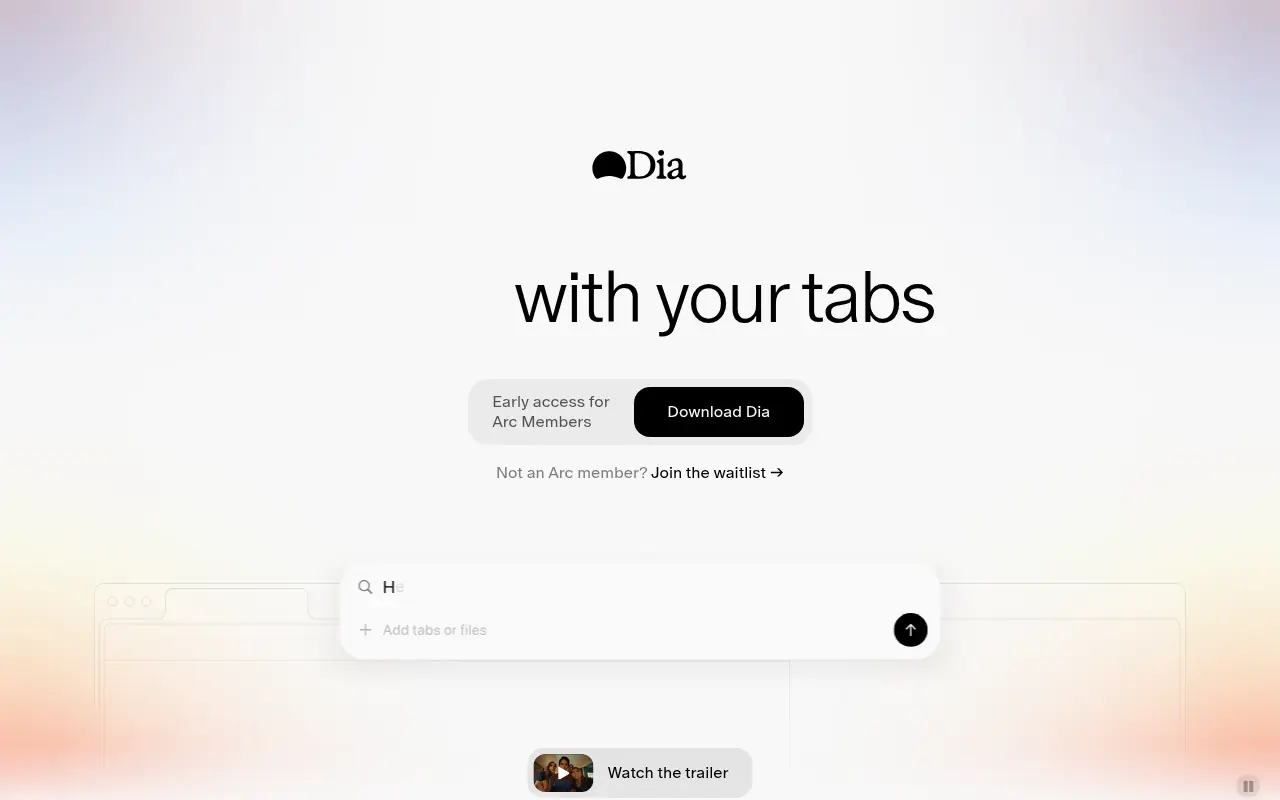
What is Dia Browser?
Dia is an AI-first web browser developed by The Browser Company that transforms internet browsing into an active, interactive workspace. By integrating a powerful AI assistant directly into the browser's interface, it allows users to chat seamlessly with their open tabs to extract context, summarize long articles, and answer questions. The browser combines a familiar Chromium foundation with robust AI-driven workflows called "Skills," enabling both professionals and students to automate repetitive tasks like creating study guides or outlining essays. Beyond simple chat, Dia offers advanced features like split-view cross-referencing and session memory to keep track of complex research across multiple pages. Its core mission is to help users think deeper, move faster, and securely manage their online productivity with full privacy controls.
How to use Dia Browser?
To use Dia effectively, download and install the browser, then navigate to your usual websites. Instead of passively reading, you can highlight text, click the chat button, or type directly in the Command Bar to ask the built-in AI questions about the page, generate summaries, or execute custom "Skills" (slash commands) to instantly draft, outline, or organize the tab's content.
Dia Browser's Core Features
Tab Chat: Engage in conversations directly with your active web pages to instantly retrieve answers and insights.
Custom Skills: Use or create slash commands to automate repetitive tasks like drafting, outlining, or formatting.
Mention Tabs: Pull multiple tabs into your AI query as context for cross-referencing information.
Split View Workspace: Open up to three tabs simultaneously to connect dots across different web sources.
Smart Command Bar: Intelligently route queries to a search engine, specific website, or AI chat.
Session Memory: Keeps track of your context across tabs and browsing sessions so you can seamlessly resume work.
Built-in Ad Blocker: Automatically stops ads, pop-ups, and trackers for a distraction-free experience.
Dia Browser's Use Cases
- #1
Chatting with specific open tabs to extract facts, data, or summaries.
- #2
Creating automatic study flashcards and quizzes from educational sites.
- #3
Drafting essay outlines while referencing multiple open research pages.
- #4
Cross-checking a personal resume against a live job description.
- #5
Fact-checking claims quickly while reading news articles online.
- #6
Debugging or reviewing code with an AI partner while viewing documentation.
Frequently Asked Questions
Analytics of Dia Browser
Monthly Visits Trend: Apr 2025 - Aug 2026
Traffic Sources
AI Channel Traffic Trends
Top Regions
| Region | Traffic Share |
|---|---|
| United States | 26.70% |
| India | 11.31% |
| Germany | 4.28% |
| France | 4.09% |
| United Kingdom | 3.49% |
Top Keywords
| Keyword | Traffic | CPC |
|---|---|---|
| dia browser | 70.7K | $2.35 |
| dia | 499.5K | $0.97 |
| dia ai | 2.0K | $2.54 |
| dia download | 1.7K | $5.22 |
| d ia | 18.0K | $1.10 |
Alternative of Dia Browser
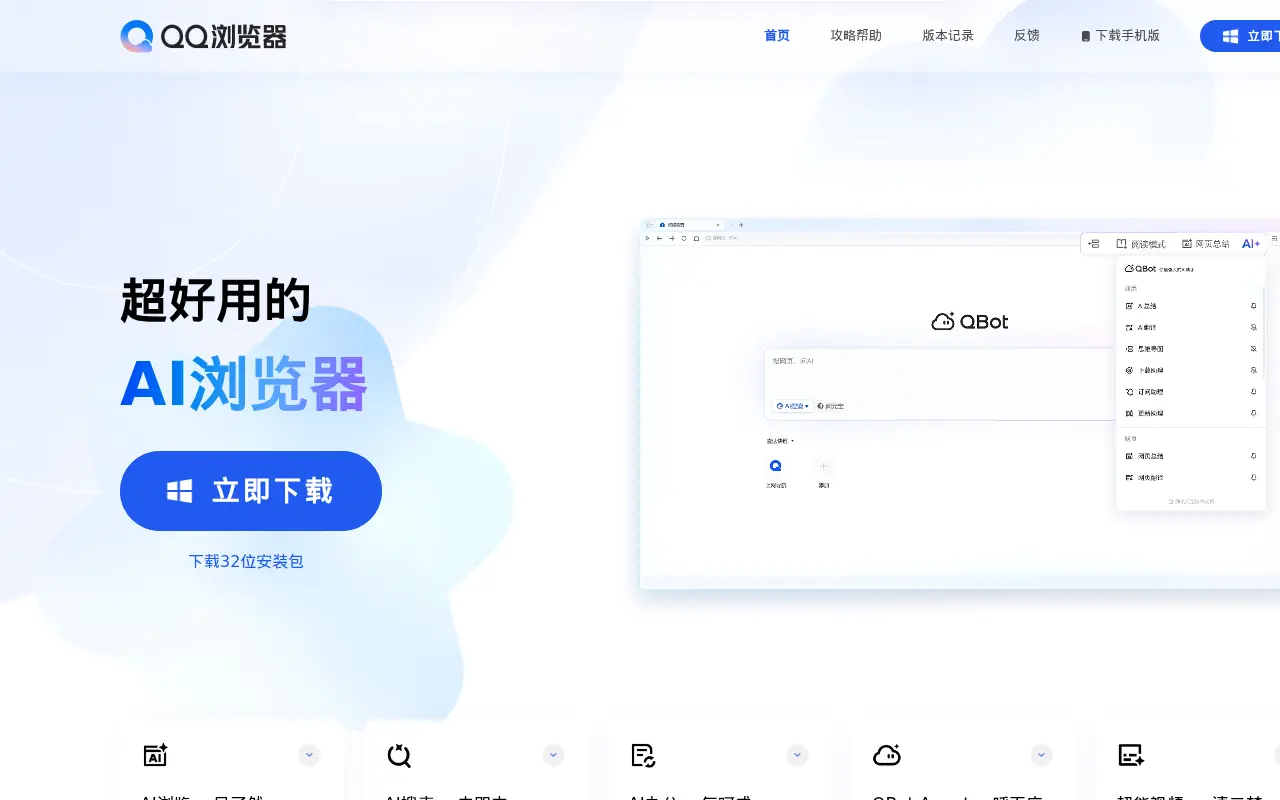

QQ Browser
QQ Browser is an AI-powered web browser developed by Tencent that integrates advanced AI tools for search, reading, writing, and office tasks.


Quark
Quark is a minimalist, AI-powered browser and search engine developed by Alibaba, featuring built-in cloud storage, document scanning, and smart assistant tools.
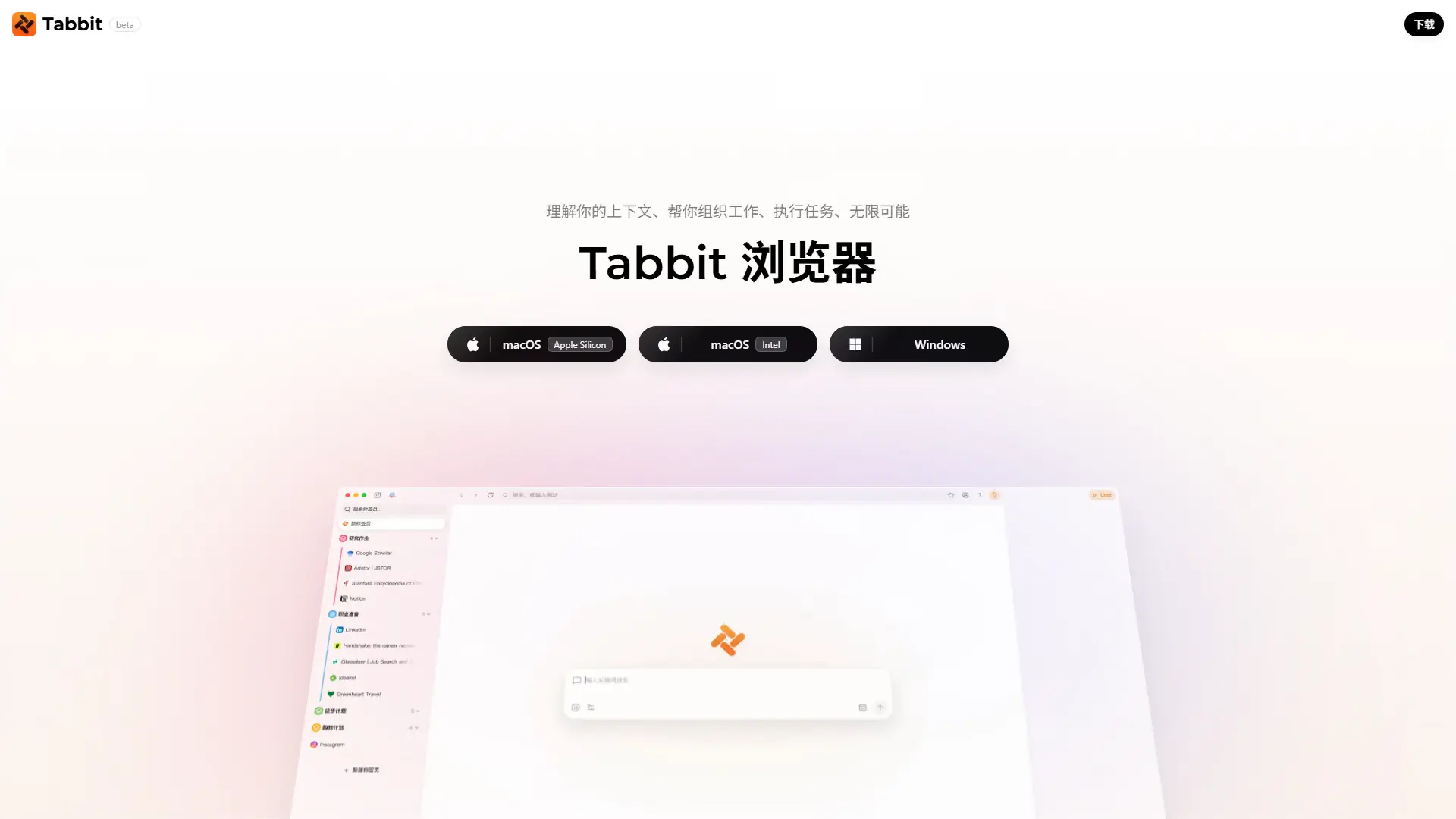

Tabbit AI
Upgrade your workflow with Tabbit, a free AI-native browser that automates repetitive tasks, intelligently organizes tabs, and reads multiple web pages simultaneously.
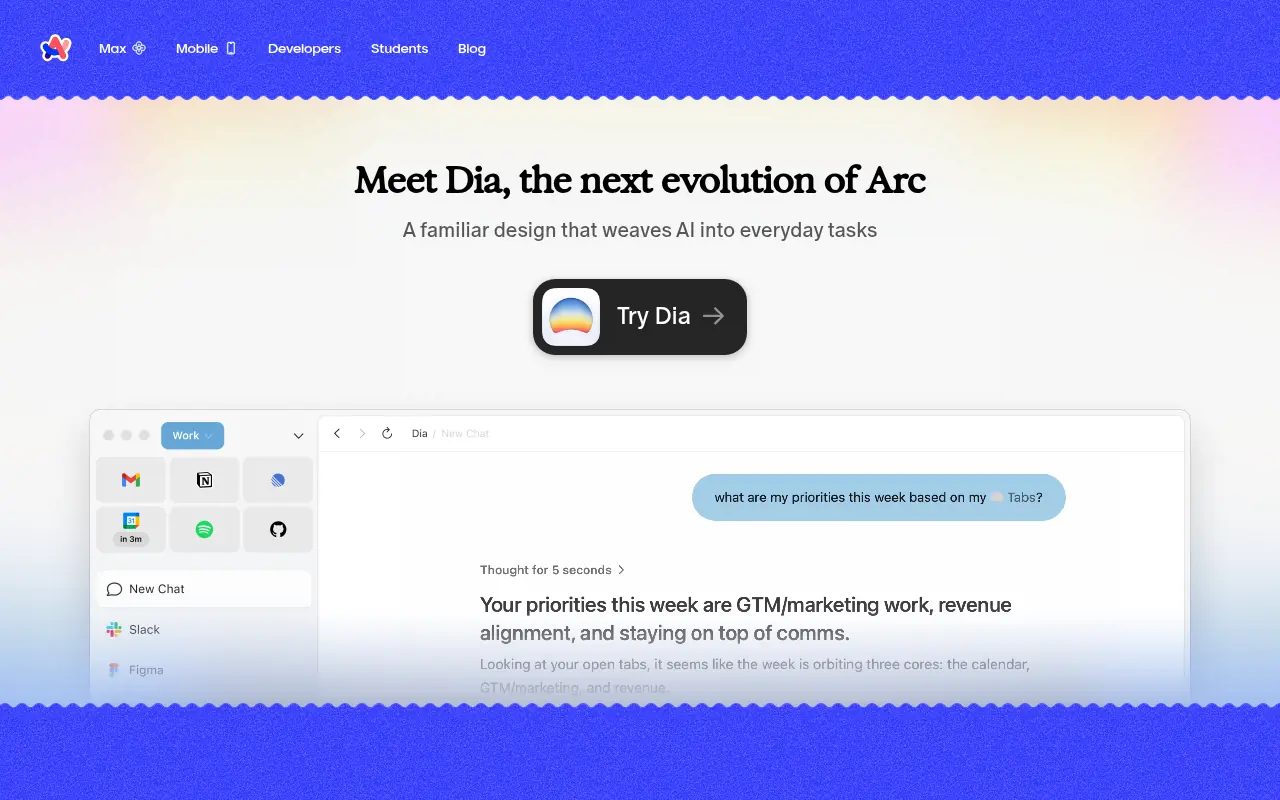

Arc
Arc is an innovative web browser designed to organize your online life with customizable workspaces, seamless tab management, and built-in AI tools.


SigmaOS
SigmaOS is a productivity-focused web browser designed to enhance workflow efficiency through intelligent tab management and AI-powered tools.
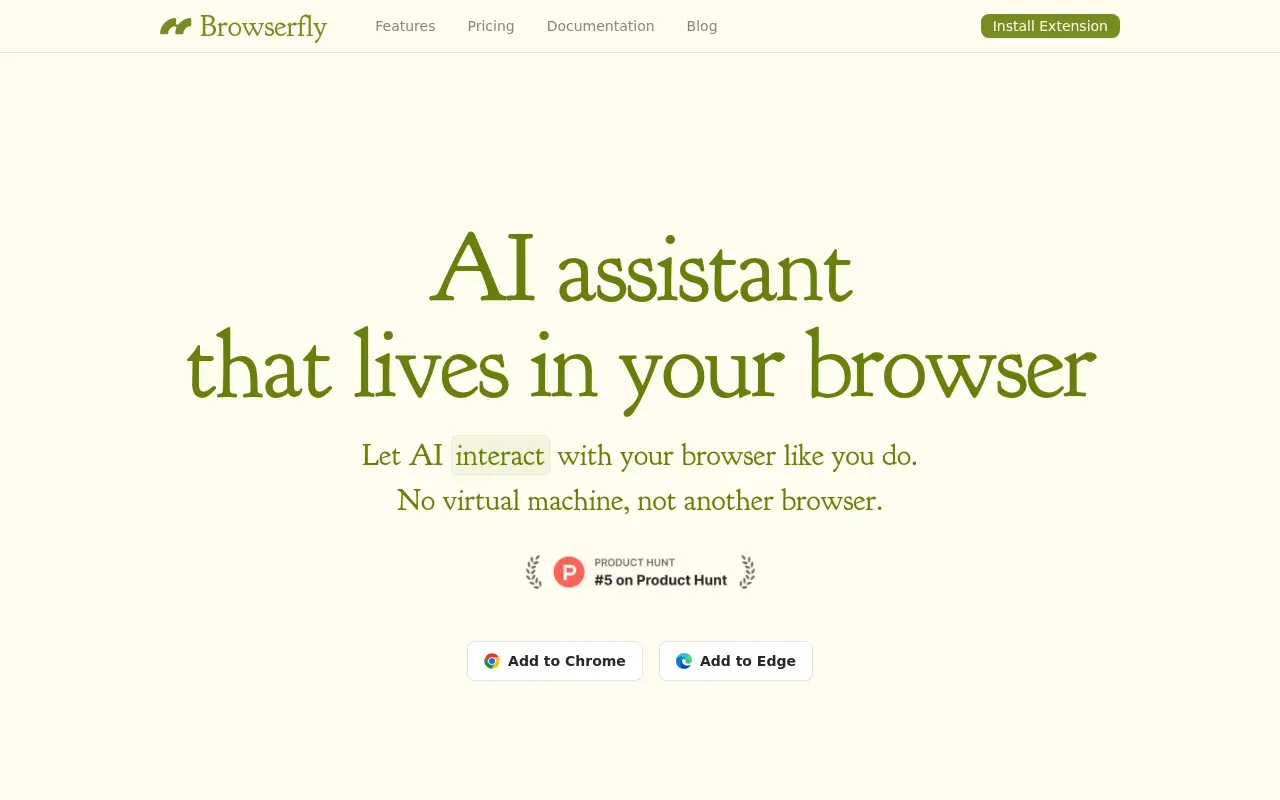

Browserfly
Browserfly is an AI agent that integrates into your browser to automate tasks, summarize content, and enhance web interactions.
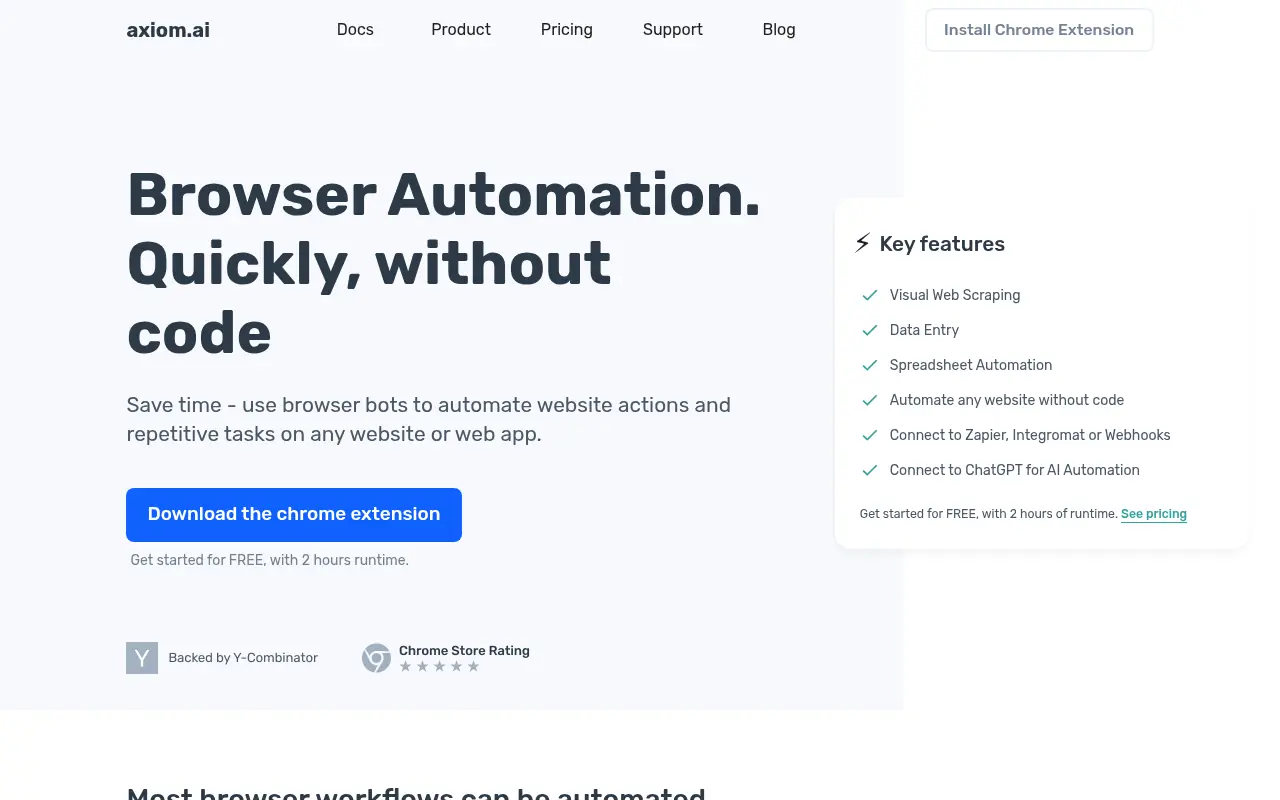

Axiom.ai
Axiom.ai is a no-code browser automation tool that enables users to create bots for automating repetitive web tasks and data scraping.
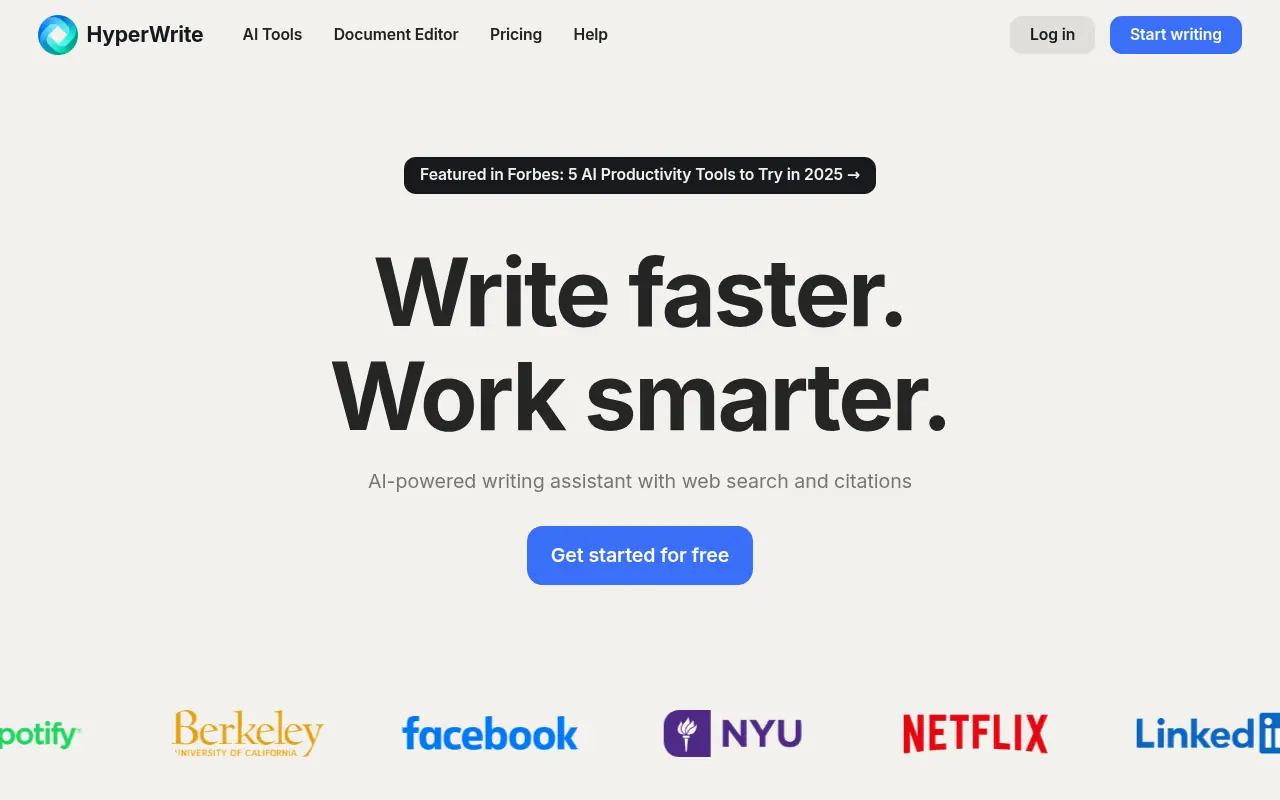

HyperWrite
HyperWrite is an AI-powered writing assistant that enhances productivity and creativity for content creation and communication.