

Pinokio
What is Pinokio?
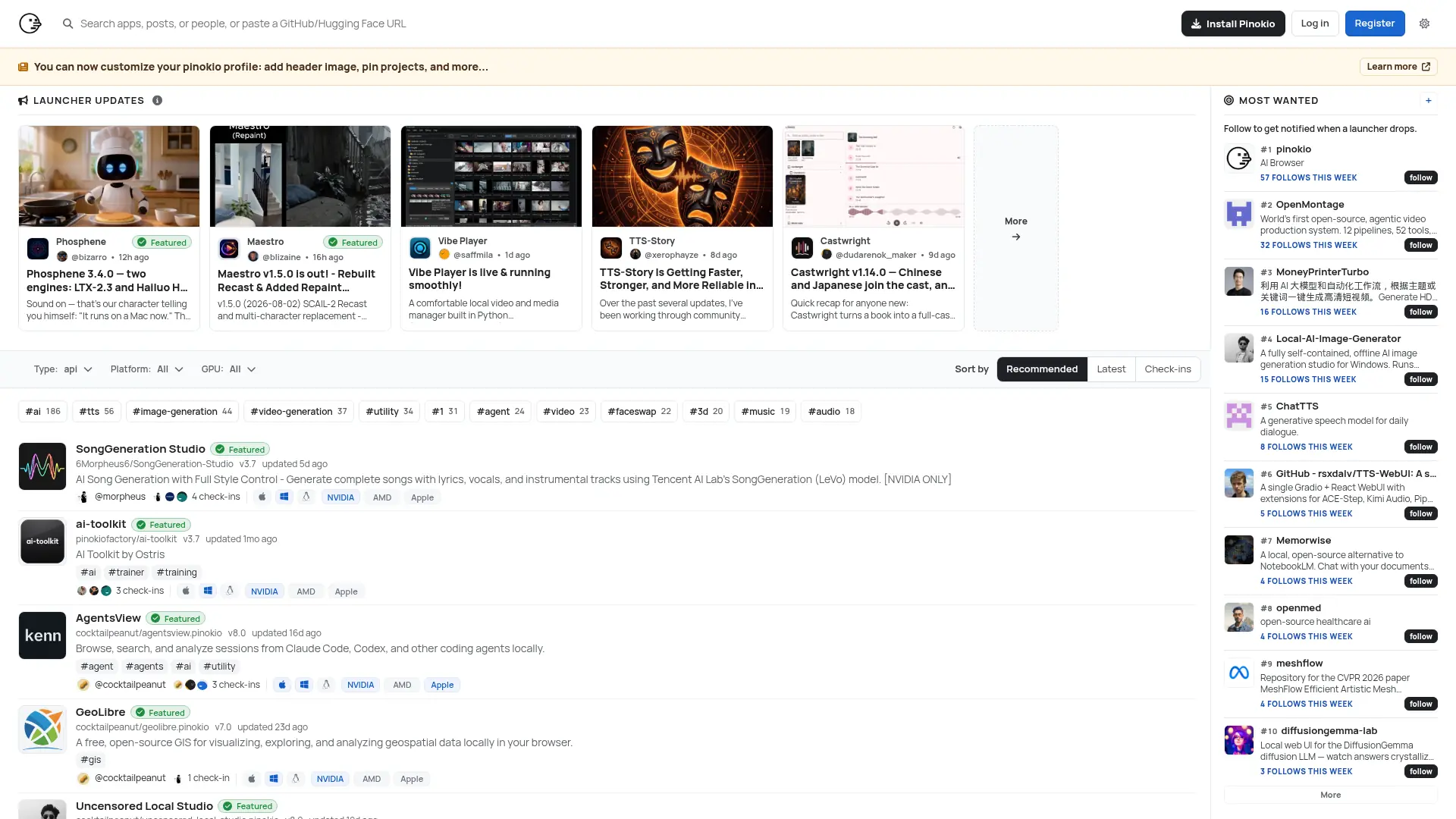
Pinokio is a free, open-source desktop platform for installing and running open-source applications, AI models, agents, and web servers locally. It combines a graphical interface with programmable JSON and JavaScript scripts that can execute commands, manage files, install dependencies, and launch local services. The platform includes tools such as Python, Node.js, Bun, Git, Conda, FFmpeg, and package managers, reducing manual environment setup. It is designed for developers, AI enthusiasts, researchers, and creators who want to run local-first software without relying entirely on hosted platforms. Its main differentiator is a one-click launcher and discovery directory for local applications, supported by isolated app folders and reviewed scripts.
How to use Pinokio?
1. Download and install Pinokio for macOS, Windows, or Linux, then choose its local home folder; 2. Browse the Store or add an open-source repository and select an app or launcher to install; 3. Open the installed app, let Pinokio configure its environment, and launch the local interface or service.
Pinokio's Core Features
One-Click App Launchers: Install and start compatible open-source applications without repeating complex setup commands.
App Discovery Store: Browse featured and community-submitted launchers organized by application type, platform, and GPU support.
Local Runtime Bundle: Use included tools such as Python, Node.js, Bun, Git, Conda, FFmpeg, and package managers to reduce environment conflicts.
Isolated App Environments: Keep downloaded applications, binaries, logs, caches, and virtual environments inside the Pinokio home directory.
Programmable Scripts: Automate installation, configuration, file operations, shell commands, and server startup with JSON or JavaScript scripts.
Built-In Terminals: Open shell, Python, virtual-environment, or Conda sessions directly from an app workspace.
Reusable Tasks and Plugins: Create shareable task packages and extend applications with global or app-specific plugins.
Local Web App Hosting: Run local AI tools and web servers through browser-accessible localhost interfaces.
Supply Chain Protection: Apply package freshness controls to supported npm, uv, and Bun installation workflows.
GitHub Publishing Tools: Publish applications or workspaces through the GitHub account connected to Pinokio.
Pinokio's Use Cases
- #1
Install and run local image-generation interfaces without manually configuring Python dependencies
- #2
Launch open-source speech synthesis, voice cloning, or transcription tools on a personal computer
- #3
Set up local AI agents with reusable tasks, plugins, workspaces, and model endpoints
- #4
Run open-source video, audio, music, and 3D-generation applications through a unified desktop workflow
- #5
Create a one-click launcher for a personal GitHub project or local web application
- #6
Experiment with AI models privately on supported NVIDIA, AMD, or Apple hardware
- #7
Host local web apps and development servers with bundled runtimes and package managers
Frequently Asked Questions
Analytics of Pinokio
Monthly Visits Trend: Jun 2025 - Aug 2026
Traffic Sources
AI Channel Traffic Trends
Top Regions
| Region | Traffic Share |
|---|---|
| United States | 18.11% |
| India | 9.32% |
| Brazil | 5.29% |
| Germany | 4.87% |
| Russia | 4.51% |
Top Keywords
| Keyword | Traffic | CPC |
|---|---|---|
| pinokio | 89.8K | $1.57 |
| pinokio ai | 29.5K | $1.26 |
| pinokio download | 4.9K | $0.43 |
| pinocchio ai | 2.2K | $2.42 |
| pinokio computer | 1.6K | -- |
Alternative of Pinokio

Sigma Browser
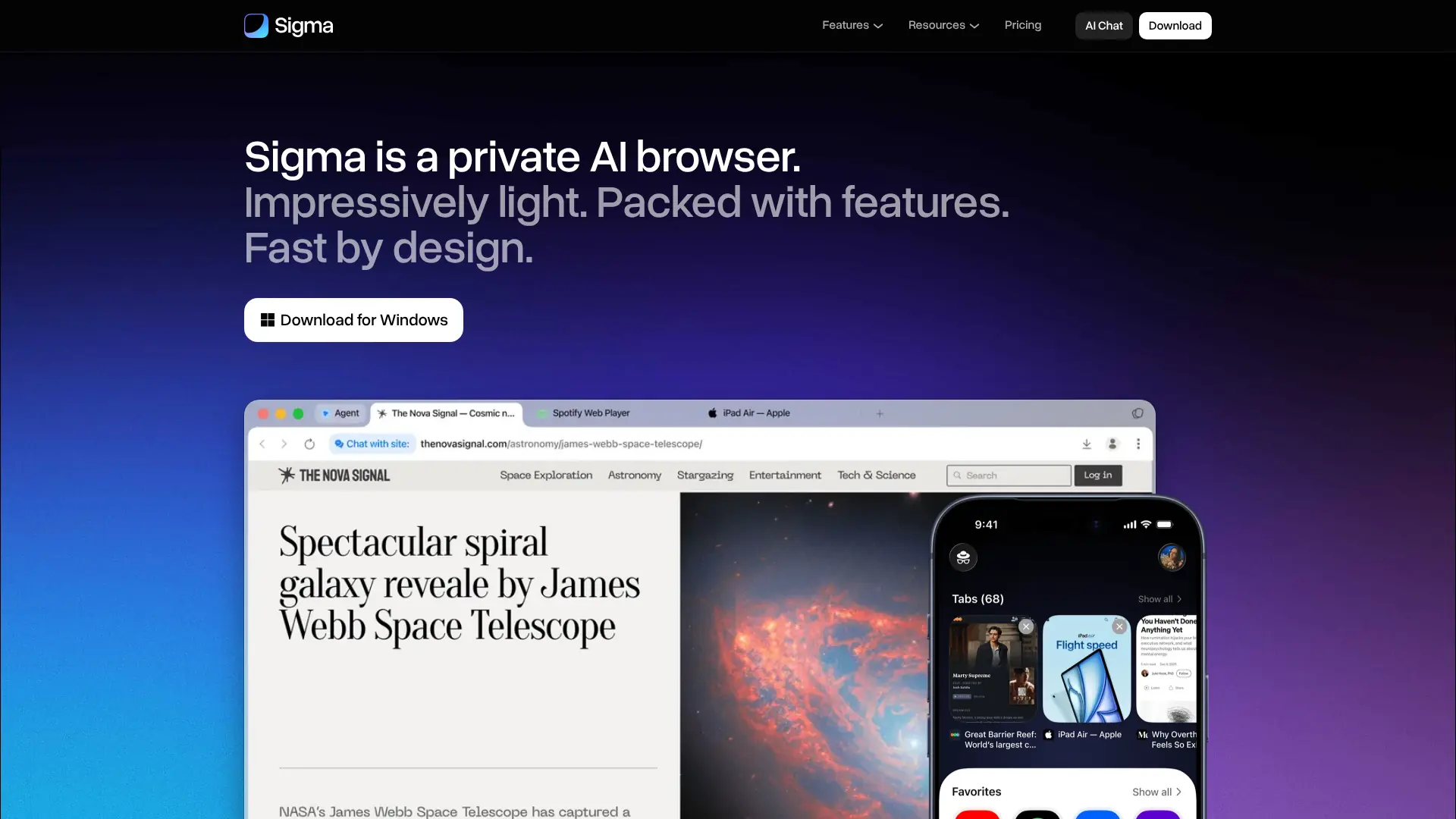
Browse, research, create, and automate online tasks with a privacy-focused AI browser that combines local intelligence with an action-taking web agent.

Quark
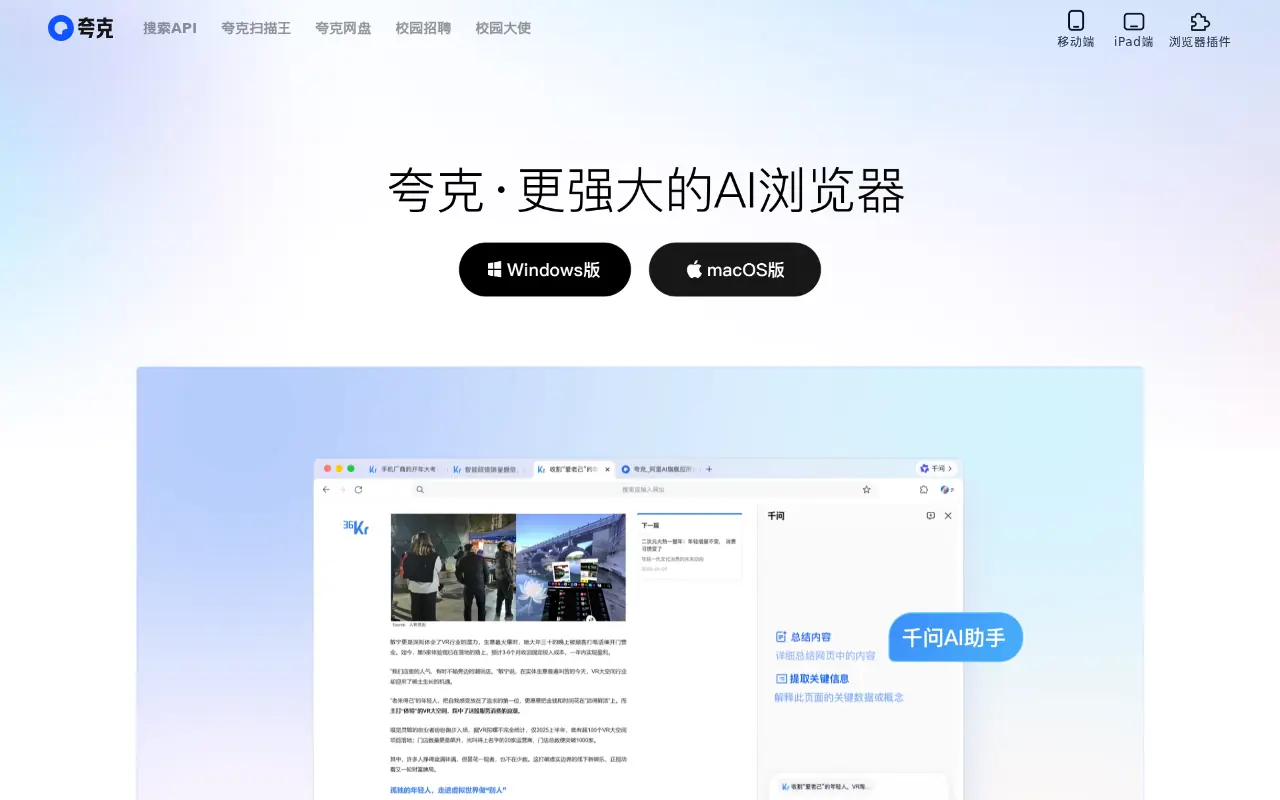
Quark is a minimalist, AI-powered browser and search engine developed by Alibaba, featuring built-in cloud storage, document scanning, and smart assistant tools.

Tabbit AI
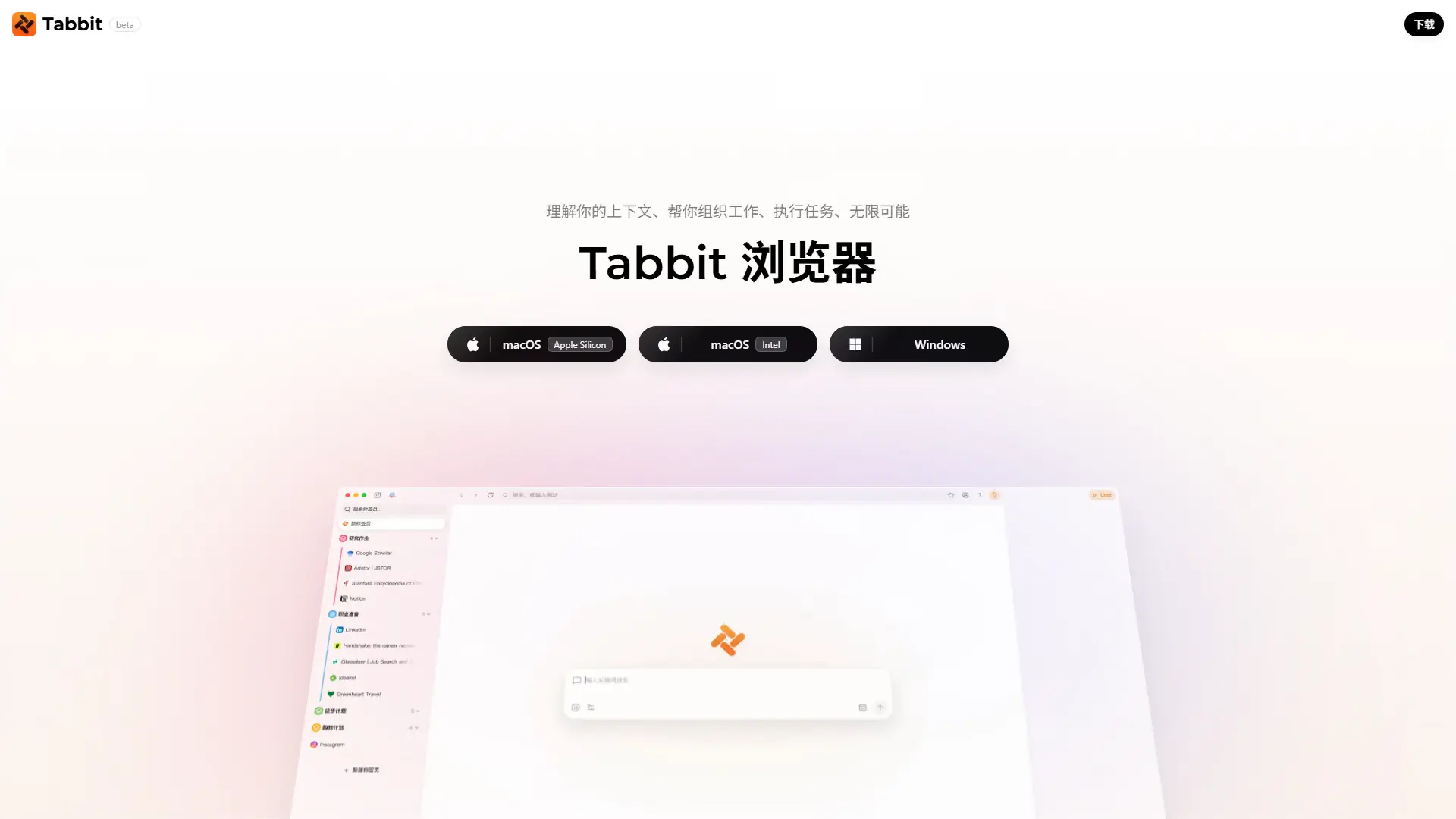
Upgrade your workflow with Tabbit, a free AI-native browser that automates repetitive tasks, intelligently organizes tabs, and reads multiple web pages simultaneously.
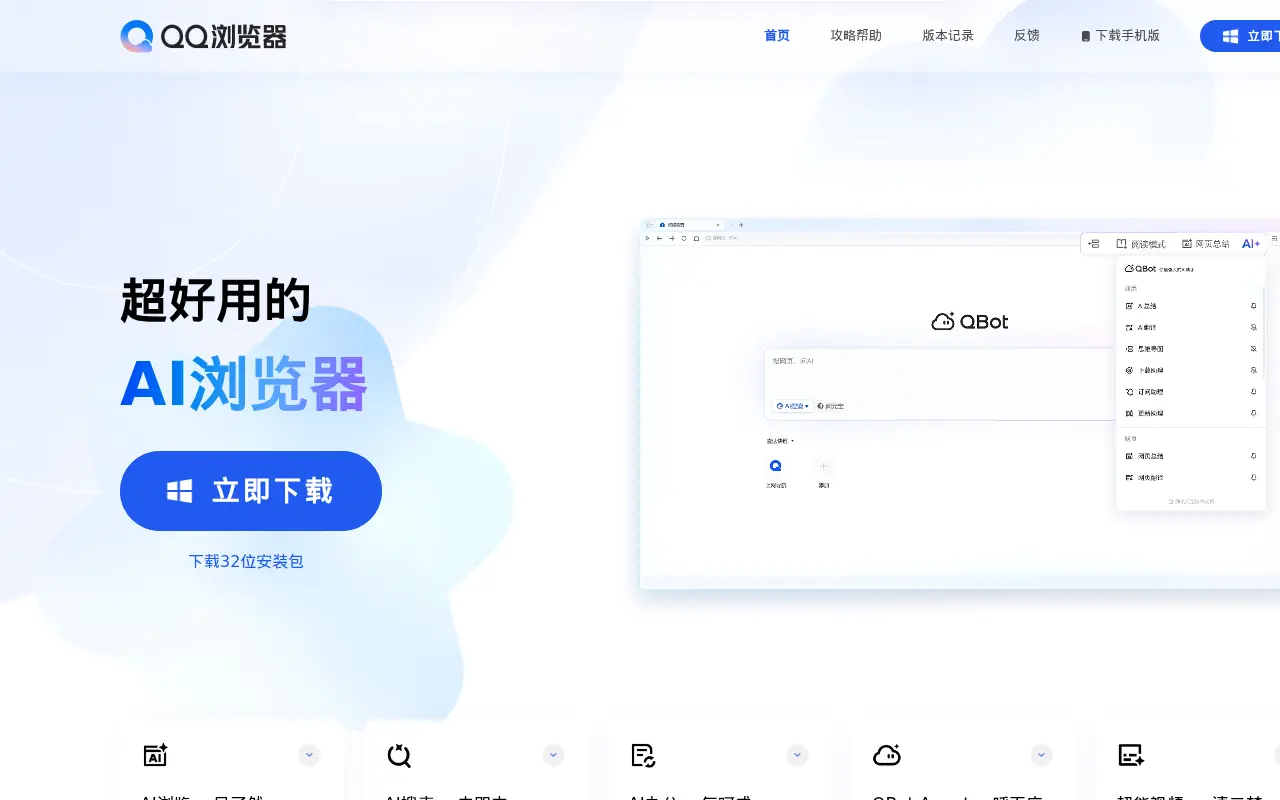

QQ Browser
QQ Browser is an AI-powered web browser developed by Tencent that integrates advanced AI tools for search, reading, writing, and office tasks.

SigmaOS
SigmaOS is a productivity-focused web browser designed to enhance workflow efficiency through intelligent tab management and AI-powered tools.
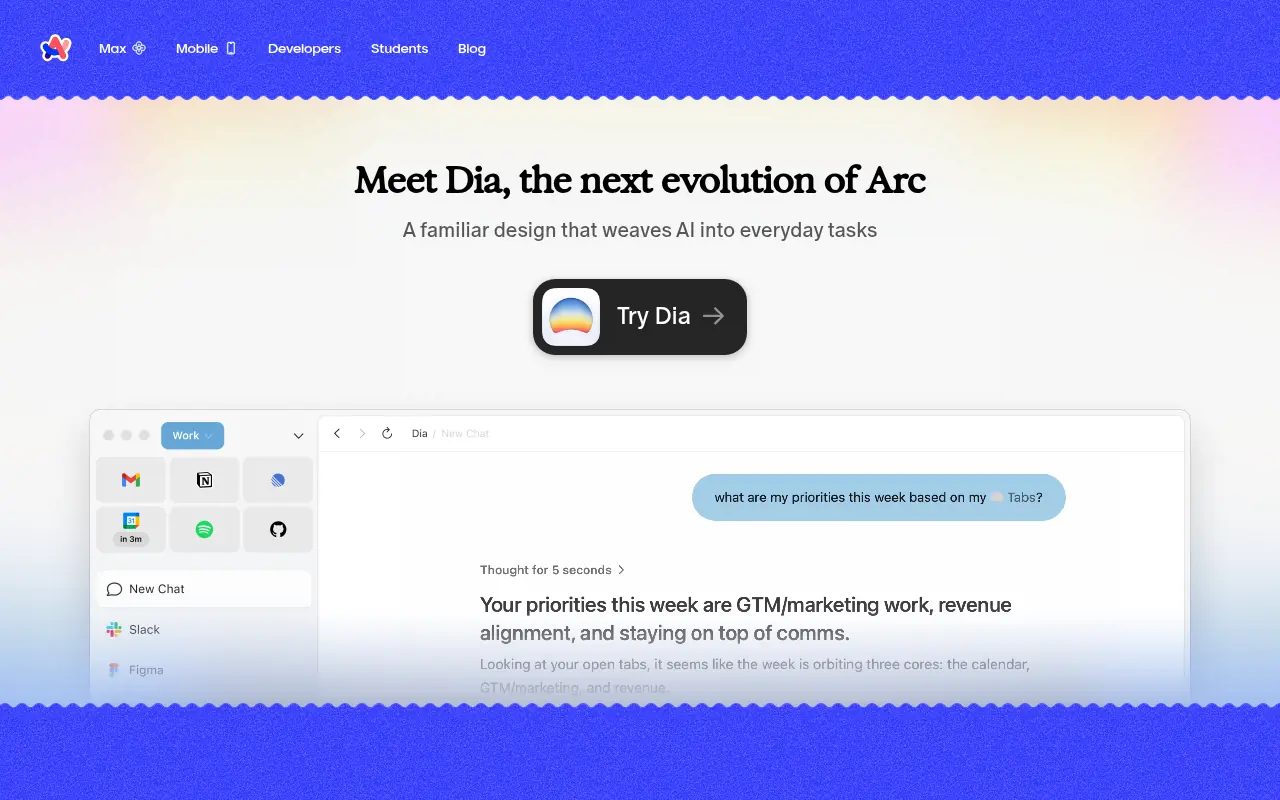

Arc
Arc is an innovative web browser designed to organize your online life with customizable workspaces, seamless tab management, and built-in AI tools.
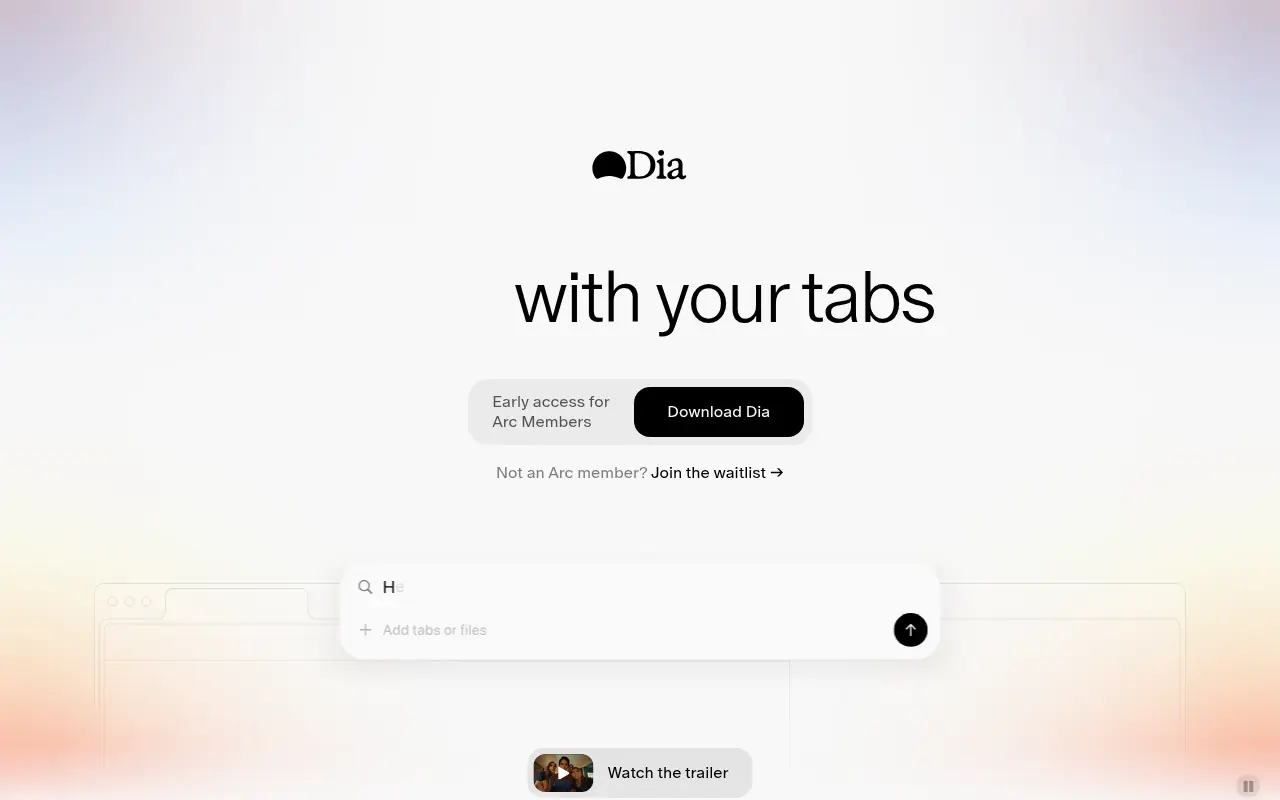

Dia Browser
Dia Browser is an AI-native web browser that integrates a smart assistant into the URL bar, allowing you to chat directly with your tabs, automate workflows, and boost productivity.
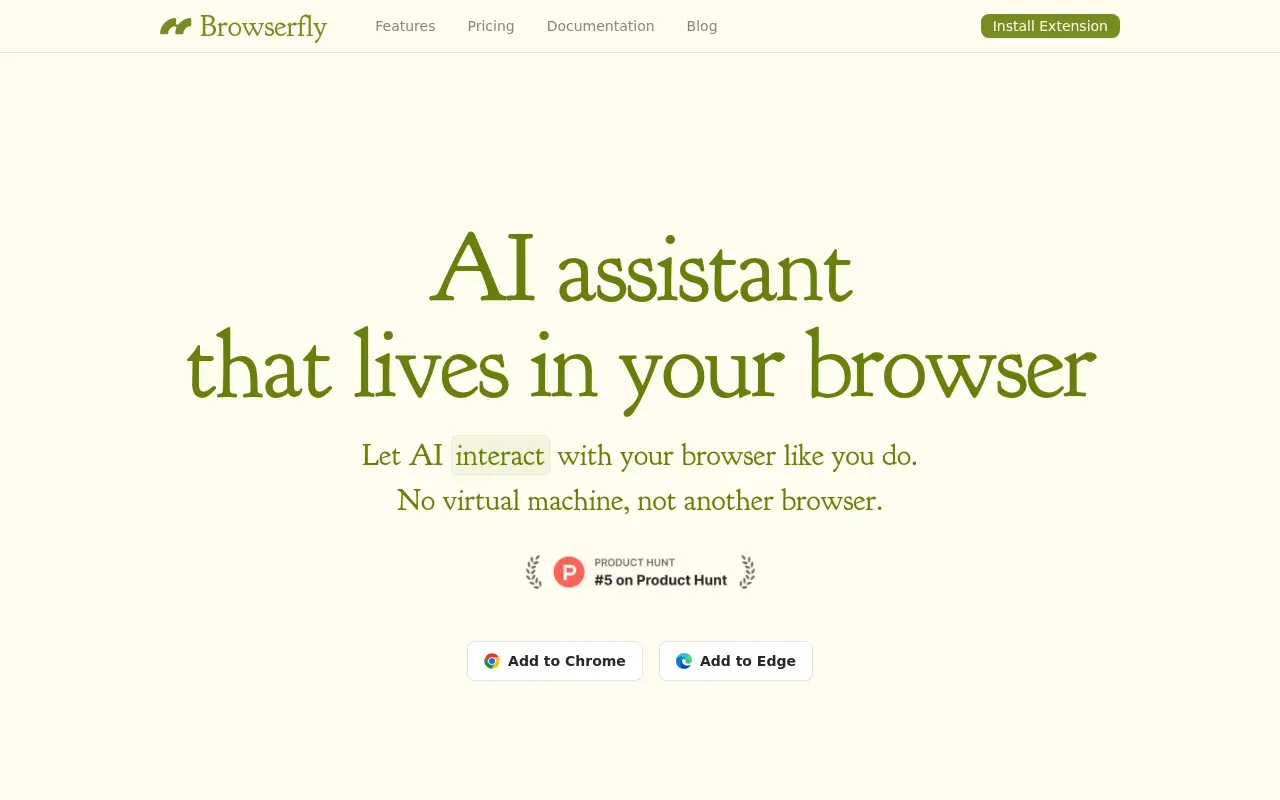

Browserfly
Browserfly is an AI agent that integrates into your browser to automate tasks, summarize content, and enhance web interactions.