

Arc
What is Arc?
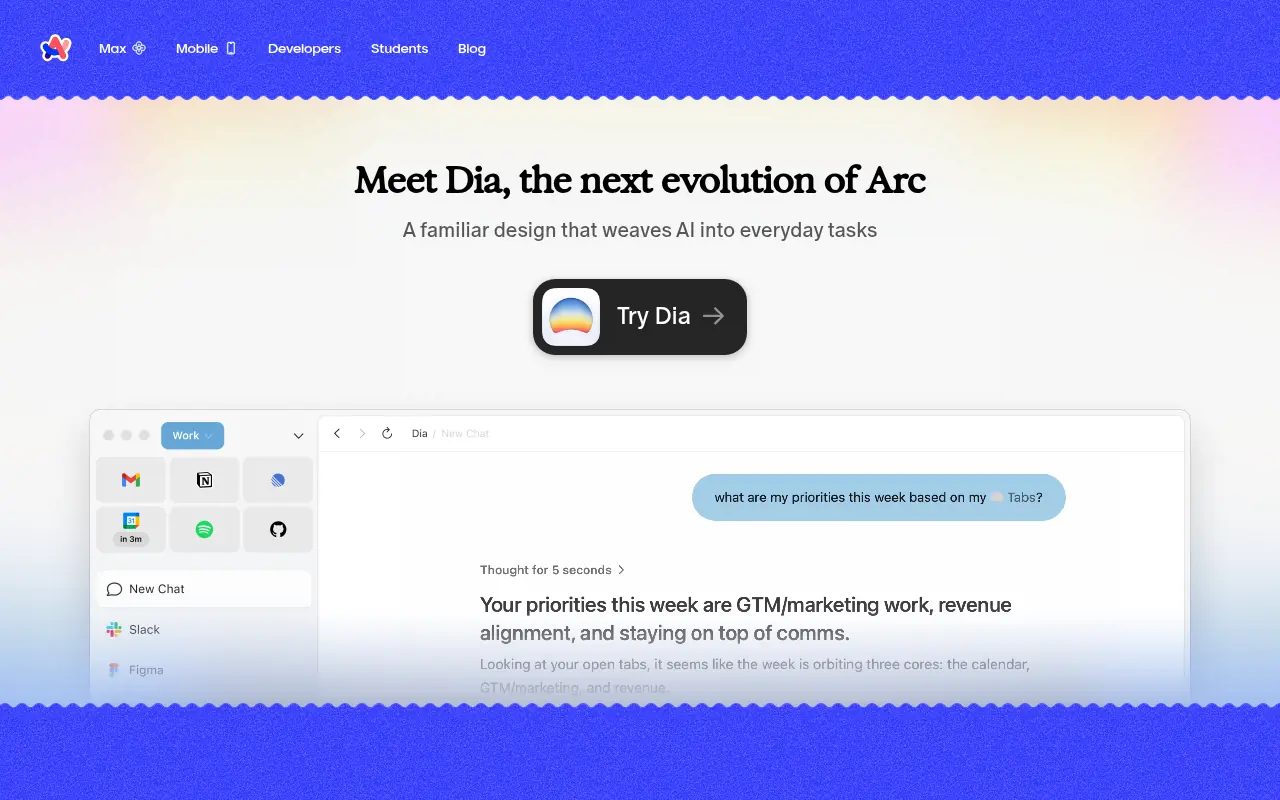
Arc is a modern web browser developed by The Browser Company that reimagines how users interact with the internet. Instead of traditional horizontal tabs, it utilizes a vertical sidebar that houses tabs, bookmarks, and distinct workspaces called Spaces. The browser's mission is to act as an operating system for the web, reducing digital clutter and enhancing focus. With integrated AI features known as Arc Max, it helps users summarize pages, rename files intelligently, and search more efficiently. Ultimately, Arc serves users by streamlining their workflow and bringing a highly customizable, personalized feel to daily web browsing.
How to use Arc?
To use Arc, download and install the browser from the official website, then create an account to sync your preferences. Begin by setting up 'Spaces' to separate different contexts of your life, such as work, personal, and hobbies, keeping each environment distinct. Use the Command Bar (Cmd+T or Ctrl+T) as your central hub to navigate, search the web, or open new tabs quickly without using your mouse. Pin frequently used sites to the top of your sidebar for easy access, and utilize the split view feature to work on multiple tabs side-by-side on a single screen.
Arc's Core Features
Spaces allow you to organize tabs and bookmarks by different contexts like work or personal.
The vertical sidebar replaces traditional top tabs to maximize screen real estate and reduce visual clutter.
Split View lets you view and interact with up to four tabs side-by-side in the same browser window.
Arc Max integrates AI to summarize webpages, ask questions about page content, and intelligently rename downloaded files.
The Command Bar provides a lightning-fast way to search the web, open tabs, or access browser settings using keyboard shortcuts.
Easels provide a built-in interactive whiteboard for capturing screenshots, writing notes, and sketching ideas.
Boosts allow you to visually customize the color, font, and layout of any specific website to suit your personal preferences.
Arc's Use Cases
- #1
Organizing work, personal, and hobby browsing into distinct visual Spaces.
- #2
Using split view to compare documents side-by-side without opening multiple windows.
- #3
Summarizing long articles and web pages quickly using Arc Max AI features.
- #4
Keeping a clean digital desktop by automatically archiving unused tabs.
- #5
Taking visual notes, saving snippets, and creating mood boards using built-in Easels.
- #6
Customizing the appearance and layout of frequently visited websites using Boosts.
Frequently Asked Questions
Analytics of Arc
Monthly Visits Trend: Jun 2025 - Sep 2026
Traffic Sources
AI Channel Traffic Trends
Top Regions
| Region | Traffic Share |
|---|---|
| United States | 30.07% |
| United Kingdom | 4.93% |
| India | 4.84% |
| France | 4.57% |
| China | 3.84% |
Top Keywords
| Keyword | Traffic | CPC |
|---|---|---|
| arc browser | 92.0K | $1.92 |
| arc | 295.8K | $1.11 |
| arc download | 2.6K | $3.41 |
| arc browser download | 2.4K | $2.34 |
| arc search | 1.8K | $1.40 |
Alternative of Arc


Quark
Quark is a minimalist, AI-powered browser and search engine developed by Alibaba, featuring built-in cloud storage, document scanning, and smart assistant tools.

Dia Browser
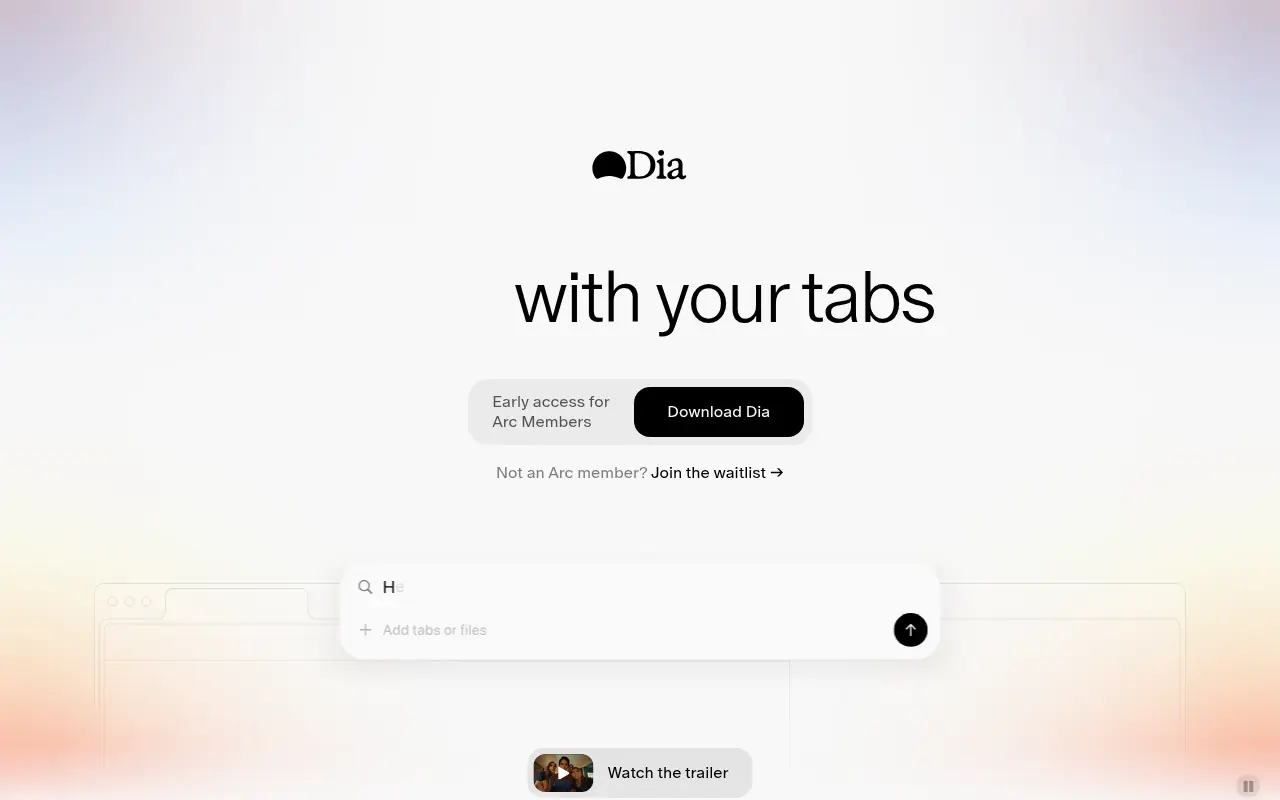
Dia Browser is an AI-native web browser that integrates a smart assistant into the URL bar, allowing you to chat directly with your tabs, automate workflows, and boost productivity.


QQ Browser
QQ Browser is an AI-powered web browser developed by Tencent that integrates advanced AI tools for search, reading, writing, and office tasks.

Sigma Browser
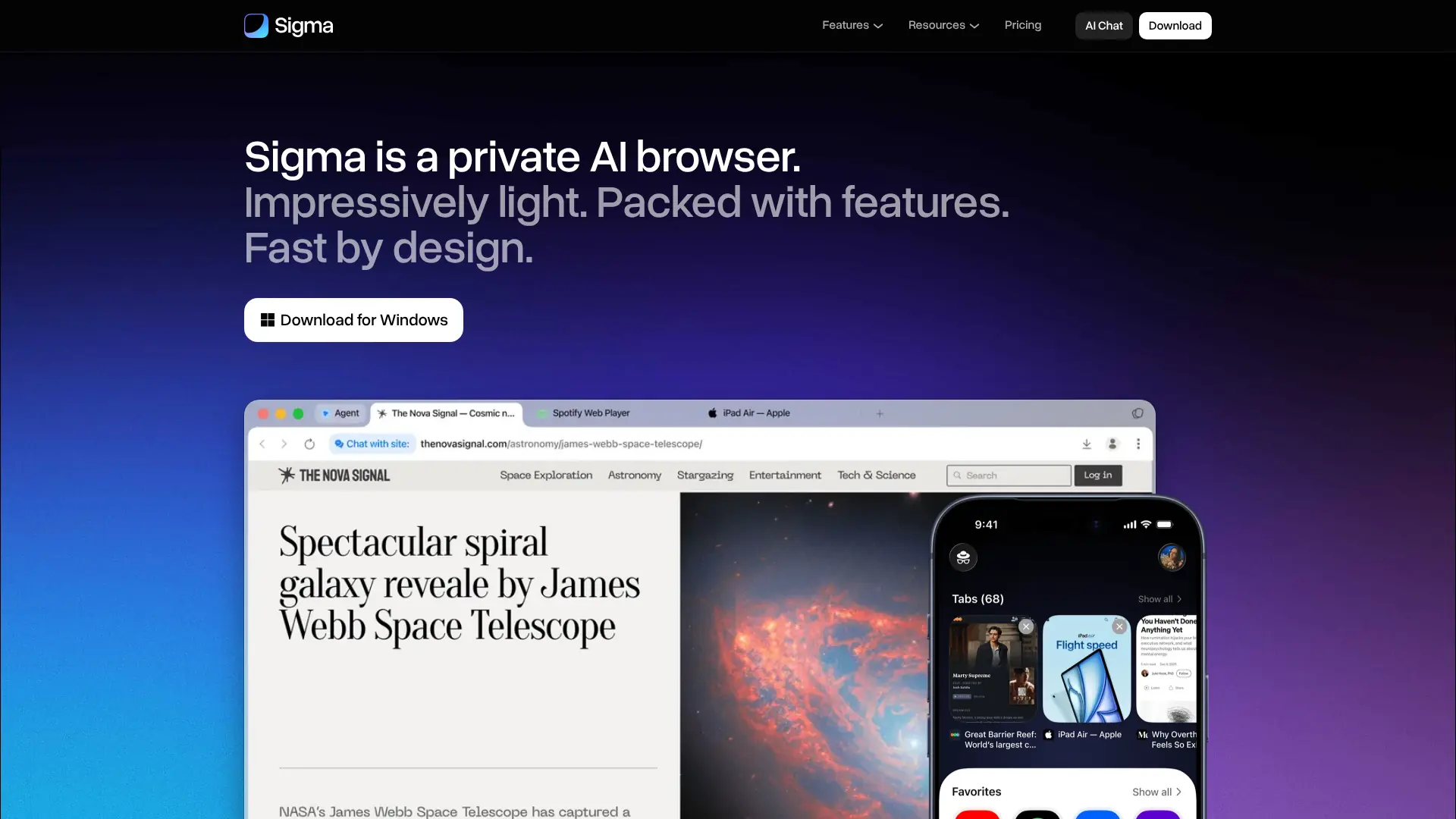
Browse, research, create, and automate online tasks with a privacy-focused AI browser that combines local intelligence with an action-taking web agent.

Pinokio
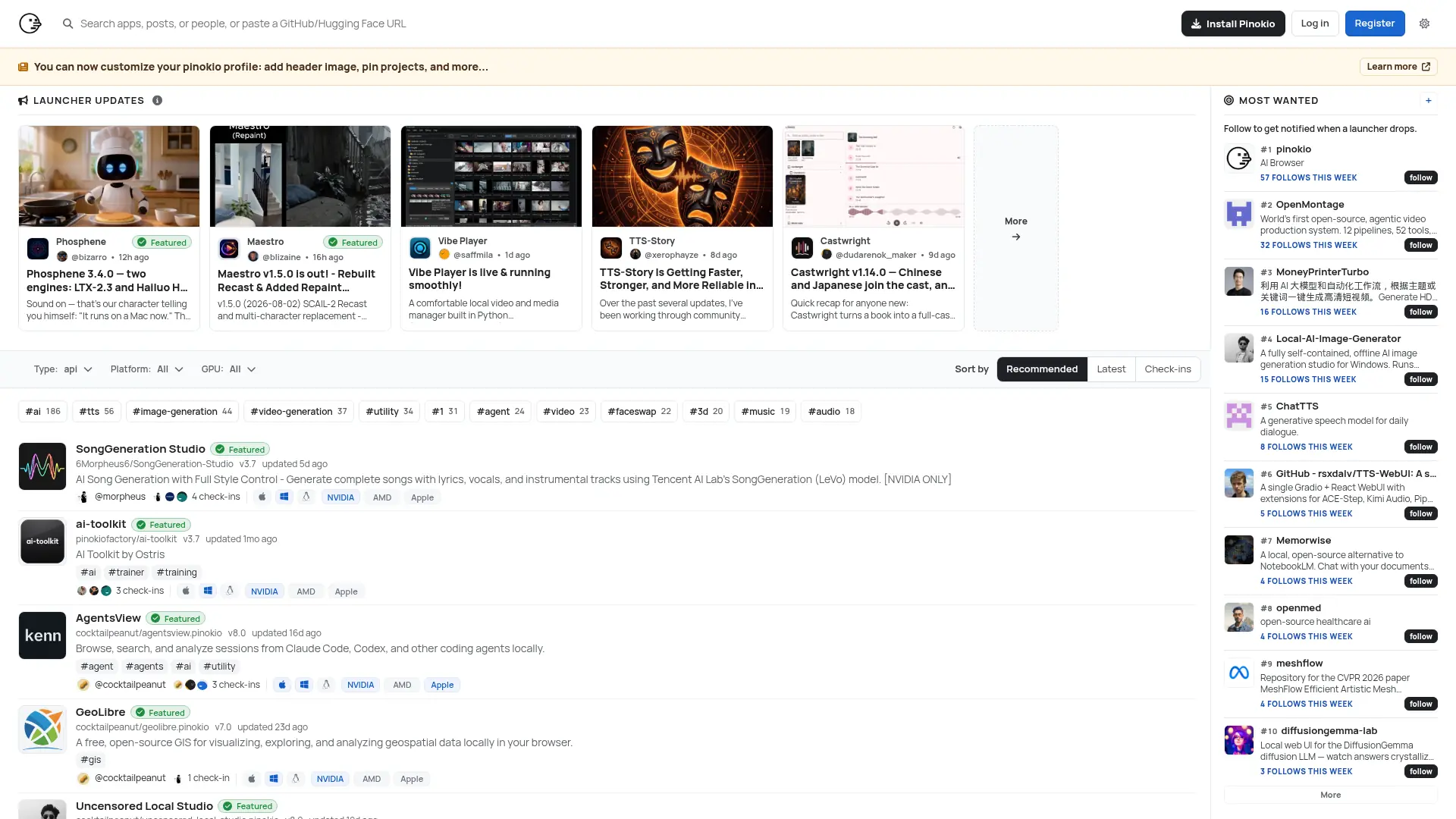
Run open-source AI apps, agents, and local services with one-click installation, isolated environments, and a built-in desktop interface.


SigmaOS
SigmaOS is a productivity-focused web browser designed to enhance workflow efficiency through intelligent tab management and AI-powered tools.
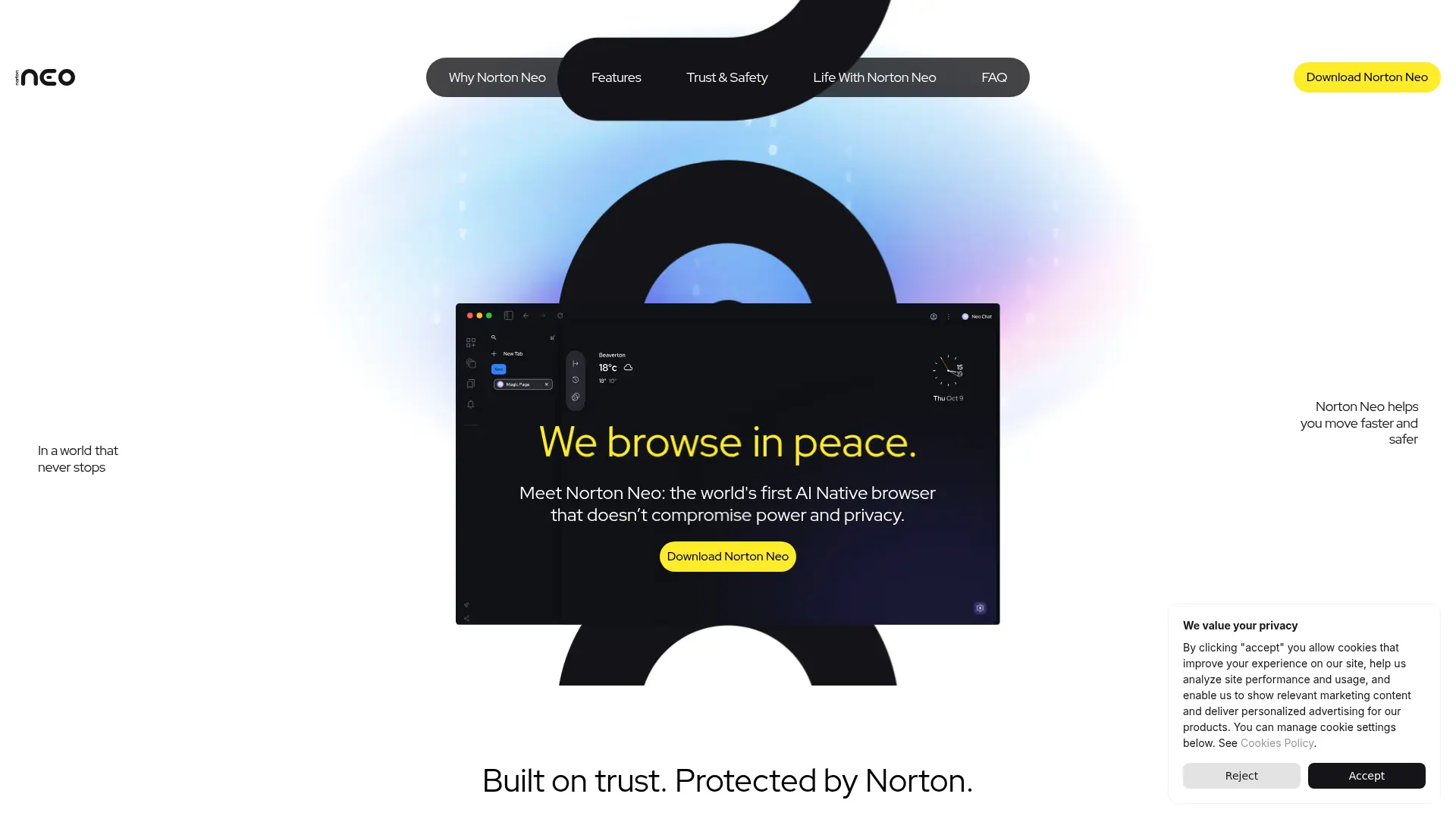

Norton Neo
Browse faster with conversational AI, built-in privacy protection, intelligent search, and focused tools for everyday web tasks.
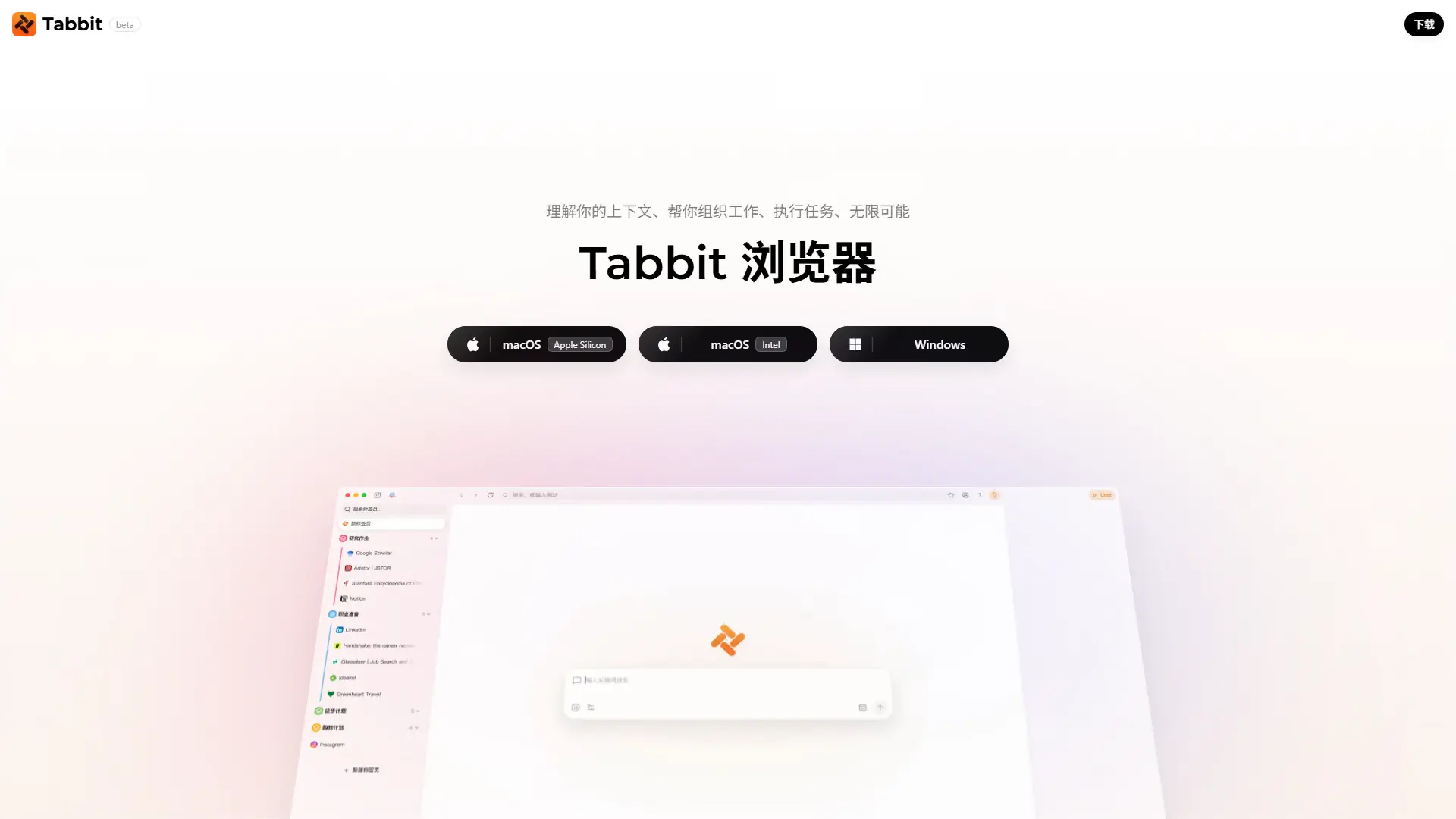

Tabbit AI
Upgrade your workflow with Tabbit, a free AI-native browser that automates repetitive tasks, intelligently organizes tabs, and reads multiple web pages simultaneously.