

Slack
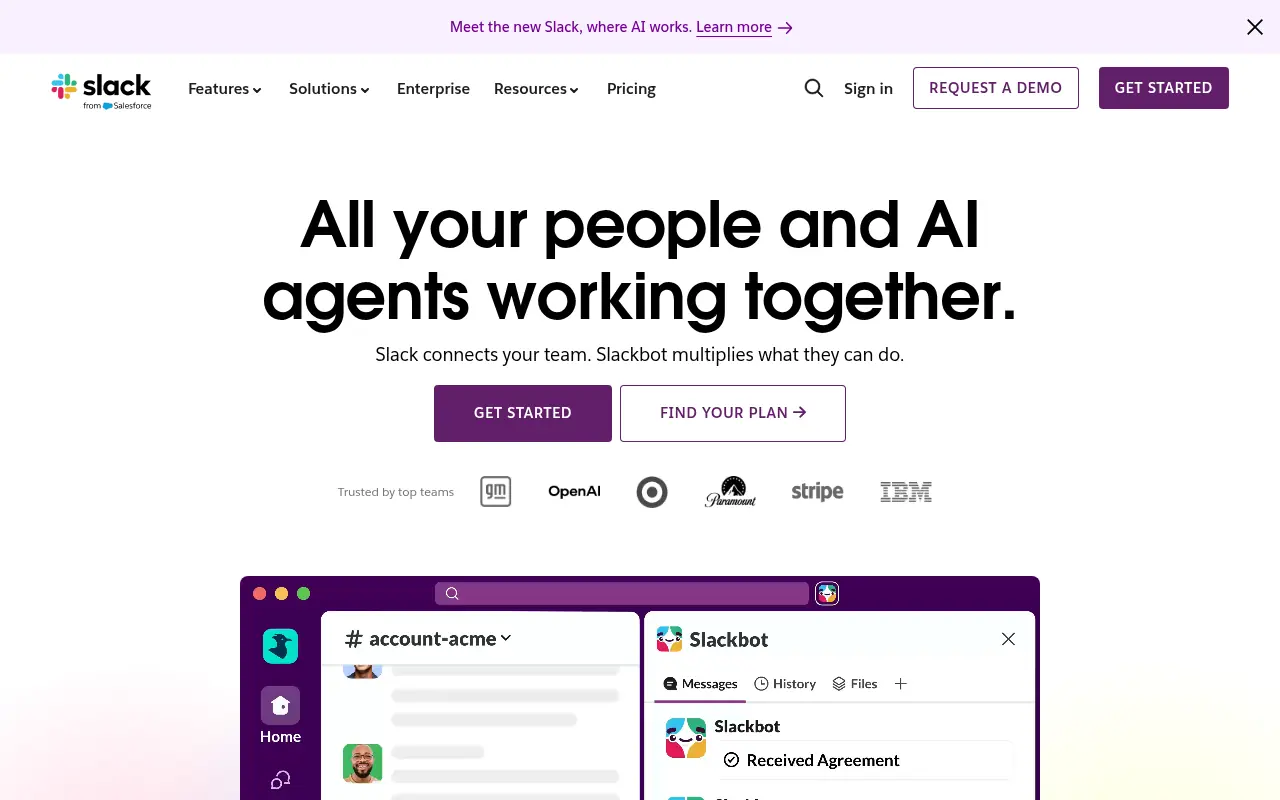
What is Slack?
Slack is an advanced productivity platform and messaging app designed to streamline communication within organizations of all sizes. It replaces traditional email with organized 'channels' that allow teams to collaborate on specific projects, topics, or departments efficiently. The platform integrates seamlessly with thousands of third-party applications, bringing essential tools, notifications, and workflows into a single interface. Its mission is to make work life simpler, more pleasant, and more productive. By enabling real-time messaging, spontaneous audio and video calls, and robust file sharing, Slack helps distributed and hybrid teams stay aligned and maintain momentum.
How to use Slack?
To use Slack effectively, sign up for an account and create or join a workspace dedicated to your organization. Once inside, set up specific channels for different projects, teams, or topics to keep conversations highly organized and focused. You can communicate using direct messages for quick one-on-one chats, utilize the 'Huddles' feature for spontaneous voice or video discussions, and integrate your frequently used daily apps like Google Drive, Jira, or Zoom directly into the platform to streamline your workflow and centralize notifications.
Slack's Core Features
Organize conversations into dedicated, searchable spaces called channels for specific projects or teams.
Send direct messages to individuals or small groups for private, ad-hoc communication.
Initiate spontaneous audio and video calls with screen sharing using the Slack Huddles feature.
Integrate thousands of external applications and services directly into your workspace ecosystem.
Search across all past conversations, channels, and shared files to quickly find historical information.
Collaborate securely with external partners, vendors, and clients using Slack Connect.
Automate routine tasks and multi-step workflows using an intuitive, no-code Workflow Builder.
Utilize built-in Slack AI to instantly generate thread summaries and catch up on missed channel messages.
Slack's Use Cases
- #1
Centralizing team communication to drastically reduce internal email volume.
- #2
Managing complex project workflows and providing real-time status updates.
- #3
Facilitating remote and hybrid work environments with instant messaging and voice huddles.
- #4
Integrating third-party software tools to receive automated alerts and monitoring notifications.
- #5
Creating dedicated, secure channels for specific client communications using Slack Connect.
- #6
Sharing files and collaborating on documents directly within chat interfaces.
- #7
Automating routine team tasks using the built-in drag-and-drop Workflow Builder.
Frequently Asked Questions
Analytics of Slack
Monthly Visits Trend: Jun 2025 - Aug 2026
Traffic Sources
AI Channel Traffic Trends
Top Regions
| Region | Traffic Share |
|---|---|
| United States | 33.30% |
| Japan | 21.63% |
| India | 5.62% |
| United Kingdom | 4.08% |
| Philippines | 2.88% |
Top Keywords
| Keyword | Traffic | CPC |
|---|---|---|
| slack | 2.7M | $1.84 |
| slack login | 170.8K | $1.90 |
| slack download | 141.5K | $2.47 |
| スラック | 52.0K | $2.06 |
| 슬랙 | 58.9K | $0.42 |
Alternative of Slack


DingTalk
DingTalk is a comprehensive enterprise collaboration and communication platform designed to enhance workplace productivity through integrated messaging, meetings, and AI-powered workflows.
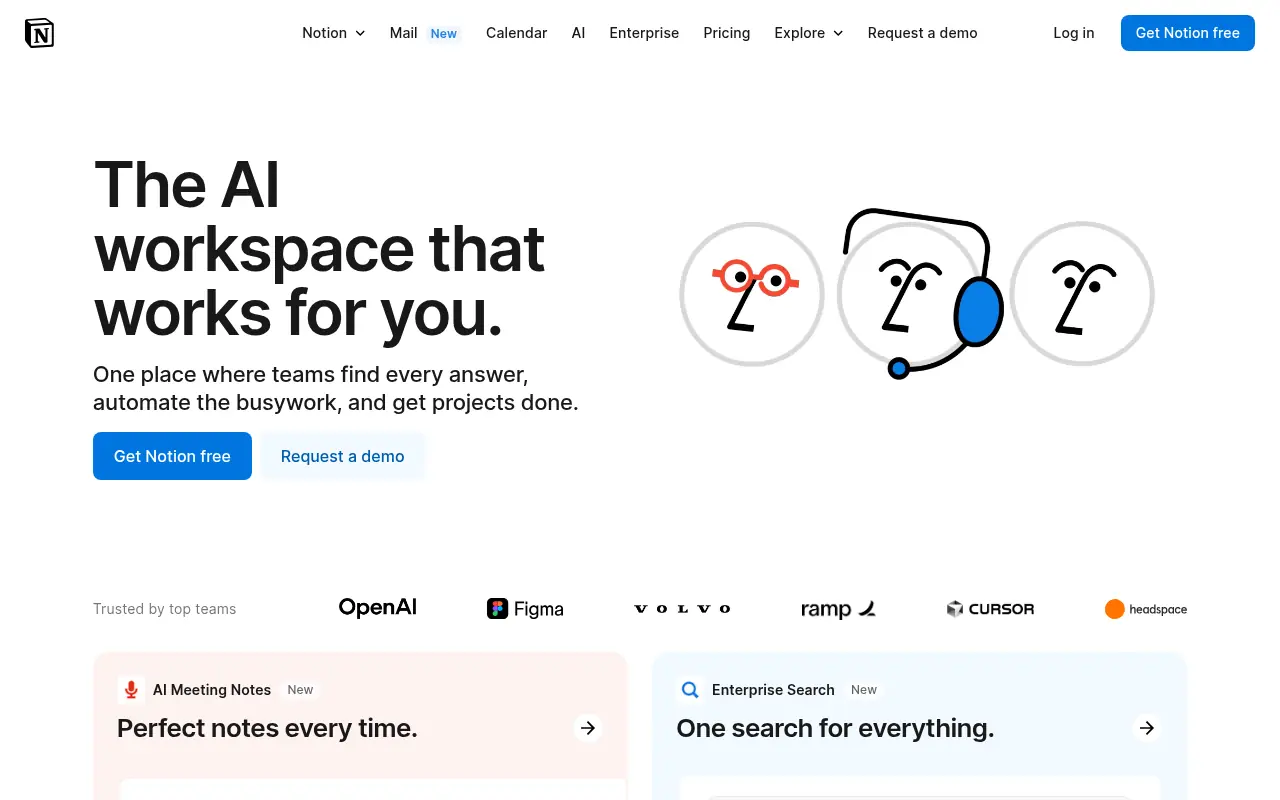

Notion
Notion is an all-in-one workspace for note-taking, project management, and team collaboration with AI-powered tools.
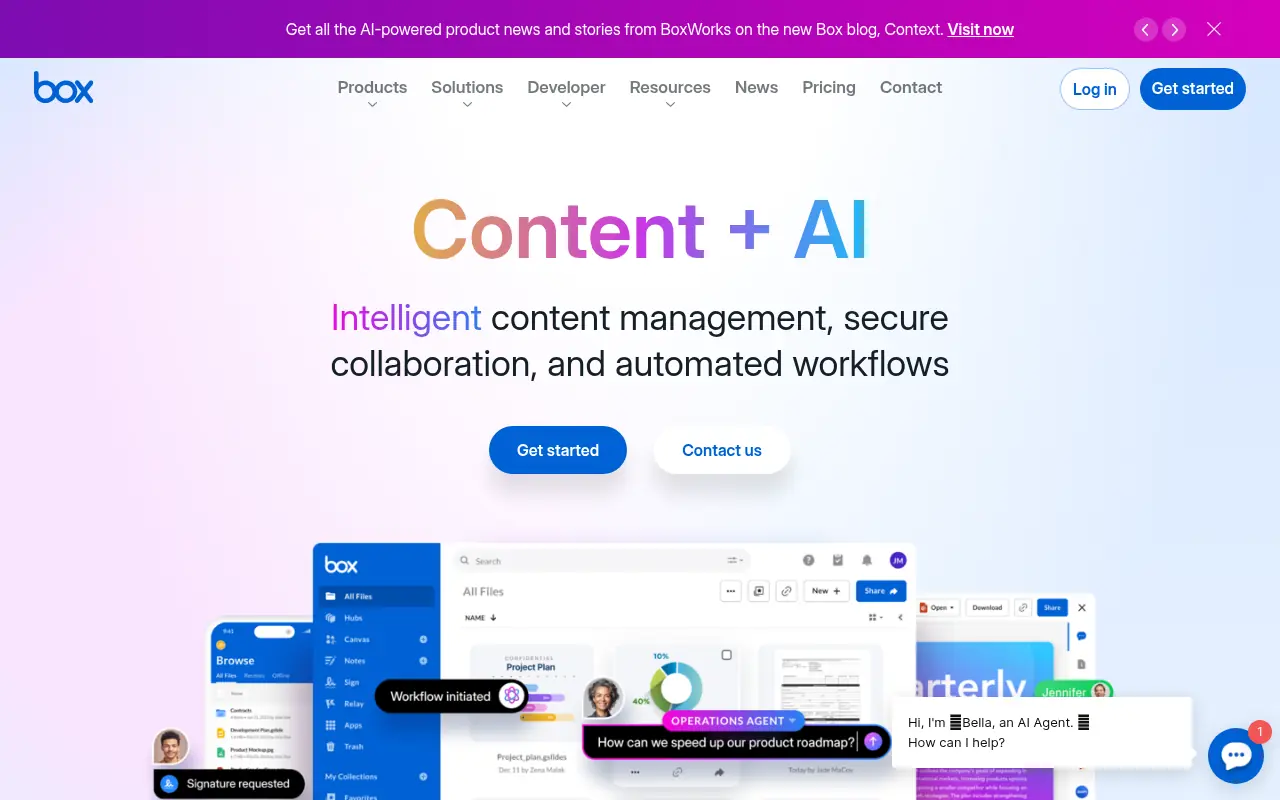

Box
Box is a cloud-based platform that enables secure file storage, sharing, collaboration, and content management for individuals and businesses.
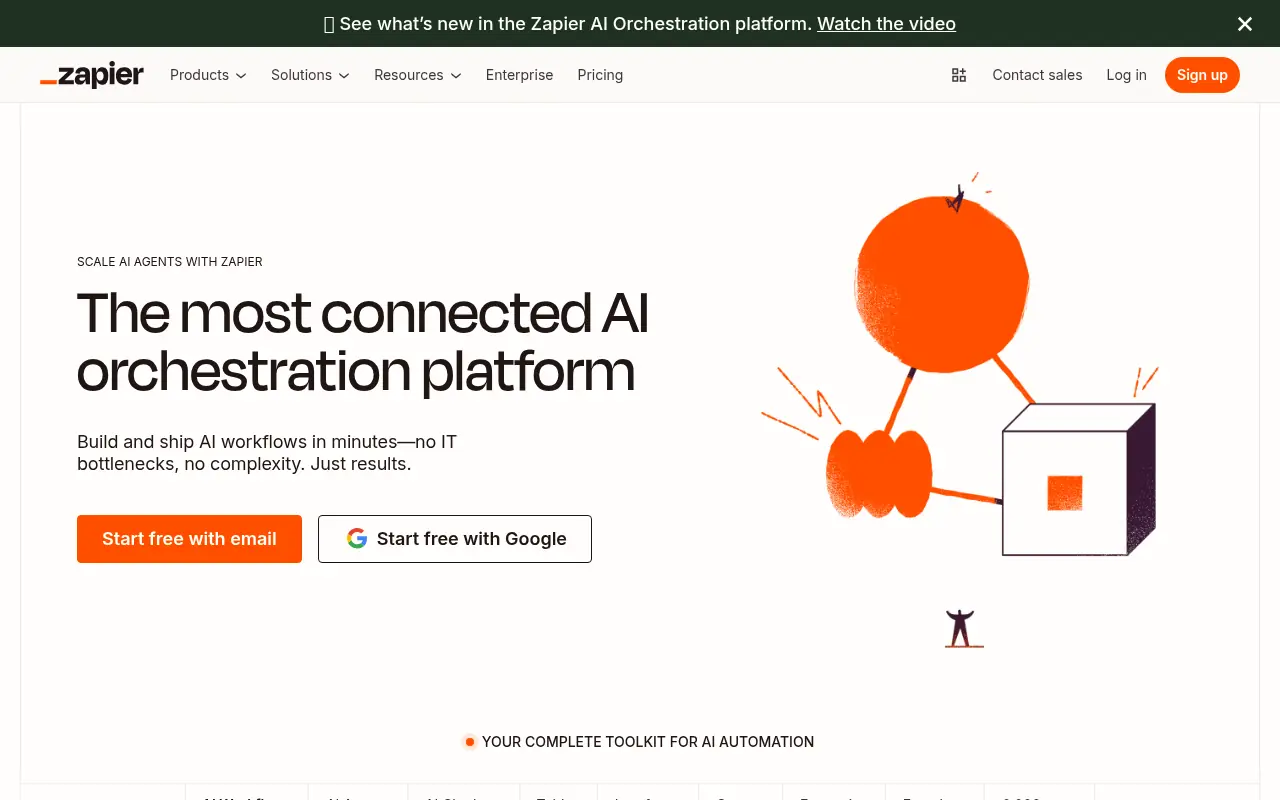

Zapier
Zapier is a no-code automation platform that connects apps to streamline workflows and boost productivity.
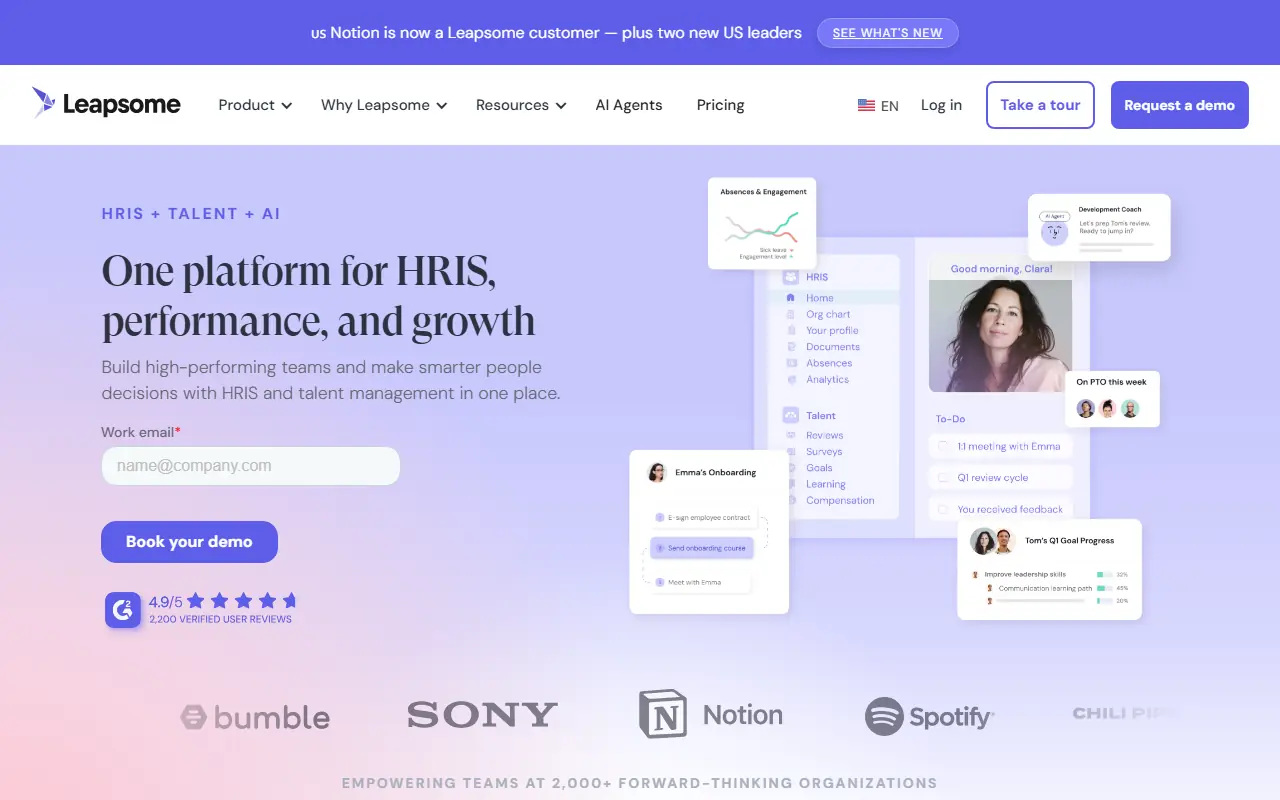

Leapsome
Leapsome is an all-in-one HR and people enablement platform designed to manage performance reviews, employee engagement, OKRs, and learning development.
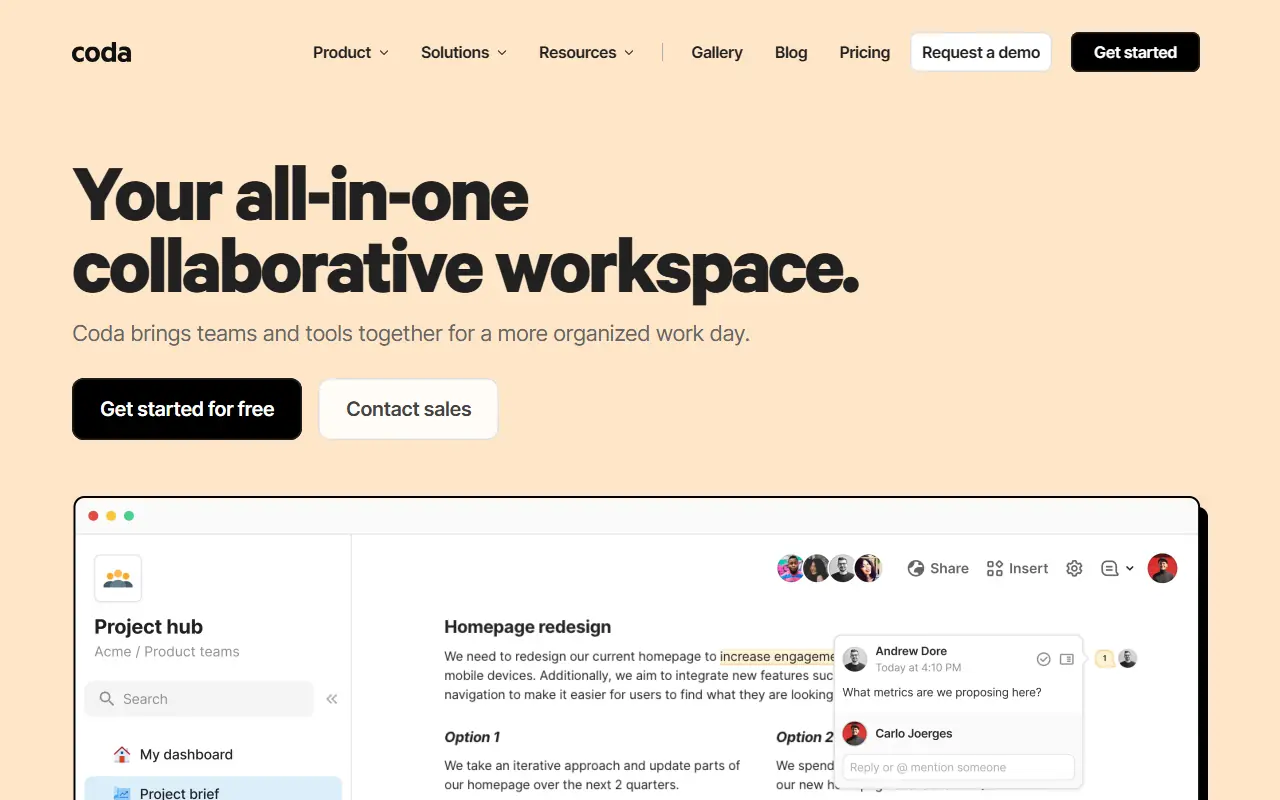

Coda
Coda is a collaborative platform that combines documents and spreadsheets to create customizable, interactive workspaces for teams.
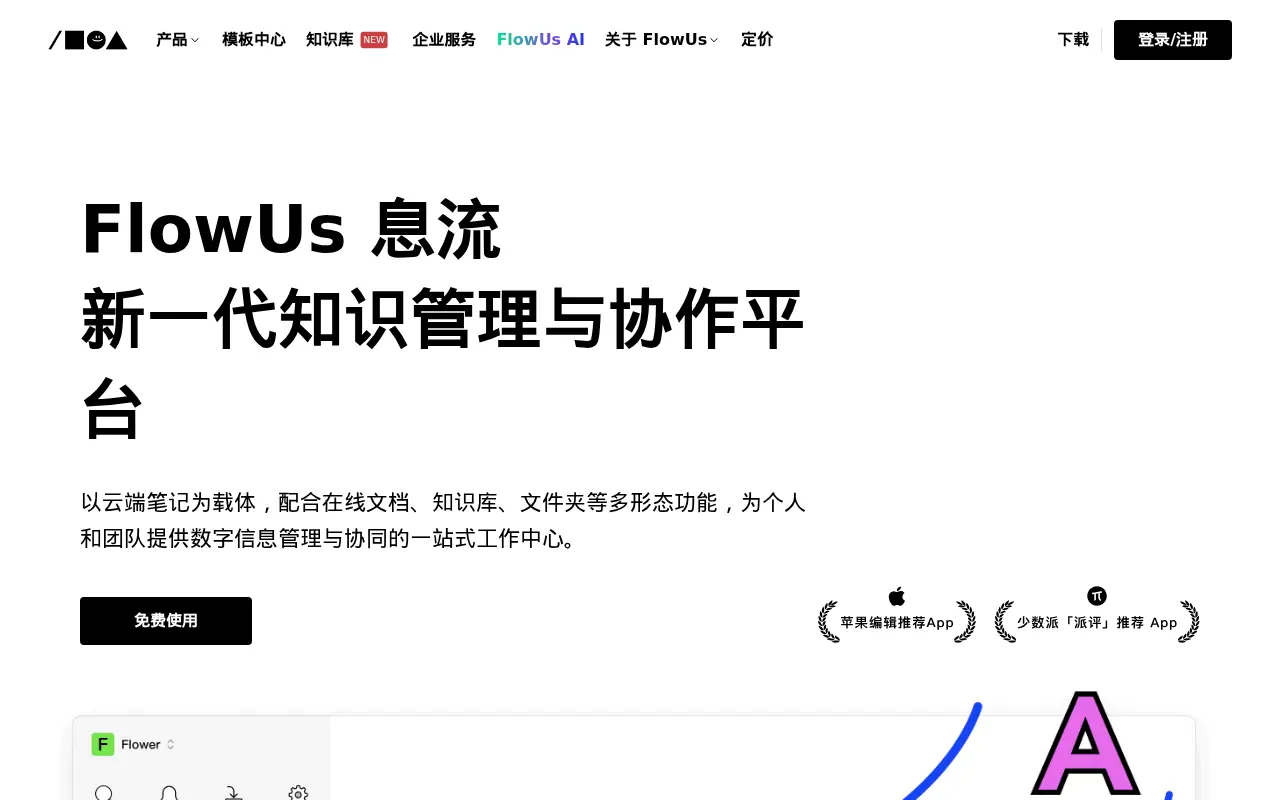

FlowUs
FlowUs is an all-in-one knowledge management and collaboration platform that seamlessly integrates block-based documents, multi-dimensional tables, and AI-powered assistance.
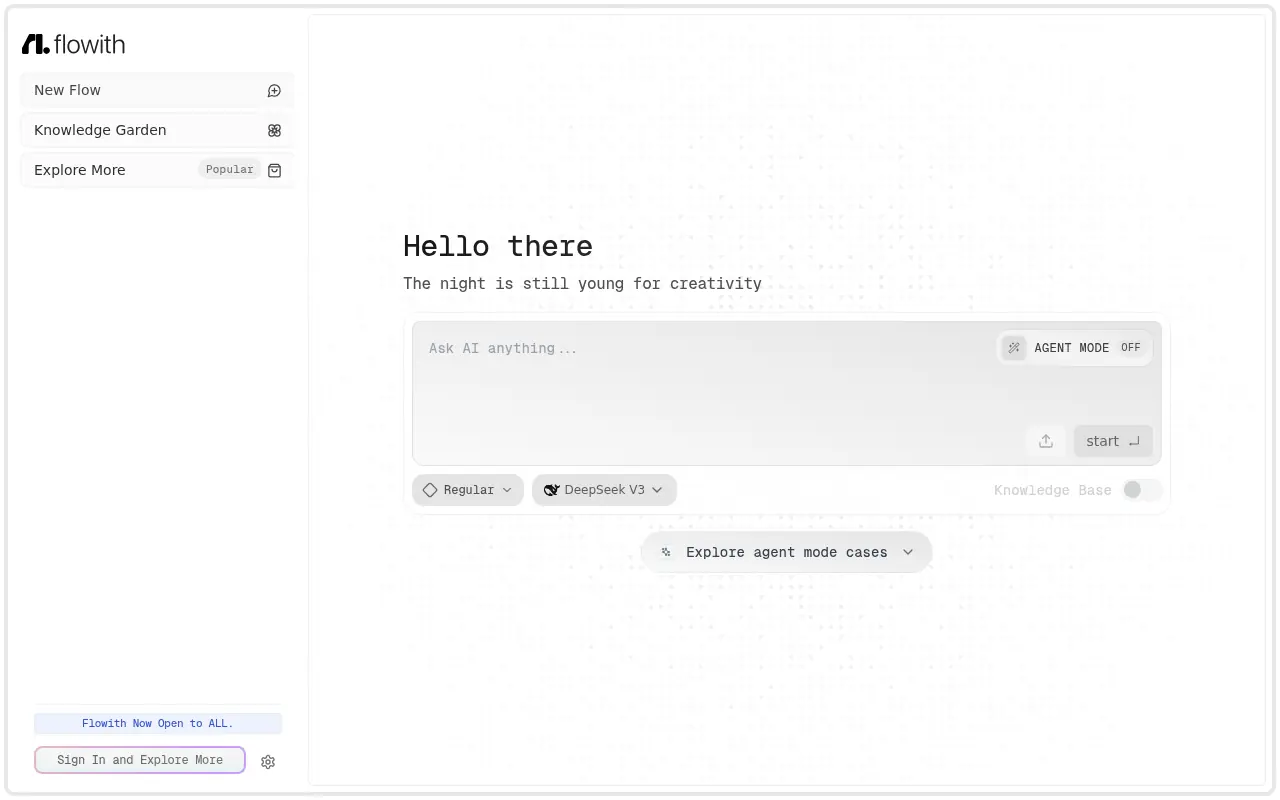

Flowith
Flowith is an AI-powered creation workspace designed to enhance productivity and streamline complex tasks through an intuitive canvas-based interface.