

AI Toolbox
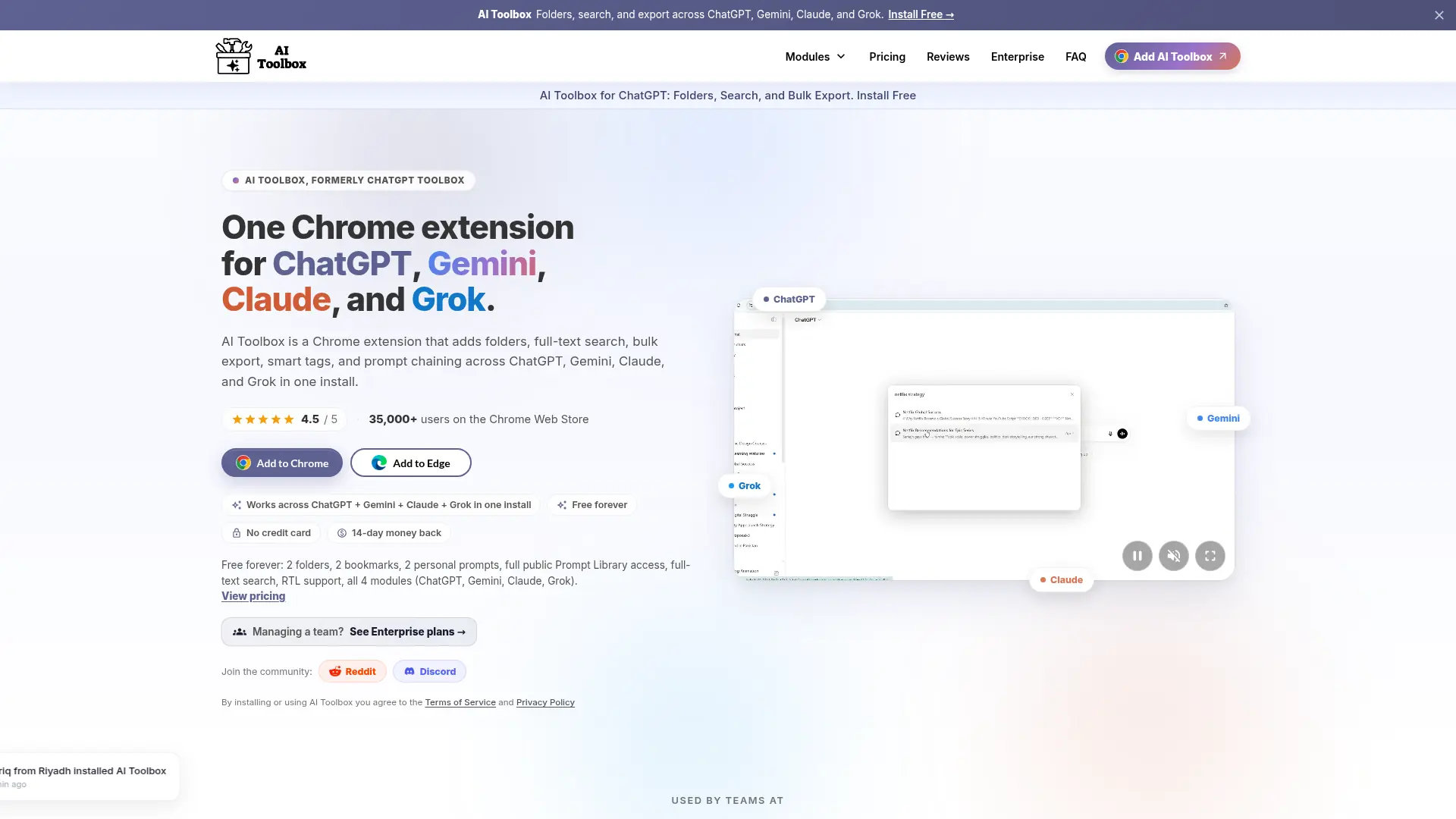
What is AI Toolbox?
AI Toolbox is a Chrome extension designed to help users manage growing AI conversation histories across multiple platforms, including ChatGPT, Gemini, Claude, and Grok. It adds organization layers such as folders, bookmarks, saved prompts, search, exports, and workflow tools that are missing from many native AI interfaces. The platform improves productivity by reducing time spent finding previous answers and rebuilding useful prompts. Its core technology focuses on browser-based AI workflow management, allowing users to keep their existing AI habits while adding better control and efficiency. AI Toolbox stands out through its multi-model approach, letting professionals maintain a consistent workflow across several leading AI assistants instead of relying on separate tools. The product offers a free plan alongside premium upgrades for users who need unlimited organization and advanced automation features.
How to use AI Toolbox?
Install the AI Toolbox Chrome extension, connect it with your preferred AI platforms such as ChatGPT, Gemini, Claude, or Grok, then organize existing conversations with folders, bookmarks, and search tools. Start saving useful prompts or exporting important chats to create a faster, more structured AI workflow.
AI Toolbox's Core Features
Multi-AI Platform Support: Manage workflows across ChatGPT, Gemini, Claude, and Grok from one browser extension.
Conversation Organization: Create folders, bookmarks, and categories to keep important AI chats easy to access.
Full-Text Search: Find previous AI messages by content instead of relying only on conversation titles.
Prompt Library: Store reusable prompts and templates to accelerate repetitive AI tasks.
Chat Export: Export valuable conversations into formats such as TXT, Markdown, JSON, and PDF for documentation.
Context Management: Bring previous conversations back into new AI sessions to maintain continuity.
Smart Workflow Tools: Reduce repetitive actions with features designed for faster AI interaction.
Cross-Device Sync: Maintain organized AI resources across supported browsers and devices.
Multi-Language Support: Improve accessibility with interface options for different language users.
AI Toolbox's Use Cases
- #1
Organizing thousands of ChatGPT conversations for researchers and knowledge workers who need fast information retrieval
- #2
Managing reusable AI prompts for marketers, writers, developers, and teams building repeatable workflows
- #3
Searching previous AI answers across multiple assistants without manually opening old conversations
- #4
Exporting important AI discussions into documents for client projects, reports, and internal knowledge bases
- #5
Improving productivity for professionals switching between ChatGPT, Gemini, Claude, and Grok during daily tasks
- #6
Creating a personal AI knowledge management system with saved chats, bookmarks, and categorized workflows
- #7
Streamlining AI-assisted content creation by keeping proven prompts and responses accessible
Frequently Asked Questions
Analytics of AI Toolbox
Monthly Visits Trend: Apr 2025 - Sep 2026
Traffic Sources
AI Channel Traffic Trends
Top Regions
| Region | Traffic Share |
|---|---|
| United States | 29.79% |
| India | 9.31% |
| United Kingdom | 4.57% |
| Korea, Republic of | 3.02% |
| Australia | 2.57% |
Top Keywords
| Keyword | Traffic | CPC |
|---|---|---|
| ai toolbox | 3.9K | $10.59 |
| chatgpt can i not bookmark a certain section of a chat? | 640 | -- |
| chatgpt free for students | 31.8K | $3.96 |
| best chatgpt plugins | 2.8K | -- |
| chatgpt toolbox | 280 | $4.83 |
Alternative of AI Toolbox
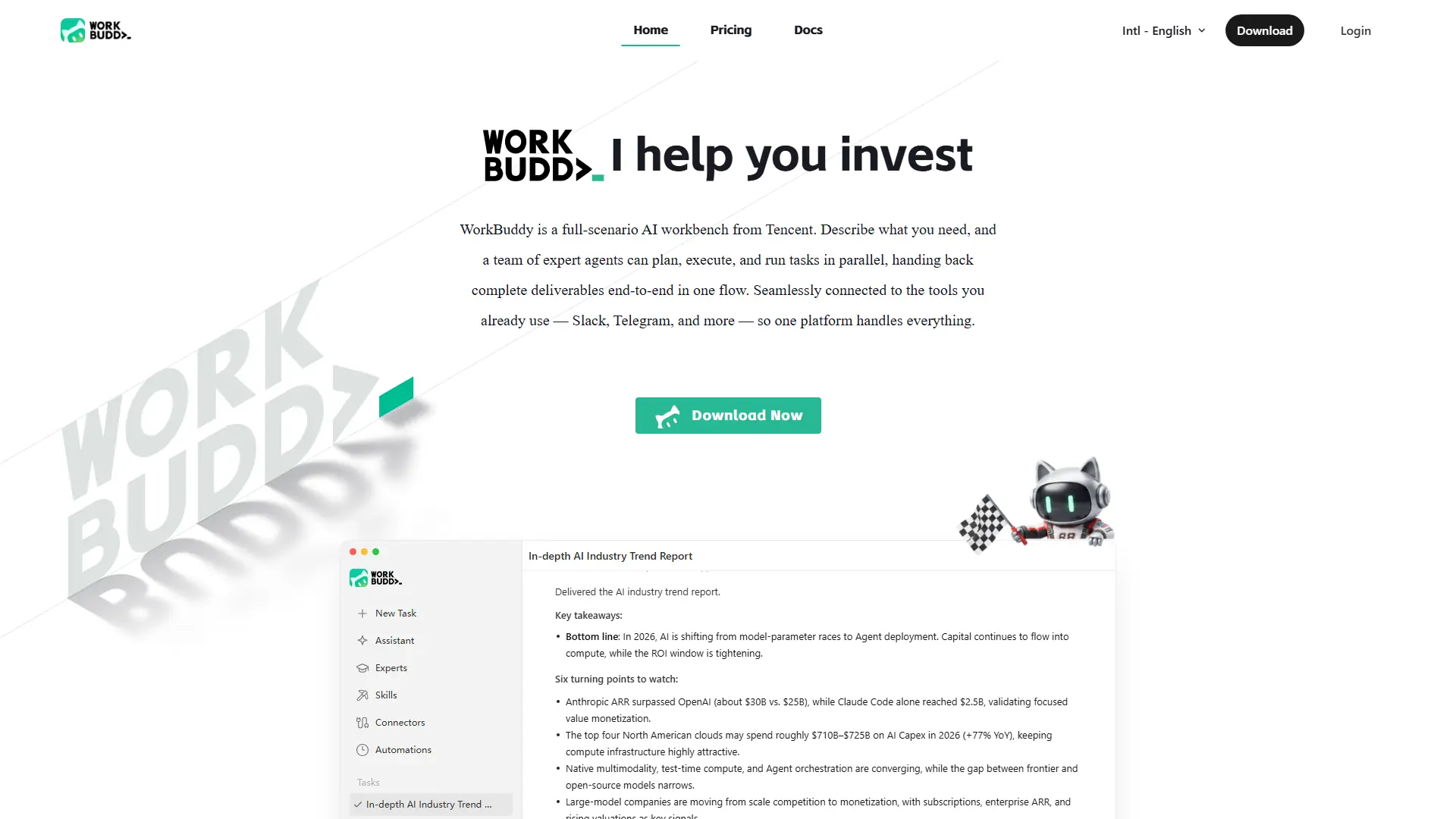

WorkBuddy
Turn one office request into researched, formatted, review-ready work across files, data, reports, and recurring workflows.
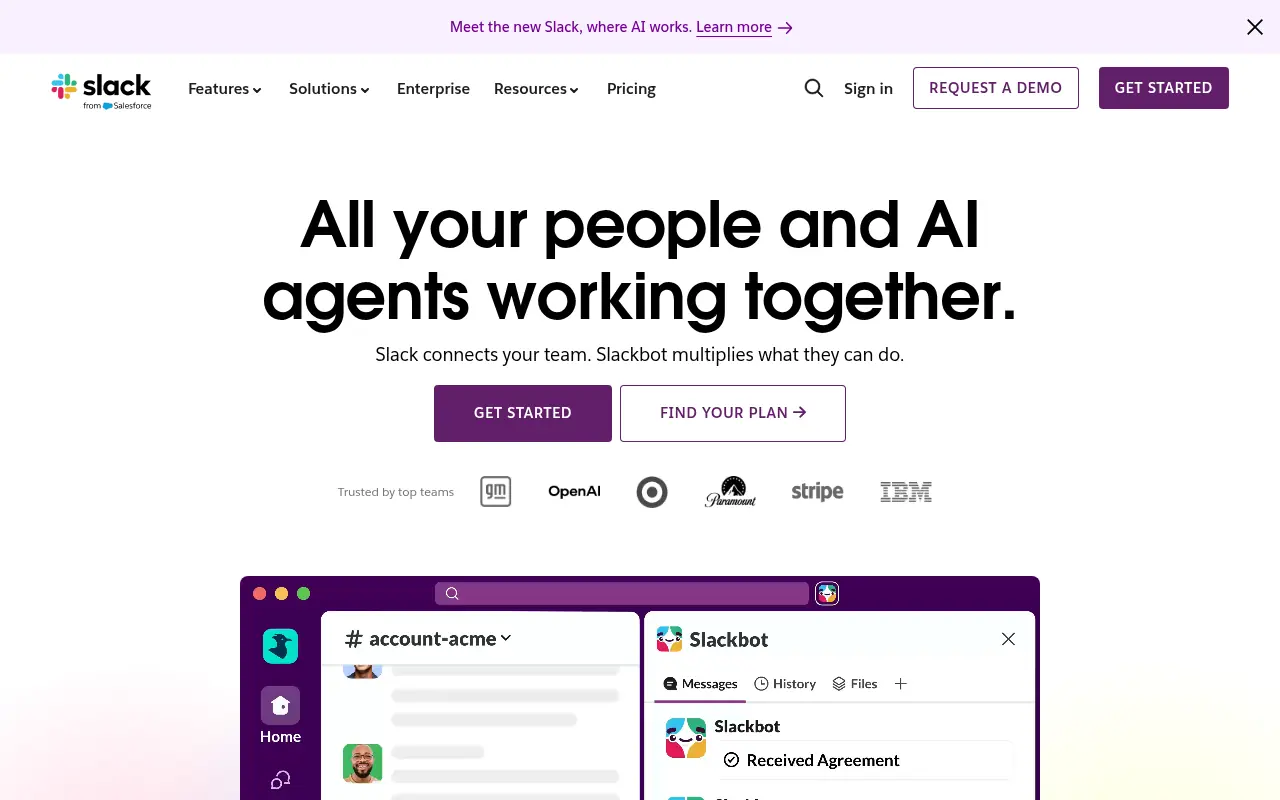

Slack
Slack is a cloud-based team communication and productivity platform designed to bring people, tools, and data together in one centralized workspace.
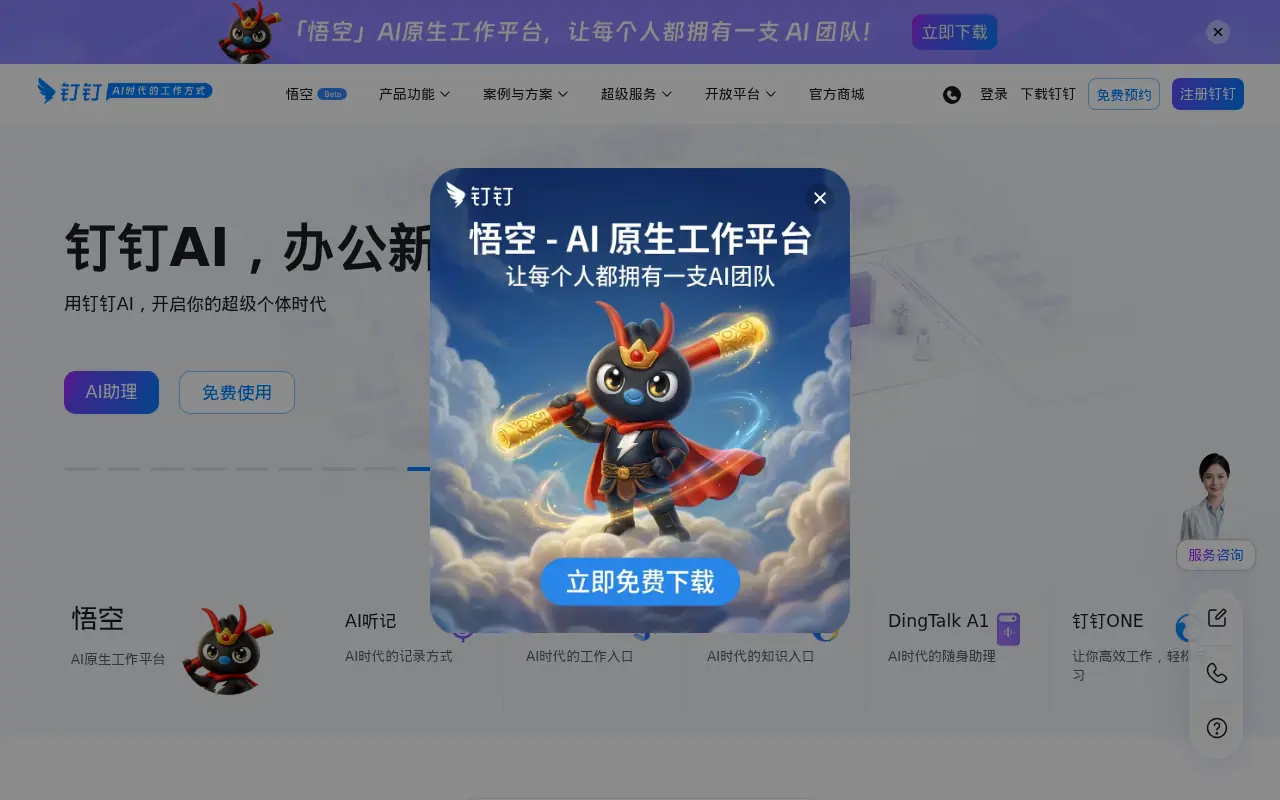

DingTalk
DingTalk is a comprehensive enterprise collaboration and communication platform designed to enhance workplace productivity through integrated messaging, meetings, and AI-powered workflows.
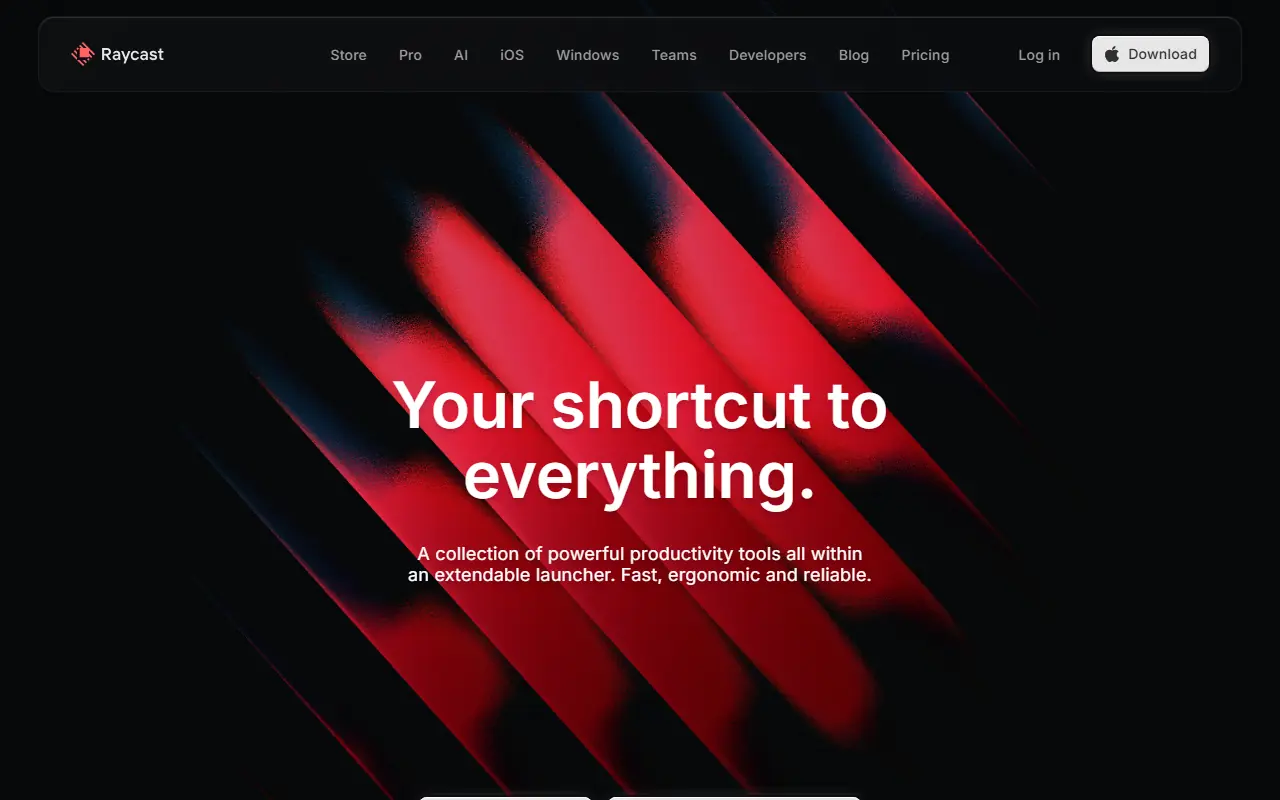

Raycast
Raycast is an extendable launcher for macOS that enhances productivity by allowing users to complete tasks, search, and access AI tools quickly from their keyboard.
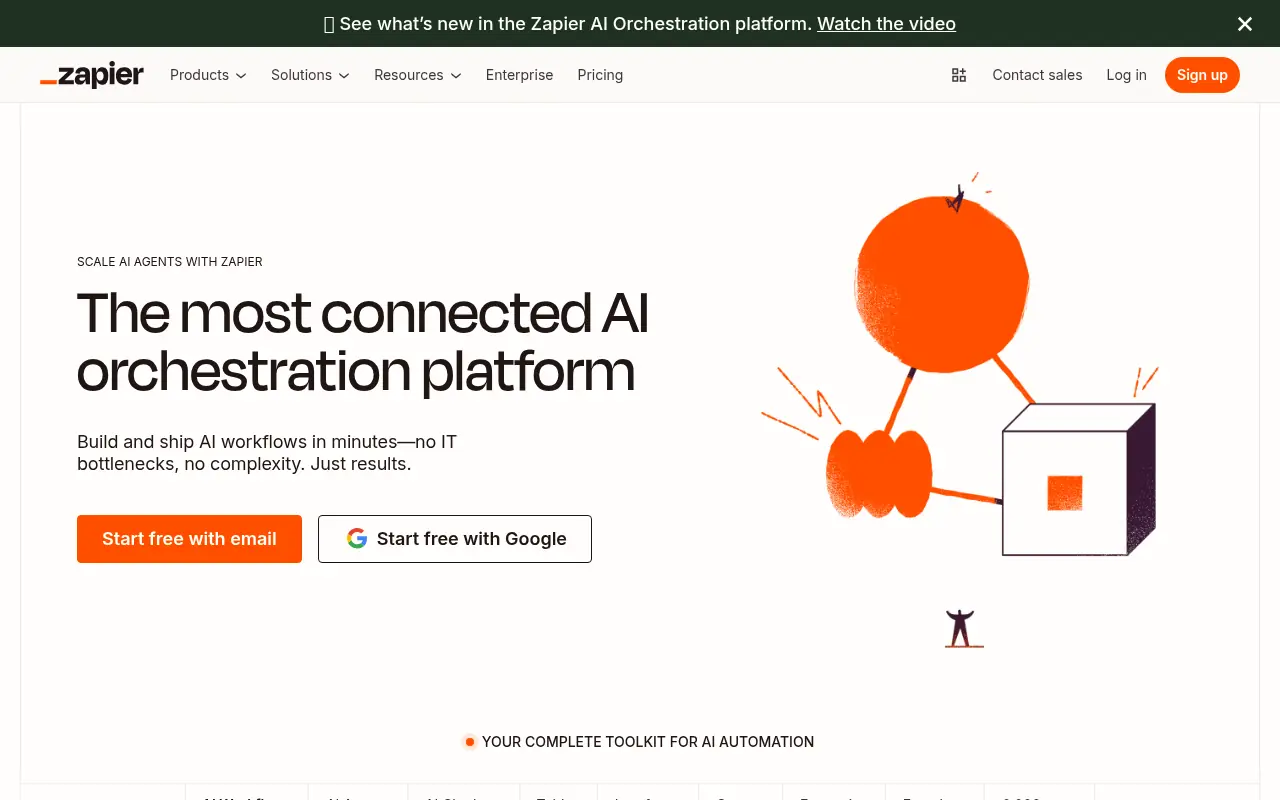

Zapier
Zapier is a no-code automation platform that connects apps to streamline workflows and boost productivity.
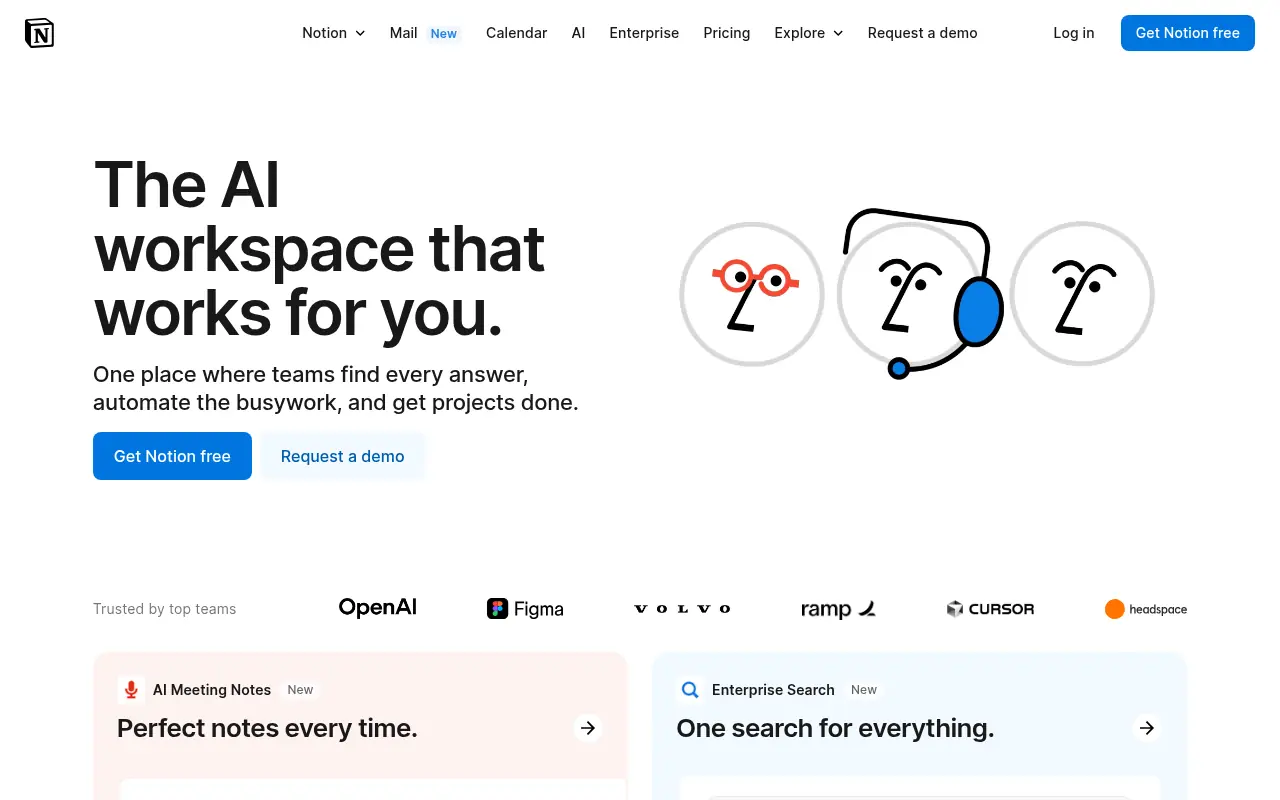

Notion
Notion is an all-in-one workspace for note-taking, project management, and team collaboration with AI-powered tools.
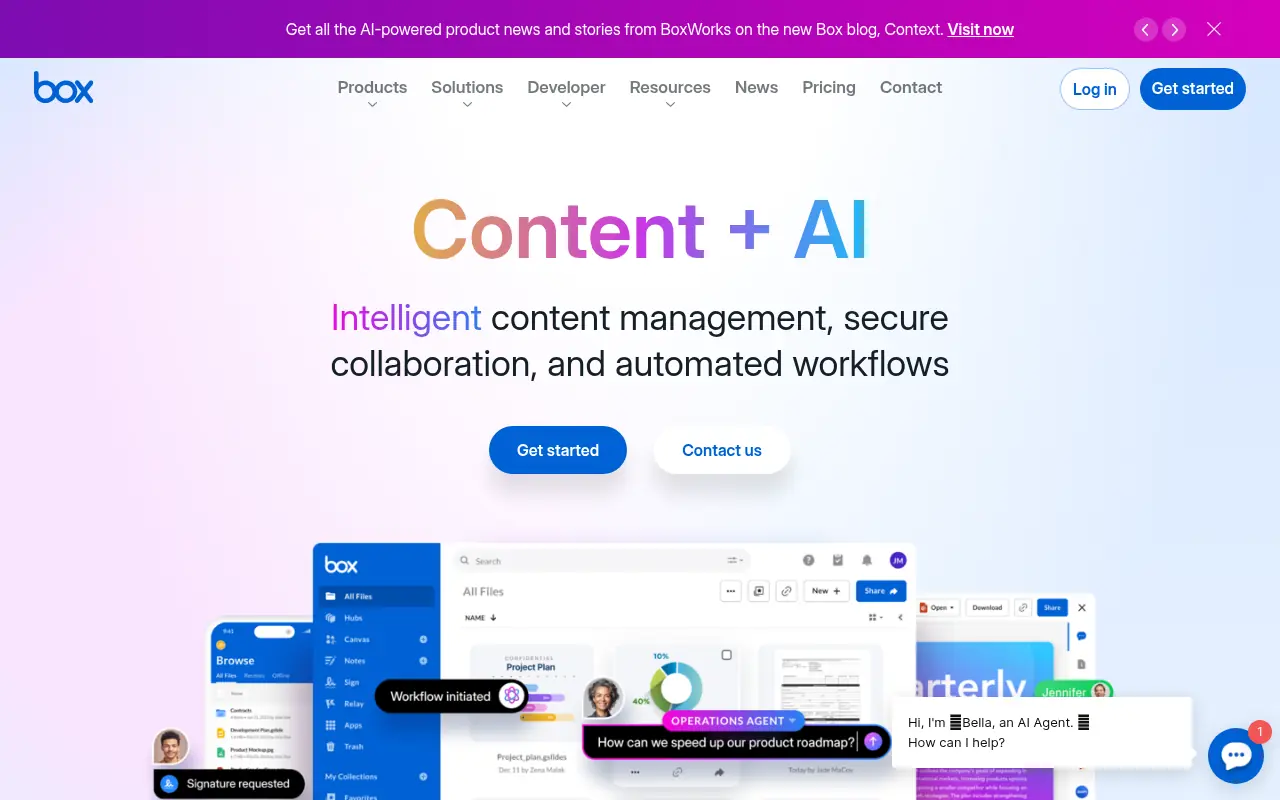

Box
Box is a cloud-based platform that enables secure file storage, sharing, collaboration, and content management for individuals and businesses.
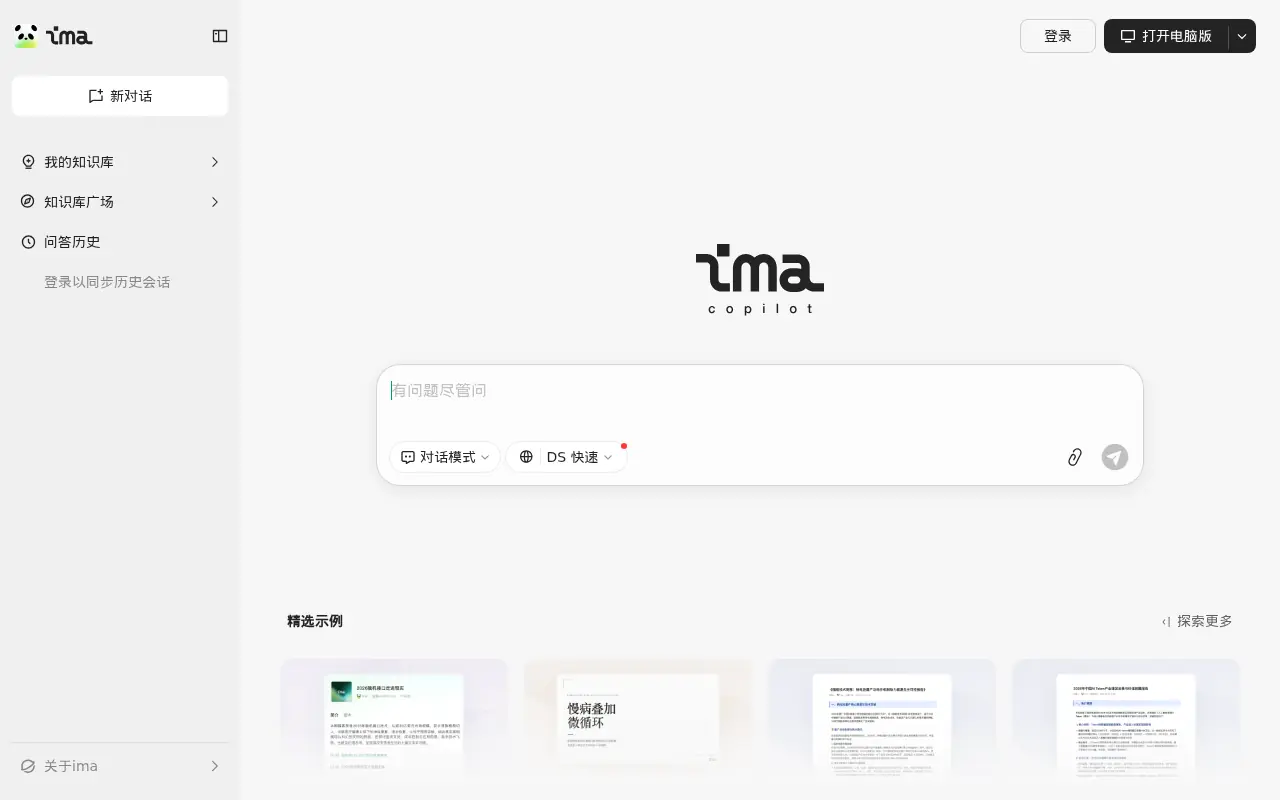

Tencent ima
An AI-powered workspace by Tencent that integrates smart search, document reading, writing assistance, and personalized knowledge management.