

Zight
What is Zight?
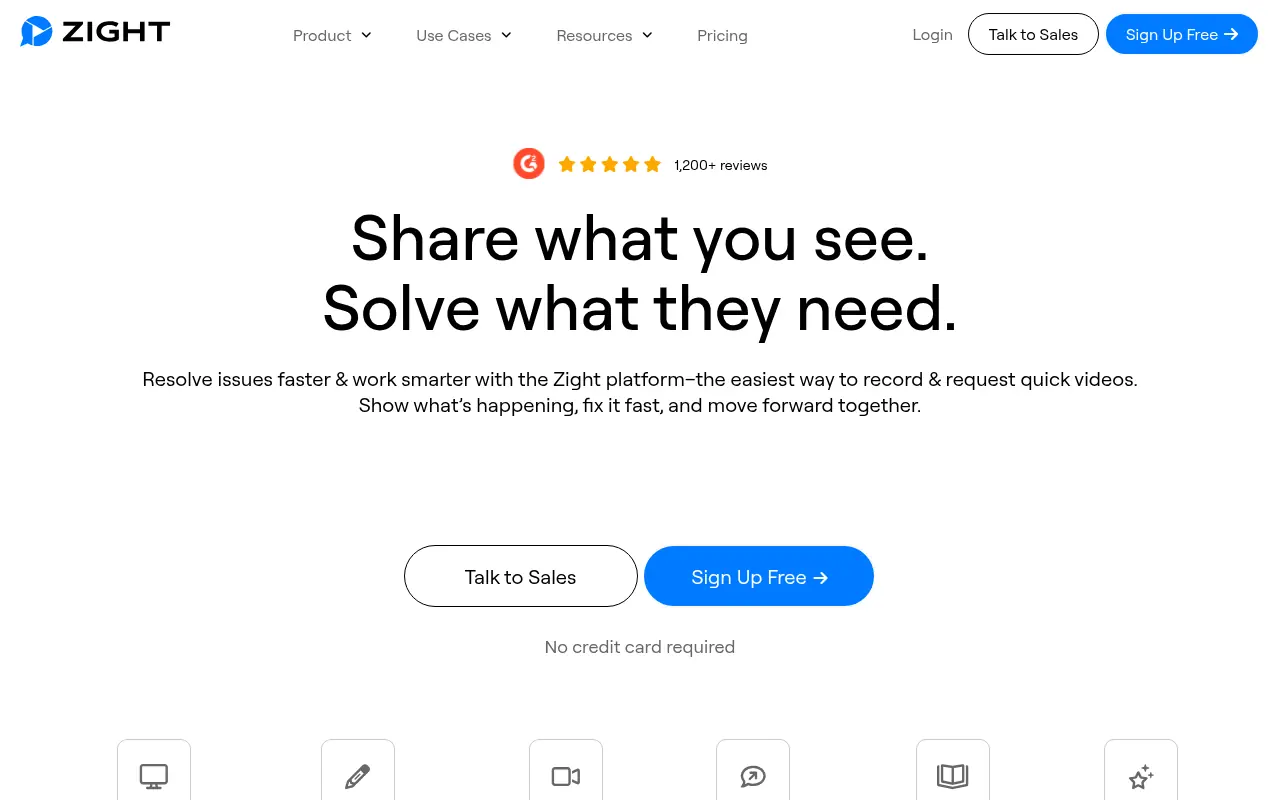
Zight (formerly CloudApp) is a powerful visual communication tool designed to streamline workplace collaboration and reduce unnecessary meetings. It enables users to easily capture screenshots, record screen videos with webcam overlays, and create GIFs for asynchronous messaging. By automatically generating a secure, shareable link for every capture, Zight eliminates the friction of manually saving and uploading files. Its mission is to boost team productivity by providing an intuitive platform for visual bug reporting, personalized customer support, and easy-to-follow step-by-step guides. With recent additions of AI-powered summaries and auto-transcriptions, it serves remote teams, developers, and product managers who need to explain complex concepts quickly.
How to use Zight?
To get started with Zight, download the desktop app for Mac or Windows, install the Chrome extension, or use the iOS app. Use customizable keyboard shortcuts or the app menu to select your desired capture mode: full or partial screenshot, screen recording (with optional webcam and system audio), or GIF creation. Once you finish capturing, Zight automatically uploads the file to its secure cloud and copies a shareable link directly to your clipboard. You can then instantly paste this link into Slack, email, Jira, or Zendesk, and use the web dashboard to add annotations, view viewer analytics, or leverage AI to generate a text summary of your video.
Zight's Core Features
Screen Recording: Capture your screen, webcam, and system audio simultaneously for rich video messages.
Screenshot Capture: Take full or partial screenshots with support for scrolling capture on long webpages.
Instant Link Sharing: Automatically uploads captures to the cloud and copies a shareable link to your clipboard.
Image Annotation: Draw, add text, arrows, shapes, and blur sensitive information on your screen captures.
GIF Creation: Easily record your screen as a lightweight, auto-playing GIF for quick demonstrations.
AI Video Summarization: Automatically generate relevant titles, descriptions, and key takeaways from your video content.
Auto-Transcription: Generate instant closed captions and accurate text transcripts in over 50 languages.
Viewer Analytics: Track who viewed your videos, when they watched, and how much of the content they engaged with.
Step-by-Step Guides: Automatically turn screen recordings into organized, written how-to documentation using AI.
Zight's Use Cases
- #1
Recording asynchronous video updates to replace long or unnecessary team meetings.
- #2
Capturing and annotating screenshots for clear, visual bug reporting by QA and development teams.
- #3
Creating step-by-step visual tutorials and SOPs for employee onboarding.
- #4
Providing quick, personalized customer support via video walk-throughs to resolve tickets faster.
- #5
Sharing design feedback with specific annotations, arrows, and highlights directly on screenshots.
- #6
Generating AI transcripts and summaries of product demos for easy reference and accessibility.
Frequently Asked Questions
Analytics of Zight
Monthly Visits Trend: Jun 2025 - Sep 2026
Traffic Sources
AI Channel Traffic Trends
Top Regions
| Region | Traffic Share |
|---|---|
| United States | 40.84% |
| Kazakhstan | 3.61% |
| Kenya | 3.29% |
| Indonesia | 2.69% |
| Puerto Rico | 2.31% |
Top Keywords
| Keyword | Traffic | CPC |
|---|---|---|
| zight | 4.1K | $1.26 |
| resize image | 643.7K | $0.31 |
| mp4 to mp3 | 1.3M | $0.27 |
| loom dupes | 290 | -- |
| mkv to mp4 | 168.3K | $0.37 |
Alternative of Zight

Gyazo
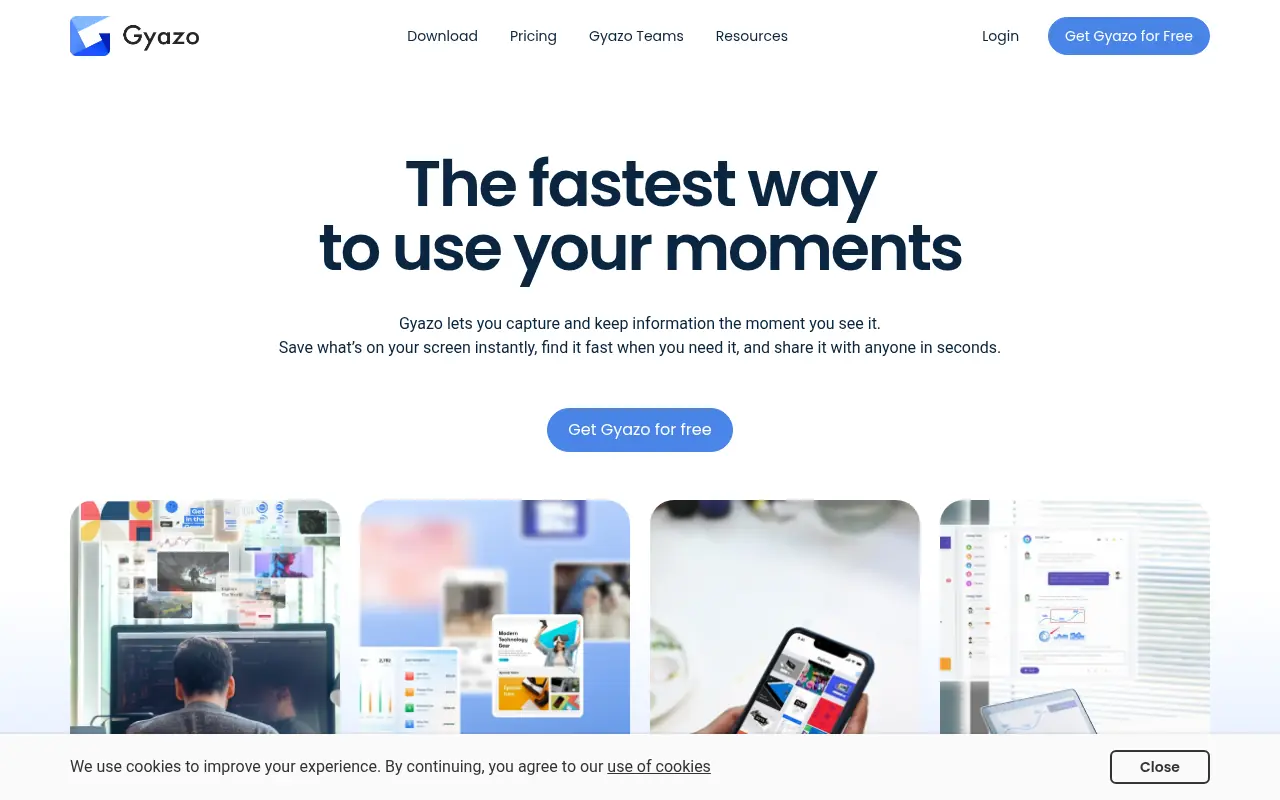
Gyazo is an instant screen capture tool that allows users to quickly share screenshots, GIFs, and short screen recordings via automatically generated links.

Slack
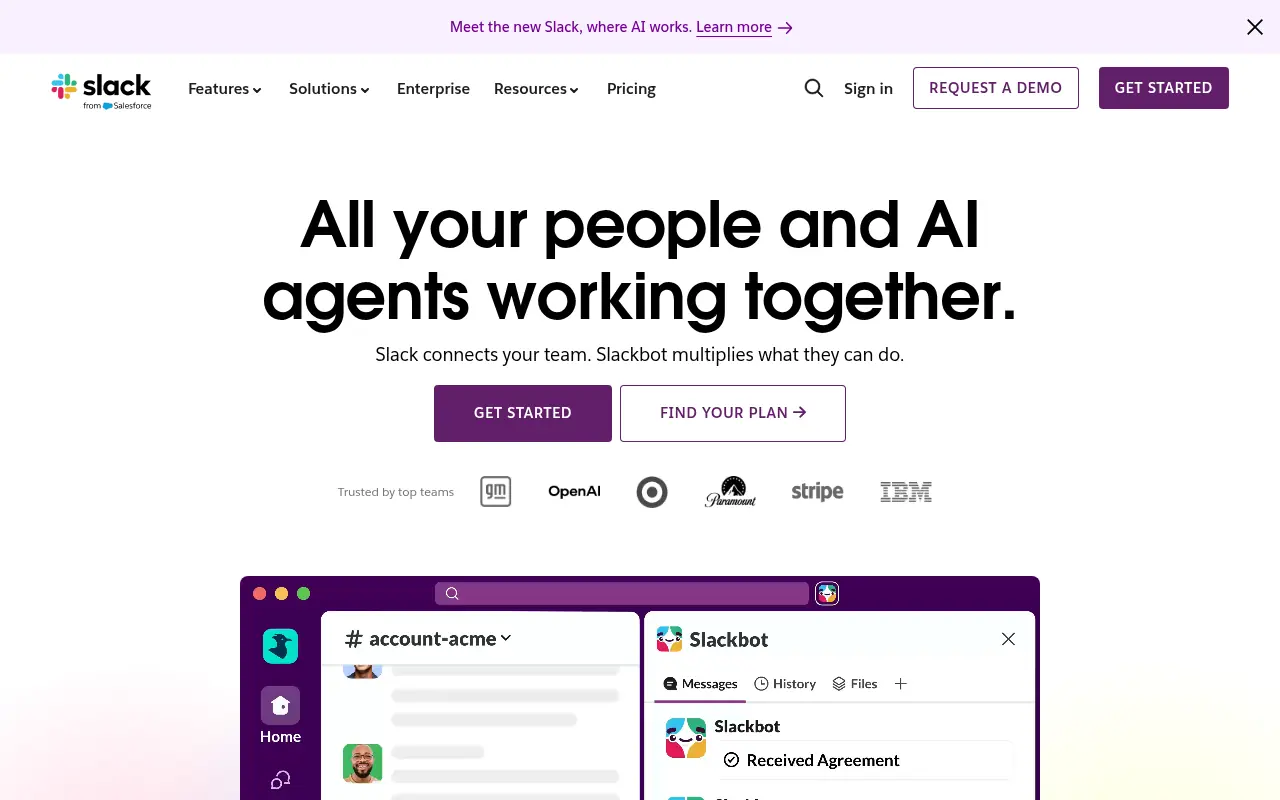
Slack is a cloud-based team communication and productivity platform designed to bring people, tools, and data together in one centralized workspace.


DingTalk
DingTalk is a comprehensive enterprise collaboration and communication platform designed to enhance workplace productivity through integrated messaging, meetings, and AI-powered workflows.


GizAI
GizAI is an all-in-one productivity platform integrating cloud storage, collaborative notes, and diverse AI generators for text, images, videos, and audio.

Notion
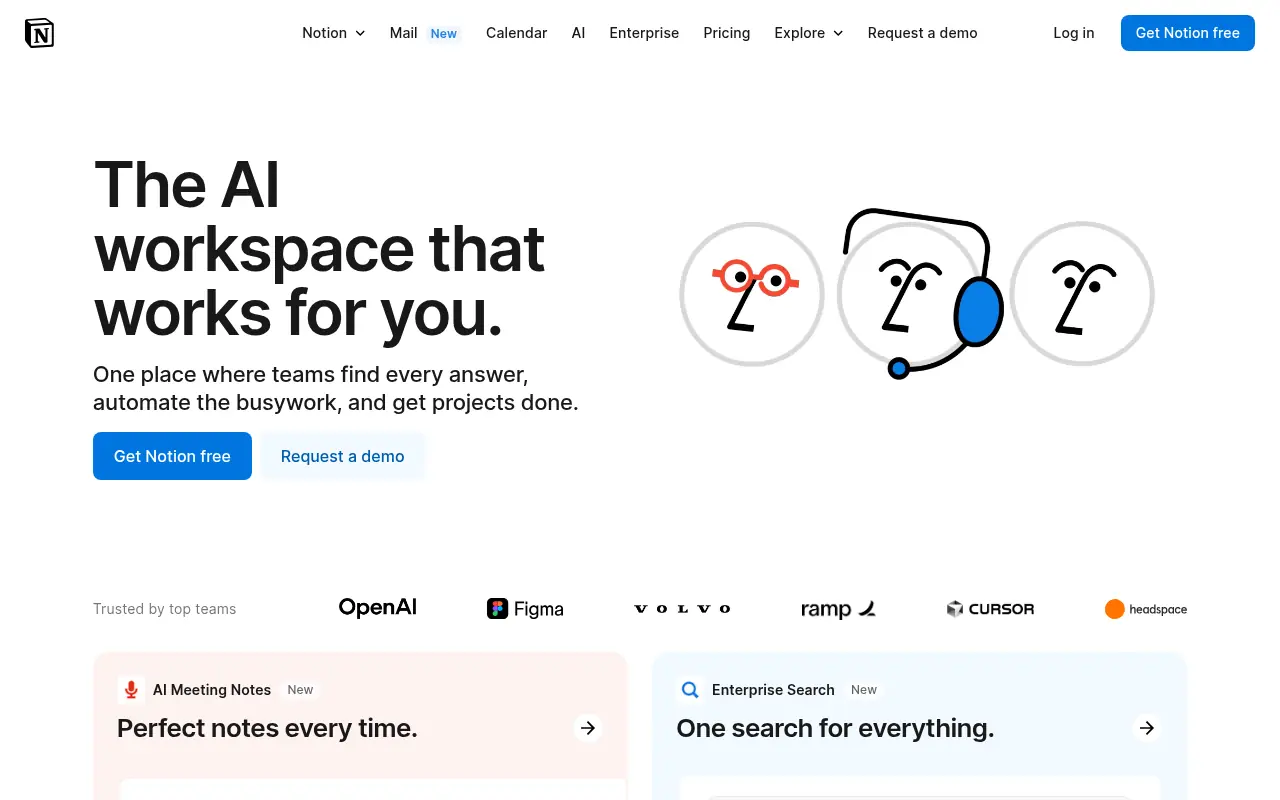
Notion is an all-in-one workspace for note-taking, project management, and team collaboration with AI-powered tools.
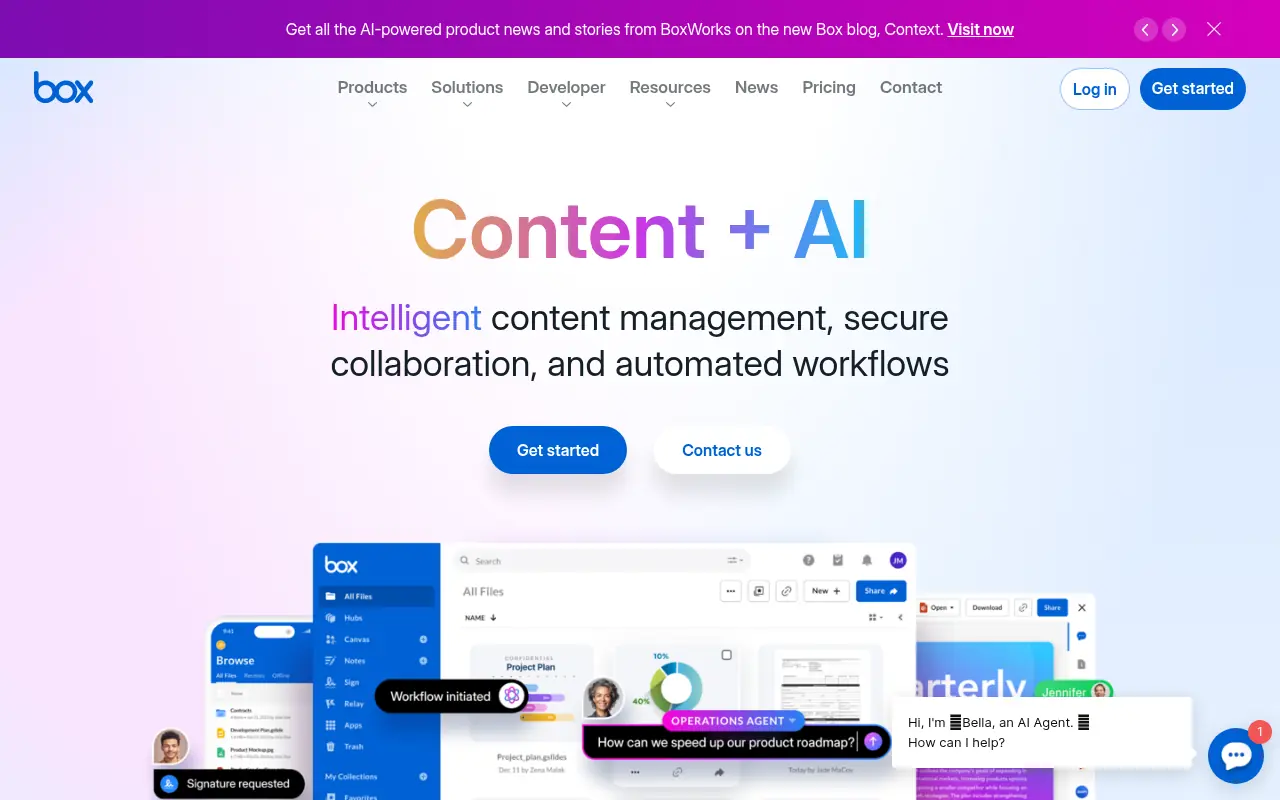

Box
Box is a cloud-based platform that enables secure file storage, sharing, collaboration, and content management for individuals and businesses.
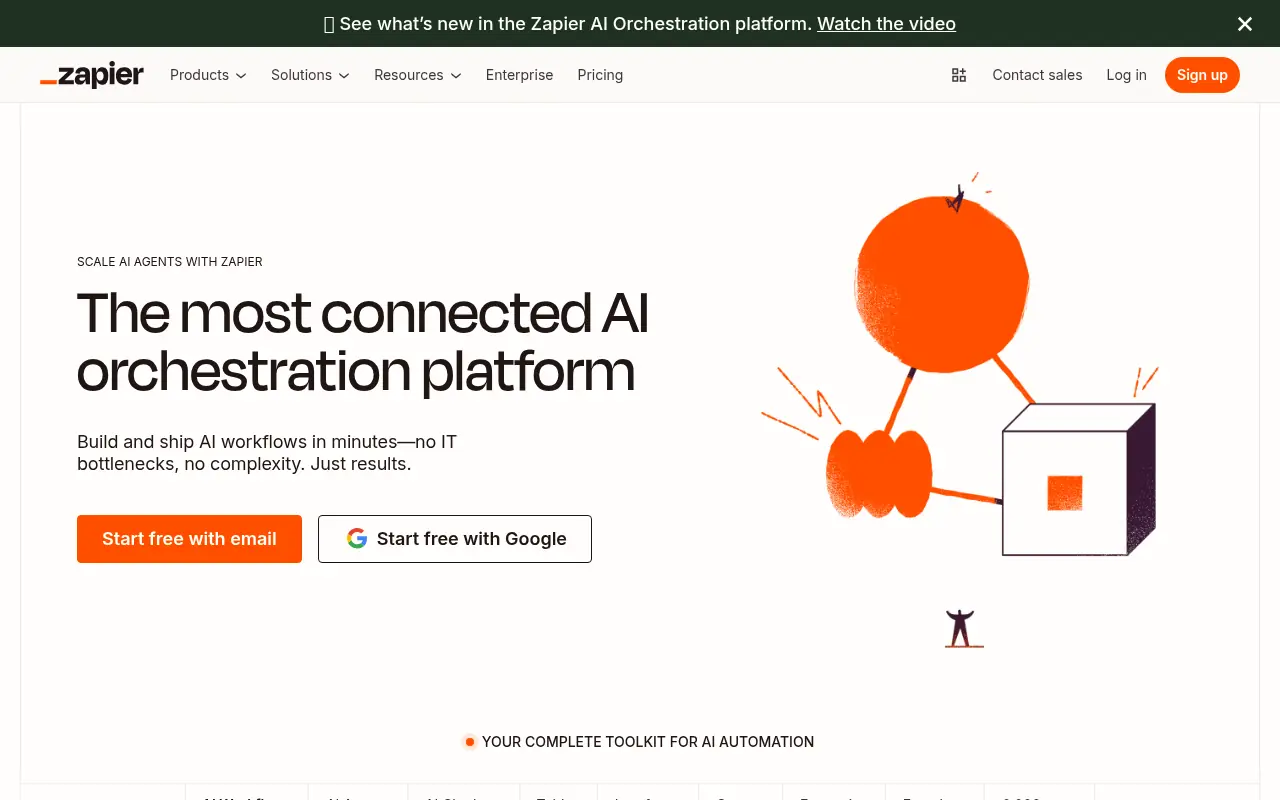

Zapier
Zapier is a no-code automation platform that connects apps to streamline workflows and boost productivity.
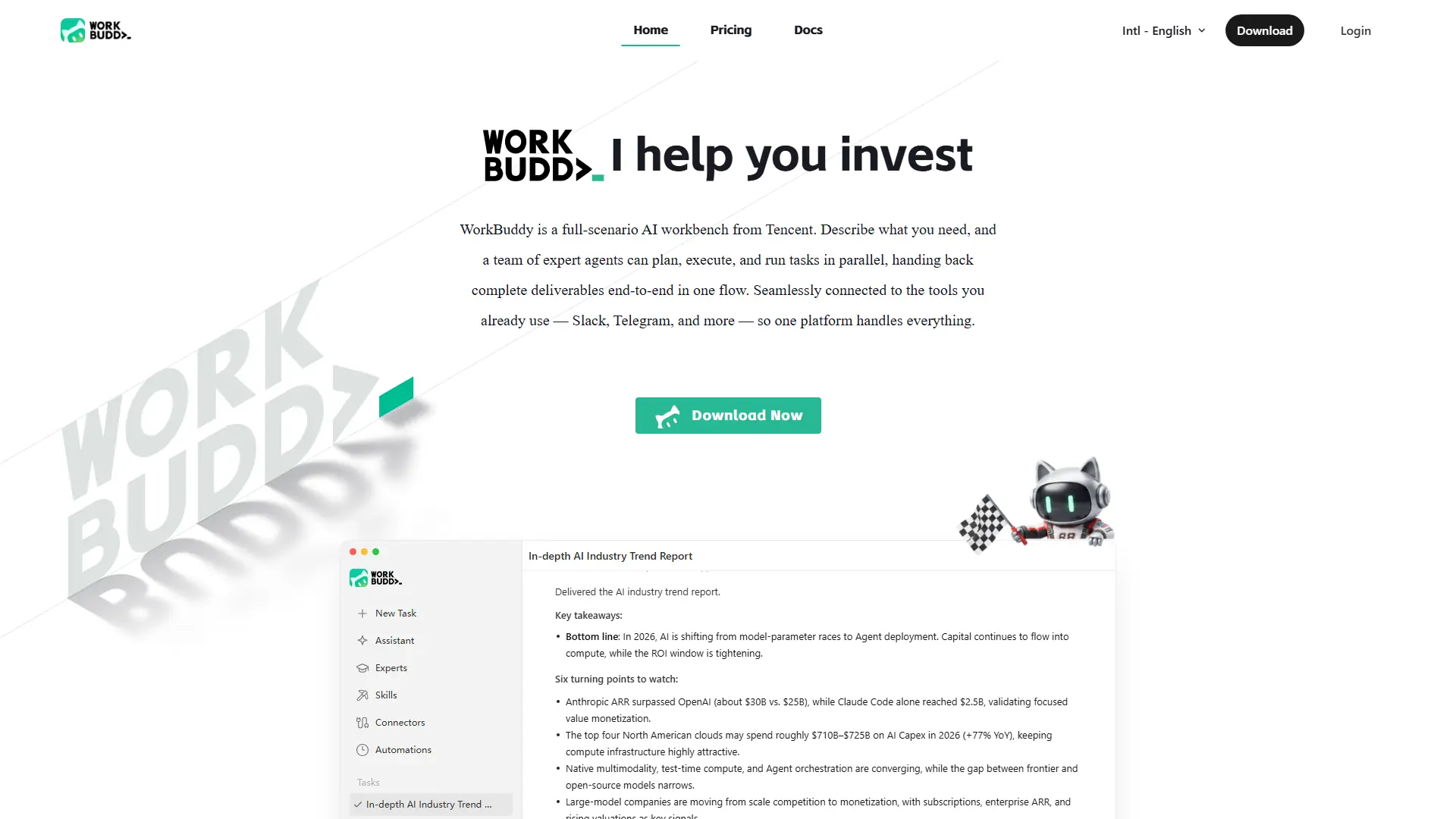

WorkBuddy
Turn one office request into researched, formatted, review-ready work across files, data, reports, and recurring workflows.