

Raycast
What is Raycast?
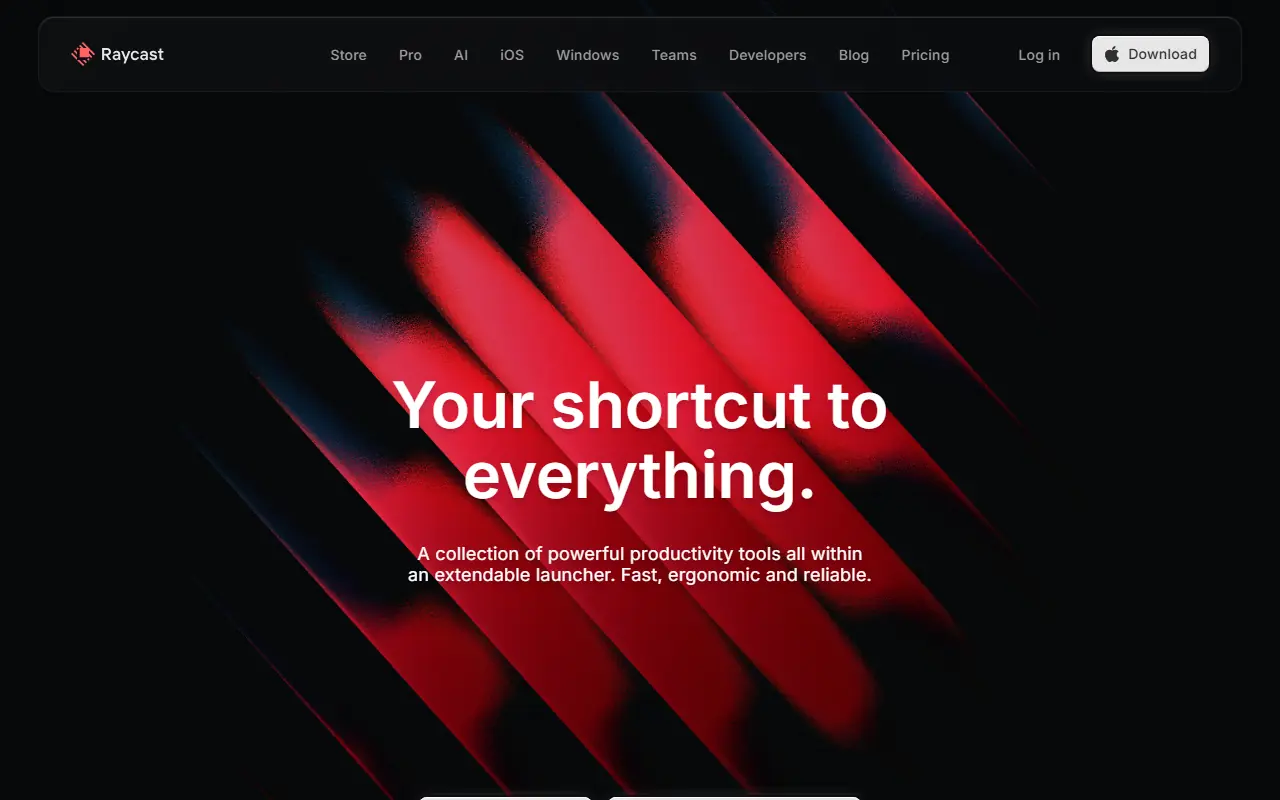
Raycast is a lightning-fast, extendable launcher designed specifically for macOS to replace the native Spotlight feature. Its primary mission is to keep developers and professionals in their flow state by minimizing reliance on the mouse. Users can launch applications, search for files, run scripts, and manage everyday tasks through a sleek keyboard interface. The platform boasts a rich ecosystem of community-built extensions, seamlessly integrating with popular tools like GitHub, Jira, and Notion. Additionally, with the integration of Raycast AI, users can generate text, write code, and answer questions directly from their desktop.
How to use Raycast?
To use Raycast, simply download and install the macOS application from their website, then set a hotkey (like Option + Space) to bring up the command bar. From there, you can type commands to launch applications, search files, manage your clipboard, or trigger built-in window management. To maximize its potential, browse the Raycast Store directly within the app to install third-party extensions for your favorite software, or subscribe to Raycast Pro to unlock integrated AI capabilities and custom cloud sync.
Raycast's Core Features
A blazing fast application launcher and file search tool optimized for macOS.
An integrated clipboard history manager that stores text, files, and images for easy retrieval.
A built-in window management system to resize and organize application windows.
Customizable text snippets to quickly insert frequently used phrases or code blocks.
An extensive in-app store featuring thousands of community-built extensions.
Raycast AI, powered by large language models, for answering questions and generating content directly from the command bar.
A Quicklinks feature to instantly open specific URLs or web searches from the launcher.
Cloud sync capabilities to keep your extensions, snippets, and settings synchronized across multiple Macs.
Advanced calculator functionality that handles unit conversions, time zones, and complex math.
Team sharing features to collaborate on extensions, snippets, and quick links within organizations.
Raycast's Use Cases
- #1
Quickly launching applications and searching for local files on a Mac.
- #2
Accessing a robust clipboard history to find previously copied text, images, or links.
- #3
Managing open windows and organizing workspace layouts using keyboard shortcuts.
- #4
Creating and utilizing text snippets for repetitive typing tasks or coding templates.
- #5
Integrating with third-party tools like Jira, GitHub, or Notion without switching contexts.
- #6
Interacting with Raycast AI to draft emails, summarize documents, or write code directly from the desktop.
- #7
Converting currencies, time zones, and performing complex calculations on the fly.
Frequently Asked Questions
Analytics of Raycast
Monthly Visits Trend: Apr 2025 - Aug 2026
Traffic Sources
AI Channel Traffic Trends
Top Regions
| Region | Traffic Share |
|---|---|
| United States | 21.04% |
| Brazil | 9.47% |
| China | 6.06% |
| Germany | 5.61% |
| India | 5.55% |
Top Keywords
| Keyword | Traffic | CPC |
|---|---|---|
| raycast | 162.7K | $0.22 |
| raycast mac | 6.6K | $0.28 |
| raycast windows | 4.8K | $0.13 |
| raycast extensions | 2.4K | $0.34 |
| saucenao | 49.0K | $0.19 |
Alternative of Raycast


DingTalk
DingTalk is a comprehensive enterprise collaboration and communication platform designed to enhance workplace productivity through integrated messaging, meetings, and AI-powered workflows.

Notion
Notion is an all-in-one workspace for note-taking, project management, and team collaboration with AI-powered tools.

Slack
Slack is a cloud-based team communication and productivity platform designed to bring people, tools, and data together in one centralized workspace.

Box
Box is a cloud-based platform that enables secure file storage, sharing, collaboration, and content management for individuals and businesses.
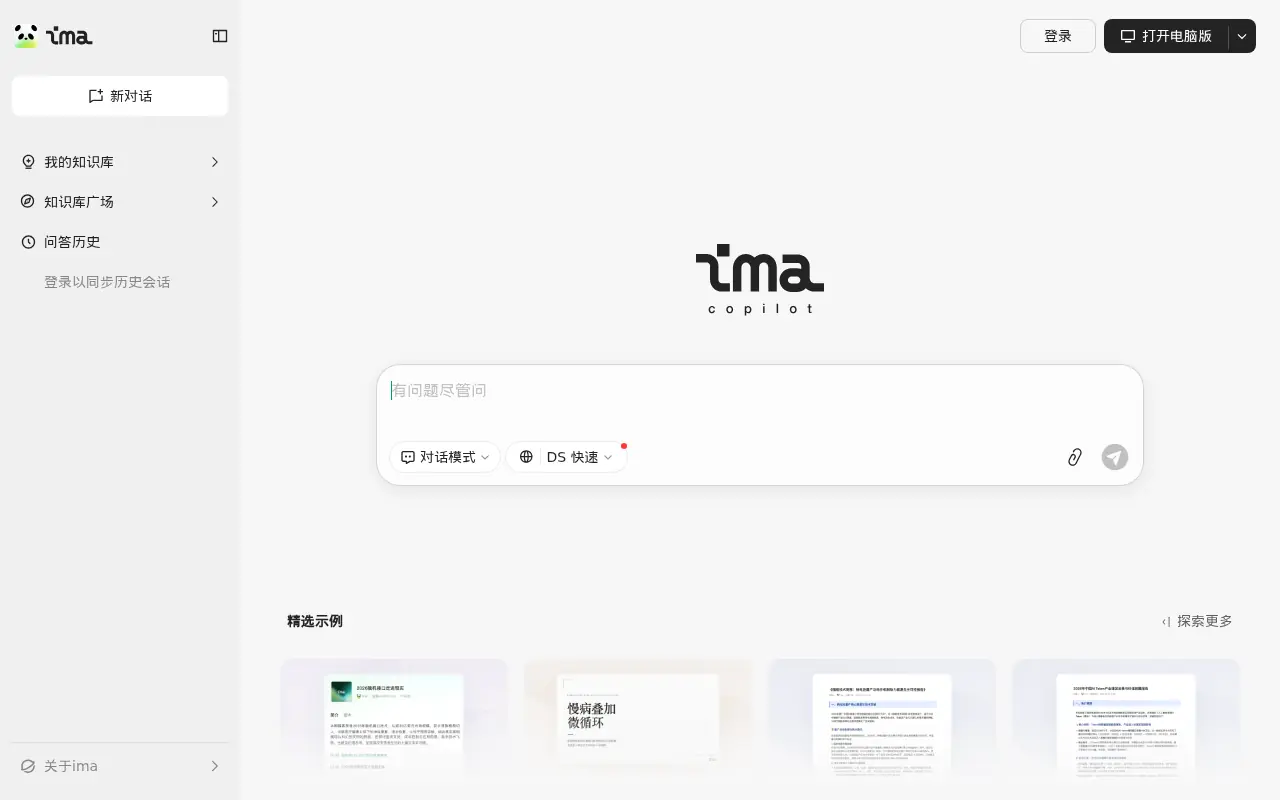

Tencent ima
An AI-powered workspace by Tencent that integrates smart search, document reading, writing assistance, and personalized knowledge management.
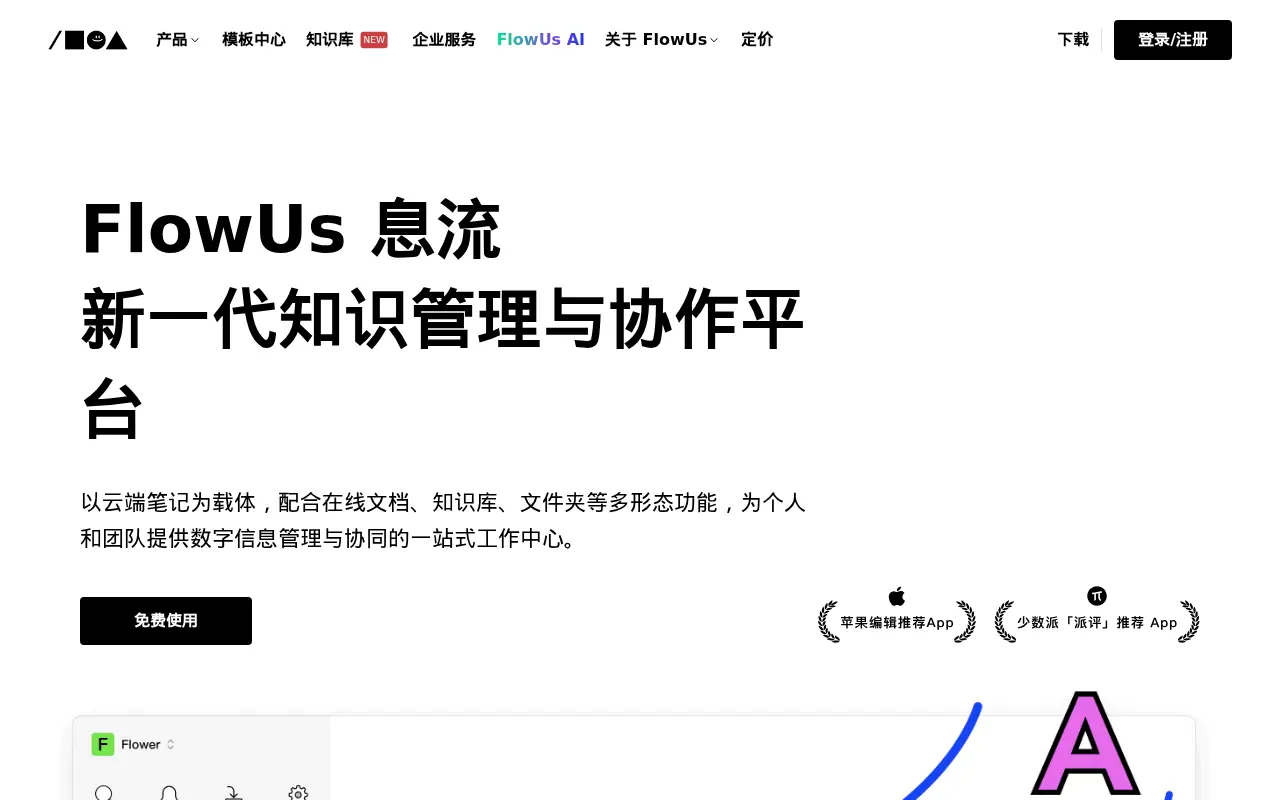

FlowUs
FlowUs is an all-in-one knowledge management and collaboration platform that seamlessly integrates block-based documents, multi-dimensional tables, and AI-powered assistance.
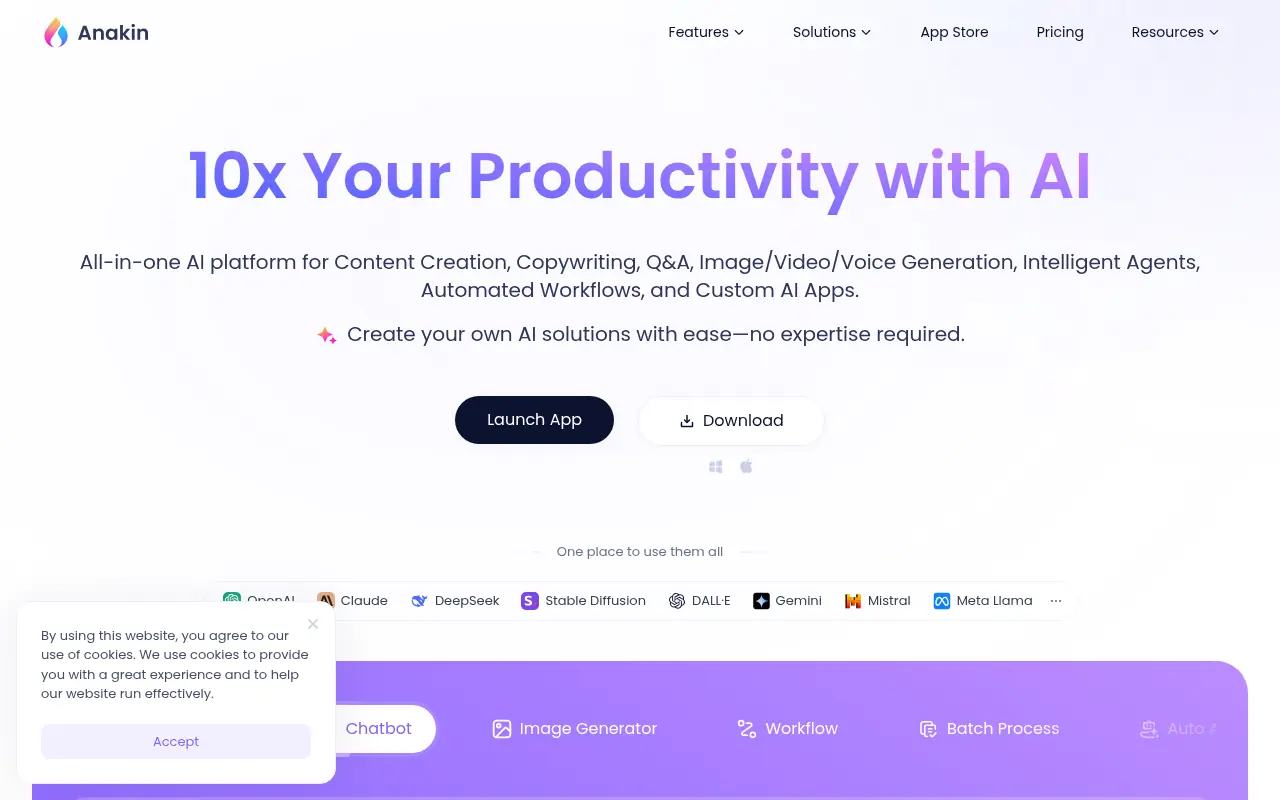

Anakin AI
Anakin AI is a no-code platform for creating and customizing AI applications to automate tasks and generate content.
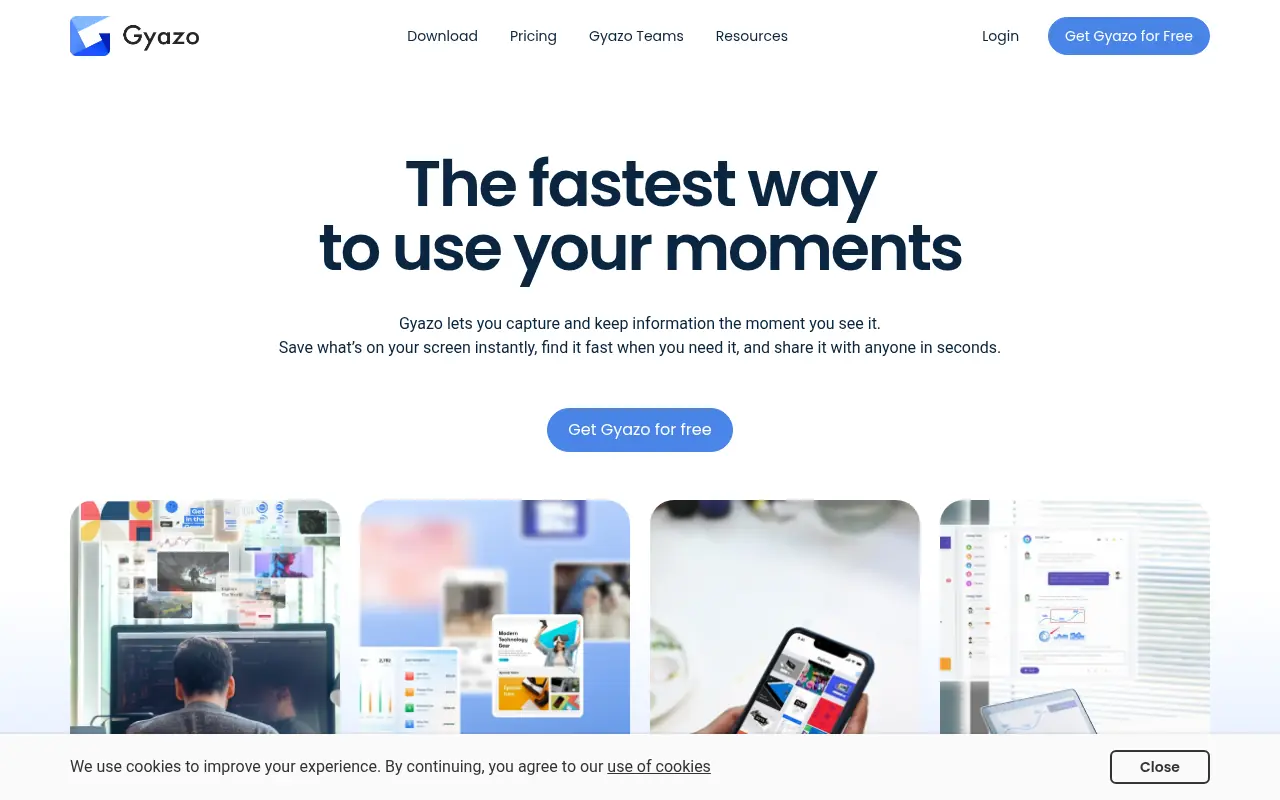

Gyazo
Gyazo is an instant screen capture tool that allows users to quickly share screenshots, GIFs, and short screen recordings via automatically generated links.