

FlowUs
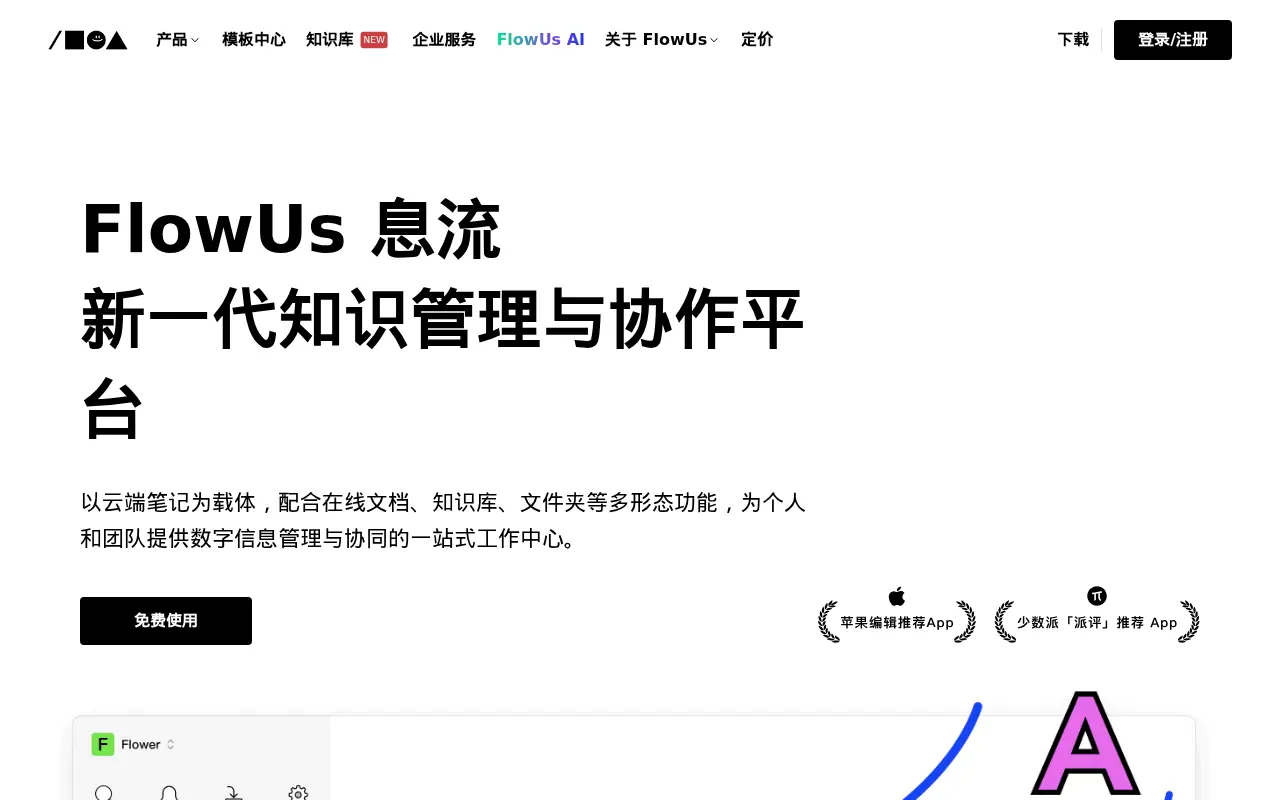
What is FlowUs?
FlowUs is a comprehensive productivity workspace designed to serve as a central hub for personal knowledge management and team collaboration. It empowers users to seamlessly integrate note-taking, project management, and file storage within a highly customizable, block-based interface. Its mission is to streamline workflows by replacing multiple disparate apps with a single, unified platform. Furthermore, it leverages built-in AI capabilities to assist with writing, summarization, data retrieval, and translation, helping both individuals and enterprises maximize their daily efficiency.
How to use FlowUs?
To use FlowUs effectively, start by creating a workspace and utilizing the block-based editor to draft documents, taking advantage of markdown support and `/` commands to quickly insert text formatting, media, or files. Next, set up multi-dimensional tables (databases) and customize them with various views like Kanban, Calendar, or Gallery to track tasks and manage complex projects. Finally, leverage the built-in FlowUs AI to summarize long documents, generate ideas, or refine your writing, and invite team members to collaborate in real-time through shared pages, flexible permissions, and comment threads.
FlowUs's Core Features
The platform features a highly flexible, block-based editor that supports rich text, media embedding, and markdown for frictionless document creation.
Users can create multi-dimensional tables with customizable views including Kanban, gallery, timeline, and calendar formats to track complex workflows.
FlowUs AI serves as a built-in intelligent assistant to generate text, summarize long documents, translate languages, and refine writing style.
An AI spatial Q&A feature allows users to query their past notes, documents, and knowledge base to instantly retrieve specific information.
The system provides integrated cloud file management, allowing users to upload, organize, and preview various file formats directly within their workspace.
Real-time collaboration tools enable multiple team members to edit documents simultaneously, leave inline comments, and assign tasks.
Users can instantly toggle their structured outline notes into dynamic mind maps to better visualize complex ideas and knowledge systems.
A vast integrated template library offers pre-built workspaces for project management, personal planning, habit tracking, and team onboarding.
Native applications are available across multiple platforms including web, Windows, macOS, iOS, and Android to ensure seamless cross-device synchronization.
Granular permission settings allow workspace administrators to securely control who can view, edit, or share specific pages and folders.
FlowUs's Use Cases
- #1
Building and maintaining a comprehensive personal wiki or corporate knowledge base.
- #2
Managing agile projects and tracking task progress using Kanban boards and timeline views.
- #3
Taking structured meeting notes, organizing class lectures, and tracking action items.
- #4
Using integrated AI to quickly draft, summarize, expand upon, or translate articles and reports.
- #5
Creating a custom CRM or personal habit tracker using highly configurable multi-dimensional databases.
- #6
Collaborating with team members on shared documents in real-time with inline commenting.
- #7
Converting structured document outlines into dynamic mind maps for visual brainstorming.
- #8
Publishing and monetizing premium content, guides, or templates through public page sharing.
Frequently Asked Questions
Analytics of FlowUs
Monthly Visits Trend: Jun 2025 - Sep 2026
Traffic Sources
Top Regions
| Region | Traffic Share |
|---|---|
| China | 89.90% |
| United States | 2.89% |
| Hong Kong | 1.70% |
| Taiwan | 1.39% |
| Singapore | 1.11% |
Top Keywords
| Keyword | Traffic | CPC |
|---|---|---|
| flowus | 2.7K | $4.05 |
| 息流 | 160 | -- |
| wow114 | 370 | -- |
| gilisoft total repair v12.1.0 | -- | -- |
| deadlypwner | -- | -- |
Alternative of FlowUs
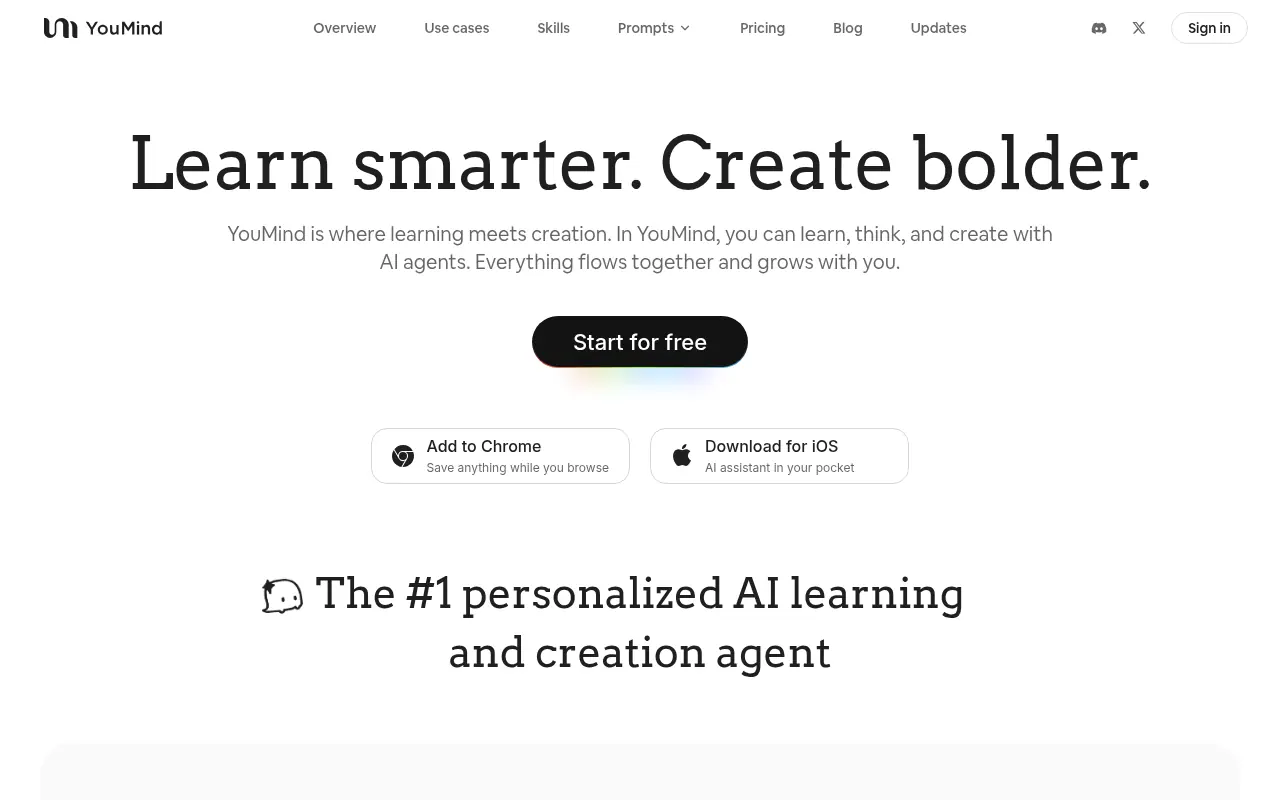

YouMind
An all-in-one AI creation studio that unifies research, note-taking, and writing into a single workflow for turning information into creative output.
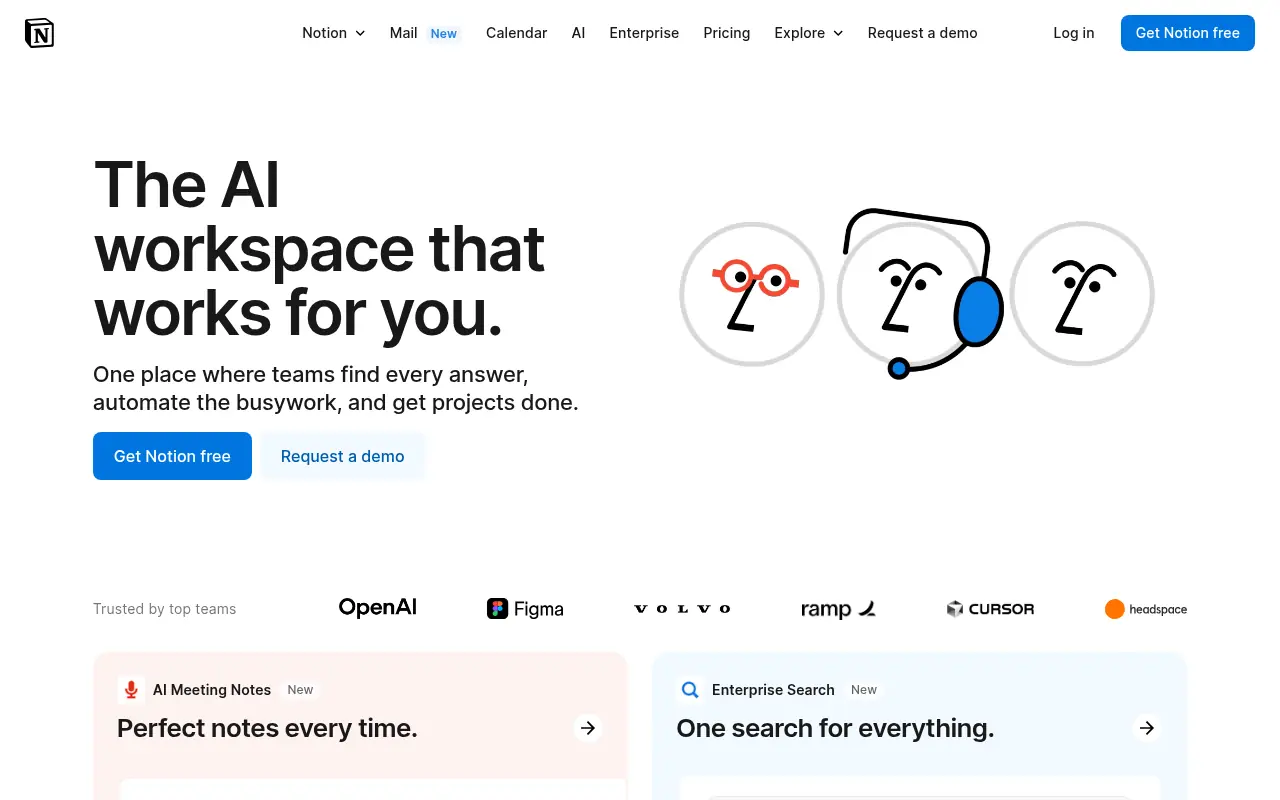

Notion
Notion is an all-in-one workspace for note-taking, project management, and team collaboration with AI-powered tools.
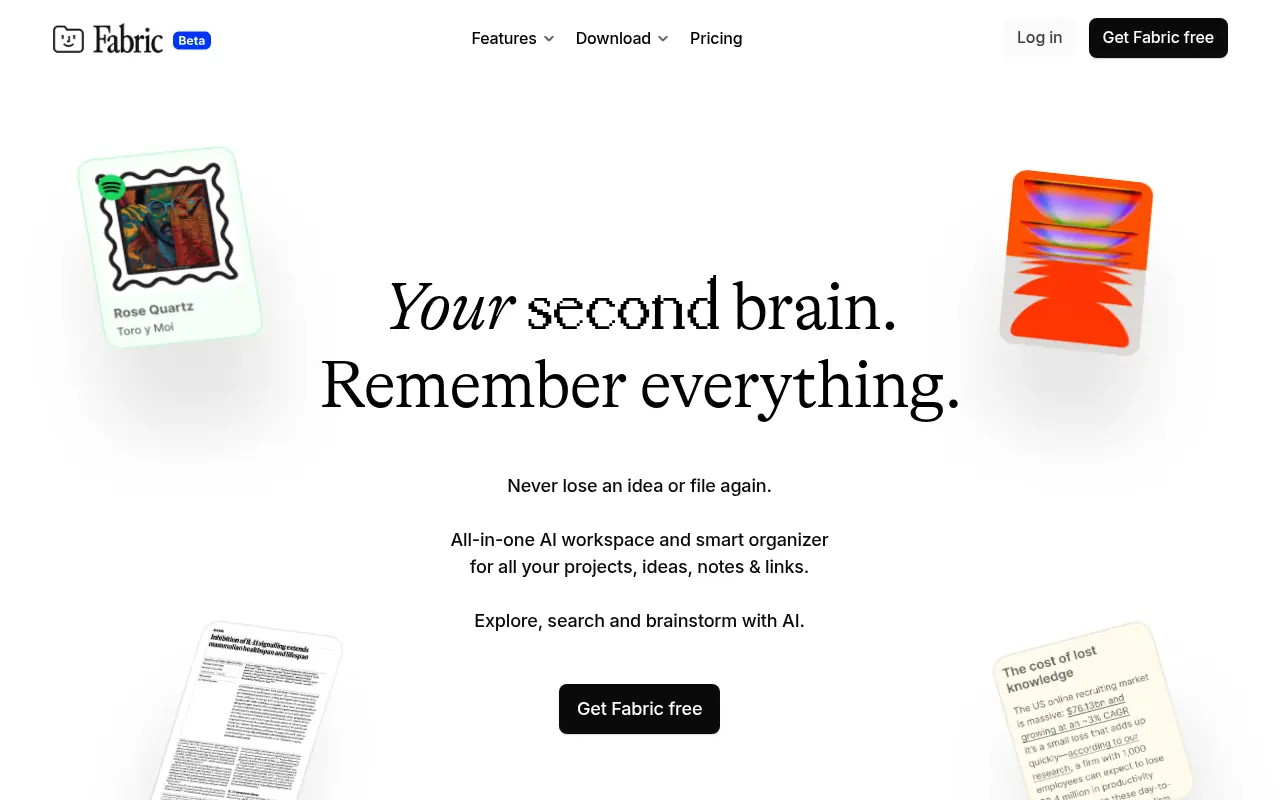

Fabric
Fabric is an AI-native digital workspace and file explorer that centralizes and intelligently organizes all your digital content and data in one universal hub.


DingTalk
DingTalk is a comprehensive enterprise collaboration and communication platform designed to enhance workplace productivity through integrated messaging, meetings, and AI-powered workflows.
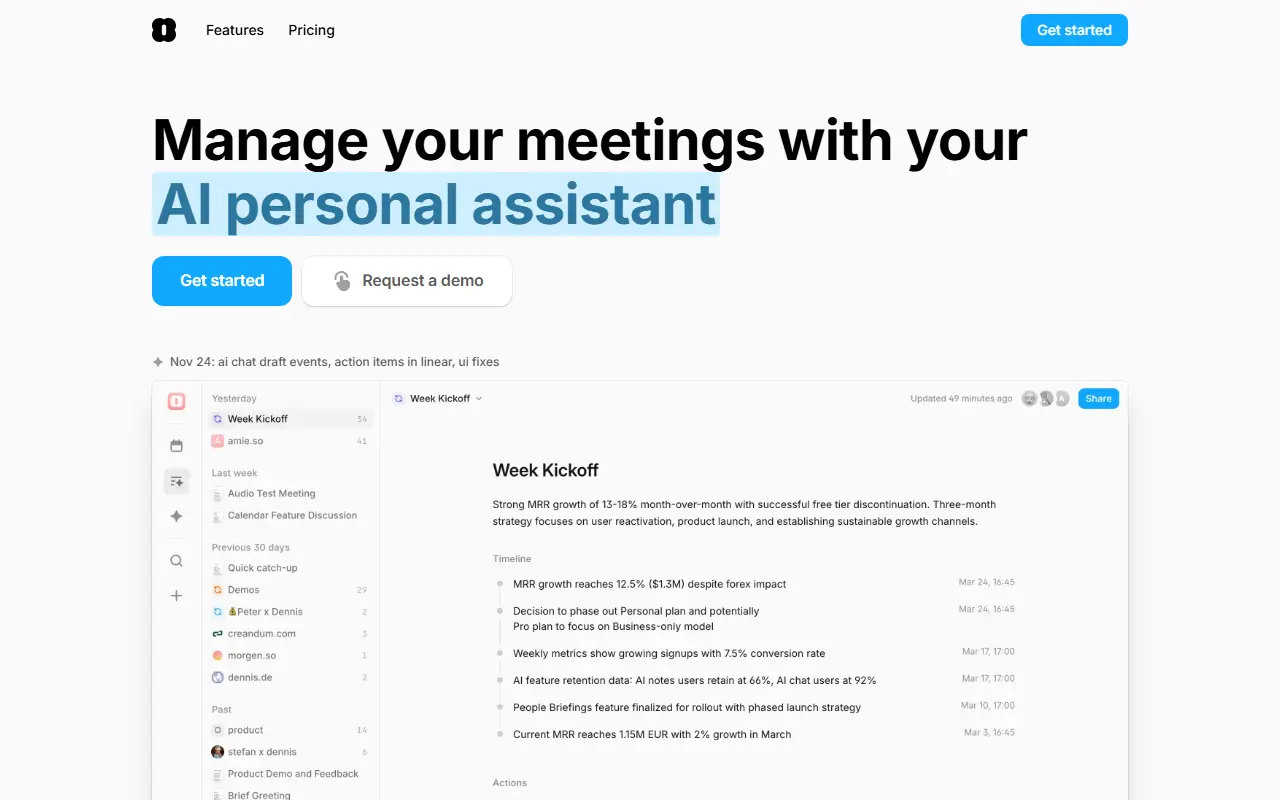

Amie
Amie is a productivity app that combines calendar, tasks, and AI-powered meeting notes in one intuitive platform.
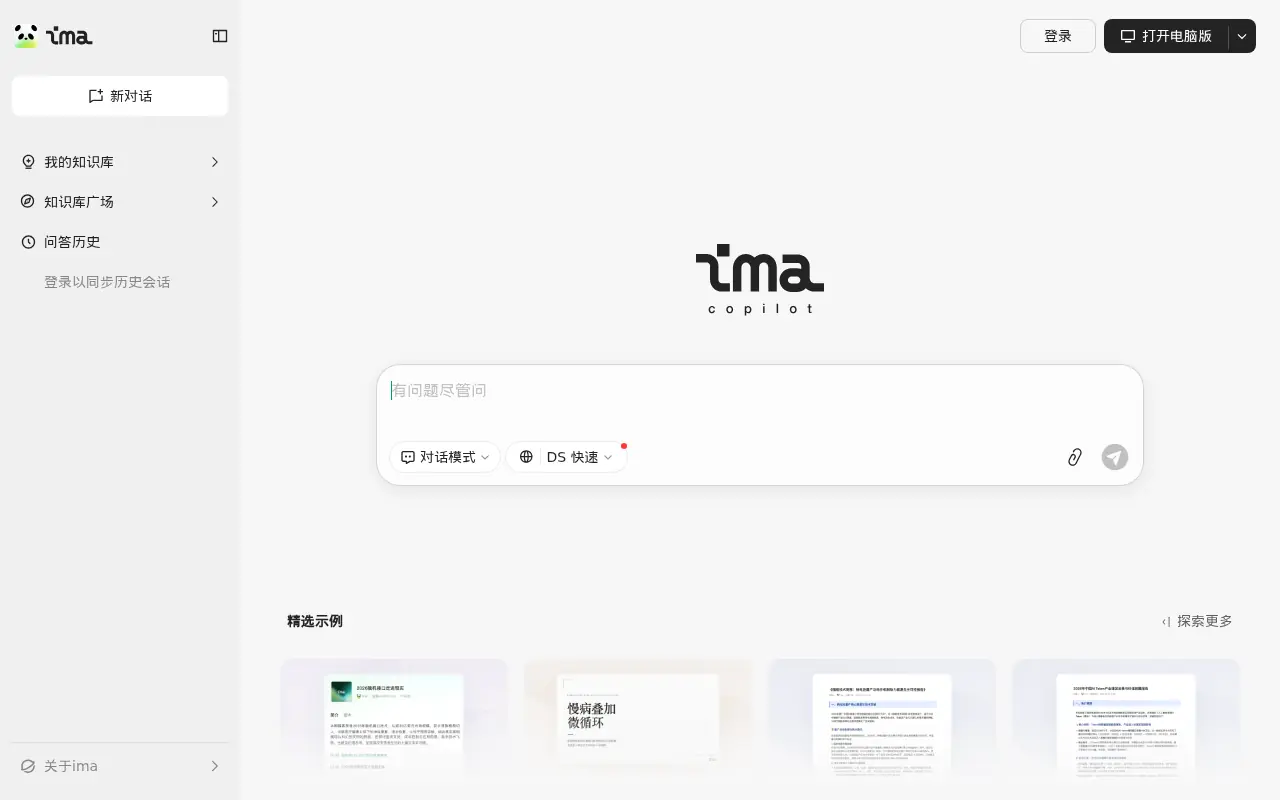

Tencent ima
An AI-powered workspace by Tencent that integrates smart search, document reading, writing assistance, and personalized knowledge management.
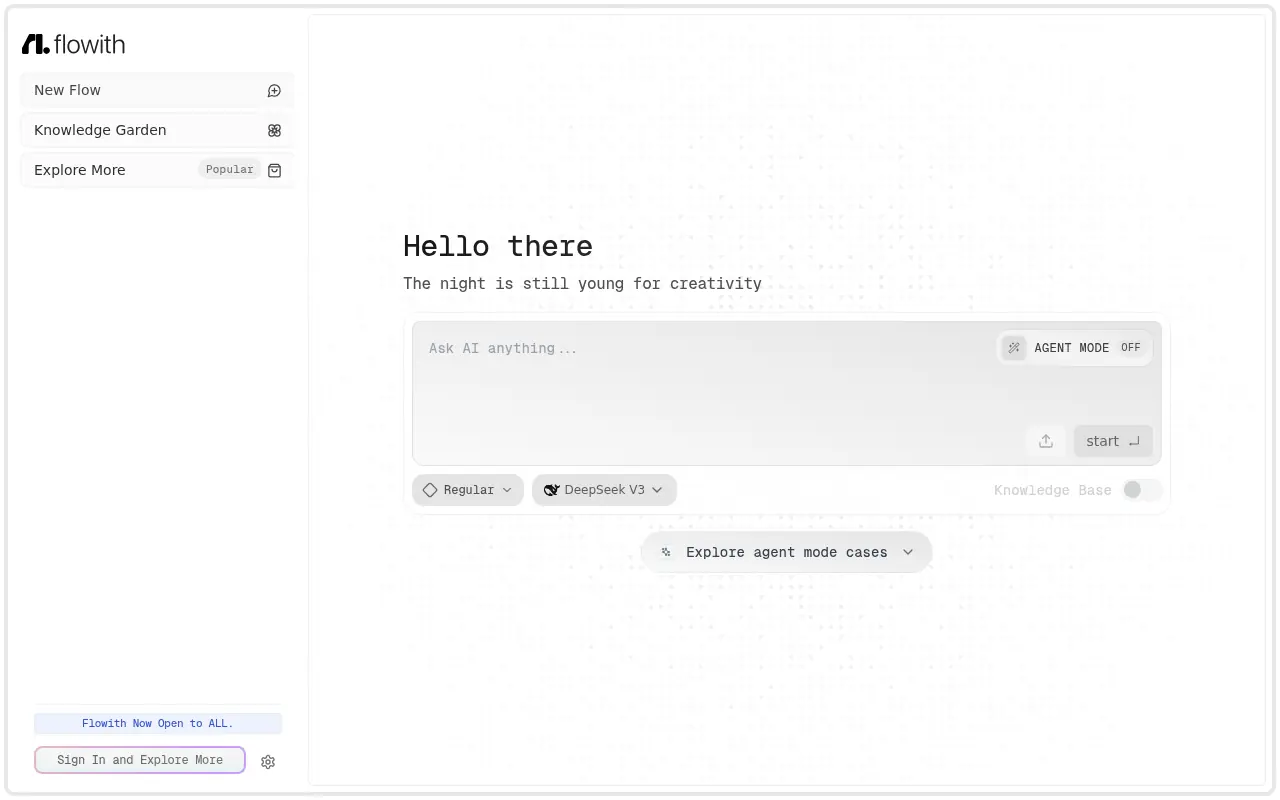

Flowith
Flowith is an AI-powered creation workspace designed to enhance productivity and streamline complex tasks through an intuitive canvas-based interface.
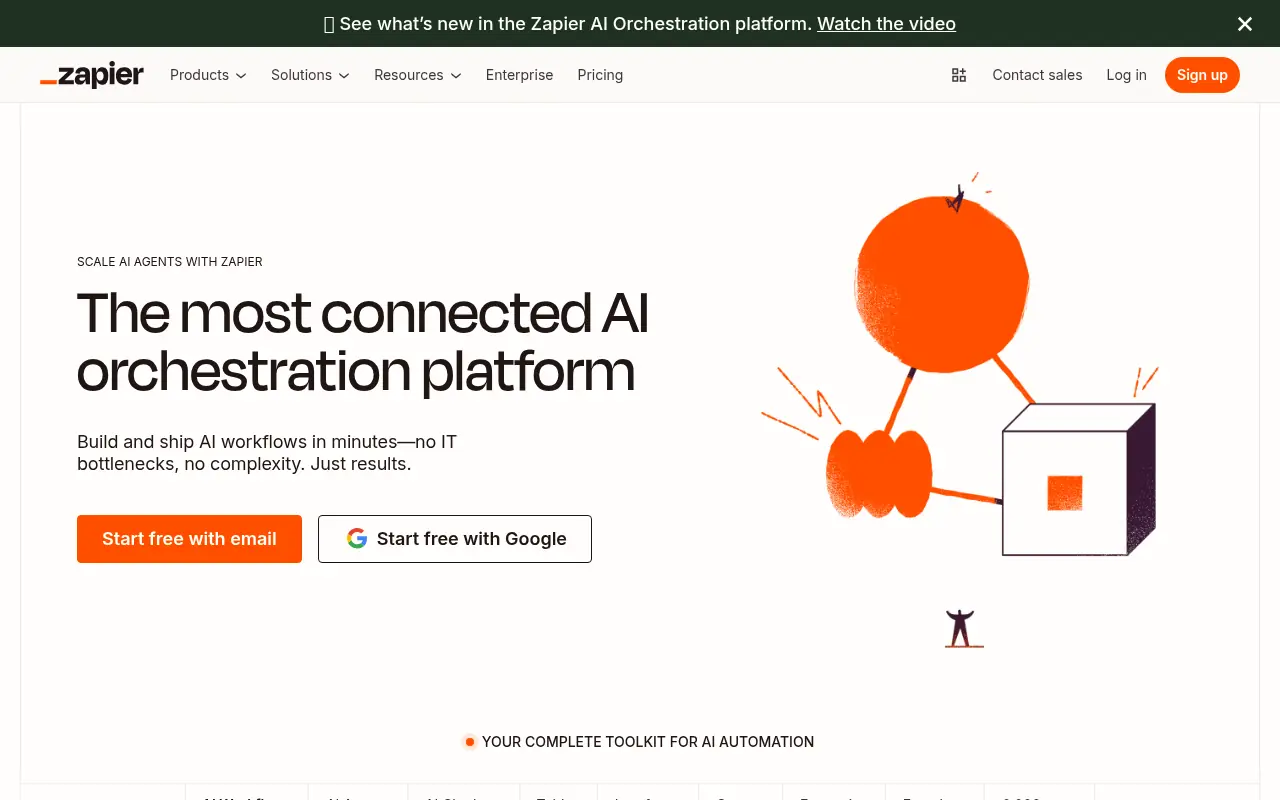

Zapier
Zapier is a no-code automation platform that connects apps to streamline workflows and boost productivity.