

Pixso
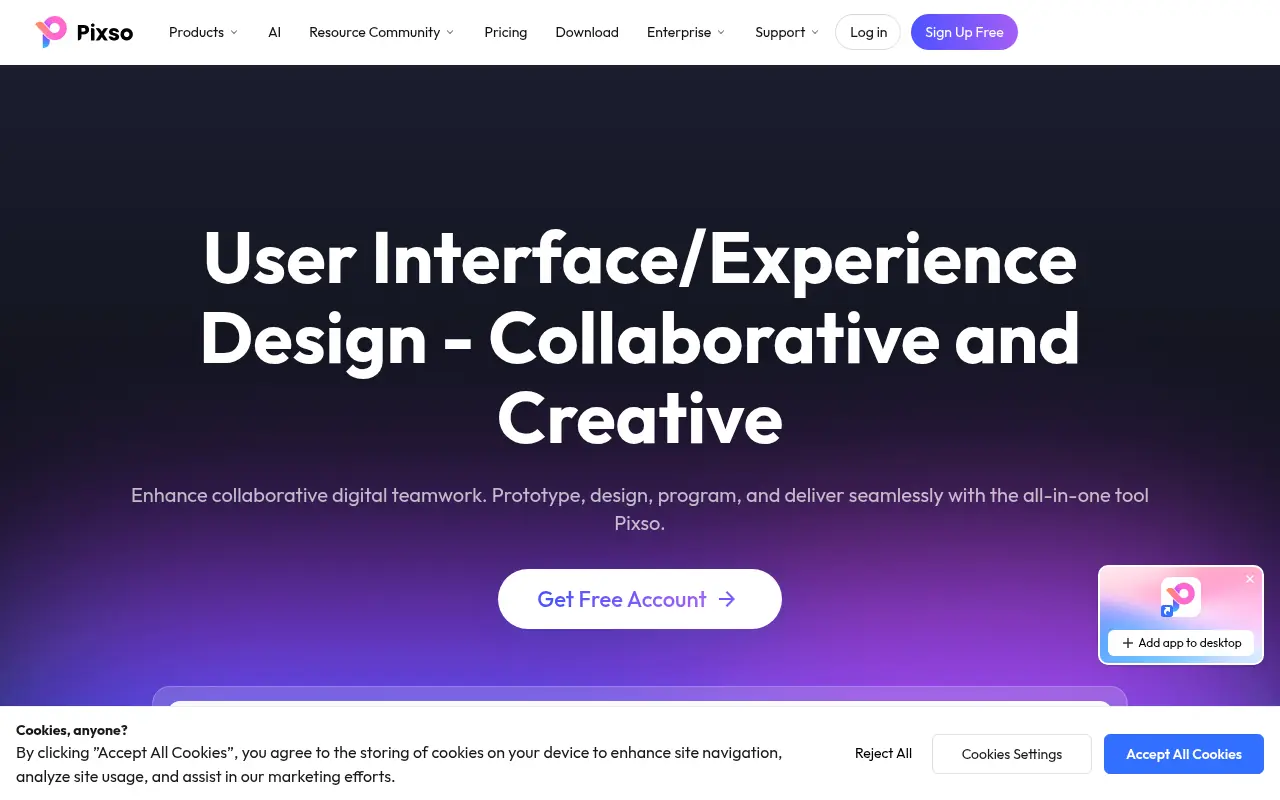
What is Pixso?
Pixso is a comprehensive product design platform tailored for UI/UX designers, product managers, and developers. It unifies the entire product design workflow by combining vector design, interactive prototyping, and digital whiteboards into a single collaborative workspace. Positioned as a strong alternative to tools like Figma, Pixso enables real-time team collaboration, allowing multiple users to edit and comment simultaneously. It also incorporates advanced AI capabilities to generate design assets, optimize workflows, and bridge the gap between design and development with automatic code delivery.
How to use Pixso?
To use Pixso, users simply sign up for an account and access the platform via a web browser or desktop application. You can start a new project from scratch using the vector design and whiteboard tools, or import existing files seamlessly from Figma, Sketch, or Adobe XD. Teams can invite members via a link to collaborate in real-time, utilizing the built-in AI assistant to generate images or copy, and finally share the project with developers using the 'Handoff' mode to extract code snippets and assets.
Pixso's Core Features
Real-time multi-user collaboration allows teams to design and edit simultaneously on the same canvas.
Integrated digital whiteboard facilitates brainstorming, flowcharts, and product planning.
AI-powered assistant generates images, icons, and text content to speed up the creative process.
High-fidelity prototyping features enable the creation of interactive and animated user flows.
Seamless file import supports Figma, Sketch, Adobe XD, and SVG formats with high accuracy.
Developer handoff mode automatically generates CSS, Swift, and Android code snippets.
Auto-layout capabilities ensure designs are responsive and adjust automatically to content changes.
Component variants and style libraries help maintain consistency across large design systems.
Enterprise-grade security offers private deployment options and detailed activity logs.
Cross-platform accessibility via web browsers, macOS, and Windows desktop apps.
Pixso's Use Cases
- #1
Real-time collaborative interface design for remote teams
- #2
Creating high-fidelity interactive prototypes without coding
- #3
Brainstorming and project planning on an infinite digital whiteboard
- #4
Generating unique icons and images using the built-in AI assistant
- #5
Migrating and editing legacy design files from Figma, Sketch, or Adobe XD
- #6
Streamlining developer handoff with automatic CSS and code generation
- #7
Building and managing scalable design systems and component libraries
- #8
Conducting design reviews with instant feedback and comments
Frequently Asked Questions
Analytics of Pixso
Monthly Visits Trend: Jun 2025 - Aug 2026
Traffic Sources
AI Channel Traffic Trends
Top Regions
| Region | Traffic Share |
|---|---|
| Russia | 51.35% |
| Korea, Republic of | 6.37% |
| Uzbekistan | 5.11% |
| India | 3.39% |
| United States | 2.90% |
Top Keywords
| Keyword | Traffic | CPC |
|---|---|---|
| pixso | 8.7K | $0.96 |
| figma | 3.7M | $0.87 |
| пиксо | 210 | -- |
| векторный файл логотипа | -- | -- |
| 대시보드 디자인 | 3.3K | $0.71 |
Alternative of Pixso


Modao
Modao is an intelligent prototyping and collaborative design platform that empowers product teams to quickly turn ideas into interactive high-fidelity prototypes using AI.


UX Pilot
UX Pilot is an AI-powered design tool that enables users to instantly generate wireframes, high-fidelity UI layouts, and flowcharts from text prompts, streamlining the design-to-code workflow.
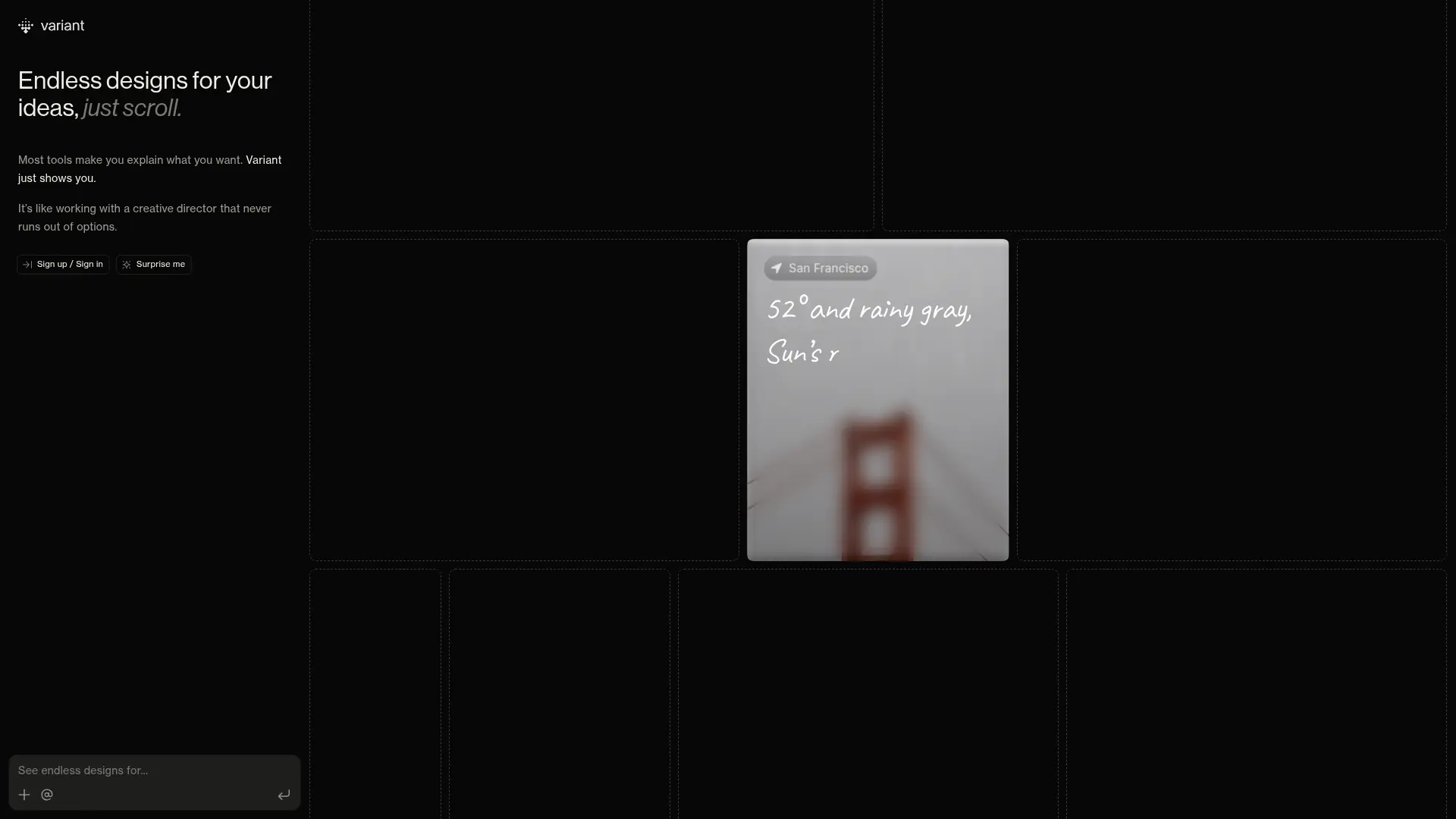

Variant
Generate endless UI design variations by simply scrolling. Variant eliminates prompt fatigue, offering rapid visual exploration to jumpstart your next software project.
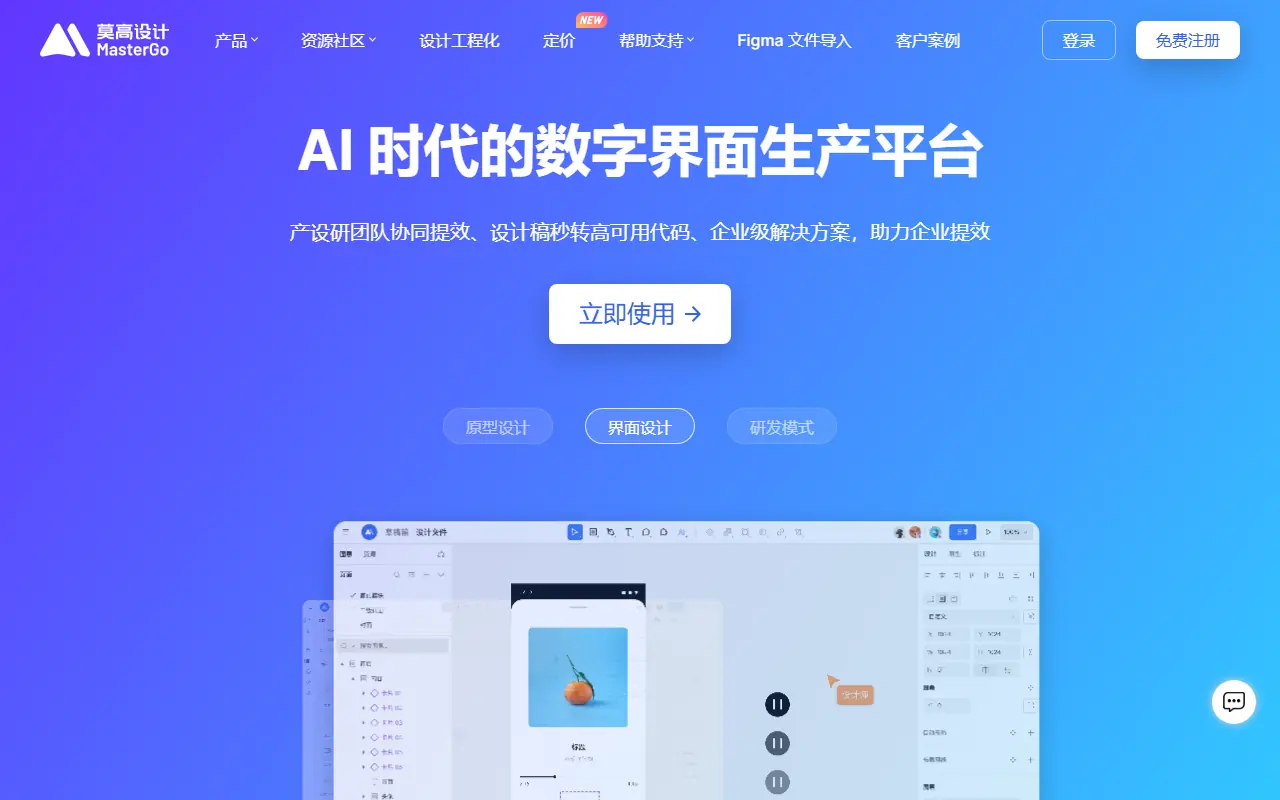

MasterGo
MasterGo is an enterprise-level, AI-powered digital interface design platform that enables real-time collaboration for product, design, and development teams.


UserTesting
UserTesting is a leading video-first experience research platform that enables organizations to gather real-time feedback from their target audiences.
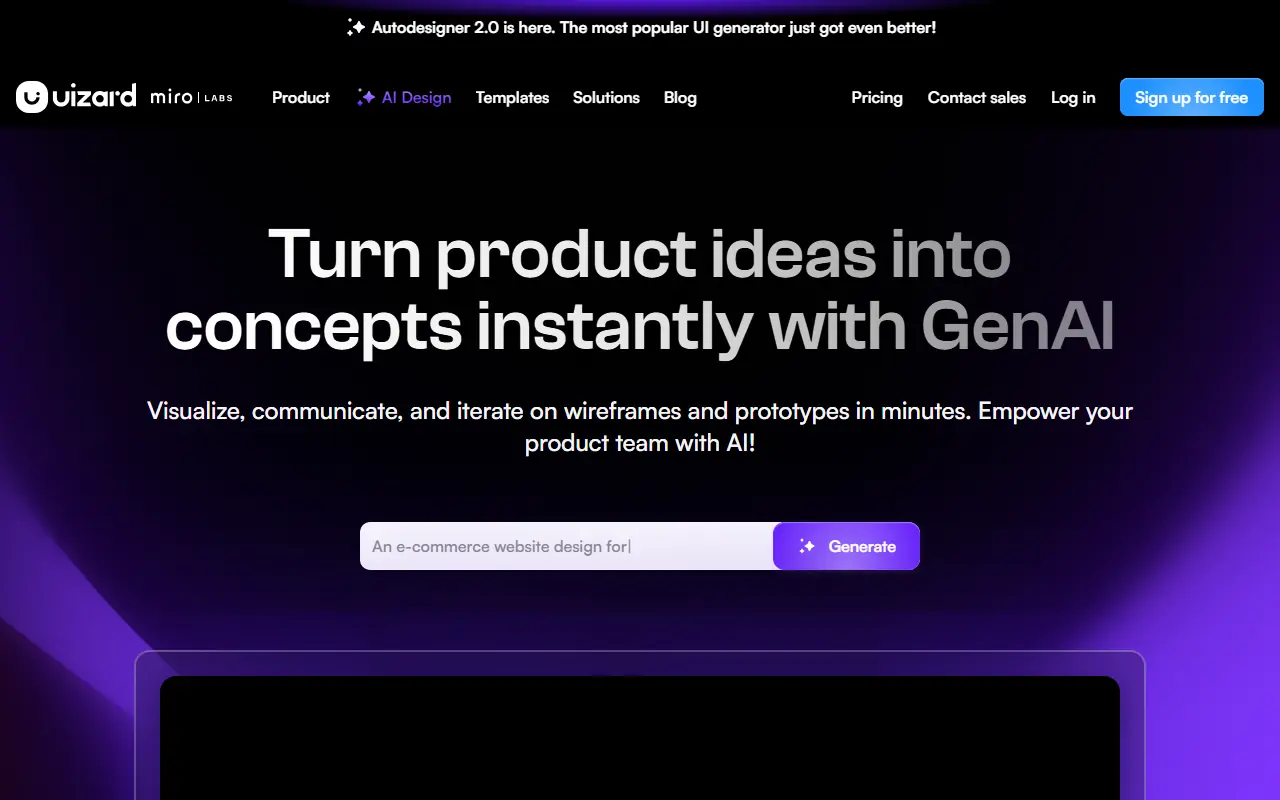

Uizard
Uizard is an AI-powered design tool that simplifies UI/UX design, enabling users to create wireframes, mockups, and prototypes rapidly.
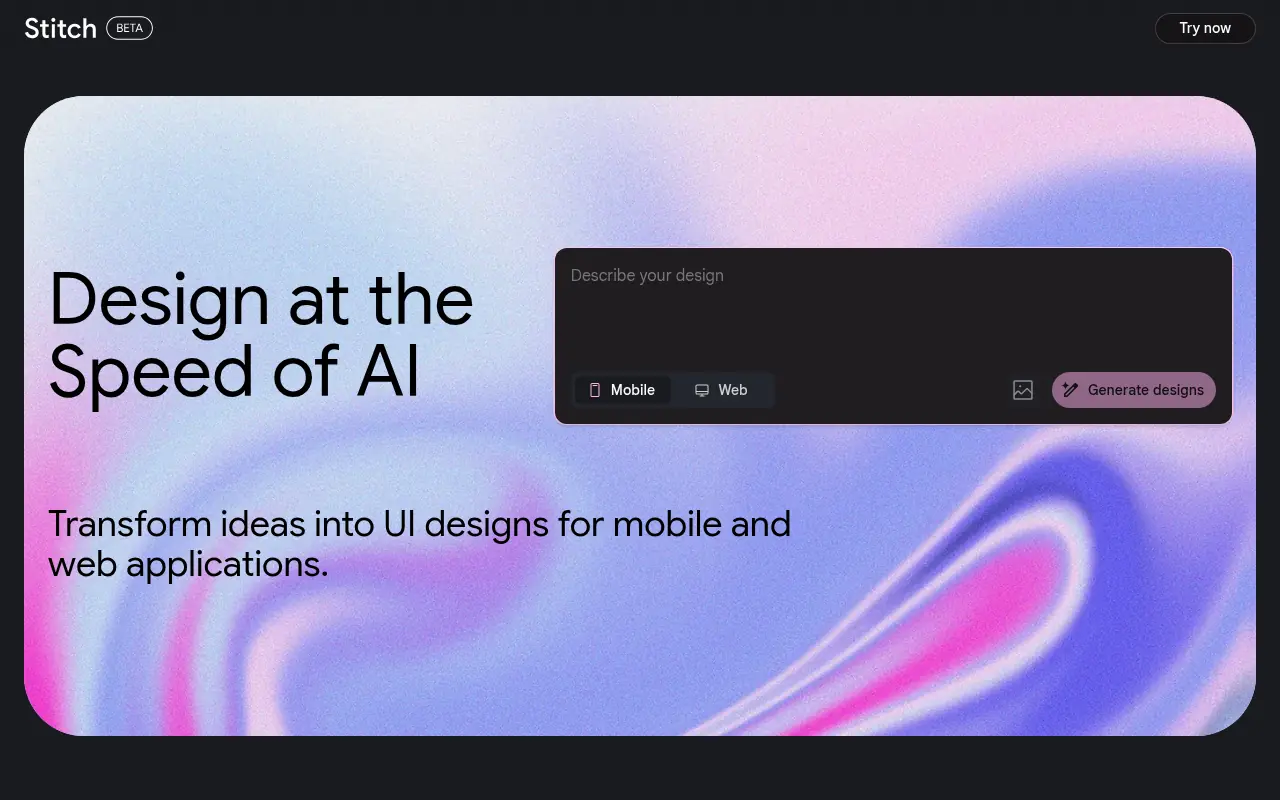

Stitch
Stitch is an AI-powered tool by Google Labs that generates UI designs and frontend code for web and mobile applications from text or image prompts.
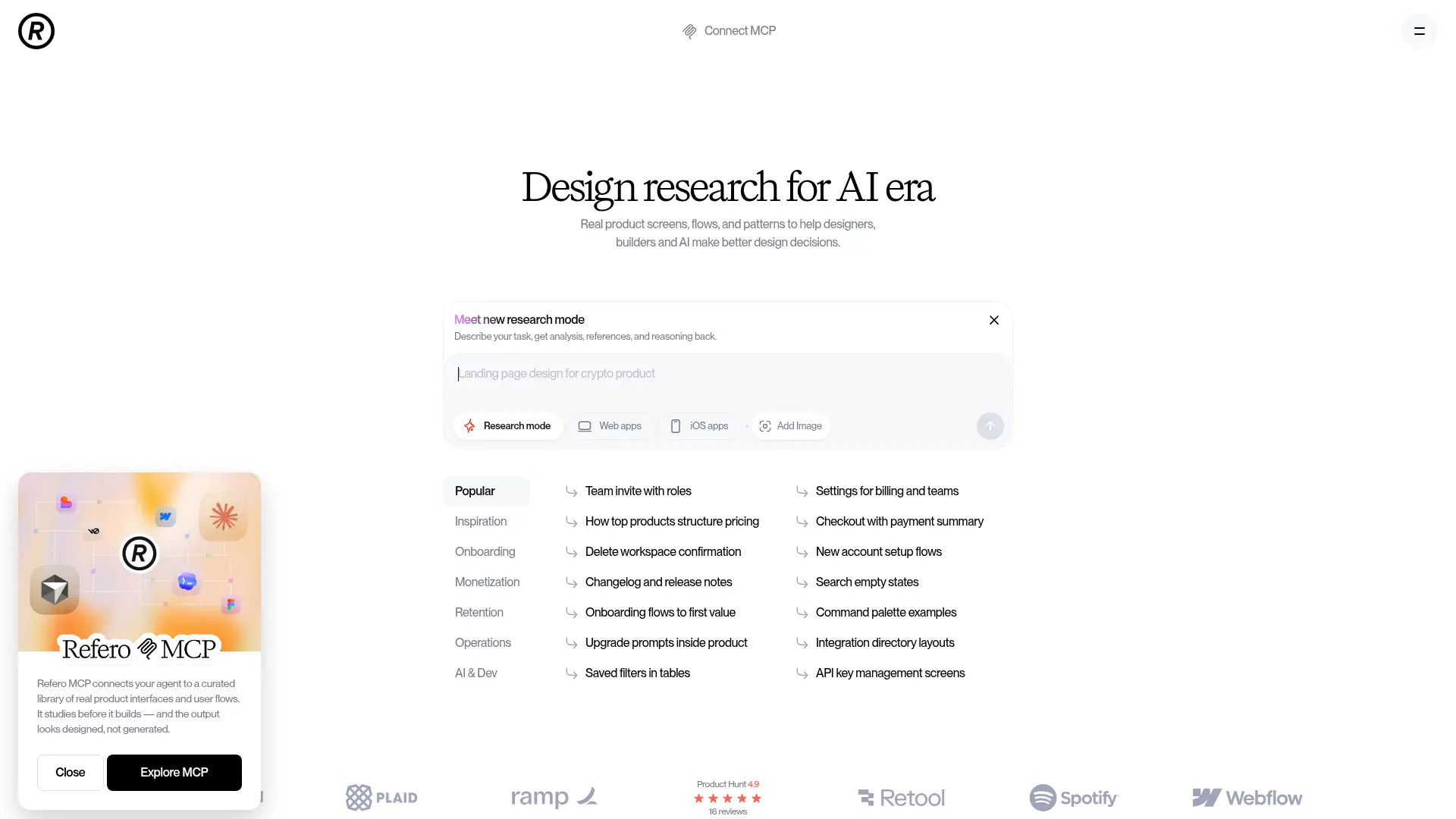

Refero
Refero is an expansive UI/UX design reference library featuring thousands of real-world web and iOS app screens to streamline design research and workflow automation.