

UX Pilot
What is UX Pilot?
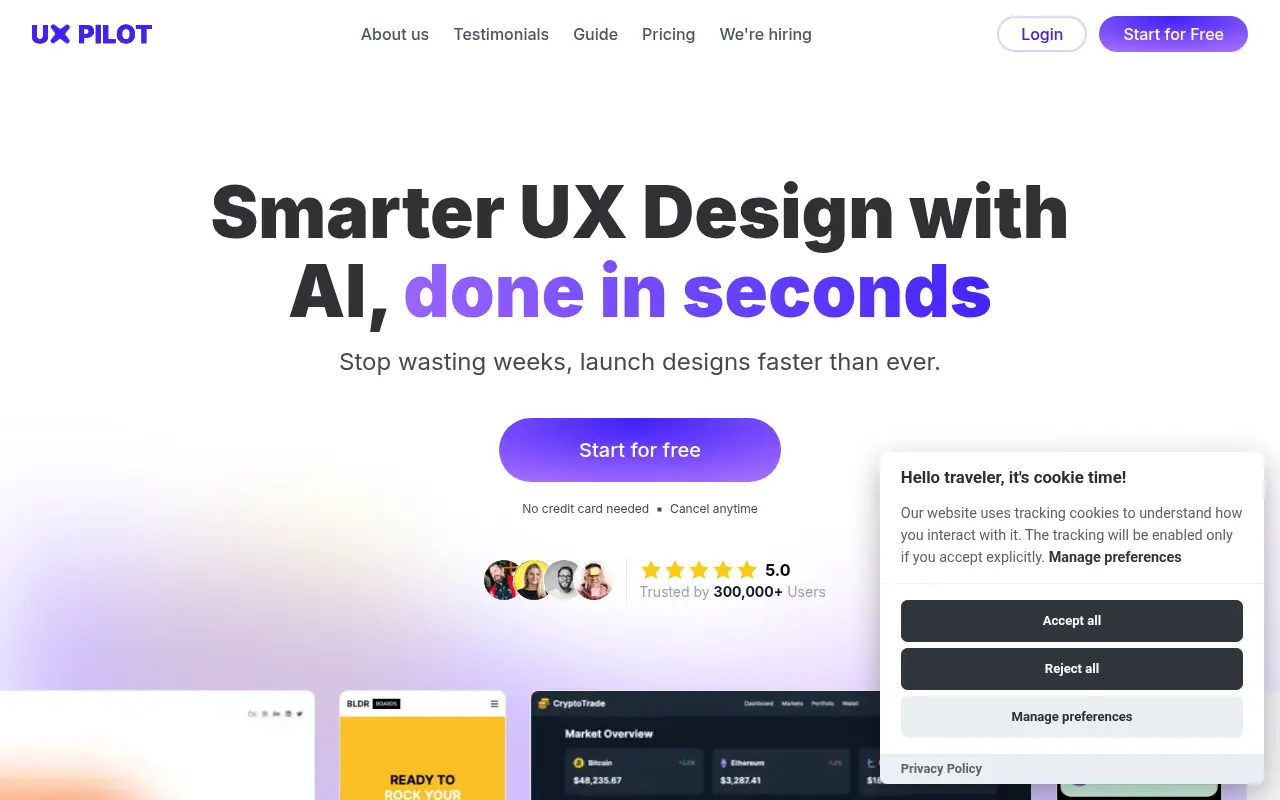
UX Pilot is an AI-driven UI/UX design platform tailored for designers, product managers, and developers. Its core mission is to bridge the gap between ideation and prototyping by instantly transforming simple text prompts into structured wireframes and high-fidelity screens. The platform serves its users by automating tedious design tasks, offering built-in validation tools like predictive heatmaps, and exporting clean HTML and CSS code. Additionally, it integrates seamlessly with Figma via a dedicated plugin, ensuring that generated layouts can be easily edited and incorporated into existing design systems. Ultimately, UX Pilot accelerates the product design process, allowing teams to focus more on refining user experiences than starting from a blank canvas.
How to use UX Pilot?
To use UX Pilot, simply enter a descriptive text prompt detailing the specific screen, feature, or user flow you want to build. The AI will instantly generate a structured wireframe or a high-fidelity UI layout based on your instructions. From there, you can analyze the layout using the built-in predictive heatmaps, refine the visuals, and either seamlessly export the design directly to Figma using the provided plugin or generate clean HTML/CSS code for your development team.
UX Pilot's Core Features
Prompt-to-Design AI instantly generates complete wireframes and high-fidelity UI layouts from simple text descriptions.
The platform's deep Figma integration allows you to seamlessly pull AI-generated designs directly into your Figma workspace.
Predictive heatmaps simulate visual attention to help you validate your designs and identify overlooked page elements.
Code Export functionality converts your visual UI designs into clean, usable HTML and CSS code for faster developer handoff.
AI-driven flowchart generation automatically creates clear, editable user journey maps from basic text prompts.
Design system synchronization lets you import your own components so the AI generates interfaces consistent with your brand.
GitHub integration automatically pushes ready-to-use frontend code directly to your connected repositories.
UX Pilot's Use Cases
- #1
Rapidly prototyping app screens and user flows from text descriptions.
- #2
Generating low-fidelity wireframes to validate product ideas early.
- #3
Creating high-fidelity UI layouts for presentations or developer handoff.
- #4
Generating editable user journey flowcharts.
- #5
Testing design effectiveness using AI-powered predictive heatmaps.
- #6
Importing AI-generated designs directly into Figma via a dedicated plugin.
- #7
Exporting clean HTML and CSS code for quick frontend development.
Frequently Asked Questions
Analytics of UX Pilot
Monthly Visits Trend: Apr 2025 - Aug 2026
Traffic Sources
AI Channel Traffic Trends
Top Regions
| Region | Traffic Share |
|---|---|
| India | 20.43% |
| United States | 12.03% |
| Germany | 4.88% |
| Korea, Republic of | 3.43% |
| Indonesia | 3.36% |
Top Keywords
| Keyword | Traffic | CPC |
|---|---|---|
| ux pilot | 20.4K | $0.67 |
| uxpilot | 5.9K | $1.76 |
| google stitch | 514.6K | $1.30 |
| stitch ai | 141.5K | $0.89 |
| galileo ai | 15.4K | $4.23 |
Alternative of UX Pilot

Pixso
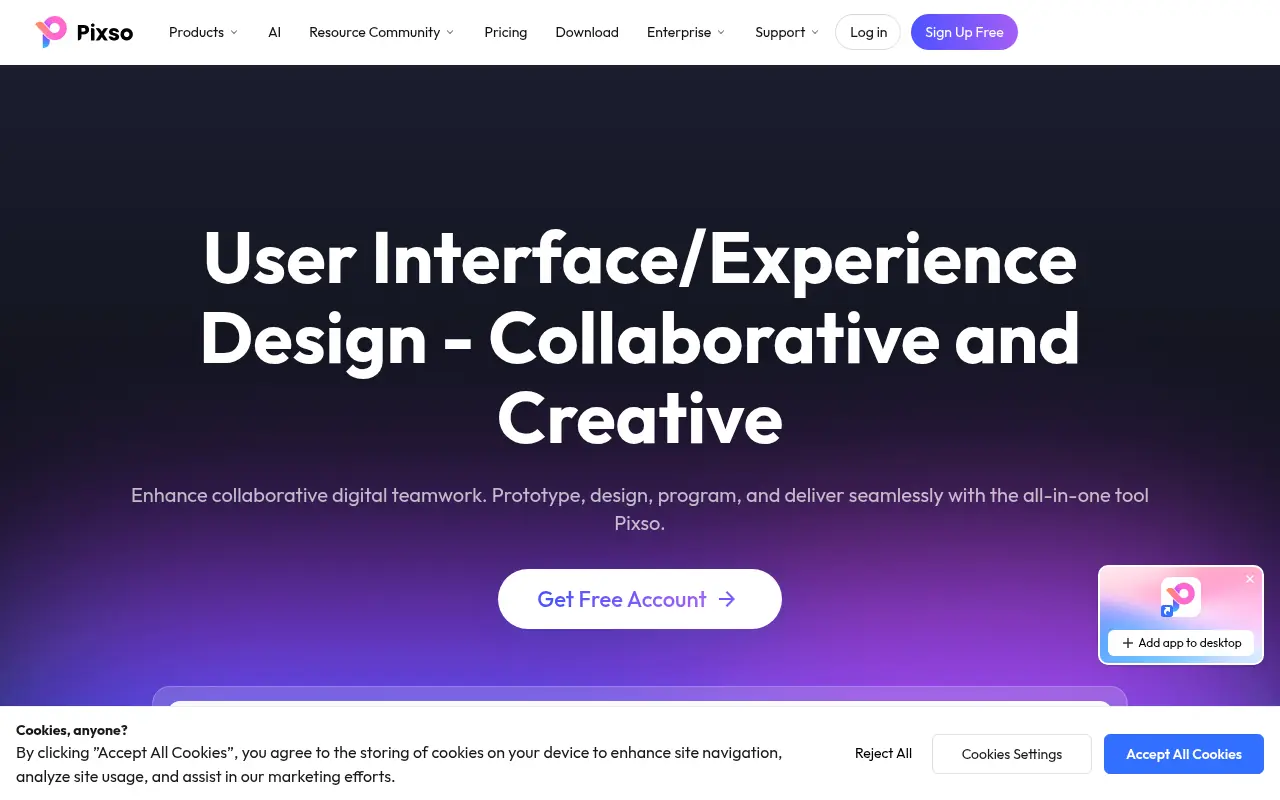
A collaborative, cloud-based UI/UX design platform that integrates design, whiteboarding, prototyping, and AI tools for real-time team cooperation.

Variant
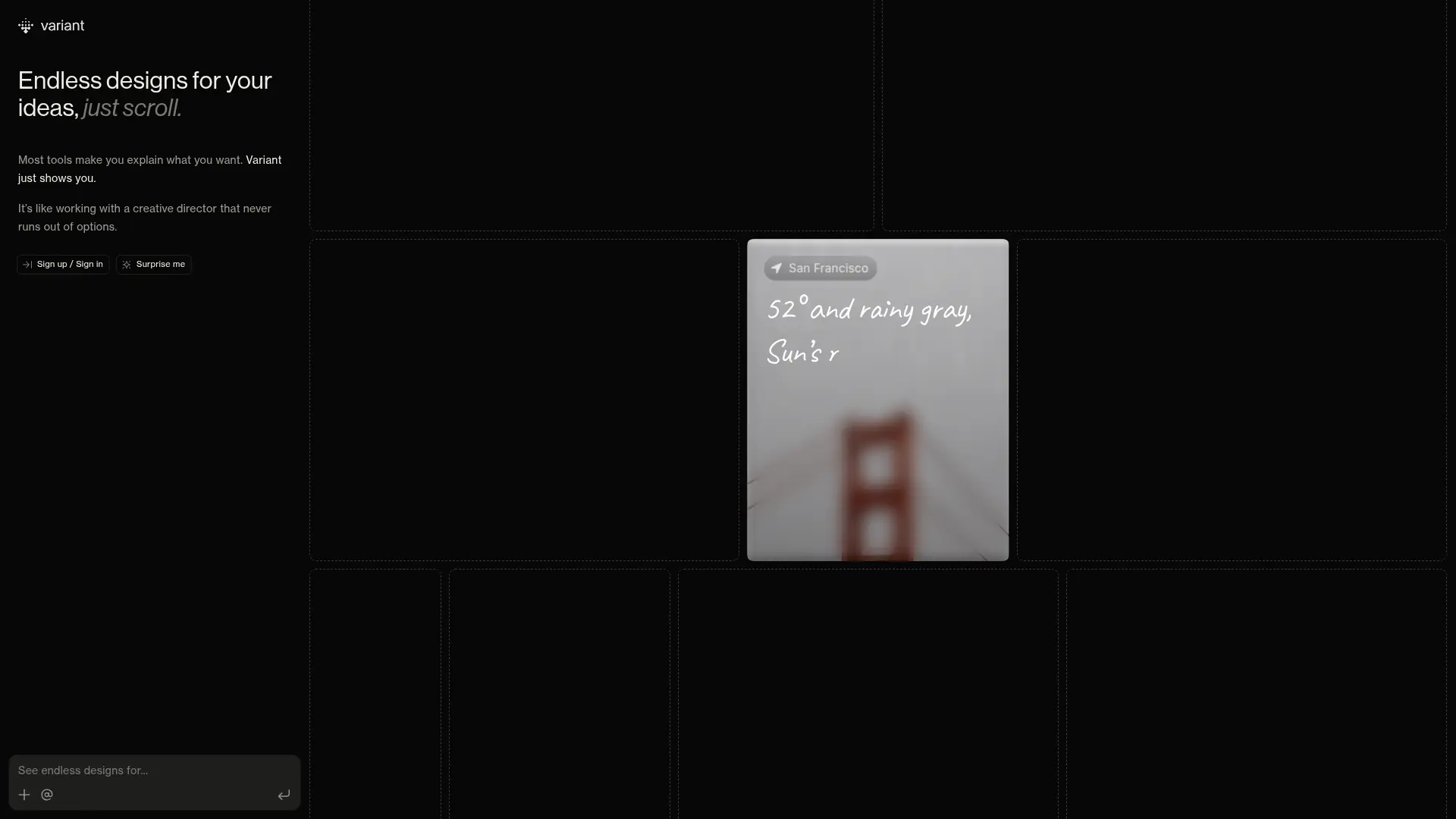
Generate endless UI design variations by simply scrolling. Variant eliminates prompt fatigue, offering rapid visual exploration to jumpstart your next software project.

Modao
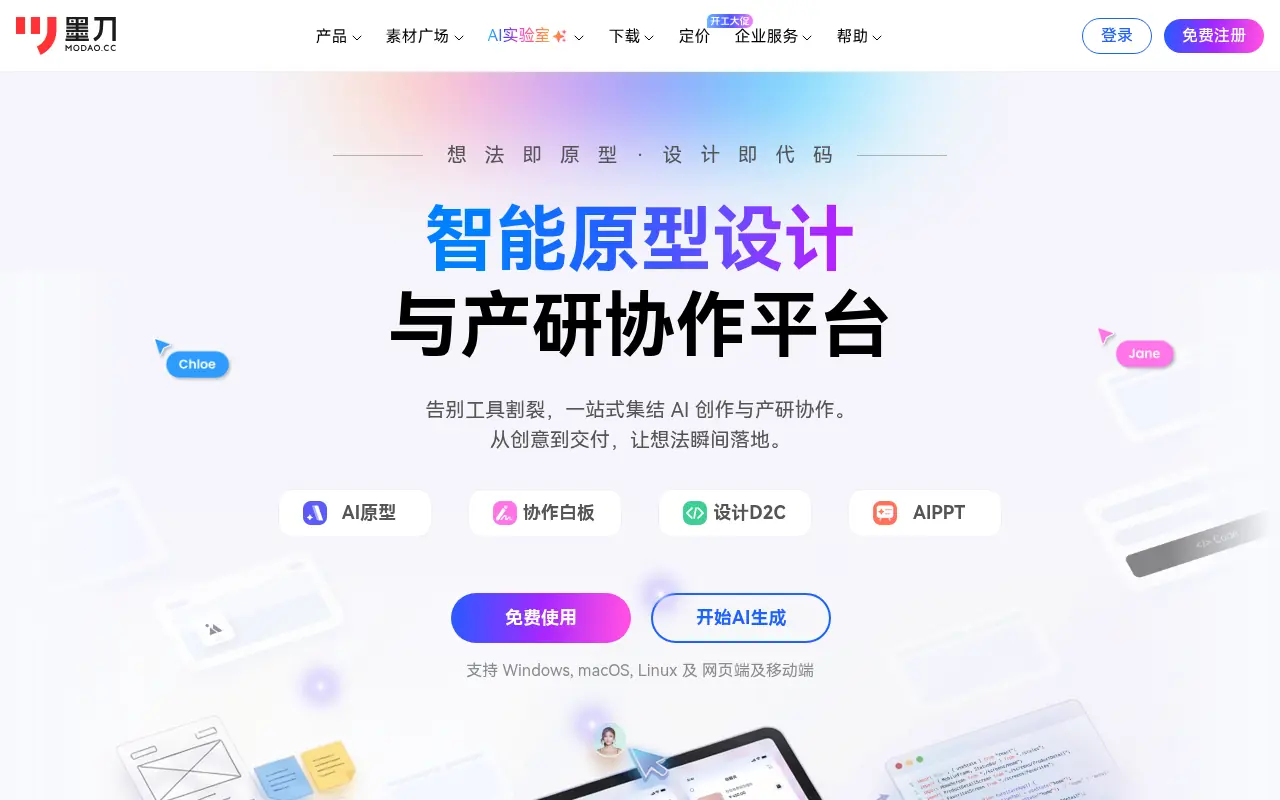
Modao is an intelligent prototyping and collaborative design platform that empowers product teams to quickly turn ideas into interactive high-fidelity prototypes using AI.
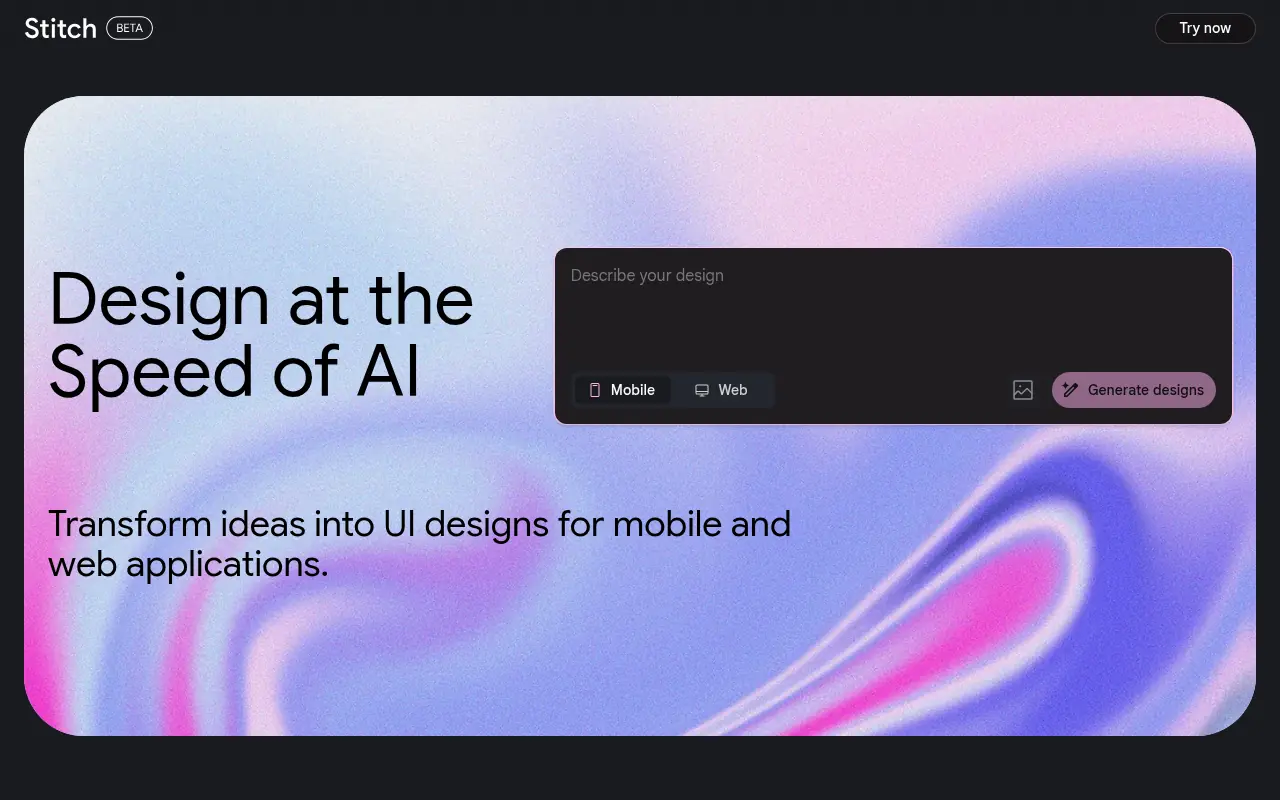

Stitch
Stitch is an AI-powered tool by Google Labs that generates UI designs and frontend code for web and mobile applications from text or image prompts.
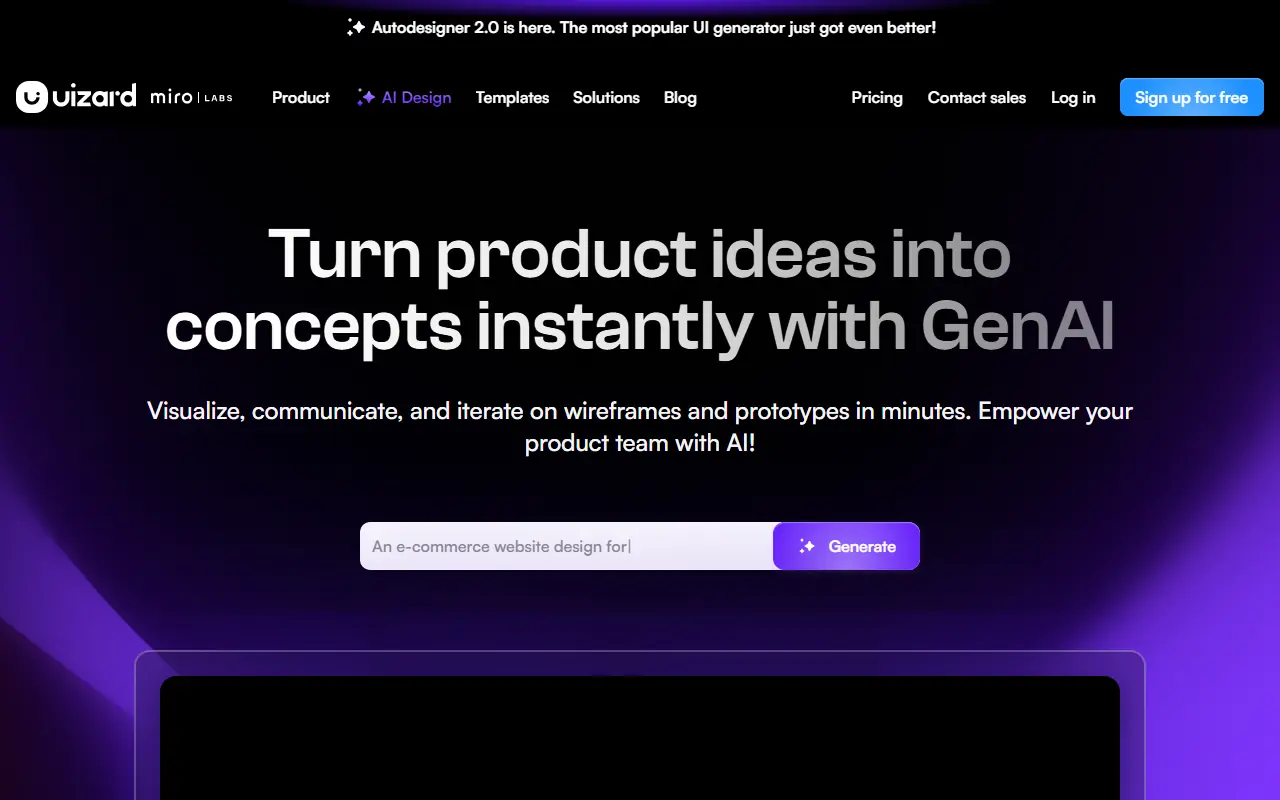

Uizard
Uizard is an AI-powered design tool that simplifies UI/UX design, enabling users to create wireframes, mockups, and prototypes rapidly.
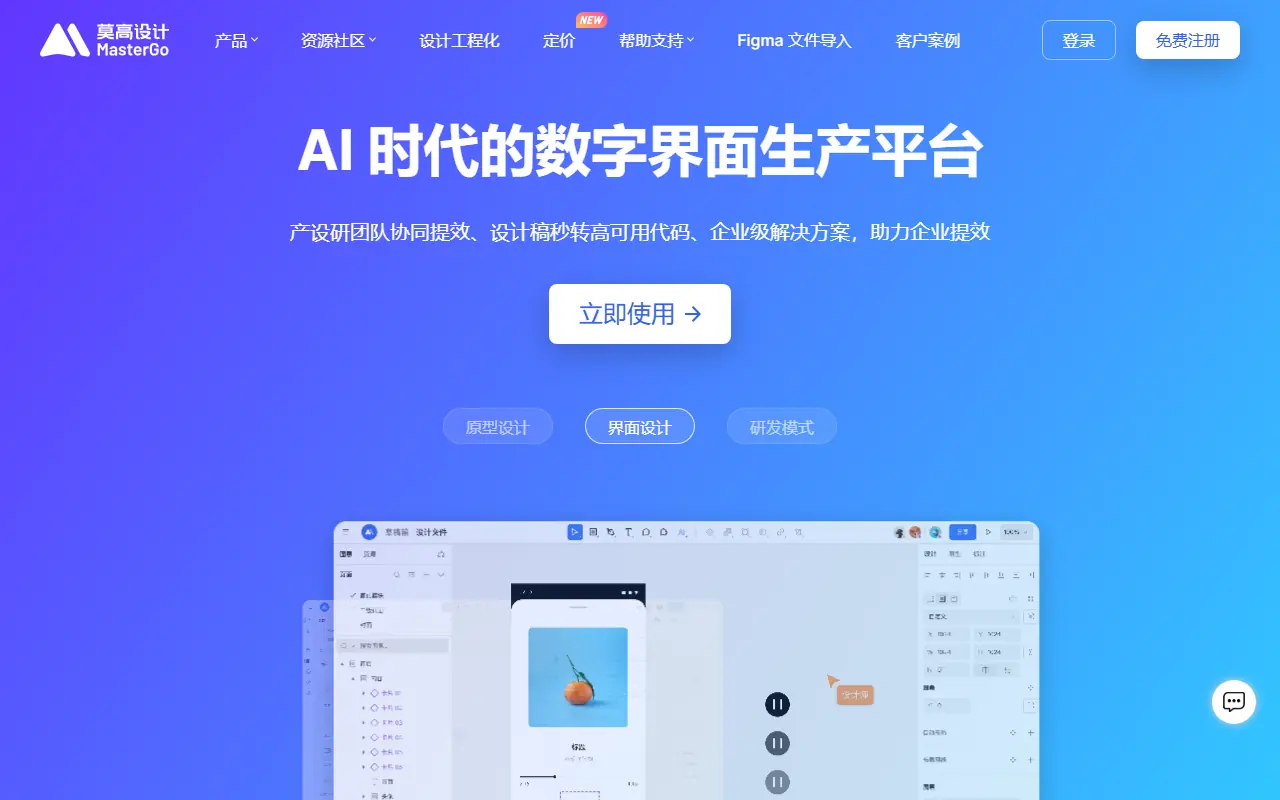

MasterGo
MasterGo is an enterprise-level, AI-powered digital interface design platform that enables real-time collaboration for product, design, and development teams.
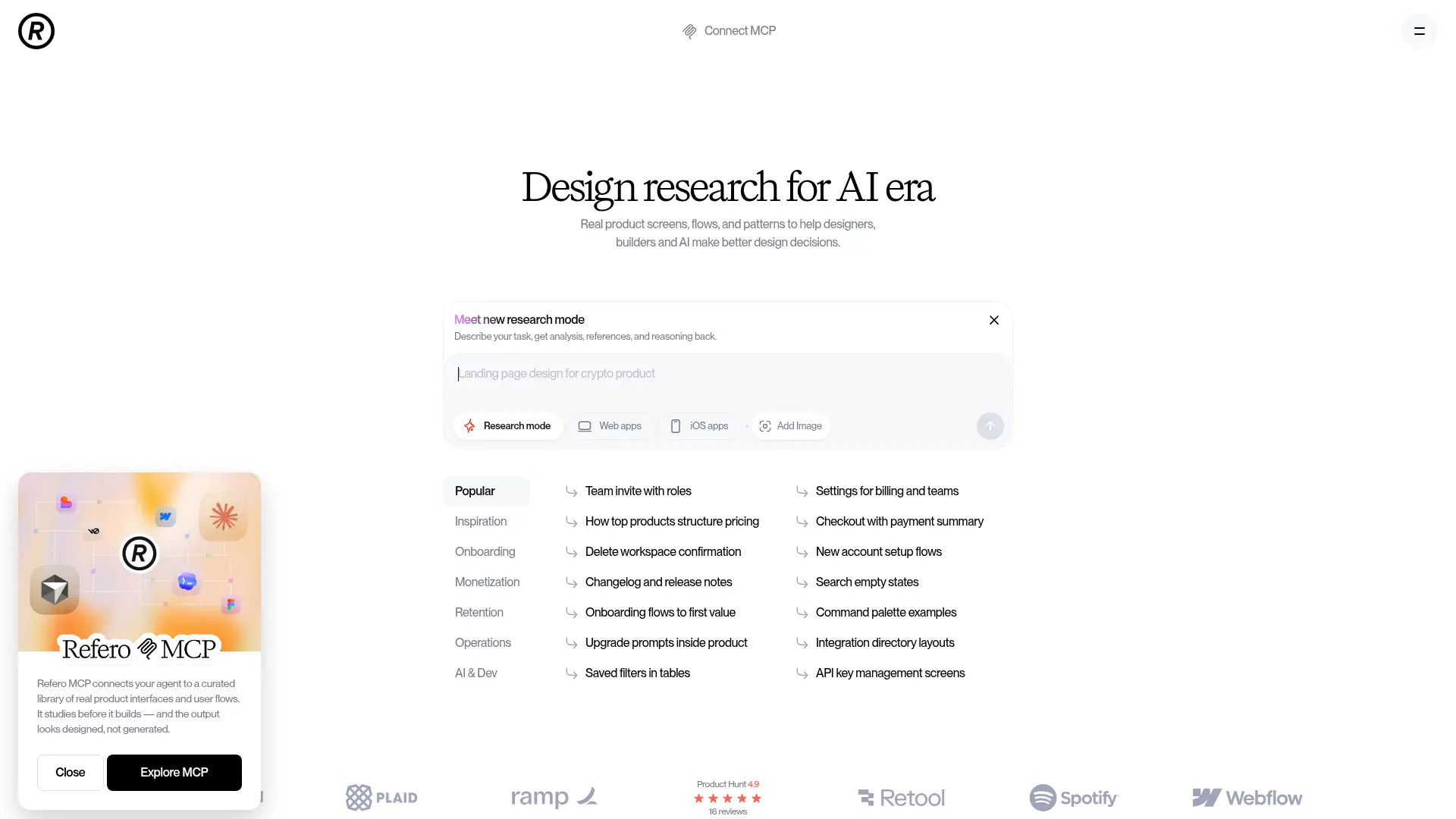

Refero
Refero is an expansive UI/UX design reference library featuring thousands of real-world web and iOS app screens to streamline design research and workflow automation.

UserTesting
UserTesting is a leading video-first experience research platform that enables organizations to gather real-time feedback from their target audiences.