

Penpot
What is Penpot?
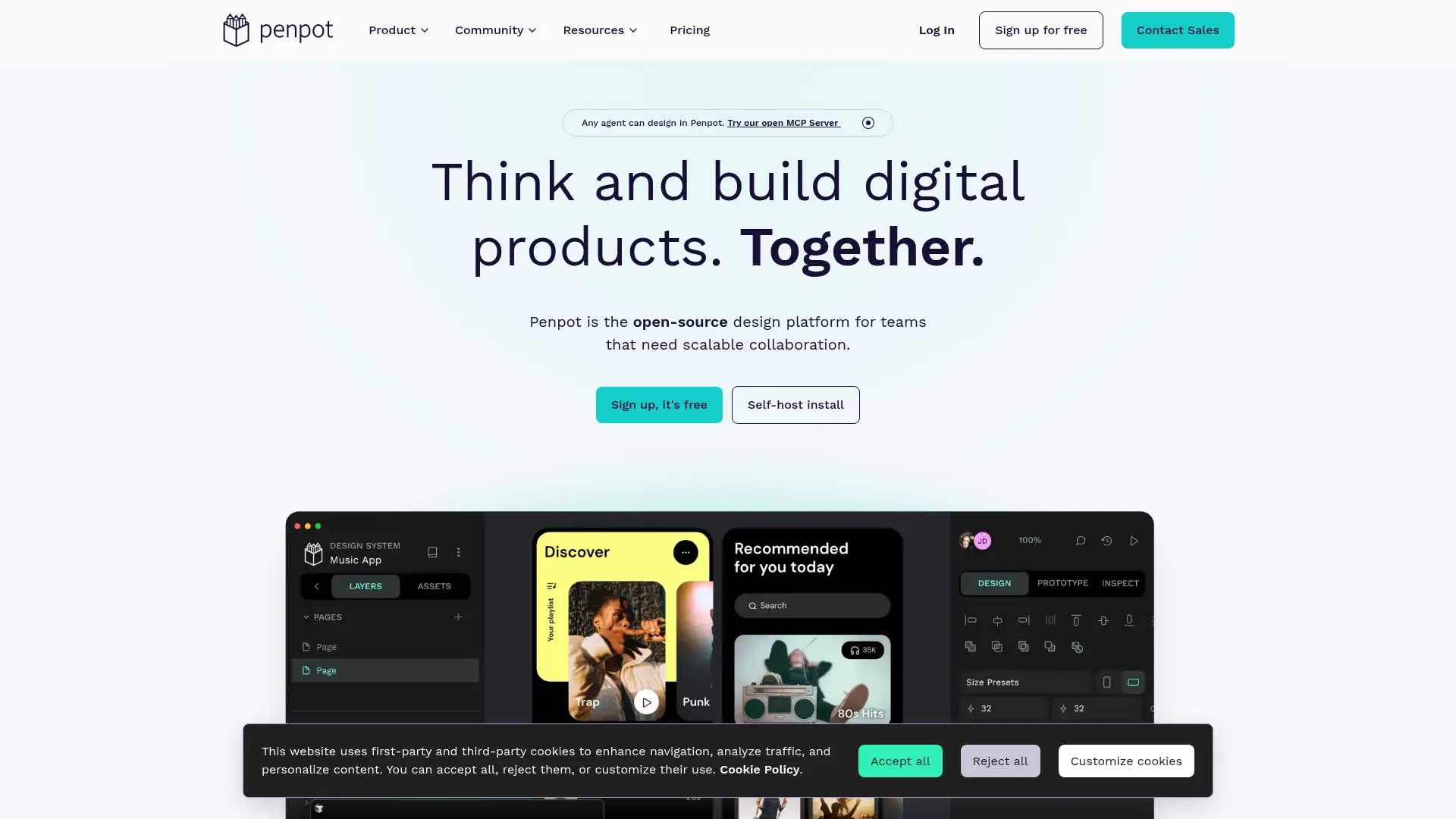
Penpot is an open-source design platform for creating digital products and collaborating across design and development. Teams can use it in a browser or self-host it, and its core Professional plan is free. The platform supports wireframes, responsive interface design, interactive prototypes, design systems, and developer inspection. Its use of open standards such as SVG, HTML, CSS, and JSON helps teams connect design work with development workflows. Penpot also offers APIs, plugins, webhooks, and an MCP server for extending or integrating workflows. (penpot.app)
How to use Penpot?
- Create a free account on Penpot or choose a self-hosted instance to access the design workspace.
- Start a project and create boards, wireframes, or interface designs using Penpot’s layout and design tools.
- Add interactions to connect boards into a prototype, then preview and share it with collaborators.
Penpot's Core Features
Vector Editing: Create and refine interface graphics with SVG-based vector tools and boolean operations.
Responsive Layouts: Arrange content with CSS Grid and Flex layouts to design for different screen sizes.
Interactive Prototyping: Connect boards with triggers, actions, and transitions to demonstrate user flows.
Design Tokens: Define and synchronize visual properties across designs to support consistent systems.
Shared Libraries and Components: Reuse organized design assets across projects to reduce repetitive work.
Developer Inspection: Inspect design properties and code-related details to support implementation.
Real-Time Collaboration: Invite teammates to work together across teams, projects, and design files.
Open Formats: Work with standards including SVG, HTML, CSS, and JSON to support interoperable workflows.
Plugins and API: Extend Penpot or connect it to other applications using plugins, APIs, access tokens, and webhooks.
Cloud or Self-Hosted Deployment: Use Penpot in the browser or deploy it on infrastructure you manage.
Penpot's Use Cases
- #1
UX designers mapping a mobile app’s onboarding flow before development
- #2
Product teams creating responsive web interfaces with CSS Grid and Flex layouts
- #3
Design-system leads organizing reusable components, shared libraries, and design tokens
- #4
Developers inspecting design properties and code-related details while implementing a UI
- #5
Product managers sharing clickable prototypes to collect stakeholder feedback
- #6
Distributed teams collaborating on interface designs without restricting team size on the free plan
- #7
Organizations self-hosting design files to manage their own infrastructure and data location
- #8
DesignOps teams connecting design files to other tools through APIs, access tokens, or webhooks
Frequently Asked Questions
Analytics of Penpot
Monthly Visits Trend: Oct 2025 - Oct 2026
Traffic Sources
AI Channel Traffic Trends
Top Regions
| Region | Traffic Share |
|---|---|
| United States | 10.57% |
| India | 10.14% |
| China | 10.02% |
| Germany | 5.10% |
| France | 4.03% |
Top Keywords
| Keyword | Traffic | CPC |
|---|---|---|
| penpot | 107.4K | $1.38 |
| penpot mcp | 2.0K | -- |
| penbot | 570 | -- |
| pen pot | 1.4K | $0.74 |
| figma alternative open source | 600 | $2.11 |
Alternative of Penpot

MasterGo
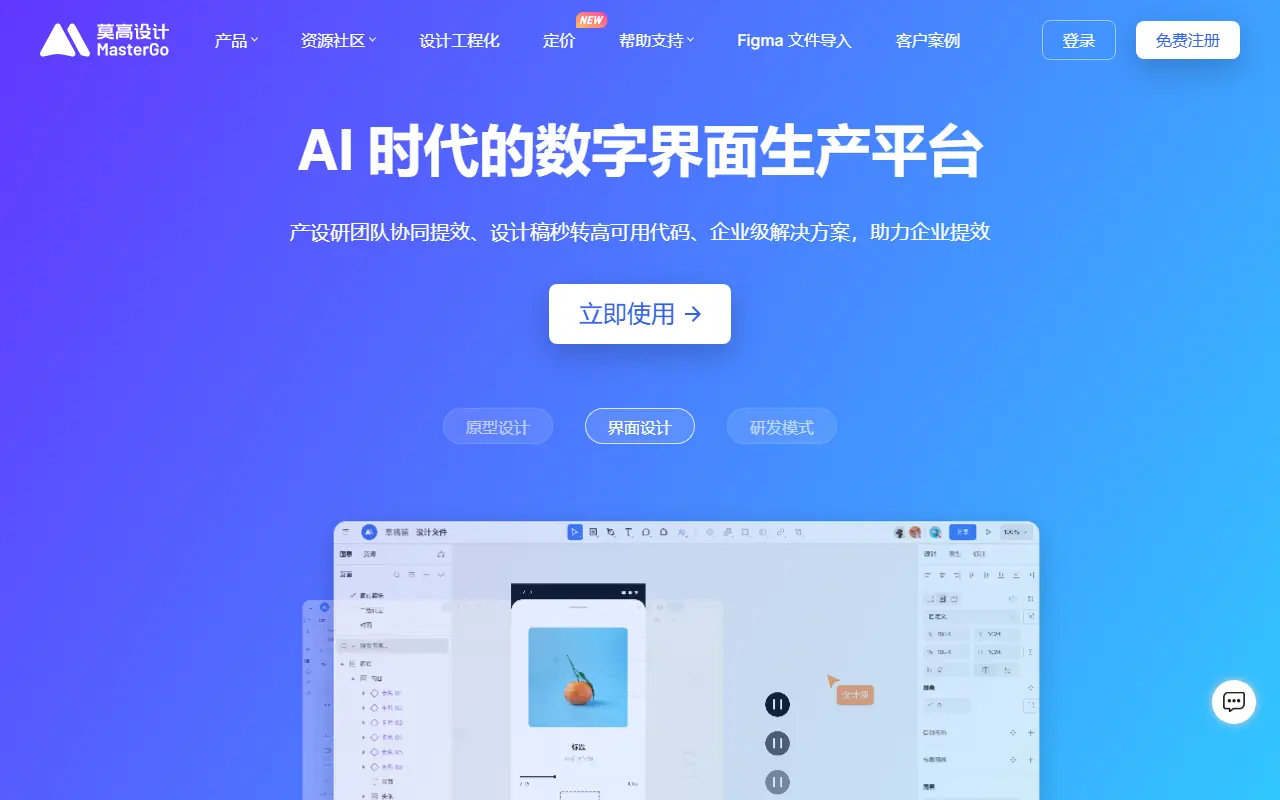
MasterGo is an enterprise-level, AI-powered digital interface design platform that enables real-time collaboration for product, design, and development teams.

Pixso
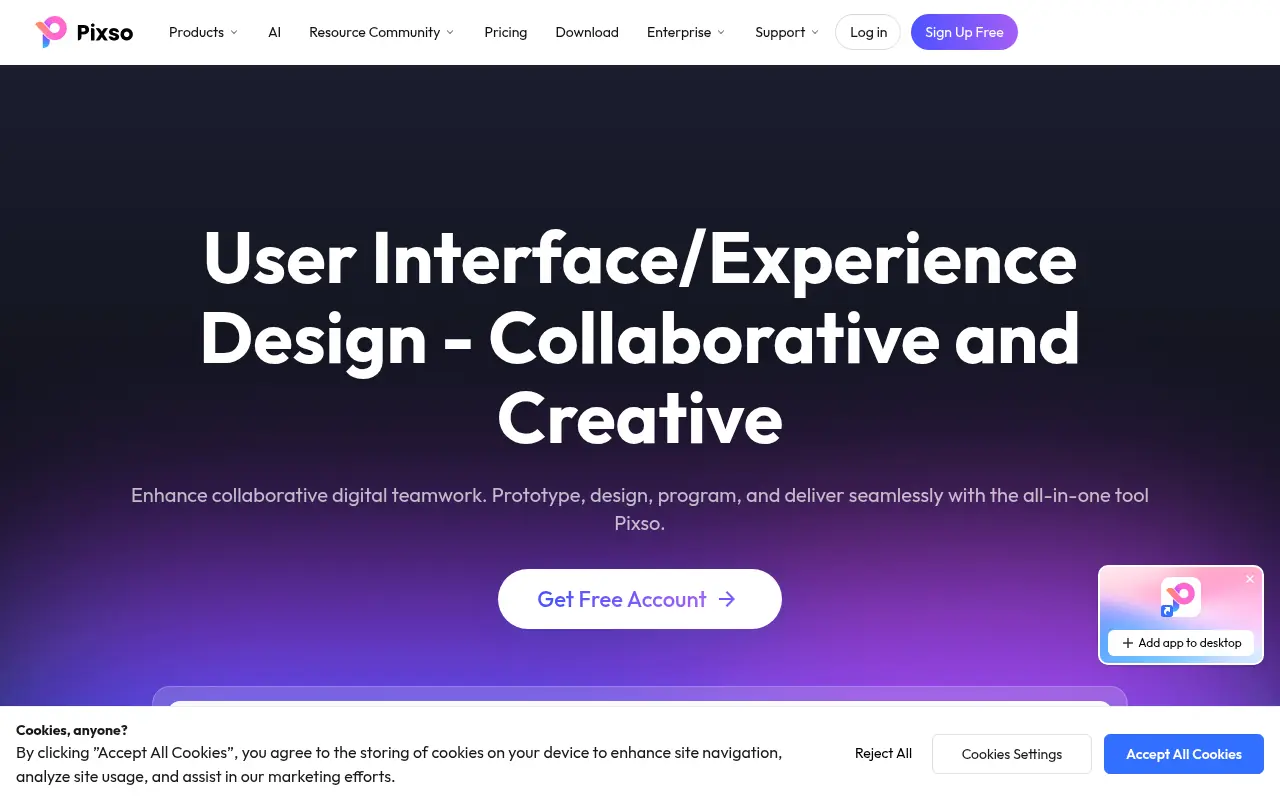
A collaborative, cloud-based UI/UX design platform that integrates design, whiteboarding, prototyping, and AI tools for real-time team cooperation.

Refero
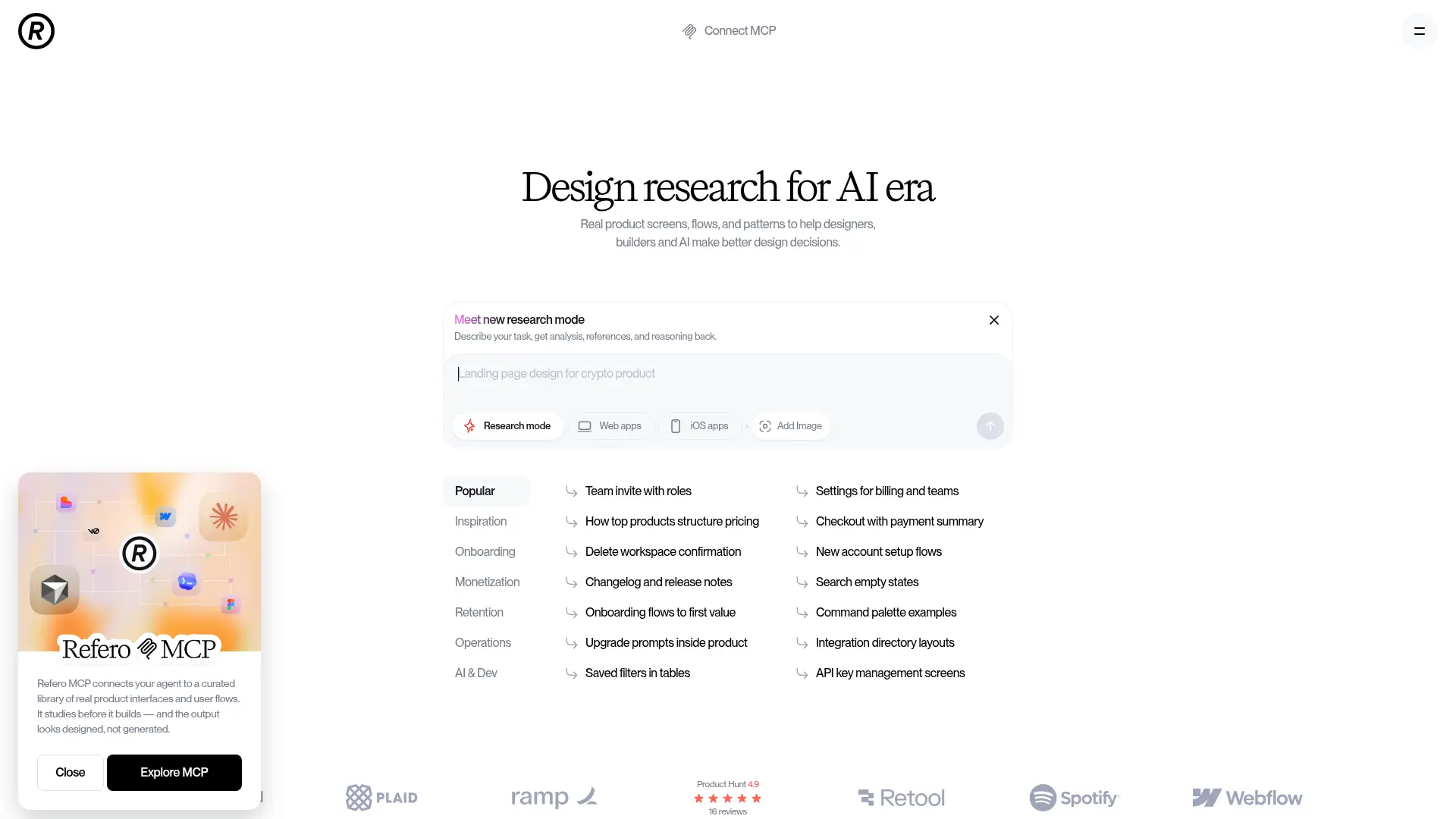
Refero is an expansive UI/UX design reference library featuring thousands of real-world web and iOS app screens to streamline design research and workflow automation.
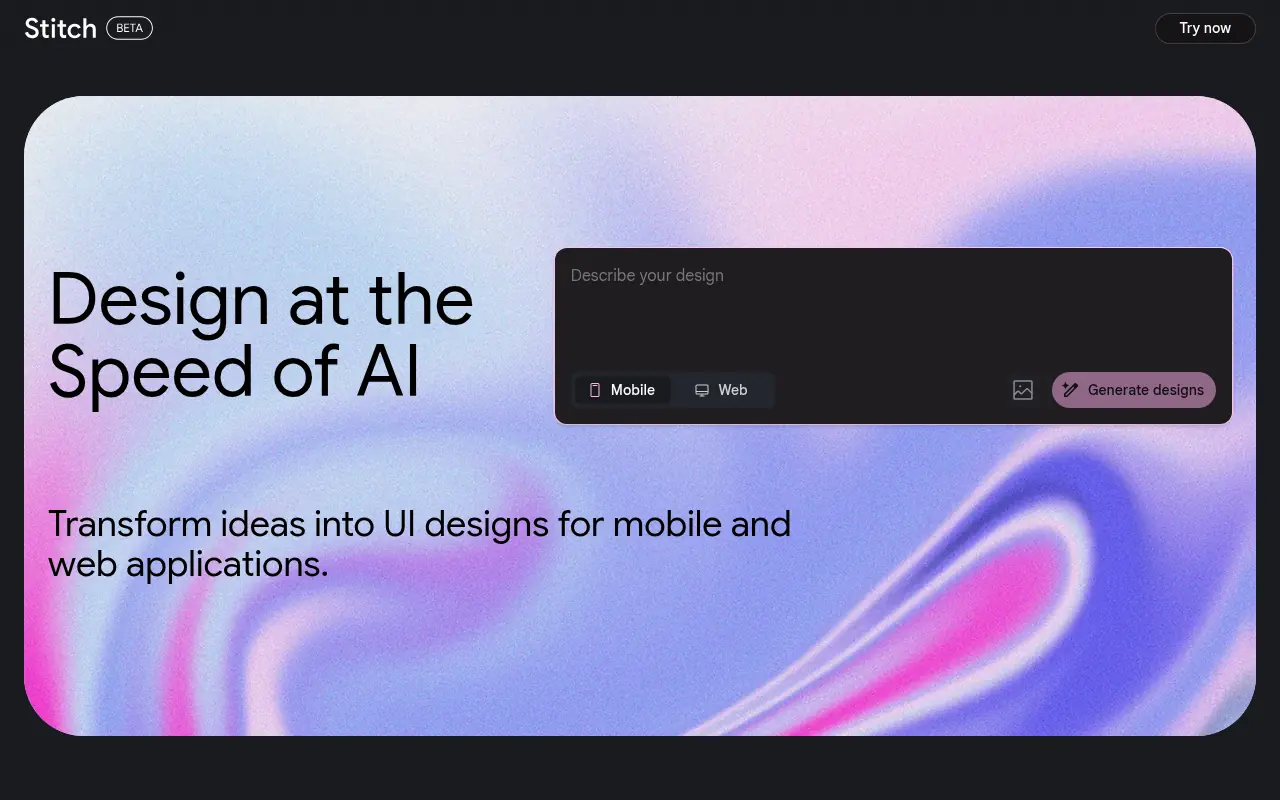

Stitch
Stitch is an AI-powered tool by Google Labs that generates UI designs and frontend code for web and mobile applications from text or image prompts.
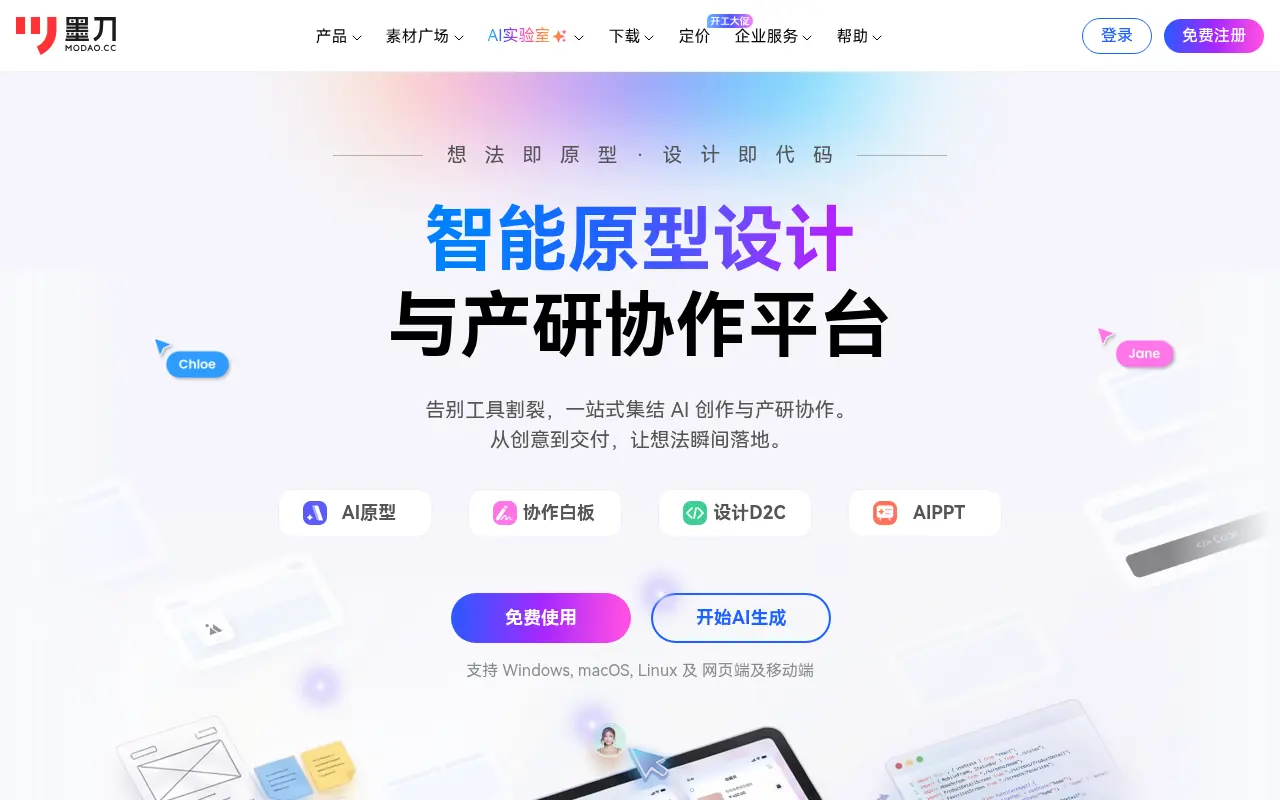

Modao
Modao is an intelligent prototyping and collaborative design platform that empowers product teams to quickly turn ideas into interactive high-fidelity prototypes using AI.
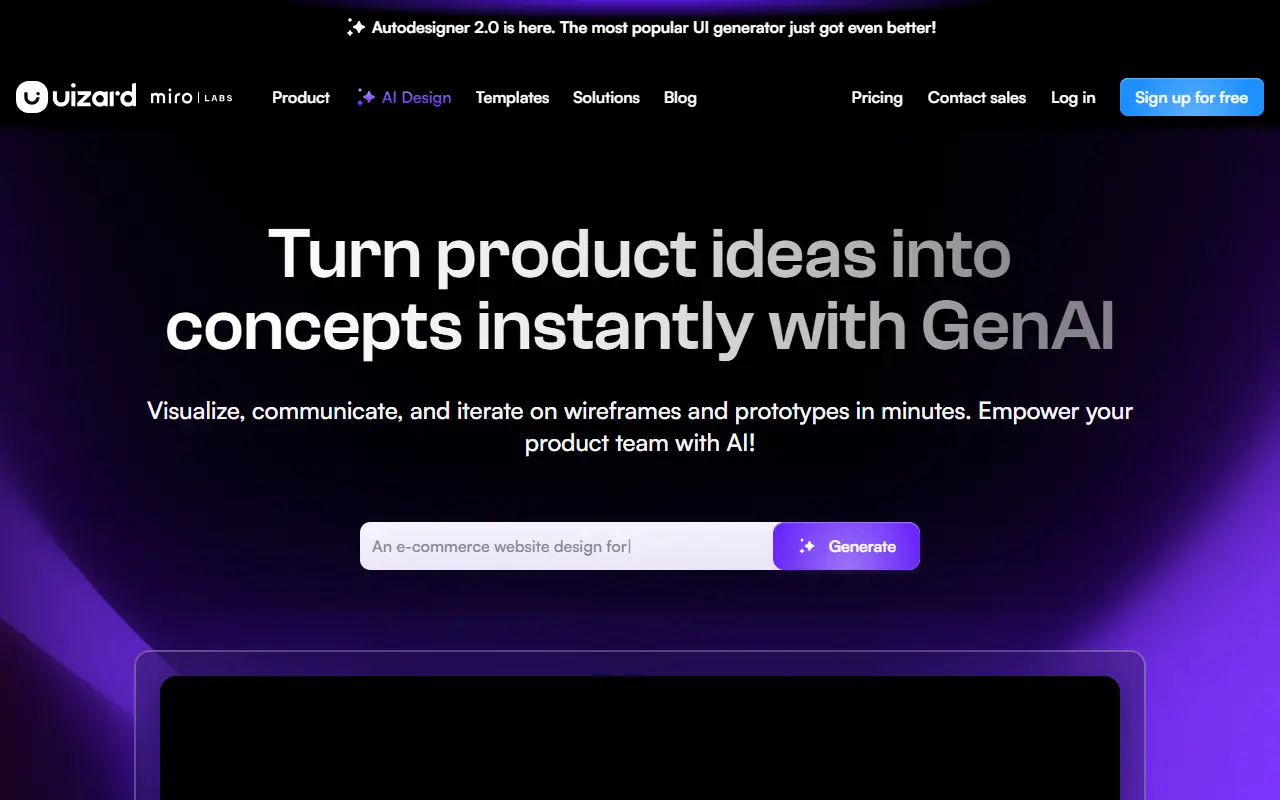

Uizard
Uizard is an AI-powered design tool that simplifies UI/UX design, enabling users to create wireframes, mockups, and prototypes rapidly.
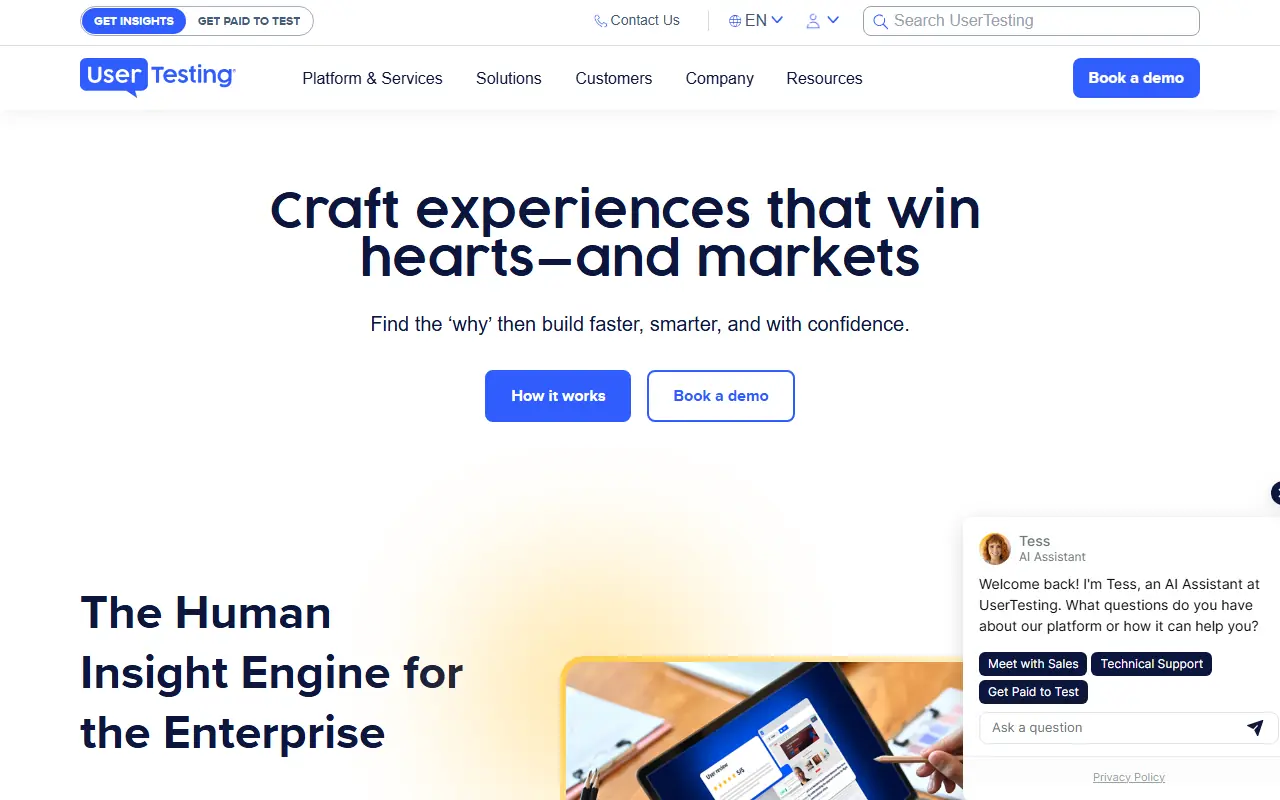

UserTesting
UserTesting is a leading video-first experience research platform that enables organizations to gather real-time feedback from their target audiences.
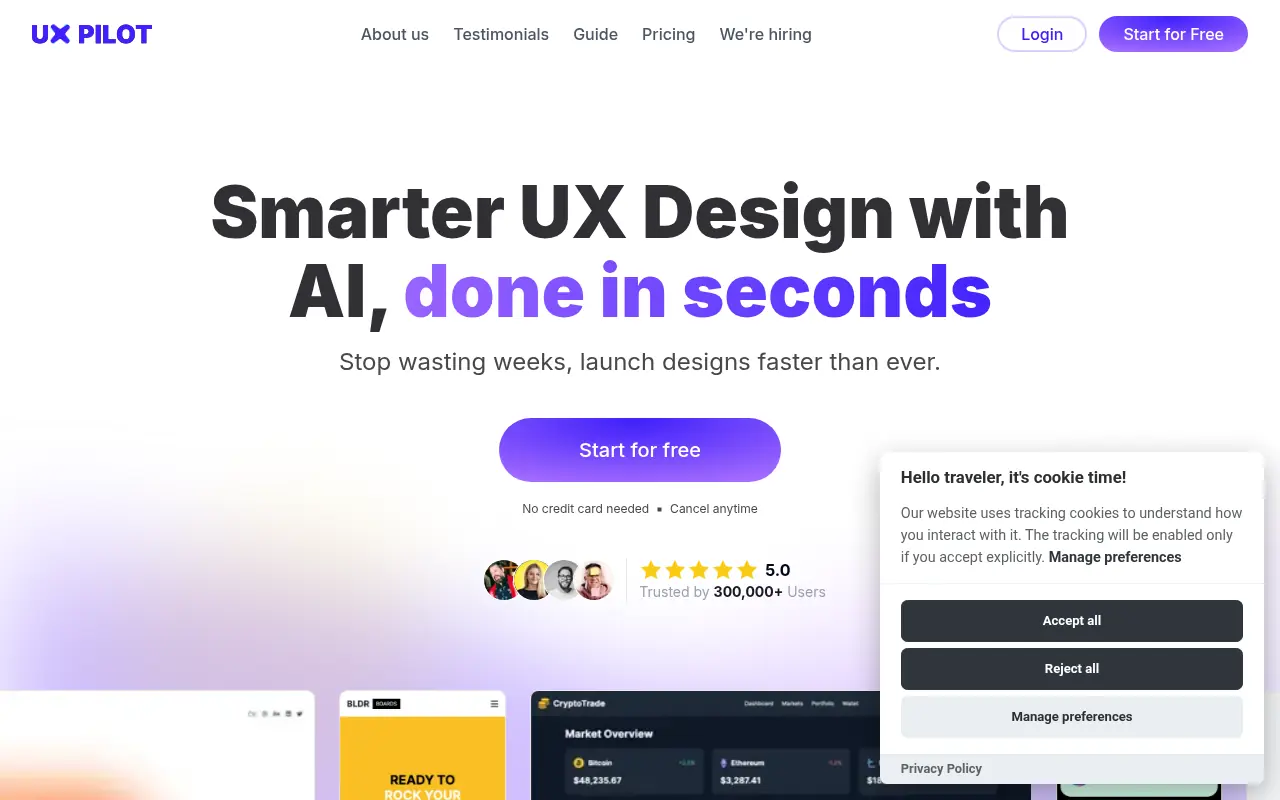

UX Pilot
UX Pilot is an AI-powered design tool that enables users to instantly generate wireframes, high-fidelity UI layouts, and flowcharts from text prompts, streamlining the design-to-code workflow.