

MasterGo
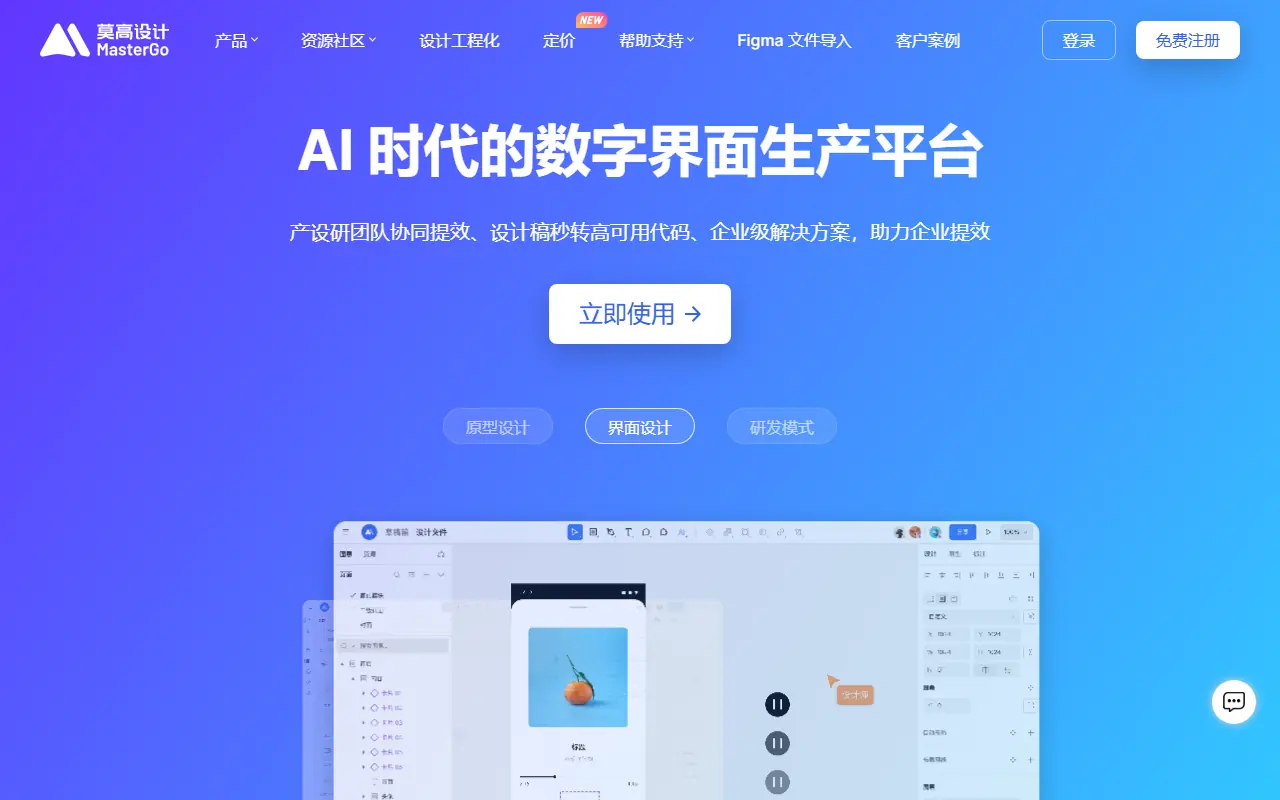
What is MasterGo?
MasterGo is a cloud-based digital interface design and prototyping tool often considered a highly capable alternative to Figma. Its mission is to streamline the entire product design and development workflow by offering a centralized space for real-time team collaboration. The platform serves designers, product managers, and developers by enabling them to create interactive prototypes, manage complex design systems, and generate production-ready code. Additionally, MasterGo is tailored for the AI era, featuring tools like the Magic MCP service that allow AI models to retrieve and interact directly with design data. Ultimately, it provides an end-to-end solution that boosts team productivity and cross-functional synergy.
How to use MasterGo?
To use MasterGo effectively, start by creating an account and setting up a collaborative team workspace. You can initiate a new design project from scratch or seamlessly import existing Figma files directly into the platform. Utilize its vector design tools, automatic layout capabilities, and rich component library to build your user interface elements. Next, link these elements using the prototyping features to simulate user interactions and app flow. Finally, invite stakeholders for real-time feedback and allow developers to inspect the designs for styling code, while optionally connecting AI models via the MasterGo Magic MCP to automate repetitive tasks.
MasterGo's Core Features
Real-time collaboration allows multiple team members to edit and view design files simultaneously without conflicts.
The automatic layout engine automatically adjusts spacing and alignment for responsive user interface components.
Interactive prototyping lets users create dynamic transitions and accurately simulate real product usage scenarios.
The Figma file import feature enables teams to migrate their existing design assets seamlessly without losing structural data.
Design resource management provides a centralized, accessible library for creating and storing reusable component styles.
Robust developer handoff tools allow engineers to easily inspect design elements and extract production-ready code.
MasterGo Magic MCP connects the design environment directly with AI models to securely retrieve and manage Domain Specific Language data.
MasterGo's Use Cases
- #1
Collaborative UI/UX design for web and mobile applications.
- #2
Creating interactive prototypes for user testing and presentations.
- #3
Building and managing centralized enterprise design systems.
- #4
Seamless handoff between design and engineering teams.
- #5
Migrating existing design assets effortlessly via Figma import.
- #6
Automating design workflows using AI integrations and MCP services.
Frequently Asked Questions
Analytics of MasterGo
Monthly Visits Trend: Jun 2025 - Aug 2026
Traffic Sources
AI Channel Traffic Trends
Top Regions
| Region | Traffic Share |
|---|---|
| China | 90.92% |
| United States | 2.81% |
| Hong Kong | 2.00% |
| Singapore | 1.30% |
| Korea, Republic of | 1.06% |
Top Keywords
| Keyword | Traffic | CPC |
|---|---|---|
| mastergo | 12.5K | $3.09 |
| mastergo mcp | 200 | -- |
| master go | 1.1K | $3.65 |
| 莫高设计 | 220 | -- |
| figma 国产 | 310 | -- |
Alternative of MasterGo
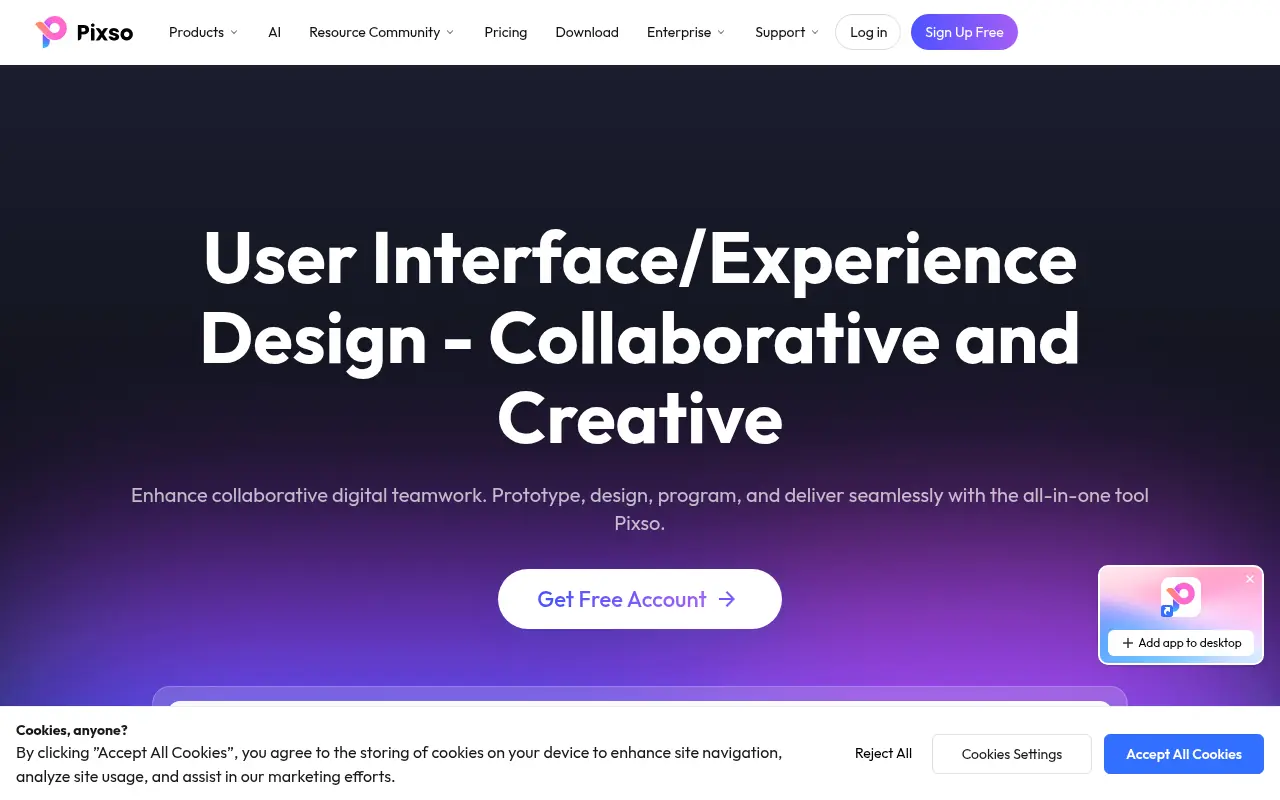

Pixso
A collaborative, cloud-based UI/UX design platform that integrates design, whiteboarding, prototyping, and AI tools for real-time team cooperation.
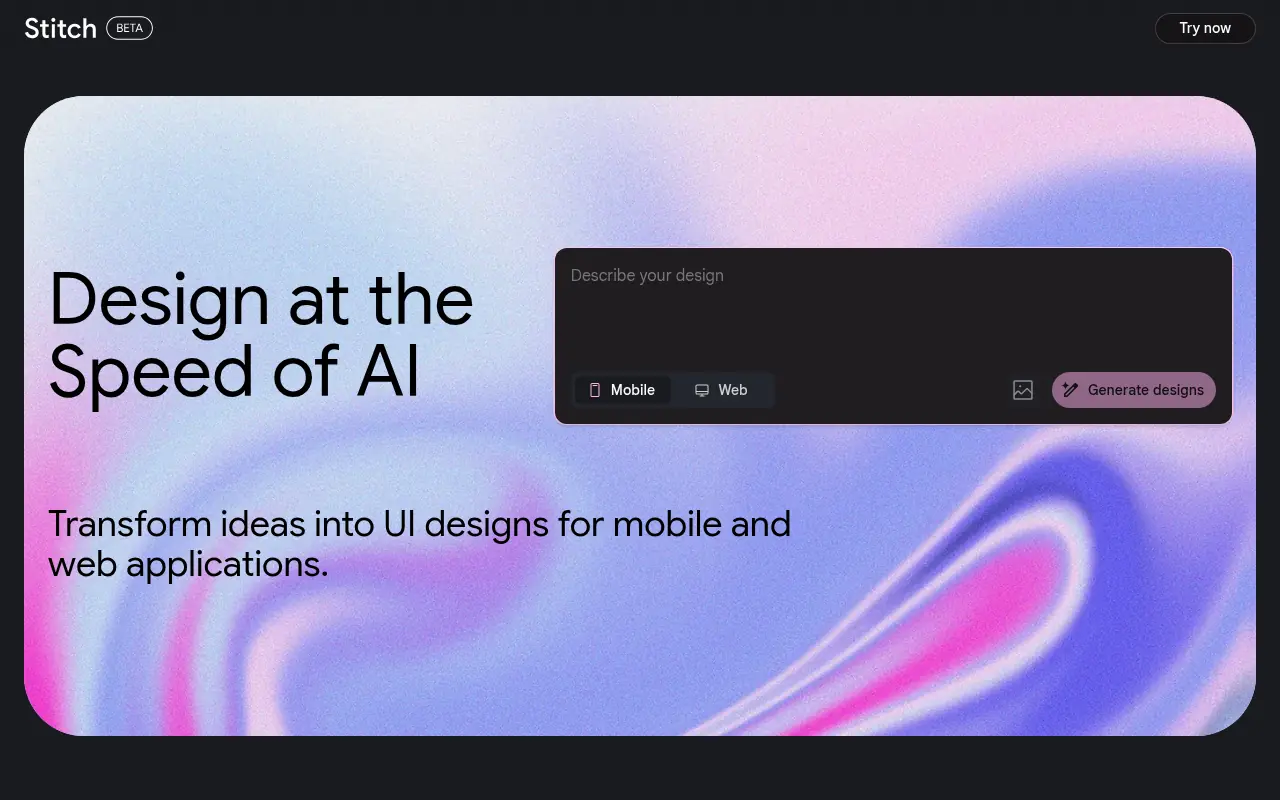

Stitch
Stitch is an AI-powered tool by Google Labs that generates UI designs and frontend code for web and mobile applications from text or image prompts.
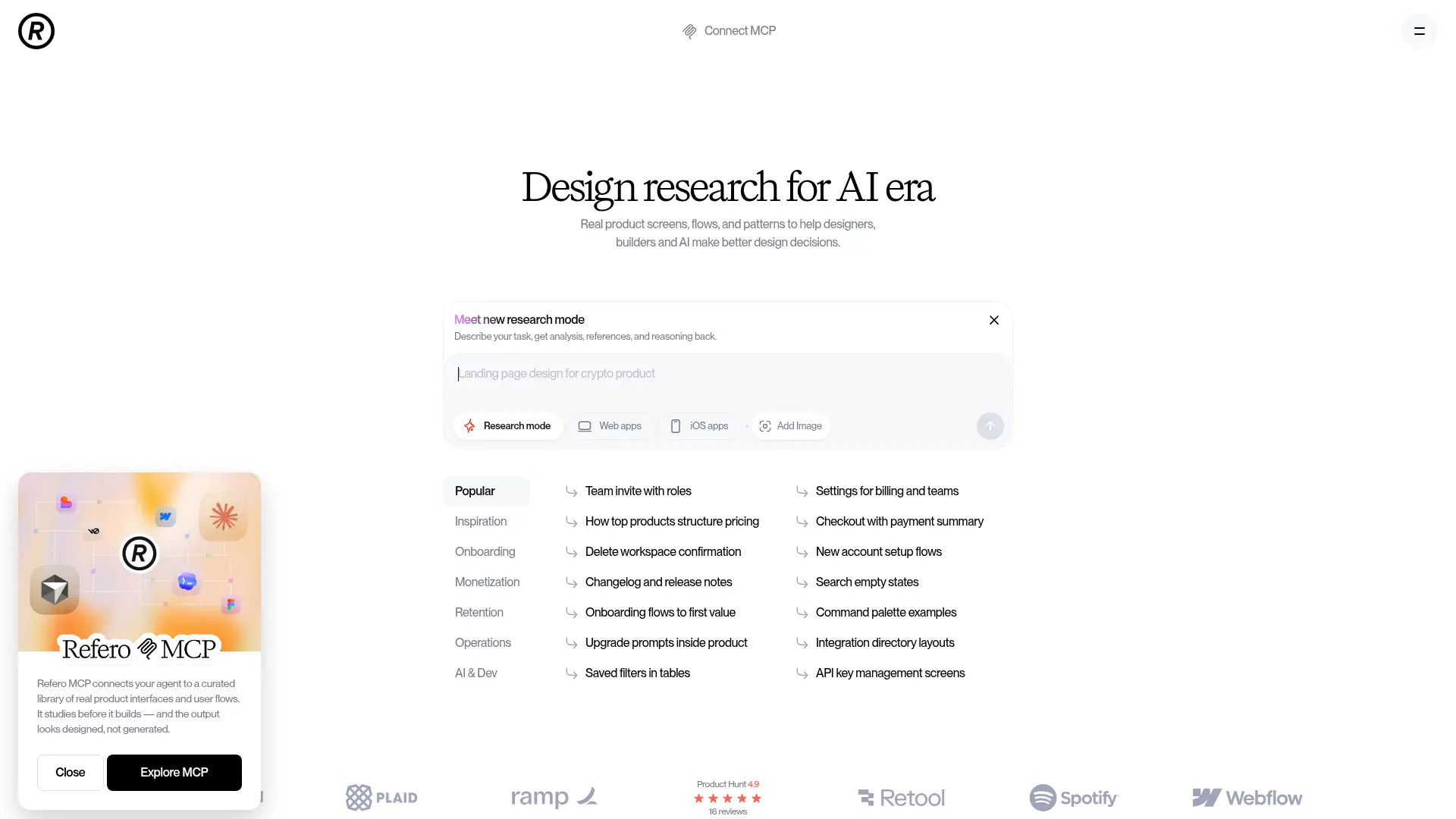

Refero
Refero is an expansive UI/UX design reference library featuring thousands of real-world web and iOS app screens to streamline design research and workflow automation.
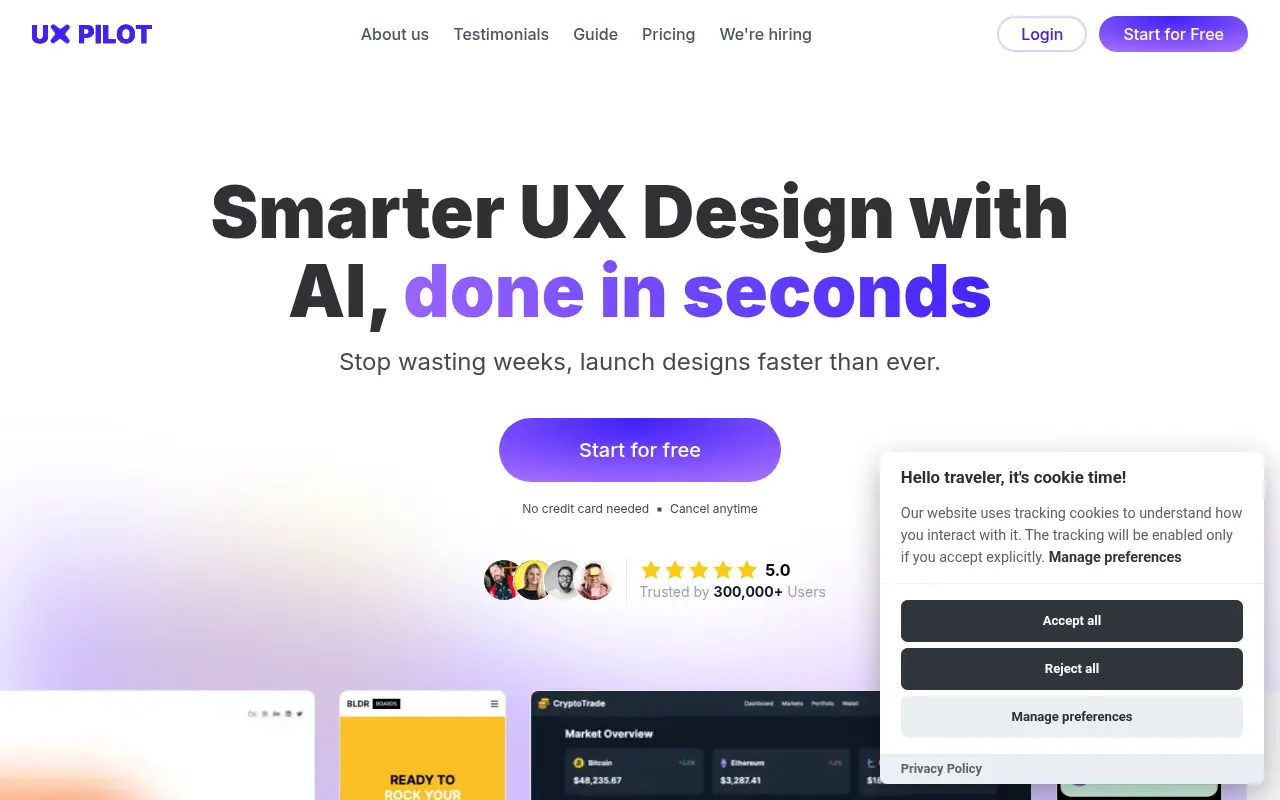

UX Pilot
UX Pilot is an AI-powered design tool that enables users to instantly generate wireframes, high-fidelity UI layouts, and flowcharts from text prompts, streamlining the design-to-code workflow.
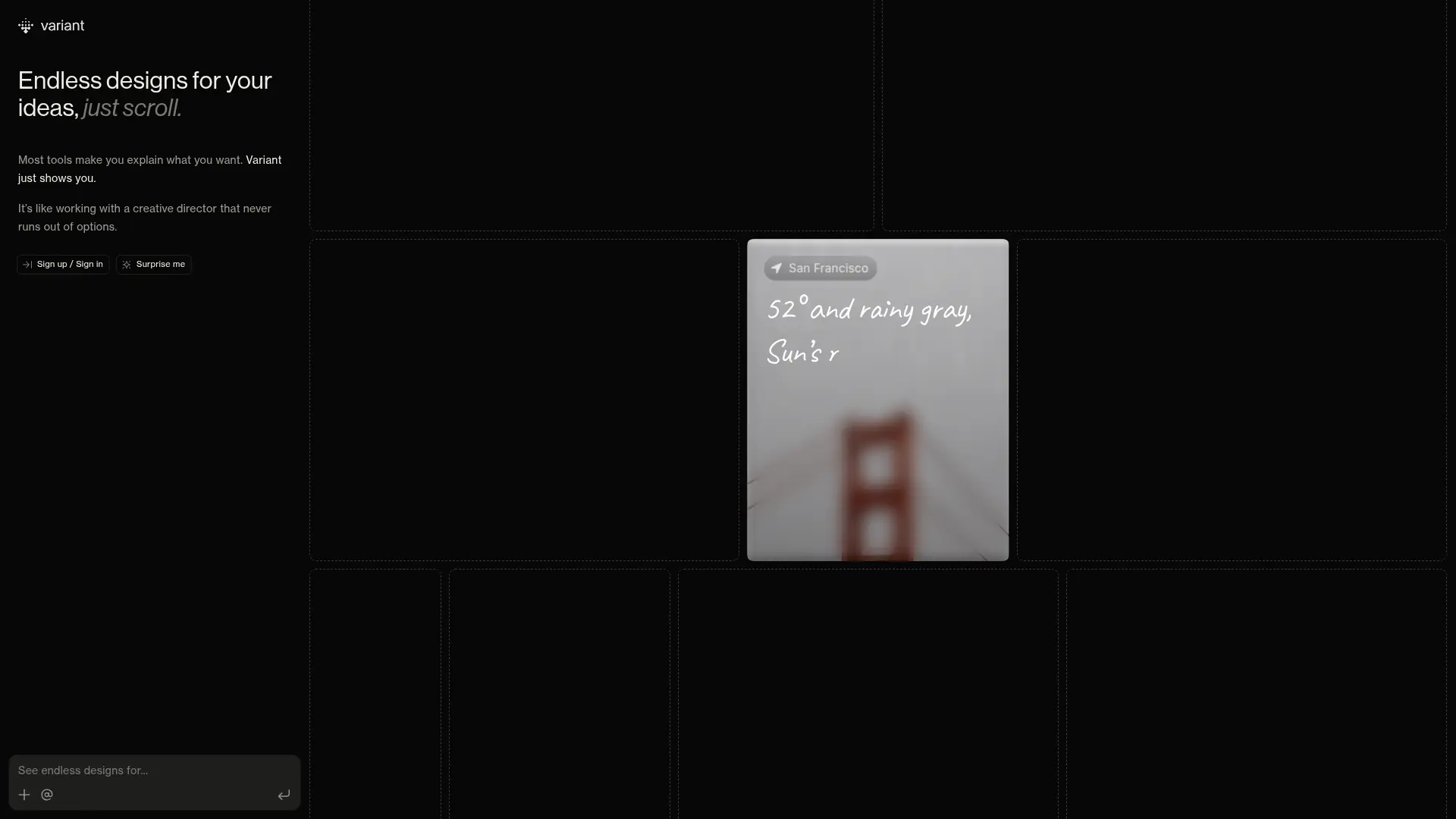

Variant
Generate endless UI design variations by simply scrolling. Variant eliminates prompt fatigue, offering rapid visual exploration to jumpstart your next software project.
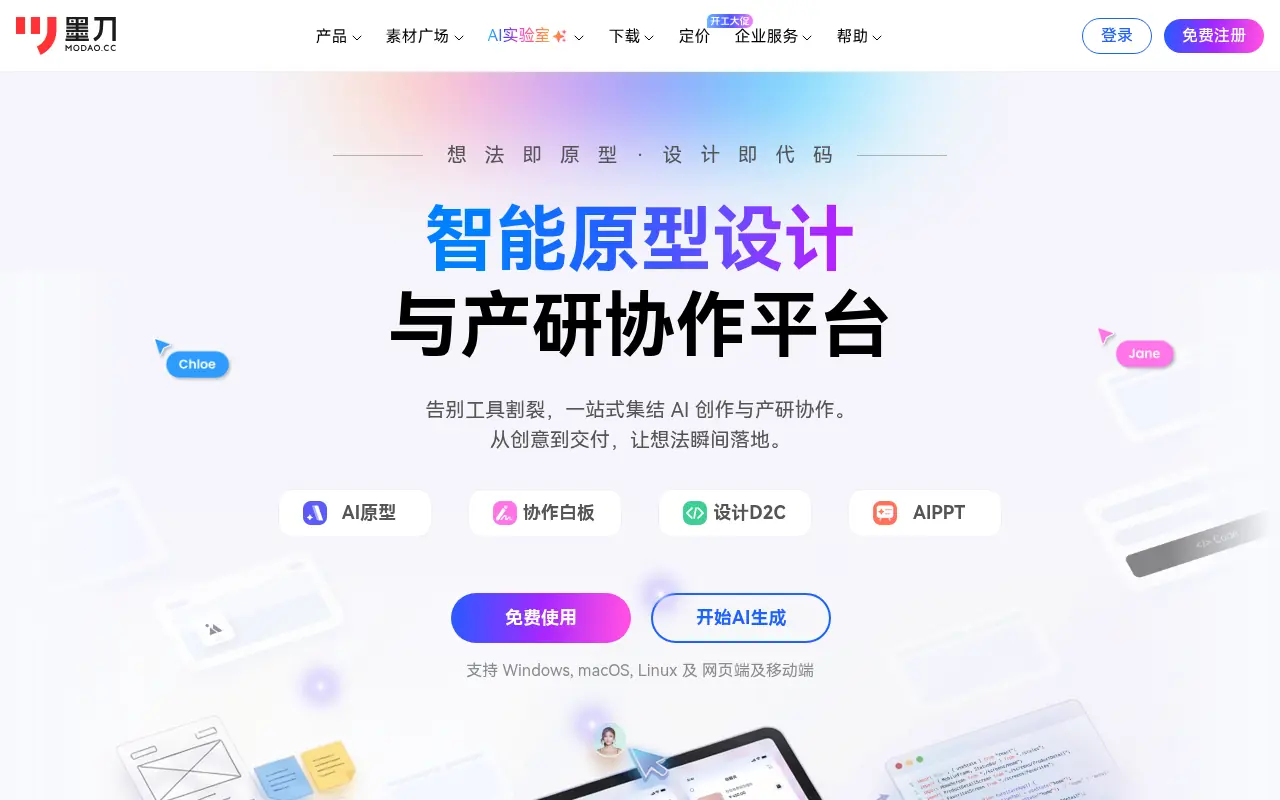

Modao
Modao is an intelligent prototyping and collaborative design platform that empowers product teams to quickly turn ideas into interactive high-fidelity prototypes using AI.
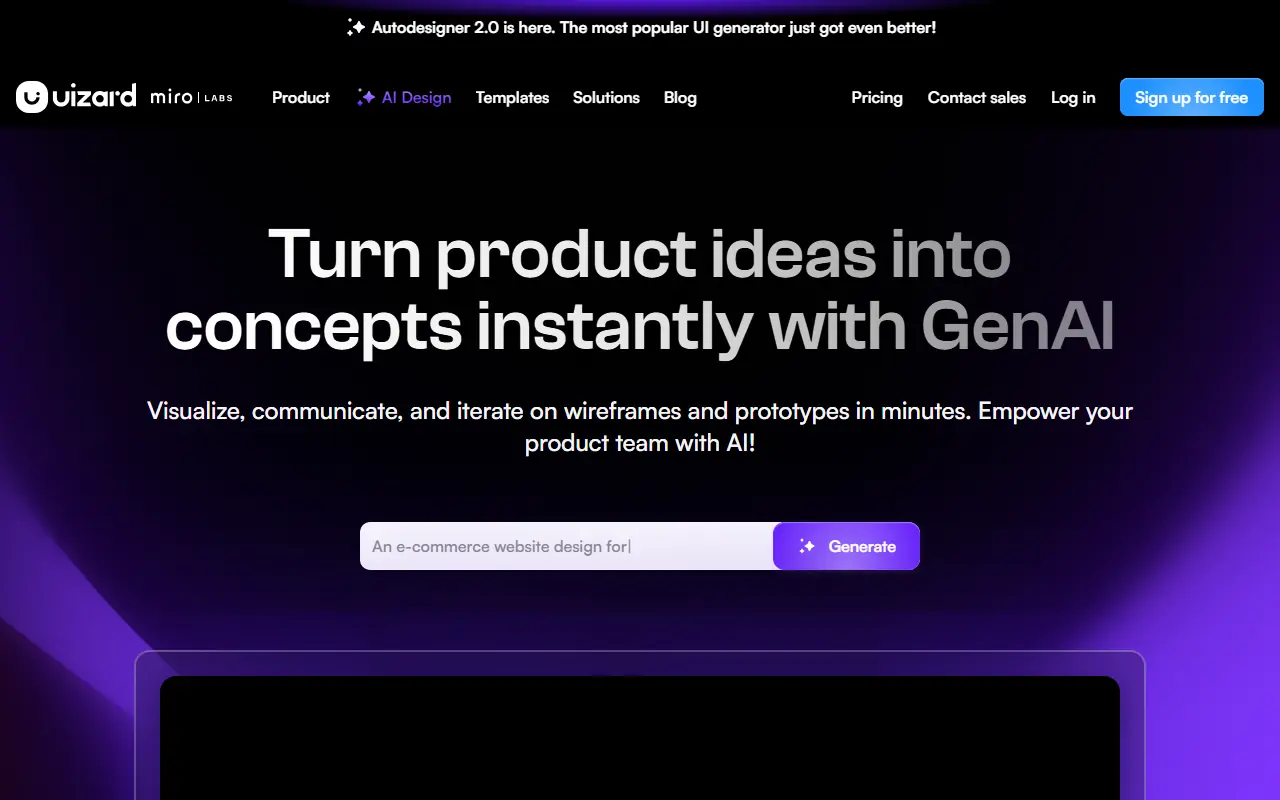

Uizard
Uizard is an AI-powered design tool that simplifies UI/UX design, enabling users to create wireframes, mockups, and prototypes rapidly.

UserTesting
UserTesting is a leading video-first experience research platform that enables organizations to gather real-time feedback from their target audiences.