

Freebuff
What is Freebuff?
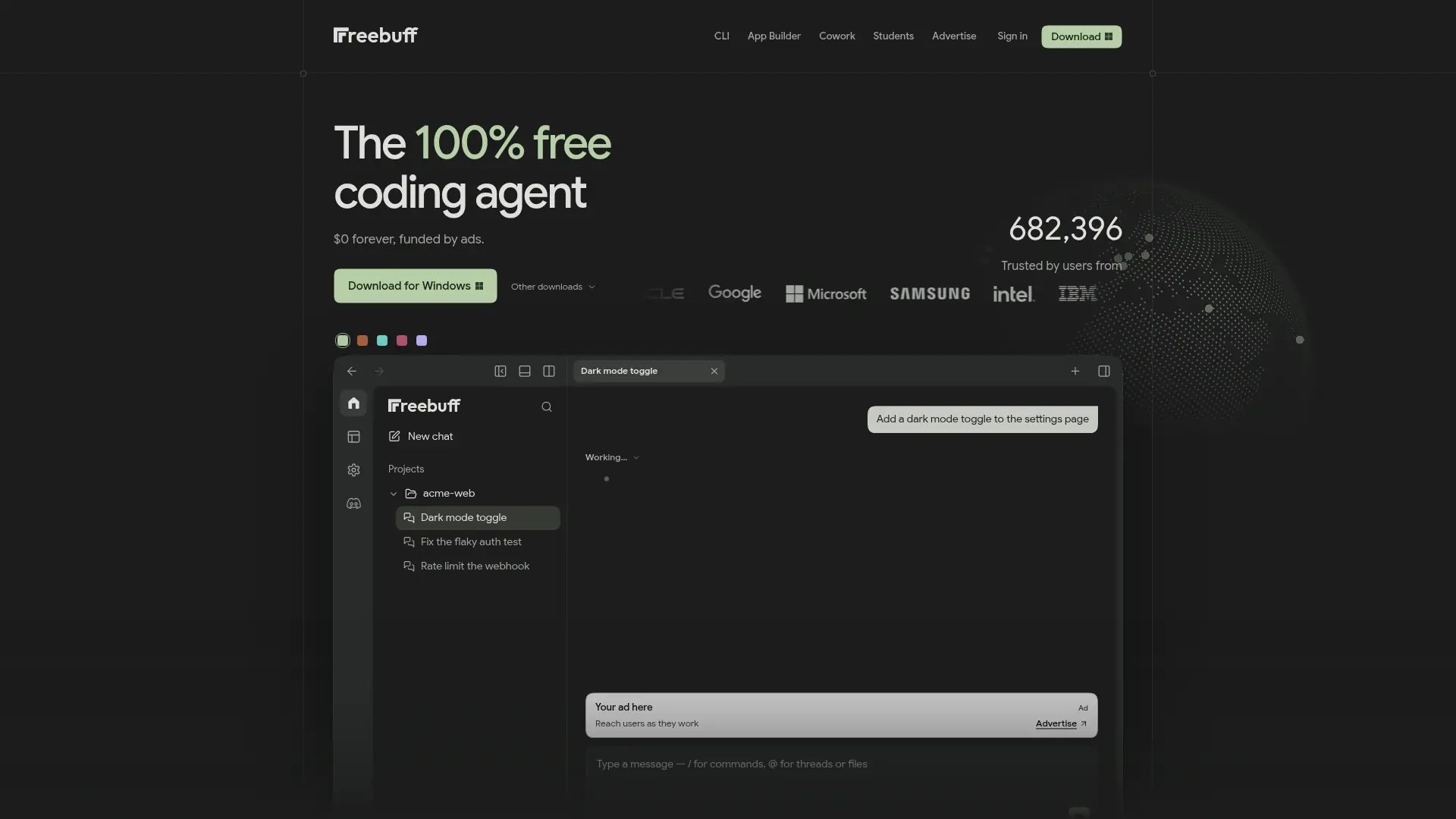
Freebuff is an AI development platform for coding, building apps, and chatting with AI. Developers can use its coding agent in a terminal, desktop app, or browser, and its app builder can generate and publish full-stack projects. Freebuff provides included models and specialized agents, so users can start without configuring a separate model API key. The desktop app supports parallel coding agents in separate workspaces, while browser workflows can connect to GitHub projects. An ongoing free option is supported by ads, with paid plans available for additional usage or model access.
How to use Freebuff?
- Open Freebuff in your browser or install the CLI or desktop app, then sign in if prompted.
- Start a new project or connect a GitHub repository, and describe the code change or app you want.
- Review the generated changes, iterate with the agent, and use the available run or publish options to reach your first result.
Freebuff's Core Features
Terminal Coding Agent: Describe coding tasks in a project directory and get AI assistance with implementation and debugging.
Desktop Coding Agents: Work with coding agents in a native app available for macOS, Windows, and Linux.
Parallel Workspaces: Run multiple desktop agents in separate workspaces to keep concurrent tasks isolated.
Browser Coding: Start coding with the web experience without installing a desktop application.
GitHub Connection: Connect a GitHub repository to work with project code in browser-based workflows.
AI App Builder: Turn a natural-language idea into a web application and iterate on the generated project.
Built-In App Services: Use the app builder's advertised sign-in, database, and publishing capabilities in projects.
Specialized Subagents: Delegate supported coding tasks to purpose-specific agents for help with planning, research, or review.
Included Model Access: Start using supported AI models without configuring a separate model API key.
Free and Paid Plans: Try the ad-supported free option or check current paid plans for additional usage and model access.
Freebuff's Use Cases
- #1
A solo developer asks a terminal coding agent to trace and fix a bug in an existing project.
- #2
A software engineer uses separate desktop agents to work on a refactor and a bug fix in parallel.
- #3
A developer connects a GitHub repository in the browser to inspect, edit, and test project code without local setup.
- #4
A founder turns a product idea into a web app and uses the builder's included sign-in, database, and publishing features.
- #5
A student prototypes a small application and reviews AI-generated code while learning how the project works.
- #6
A development team evaluates AI-assisted coding without first purchasing model API credits or setting up provider keys.
Frequently Asked Questions
Analytics of Freebuff
Monthly Visits Trend: Dec 2025 - Oct 2026
Traffic Sources
AI Channel Traffic Trends
Top Regions
| Region | Traffic Share |
|---|---|
| India | 22.29% |
| United States | 16.74% |
| Turkey | 4.22% |
| Germany | 3.91% |
| Indonesia | 3.86% |
Top Keywords
| Keyword | Traffic | CPC |
|---|---|---|
| freebuff | 218.7K | $1.64 |
| free buff | 14.2K | $1.66 |
| freebuff ai | 13.4K | $0.60 |
| freebuf | 5.5K | -- |
| frebuff | 2.9K | -- |
Alternative of Freebuff
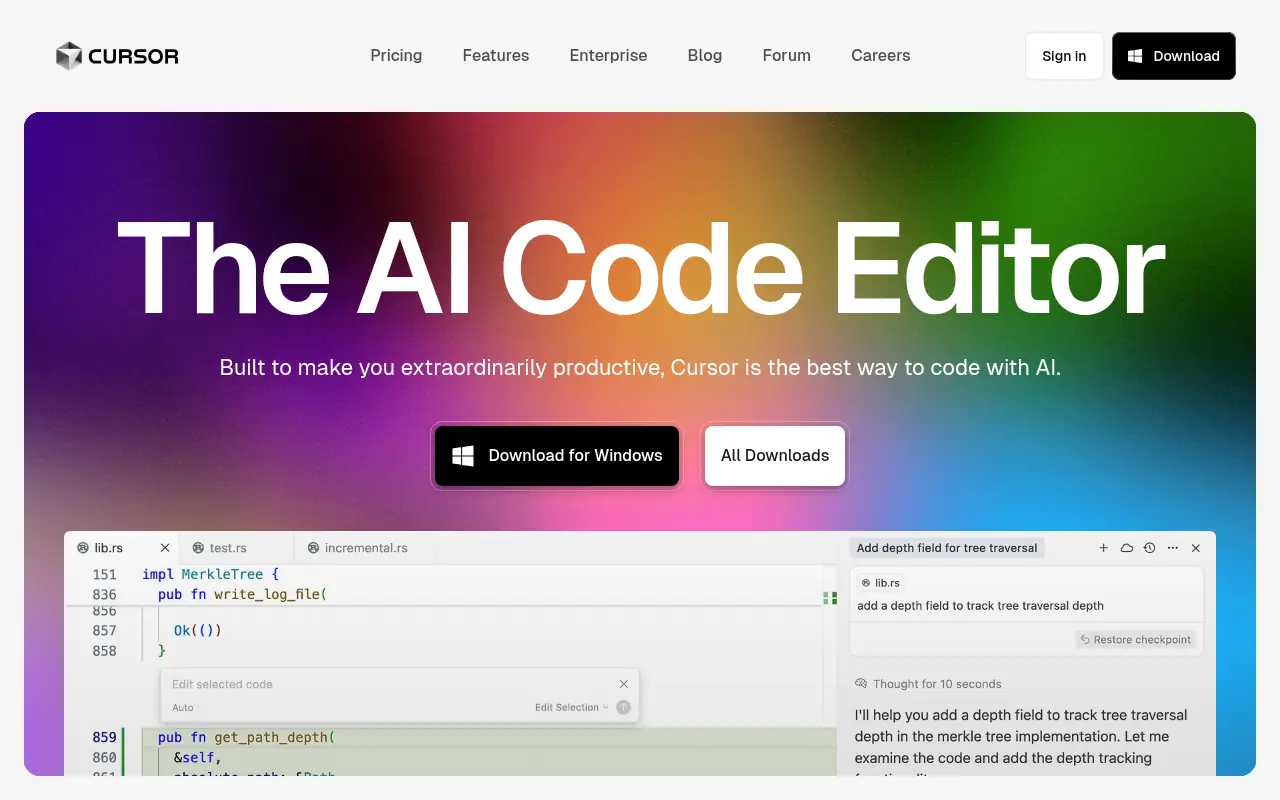

Cursor
Cursor is an AI-powered code editor designed to enhance developer productivity with advanced AI features.
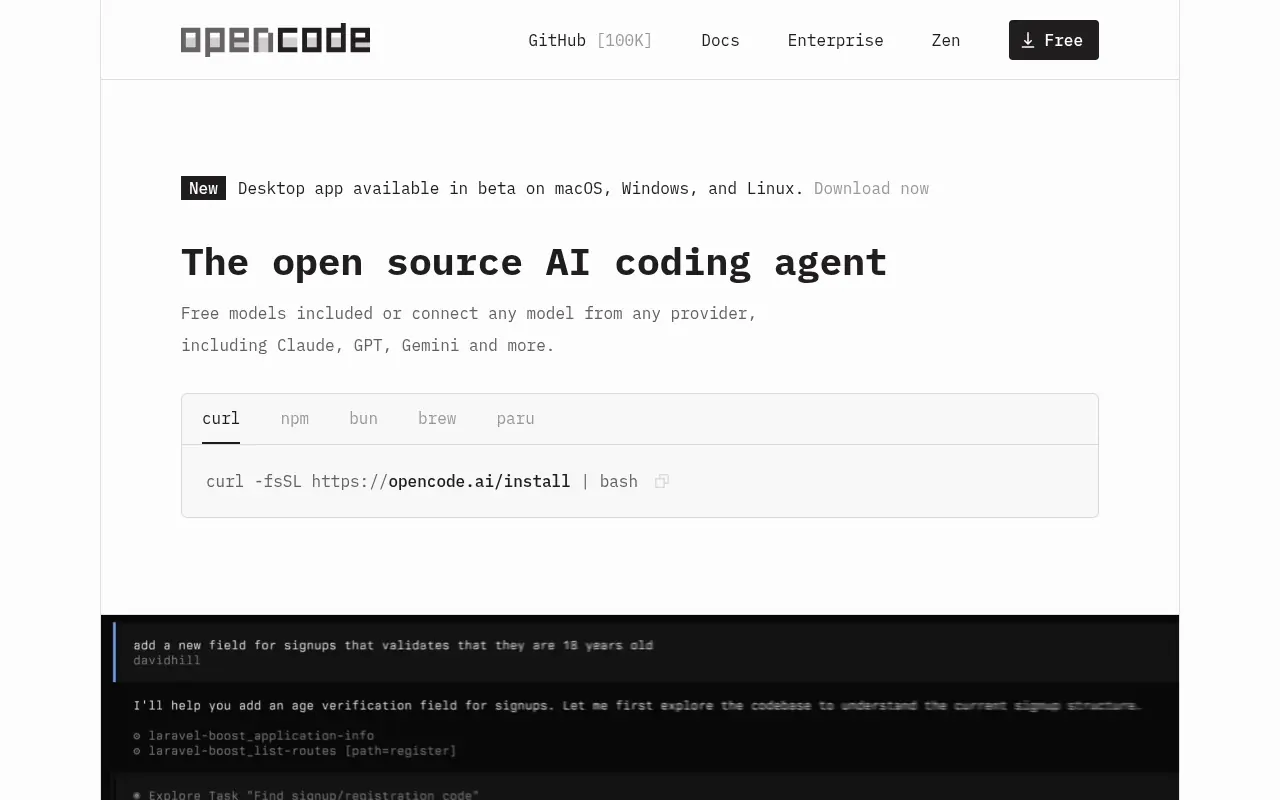

OpenCode
An open-source AI coding agent that integrates with your terminal, IDE, or desktop to streamline development workflows.
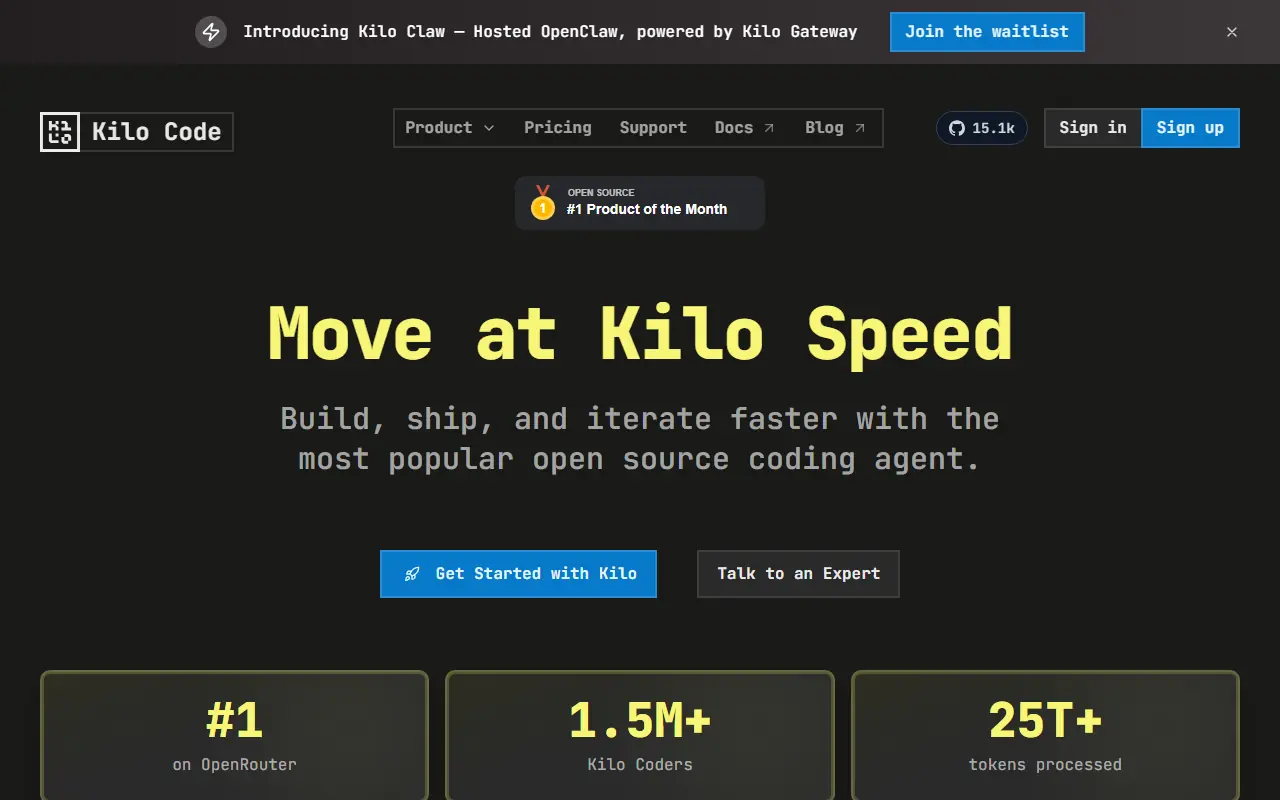

Kilo
Kilo is an open-source AI coding assistant and agentic engineering platform that helps developers plan, write, debug, and automate code directly within their IDEs and terminal.
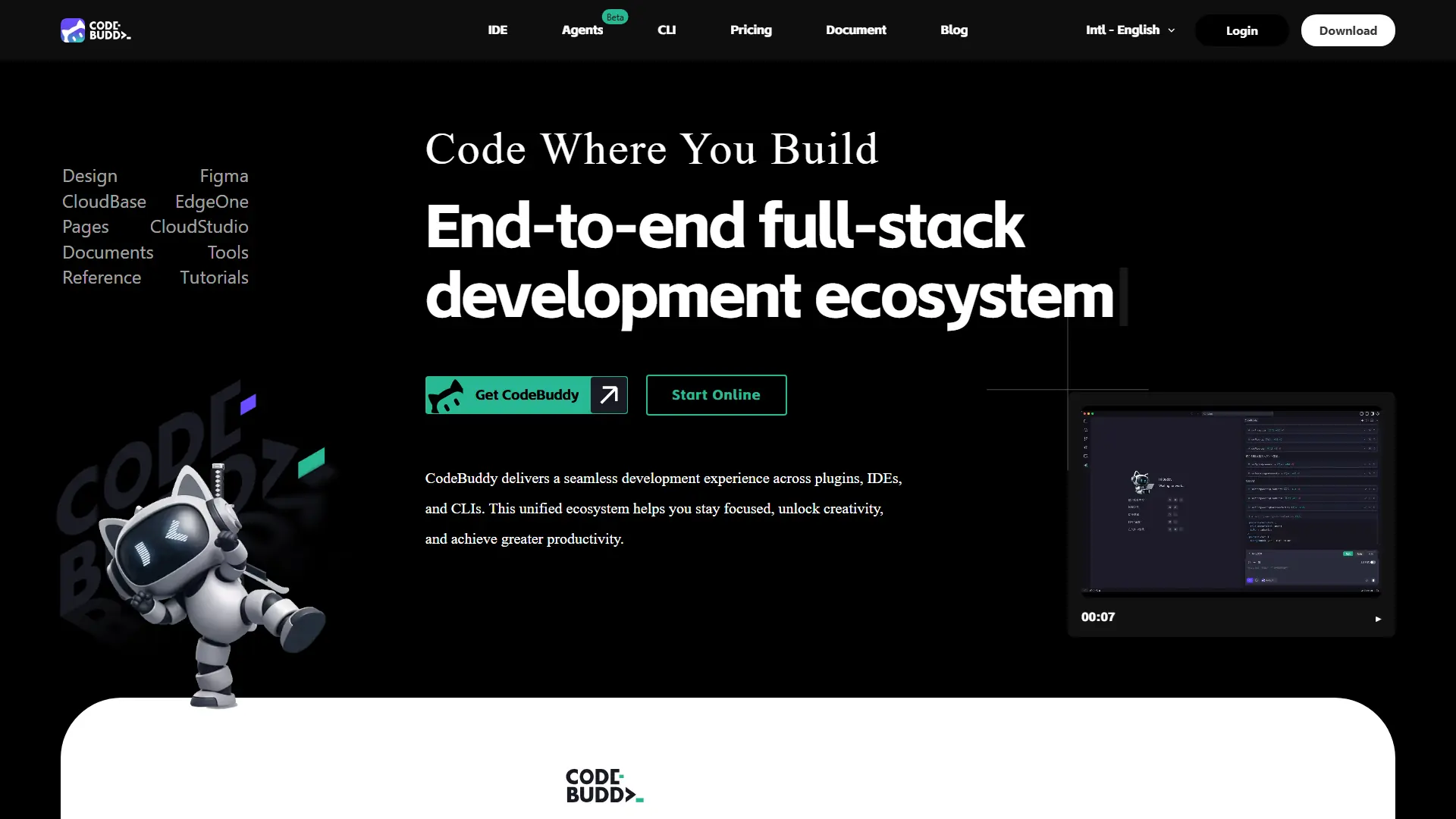

CodeBuddy
Turn product ideas, UI designs, and code changes into deployable software through an AI-powered development workflow.
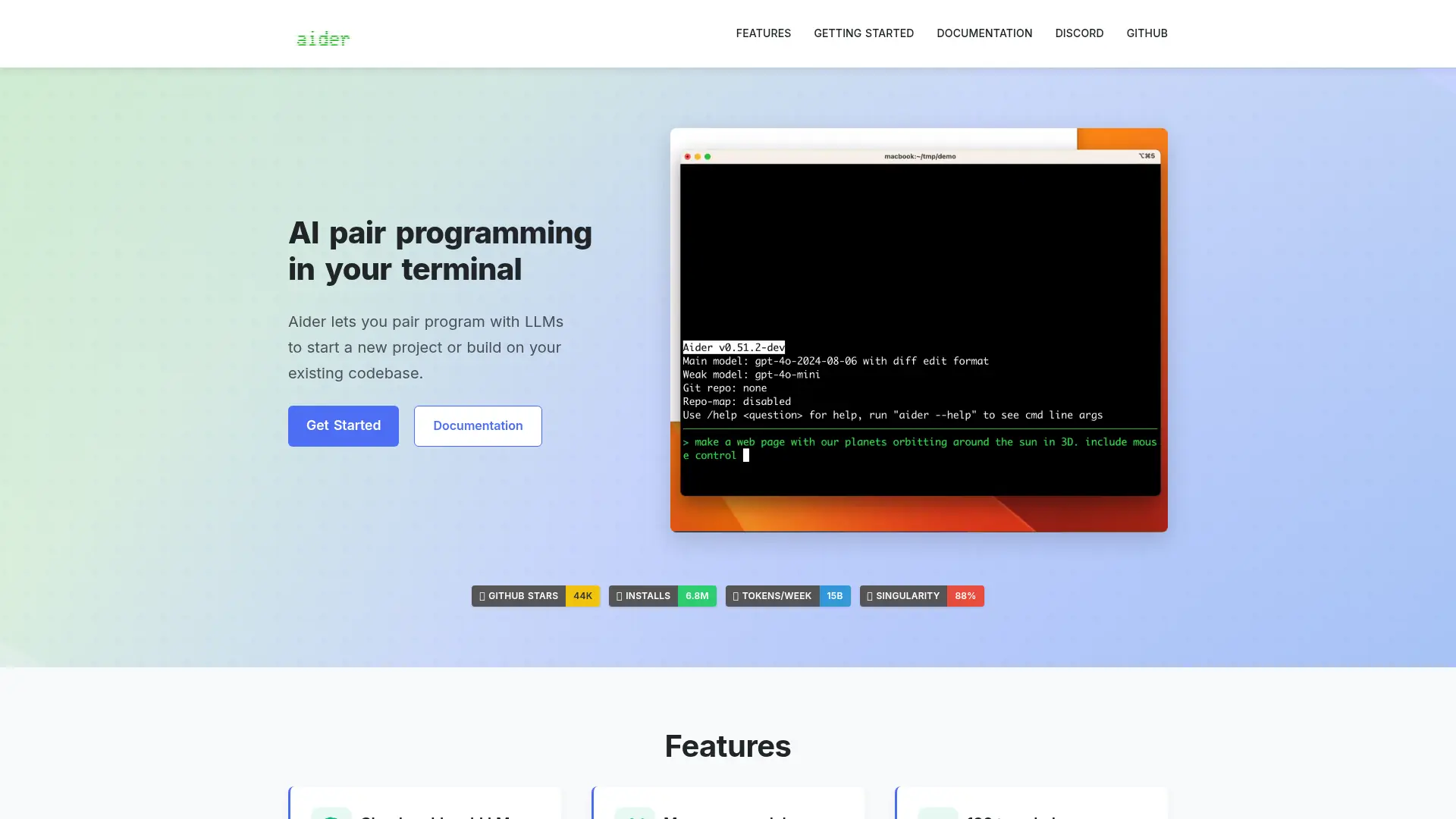

Aider
Aider operates directly in your terminal, acting as an expert AI pair programmer that writes, edits, and commits code seamlessly into your local repository.


cto.new
Build apps, automate development, and deploy AI agent teams without managing model APIs, local environments, or multiple coding subscriptions.


Command Code
Command Code is a terminal-based AI coding agent that continuously learns and adapts to your personal coding style to help build, test, and refactor software.
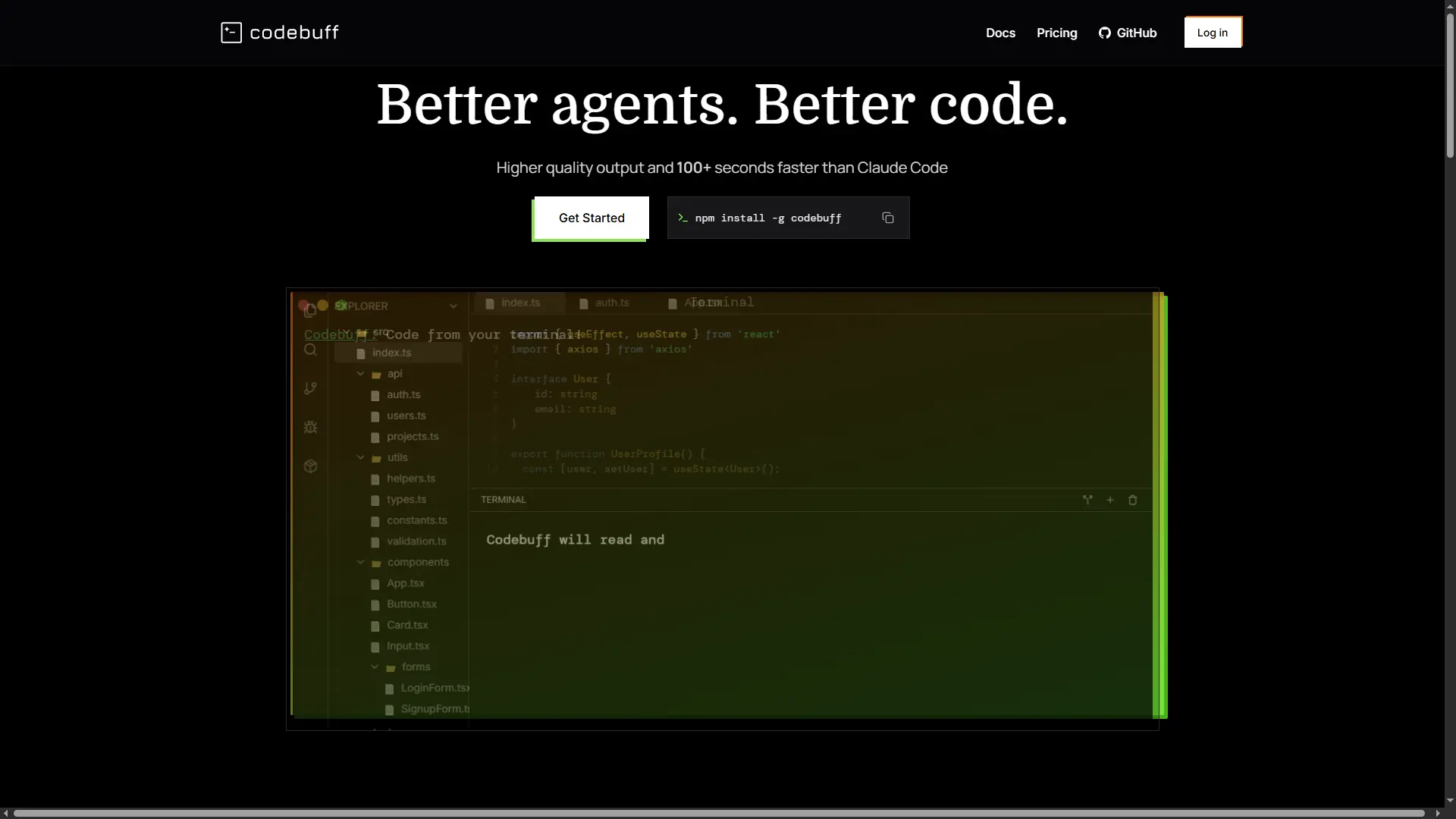

Codebuff
An open-source terminal coding agent that understands your repository, edits files, runs commands, and reviews changes through coordinated AI agents.