

KineMaster
What is KineMaster?
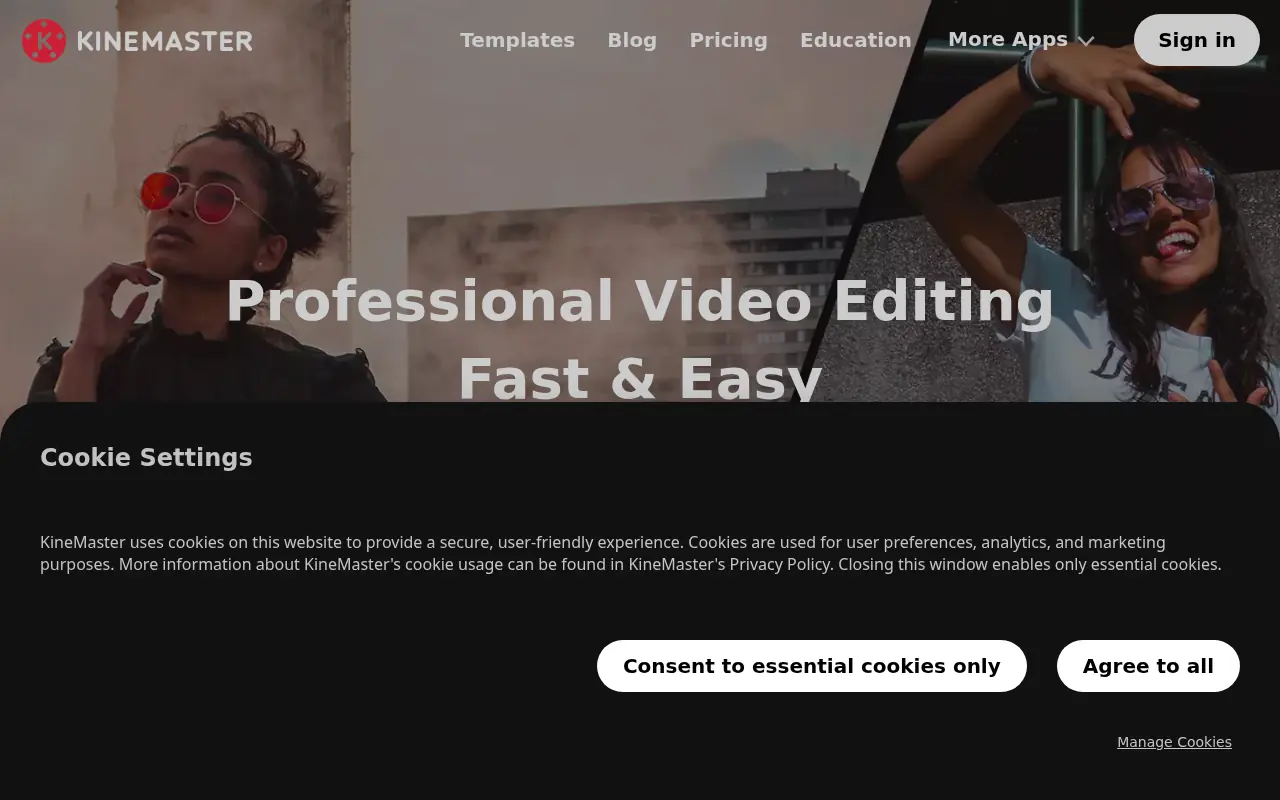
KineMaster is a comprehensive, AI-enhanced video editing studio designed primarily for iOS and Android mobile platforms. Its mission is to put professional-grade, multi-layer video editing capabilities into the hands of content creators, vloggers, and social media managers without requiring expensive desktop software. The platform serves its users by combining an intuitive touch interface with advanced editing features like Chroma Key, Keyframe animation, and an expansive template library. Recently, KineMaster has heavily integrated cutting-edge artificial intelligence tools—such as AI Auto Captions, Magic Background Removal, and AI Voice—to dramatically speed up the video creation workflow. Ultimately, KineMaster solves the challenge of on-the-go video production by providing a robust, all-in-one app capable of rendering stunning 4K 60FPS content directly for social platforms.
How to use KineMaster?
To use KineMaster effectively, start by downloading the application from the App Store or Google Play and creating a new project in your desired aspect ratio (landscape or portrait). You can kickstart your project by selecting a trendy, pre-made template from the 'Mix' screen, or build from scratch by importing video clips, images, and audio onto the full-screen, multi-layer timeline. Utilize professional-grade tools like Keyframe animation, Chroma Key, and AI-powered Auto Captions or Magic Remover to refine your footage and automate tedious edits. Finally, preview your work and export your masterpiece in up to 4K resolution at 60 FPS for direct sharing to YouTube, TikTok, or Instagram.
KineMaster's Core Features
Provides thousands of highly customizable video templates optimized for fast social media content creation.
Features a full-screen timeline with multi-track editing to stack unlimited videos, images, text, and layers.
Includes AI Auto Captions to instantly generate, sync, and stylize subtitles directly from your audio.
Offers AI Magic Removal for seamlessly cutting out backgrounds around subjects with just a few taps.
Empowers creators with precise Keyframe animation to adjust the size, position, and rotation of any layer.
Supports Chroma Key (Green Screen) with alpha mask and fine-tuning for professional video compositing.
Delivers a powerful Audio Editor equipped with pitch control, voice modulation, AI Text-to-Speech, and noise reduction.
Enables cinematic rendering by supporting high-resolution video exports up to 4K at 60 FPS.
KineMaster's Use Cases
- #1
Editing complex multi-layered YouTube vlogs with professional transitions and B-roll.
- #2
Generating engaging, viral short-form content for TikTok and Instagram Reels using trending templates.
- #3
Automatically generating and styling accurate subtitles for social media videos using AI Auto Captions.
- #4
Removing and replacing video backgrounds on the fly without needing a physical green screen using AI Magic Removal.
- #5
Enhancing audio tracks natively using the built-in audio editor, pitch control, and AI noise reduction tools.
- #6
Creating cinematic slow-motion or time-lapse sequences with precise speed control.
- #7
Collaborating and sharing video projects across different devices using KineCloud storage.
Frequently Asked Questions
Analytics of KineMaster
Monthly Visits Trend: Jun 2025 - Aug 2026
Traffic Sources
AI Channel Traffic Trends
Top Regions
| Region | Traffic Share |
|---|---|
| United States | 21.58% |
| India | 12.39% |
| South Africa | 6.47% |
| Peru | 4.46% |
| Russia | 4.35% |
Top Keywords
| Keyword | Traffic | CPC |
|---|---|---|
| kinemaster | 43.4K | $0.38 |
| kine master | 5.8K | $0.36 |
| kinemaster g major 289 | 720 | -- |
| klasky csupo 2025 logo | 770 | -- |
| лунтик титры kinemaster | 1.2K | -- |
Alternative of KineMaster

Flixier
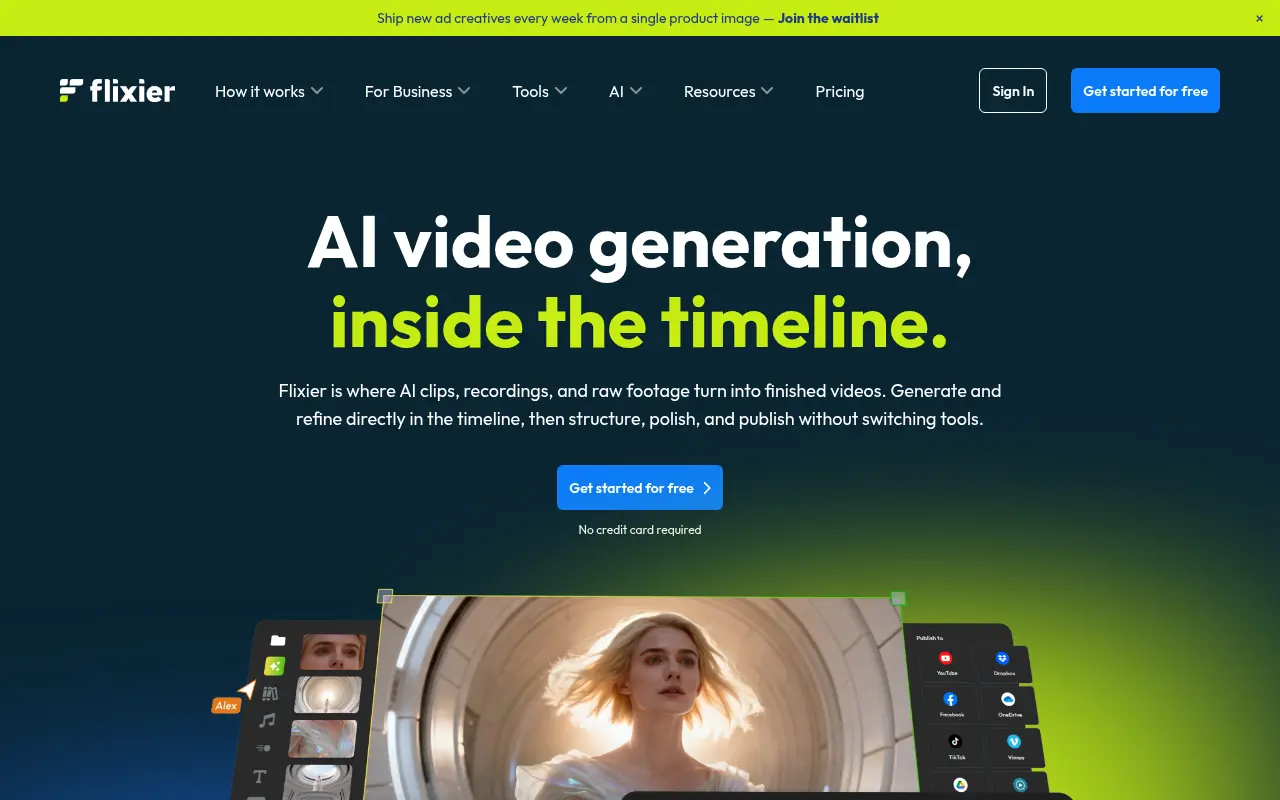
Flixier is a cloud-based online video editor that enables users to create, edit, and publish high-quality videos directly from their browser at incredible speeds.

Filmora (Wondershare)
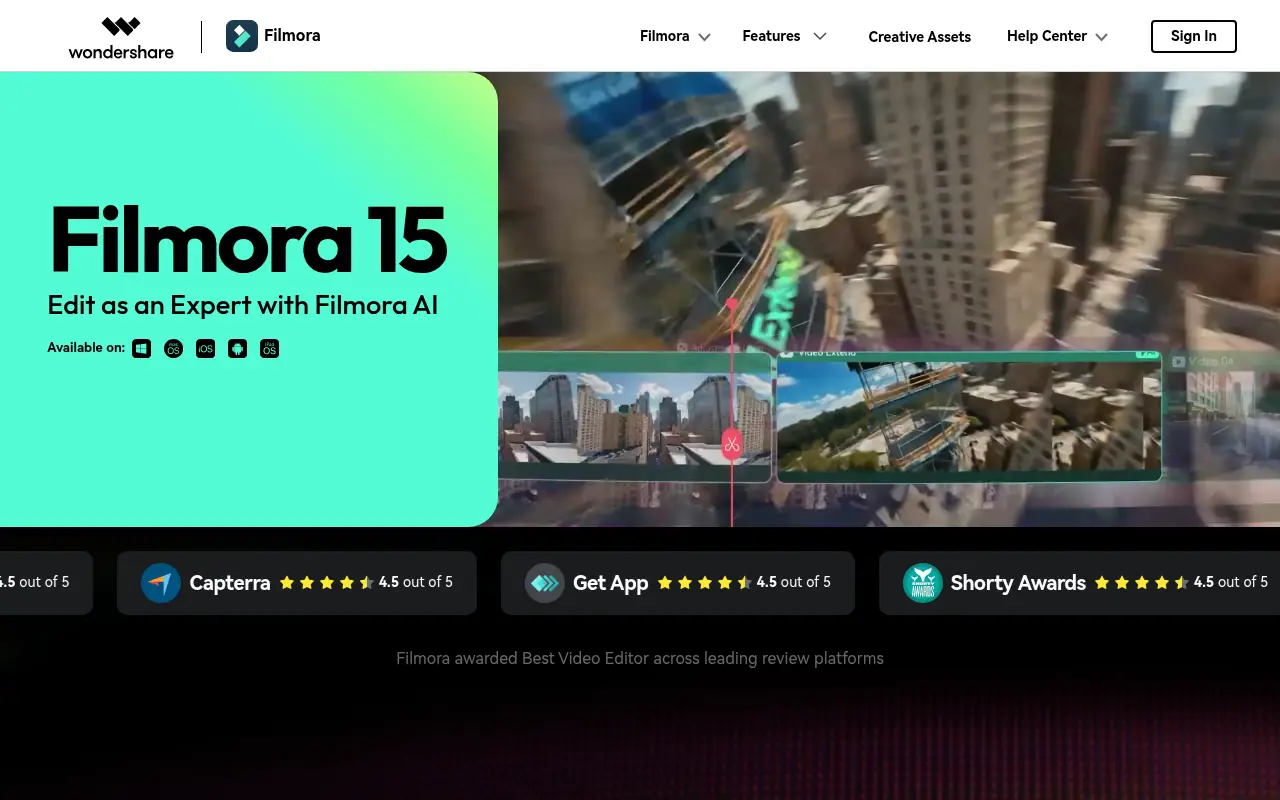
Wondershare Filmora is a powerful, user-friendly video editing software equipped with robust AI features designed for creators of all skill levels.

ClipGOAT
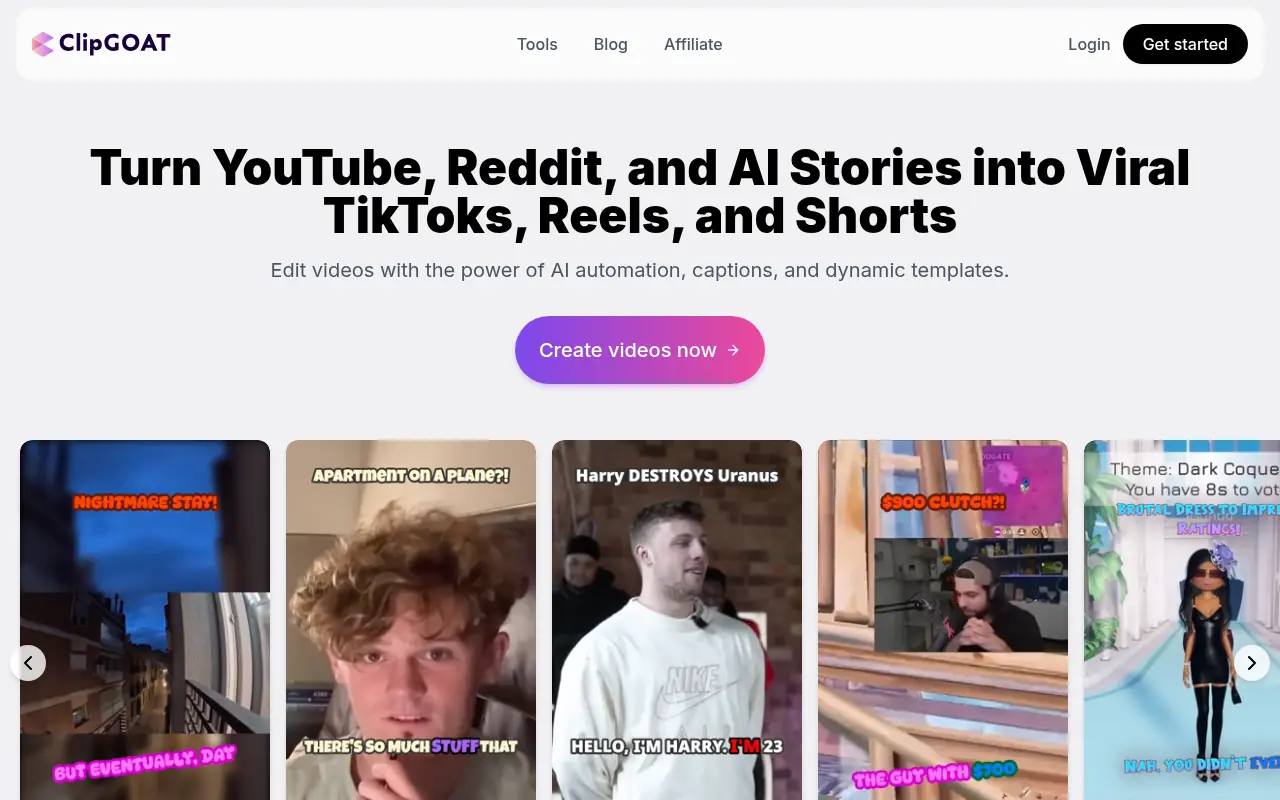
ClipGOAT is an AI-powered platform that transforms long-form videos, Reddit posts, and AI-generated stories into viral short-form clips for TikTok, Reels, and Shorts.
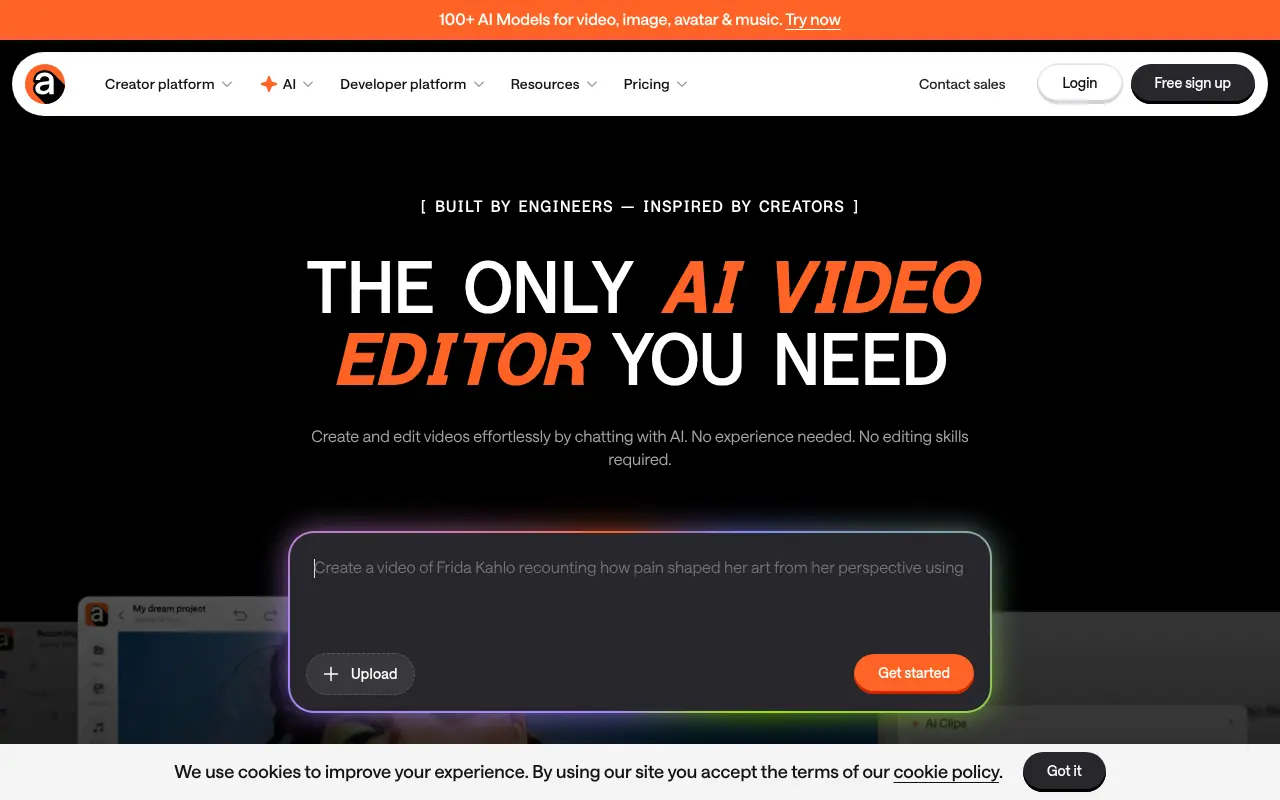

Async
Async is an all-in-one AI-powered creative studio designed for video, audio, and voice production, offering tools for recording, editing, text-to-speech, and content repurposing.
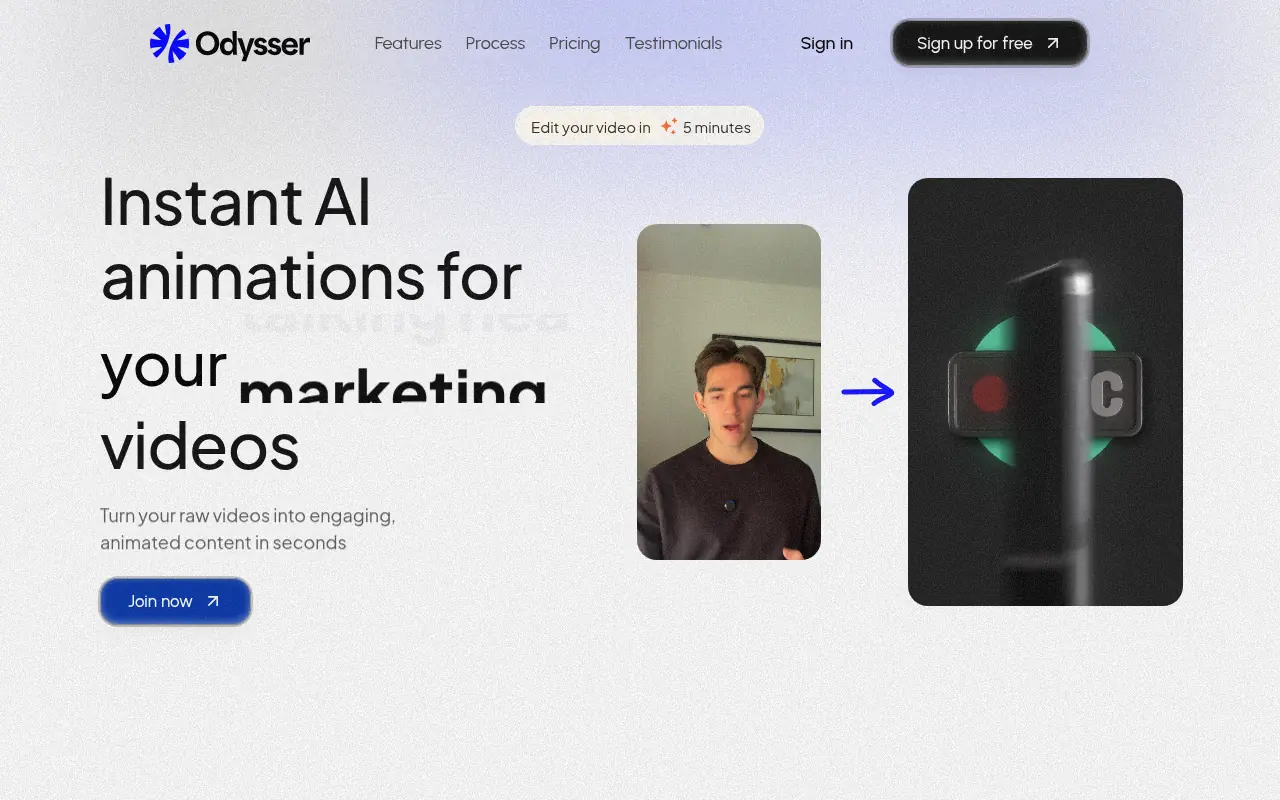

Odysser
Odysser is an AI-powered video editing platform that instantly transforms raw videos into engaging, animated content with automated captions, b-roll, and motion graphics.
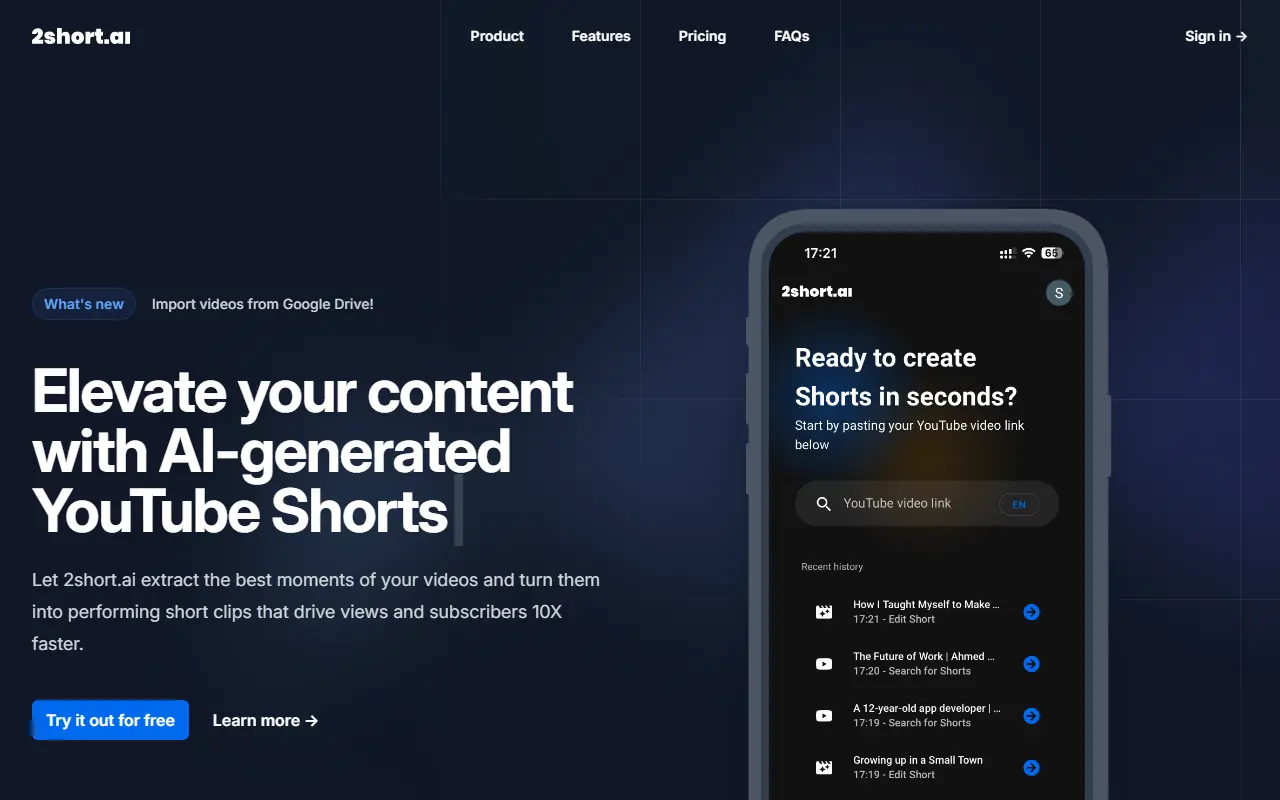

2short.ai
2short.ai is an AI-powered platform that transforms long-form videos into engaging short clips optimized for social media and marketing.
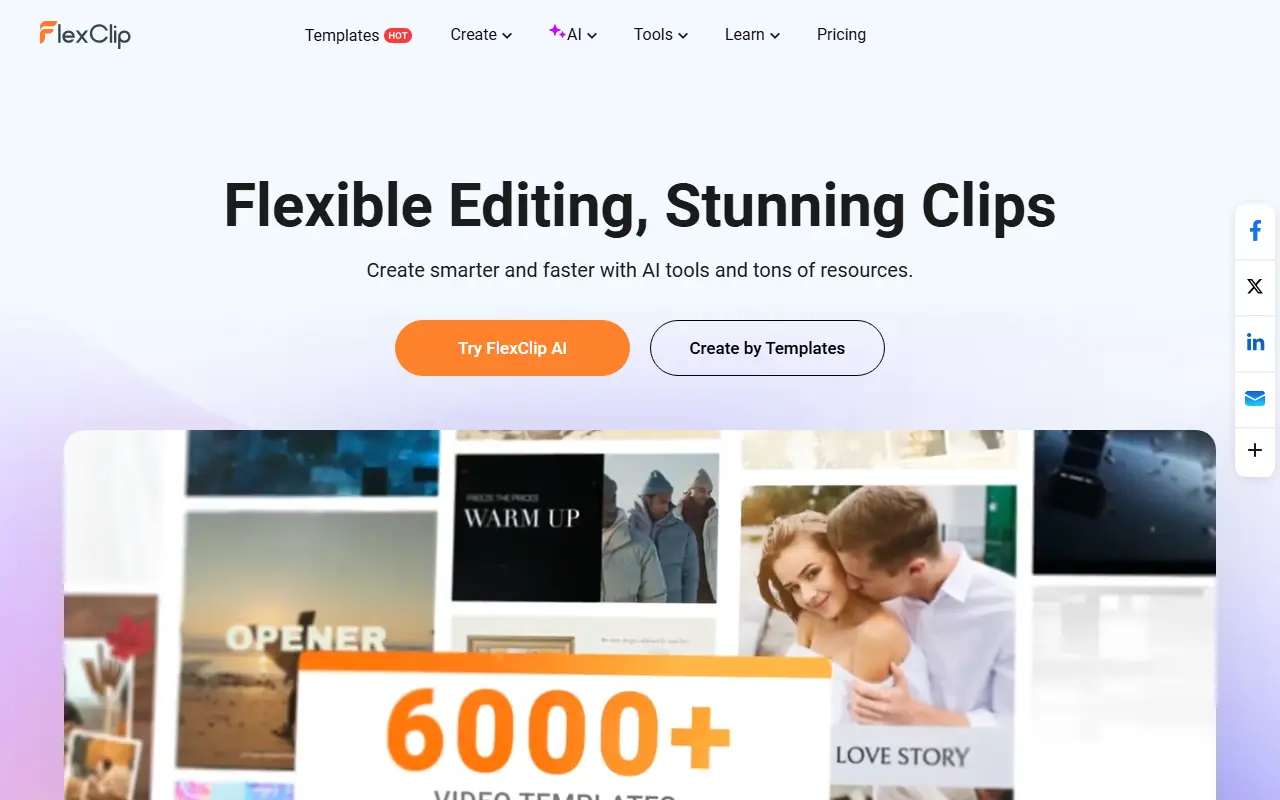

FlexClip
FlexClip is an online video editing platform that enables users to create professional-quality videos with ease.
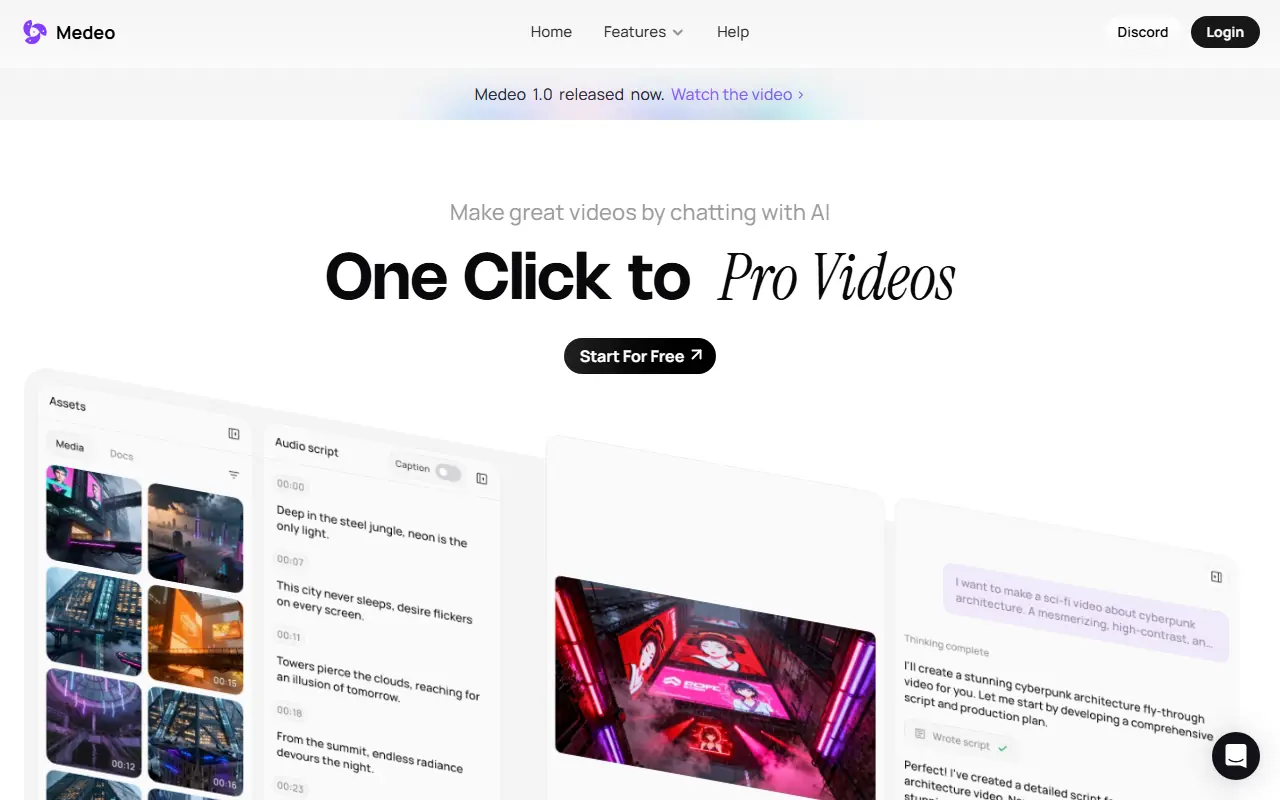

Medeo
A chat-based AI video editor that allows users to create, edit, and animate videos using simple text commands.