

Gyazo

What is Gyazo?
Gyazo is a lightweight and efficient visual communication tool designed to make sharing screen captures seamless. When a user captures an image or records a short video using the app, it instantly uploads the file to the cloud and copies a unique, shareable link to their clipboard. This streamlined process eliminates the tedious need for manual saving, uploading, or attaching files to messages. It actively serves gamers, developers, designers, and support teams by offering a much faster way to convey visual context, report bugs, or share highlights with others.
How to use Gyazo?
To use Gyazo, simply download and install the lightweight application on your Windows, Mac, or Linux device. Once installed, use the customizable keyboard shortcuts or click the app icon to activate the capture tool, then click and drag over the area of your screen you want to capture. As soon as you release the mouse button, your image, GIF, or video is instantly uploaded to the Gyazo servers, and a secure, shareable link is automatically copied to your clipboard, ready to be pasted into any chat, email, or collaborative document.
Gyazo's Core Features
Instantly capture screenshots and get a shareable link copied to your clipboard in seconds.
Record short HD screen videos or animated GIFs to demonstrate processes or share dynamic moments.
Automatically extract and copy text from captured images using optical character recognition (OCR).
Capture the last few seconds of gameplay or screen activity retroactively using the Gyazo Replay feature.
Organize and easily locate past captures using automatic tagging, source app names, and original web links.
Protect your visual data with password-protected links and custom access controls available on premium tiers.
Integrate seamlessly with popular chat and workflow applications like Slack, Discord, and GitHub.
Gyazo's Use Cases
- #1
Sharing error messages or code snippets with developers instantly.
- #2
Reporting visual bugs to a quality assurance team with exact visual context.
- #3
Capturing and sharing gaming highlights or replays with friends or on social media.
- #4
Creating quick tutorials or step-by-step visual guides using animated GIFs.
- #5
Extracting unselectable text from an image or document using its built-in OCR feature.
- #6
Collaborating on design projects by quickly isolating and sharing specific UI elements.
Frequently Asked Questions
Analytics of Gyazo
Monthly Visits Trend: Jun 2025 - Aug 2026
Traffic Sources
AI Channel Traffic Trends
Top Regions
| Region | Traffic Share |
|---|---|
| United States | 38.13% |
| Japan | 13.65% |
| United Kingdom | 6.72% |
| Germany | 5.36% |
| Spain | 4.24% |
Top Keywords
| Keyword | Traffic | CPC |
|---|---|---|
| gyazo | 71.4K | $2.00 |
| gyazo api | 7.7K | -- |
| gyazo gif | 2.3K | -- |
| gyazo screenshot | 2.7K | $1.77 |
| ぎゃぞ | 1.8K | -- |
Alternative of Gyazo


Zight
Zight is an all-in-one visual communication platform that allows users to instantly capture, annotate, and share screenshots, screen recordings, and GIFs via auto-generated links.
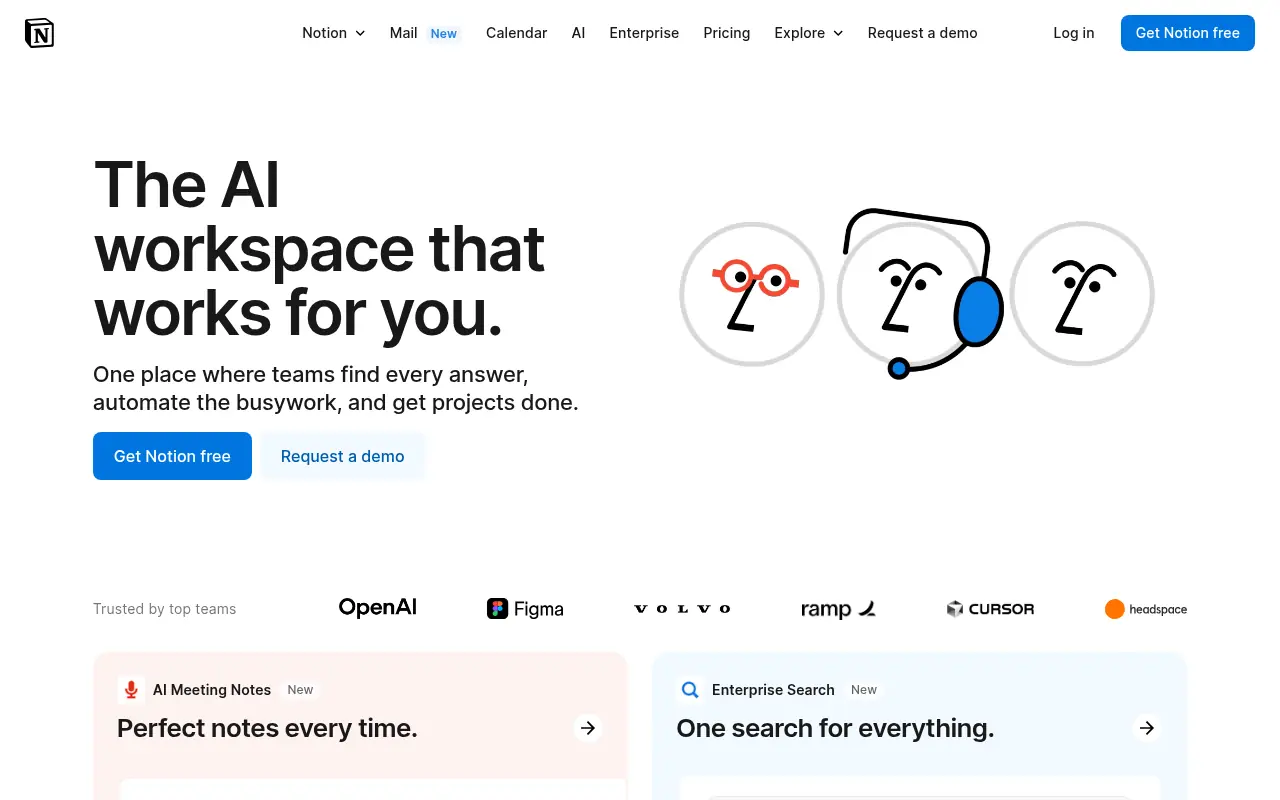

Notion
Notion is an all-in-one workspace for note-taking, project management, and team collaboration with AI-powered tools.
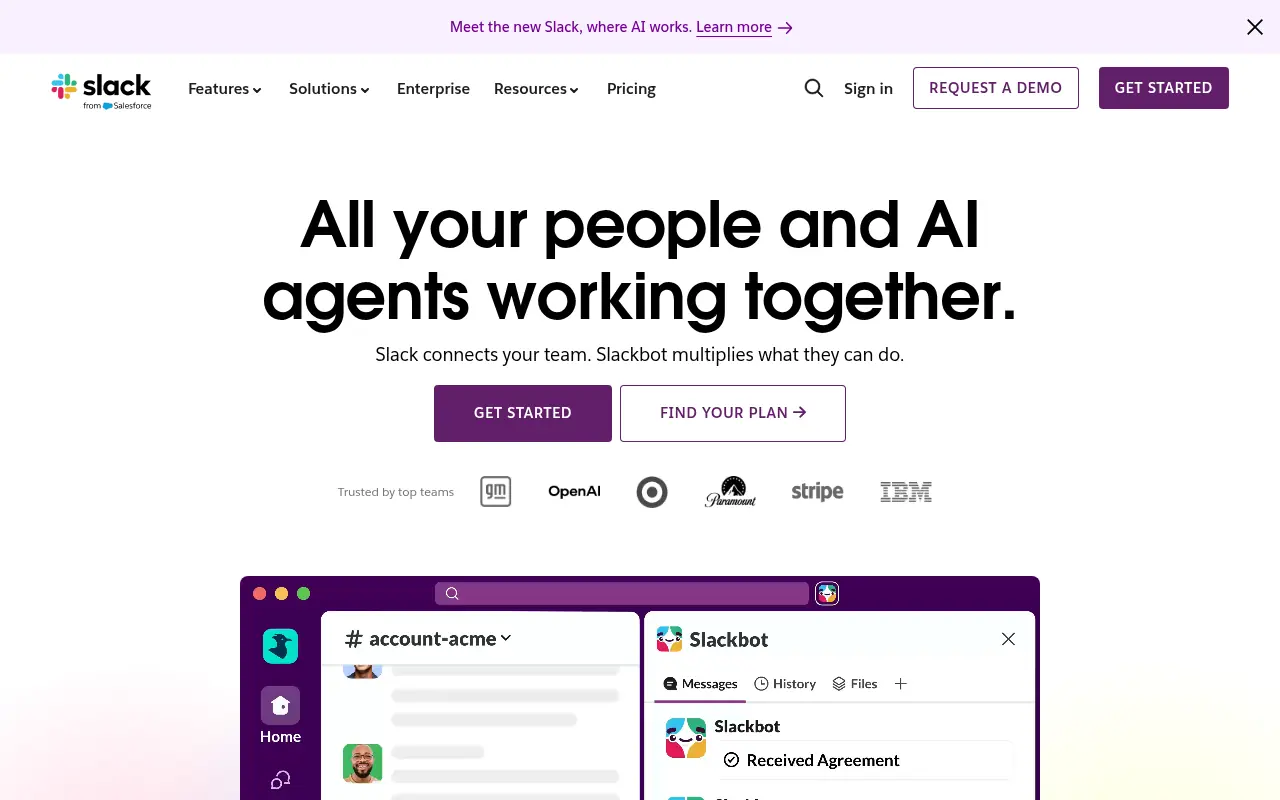

Slack
Slack is a cloud-based team communication and productivity platform designed to bring people, tools, and data together in one centralized workspace.


Box
Box is a cloud-based platform that enables secure file storage, sharing, collaboration, and content management for individuals and businesses.
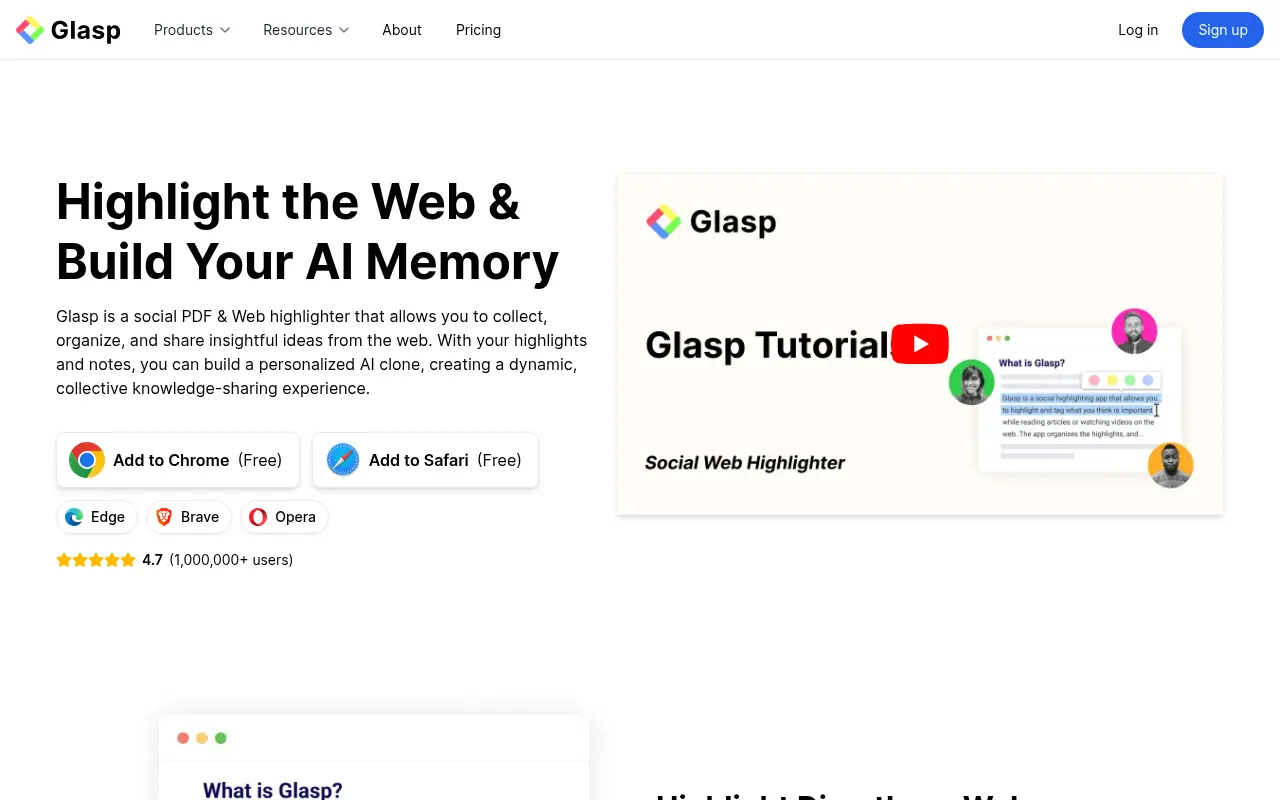

Glasp
Glasp is a social web highlighter that enables users to capture, organize, and share highlights and notes from web pages and PDFs.


DingTalk
DingTalk is a comprehensive enterprise collaboration and communication platform designed to enhance workplace productivity through integrated messaging, meetings, and AI-powered workflows.

Wayin AI
Wayin AI is an innovative platform that leverages artificial intelligence to enhance user engagement through interactive content and data-driven insights for marketing and social media.
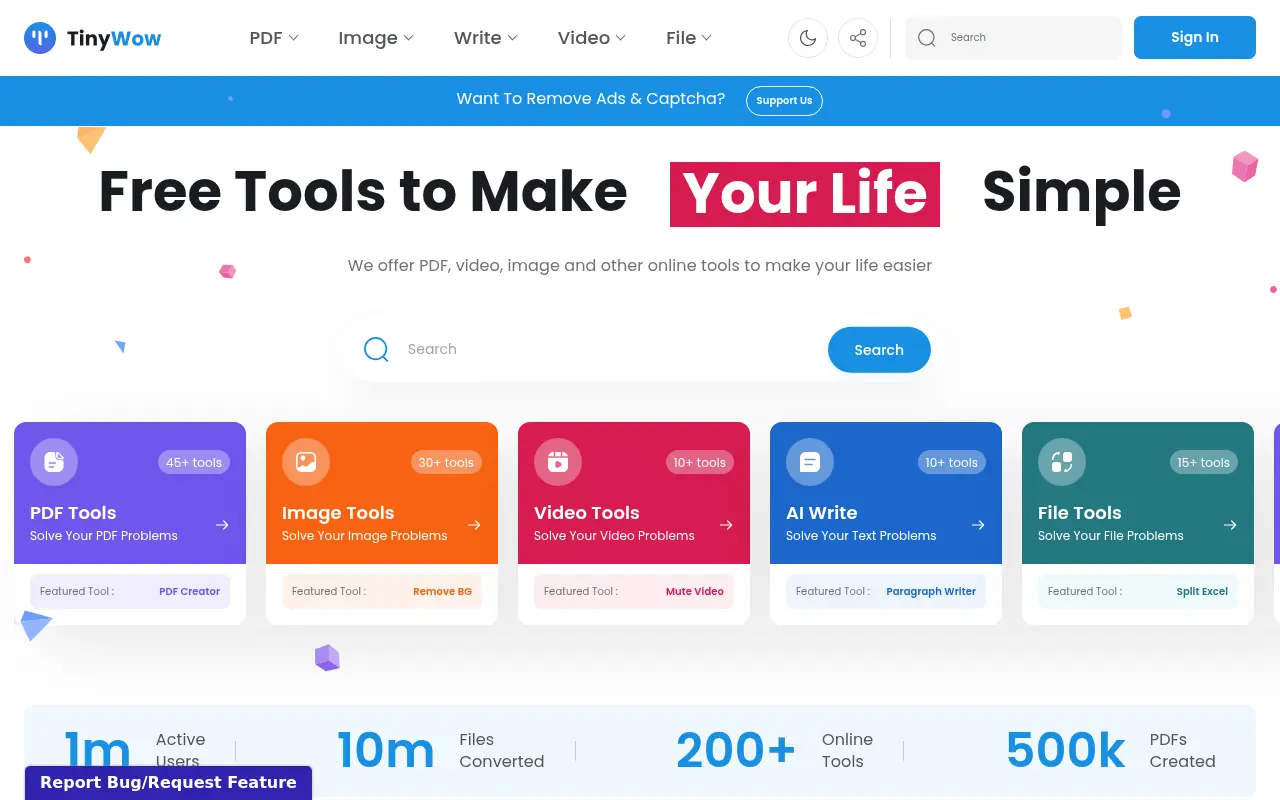

TinyWow
TinyWow offers a massive collection of free, browser-based tools for editing PDFs, images, videos, and generating AI content.