

Wordware
What is Wordware?
Wordware is an AI context lab that develops tools for turning natural-language instructions into useful software and work experiences. Its platform combines a collaborative, Notion-like prompt editor with AI models, workflow logic, integrations, and deployment tools. Users can create WordApps that accept text, image, audio, PDF, and other inputs, then publish them as standalone applications or APIs. Wordware is designed for makers, developers, researchers, operators, and teams that want to prototype and automate AI-powered tasks without building every component from scratch. Its current homepage also highlights Sauna, an AI assistant focused on compounding context, recognizing patterns, and supporting deep work.
How to use Wordware?
1. Create a Wordware account and open the editor or Sauna workspace. 2. Describe the task, add inputs, models, logic, tools, or integrations, and run the flow to refine its output. 3. Share the result as a standalone WordApp, embed it, connect it to an automation, or call it through the generated API.
Wordware's Core Features
Natural-language flow editor: Build AI applications by writing instructions and arranging workflow steps in a collaborative document-style interface.
Multi-model generation: Select from supported language and multimodal models to match the needs of each task.
Structured generation: Define organized output formats so AI responses can feed reliably into later workflow steps.
Workflow logic: Add loops, branching, reusable flows, human input, and custom JavaScript or Python execution for more controlled automation.
Integrations and actions: Connect WordApps with more than 2,000 third-party applications and services to trigger actions outside Wordware.
Web research tools: Search, scrape, and analyze online information as part of an AI workflow.
Multimodal inputs: Process text, images, audio, PDFs, and URL-based content within supported flows.
Versioned deployment: Publish flows as standalone WordApps with version-specific URLs, identifiers, and API access.
Streaming API access: Run deployed WordApps programmatically with authenticated requests and streamed results.
Collaboration and sharing: Work with teammates, share prompts publicly or privately, and embed deployed apps in other websites or products.
Wordware's Use Cases
- #1
Operations teams automating email triage, summaries, and follow-up actions
- #2
Researchers building web research assistants that gather and structure information
- #3
Developers deploying custom AI features through a versioned API
- #4
Marketing teams generating and routing personalized campaign content
- #5
Support teams creating AI assistants that classify requests and draft responses
- #6
Analysts extracting structured data from PDFs, websites, images, or audio
- #7
Founders prototyping internal AI agents without writing a full application
- #8
Knowledge workers using Sauna to organize context and reduce repetitive work
Frequently Asked Questions
Analytics of Wordware
Monthly Visits Trend: Apr 2025 - Aug 2026
Traffic Sources
AI Channel Traffic Trends
Top Regions
| Region | Traffic Share |
|---|---|
| United States | 27.44% |
| Brazil | 20.01% |
| Vietnam | 13.19% |
| Mexico | 10.89% |
| Japan | 8.92% |
Top Keywords
| Keyword | Traffic | CPC |
|---|---|---|
| wordware | 2.4K | $1.16 |
| twitter partner type test | 160 | -- |
| judging you based on your twitter account | 140 | -- |
| wordware twitter | 140 | -- |
| roast me twitter ai | 130 | -- |
Alternative of Wordware

Make
Make is a no-code automation platform that enables users to connect apps, automate workflows, and streamline business processes without coding expertise.

Manus
Manus is an autonomous AI agent platform that executes complex tasks, automates workflows, and delivers actionable results across diverse domains.

Vanta
Vanta automates security and compliance processes for businesses, streamlining certifications like SOC 2, ISO 27001, and HIPAA.
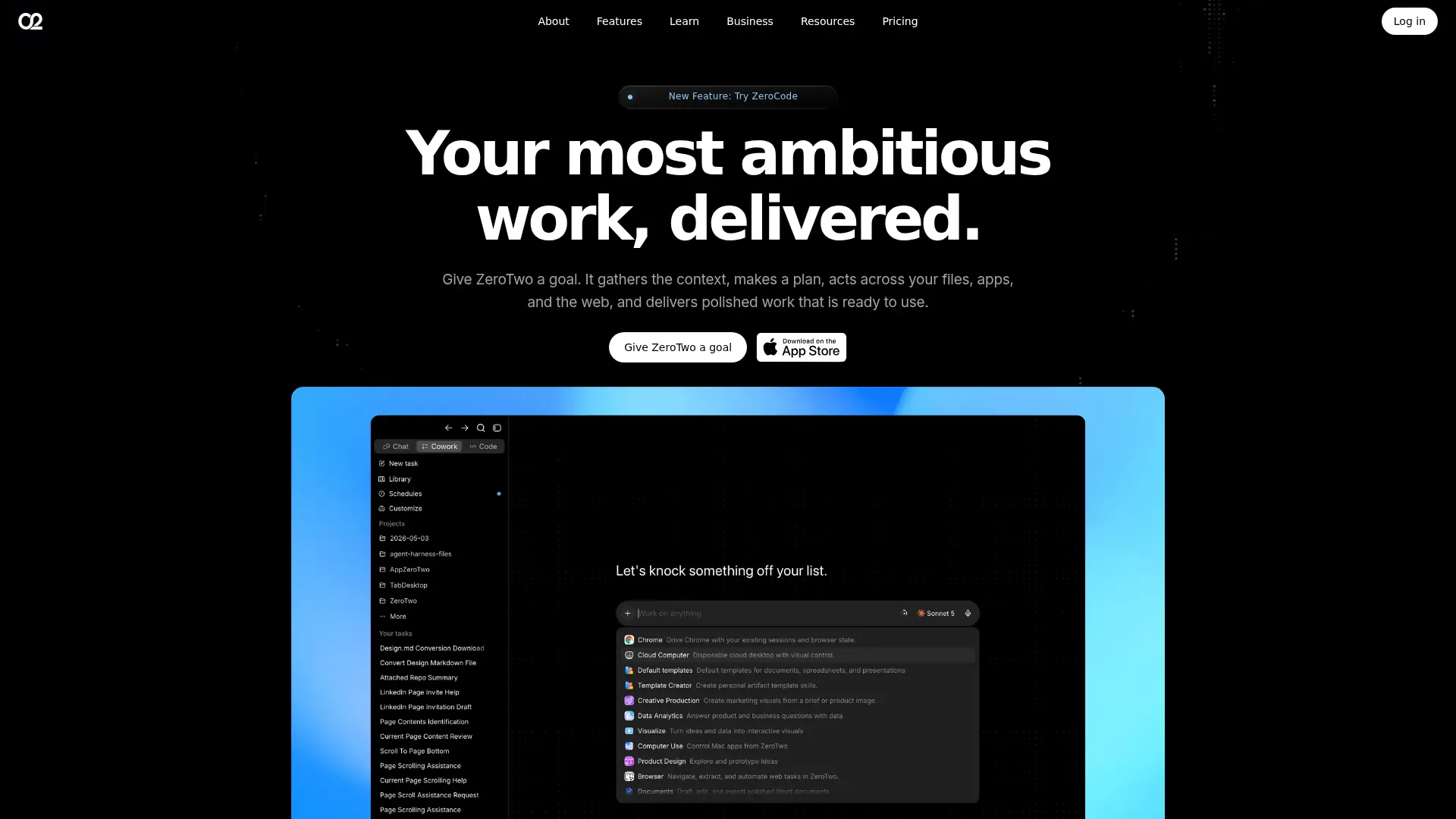

ZeroTwo
A unified AI workspace for researching, creating, coding, and automating work across multiple models and connected apps.
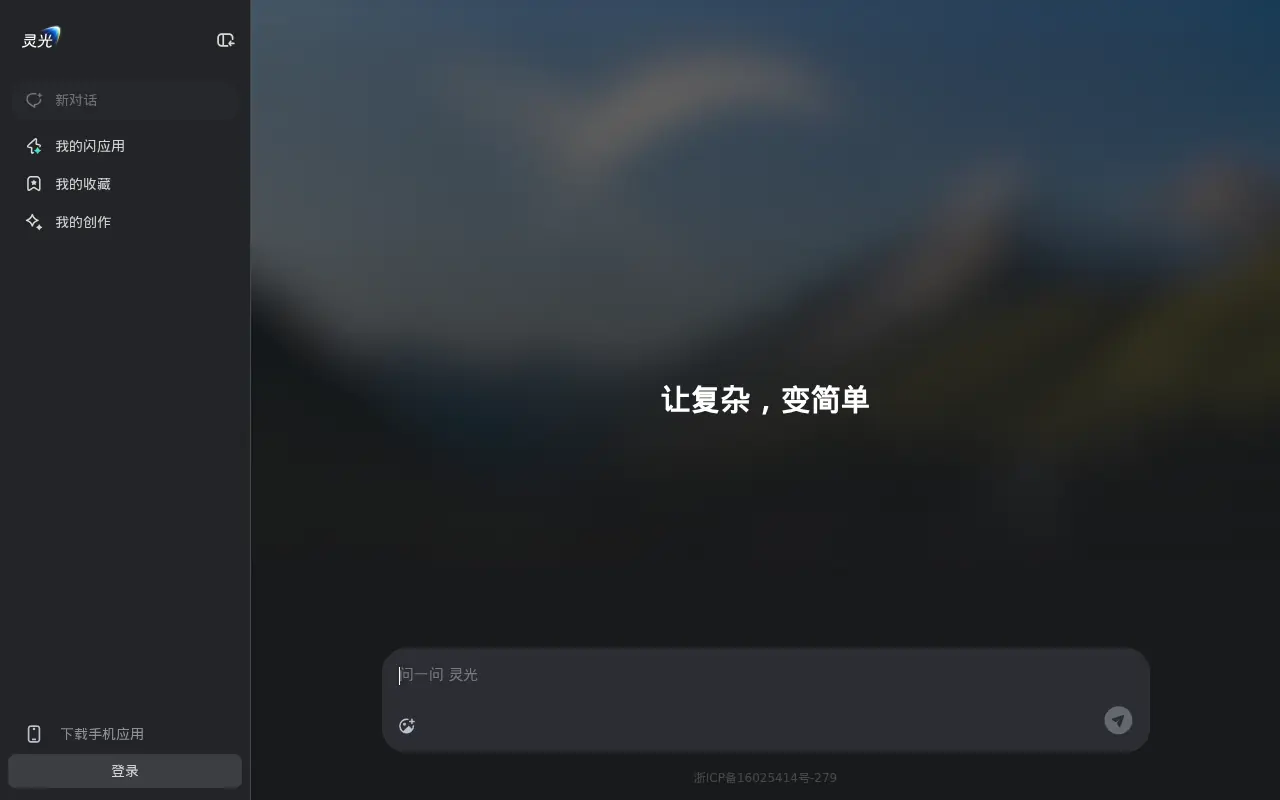

LingGuang
LingGuang is a multimodal AI assistant from Ant Group that turns natural language into rich, interactive content and mini apps for everyday productivity and creativity.
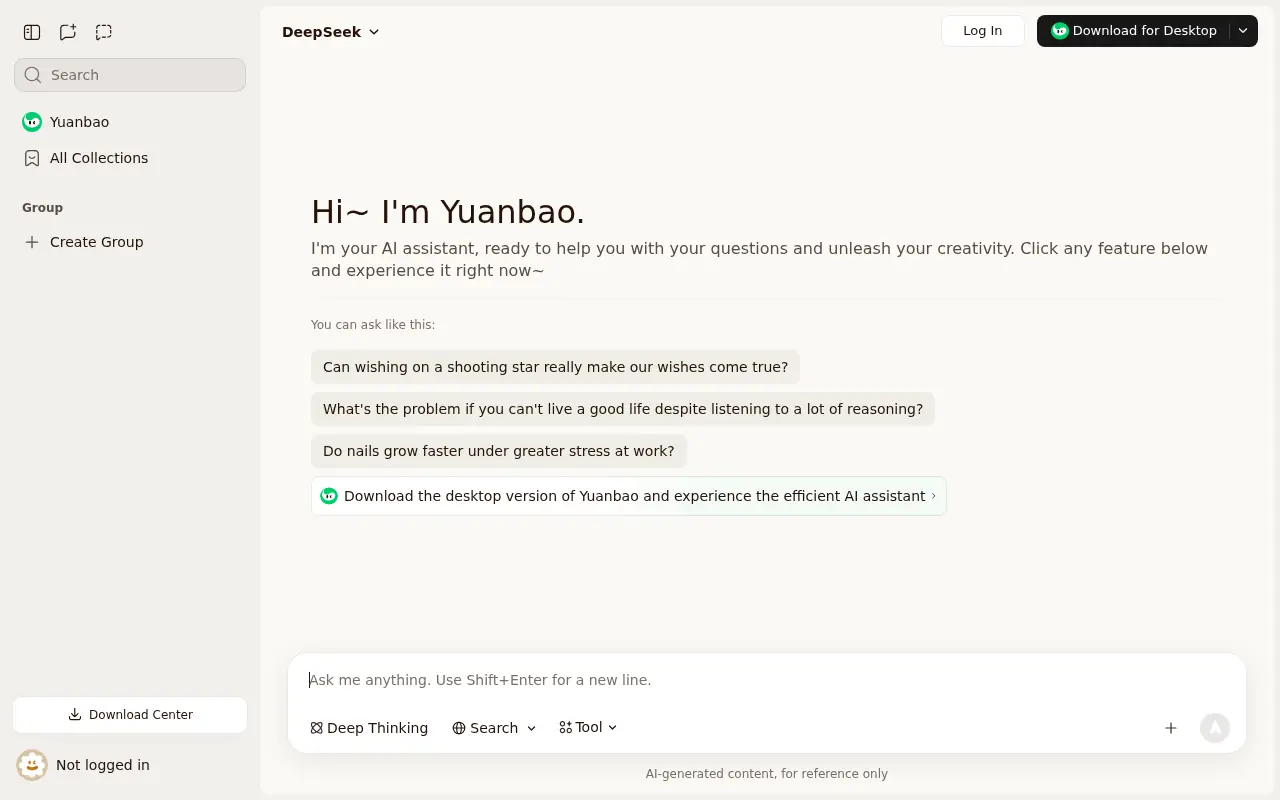

Tencent Yuanbao
Tencent Yuanbao is an advanced AI assistant powered by the Hunyuan large language model, offering smart chat, document analysis, image generation, and deep integration with the WeChat ecosystem.
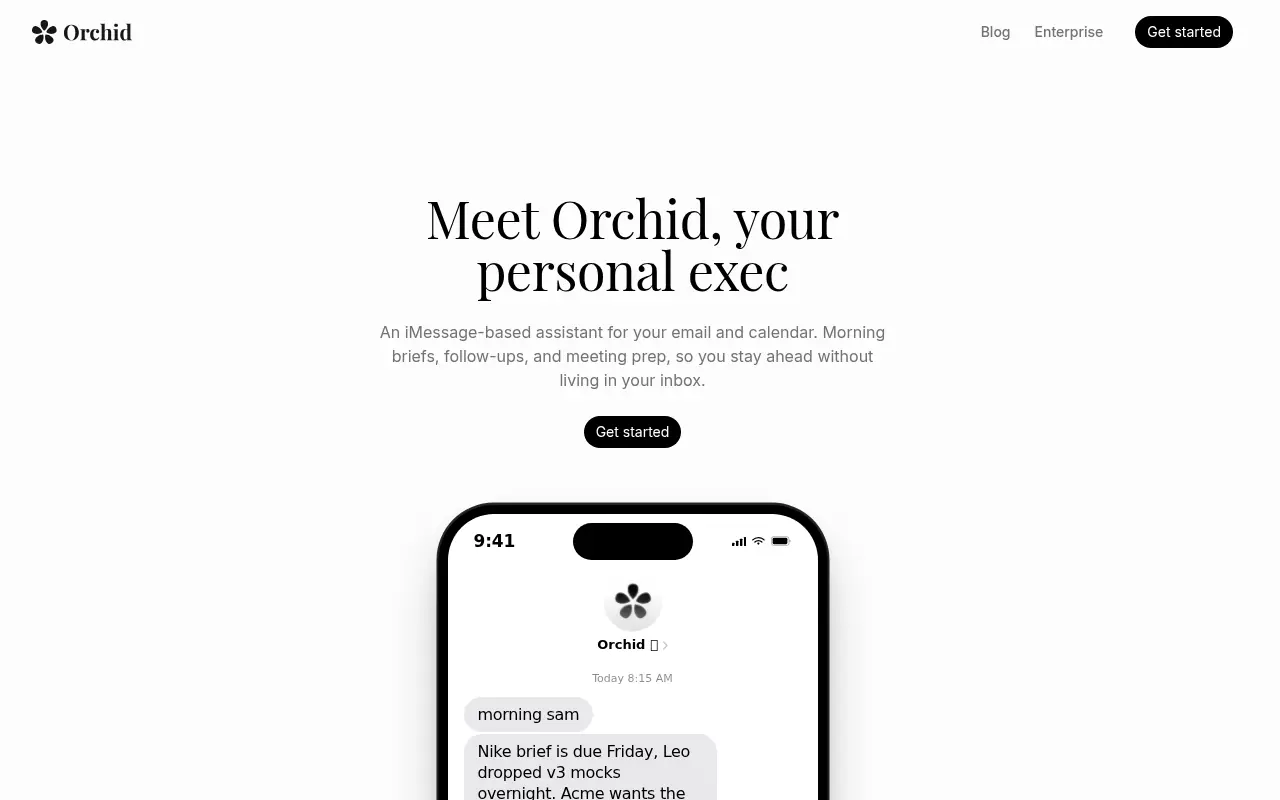

Orchid
Orchid is an AI-powered executive assistant that helps users manage email, calendars, follow-ups, and meeting preparation through an iMessage-style interface.
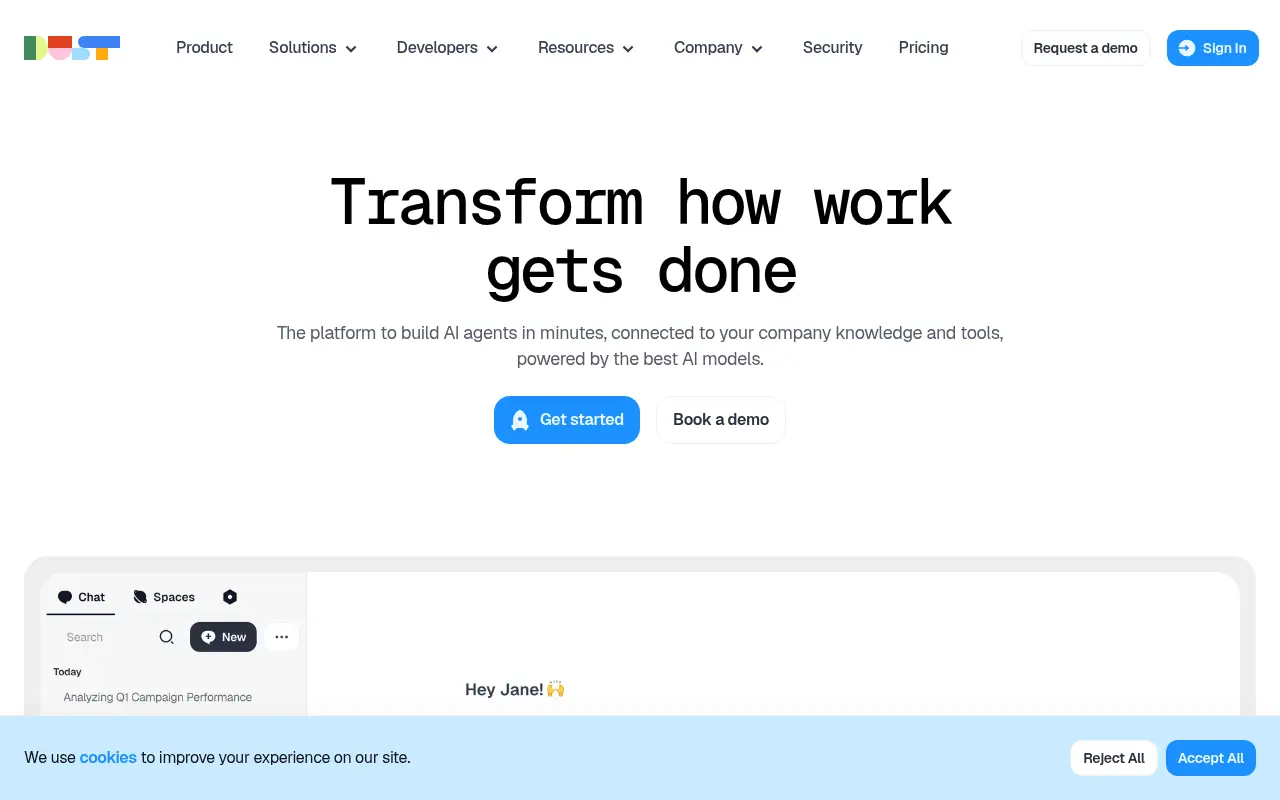

Dust
Dust is a platform that empowers teams to build and deploy custom AI assistants using large language models to enhance productivity and automate workflows.