

Tableau

What is Tableau?
Tableau is a leading business intelligence and data visualization tool designed to help people see and understand data. Its mission is to transform the way users interact with complex datasets, enabling both technical and non-technical users to build interactive, easy-to-read dashboards. By integrating seamlessly with diverse data sources, it eliminates data silos and facilitates rapid, data-driven decision-making. Recently augmented with Tableau AI, the platform now brings trusted generative AI capabilities directly into the analytics workflow. Ultimately, Tableau democratizes analytics, allowing entire organizations to foster a robust and transparent data culture.
How to use Tableau?
To use Tableau effectively, start by connecting the platform to your preferred data source, which can range from a simple Excel spreadsheet to a complex cloud-based data warehouse. Next, utilize the intuitive drag-and-drop interface to organize your data fields and generate various visual elements like charts, graphs, and geographical maps. Once your individual visualizations are prepared, arrange them into cohesive, interactive dashboards that tell a clear data story. Finally, securely publish and share these dashboards with your team via Tableau Server or Tableau Cloud to foster collaborative analysis and drive business decisions.
Tableau's Core Features
Connect seamlessly to hundreds of cloud, on-premises, and flat-file data sources.
Build interactive visual analytics effortlessly using an intuitive drag-and-drop interface.
Create comprehensive dashboards that combine multiple charts, maps, and data points.
Leverage Tableau AI (Einstein Copilot) to automatically generate contextual insights and plain-text answers.
Clean, shape, and prepare complex datasets for analysis using the built-in Tableau Prep tool.
Share interactive analytics securely across your organization via Tableau Cloud or Tableau Server.
Access and explore published data dashboards on the go with dedicated mobile applications.
Embed analytics and interactive charts directly into internal business applications or customer-facing portals.
Tableau's Use Cases
- #1
Creating interactive sales performance dashboards to track real-time revenue and KPIs.
- #2
Analyzing customer behavior and demographics to optimize targeted marketing campaigns.
- #3
Monitoring supply chain logistics and visually identifying operational bottlenecks.
- #4
Building automated financial reports for executive teams to monitor business health.
- #5
Visualizing public health or academic research data to identify trends and anomalies.
- #6
Leveraging generative AI features to automatically surface insights from raw datasets.
Frequently Asked Questions
Analytics of Tableau
Monthly Visits Trend: Jun 2025 - Aug 2026
Traffic Sources
AI Channel Traffic Trends
Top Regions
| Region | Traffic Share |
|---|---|
| United States | 38.31% |
| Japan | 15.33% |
| India | 6.44% |
| United Kingdom | 4.30% |
| Brazil | 3.24% |
Top Keywords
| Keyword | Traffic | CPC |
|---|---|---|
| tableau | 311.9K | $1.53 |
| tableau public | 49.1K | $2.60 |
| tableu | 26.7K | -- |
| tableauクラウド | 20 | -- |
| tableau public download | 5.5K | $0.86 |
Alternative of Tableau
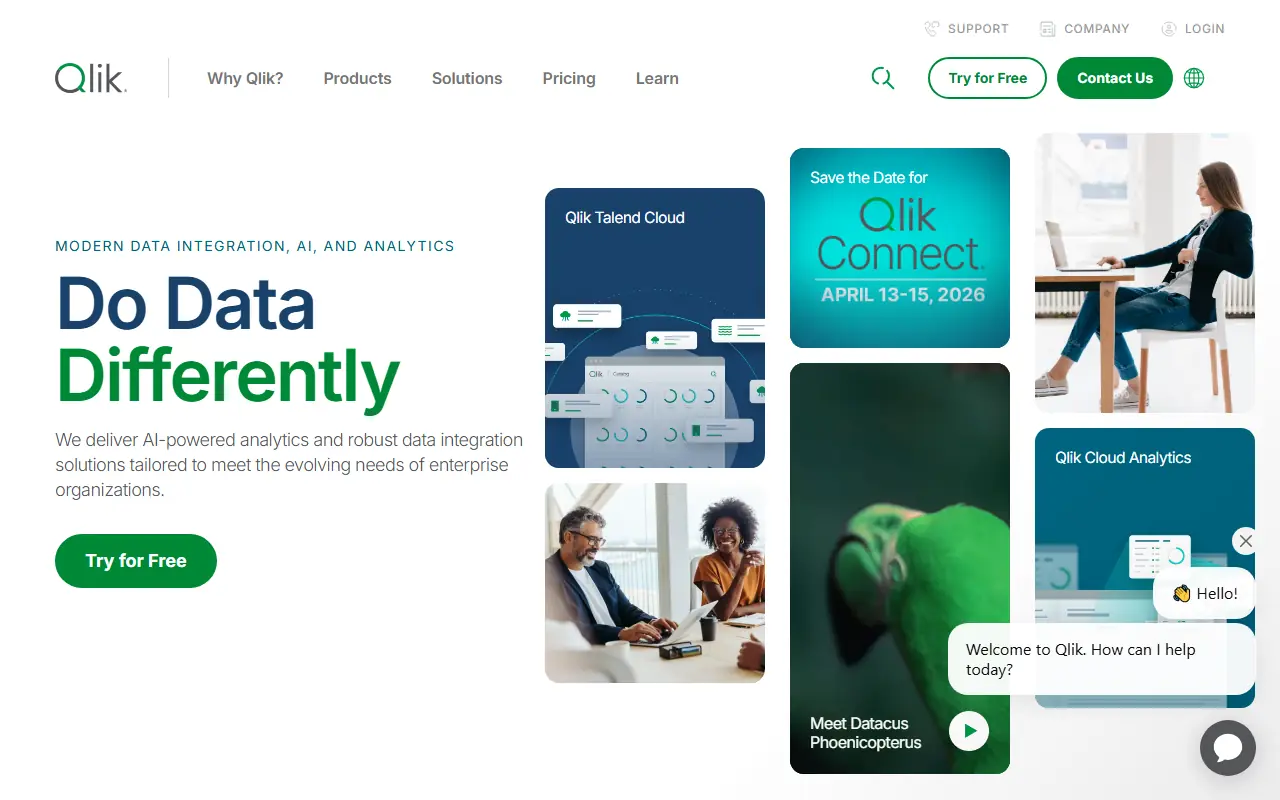

Qlik
Qlik is a leading business intelligence platform that enables data visualization, analytics, and AI-driven insights to help organizations make data-informed decisions.


Astra AI
Astra AI is a cutting-edge platform that harnesses artificial intelligence to provide advanced data analysis and business intelligence solutions.
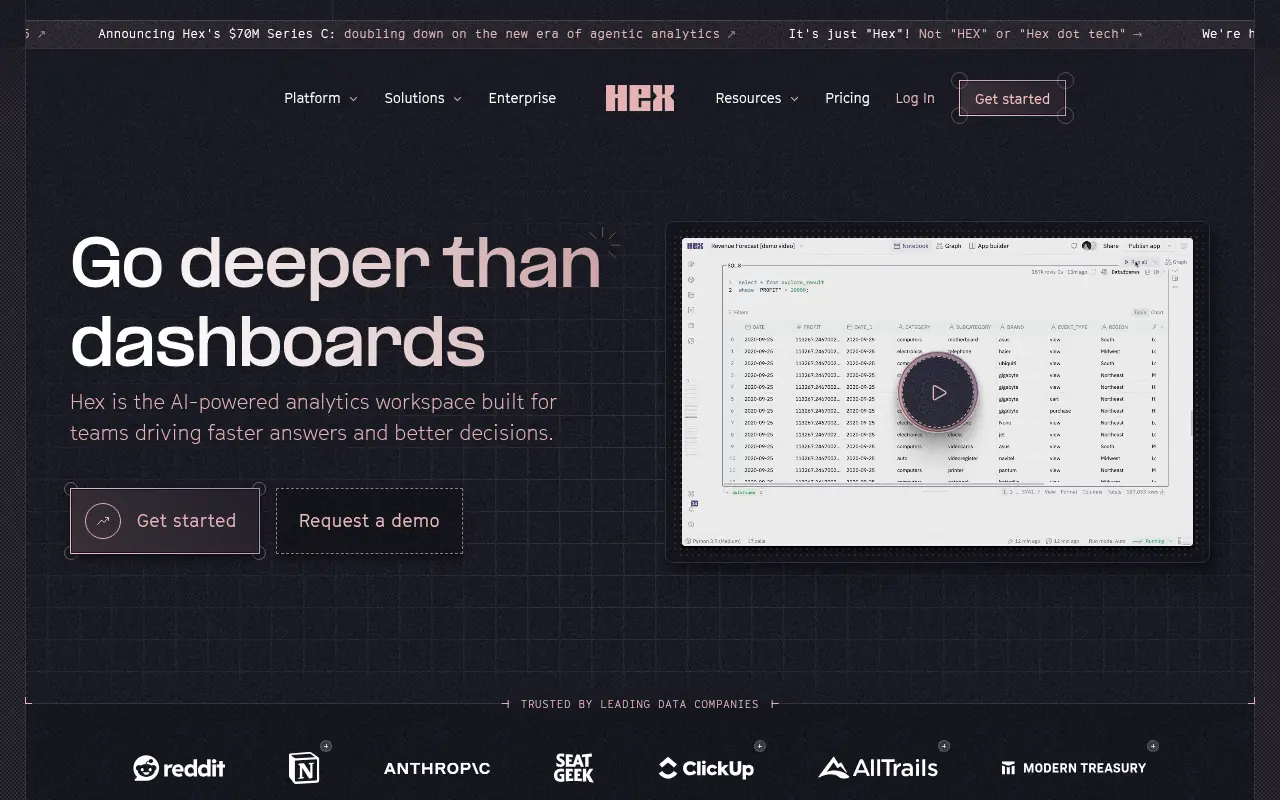

Hex
Hex is a collaborative, AI-powered analytics workspace for data science and decision-making.
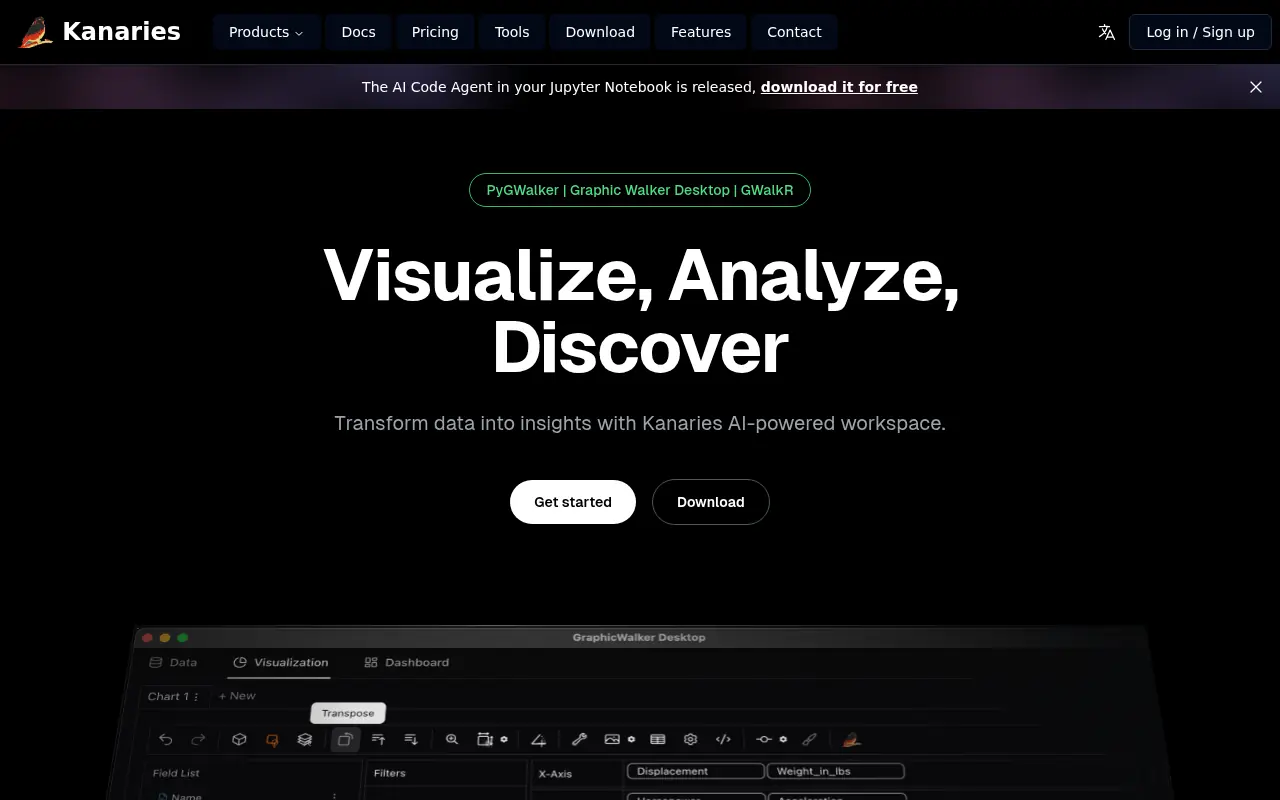

Kanaries
Kanaries is an AI-powered augmented analytics platform that automates exploratory data analysis and visualization to help users quickly derive insights from data without coding.
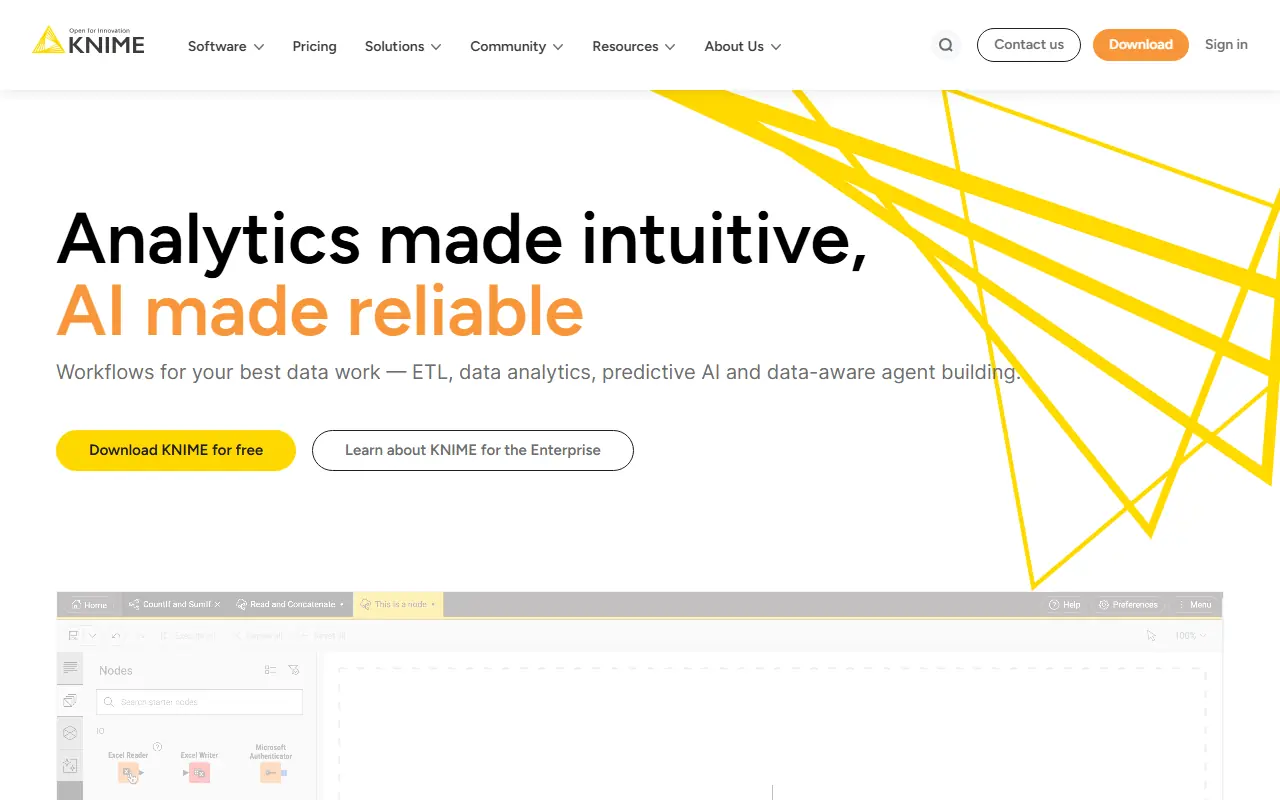

KNIME
KNIME is an open-source data analytics platform that enables users to build and deploy data science workflows visually without extensive coding.

Bricks
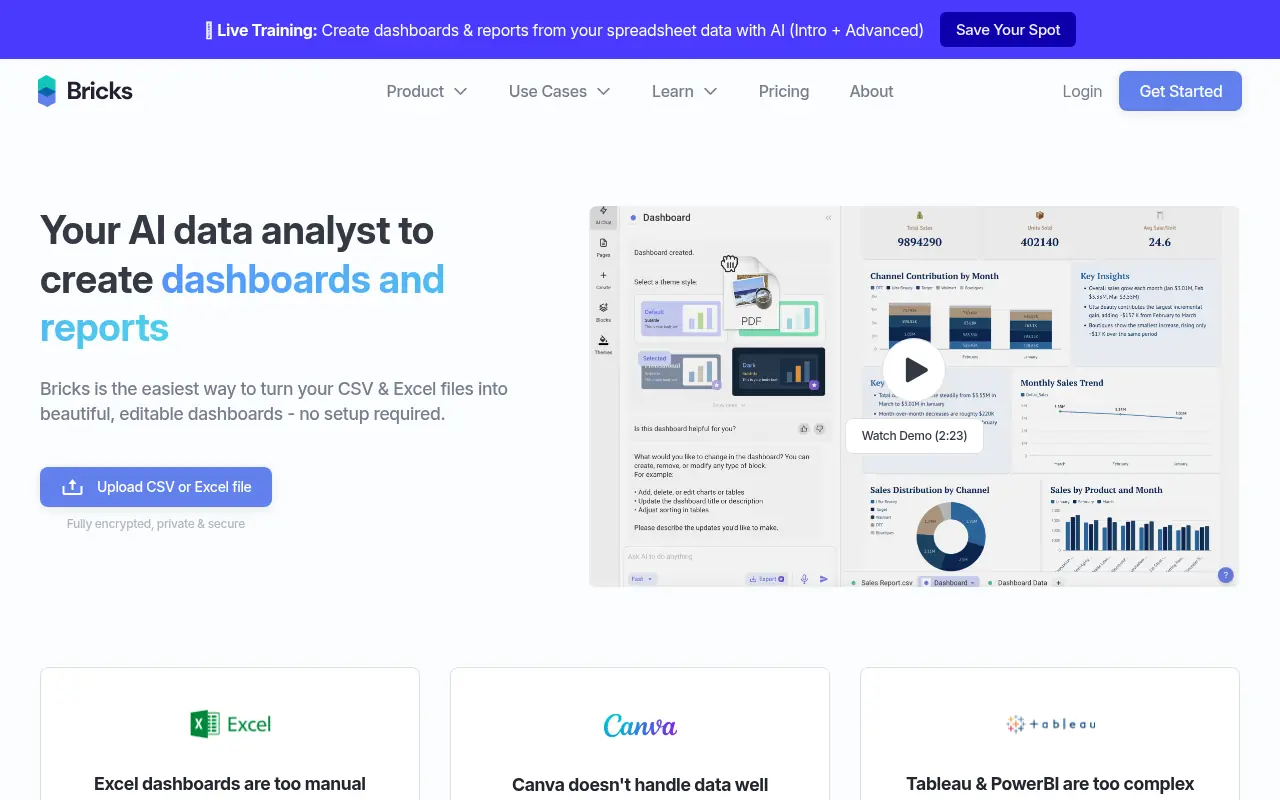
Bricks is an AI-powered data analysis and visualization platform that transforms raw data from PDFs, images, Excel, or CSV files into interactive dashboards, reports, and presentations using natural language commands.

Snowflake
Snowflake is a cloud-based data platform that enables scalable data storage, analytics, and AI-driven insights for enterprises.

SAS
SAS is a leading provider of analytics, artificial intelligence, and data management software and services that help organizations turn data into actionable insights.