

Norton Neo
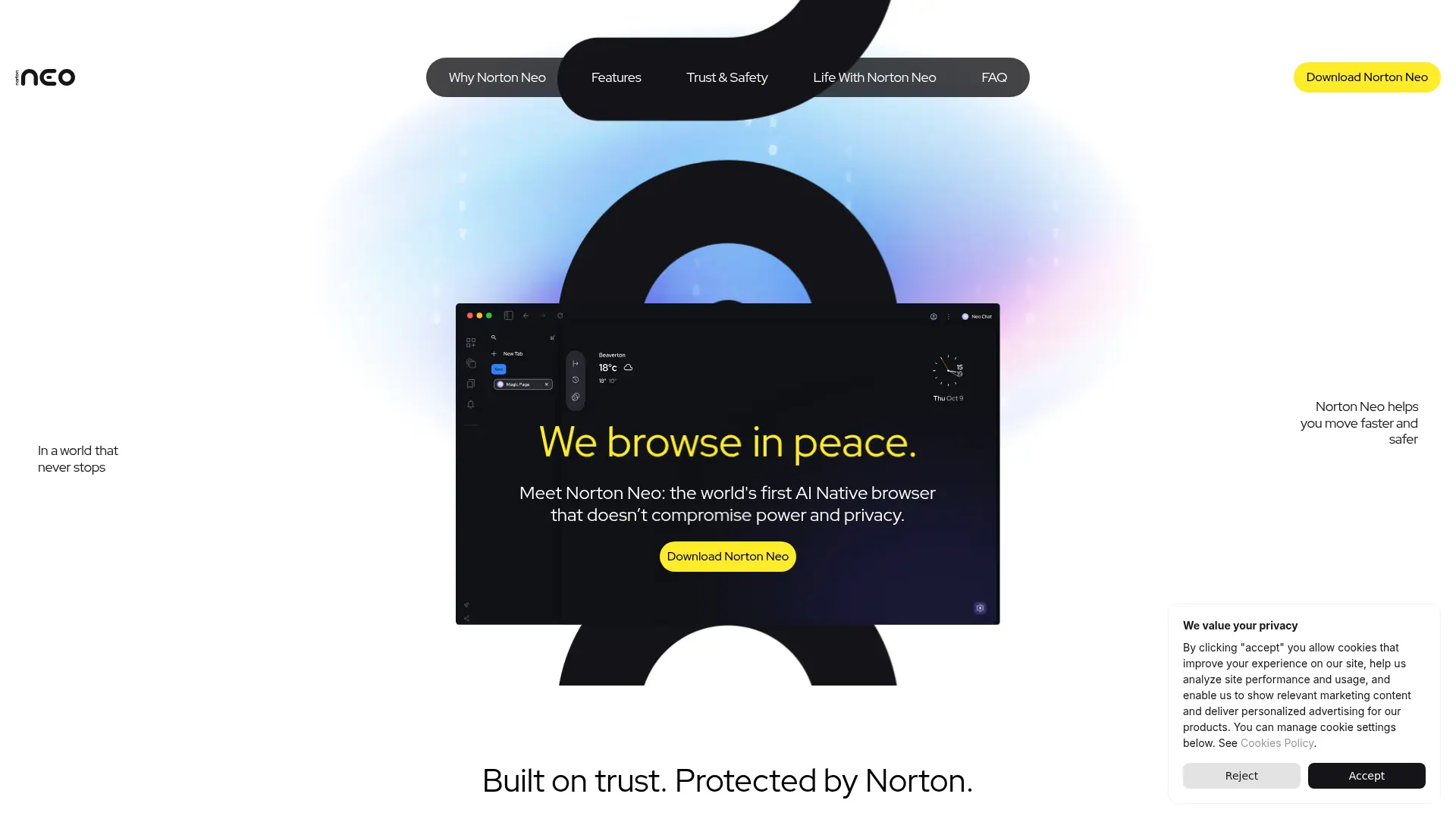
What is Norton Neo?
Norton Neo is an AI-native web browser designed to combine conversational search, browsing assistance, and built-in privacy protection. Its Magic Box interprets intent to provide traditional search, AI answers, or smart suggestions while users type. The browser targets everyday users, researchers, students, and professionals who want faster information discovery and more efficient multitasking. Features such as Universal Search, page summarization, Split View, and Peek help reduce tab switching and information overload. Its supported differentiator is the combination of AI browsing features with Norton-powered VPN protection, ad blocking, anti-fingerprinting, and user-controlled privacy settings.
How to use Norton Neo?
1. Download Norton Neo for a supported Windows, macOS, Linux, Android, or iOS device and complete the installation. 2. Open the browser and enter a question, URL, or browsing goal in the Magic Box to receive search results, AI answers, or smart suggestions. 3. Use tools such as Summarize, Universal Search, Split View, or Peek to research, organize information, and complete your first browsing task.
Norton Neo's Core Features
Magic Box: Interpret browsing intent and switch between classic search, AI answers, and smart suggestions from one input field.
Conversational Search: Ask natural-language questions to receive contextual information while browsing the web.
Universal Search: Find content across tabs, browsing history, and AI chats without manually reopening each source.
Page Summarization: Extract key points from long web pages so users can understand essential information faster.
Split View: Display related pages side by side to support comparison, research, and multitasking.
Peek: Preview linked or related content without fully leaving the current page or breaking workflow focus.
Built-in VPN: Encrypt browsing connections and help protect privacy without requiring a separate browser extension.
Ad Blocking: Reduce intrusive advertising and page clutter for a cleaner browsing experience.
Anti-Fingerprinting: Limit browser and device signals that websites can use to identify or track users.
Privacy Controls: Let users decide what Neo remembers, forgets, stores locally, or uses to personalize the experience.
Norton Neo's Use Cases
- #1
Students summarizing lengthy articles and research pages before deeper reading
- #2
Professionals searching across open tabs, browsing history, and previous AI chats
- #3
Researchers using conversational queries to find context instead of scanning standard search results
- #4
Remote workers browsing on public Wi-Fi with an integrated VPN and anti-tracking protection
- #5
Privacy-conscious users blocking ads and reducing fingerprinting without installing extensions
- #6
Shoppers comparing products across multiple websites while keeping research organized in Split View
- #7
Users connecting optional Gmail or Google Calendar access for AI-assisted email and appointment workflows
Frequently Asked Questions
Analytics of Norton Neo
Monthly Visits Trend: Jun 2025 - Aug 2026
Traffic Sources
Top Regions
| Region | Traffic Share |
|---|---|
| India | 23.05% |
| United States | 18.67% |
| United Kingdom | 18.34% |
| Sweden | 4.66% |
| Vietnam | 3.70% |
Top Keywords
| Keyword | Traffic | CPC |
|---|---|---|
| neo browser | 4.9K | $1.18 |
| norton neo | 4.2K | $2.63 |
| nort ne0 | 1.4K | -- |
| norton neo browser | 440 | -- |
| neo browser download | 800 | $0.64 |
Alternative of Norton Neo


QQ Browser
QQ Browser is an AI-powered web browser developed by Tencent that integrates advanced AI tools for search, reading, writing, and office tasks.
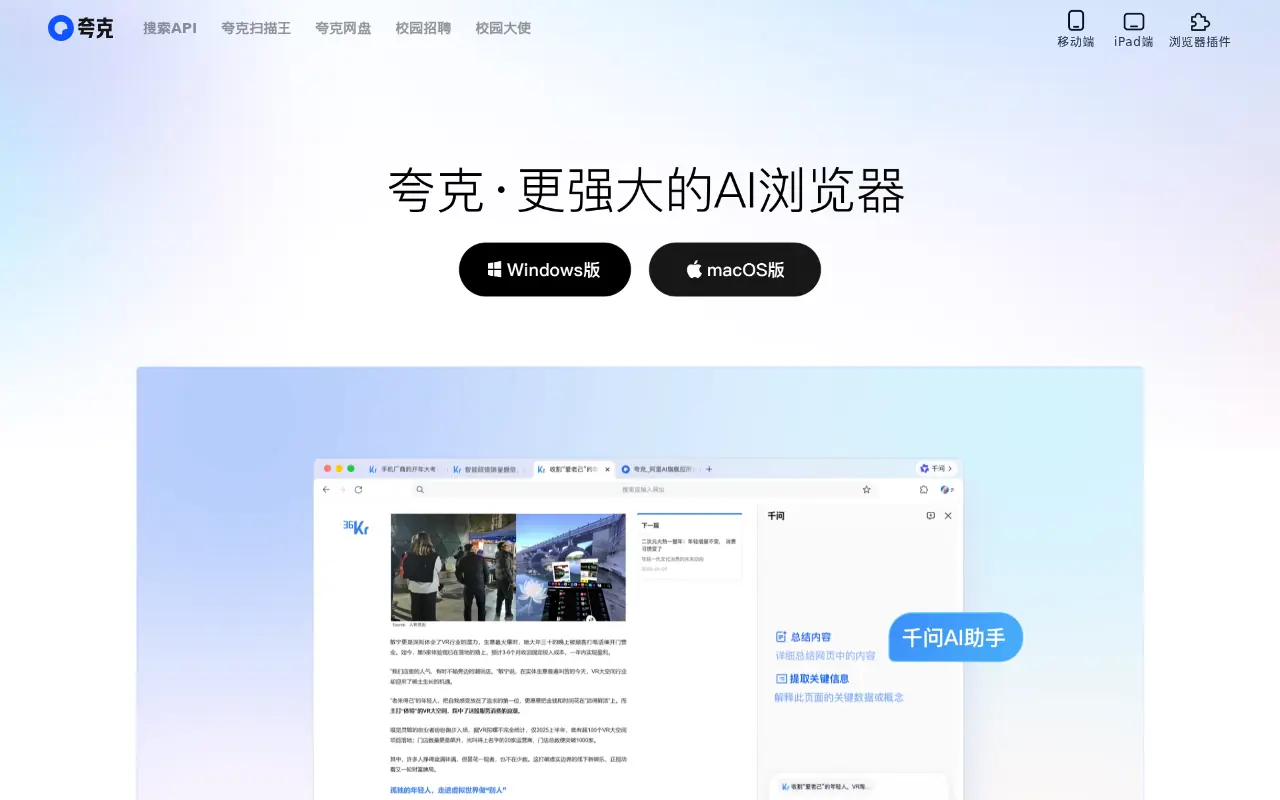

Quark
Quark is a minimalist, AI-powered browser and search engine developed by Alibaba, featuring built-in cloud storage, document scanning, and smart assistant tools.
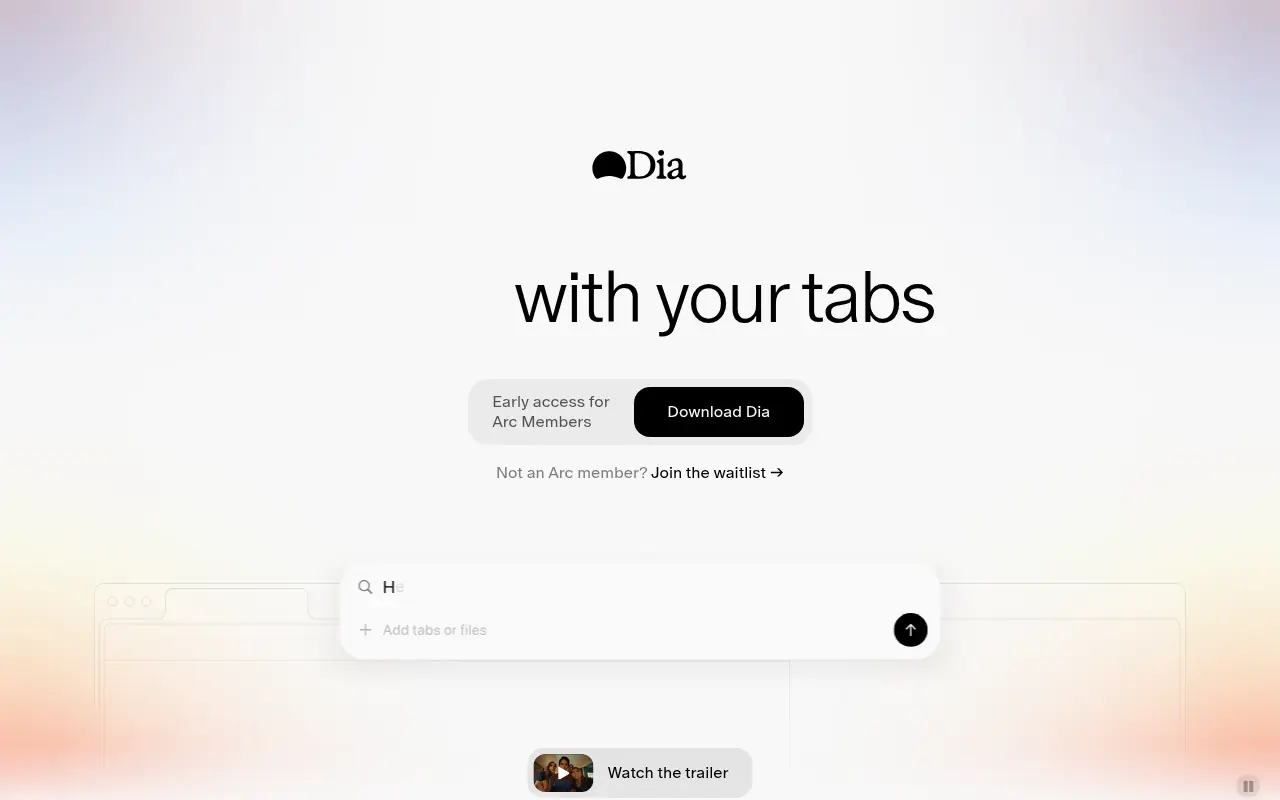

Dia Browser
Dia Browser is an AI-native web browser that integrates a smart assistant into the URL bar, allowing you to chat directly with your tabs, automate workflows, and boost productivity.

SigmaOS
SigmaOS is a productivity-focused web browser designed to enhance workflow efficiency through intelligent tab management and AI-powered tools.
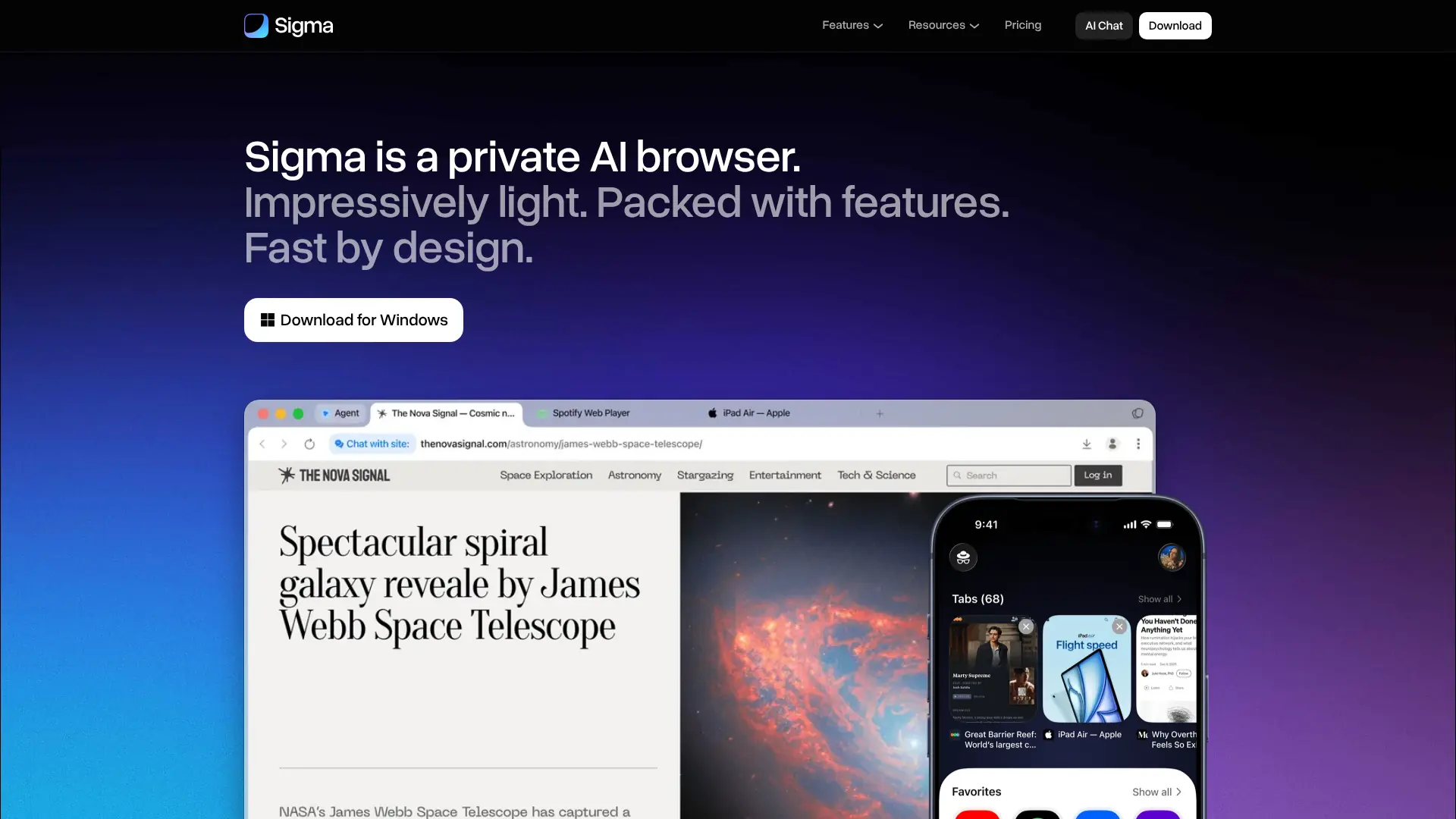

Sigma Browser
Browse, research, create, and automate online tasks with a privacy-focused AI browser that combines local intelligence with an action-taking web agent.
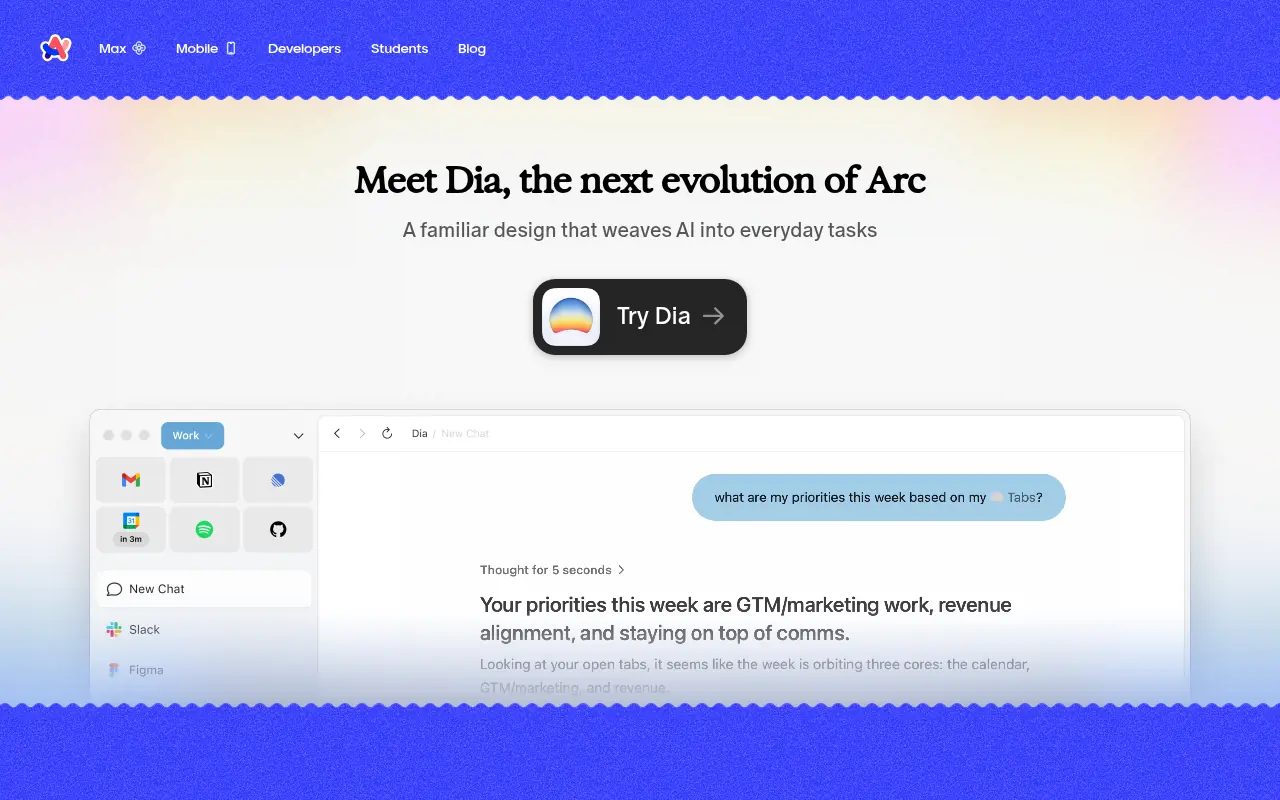

Arc
Arc is an innovative web browser designed to organize your online life with customizable workspaces, seamless tab management, and built-in AI tools.
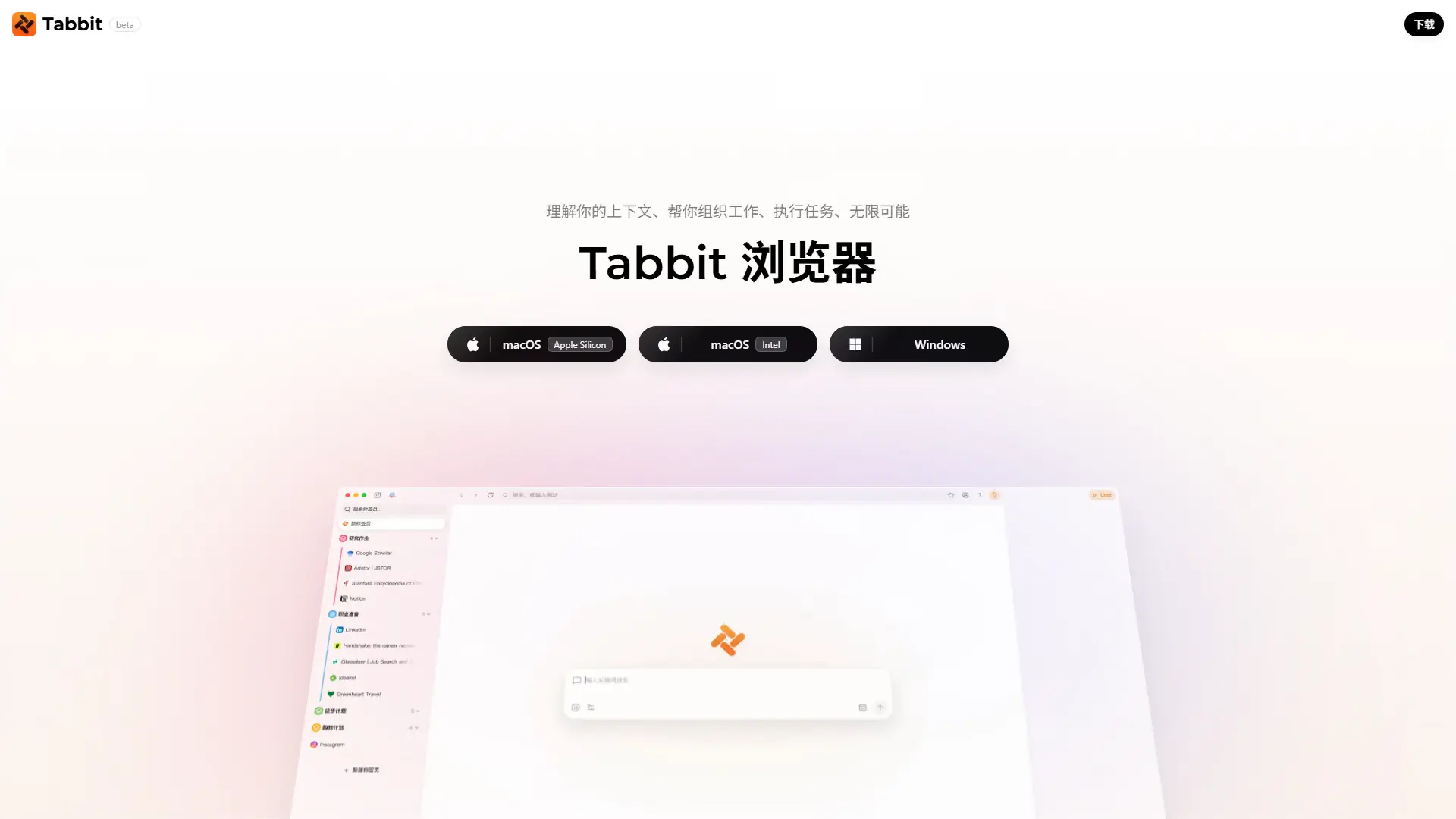

Tabbit AI
Upgrade your workflow with Tabbit, a free AI-native browser that automates repetitive tasks, intelligently organizes tabs, and reads multiple web pages simultaneously.
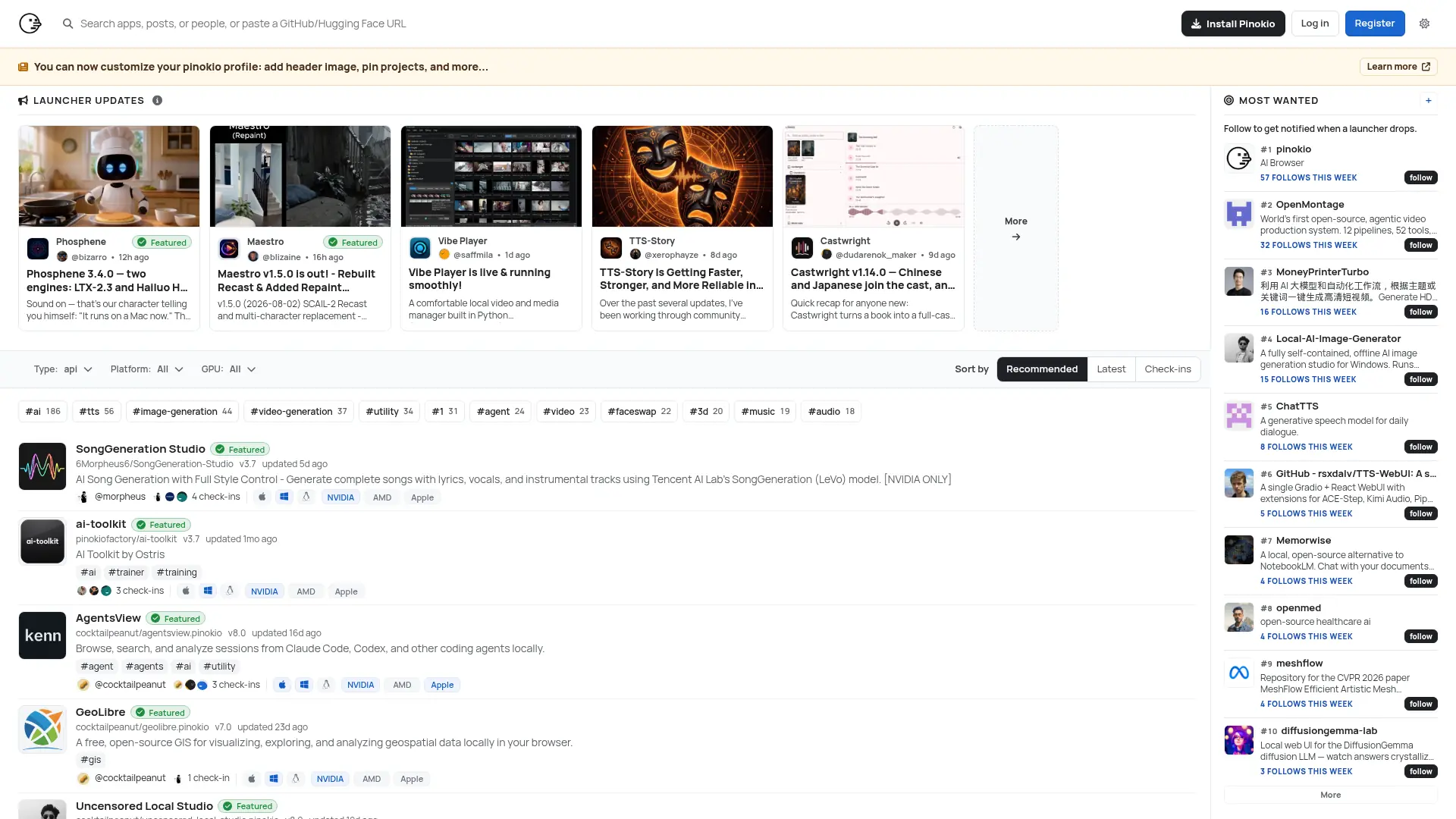

Pinokio
Run open-source AI apps, agents, and local services with one-click installation, isolated environments, and a built-in desktop interface.