

SQLPad

What is SQLPad?
SQLPad is a web application that provides an accessible interface for database professionals and developers to write and execute SQL queries without installing complex software on their machines.It supports a wide range of database systems including Postgres, MySQL, SQL Server, ClickHouse, Cassandra, Google BigQuery, SQLite, and many others via ODBC connections.The platform enables users to visualize query results directly in the web interface, making it easier to explore data and understand outcomes.SQLPad simplifies database interaction by offering a centralized, browser-based workspace where teams can collaborate on SQL development.As of August 2025, the project has been archived, though it remains available and functional for users who wish to use or fork it.
How to use SQLPad?
To use SQLPad, access the web application through your browser and connect it to your desired database by configuring connection details for systems like Postgres, MySQL, or SQL Server. Once connected, write your SQL queries in the editor panel, execute them, and view the results in a formatted, visualized display. You can save frequently used queries for later reference and leverage the platform's support for multiple databases to manage different data sources from a single interface.
SQLPad's Core Features
Web-based SQL editor with syntax highlighting for query development.
Support for multiple database systems including Postgres, MySQL, SQL Server, ClickHouse, BigQuery, and more via ODBC.
Built-in query result visualization for easy data interpretation.
Browser-accessible interface with no installation required.
Query saving and management for reusable SQL statements.
Docker deployment support for easy containerized installation.
SQLPad's Use Cases
- #1
Database exploration and ad-hoc querying without installing database clients
- #2
Team collaboration on SQL development and data analysis tasks
- #3
Data visualization and reporting from query results
- #4
Multi-database management from a centralized web interface
- #5
Educational tool for learning SQL with immediate visual feedback
- #6
Quick testing of database queries before deploying to production
Frequently Asked Questions
Analytics of SQLPad
Monthly Visits Trend: Jun 2025 - Oct 2026
Traffic Sources
Top Regions
| Region | Traffic Share |
|---|---|
| United States | 37.03% |
| India | 13.30% |
| Vietnam | 11.84% |
| Germany | 5.89% |
| United Kingdom | 5.88% |
Top Keywords
| Keyword | Traffic | CPC |
|---|---|---|
| unblock neetcode sql questions | 80 | -- |
| rstudio calculating association using a 2x2 matrix containing frequency counts | 90 | -- |
| rstudio how to add a column | 110 | -- |
| r convert character to numeric with missing values | 100 | -- |
| método de montecarlo rstudio | 330 | -- |
Alternative of SQLPad
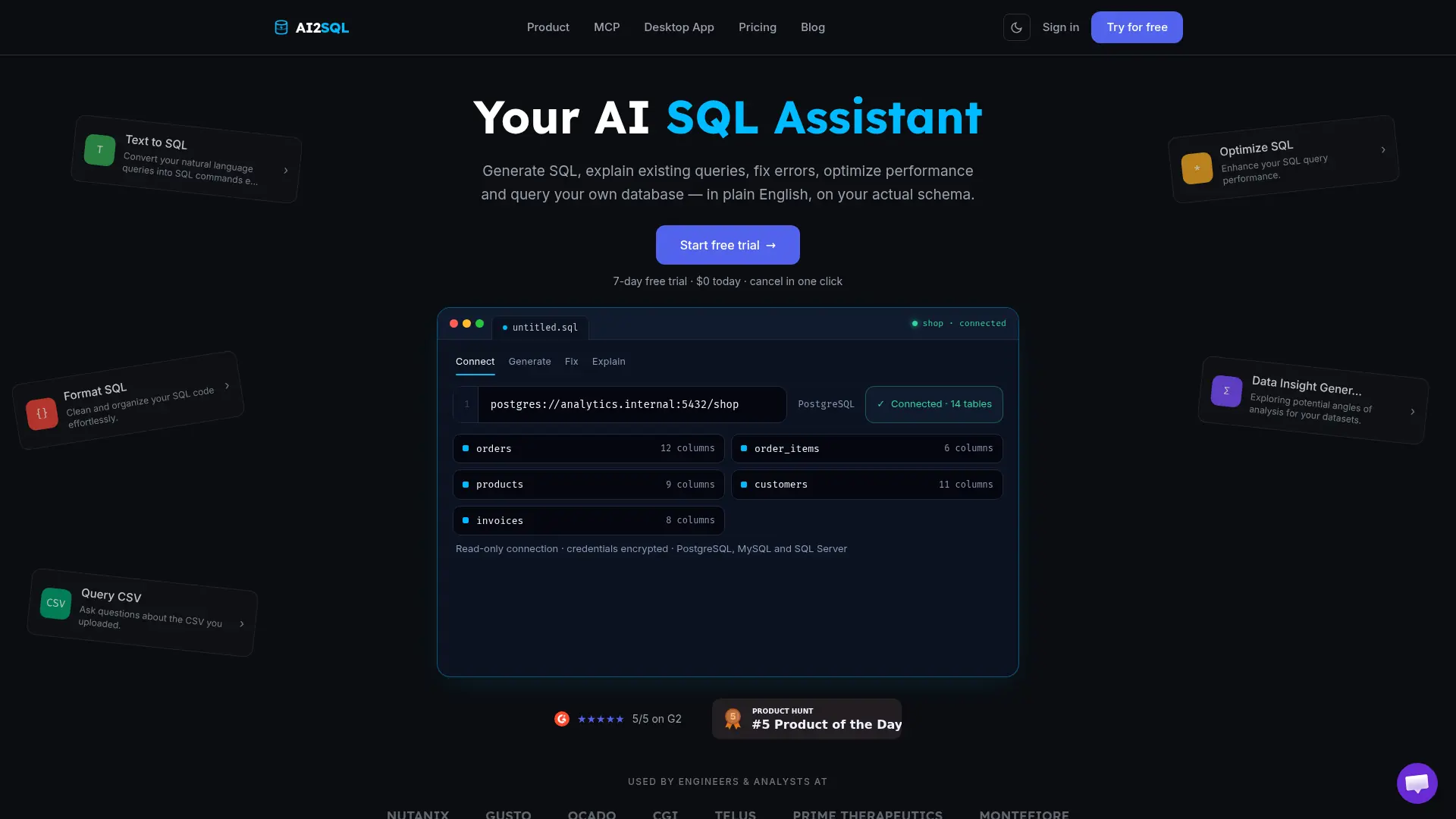

AI2SQL
Generate, explain, fix, optimize, and run database queries using plain English and your real schema.

Vanna AI
Turn natural-language questions into permission-aware SQL queries, charts, and data insights with an extensible AI agent framework.

Google Antigravity
Google Antigravity is an agentic development platform that enables developers to build software using autonomous AI agents powered by Gemini 3 Pro.

Firebase Studio
Firebase Studio is a cloud-based, agentic development environment by Google designed to accelerate the building, testing, and deploying of full-stack AI applications.
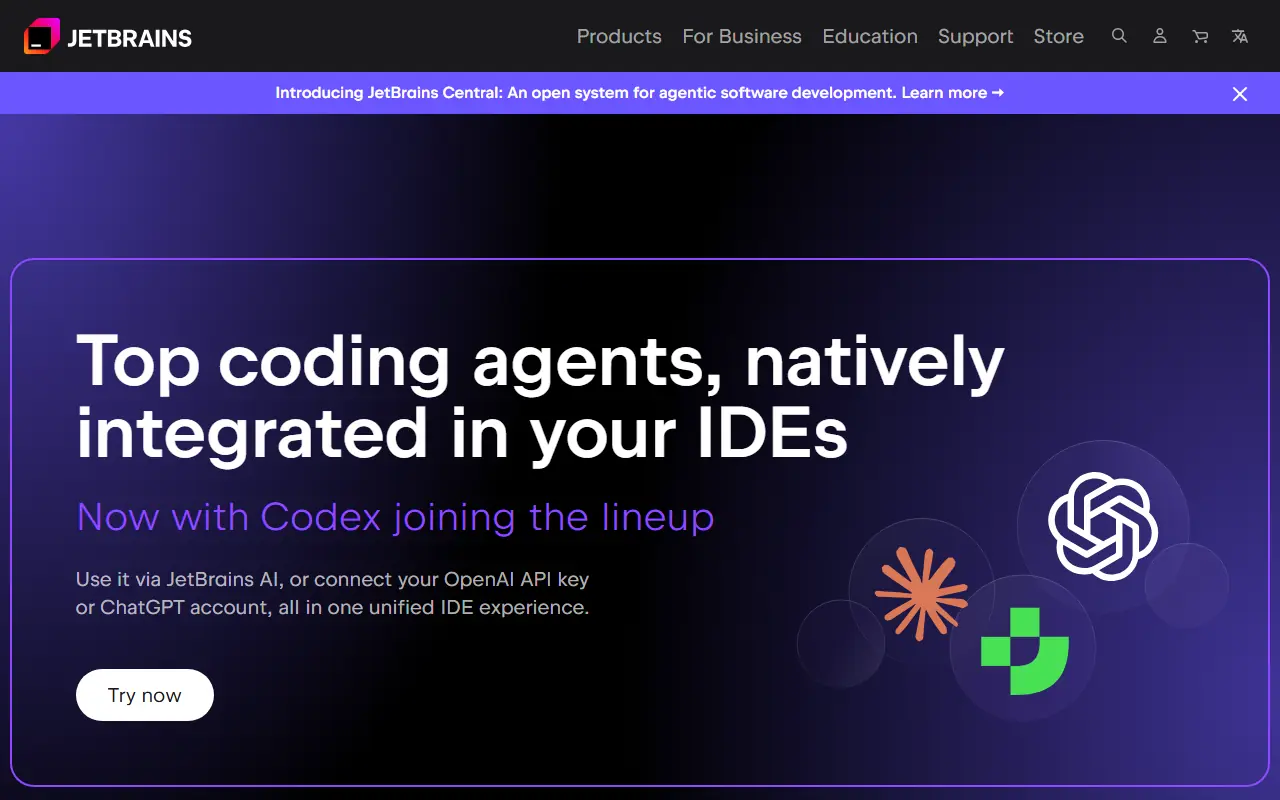

JetBrains
JetBrains provides intelligent, professional software development tools and IDEs designed to enhance developer productivity and team collaboration.
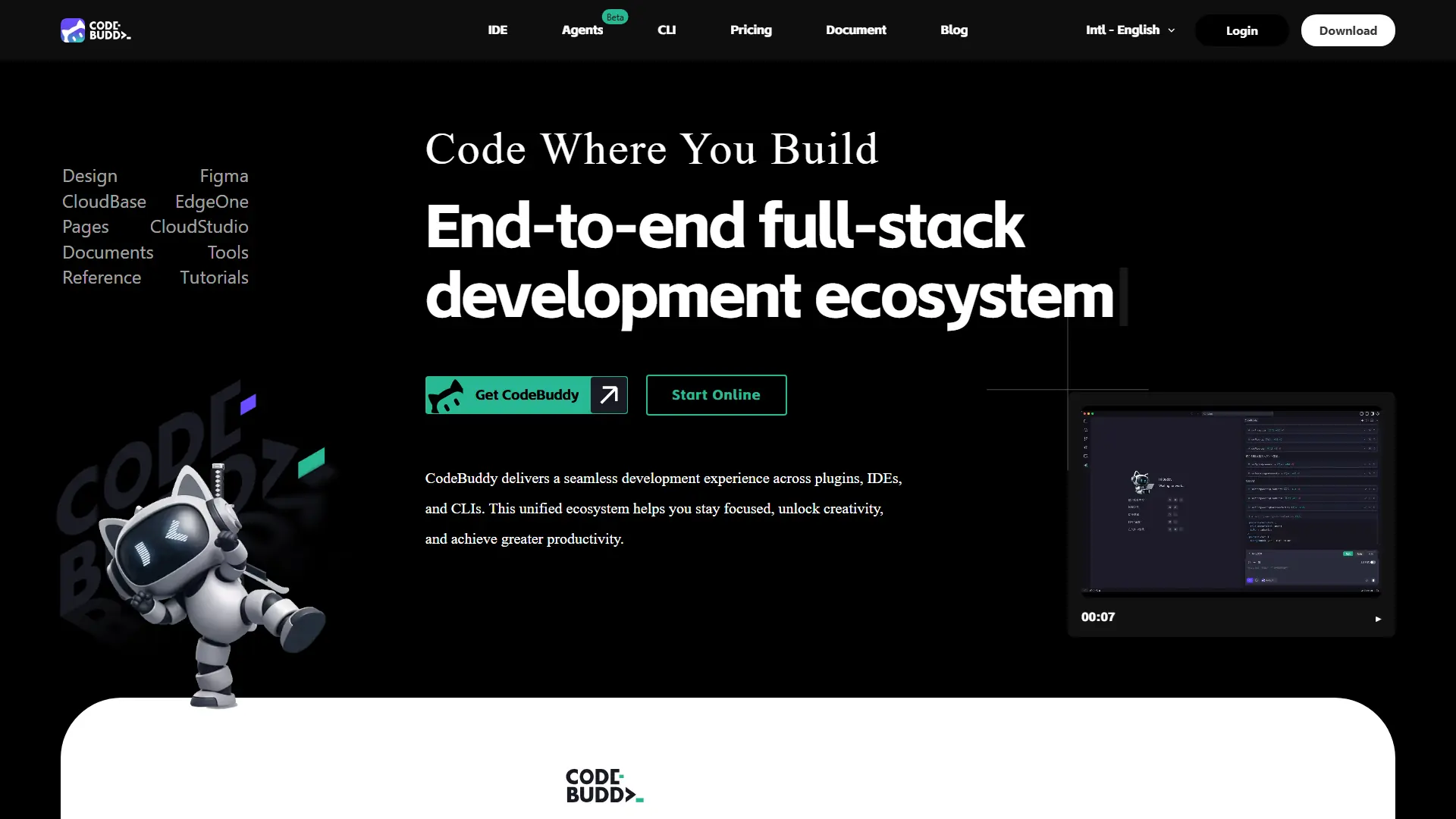

CodeBuddy
Turn product ideas, UI designs, and code changes into deployable software through an AI-powered development workflow.
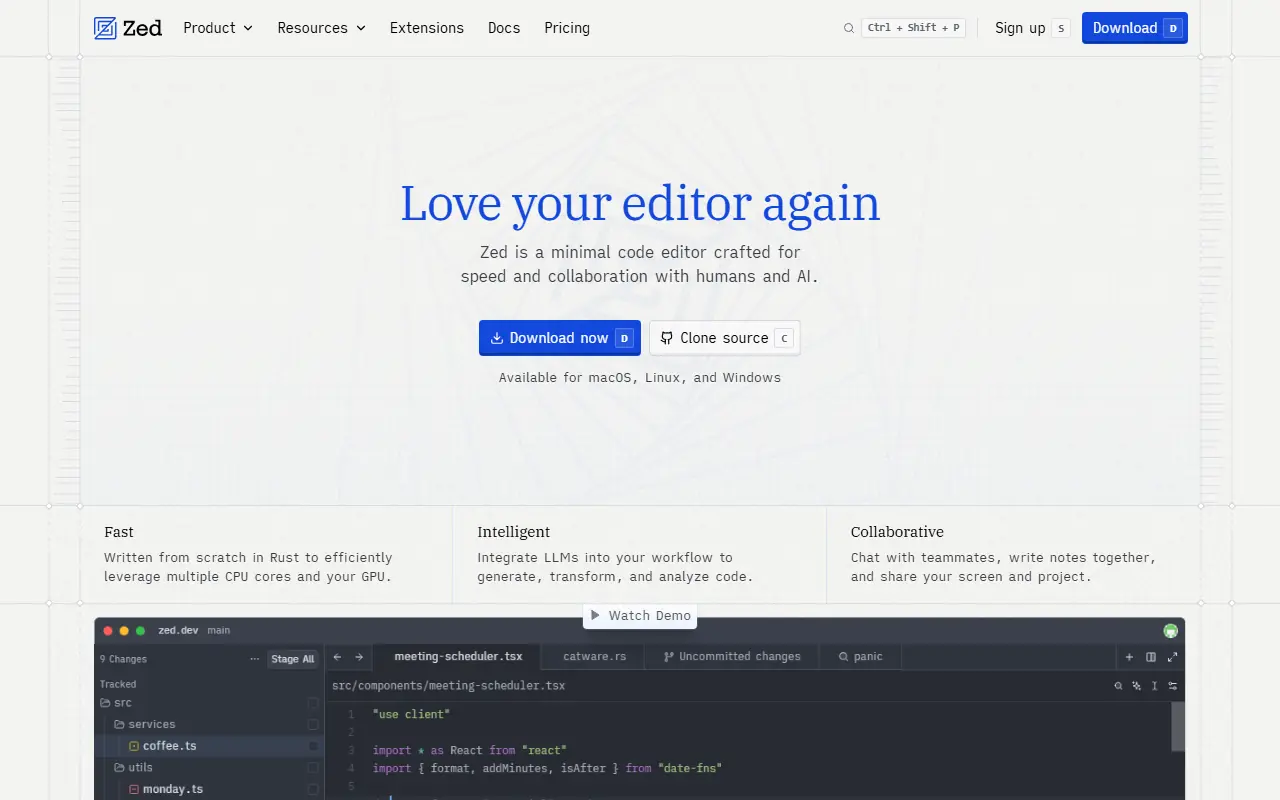

Zed
Zed is a blazing-fast, collaborative code editor written in Rust that integrates AI-powered coding assistance directly into the development workflow.
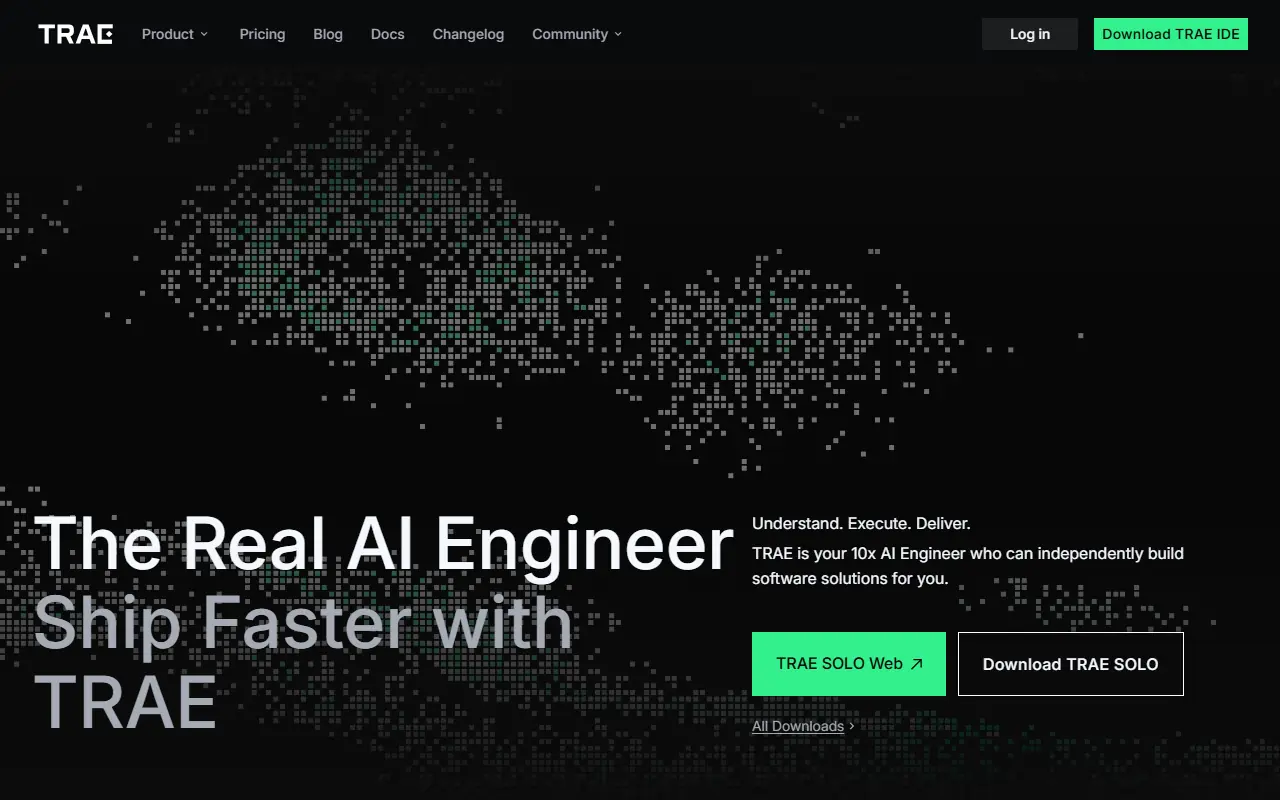

TRAE
TRAE is an AI-powered integrated development environment (IDE) that accelerates software development through autonomous coding agents, intelligent autocompletion, and complete project workflows.