

screenpipe
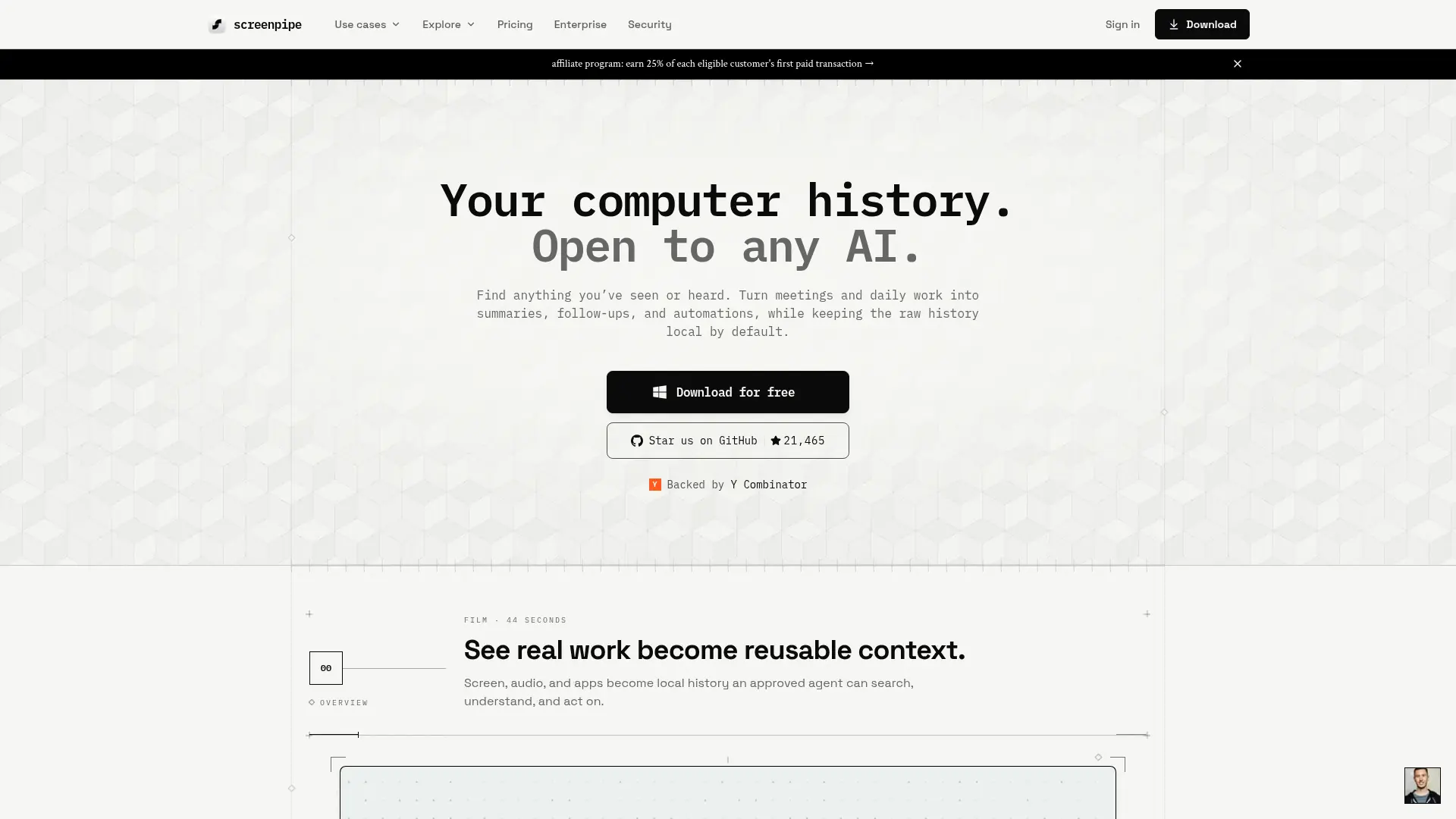
What is screenpipe?
screenpipe is a local-first computer memory platform that continuously captures screen activity, audio, app context, and browser history. It uses on-device OCR and speech transcription to turn that activity into searchable context for people and AI agents. The platform supports macOS, Windows, and Linux, with a local API and MCP server for connecting assistants such as Claude, Codex, Cursor, and Ollama. Users can search past work, retrieve meeting details, create reports, and run custom automations called pipes. Its key differentiator is combining broad screen and audio capture with source-available software and local data storage by default.
How to use screenpipe?
- 1. Download and install screenpipe for macOS, Windows, or Linux, then grant the required screen and microphone permissions. 2. Let it capture activity and connect an AI assistant through the local API or MCP server. 3. Search your history, ask questions about previous work, or run a pipe to produce your first automated result.
screenpipe's Core Features
Continuous Screen Capture: Record desktop activity continuously so important visual context remains available for later search.
Audio Transcription: Convert microphone and system audio into searchable text using local speech-to-text processing.
OCR and App Context: Extract visible text and application information to improve recall across documents, websites, and software.
Unified Search: Search screen recordings, transcripts, app activity, and browser context from one local memory layer.
MCP Server: Connect Claude, Codex, Cursor, and other compatible AI tools to screen history and transcriptions.
Local REST API: Let developers query captured context and build applications or agent workflows around computer history.
Custom Pipes: Create scheduled AI automations from prompts and schedules without writing conventional application code.
Meeting Transcription: Transcribe Zoom, Google Meet, and Microsoft Teams meetings locally without requiring a meeting bot.
App Connections: Add structured context from services such as Slack, Notion, Google Calendar, Obsidian, HubSpot, and Salesforce.
Privacy Controls: Manage permissions, retention, deletion, and cloud or local AI choices while keeping captured data local by default.
screenpipe's Use Cases
- #1
Founders retrieving decisions, customer details, and research from weeks of screen activity
- #2
Developers giving Claude Code, Cursor, or Codex persistent context about their current projects
- #3
Consultants creating client meeting summaries and follow-up tasks from locally transcribed calls
- #4
Remote teams documenting repeatable workflows and identifying candidates for automation
- #5
Researchers locating a previously viewed article, dashboard, message, or document without remembering where it appeared
- #6
Product managers reviewing past app usage and conversations to reconstruct project context
- #7
Privacy-conscious professionals searching screen and audio history without sending all captured data to a cloud service
Frequently Asked Questions
Analytics of screenpipe
Monthly Visits Trend: Feb 2026 - Oct 2026
Traffic Sources
AI Channel Traffic Trends
Top Regions
| Region | Traffic Share |
|---|---|
| United States | 39.74% |
| France | 11.86% |
| Japan | 10.54% |
| India | 8.19% |
| Germany | 4.76% |
Top Keywords
| Keyword | Traffic | CPC |
|---|---|---|
| screenpipe | 8.4K | $2.52 |
| screen pipe | 1.4K | $0.46 |
| transcript what is played in pc | 140 | -- |
| ai screen recording context | 290 | -- |
| ai note taker for screen capture | 120 | -- |
Alternative of screenpipe


DingTalk
DingTalk is a comprehensive enterprise collaboration and communication platform designed to enhance workplace productivity through integrated messaging, meetings, and AI-powered workflows.
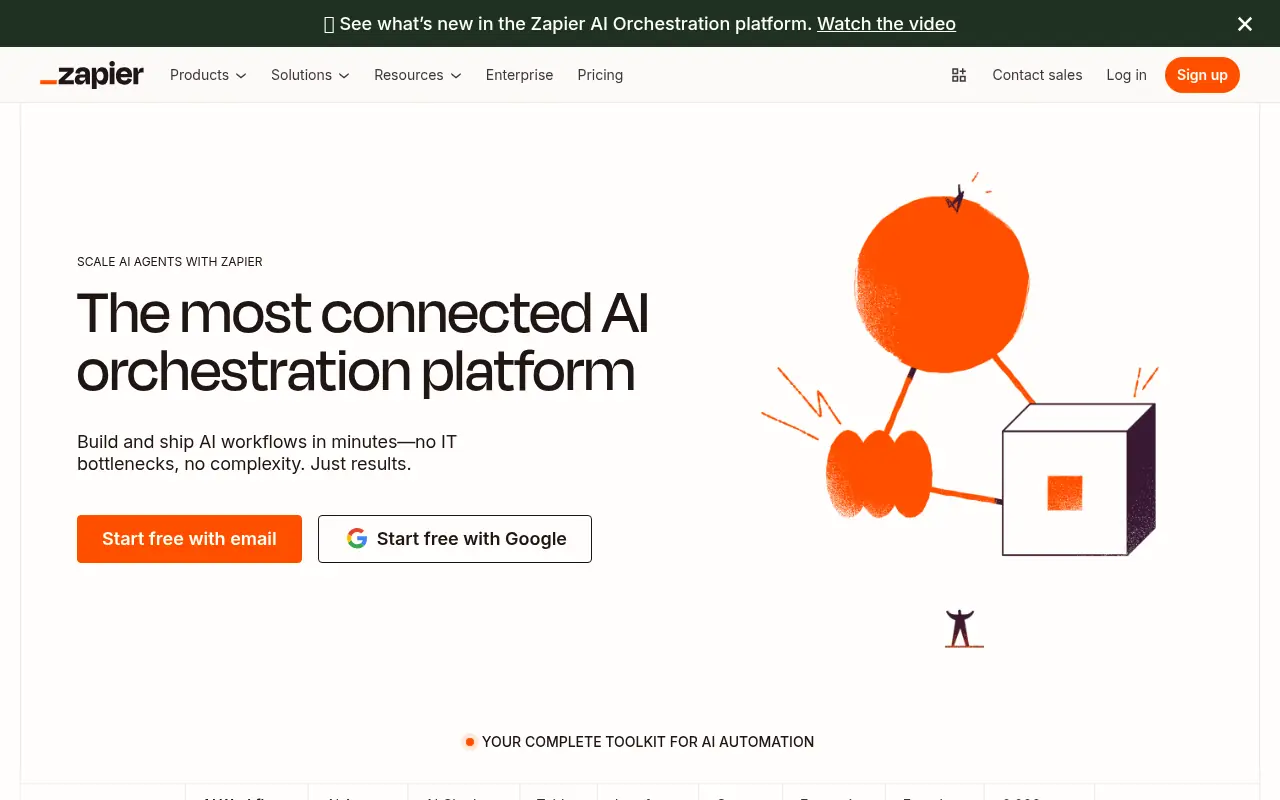

Zapier
Zapier is a no-code automation platform that connects apps to streamline workflows and boost productivity.
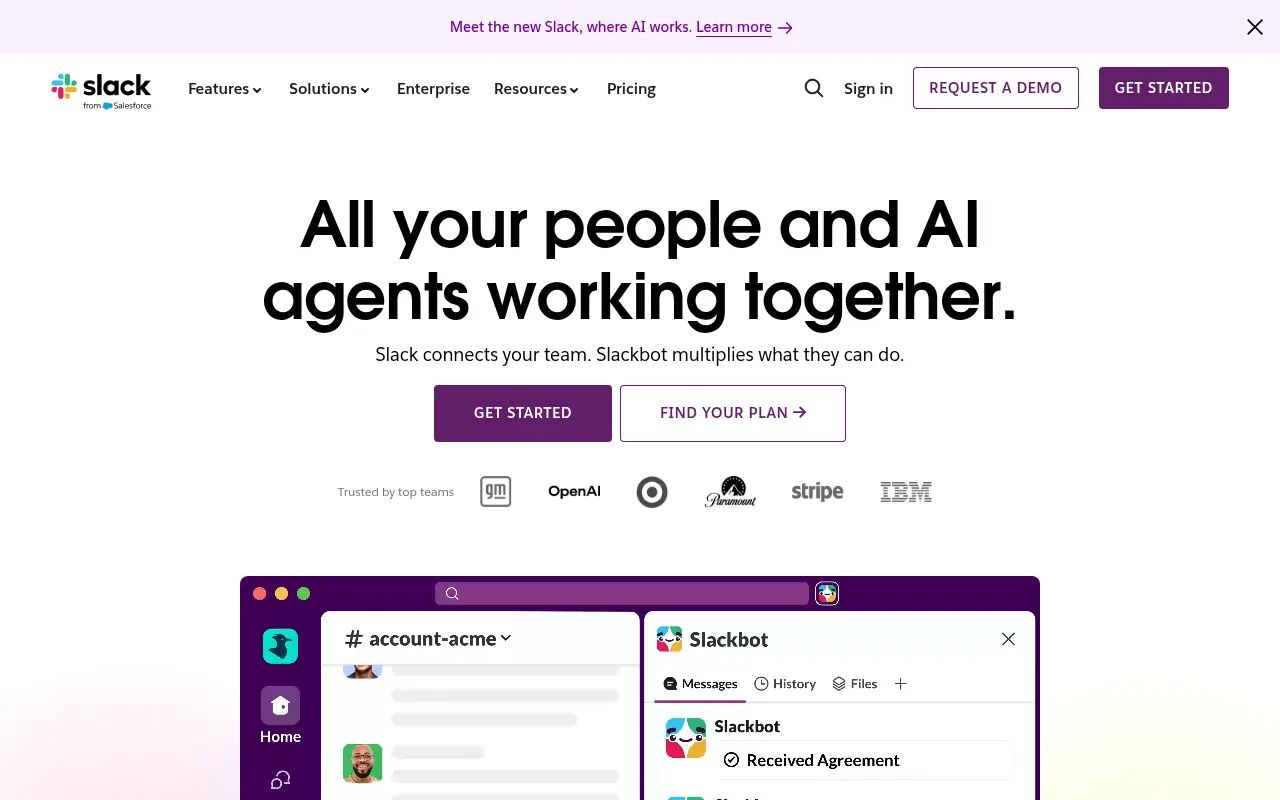

Slack
Slack is a cloud-based team communication and productivity platform designed to bring people, tools, and data together in one centralized workspace.


Zight
Zight is an all-in-one visual communication platform that allows users to instantly capture, annotate, and share screenshots, screen recordings, and GIFs via auto-generated links.
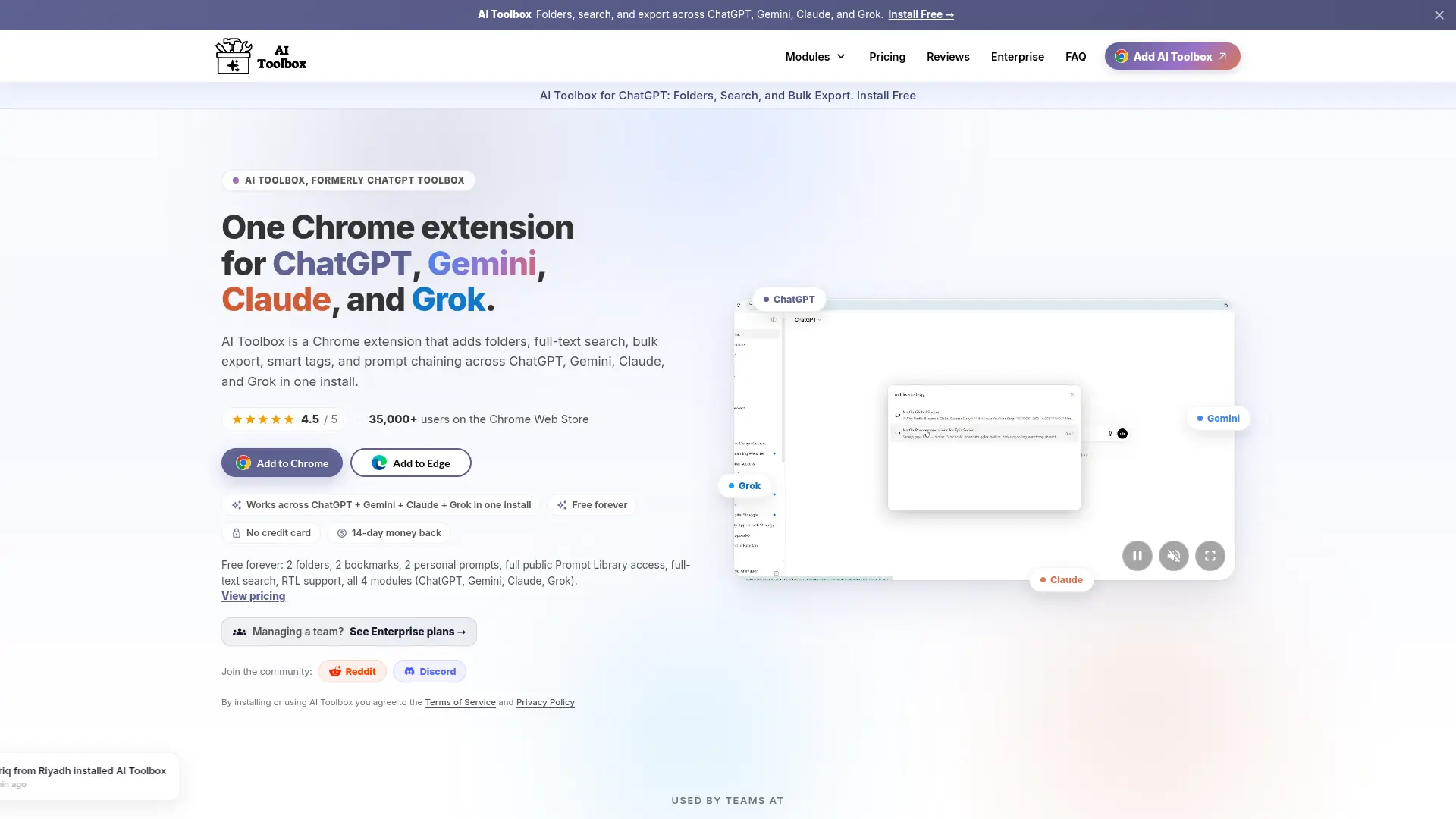

AI Toolbox
Organize, search, and optimize conversations across ChatGPT, Gemini, Claude, and Grok from one AI productivity extension.
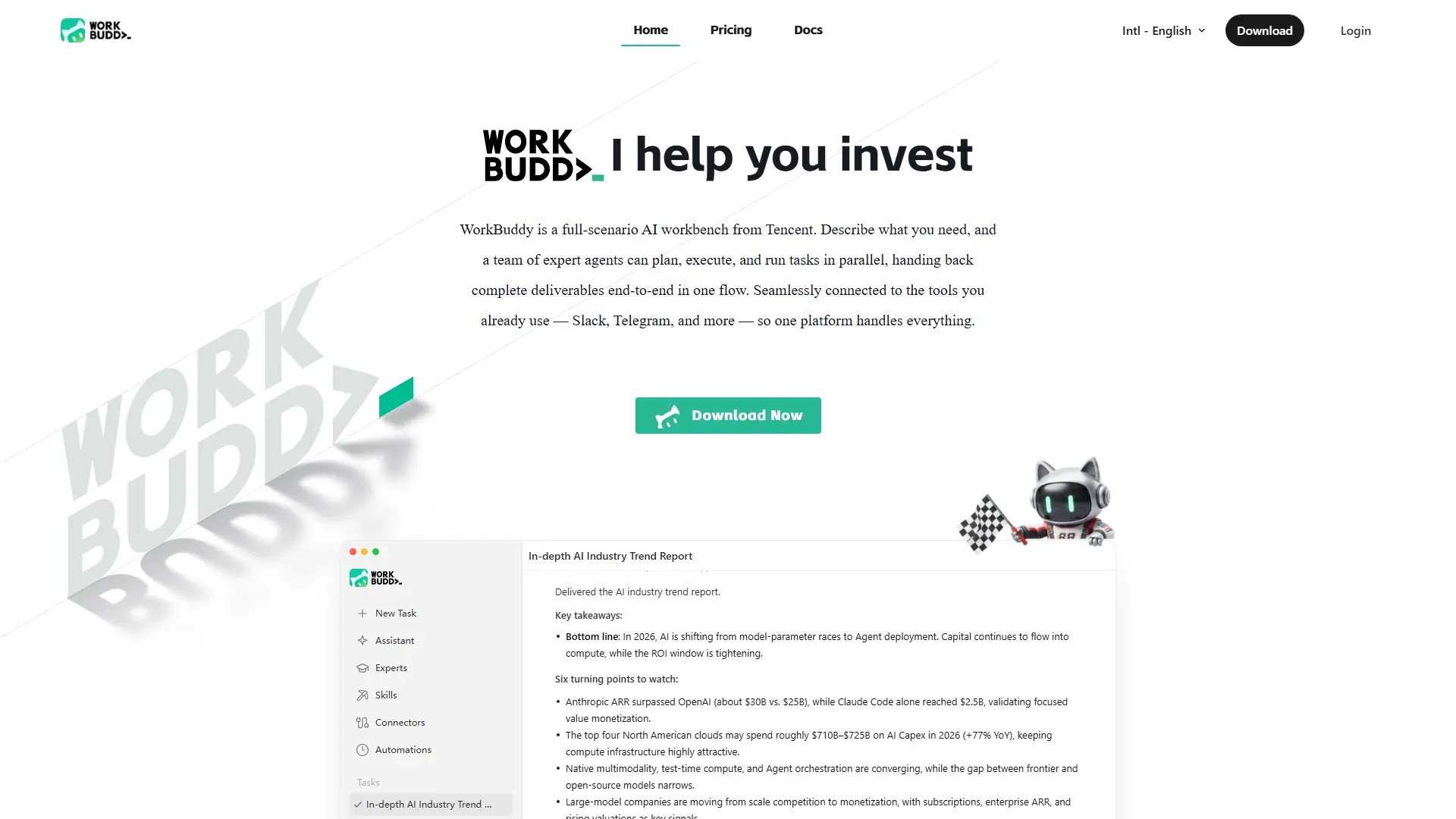

WorkBuddy
Turn one office request into researched, formatted, review-ready work across files, data, reports, and recurring workflows.
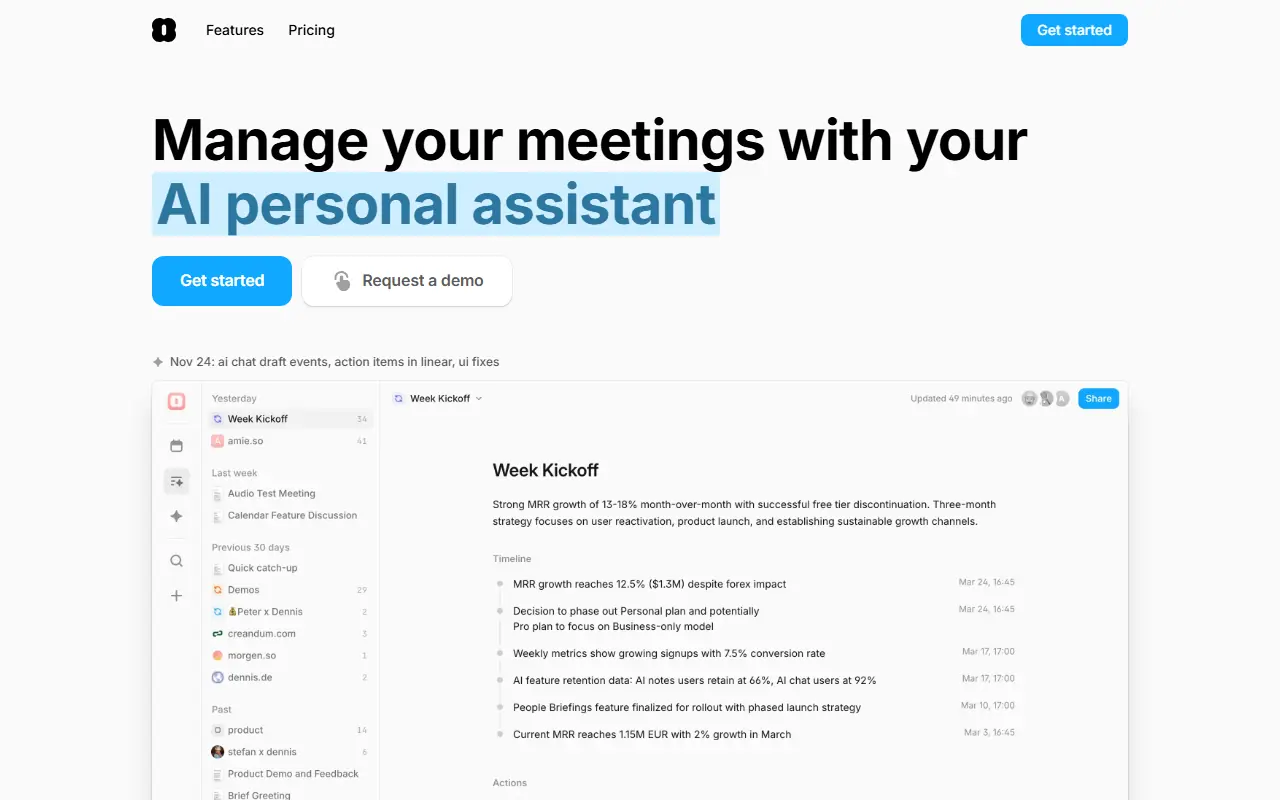

Amie
Amie is a productivity app that combines calendar, tasks, and AI-powered meeting notes in one intuitive platform.
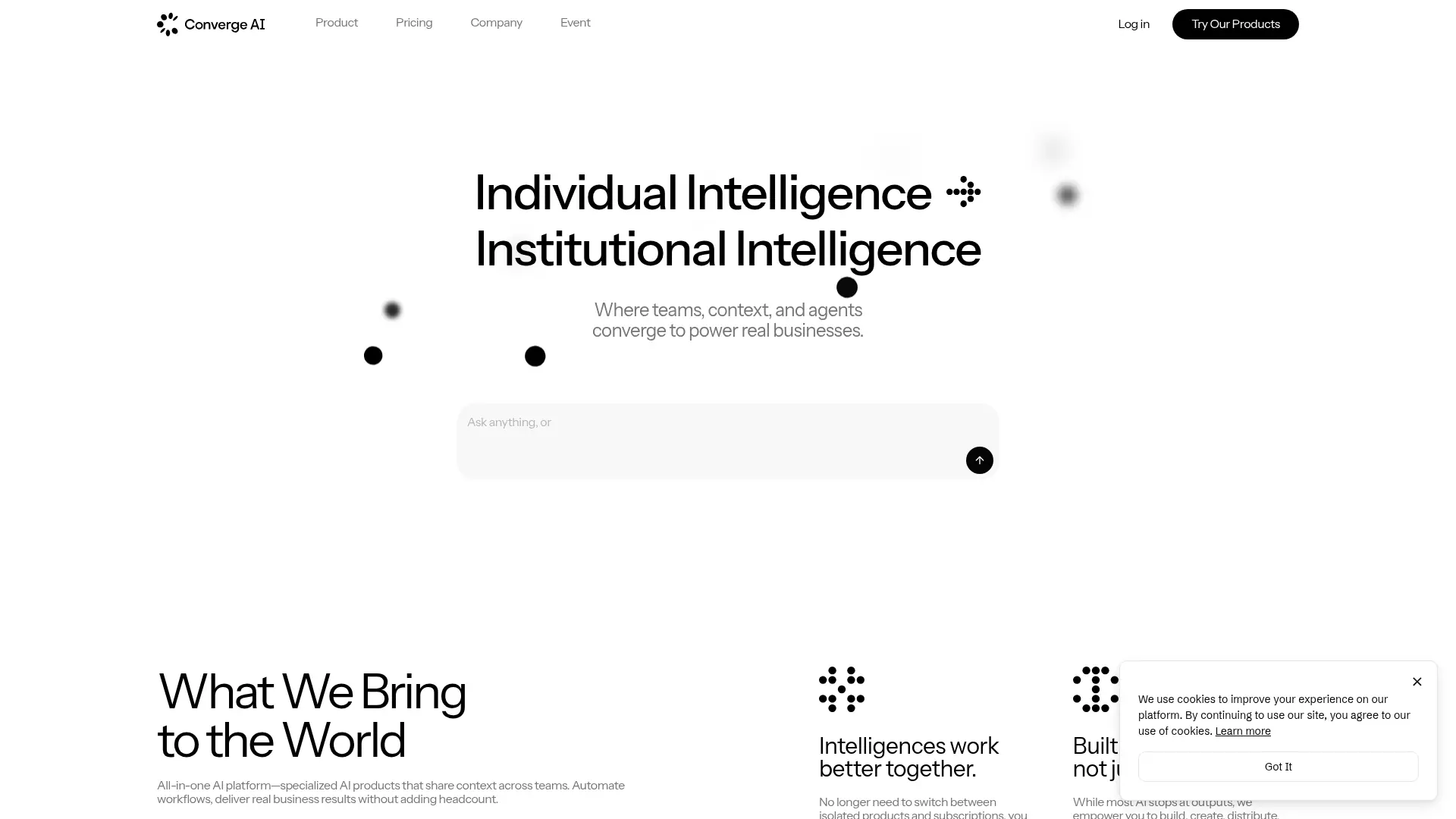

Converge.AI
An AI-native business suite for building apps, automating workflows, creating content, and coordinating teams around shared context.